
High-Speed Anime Sakuga Duel
An intense 2D hand-drawn anime sword fight prompt between a red-cloaked swordsman and a masked ninja, focusing on fluid motion and impact frames.

- Prompt included
- Model and format preset
- Premium template
The prompt behind this video
Copy the exact prompt behind High-Speed Anime Sakuga Duel, or open it in the studio and make it yours.
The red-cloaked swordsman and fully masked white ninja explode out of the crossed-blade lock into an extreme-speed single-sword duel. Peak sakuga-level intensity, pure fluid 2D hand-drawn animation, relentless high-speed exchanges, explosive smear frames, impact distortions, sharp impact poses, exaggerated foreshortening and fast, disorienting camera movement. Blades repeatedly slash directly past the camera at extremely close range. Every attack, parry, dodge and position change must feel precise, continuous and powerfully weighted. Exactly two characters throughout. Each character must always have exactly two arms, two legs and one sword. The white ninja remains fully masked at all times. No extra characters, extra limbs, extra swords, dual wielding, punches, kicks, unmasking, slow movement, low-intensity combat, character deformation, teleportation, cuts, transitions, 3D or photorealism. { "时长": "10秒", "提示词": "从参考首帧无缝继续。红披风剑士与白衣蒙面忍者从刀锋交叉瞬间爆发,展开极限高速单刀剑术对决。巅峰级sakuga强度,纯2D手绘,连续不断的高速攻防、爆发性拖影帧、冲击变形、锐利打击定格、夸张透视缩短与高速眩晕镜头。刀锋反复贴近镜头猛烈掠过,每次攻击、格挡、闪避和换位都精准连贯、重量感强烈。全程只有2名角色,每人严格保持2条手臂、2条腿和1把刀。白衣忍者始终完整蒙面。", "负面提示词": "额外角色,额外肢体,多余手臂,多余腿,多余武士刀,双持,拳击,踢击,摘下面罩,动作缓慢,低强度打斗,角色变形,瞬移,剪辑,转场,3D,写实" }
How to use High-Speed Anime Sakuga Duel in 3 steps
- 1
Open
The prompt is already in the box next to the preview, with the template's model and format selected.
- 2…a portrait of your subject in softgolden-hour light, 85mm…
Personalize
Edit the subject and creative details for your destination.
- 3Generate
Generate
Press Generate — your video is created in PicX Studio, so you can compare it with the original and refine one variable at a time.
More like this
Templates with the same subject, style or setup. Open one to see its prompt.
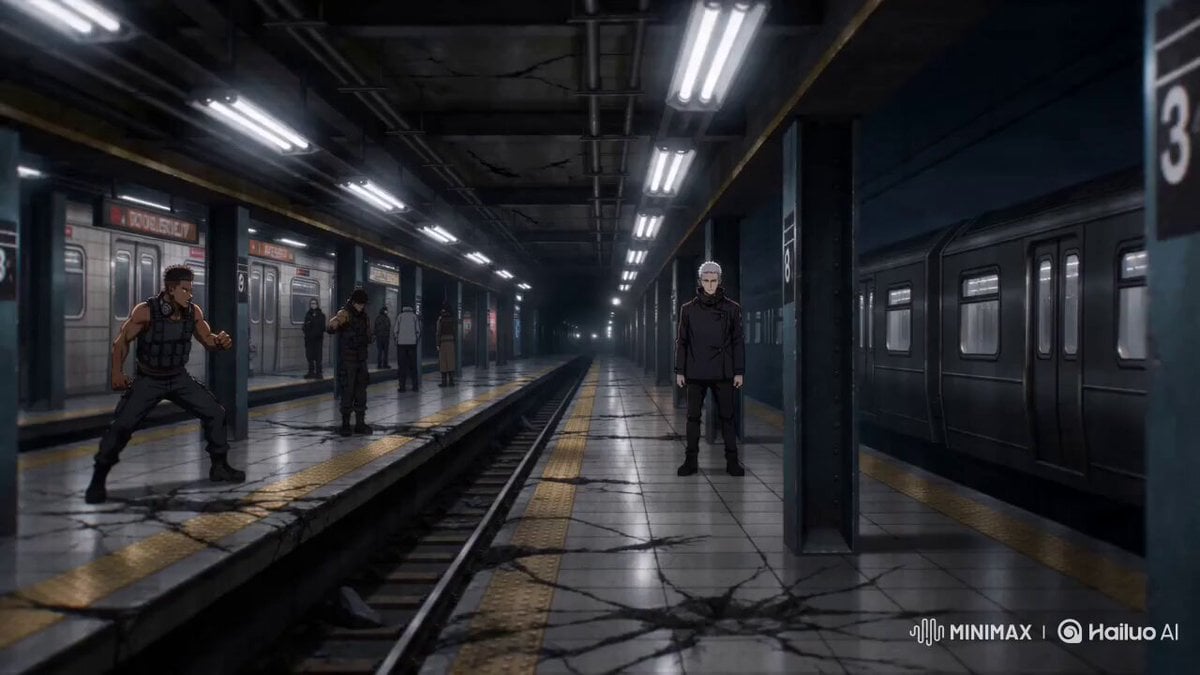
Sakuga Anime Subway Duel
High-speed anime duel in sky ruins
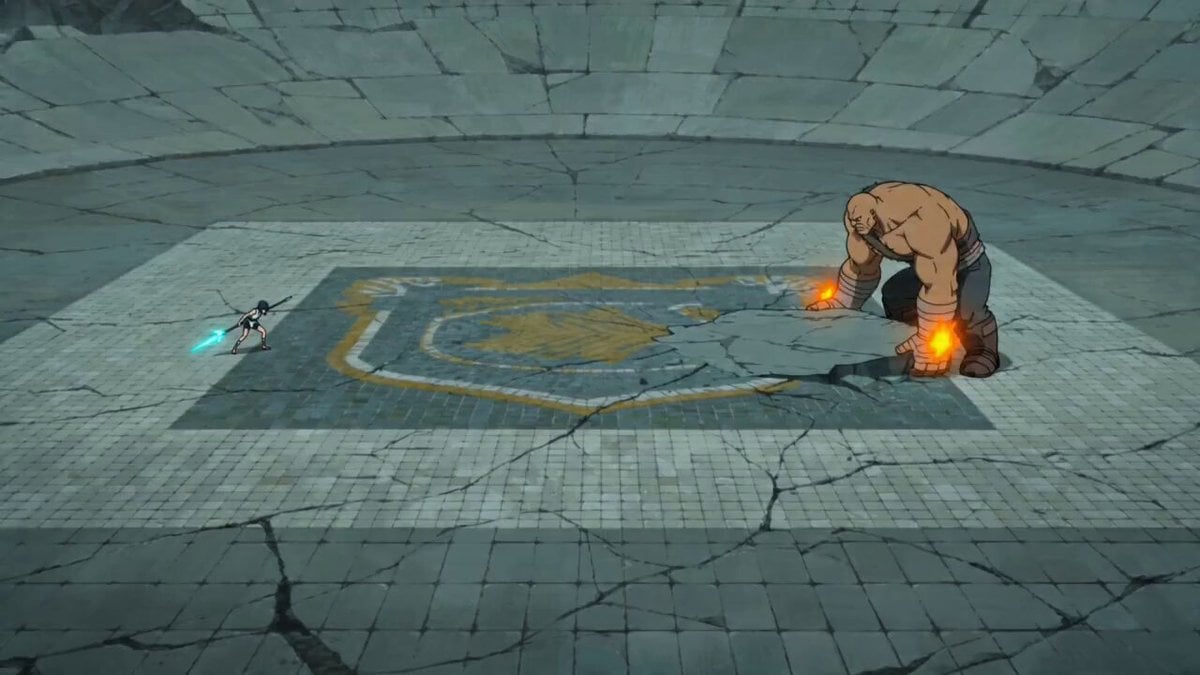
Sakuga Style Anime Arena Fight
Supernatural Sakuga Anime Combat
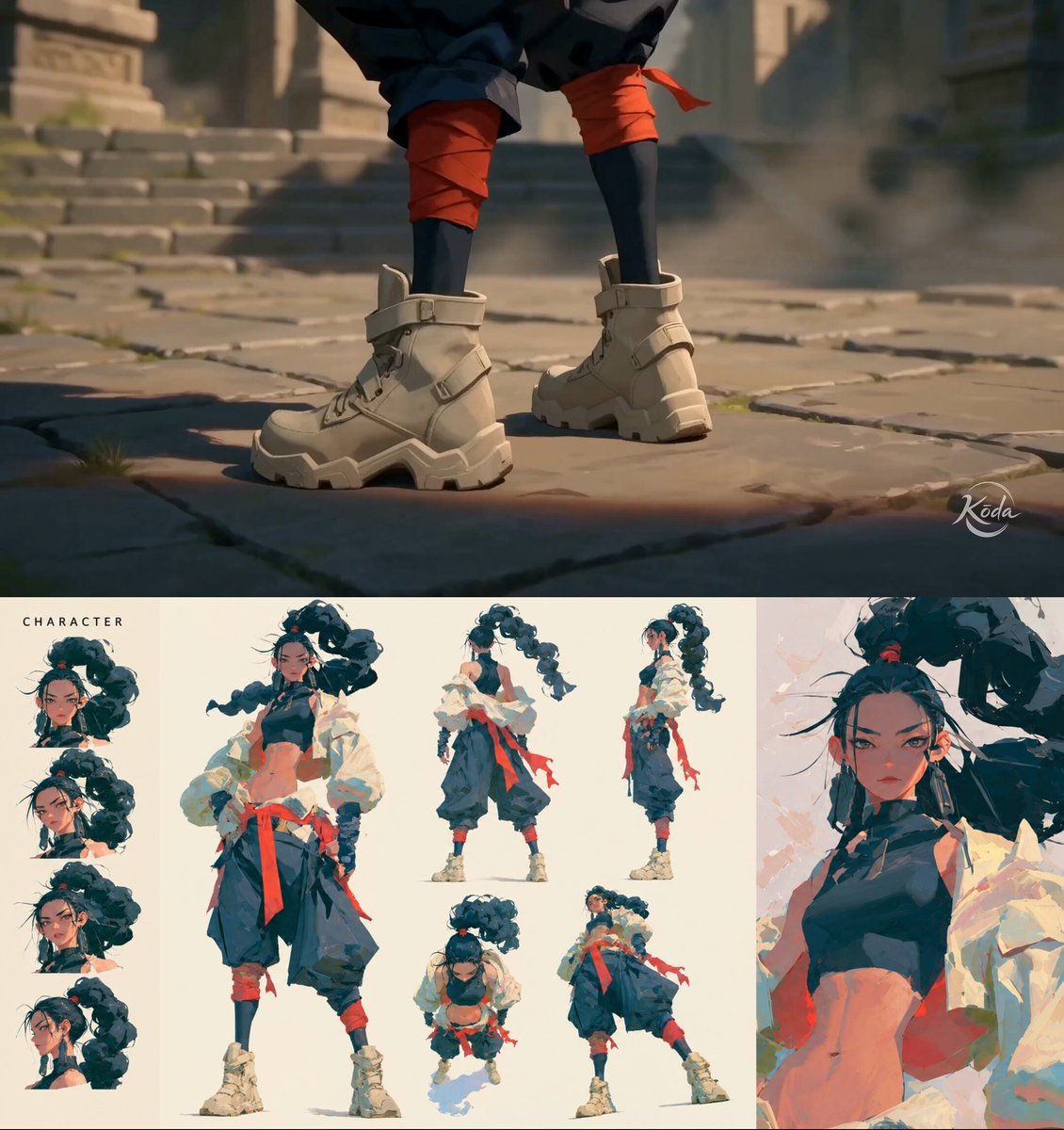
MiniMax H3 Character Introduction
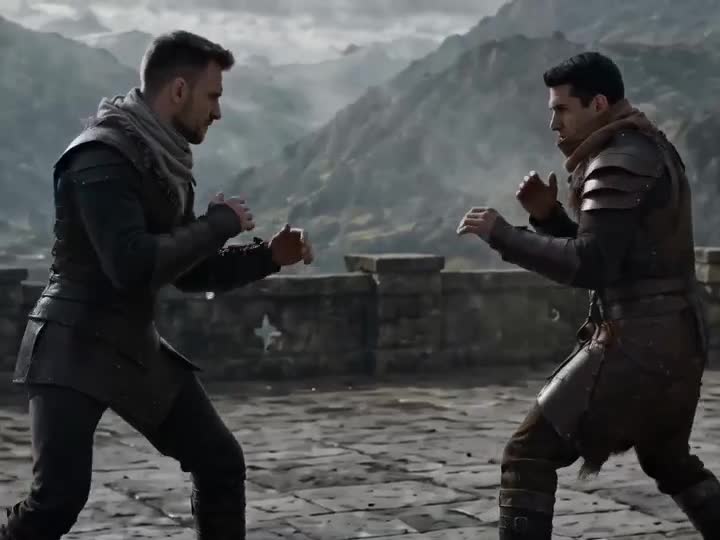
Medieval Duel Style Transfer
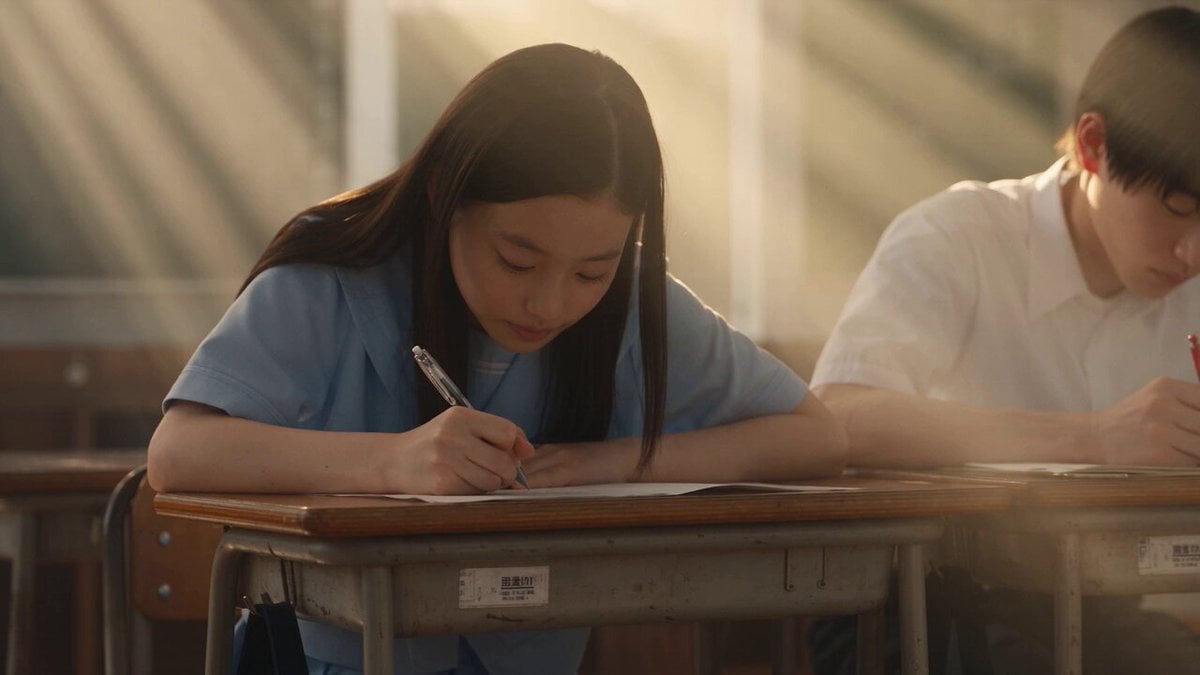
Japanese Pure Love Short Film
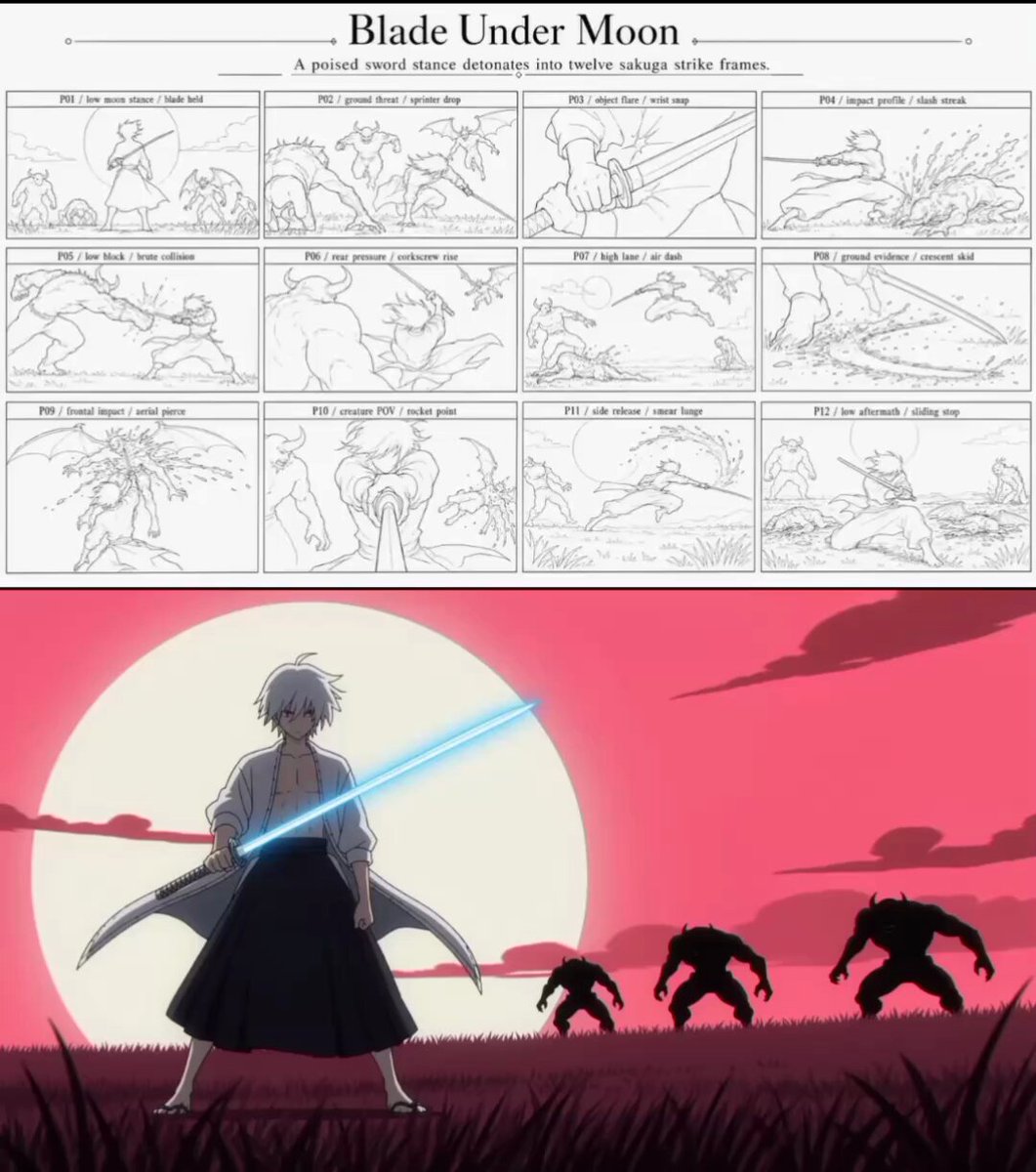
Sakuga Anime Action Storyboard
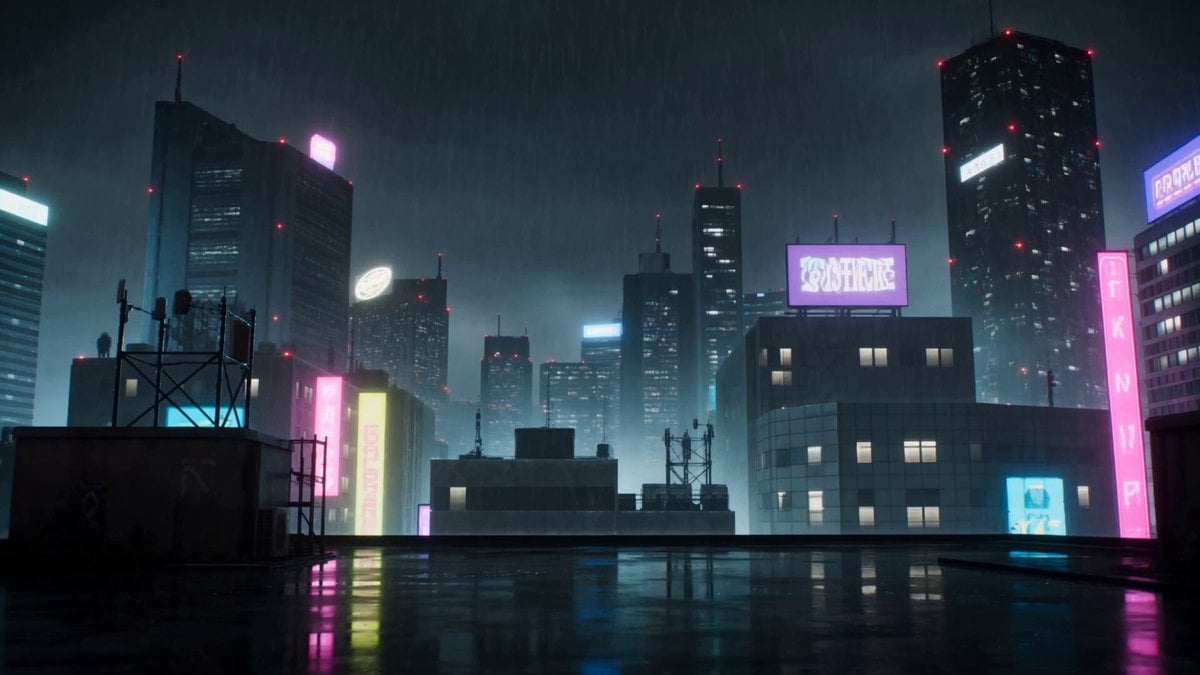
Cyberpunk Anime Duel Action
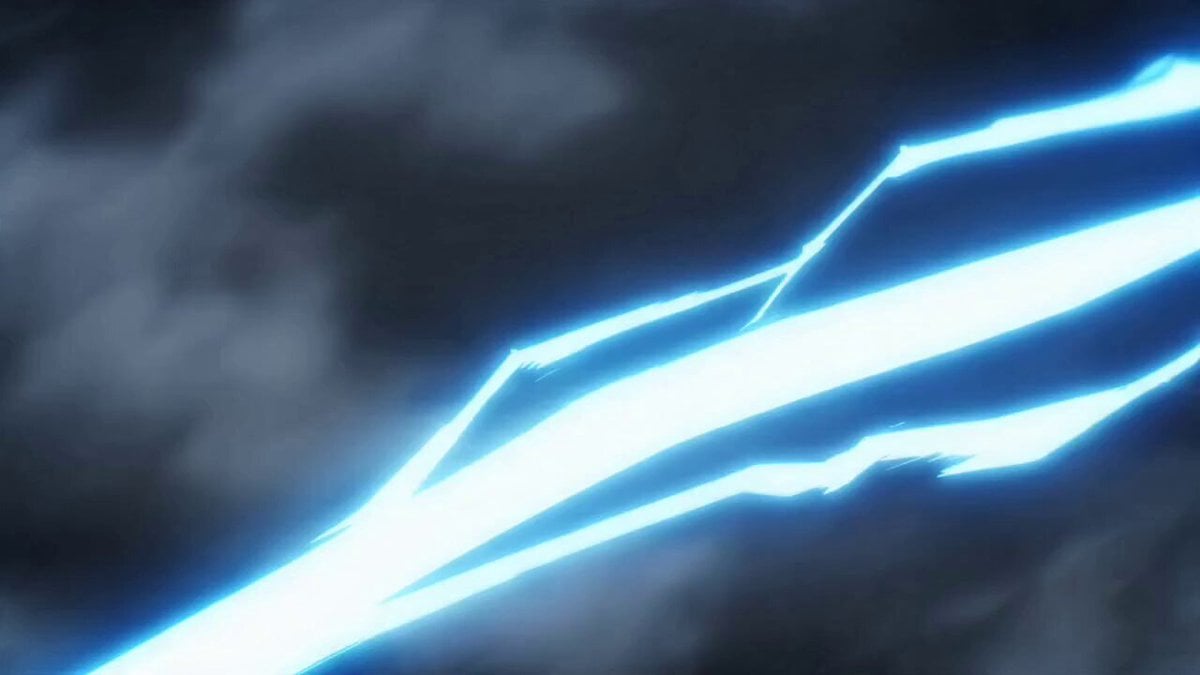
Valkyrie Anime Battle Sakuga
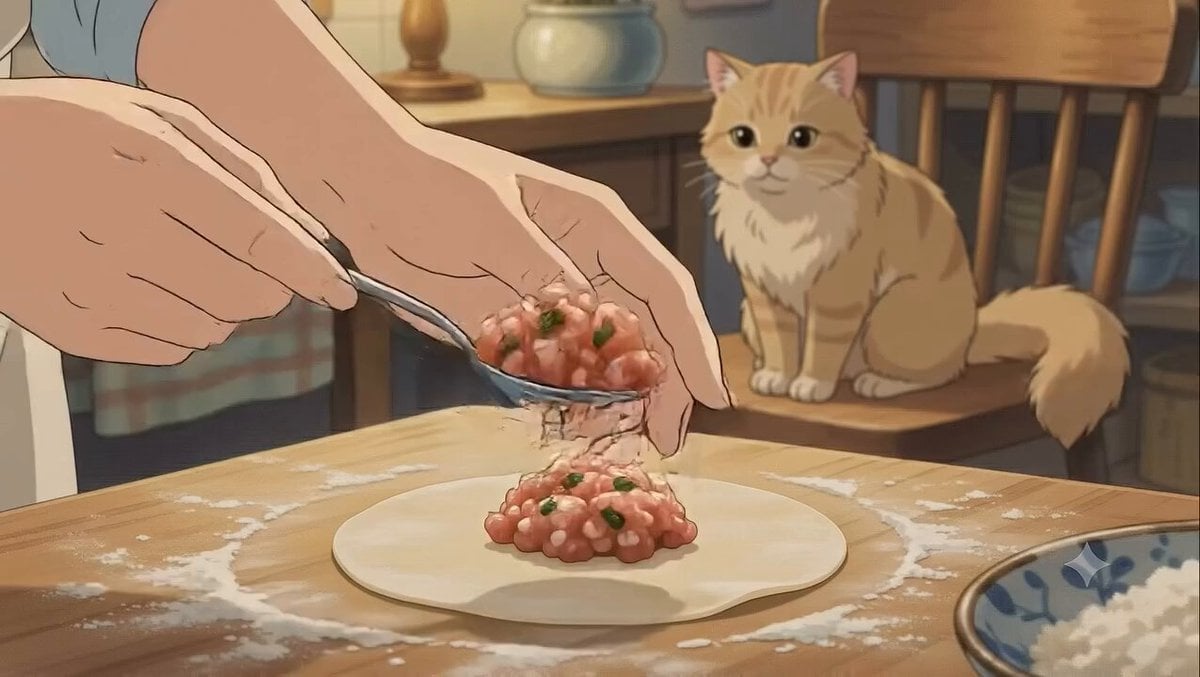
Studio Ghibli Dumpling Kitchen Cooking Scene
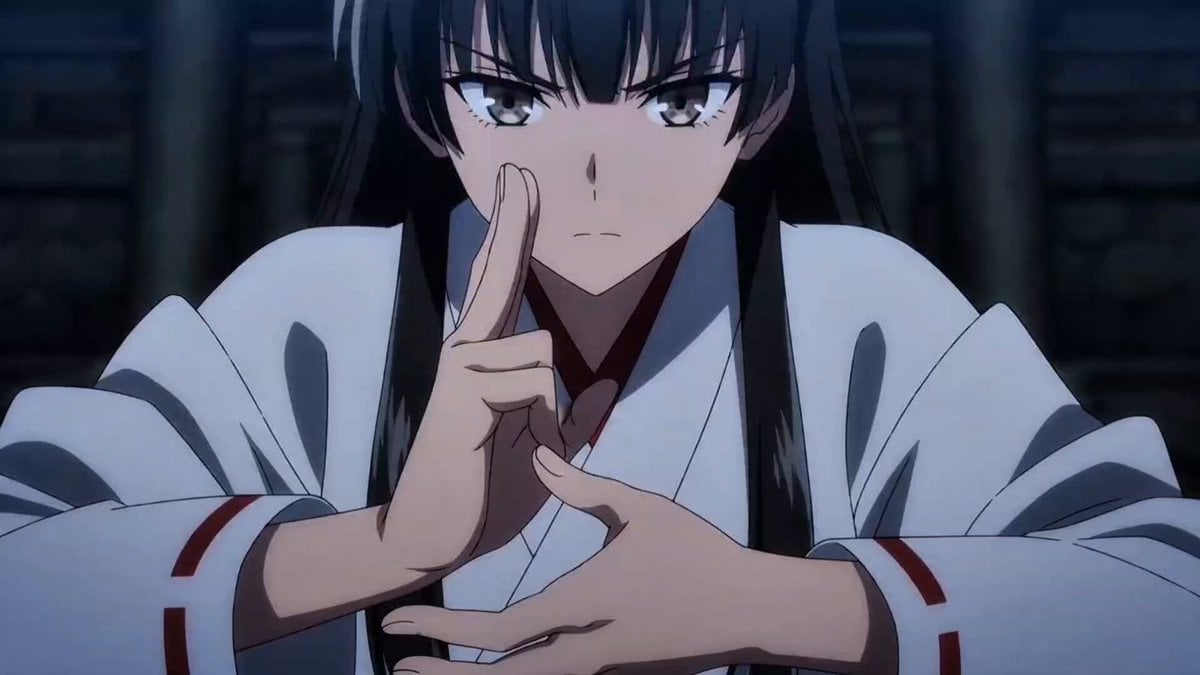
Anime Shrine Maiden Transformation Sakuga
Make it yours
High-Speed Anime Sakuga Duel works as-is. These are the safest ways to change it without losing the look.
Change one field
Copy a single group, rewrite it, and generate again so you can see what that field is doing.
Keep the frame, change the subject
Hold the composition and light of High-Speed Anime Sakuga Duel, then swap wardrobe, props or the person for a new take.
| If the result… | Why | Fix |
|---|---|---|
| The result drifts from the preview | Too many fields changed at once. | Reuse High-Speed Anime Sakuga Duel as-is first, then change one group — subject, light, or setting. |
| The model over-stylizes the scene | The prose prompt leaves finish and camera underspecified. | Add one camera or lighting sentence and stay on Seedance 2.0. |
More Seedance 2.0 templates
Other prompts made for Seedance 2.0.

Comical Martial Arts Punch Scene

Maglev Train Action Sequence

Martial Arts Fight Sequence

Wuxia Protection and Trust Script

Vintage Korean Arcade MiniDV Vlog

Mercedes 190 SL Luxury Ad

Rainy Night Supernatural Reverse Comedy Video Script

Amazon Civilization Discovery

Futuristic South Asian City Transformation

Cozy Luxury Cafe Commercial
More video prompts
Fresh picks from across the catalog.
Dark Supernatural Horror Basement Scene
Cinematic Drone Shot of Mountain Cave Entrance
Luminous Cat and Birdcage Video
Ice Cream Preparation Commercial
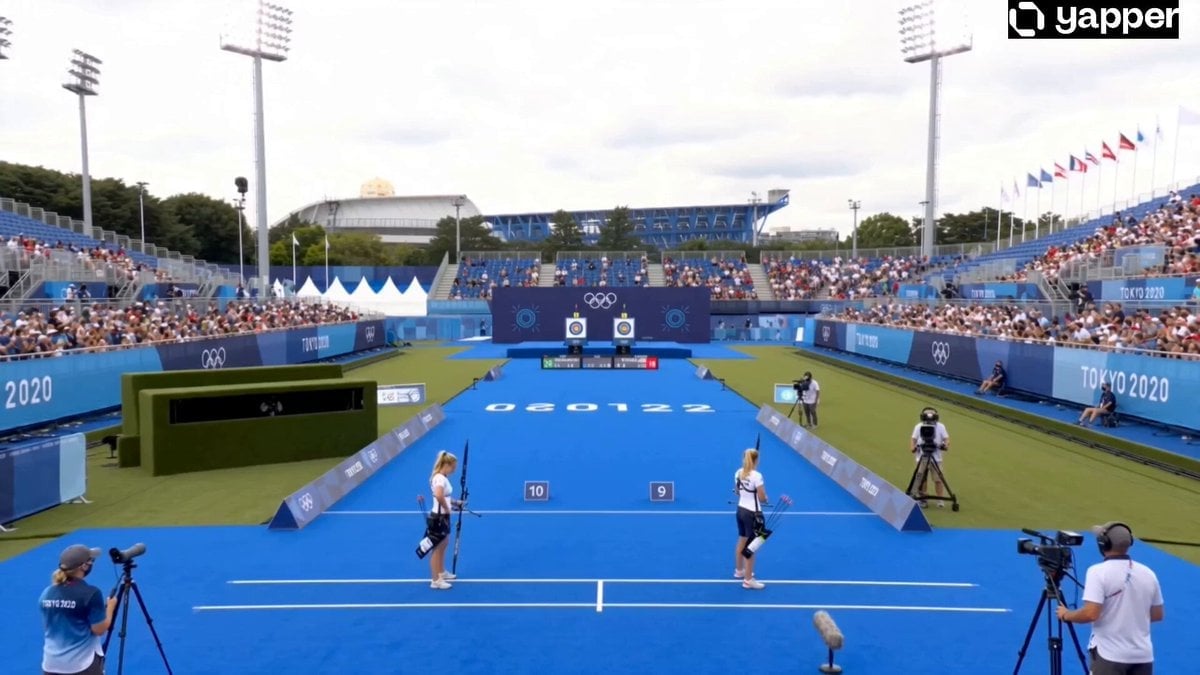
Olympic Archery Bullseye Cinematic
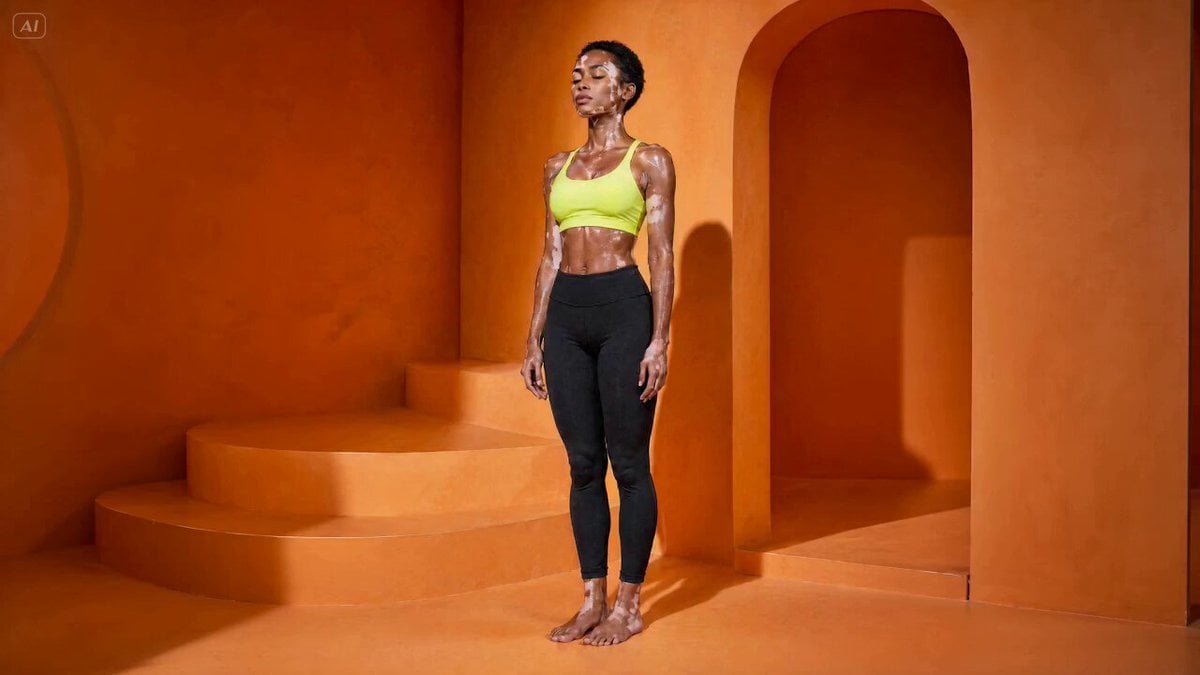
Handheld Yoga Vinyasa Flow Video
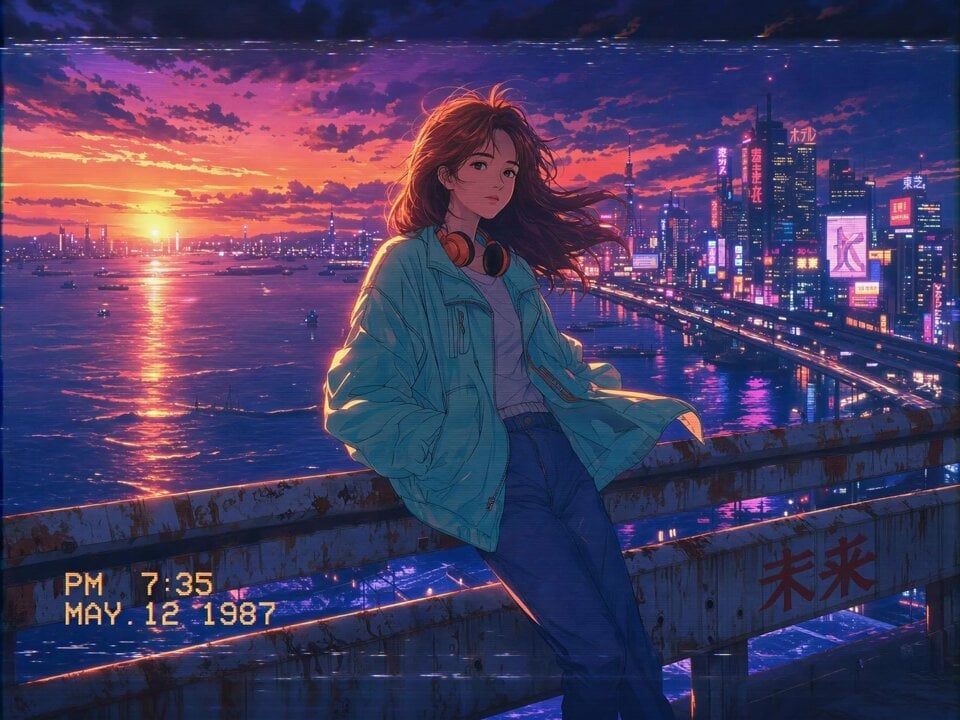
80s Anime Retro Cityscape
Transform subject into stylized 3D animated character
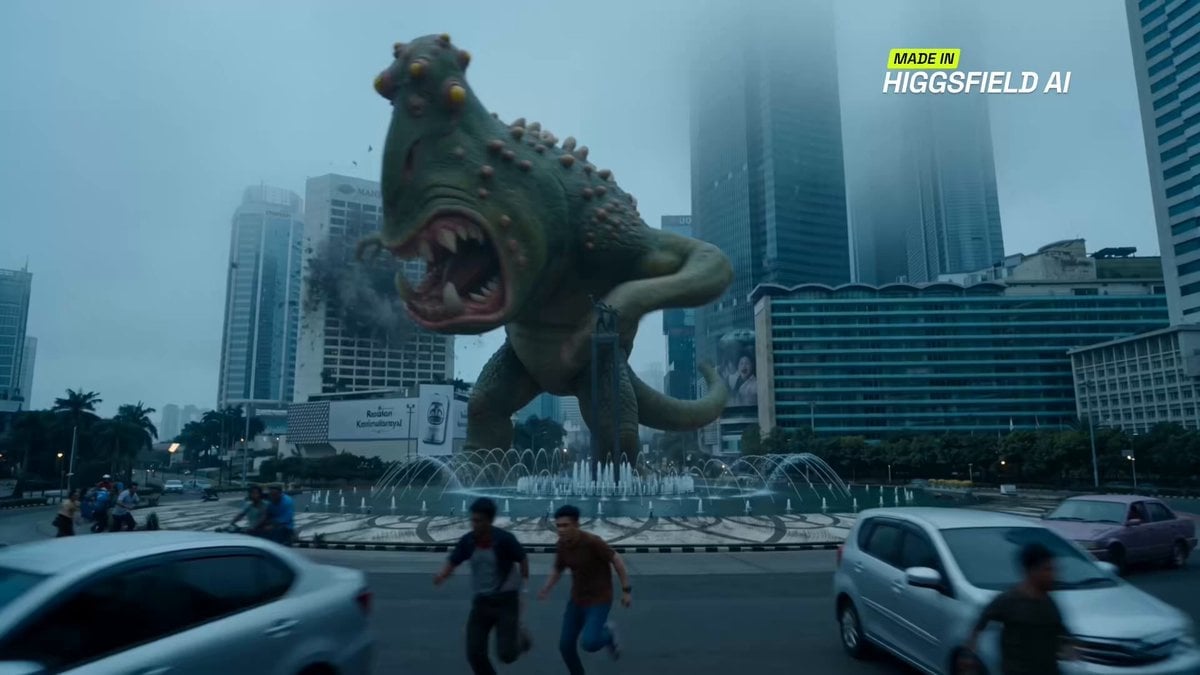
Jakarta Mecha vs Monster Scene

Cinematic Morning Routine Video Script
Browse template categories
High-Speed Anime Sakuga Duel questions
How do I use the High-Speed Anime Sakuga Duel template?
Add your photo if the template asks for one, edit the prompt if you like — the template's model and format are already selected — and press Generate. Your version opens in PicX Studio.
Can I customize the High-Speed Anime Sakuga Duel template?
Yes. You can change the subject, setting, lighting, mood, format, and available model controls before creating your video.
Is the High-Speed Anime Sakuga Duel template free?
Opening and editing this template is free. Generating uses credits, shown on the Generate button when you are signed in.
Which AI model should I use?
Start with Seedance 2.0, which is the model associated with this template. You can compare another compatible model for a different finish.
Looking for something else? Browse all templates.

Your photo, any look
Thousands of ready templates for every top image and video model, from one credit balance.