How do I use the Supernatural Sakuga Anime Combat template?
Edit the prompt in the box under the preview — the template's model and format are already selected — and press Generate. Your version appears right on this page.
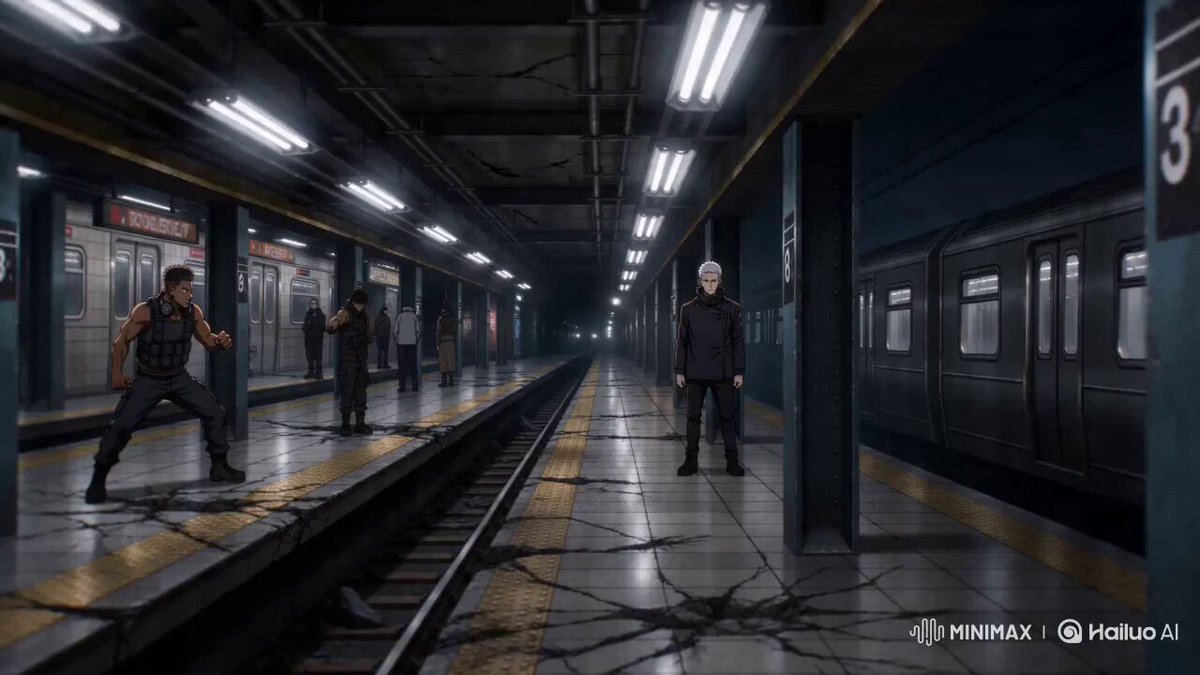
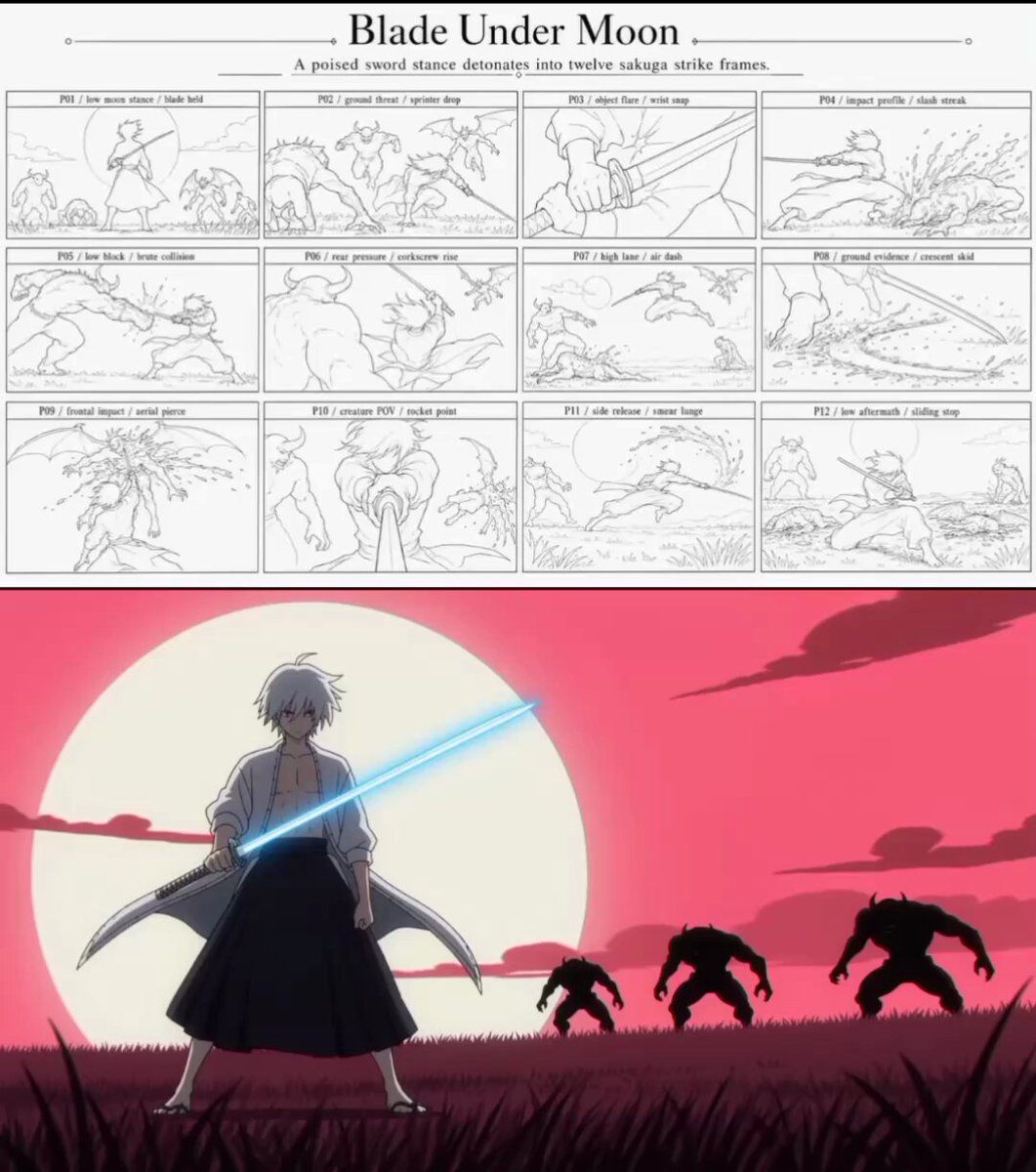
A high-energy sakuga anime prompt for Seedance featuring supernatural combat in a subway station.
Premium supernatural anime, peak sakuga, hyper-speed choreography, moody urban lighting, clean magic geometry, dynamic shadows, crisp perspective changes, complete cinematic ending. 0–4s: Midnight inside an abandoned underground station. A young exorcist stands alone between flickering lights as black shadow creatures crawl from the tunnel walls. The camera rushes down the platform toward him while he unfolds glowing paper seals. 4–8s: The creatures charge from every direction. The exorcist spins through them at extreme speed, placing luminous seals across pillars, walls and ceiling. Rapid whip pans, close combat choreography, sharp impact frames and fluid footwork. 8–12s: He snaps his fingers. The seals connect into a massive geometric barrier that traps every creature inside a rotating corridor of light. The station bends visually around the spell. 12–15s: The barrier contracts into a single glowing point and vanishes. The station lights return one by one. A normal train arrives, doors open, and the exorcist calmly steps inside. End as the doors close on his exhausted expression.
Premium supernatural anime, peak sakuga, hyper-speed choreography, moody urban lighting, clean magic geometry, dynamic shadows, crisp perspective changes, complete cinematic ending. 0–4s: Midnight inside an abandoned underground station. A young exorcist stands alone between flickering lights as black shadow creatures crawl from the tunnel walls. The camera rushes down the platform toward him while he unfolds glowing paper seals. 4–8s: The creatures charge from every direction. The exorcist spins through them at extreme speed, placing luminous seals across pillars, walls and ceiling. Rapid whip pans, close combat choreography, sharp impact frames and fluid footwork. 8–12s: He snaps his fingers. The seals connect into a massive geometric barrier that traps every creature inside a rotating corridor of light. The station bends visually around the spell. 12–15s: The barrier contracts into a single glowing point and vanishes. The station lights return one by one. A normal train arrives, doors open, and the exorcist calmly steps inside. End as the doors close on his exhausted expression.
Edit the prompt in the box under the preview — the template's model and format are already selected — and press Generate. Your version appears right on this page.
Yes. You can change the subject, setting, lighting, mood, format, and available model controls before creating your video.
Opening and editing this template is free. Generating uses credits, shown on the Generate button when you are signed in.
Start with Seedance 2.0, which is the model associated with this template. You can compare another compatible model for a different finish.
Follow a topic to a crawlable collection of related PicX Studio templates.