
Funny Rural Selfie Vlog
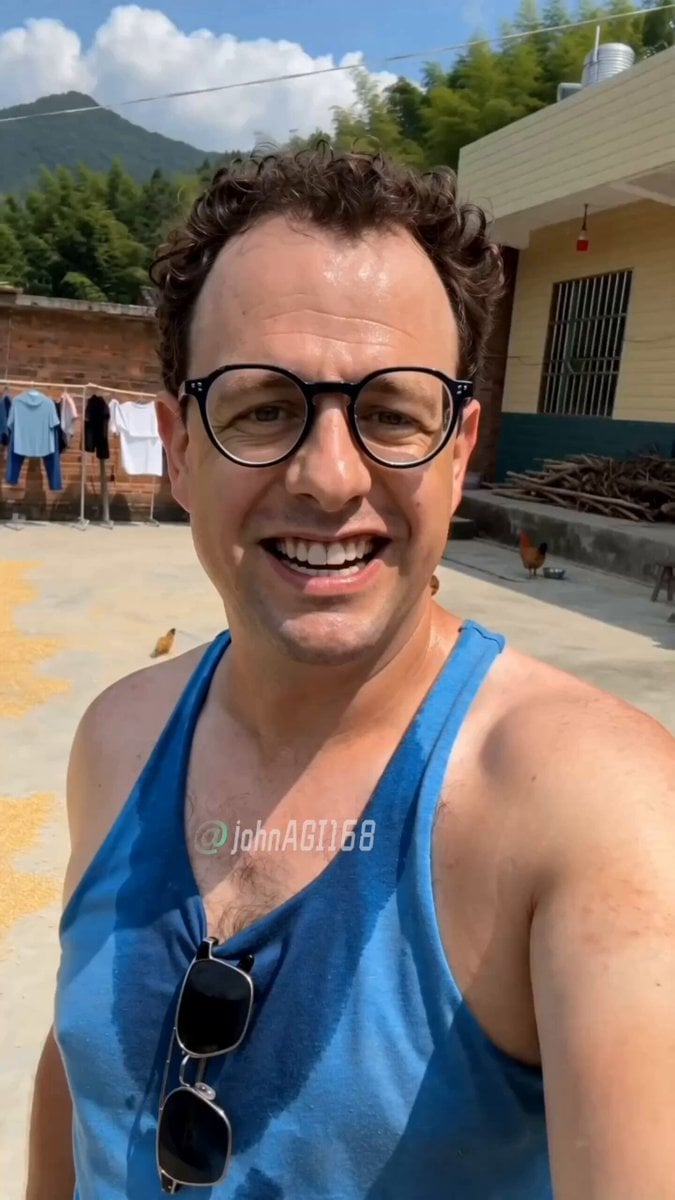
A humorous structured video prompt for a viral-style rural vlog, featuring a character reacting to the camera with sudden personality shifts.
- Prompt included
- Model and format preset
- Free template
The prompt behind this video
Copy the exact prompt behind Funny Rural Selfie Vlog, or open it in the studio and make it yours.
【风格】搞笑Vlog/手持自拍短剧(Handheld Selfie Vlog),真实手机前置镜头质感,抖音爆款,1人出镜 【时长】10秒 【场景】中国南方农村土坯房前的晒谷场,背景是老旧红砖墙、晾晒的衣服、几只散养的鸡在地上啄食,阳光强烈 【角色】Marco@图片1(一个卷发圆框眼镜的白人男性,皮肤被晒得微红,穿着一件洗得发白的蓝色老头衫/跨栏背心,下身军绿色宽松大裤衩,脚踩一双塑料拖鞋,脖子上搭着一条白毛巾,满头汗珠) [00:00-00:04] 镜头1:土味撩人(Handheld Selfie, Front Camera) 手持自拍视角,前置镜头怼脸,Marco一只手举着手机,镜头轻微晃动(Shaky Cam),背景是农村土坯房和晾衣绳。他对着镜头咧嘴笑,露出一口白牙,用极其蹩脚的中文腔调,眉毛上挑,眼神放电,嘴型夸张地说:"宝~吃饭了没有?"说"宝"的时候故意拖长音,空出来的那只手还朝镜头比了个心,额头上汗珠清晰可见。 [00:04-00:07] 镜头2:画风突变(Quick Zoom-in) 手持镜头突然拉近怼脸(Jump Cut),Marco表情瞬间从深情变成凶狠搞怪,眯起眼睛,嘴角上扬,用蹩脚中文凶巴巴地说:"没吃的话——吃我两拳!"说"两拳"的时候举起拳头对着镜头比划,圆框眼镜因为动作太大歪到鼻梁一侧,背后一只鸡被吓得扑棱翅膀跑过。 [00:07-00:10] 镜头3:邦邦两拳收尾(Shaky Cam + Freeze Frame) 手持自拍剧烈晃动,Marco对着镜头连出两拳(拳头怼向镜头方向),嘴里喊:"邦!邦!两拳!"每出一拳镜头跟着震一下,表情极度认真又极度滑稽,汗珠被甩出去,最后一拳定格(Freeze Frame),他歪着眼镜对着镜头龇牙坏笑,背景晒谷场的鸡群四散奔逃。
How to use Funny Rural Selfie Vlog in 3 steps
- 1
Open
The prompt is already in the box next to the preview, with the template's model and format selected.
- 2…a portrait of your subject in softgolden-hour light, 85mm…
Personalize
Edit the subject and creative details for your destination.
- 3Generate
Generate
Press Generate — your video is created in PicX Studio, so you can compare it with the original and refine one variable at a time.
More like this
Templates with the same subject, style or setup. Open one to see its prompt.

Kyoto Morning Selfie Vlog
Selfie Travel Vlog Mykonos

Smartphone Travel Vlog Tokyo Trip Identity Preserved

Mediterranean Coffee Run Vlog - Seedance 2.5

Mysterious Home Exploration Vlog - Seedance 2.5

Realistic Morning Routine Lifestyle Vlog - Seedance 2.5

Handheld Tokyo Travel Vlog - Seedance 2.5

Nostalgic MiniDV Convenience Store Vlog - Seedance 2.5

Mediterranean Morning Coffee Run Vlog (Seedance 2.5)

Luxury Lifestyle Day Vlog

Luxury Airport Travel Vlog

Kenting Lifestyle Travel Vlog
Make it yours
Funny Rural Selfie Vlog works as-is. These are the safest ways to change it without losing the look.
Change one field
Copy a single group, rewrite it, and generate again so you can see what that field is doing.
Keep the frame, change the subject
Hold the composition and light of Funny Rural Selfie Vlog, then swap wardrobe, props or the person for a new take.
| If the result… | Why | Fix |
|---|---|---|
| The result drifts from the preview | Too many fields changed at once. | Reuse Funny Rural Selfie Vlog as-is first, then change one group — subject, light, or setting. |
| The model over-stylizes the scene | The prose prompt leaves finish and camera underspecified. | Add one camera or lighting sentence and stay on Seedance 2.0. |
More Seedance 2.0 templates
Other prompts made for Seedance 2.0.

Comical Martial Arts Punch Scene

Maglev Train Action Sequence

Martial Arts Fight Sequence

Wuxia Protection and Trust Script

Vintage Korean Arcade MiniDV Vlog

Mercedes 190 SL Luxury Ad

Rainy Night Supernatural Reverse Comedy Video Script

Amazon Civilization Discovery

Futuristic South Asian City Transformation

Cozy Luxury Cafe Commercial
More video prompts
Fresh picks from across the catalog.

Epic Moments of the Best Football Player

Sneaker Product Commercial
Anime Girls Flying Over Mumbai
Realistic Beach Vacation Documentary
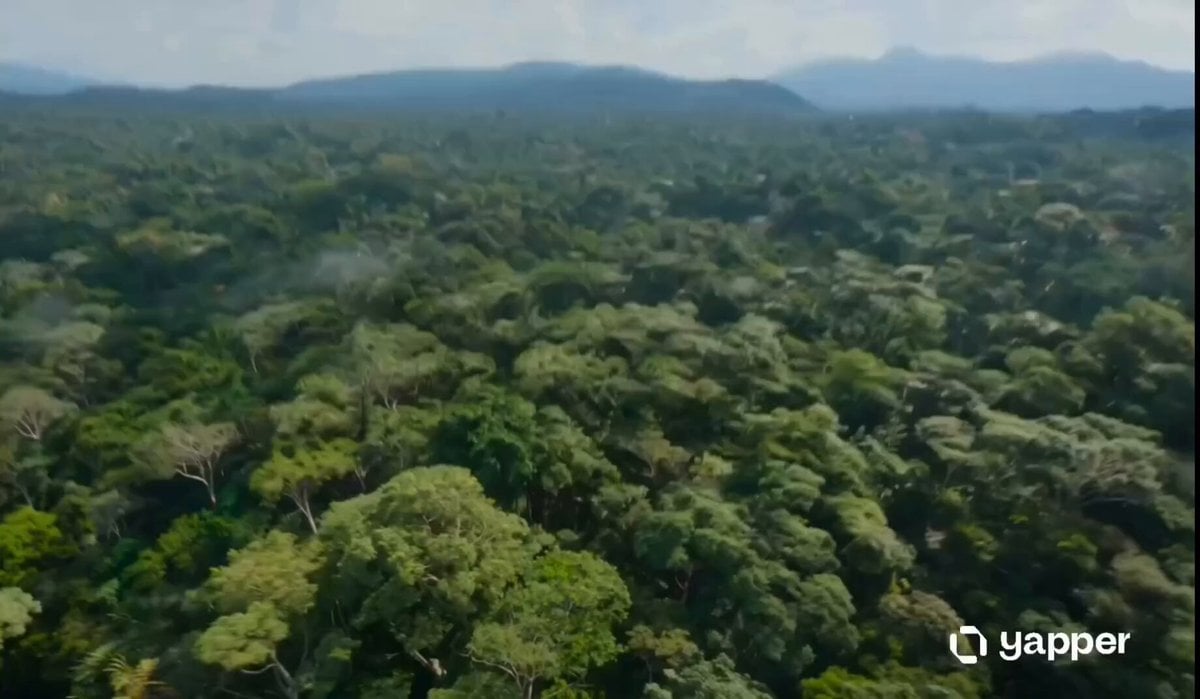
Amazon Jungle Insectoid Drone Flight
Dragon Flight Over Siege City
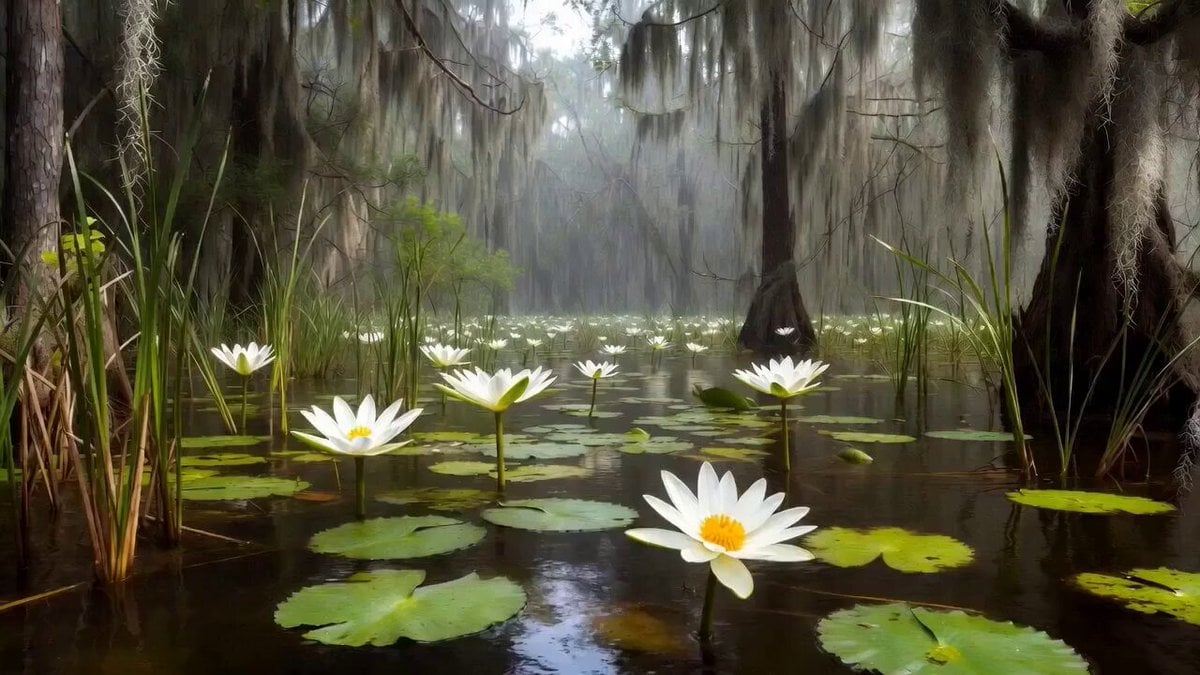
Frog and Dragonfly Video Generation Prompt
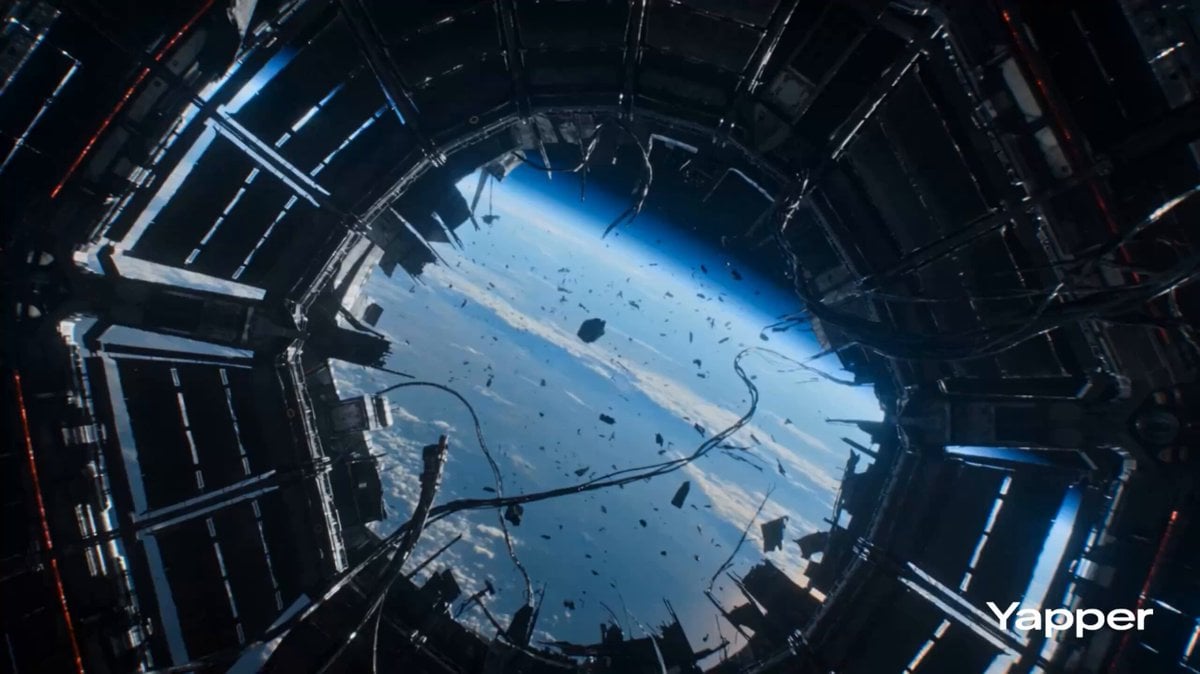
Zero Gravity Warrior Fight Video Prompt
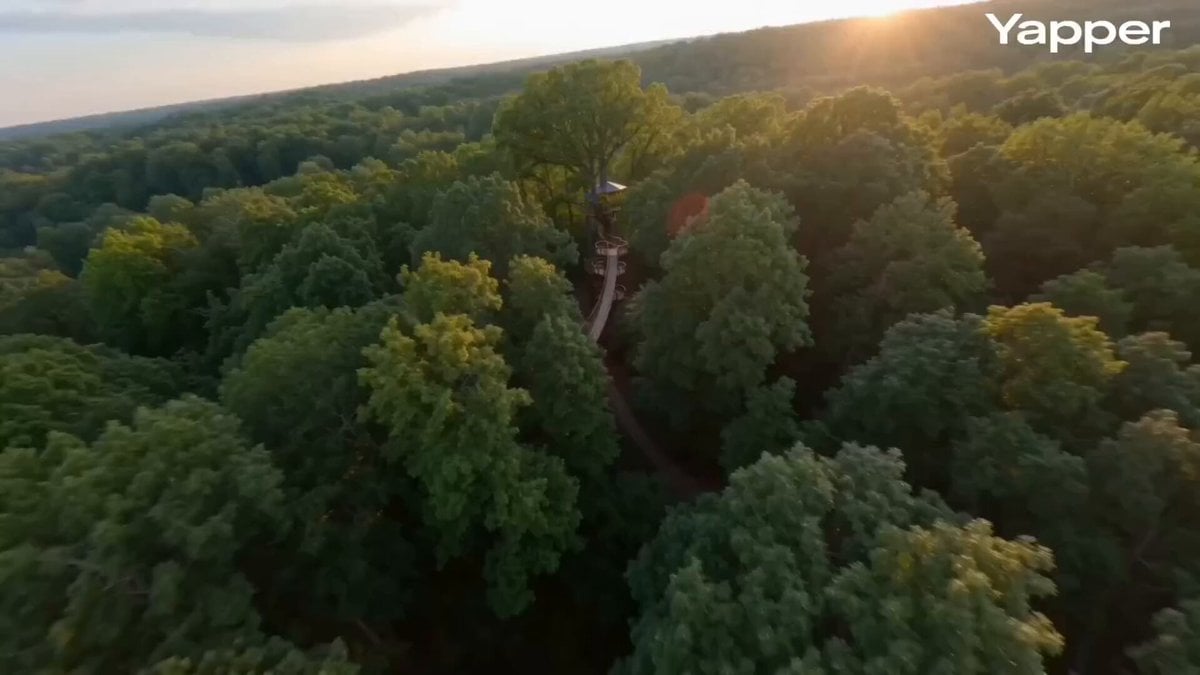
FPV cinematic flight through a treehouse
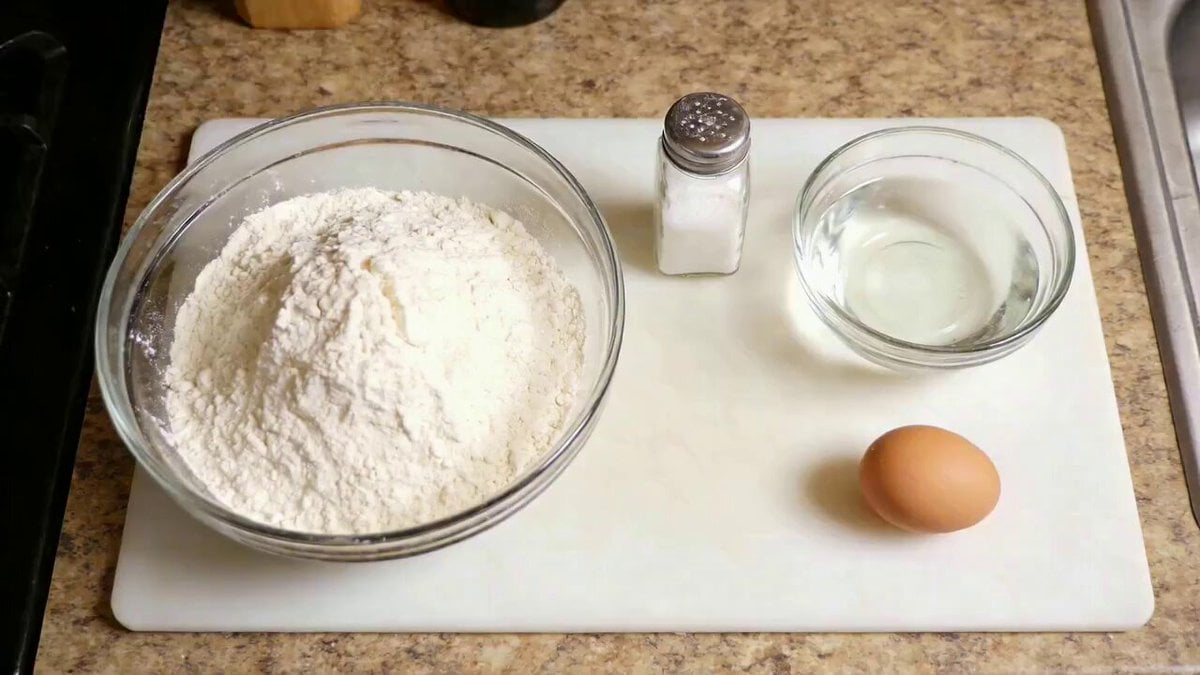
Dough Kneading Physics Prompt
Browse template categories
Funny Rural Selfie Vlog questions
How do I use the Funny Rural Selfie Vlog template?
Add your photo if the template asks for one, edit the prompt if you like — the template's model and format are already selected — and press Generate. Your version opens in PicX Studio.
Can I customize the Funny Rural Selfie Vlog template?
Yes. You can change the subject, setting, lighting, mood, format, and available model controls before creating your video.
Is the Funny Rural Selfie Vlog template free?
Opening and editing this template is free. Generating uses credits, shown on the Generate button when you are signed in.
Which AI model should I use?
Start with Seedance 2.0, which is the model associated with this template. You can compare another compatible model for a different finish.
Looking for something else? Browse all templates.

Your photo, any look
Thousands of ready templates for every top image and video model, from one credit balance.