How do I use the Realistic Beach Vacation Documentary template?
Edit the prompt in the box under the preview — the template's model and format are already selected — and press Generate. Your version appears right on this page.
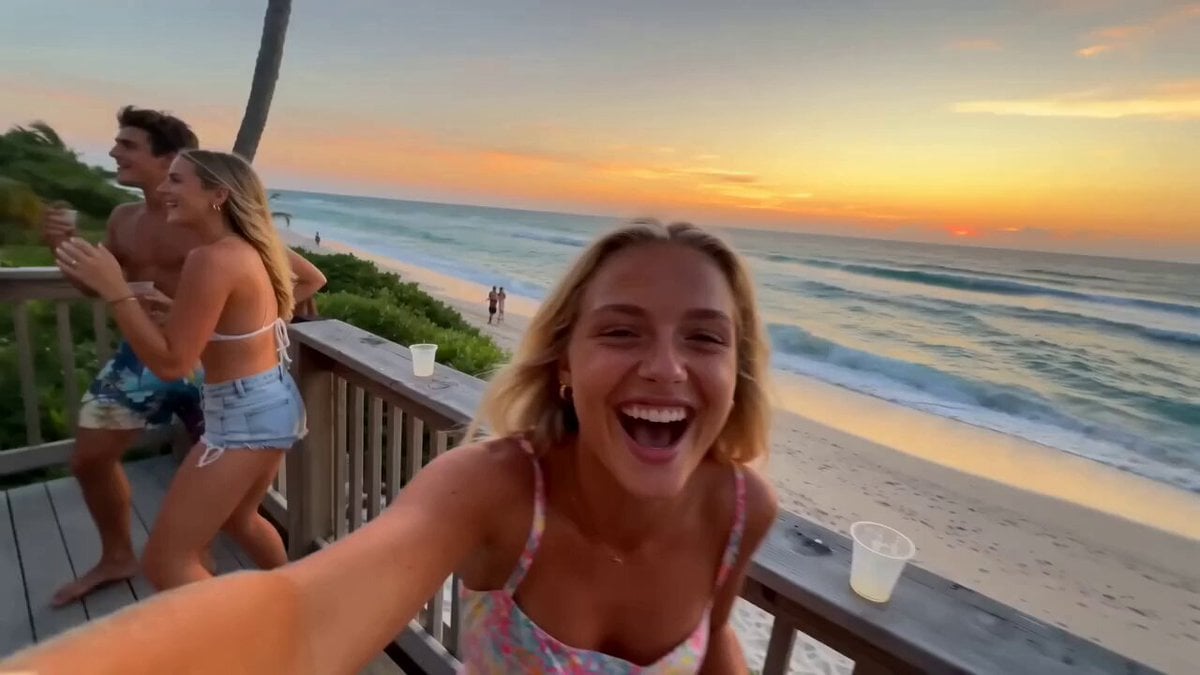
An ultra-detailed prompt for an authentic 2026-style vacation video of a young Japanese woman on a beach, featuring timeline-based actions and camera physics.
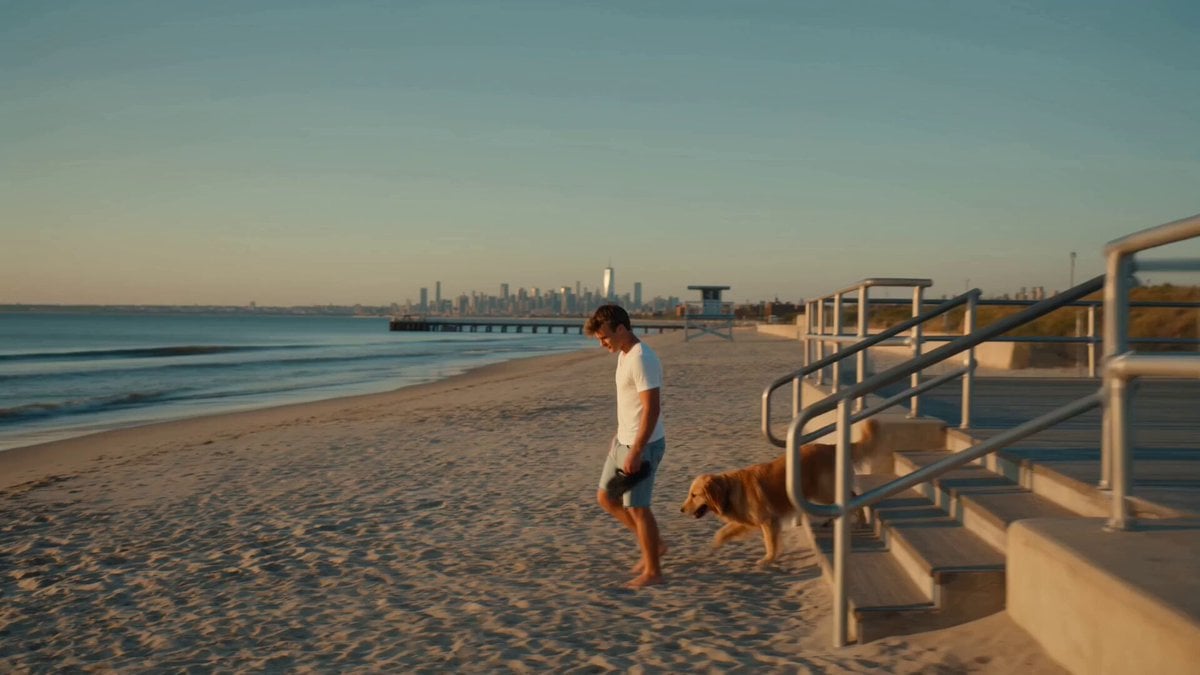
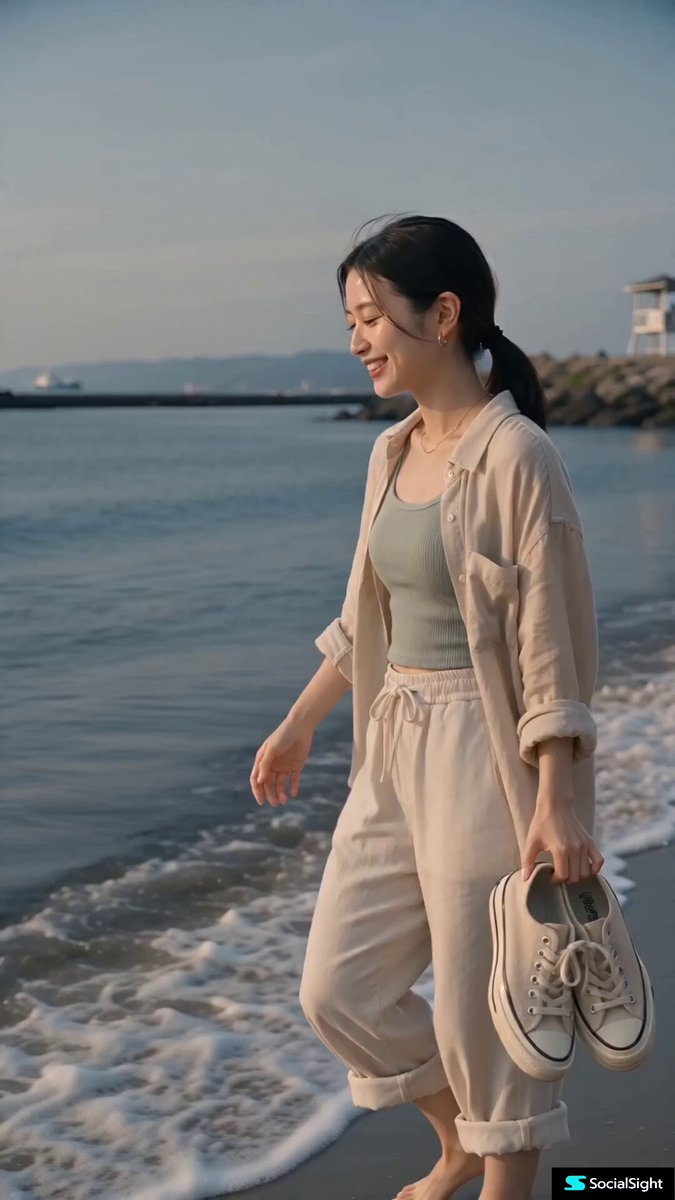
A young Japanese woman in her early 20s with effortless natural beauty, warm expressive eyes, realistic sun-kissed skin, minimal makeup, and black straight hair tied in a loose low ponytail wears an oversized sand-beige linen shirt over a muted seafoam ribbed tank top, ivory drawstring linen pants, delicate gold necklace, silver hoop earrings, carrying cream canvas sneakers while walking barefoot on a quiet Japanese Pacific beach during golden hour. Maintain identical identity, facial features, hairstyle, clothing, body proportions, skin tone, and accessories throughout the video. The location features untouched sand, gentle Pacific waves, driftwood, rocky shoreline, weathered seawall, distant fishing boats, native grasses, and a small lifeguard tower with no crowds or commercial activity. Capture everything like a genuine 2026 vacation video using a handheld full-frame mirrorless camera with natural micro-shake, autofocus breathing, slight missed focus, rolling shutter, exposure shifts, authentic lens flare, imperfect framing, and realistic depth of field—no gimbal, drone, cinematic tracking, or slow motion. Ultra-realistic documentary style with lifelike skin texture, natural body language, realistic clothing physics, HDR lighting, soft highlight roll-off, accurate skin tones, airy pastel colors, and zero AI artifacts. Audio includes only ocean waves, seabirds, coastal wind, footsteps, fabric movement, distant fishing boats, and quiet ambient sounds. Timeline: 00:00–00:03 walks barefoot through shallow waves carrying sneakers and smiling as autofocus briefly hunts. 00:03–00:06 crouches to examine seashells, smiles, and gently returns one to the sand while the camera awkwardly reframes. 00:06–00:09 walks beside the seawall sipping iced tea as wind moves her shirt and sunlight sparkles across the water. 00:09–00:12 sits on driftwood watching the ocean, brushes hair behind her ear, then laughs naturally at a friend's joke. 00:12–00:15 softly says "Kirei da ne" ("It's beautiful, isn't it?"), continues walking along the shoreline, glances briefly toward the camera, and the recording ends unexpectedly mid-step as if the friend accidentally stopped filming.
A young Japanese woman in her early 20s with effortless natural beauty, warm expressive eyes, realistic sun-kissed skin, minimal makeup, and black straight hair tied in a loose low ponytail wears an oversized sand-beige linen shirt over a muted seafoam ribbed tank top, ivory drawstring linen pants, delicate gold necklace, silver hoop earrings, carrying cream canvas sneakers while walking barefoot on a quiet Japanese Pacific beach during golden hour. Maintain identical identity, facial features, hairstyle, clothing, body proportions, skin tone, and accessories throughout the video. The location features untouched sand, gentle Pacific waves, driftwood, rocky shoreline, weathered seawall, distant fishing boats, native grasses, and a small lifeguard tower with no crowds or commercial activity. Capture everything like a genuine 2026 vacation video using a handheld full-frame mirrorless camera with natural micro-shake, autofocus breathing, slight missed focus, rolling shutter, exposure shifts, authentic lens flare, imperfect framing, and realistic depth of field—no gimbal, drone, cinematic tracking, or slow motion. Ultra-realistic documentary style with lifelike skin texture, natural body language, realistic clothing physics, HDR lighting, soft highlight roll-off, accurate skin tones, airy pastel colors, and zero AI artifacts. Audio includes only ocean waves, seabirds, coastal wind, footsteps, fabric movement, distant fishing boats, and quiet ambient sounds. Timeline: 00:00–00:03 walks barefoot through shallow waves carrying sneakers and smiling as autofocus briefly hunts. 00:03–00:06 crouches to examine seashells, smiles, and gently returns one to the sand while the camera awkwardly reframes. 00:06–00:09 walks beside the seawall sipping iced tea as wind moves her shirt and sunlight sparkles across the water. 00:09–00:12 sits on driftwood watching the ocean, brushes hair behind her ear, then laughs naturally at a friend's joke. 00:12–00:15 softly says "Kirei da ne" ("It's beautiful, isn't it?"), continues walking along the shoreline, glances briefly toward the camera, and the recording ends unexpectedly mid-step as if the friend accidentally stopped filming.
Edit the prompt in the box under the preview — the template's model and format are already selected — and press Generate. Your version appears right on this page.
Yes. You can change the subject, setting, lighting, mood, format, and available model controls before creating your video.
Opening and editing this template is free. Generating uses credits, shown on the Generate button when you are signed in.
Start with Seedance 2.0, which is the model associated with this template. You can compare another compatible model for a different finish.
Follow a topic to a crawlable collection of related PicX Studio templates.