
Cinematic Personal Vlog Scene Generation
A video generation prompt for Seedance 2.5 designed to create a 15-second vlog-style video featuring a specific character reference, simulating natural smartphone filming with handheld shakes.

- Prompt included
- Model and format preset
- Free template
The prompt behind this video
Copy the exact prompt behind Cinematic Personal Vlog Scene Generation, or open it in the studio and make it yours.
友人がスマホで撮った素人の映像。手持ちで撮影したような自然な手ブレと素人の構図、わずかなピントのズレ、自然な会話とやりとり、エモーショナルな雰囲気が醸し出される。 <Person1> は @画像1に対応する。以降このプロンプトでは @ を付けず <Person1> とだけ書き、<Person1> と書かれた箇所はすべてこの参照の人物を指す。 15秒間の動画は、主役の<Person1>の1日を捉えたVlog動画です。 以下の女性の情報を用いて、1日の日記のようなその日にあったことを複数シーンでまとめたVlog動画にしてください。 ポイントは、女性のファンが見てもっとファンになるような、女性の魅力が詰まった内容にしてください。<Person1>の衣装はそのシーンごとに<Person1>のペルソナ情報を元に最適なものにします。 -- 以下、<Person1>の情報 -- 女性の見た目: <Person1>を参照。参照から取るのは顔・髪型・肌・体型のみ。参照画像の服装は使わない。 全編を通して<Person1>の顔と外見を一貫させる。 ペルソナ情報: <ご自身で用意したペルソナ情報> ----------------------- 禁止事項: 既存のアニメ、商品は禁止。字幕は使用しない。既存のロゴ、キャプションなどは禁止。
How to use Cinematic Personal Vlog Scene Generation in 3 steps
- 1
Open
The prompt is already in the box next to the preview, with the template's model and format selected.
- 2…a portrait of your subject in softgolden-hour light, 85mm…
Personalize
Edit the subject and creative details for your destination.
- 3Generate
Generate
Press Generate — your video is created in PicX Studio, so you can compare it with the original and refine one variable at a time.
More like this
Templates with the same subject, style or setup. Open one to see its prompt.
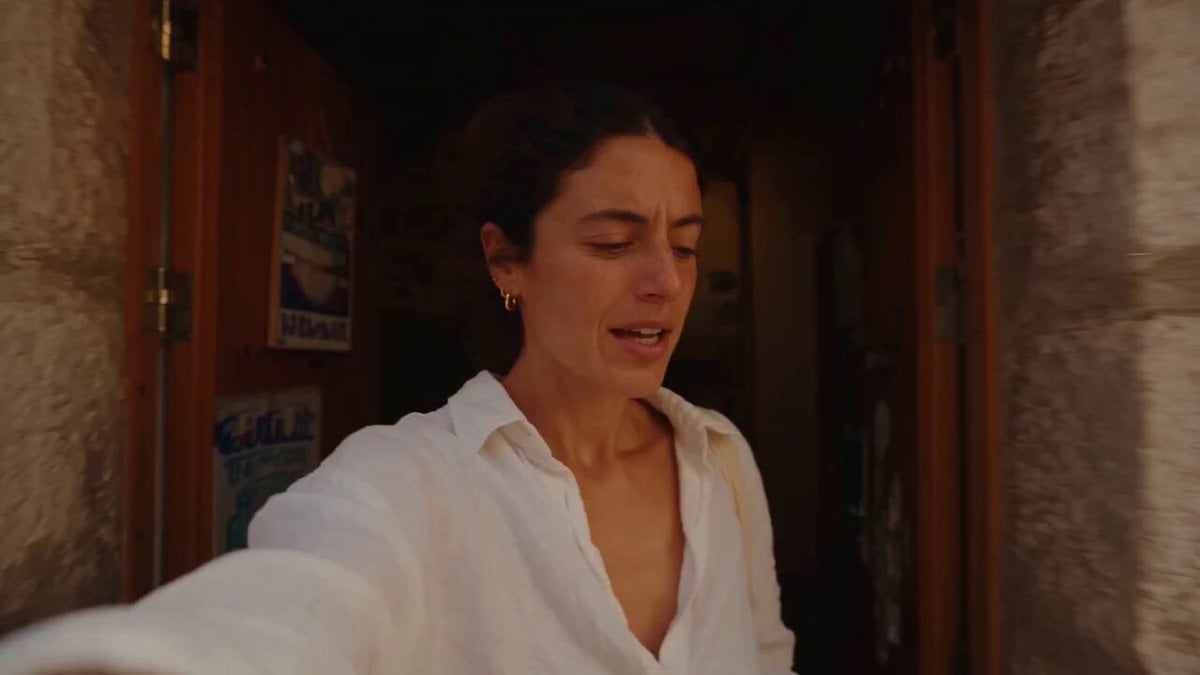
Mediterranean Coffee Run Vlog - Seedance 2.5

Mysterious Home Exploration Vlog - Seedance 2.5
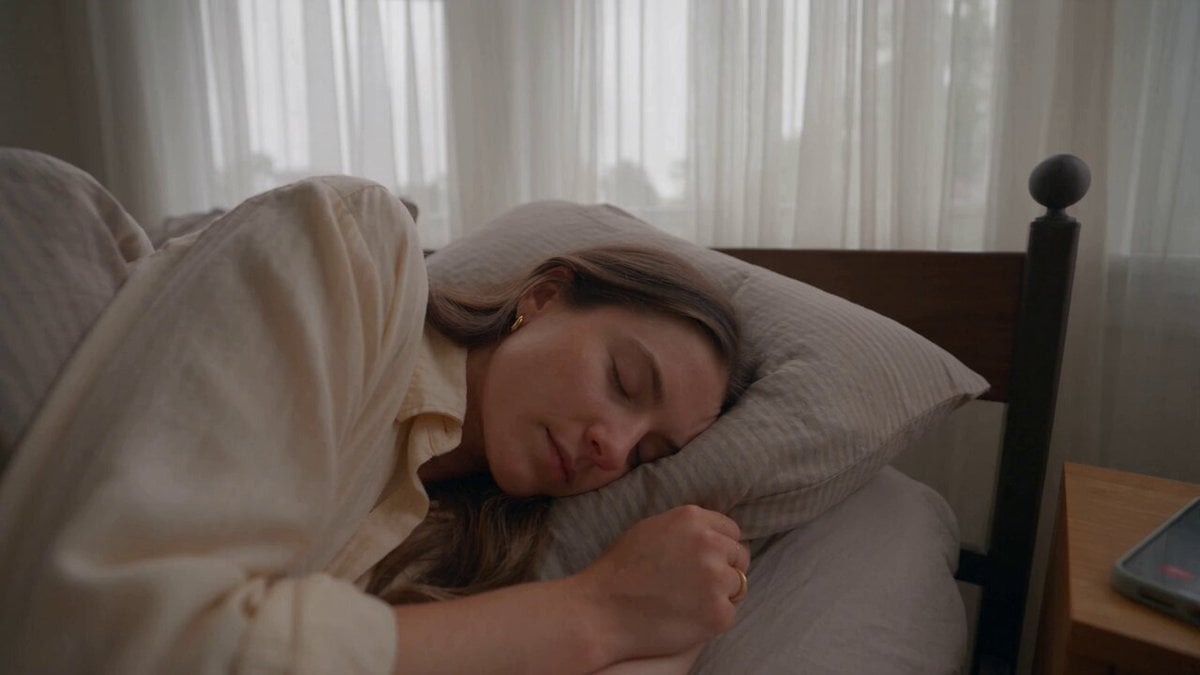
Realistic Morning Routine Lifestyle Vlog - Seedance 2.5

Handheld Tokyo Travel Vlog - Seedance 2.5
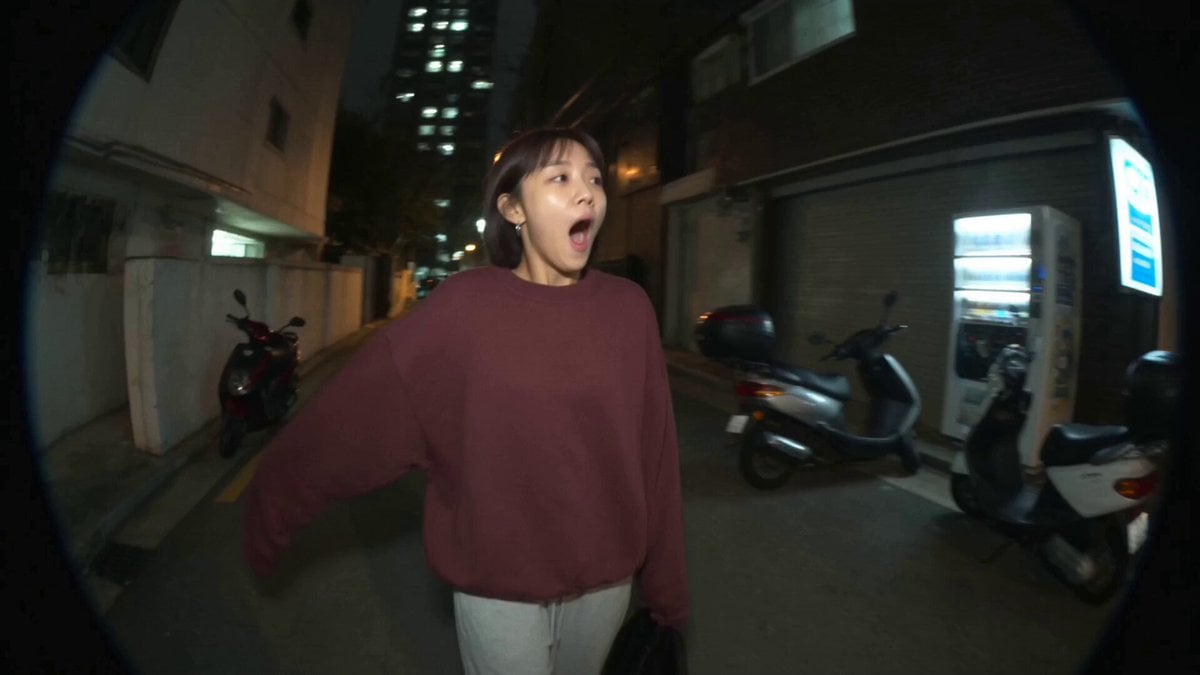
Nostalgic MiniDV Convenience Store Vlog - Seedance 2.5
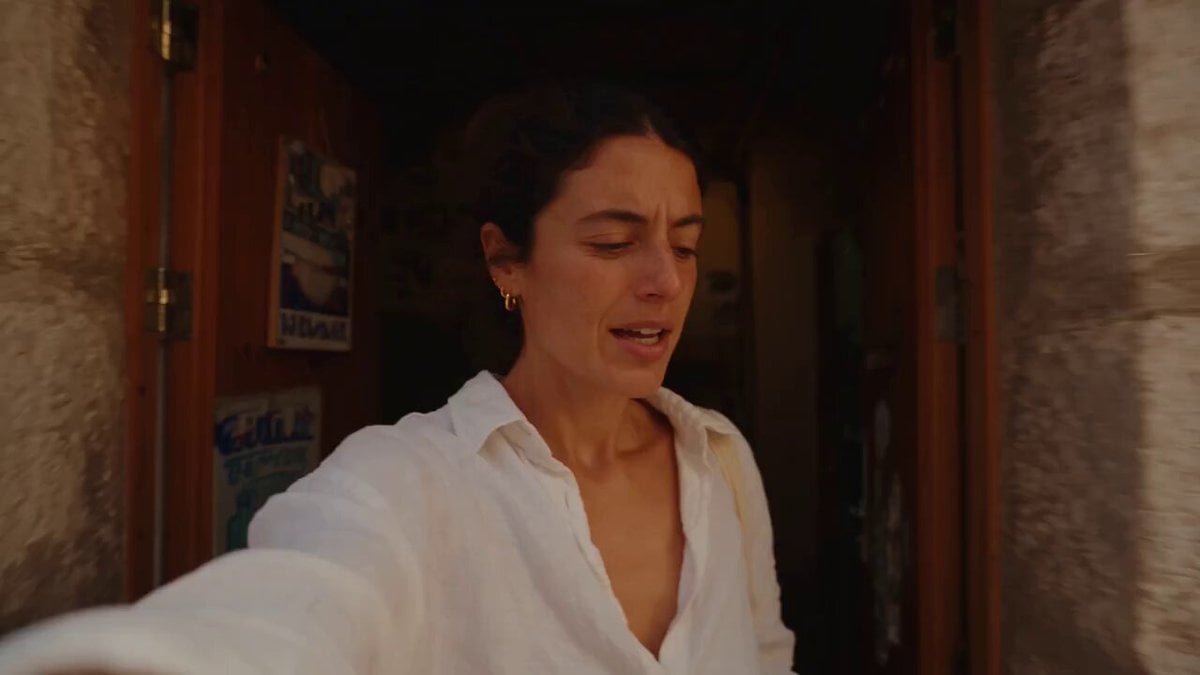
Mediterranean Morning Coffee Run Vlog (Seedance 2.5)

Luxury Lifestyle Day Vlog

Luxury Airport Travel Vlog
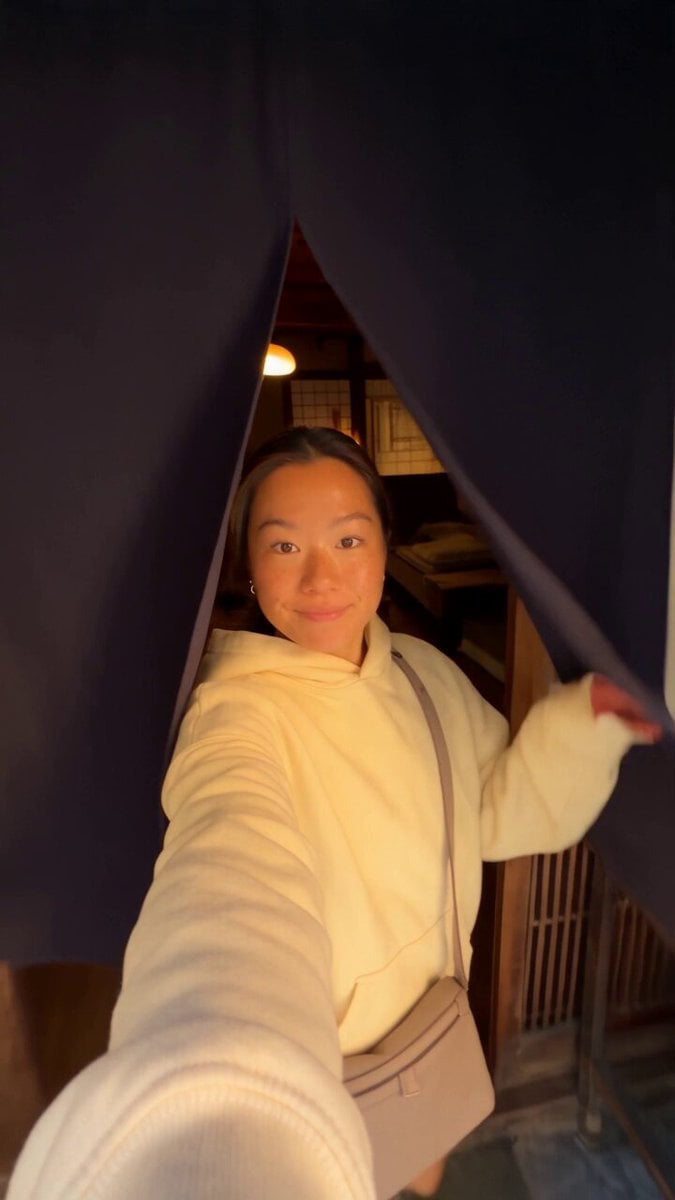
Kyoto Morning Selfie Vlog
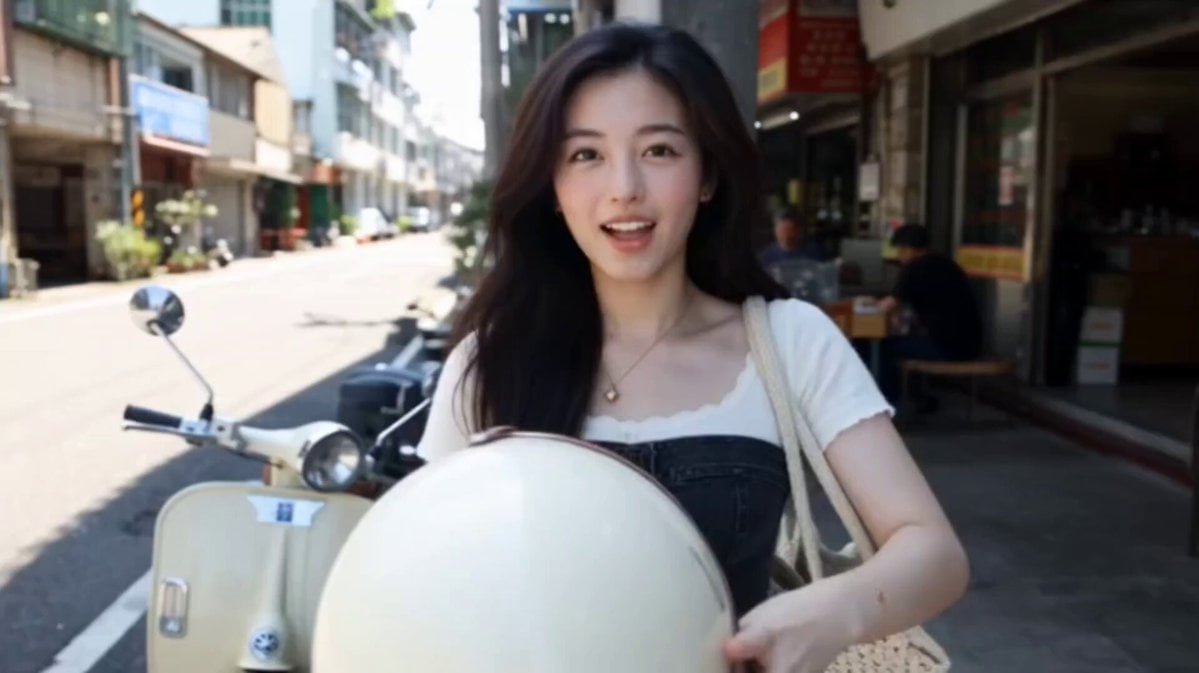
Kenting Lifestyle Travel Vlog
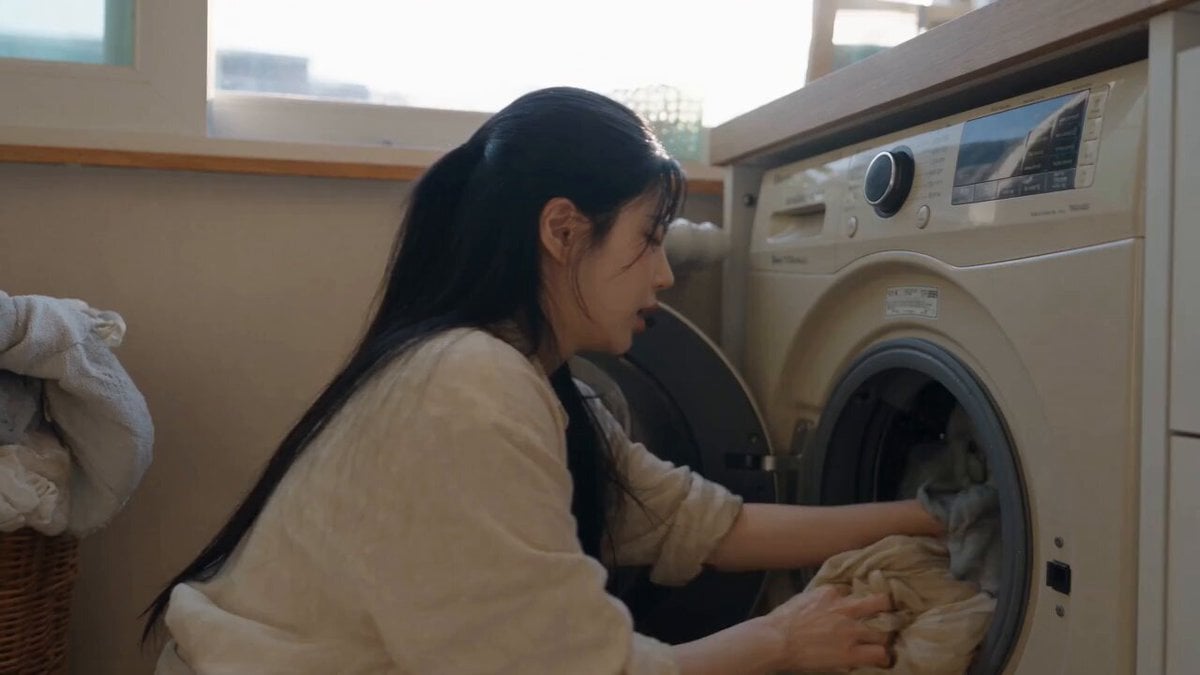
Sunny Morning Laundry Vlog

Real Animal Spear Dance Video Generation
Make it yours
Cinematic Personal Vlog Scene Generation works as-is. These are the safest ways to change it without losing the look.
Change one field
Copy a single group, rewrite it, and generate again so you can see what that field is doing.
Keep the frame, change the subject
Hold the composition and light of Cinematic Personal Vlog Scene Generation, then swap wardrobe, props or the person for a new take.
| If the result… | Why | Fix |
|---|---|---|
| The result drifts from the preview | Too many fields changed at once. | Reuse Cinematic Personal Vlog Scene Generation as-is first, then change one group — subject, light, or setting. |
| The model over-stylizes the scene | The prose prompt leaves finish and camera underspecified. | Add one camera or lighting sentence and stay on Seedance 2.0. |
More Seedance 2.0 templates
Other prompts made for Seedance 2.0.

Comical Martial Arts Punch Scene

Maglev Train Action Sequence

Martial Arts Fight Sequence

Wuxia Protection and Trust Script

Vintage Korean Arcade MiniDV Vlog

Mercedes 190 SL Luxury Ad

Rainy Night Supernatural Reverse Comedy Video Script

Amazon Civilization Discovery

Futuristic South Asian City Transformation

Cozy Luxury Cafe Commercial
More video prompts
Fresh picks from across the catalog.
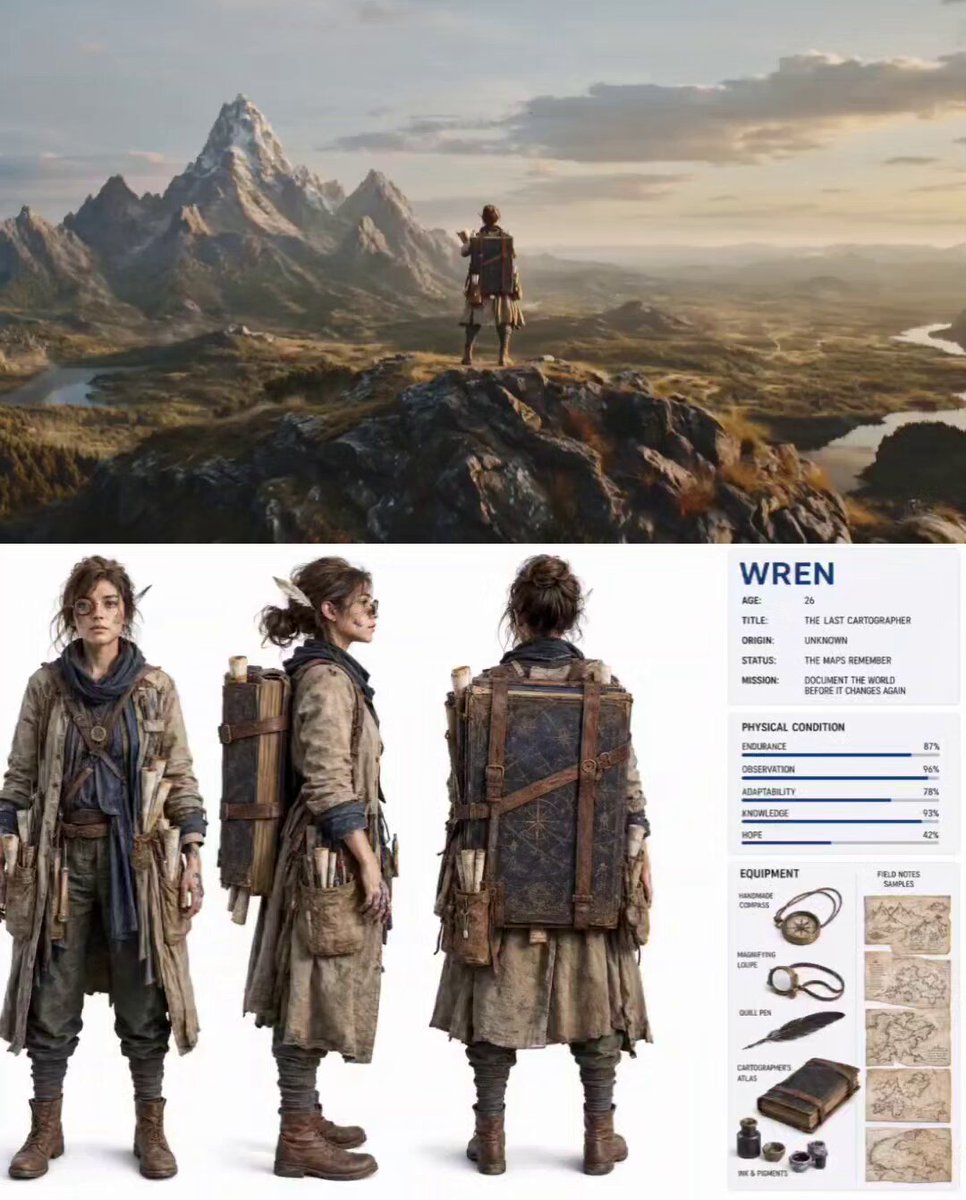
Nature Reclaiming Cities Cartographer Scene
Realistic Small Restaurant Comedy Video Script

The Secret Life of a Pet Parrot
Cinematic Emotional Confrontation Prompt

Pleiadian Portal Entrance
Rooftop Parkour Motion Control

Black Helen of Troy Video
Hardcore Xianxia Dual Spears vs Sword Combat

The Dawning of the Age of Aquarius
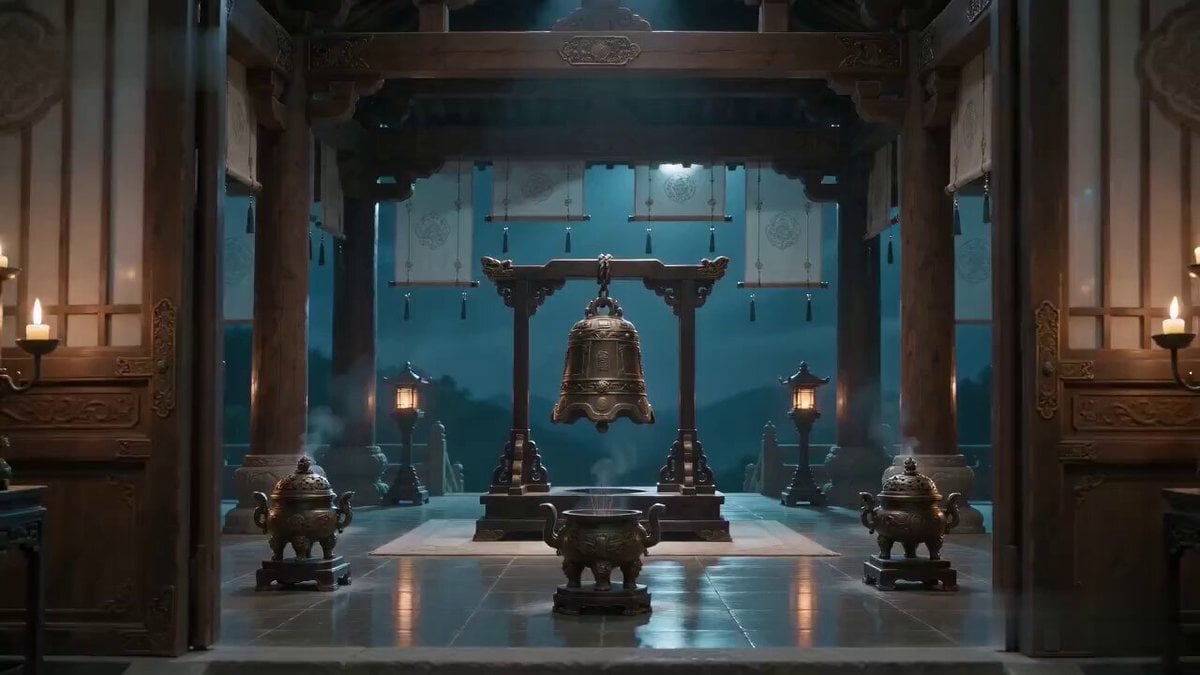
Xianxia Truth Bell Comedy Scene
Browse template categories
Cinematic Personal Vlog Scene Generation questions
How do I use the Cinematic Personal Vlog Scene Generation template?
Add your photo if the template asks for one, edit the prompt if you like — the template's model and format are already selected — and press Generate. Your version opens in PicX Studio.
Can I customize the Cinematic Personal Vlog Scene Generation template?
Yes. You can change the subject, setting, lighting, mood, format, and available model controls before creating your video.
Is the Cinematic Personal Vlog Scene Generation template free?
Opening and editing this template is free. Generating uses credits, shown on the Generate button when you are signed in.
Which AI model should I use?
Start with Seedance 2.0, which is the model associated with this template. You can compare another compatible model for a different finish.
Looking for something else? Browse all templates.

Your photo, any look
Thousands of ready templates for every top image and video model, from one credit balance.