
Cinematic Emotional Confrontation Prompt
An extensive cinematic prompt describing a heartbreaking rain-soaked roof-top argument between two characters in a painterly illustration style.
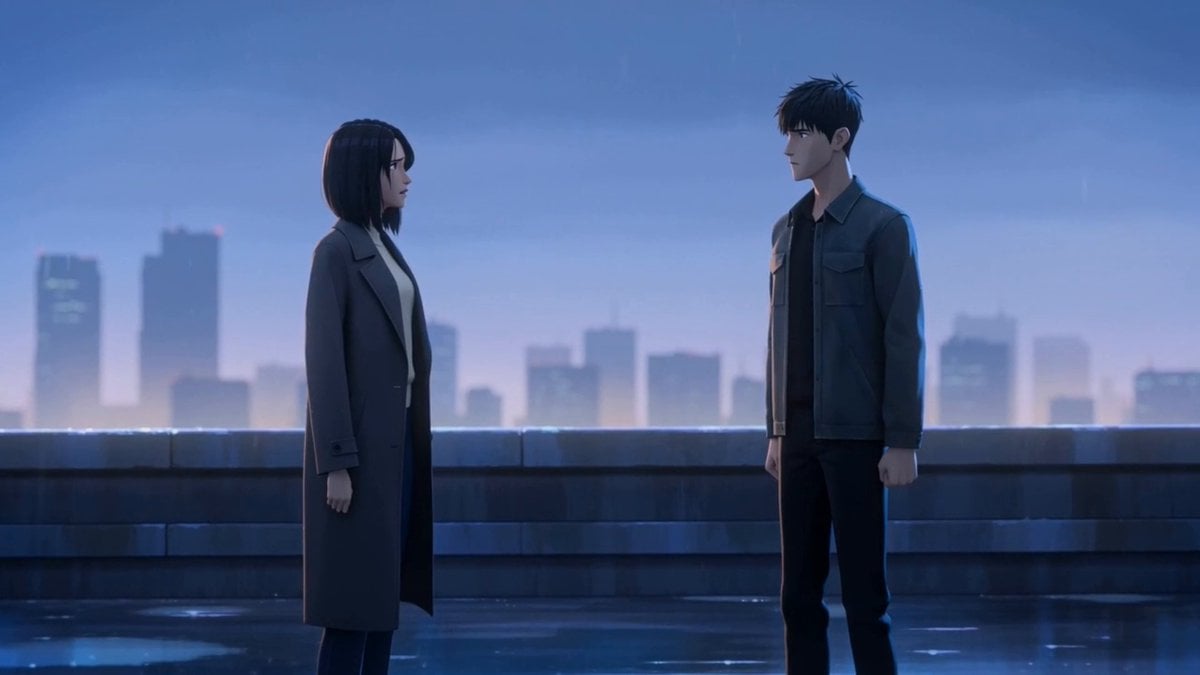
- Prompt included
- Model and format preset
- Free template
The prompt behind this video
Copy the exact prompt behind Cinematic Emotional Confrontation Prompt, or open it in the studio and make it yours.
A cinematic emotional confrontation in a stylized semi-realistic painterly illustration style with anime-influenced design language, elegant elongated proportions, strong silhouettes, clean shape design, painterly digital brushwork, selective sharp edges on the focal faces, softer painted edges in the atmospheric background, polished concept-art finish, non-photorealistic. Blue-violet dusk on a rain-damp rooftop with shallow puddles, low concrete ledge, blurred city skyline, soft cool skylight from camera left, subtle city rim light behind the characters, wet reflections on the ground. Two characters only. CHARACTER_A is an early-20s woman with wet dark shoulder-length hair, slim build, charcoal long coat over a pale sweater and dark trousers, already emotional and trying not to cry. CHARACTER_B is a mid-20s man with dark rain-wet short hair, lean build, dark jacket over black shirt and dark pants, restrained and guilty. Begin with a medium-wide two-shot at eye level from near CHARACTER_A’s side, slow push-in, showing both characters already in the aftermath of an argument, light rain, wind, distant city ambience, and a very restrained sparse piano cue with low sustained strings under the natural sound. Cut to a medium close-up over CHARACTER_A’s shoulder on CHARACTER_B as he quietly says, “I did it to protect you,” in a low warm controlled voice with guilt underneath. Cut to a medium close-up on CHARACTER_A as she takes one small step forward, eyes filling, breath catching, and says with hurt disbelief, “Protect me? You lied to me.” Cut to a tight close-up on CHARACTER_A as tears break free and she says, in a soft breathy trembling voice, “You betrayed me.” Hold briefly after the line so the emotion lands. Keep all motion restrained and readable.
How to use Cinematic Emotional Confrontation Prompt in 3 steps
- 1
Open
The prompt is already in the box next to the preview, with the template's model and format selected.
- 2…a portrait of your subject in softgolden-hour light, 85mm…
Personalize
Edit the subject and creative details for your destination.
- 3Generate
Generate
Press Generate — your video is created in PicX Studio, so you can compare it with the original and refine one variable at a time.
More like this
Templates with the same subject, style or setup. Open one to see its prompt.
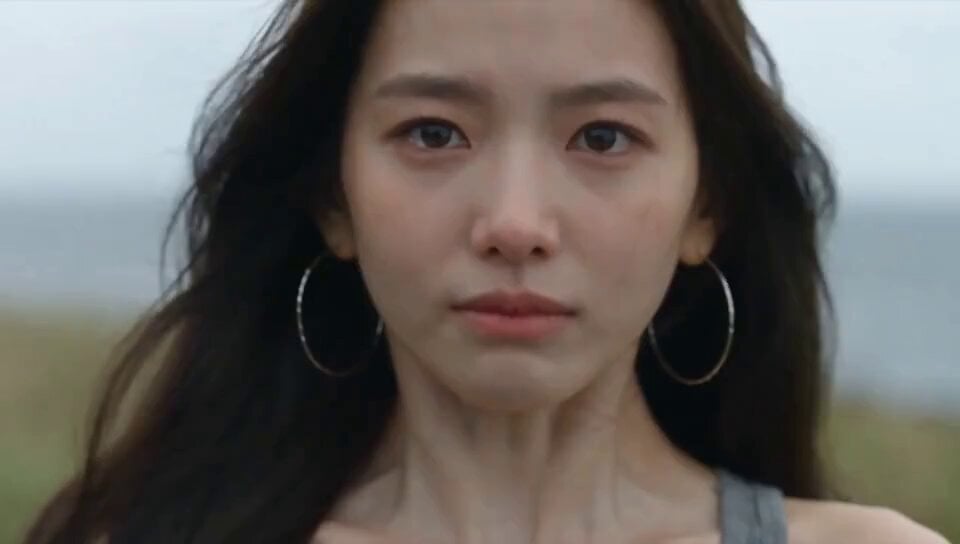
Emotional Breakdown and Fabric Interaction - Seedance 2.5
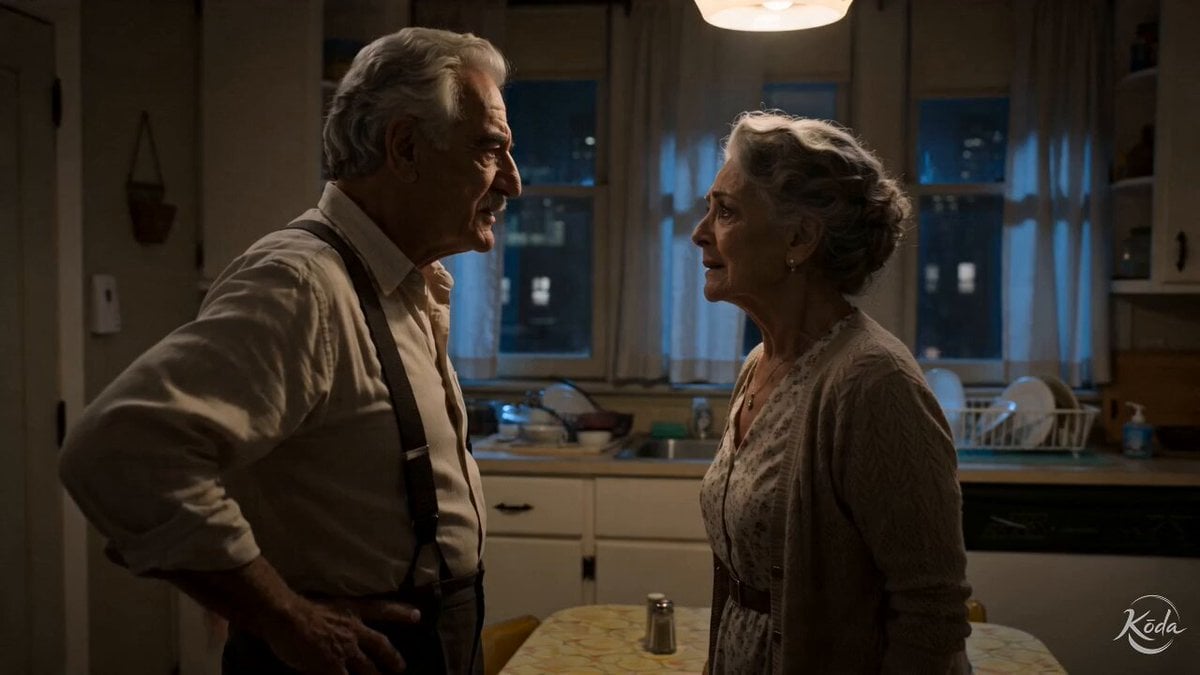
Cinematic Emotional Kitchen Confrontation
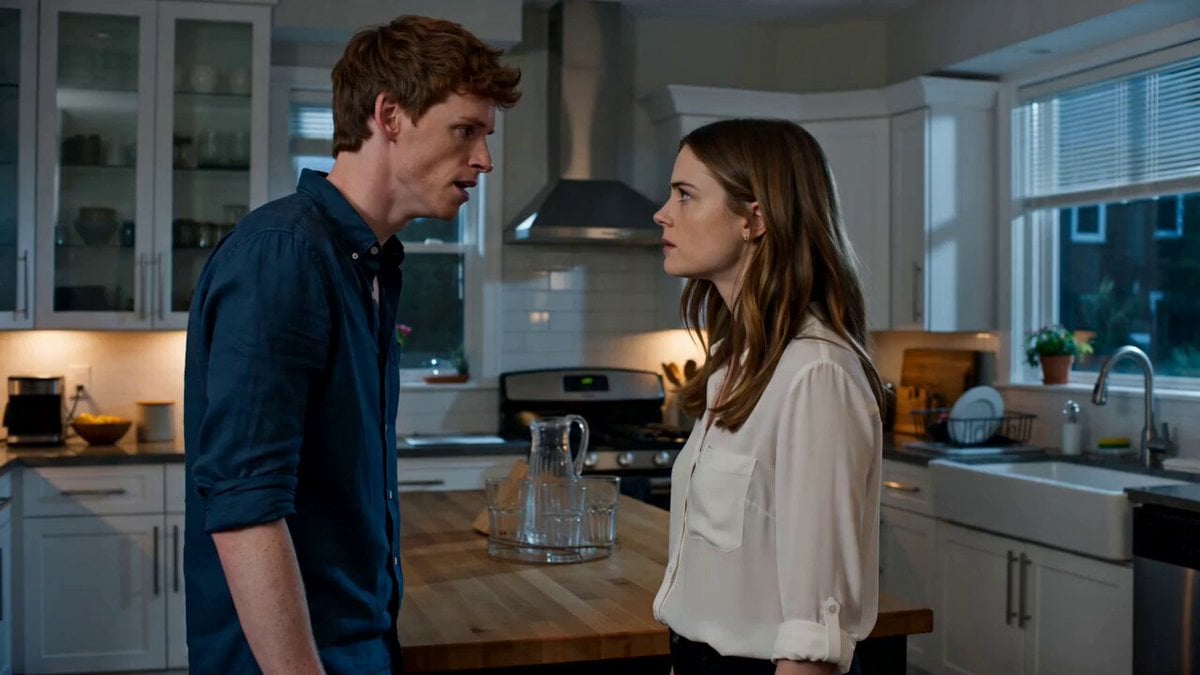
Emotional Kitchen Confrontation Drama
Apartment Hallway Neighbor Confrontation
Classroom Confrontation Short Film Script
Cinematic Superhero Confrontation Prompt
Emotional Parisian Apartment Drama
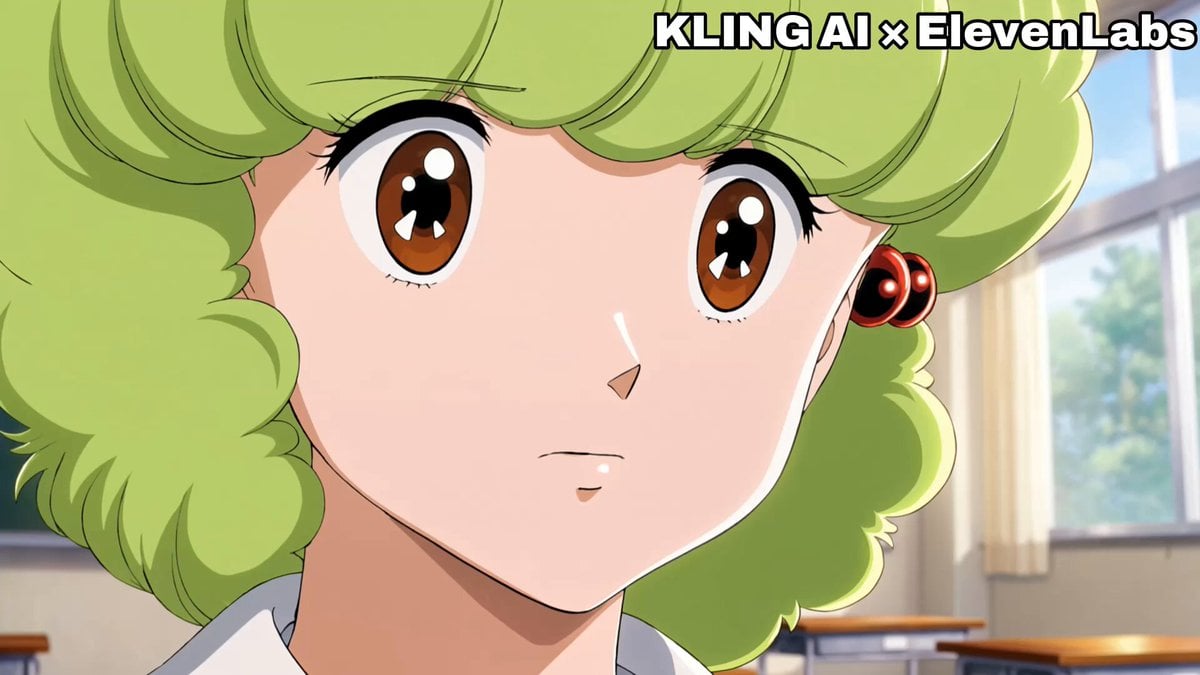
Emotional Anime Monologue Video
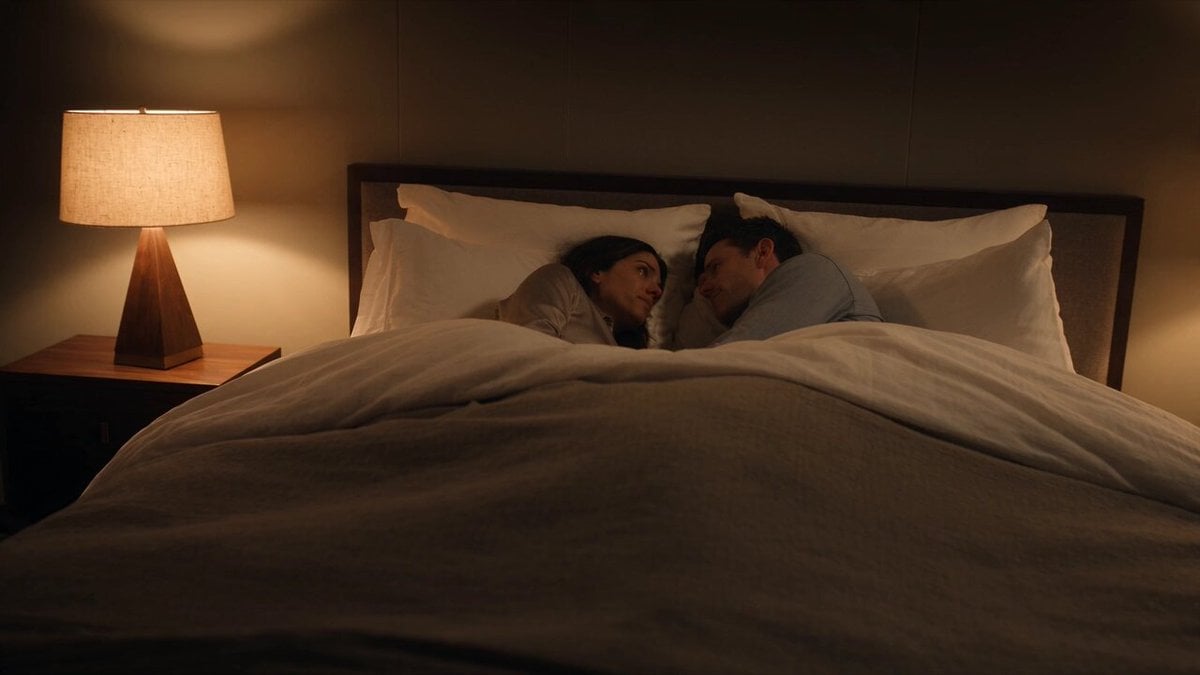
Emotional Bedroom Dialogue Scene
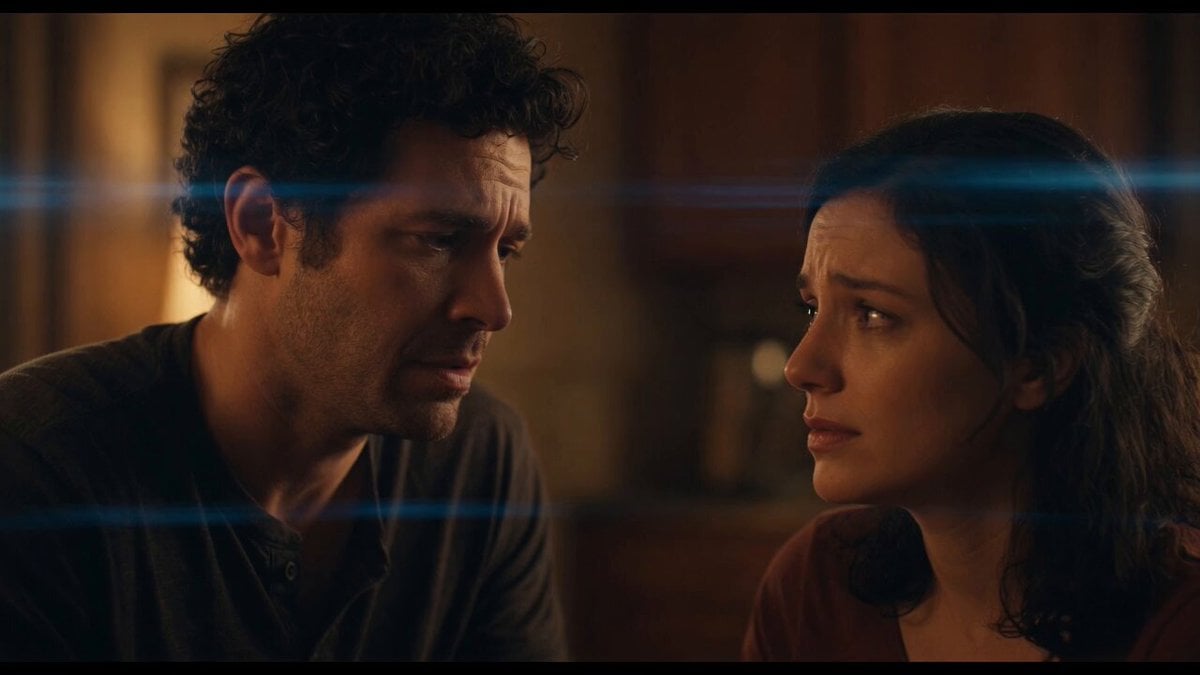
Emotional Angry Couple Drama

World Cup Final Emotional Drama

The Street Barber Emotional Story
Make it yours
Cinematic Emotional Confrontation Prompt works as-is. These are the safest ways to change it without losing the look.
Change one field
Copy a single group, rewrite it, and generate again so you can see what that field is doing.
Keep the frame, change the subject
Hold the composition and light of Cinematic Emotional Confrontation Prompt, then swap wardrobe, props or the person for a new take.
| If the result… | Why | Fix |
|---|---|---|
| The result drifts from the preview | Too many fields changed at once. | Reuse Cinematic Emotional Confrontation Prompt as-is first, then change one group — subject, light, or setting. |
| The model over-stylizes the scene | The prose prompt leaves finish and camera underspecified. | Add one camera or lighting sentence and stay on Seedance 2.0. |
More Seedance 2.0 templates
Other prompts made for Seedance 2.0.

Comical Martial Arts Punch Scene

Maglev Train Action Sequence

Martial Arts Fight Sequence

Wuxia Protection and Trust Script

Vintage Korean Arcade MiniDV Vlog

Mercedes 190 SL Luxury Ad

Rainy Night Supernatural Reverse Comedy Video Script

Amazon Civilization Discovery

Futuristic South Asian City Transformation

Cozy Luxury Cafe Commercial
More video prompts
Fresh picks from across the catalog.

Surreal Futuristic Megacity Descent
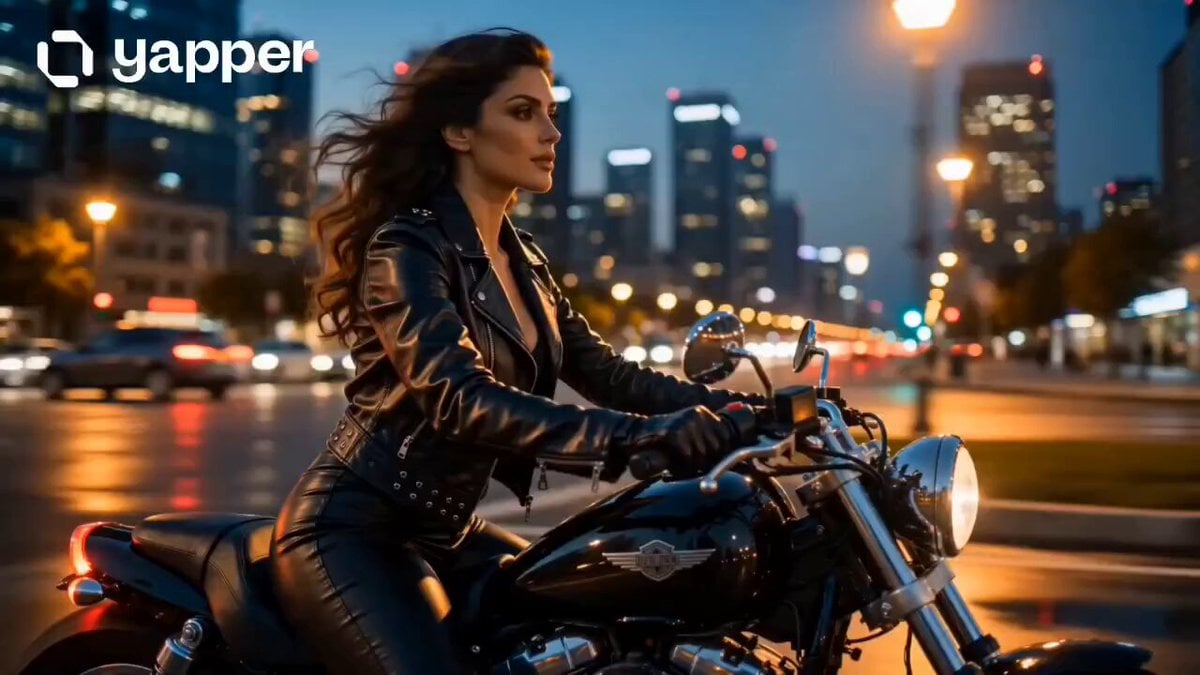
Cinematic Motorbike Ride at Dusk

Planet-sized Quantum Computer World
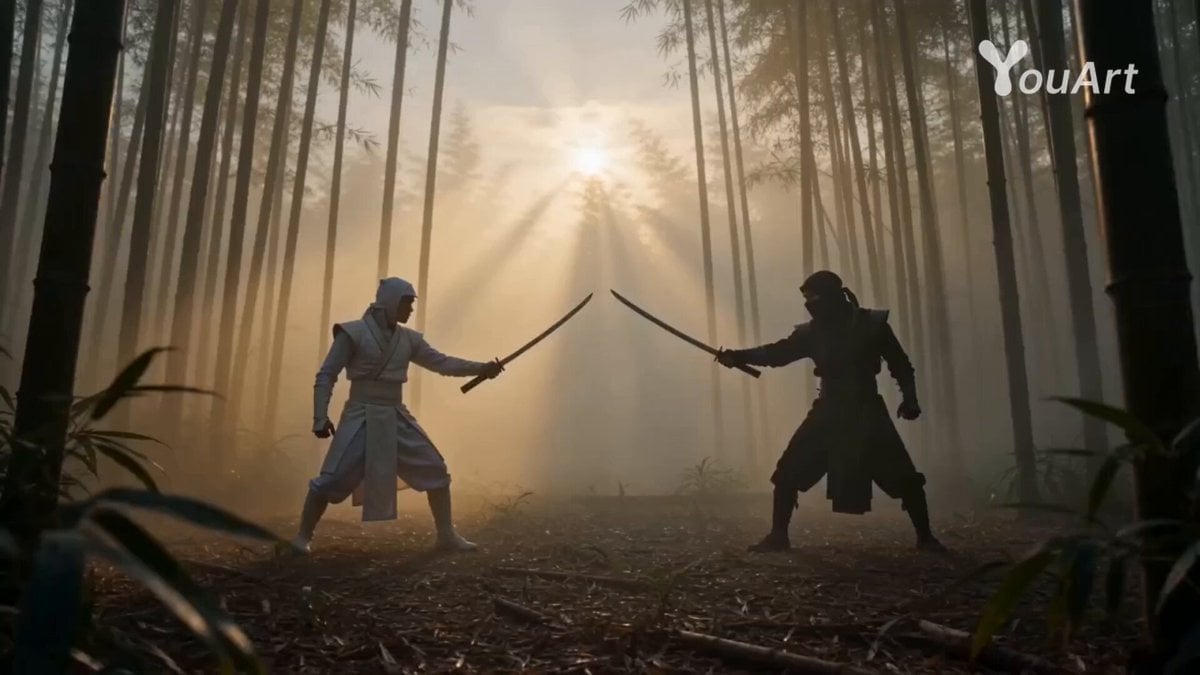
Epic Cinematic Ninja Fight Scene
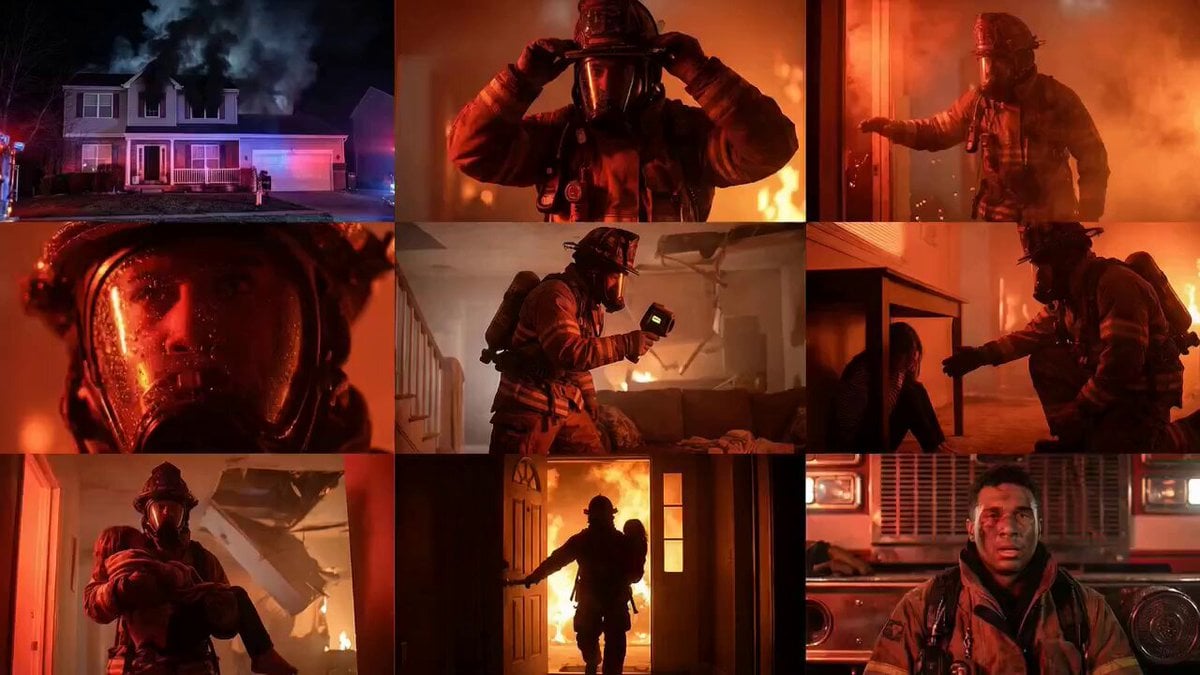
Cinematic Rescue Montage Storyboard Prompt

Chain-Reaction Comedy Short Script

Luxury Perfume Cinematic Commercial
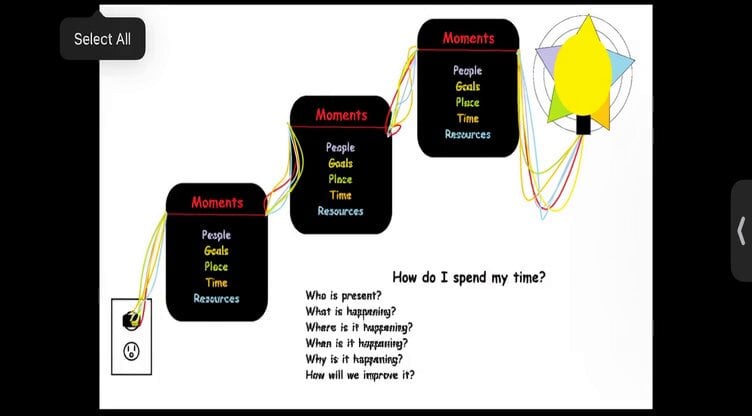
Red Energy Ball Lighting Up Text Boxes

White Lion Mech Roar
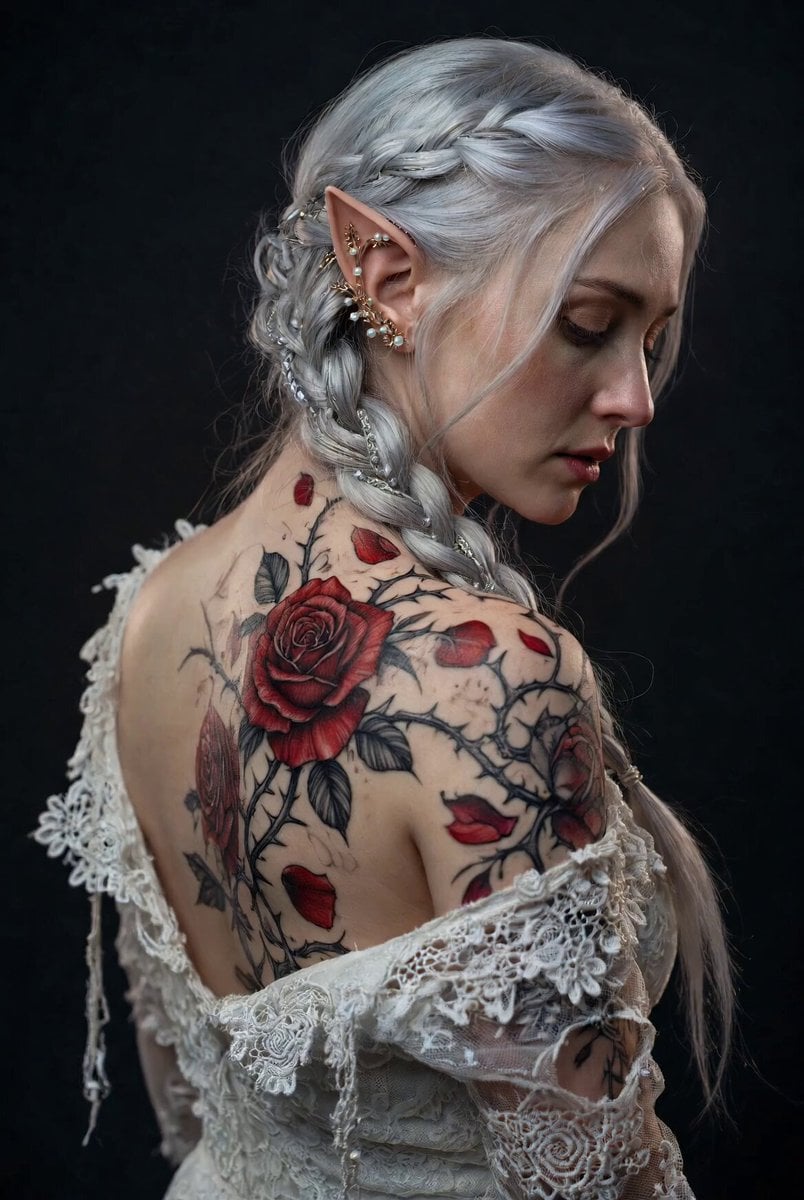
Ethereal Elf Woman with Rose Tattoo
Browse template categories
Cinematic Emotional Confrontation Prompt questions
How do I use the Cinematic Emotional Confrontation Prompt template?
Add your photo if the template asks for one, edit the prompt if you like — the template's model and format are already selected — and press Generate. Your version opens in PicX Studio.
Can I customize the Cinematic Emotional Confrontation Prompt template?
Yes. You can change the subject, setting, lighting, mood, format, and available model controls before creating your video.
Is the Cinematic Emotional Confrontation Prompt template free?
Opening and editing this template is free. Generating uses credits, shown on the Generate button when you are signed in.
Which AI model should I use?
Start with Seedance 2.0, which is the model associated with this template. You can compare another compatible model for a different finish.
Looking for something else? Browse all templates.

Your photo, any look
Thousands of ready templates for every top image and video model, from one credit balance.