
Emotional Kitchen Confrontation Drama
A detailed video generation prompt for creating an intimate, high-tension cinematic drama between a couple in a modern kitchen.
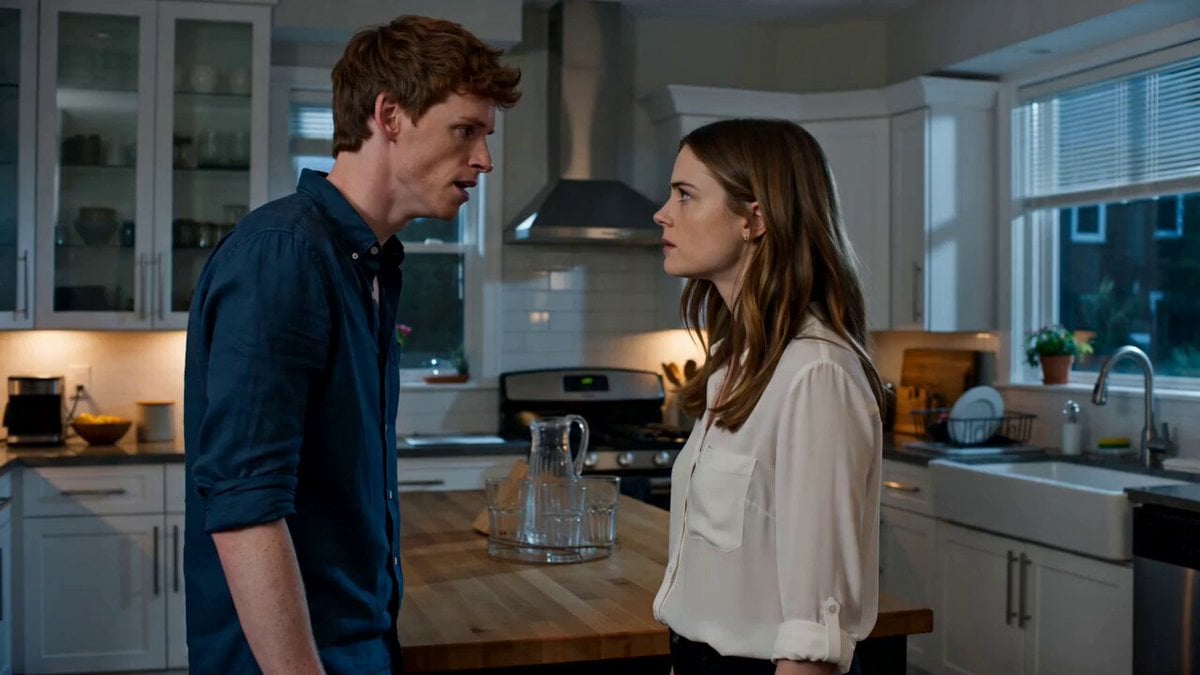
- Prompt included
- Model and format preset
- Premium template
The prompt behind this video
Copy the exact prompt behind Emotional Kitchen Confrontation Drama, or open it in the studio and make it yours.
Intimate cinematic drama, natural mixed lighting in a modern kitchen at night, subtle handheld feel with controlled precision, emotional realism, shallow depth of field on faces. [TIMELINE] 0-4s: Medium two-shot. Man and woman stand close in tense confrontation. Man speaks with rising anger, jaw tight. Woman listens, eyes narrowing. Camera begins slow, almost imperceptible push-in. 4-8s: Man’s anger peaks. He slams his palm on the wooden table. Glass and cutlery shift realistically with the impact. Woman flinches but holds her ground, micro-expression of hurt turning into defiance. Camera continues pushing in, now favoring her face. 8-12s: Woman delivers her reply with cold precision. Subtle head tilt and steady eye contact. Man’s breathing changes, shoulders drop slightly in defeat. Camera slowly orbits 15 degrees around them, keeping both faces in frame as tension shifts. 12-15s: Final beat. Woman turns and walks out of frame. Man stays, staring at the table, breathing heavy. Camera settles into a tighter frame on his face, capturing the quiet aftermath. Subtle lighting shift as she exits. nuanced facial micro-expressions and emotional performance, realistic object interaction and physics on impact, coherent character consistency, cinematic drama lighting, movie-level subtlety.
How to use Emotional Kitchen Confrontation Drama in 3 steps
- 1
Open
The prompt is already in the box next to the preview, with the template's model and format selected.
- 2…a portrait of your subject in softgolden-hour light, 85mm…
Personalize
Edit the subject and creative details for your destination.
- 3Generate
Generate
Press Generate — your video is created in PicX Studio, so you can compare it with the original and refine one variable at a time.
More like this
Templates with the same subject, style or setup. Open one to see its prompt.
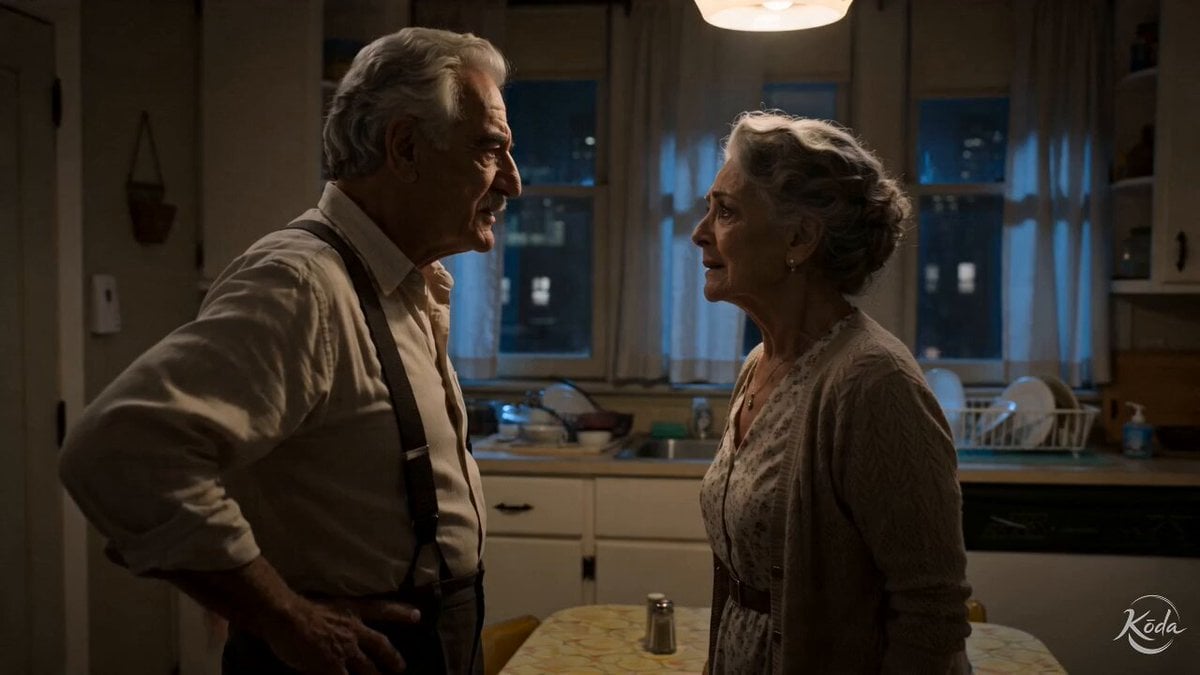
Cinematic Emotional Kitchen Confrontation

Emotional Parisian Apartment Drama

Emotional Breakdown and Fabric Interaction - Seedance 2.5
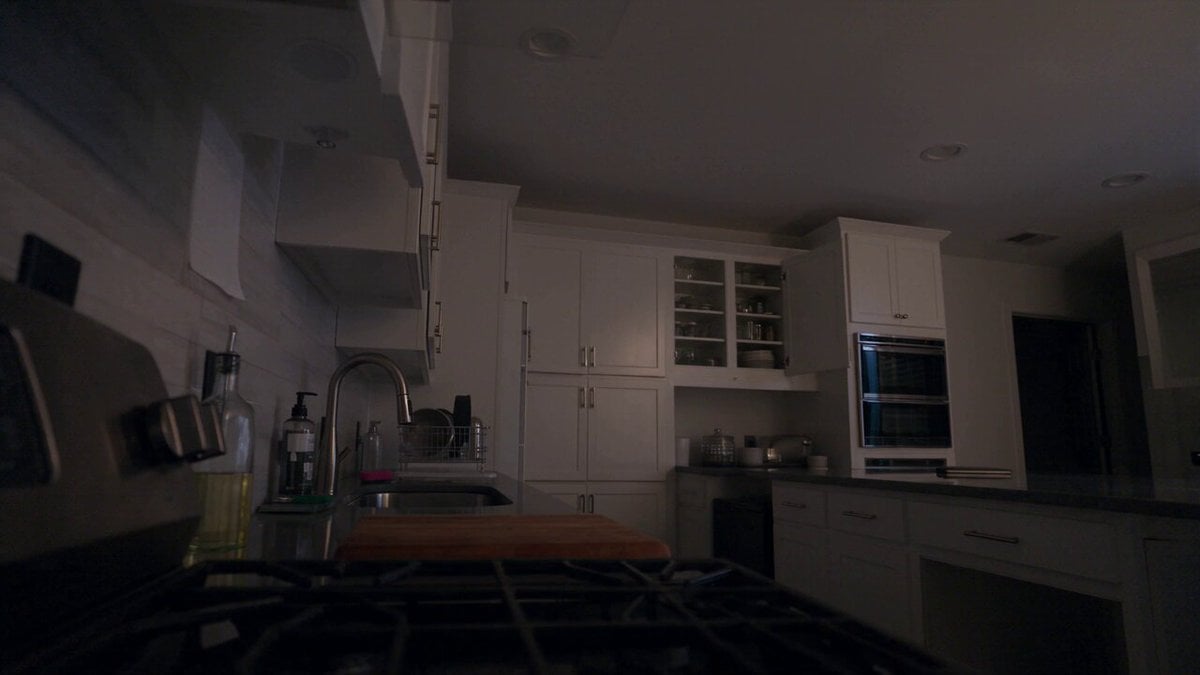
Late Night Kitchen Phone Recording - Seedance 2.5
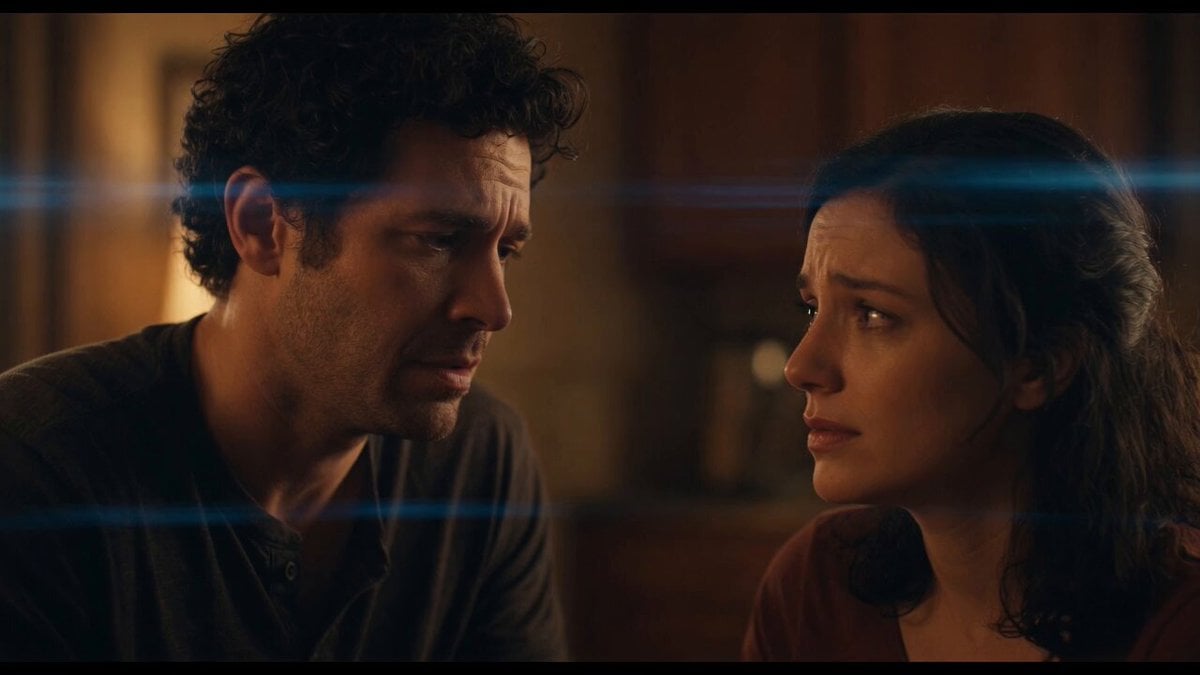
Emotional Angry Couple Drama

World Cup Final Emotional Drama
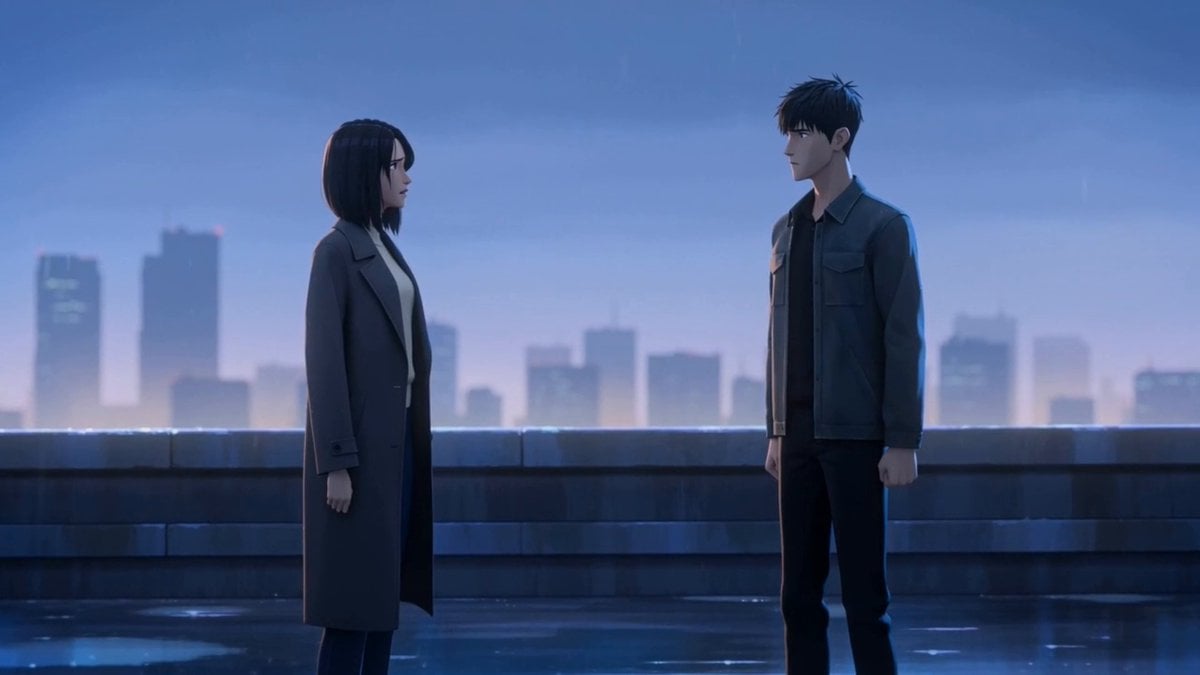
Cinematic Emotional Confrontation Prompt
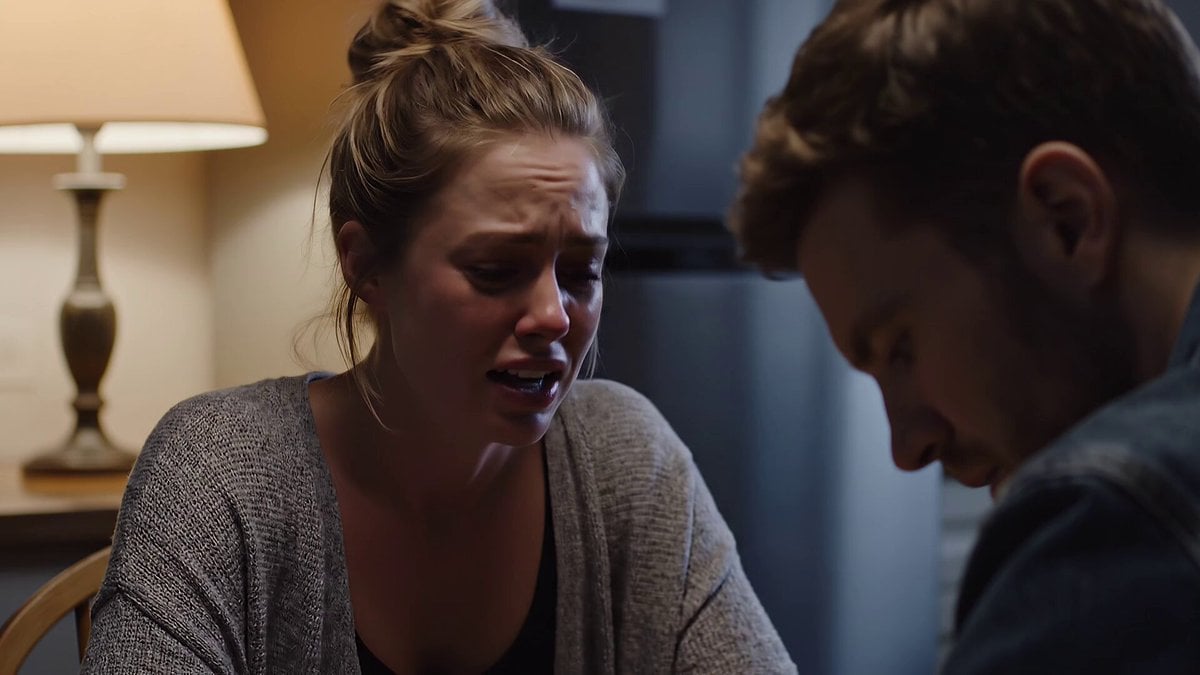
Emotional Kitchen Scene with Dialogue
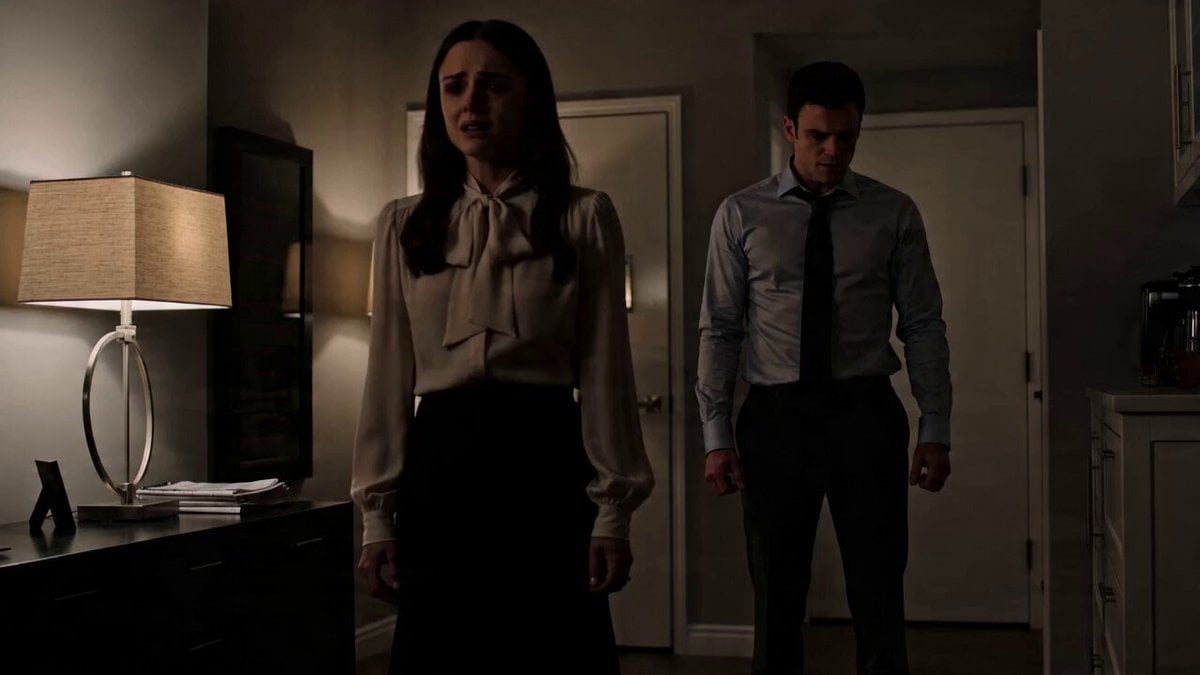
Emotional Drama Scene Prompt
Luxury House Tour — 15 Shots in 15 Seconds (Seedance)
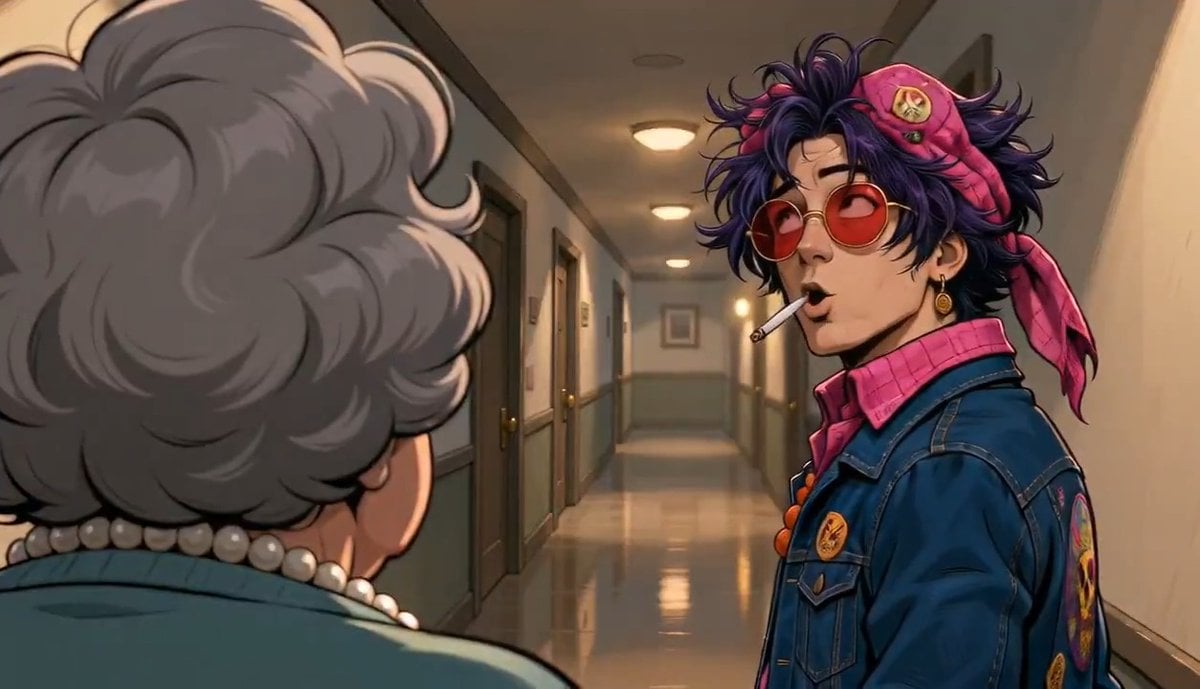
Apartment Hallway Neighbor Confrontation

Mixed-Media Kitchen Cooking Animation
Make it yours
Emotional Kitchen Confrontation Drama works as-is. These are the safest ways to change it without losing the look.
Change one field
Copy a single group, rewrite it, and generate again so you can see what that field is doing.
Keep the frame, change the subject
Hold the composition and light of Emotional Kitchen Confrontation Drama, then swap wardrobe, props or the person for a new take.
| If the result… | Why | Fix |
|---|---|---|
| The result drifts from the preview | Too many fields changed at once. | Reuse Emotional Kitchen Confrontation Drama as-is first, then change one group — subject, light, or setting. |
| The model over-stylizes the scene | The prose prompt leaves finish and camera underspecified. | Add one camera or lighting sentence and stay on Seedance 2.0. |
More Seedance 2.0 templates
Other prompts made for Seedance 2.0.

Comical Martial Arts Punch Scene

Maglev Train Action Sequence

Martial Arts Fight Sequence

Wuxia Protection and Trust Script

Vintage Korean Arcade MiniDV Vlog

Mercedes 190 SL Luxury Ad

Rainy Night Supernatural Reverse Comedy Video Script

Amazon Civilization Discovery

Futuristic South Asian City Transformation

Cozy Luxury Cafe Commercial
More video prompts
Fresh picks from across the catalog.
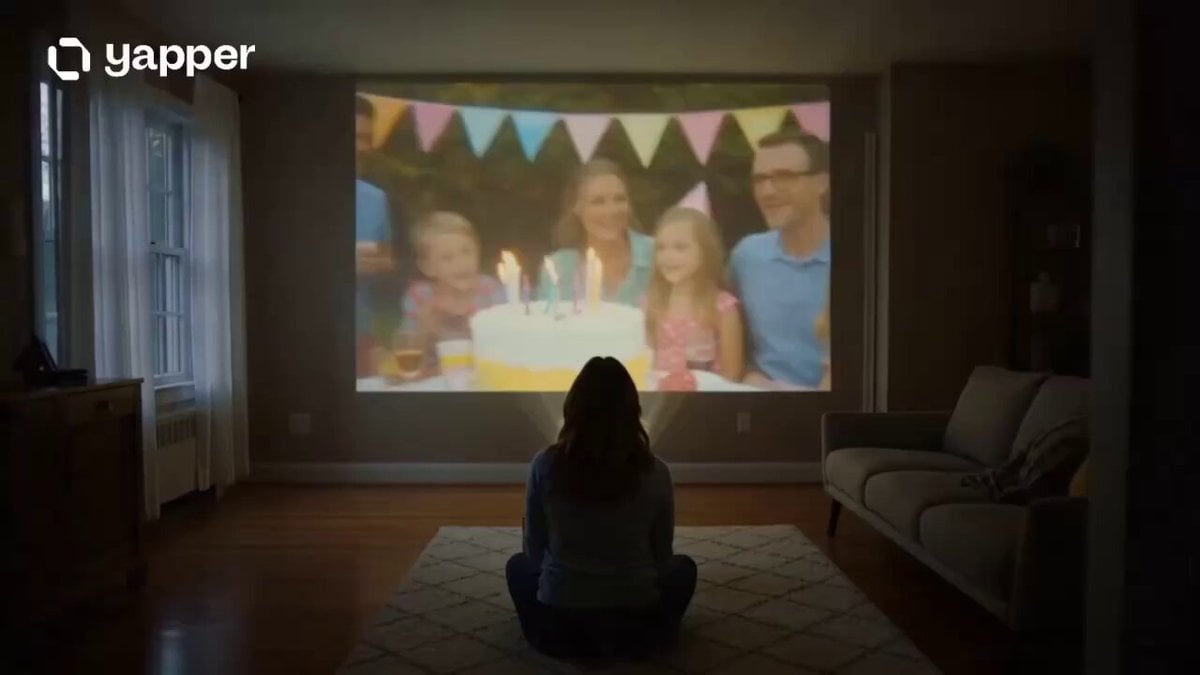
Emotional Memory and Nostalgia Storyboard

Dubai Good Evening Cityscape

Cyberpunk Neon Samurai Duel
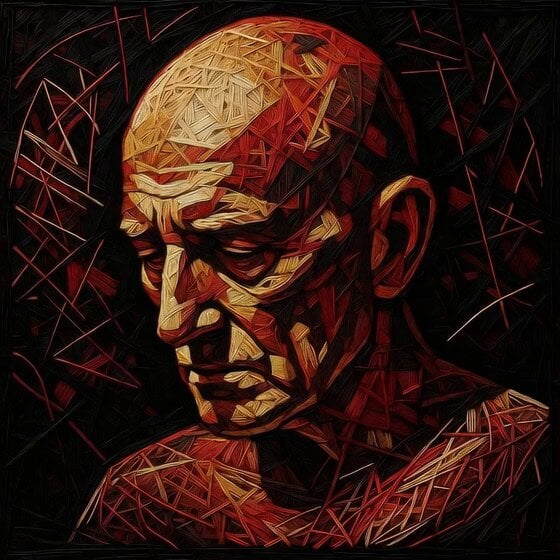
Deconstructing Portrait into Void

Sci-Fi Train Transformation
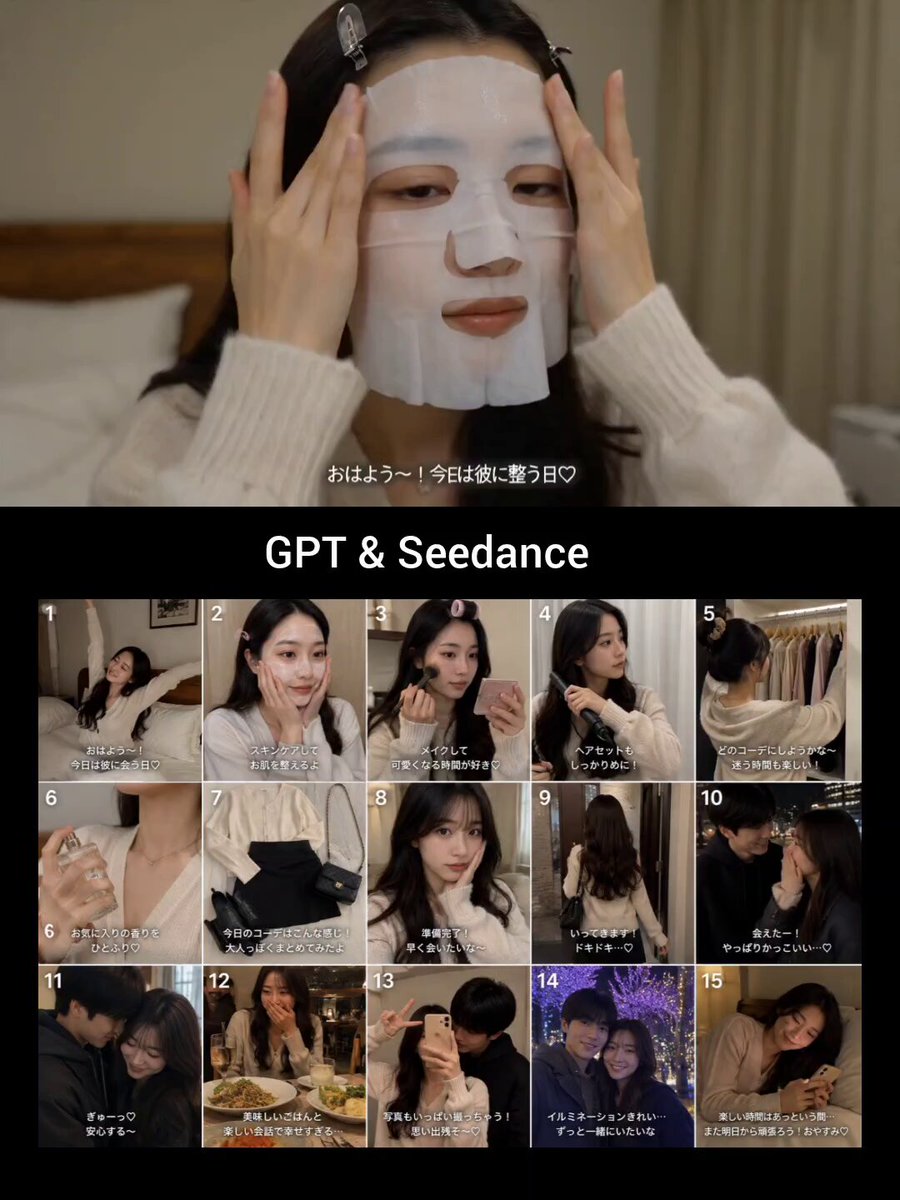
Japanese GRWM Date Vlog
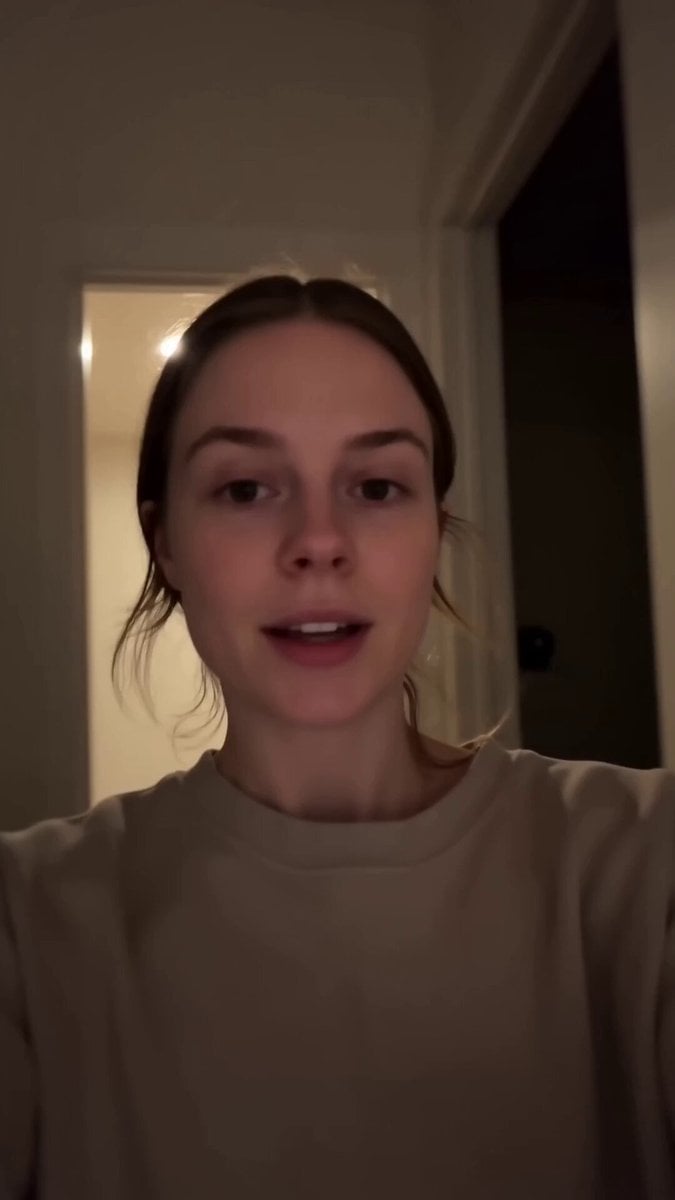
Late-Night Tea Wind-Down Diary
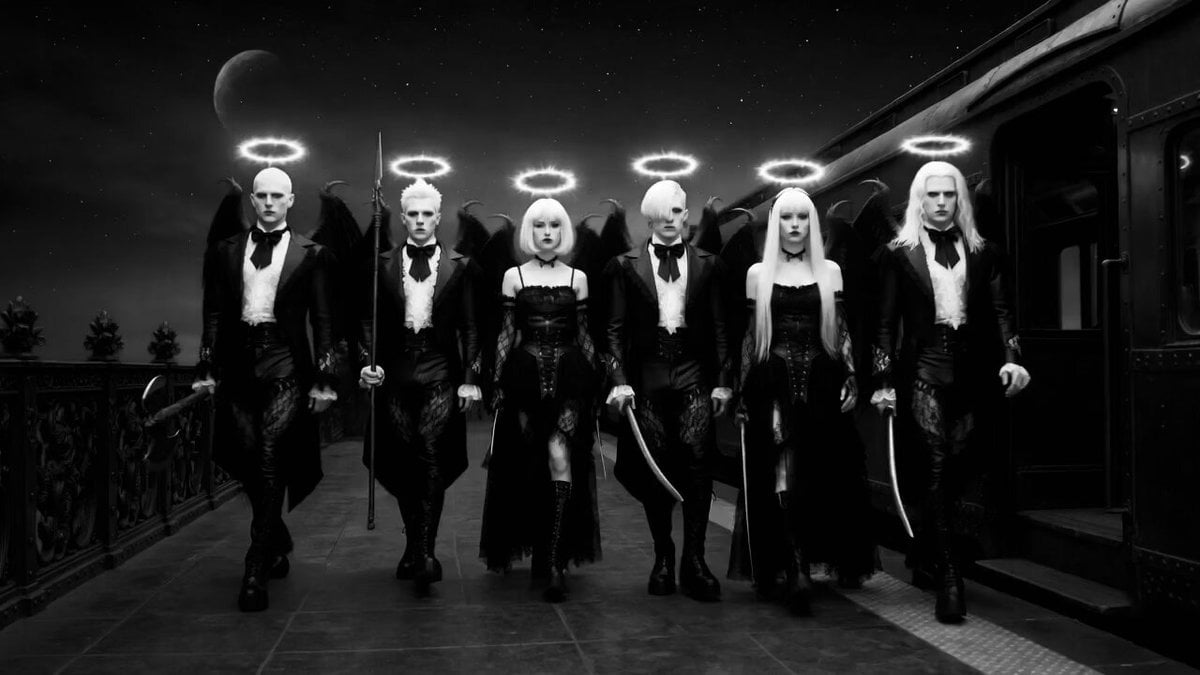
Monochrome Underworld Ghost Train

Realistic Male Influencer Storyboard
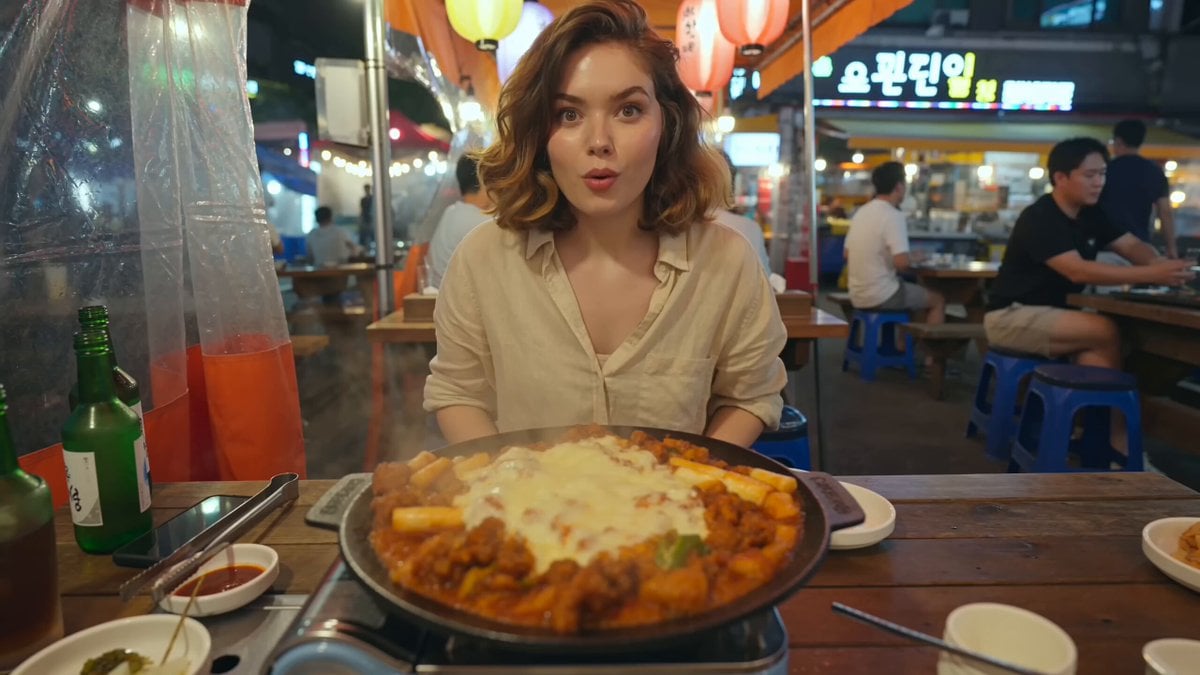
Korean Street Food Vlog
Browse template categories
Emotional Kitchen Confrontation Drama questions
How do I use the Emotional Kitchen Confrontation Drama template?
Add your photo if the template asks for one, edit the prompt if you like — the template's model and format are already selected — and press Generate. Your version opens in PicX Studio.
Can I customize the Emotional Kitchen Confrontation Drama template?
Yes. You can change the subject, setting, lighting, mood, format, and available model controls before creating your video.
Is the Emotional Kitchen Confrontation Drama template free?
Opening and editing this template is free. Generating uses credits, shown on the Generate button when you are signed in.
Which AI model should I use?
Start with Seedance 2.0, which is the model associated with this template. You can compare another compatible model for a different finish.
Looking for something else? Browse all templates.

Your photo, any look
Thousands of ready templates for every top image and video model, from one credit balance.