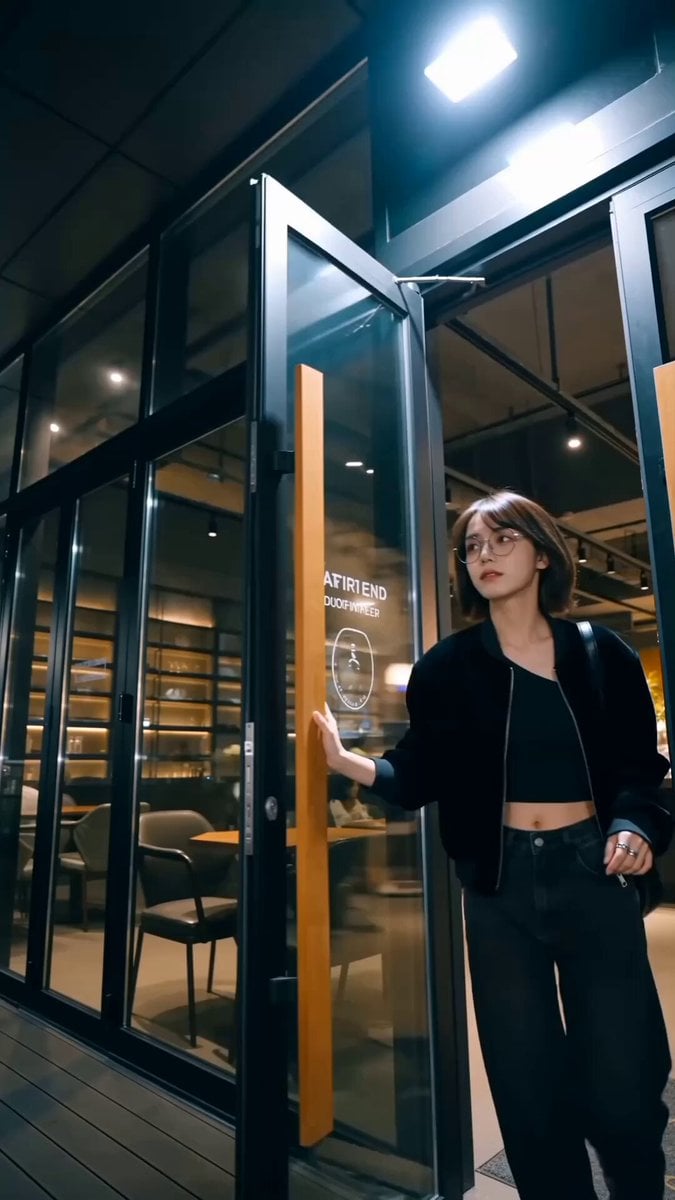
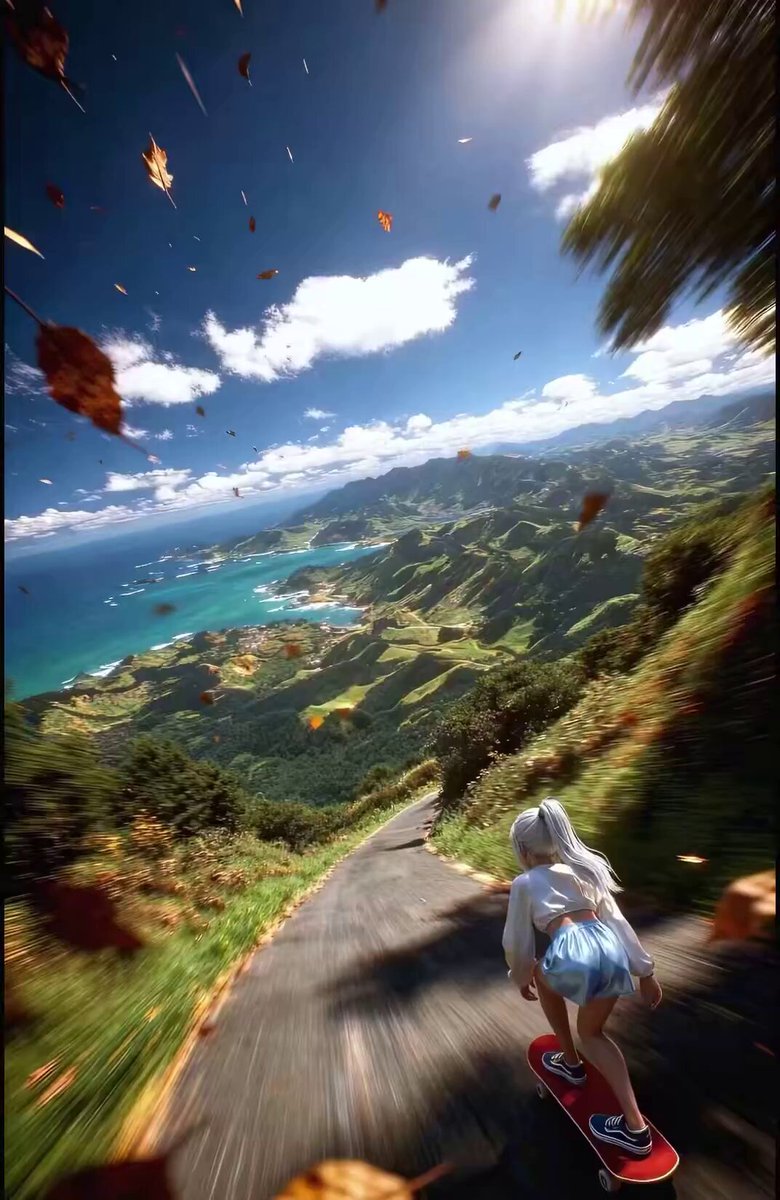
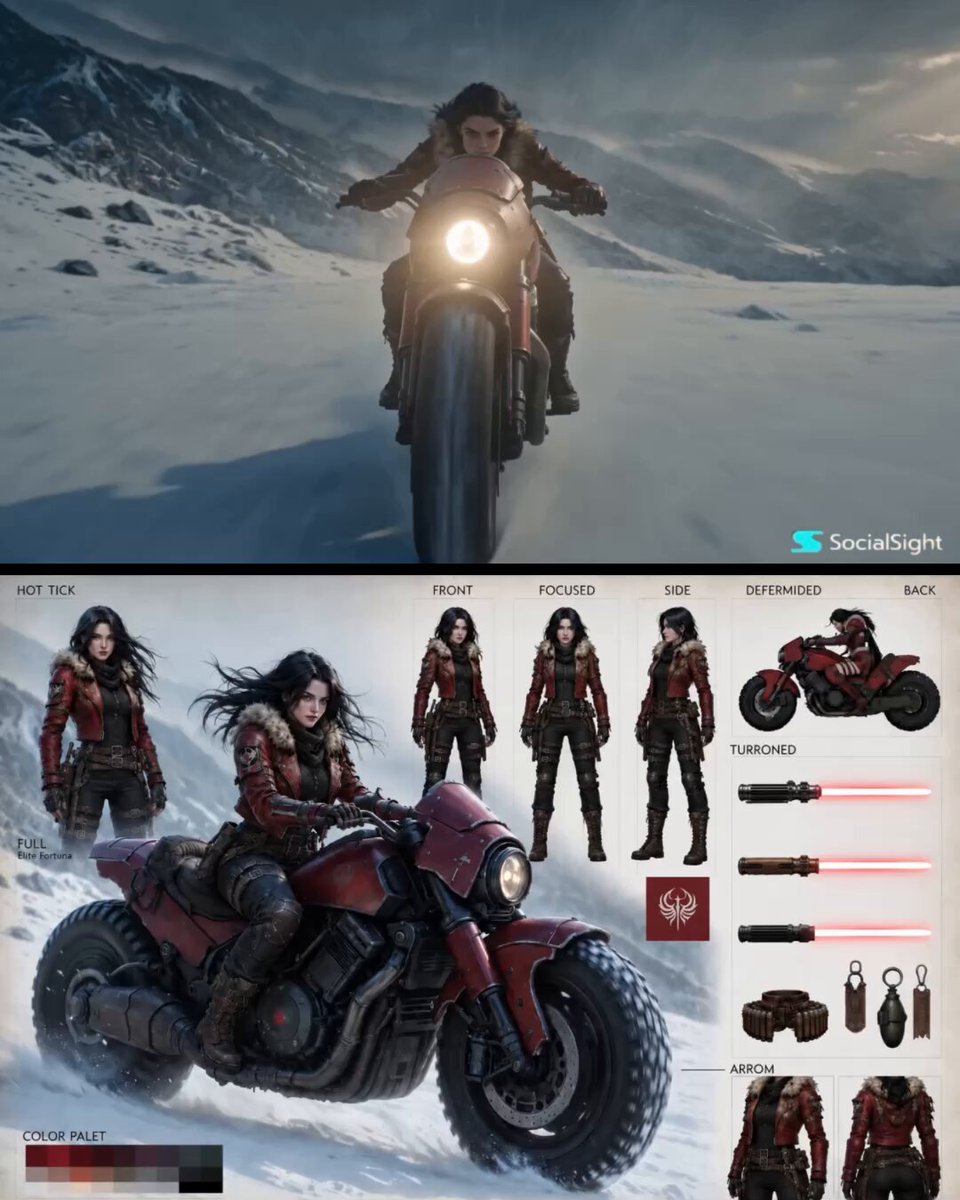
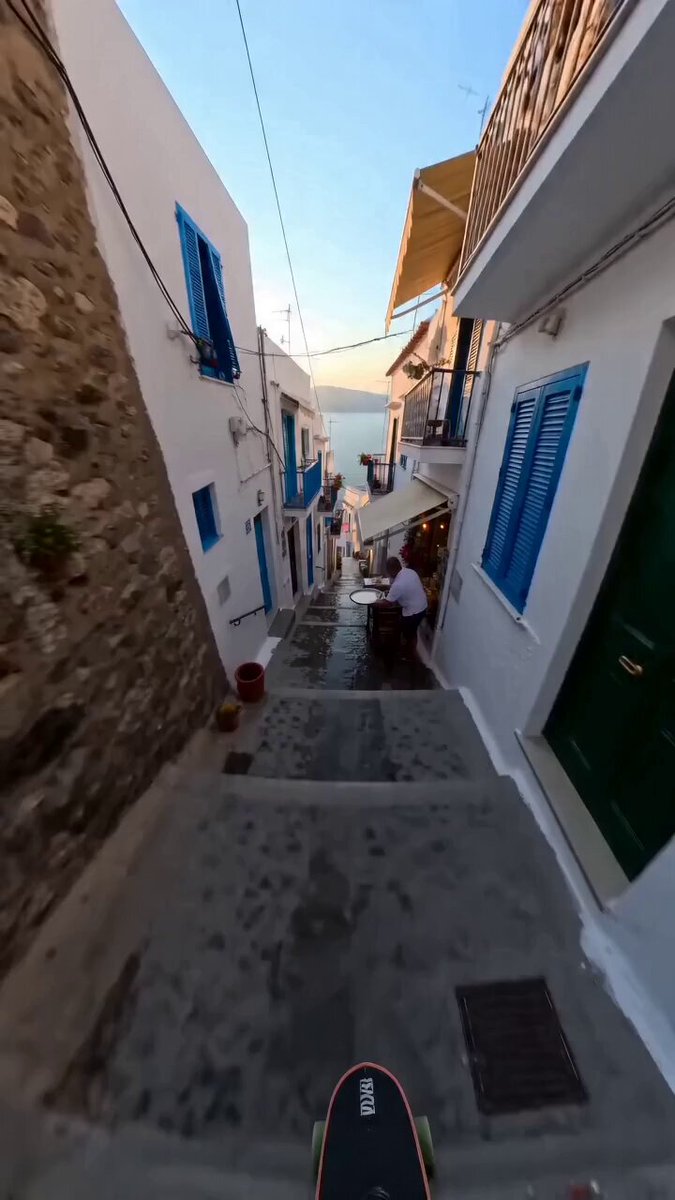
How do I use the Realistic Male Influencer Storyboard template?
Edit the prompt in the box under the preview — the template's model and format are already selected — and press Generate. Your version appears right on this page.
A comprehensive multi-scene video prompt designed to maintain character consistency across different locations and outfits, featuring fast cuts and handheld camera movements.
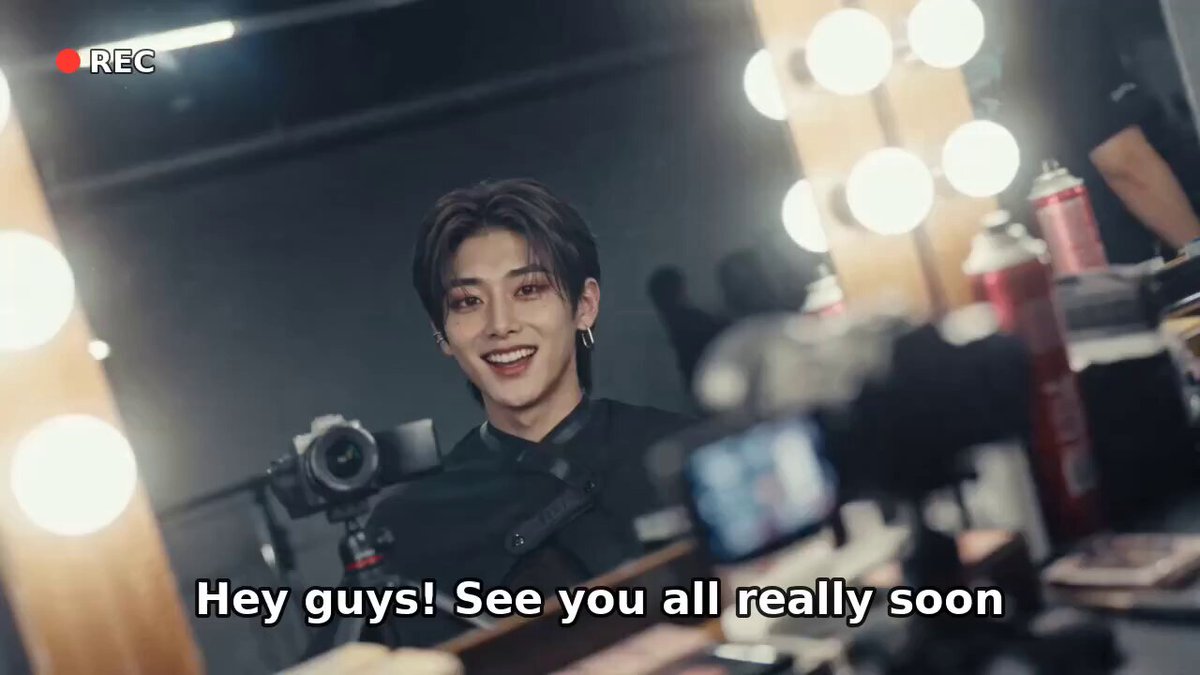
Character Consistency: The subject is the young male influencer from the reference image @Image 1. In every time period and from every angle, the face shape, facial features, and skin tone must match @Image 1 exactly. Do not alter or distort the face. Outfit: In every scene, wear stylish and luxurious black casual, streetwear, or suit outfits. Do not wear the outfit from the character reference sheet. Completely change the outfit and hairstyle for each segment. Format: 9:16 vertical. Camera / Style: Fast editing rhythm with cuts every 0.5 to 1 second. iPhone handheld vertical shooting texture. Mix digital zoom in, zoom out, and tilt up, with natural camera shake. Include autofocus hunting, indoor and outdoor lighting exposure changes, and image quality degradation during zoom adjustments. Preserve real skin texture including pores, beard shadow, flyaway hairs, and natural skin oil. Do not use beauty filters, excessive skin retouching, CGI textures, or cinematic color grading. Do not merge cuts or omit scenes. Do not insert on screen text. Sound: Trendy hip hop or R&B background music mixed with natural environmental sounds such as street noise, footsteps, and everyday ambient sounds. --- M-01. Hongdae Busking Street & Tattoo Shop Tour 0 to 2 seconds: [Hongdae Walking Street] A low angle shot holding a selfie stick high above while quickly spinning to capture both yourself and the crowd in the middle of a busy busking street. 2 to 4 seconds: [Tattoo Shop Waiting Room] A tight shot pointing at the tattoo designs hanging on the wall with your finger, followed by a quick transition to your face looking at the camera while lightly biting your lip with a slightly nervous expression. 4 to 6 seconds: [Tattoo Workstation] A forearm shot rolling up the sleeve of an oversized black T shirt, rapidly cross edited with a shot of your face smiling while enduring the pain. 6 to 8 seconds: [In Front of the Shop Mirror] A tight shot checking the linework of the newly completed tattoo in the mirror, followed by your face making eye contact with the camera through the mirror and nodding with satisfaction. 8 to 10 seconds: [Hongdae Alley] A close up taking one bite of a street waffle, then blowing on it because it is hot while smiling at the camera. 10 to 12 seconds: [Select Shop Hallway] A handheld tracking shot from behind as you walk slowly with a shopping bag over one shoulder. The screen naturally shakes in sync with your footsteps. 12 to 15 seconds: [Hongdae Station Entrance] In front of the station exit, playfully extend your fiste toward the camera in a fist bump pose. End with a front facing full body shot frozen on the final frame.
Character Consistency: The subject is the young male influencer from the reference image @Image 1. In every time period and from every angle, the face shape, facial features, and skin tone must match @Image 1 exactly. Do not alter or distort the face. Outfit: In every scene, wear stylish and luxurious black casual, streetwear, or suit outfits. Do not wear the outfit from the character reference sheet. Completely change the outfit and hairstyle for each segment. Format: 9:16 vertical. Camera / Style: Fast editing rhythm with cuts every 0.5 to 1 second. iPhone handheld vertical shooting texture. Mix digital zoom in, zoom out, and tilt up, with natural camera shake. Include autofocus hunting, indoor and outdoor lighting exposure changes, and image quality degradation during zoom adjustments. Preserve real skin texture including pores, beard shadow, flyaway hairs, and natural skin oil. Do not use beauty filters, excessive skin retouching, CGI textures, or cinematic color grading. Do not merge cuts or omit scenes. Do not insert on screen text. Sound: Trendy hip hop or R&B background music mixed with natural environmental sounds such as street noise, footsteps, and everyday ambient sounds. --- M-01. Hongdae Busking Street & Tattoo Shop Tour 0 to 2 seconds: [Hongdae Walking Street] A low angle shot holding a selfie stick high above while quickly spinning to capture both yourself and the crowd in the middle of a busy busking street. 2 to 4 seconds: [Tattoo Shop Waiting Room] A tight shot pointing at the tattoo designs hanging on the wall with your finger, followed by a quick transition to your face looking at the camera while lightly biting your lip with a slightly nervous expression. 4 to 6 seconds: [Tattoo Workstation] A forearm shot rolling up the sleeve of an oversized black T shirt, rapidly cross edited with a shot of your face smiling while enduring the pain. 6 to 8 seconds: [In Front of the Shop Mirror] A tight shot checking the linework of the newly completed tattoo in the mirror, followed by your face making eye contact with the camera through the mirror and nodding with satisfaction. 8 to 10 seconds: [Hongdae Alley] A close up taking one bite of a street waffle, then blowing on it because it is hot while smiling at the camera. 10 to 12 seconds: [Select Shop Hallway] A handheld tracking shot from behind as you walk slowly with a shopping bag over one shoulder. The screen naturally shakes in sync with your footsteps. 12 to 15 seconds: [Hongdae Station Entrance] In front of the station exit, playfully extend your fiste toward the camera in a fist bump pose. End with a front facing full body shot frozen on the final frame.
Edit the prompt in the box under the preview — the template's model and format are already selected — and press Generate. Your version appears right on this page.
Yes. You can change the subject, setting, lighting, mood, format, and available model controls before creating your video.
Opening and editing this template is free. Generating uses credits, shown on the Generate button when you are signed in.
Start with Seedance 2.0, which is the model associated with this template. You can compare another compatible model for a different finish.
Follow a topic to a crawlable collection of related PicX Studio templates.