
Dragon Protecting Child Fantasy Film
An emotional and cinematic fantasy scene where an ancient red dragon shields a young child from dark creatures in a ruined kingdom.
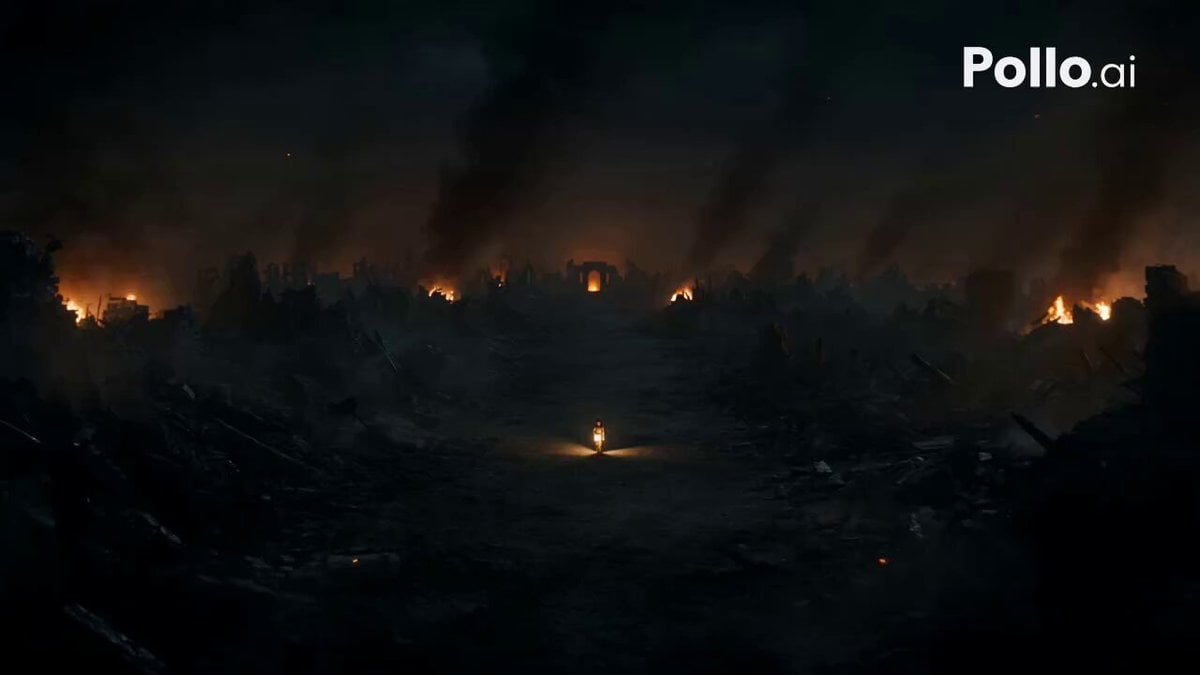
- Prompt included
- Model and format preset
- Free template
The prompt behind this video
Copy the exact prompt behind Dragon Protecting Child Fantasy Film, or open it in the studio and make it yours.
Create a 15-second ultra-realistic cinematic fantasy film featuring an original ancient red dragon protecting the last human child in a destroyed kingdom. Focus on emotional storytelling, realistic character movement, dramatic lighting, detailed environments, realistic physics, and seamless cinematic transitions. 0:00–0:03 | The Last Child A 7-year-old human child walks alone through the ruins of an ancient kingdom at night, holding a tiny glowing lantern. Smoke and ash drift through the destroyed streets while distant flames illuminate the ruins. 0:03–0:06 | The Threat Several enormous dark creatures emerge from the smoke and surround the frightened child. The child slowly steps backward as the creatures approach. 0:06–0:10 | The Dragon Appears A gigantic ancient red dragon suddenly lands between the child and the creatures. Its massive wings spread wide, golden eyes glowing intensely, as it releases a powerful roar that echoes through the ruined kingdom. 0:10–0:13 | The Protection The creatures retreat in fear. The dragon gently lowers one enormous wing around the child, shielding them from danger. The child looks up with tears in their eyes, realizing the dragon is protecting them. 0:13–0:15 | Emotional Ending The dragon looks at the child before turning toward the burning horizon as dawn begins to rise. The child gently places a small hand against the dragon’s face. Warm sunrise light breaks through the smoke as the camera slowly pushes in. Visual Style: Epic Hollywood fantasy, photorealistic dragon, realistic child, cinematic volumetric lighting, highly detailed scales, atmospheric smoke, dramatic camera movement, shallow depth of field, realistic physics, 4K, emotional storytelling, seamless transitions. Camera: Wide establishing shot → low-angle creature reveal → dramatic dragon landing → close-up of dragon and child → emotional final shot. Audio: Distant wind and fire, creature growls, powerful dragon roar, cinematic orchestral buildup, emotional soft ending.
How to use Dragon Protecting Child Fantasy Film in 3 steps
- 1
Open
The prompt is already in the box next to the preview, with the template's model and format selected.
- 2…a portrait of your subject in softgolden-hour light, 85mm…
Personalize
Edit the subject and creative details for your destination.
- 3Generate
Generate
Press Generate — your video is created in PicX Studio, so you can compare it with the original and refine one variable at a time.
More like this
Templates with the same subject, style or setup. Open one to see its prompt.
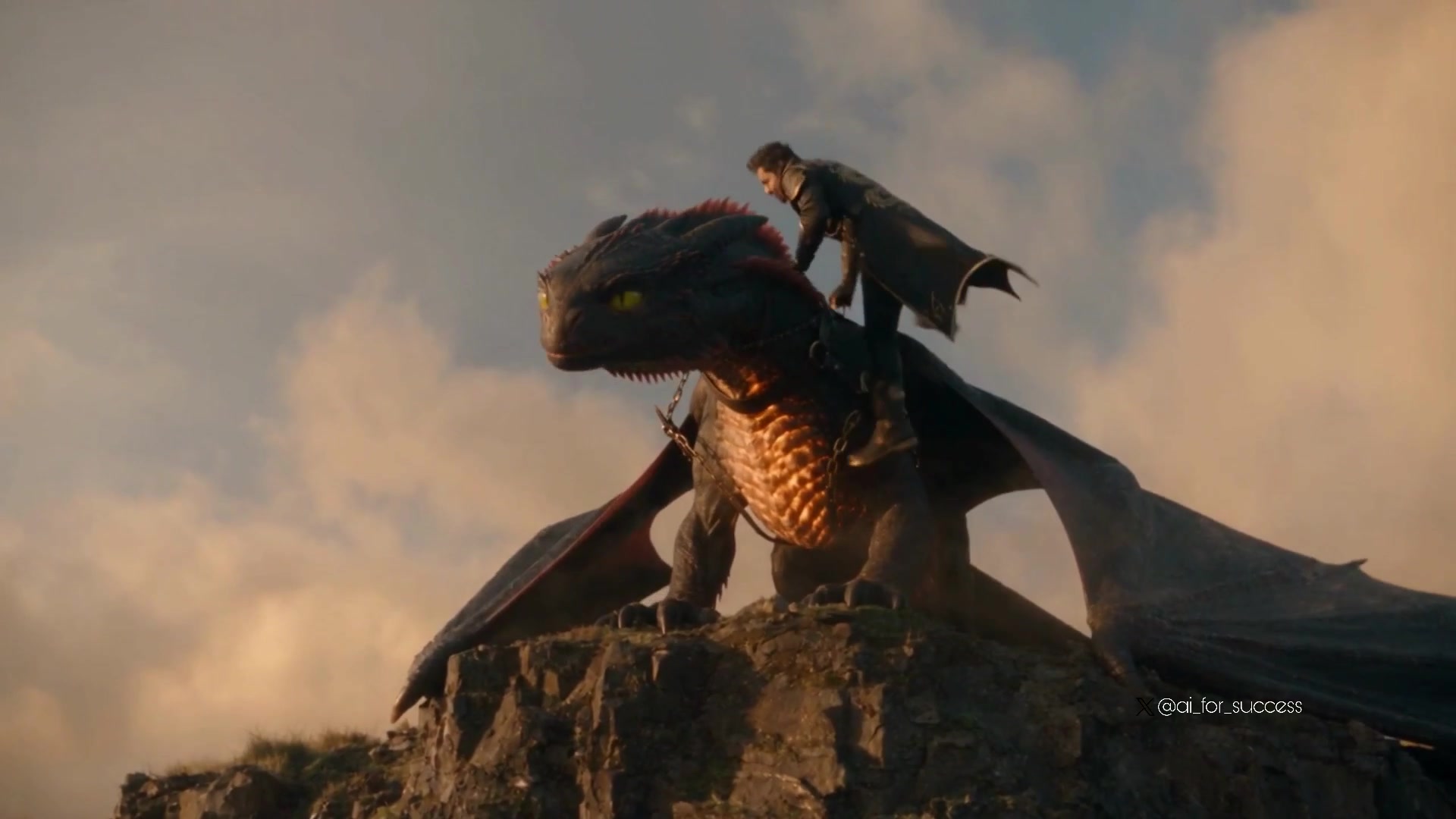
Dragon Rider Cinematic Flight — Seedance 2.5
Dragon Rescue — Volcanic Kingdom Collapse (Seedance)
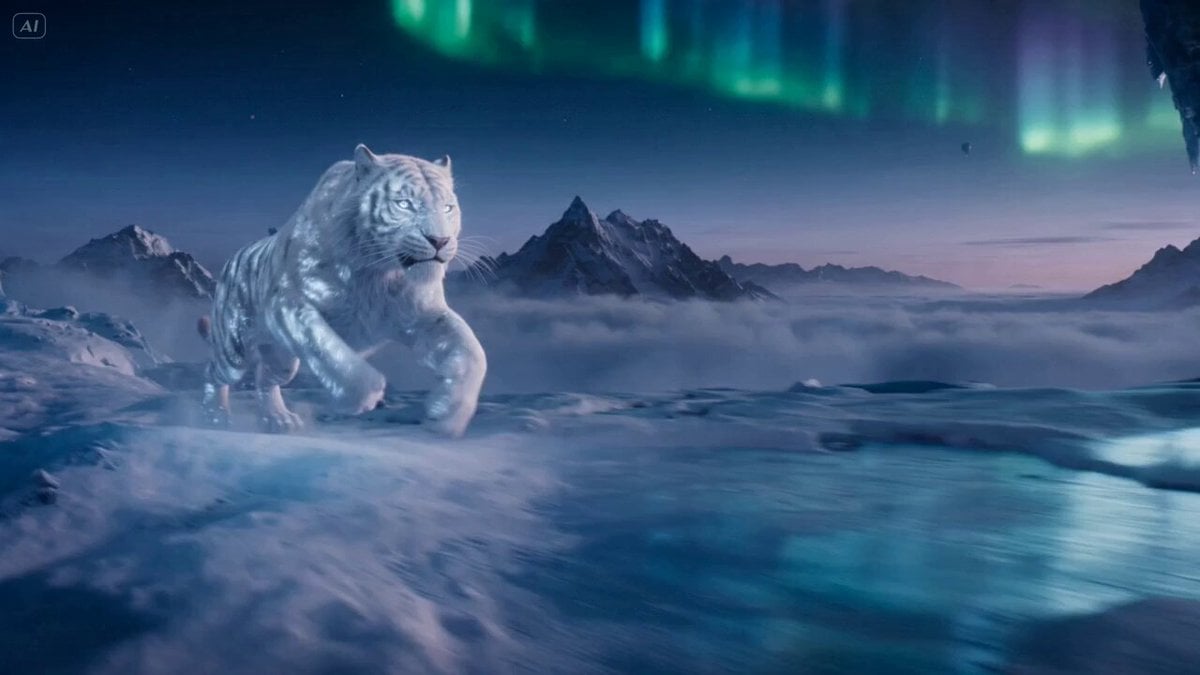
Ice Tiger vs Dragon - Seedance 2.0
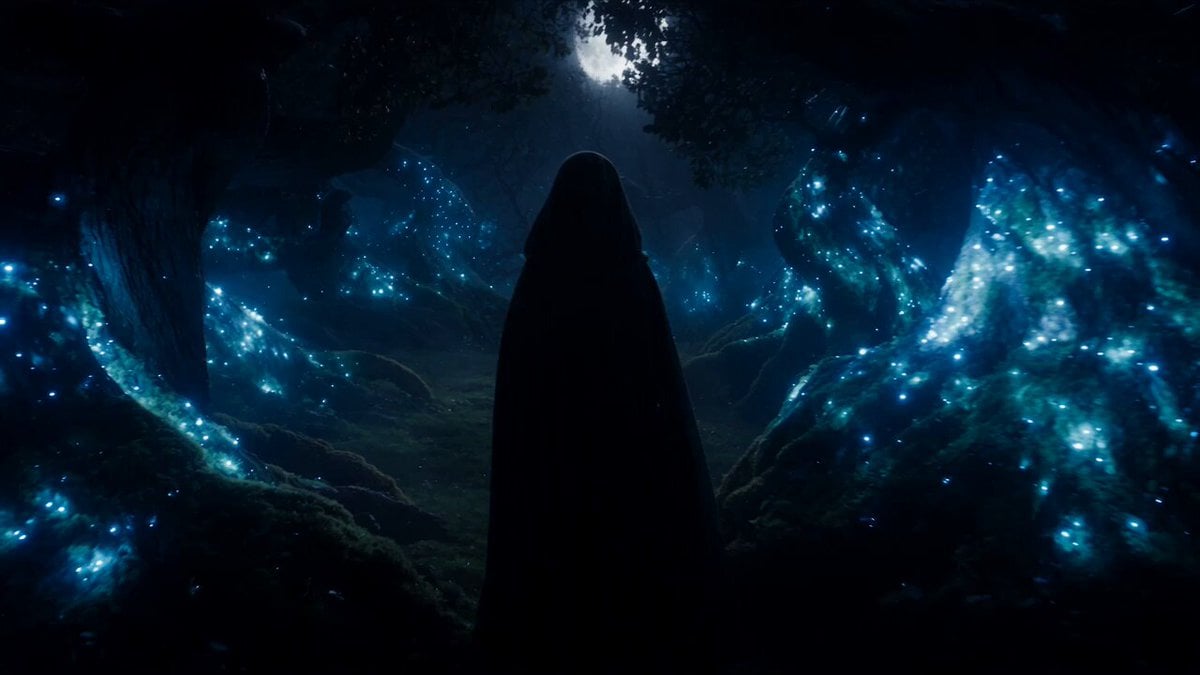
Forest Fantasy Girl Short Film
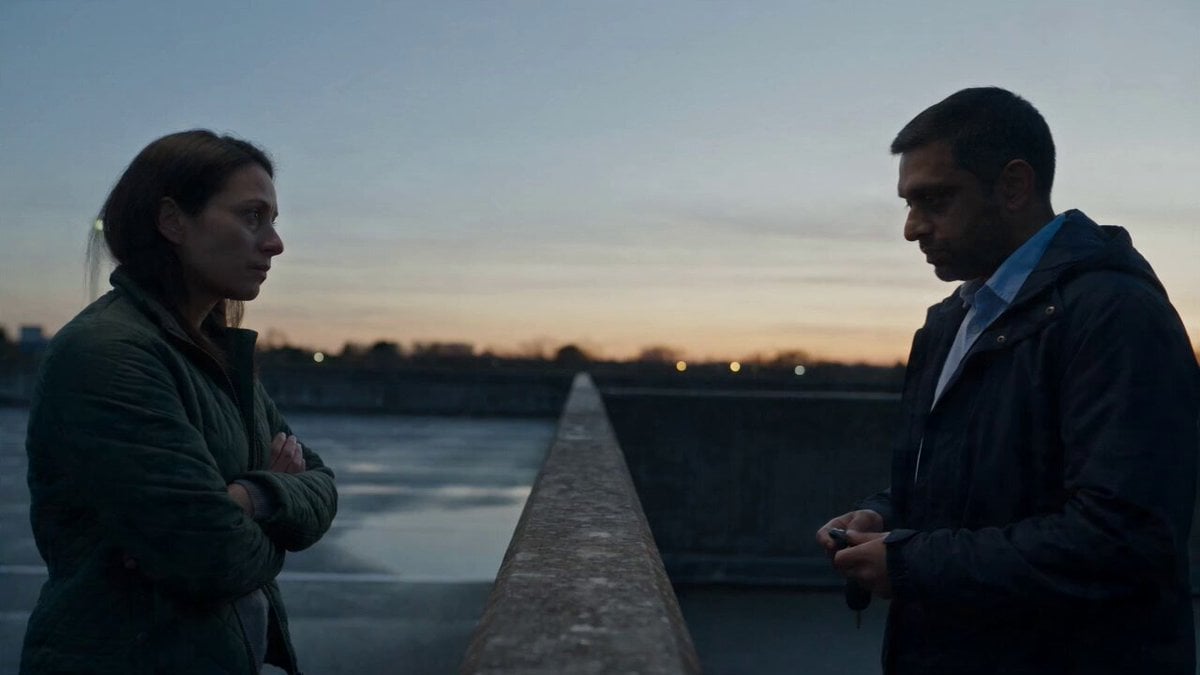
Hospital Car Park Dialogue Lip Sync
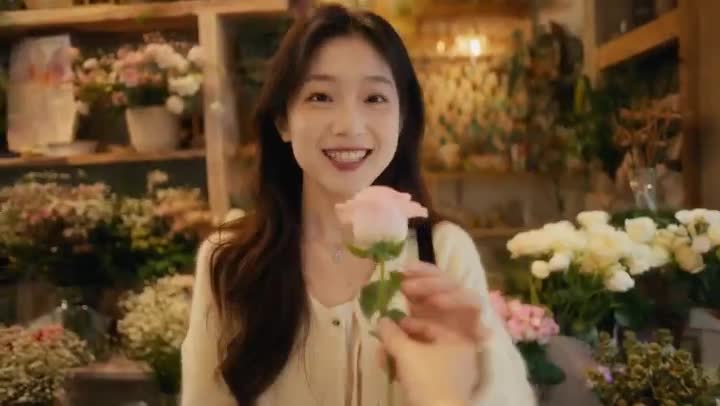
Global Flower Thank-You Film
Youth Racing Short Film
Mechanical Flower Bloom Brand Film
Oceanic Civilization Epic Sci-Fi Film
Floating Desert Museum Cinematic Film

Haute Couture Dream Bokeh Film
Window-to-Eye Concept Film
Make it yours
Dragon Protecting Child Fantasy Film works as-is. These are the safest ways to change it without losing the look.
Change one field
Copy a single group, rewrite it, and generate again so you can see what that field is doing.
Keep the frame, change the subject
Hold the composition and light of Dragon Protecting Child Fantasy Film, then swap wardrobe, props or the person for a new take.
| If the result… | Why | Fix |
|---|---|---|
| The result drifts from the preview | Too many fields changed at once. | Reuse Dragon Protecting Child Fantasy Film as-is first, then change one group — subject, light, or setting. |
| The model over-stylizes the scene | The prose prompt leaves finish and camera underspecified. | Add one camera or lighting sentence and stay on Seedance 2.0. |
More Seedance 2.0 templates
Other prompts made for Seedance 2.0.

Comical Martial Arts Punch Scene

Maglev Train Action Sequence

Martial Arts Fight Sequence

Wuxia Protection and Trust Script

Vintage Korean Arcade MiniDV Vlog

Mercedes 190 SL Luxury Ad

Rainy Night Supernatural Reverse Comedy Video Script

Amazon Civilization Discovery

Futuristic South Asian City Transformation

Cozy Luxury Cafe Commercial
More video prompts
Fresh picks from across the catalog.

AI Girlfriend Interaction Scene: Feeding Potato Chips
Aesthetic Morning Energy Routine
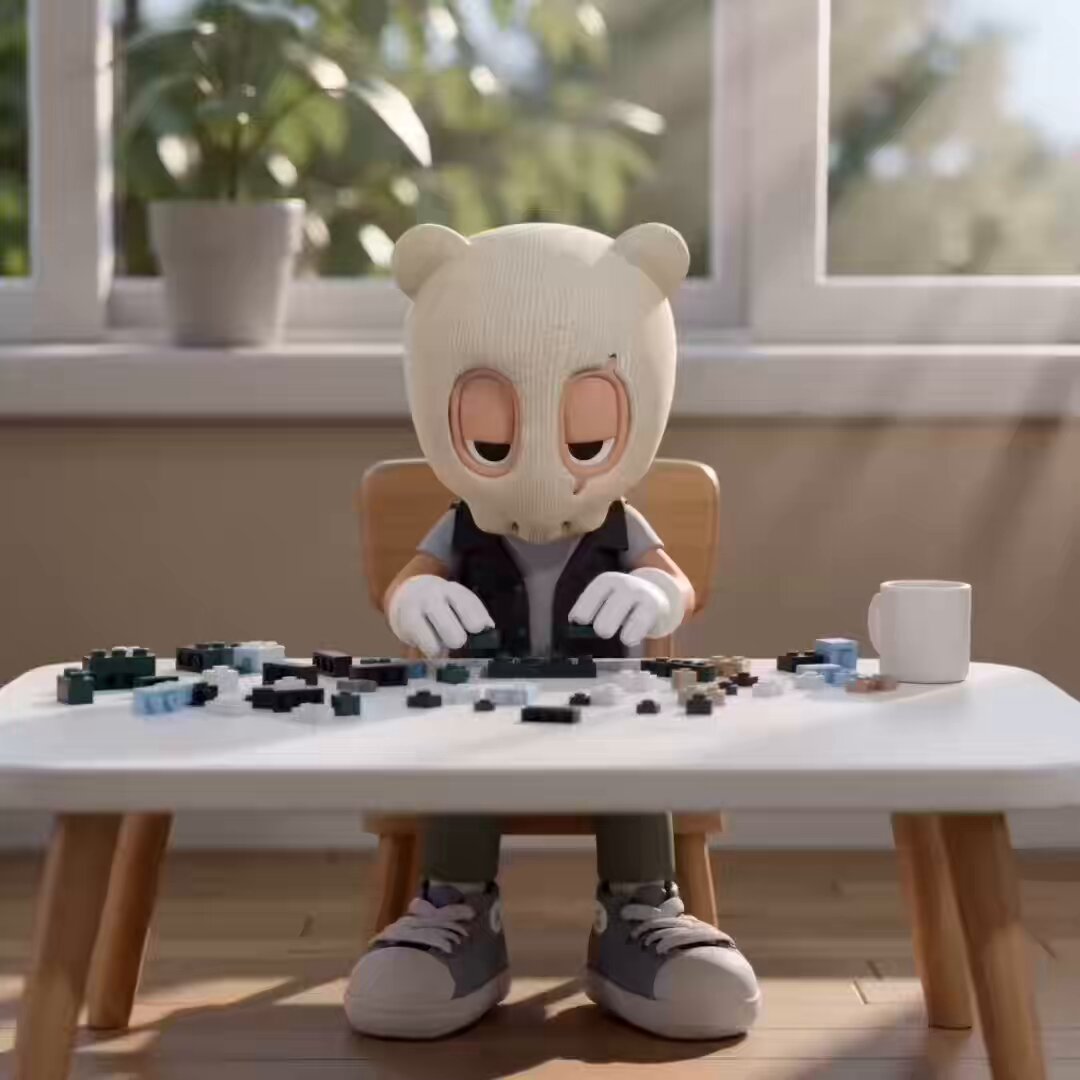
LEGO Time-Lapse Build Sequence
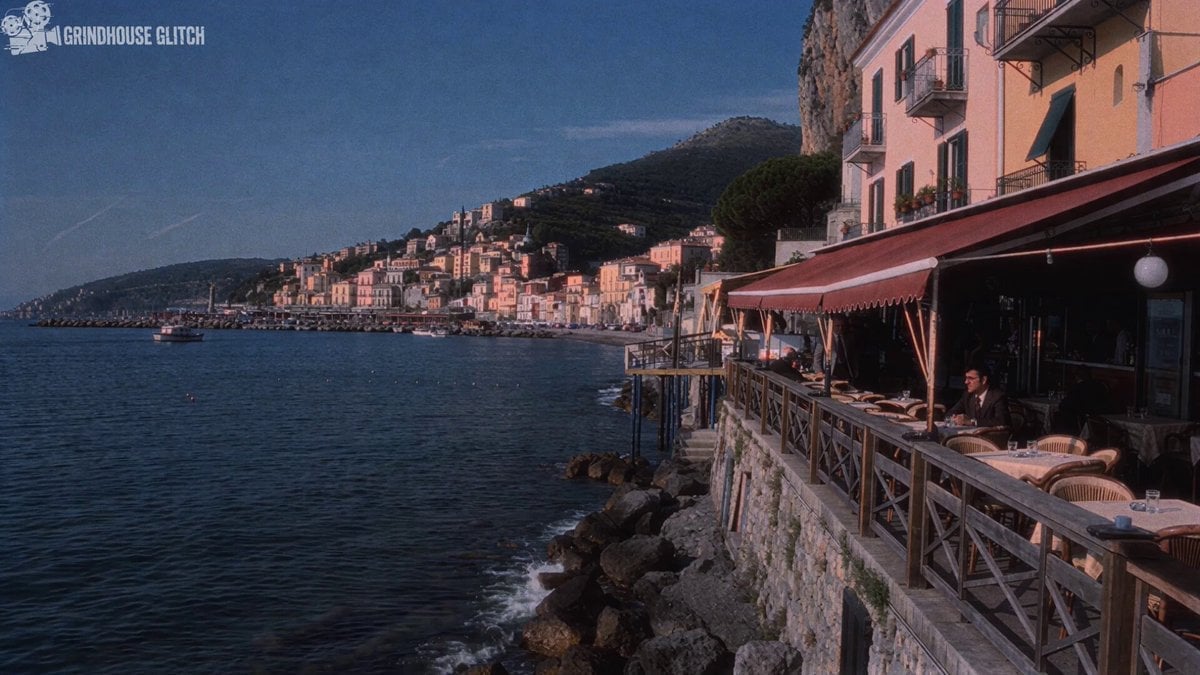
1970s Italian Crime Drama Clip Generation
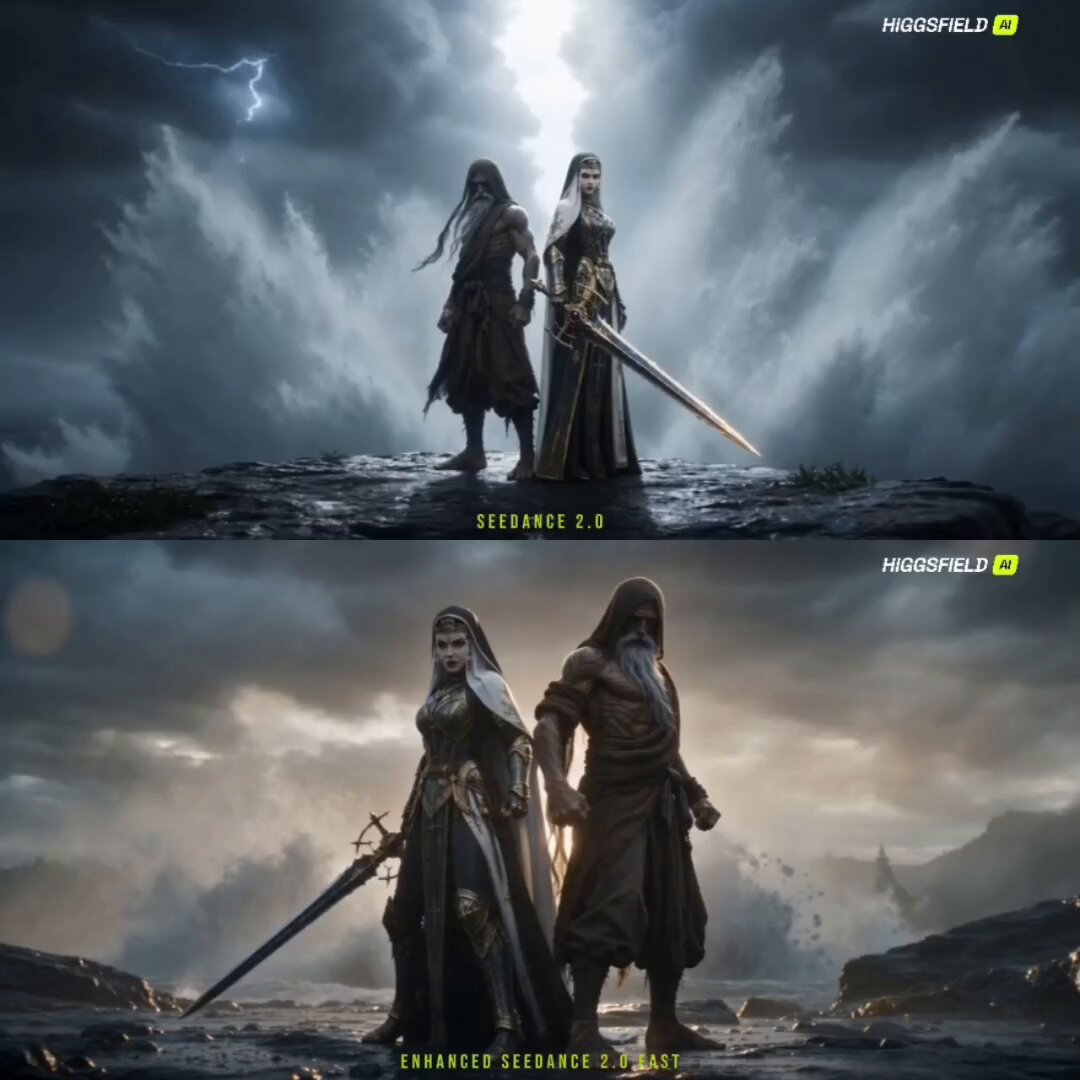
Starlit Blade Fantasy Action Sequence
Dancing Woman with Purple Bird
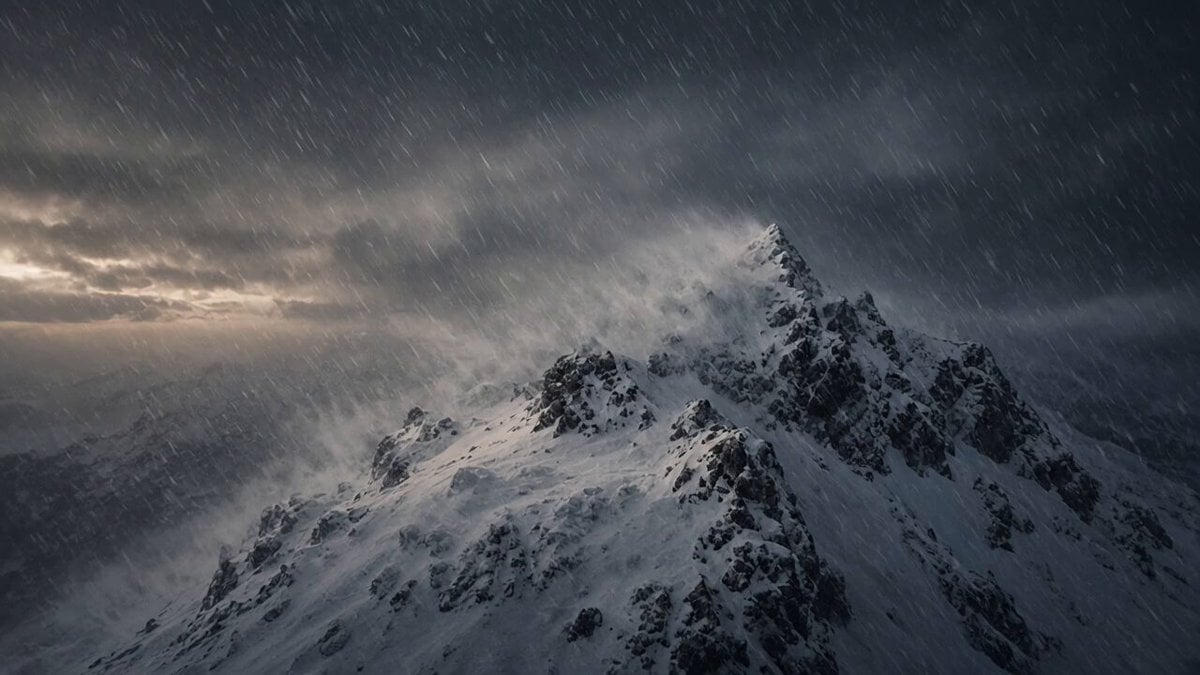
Mountain Climber Snowstorm
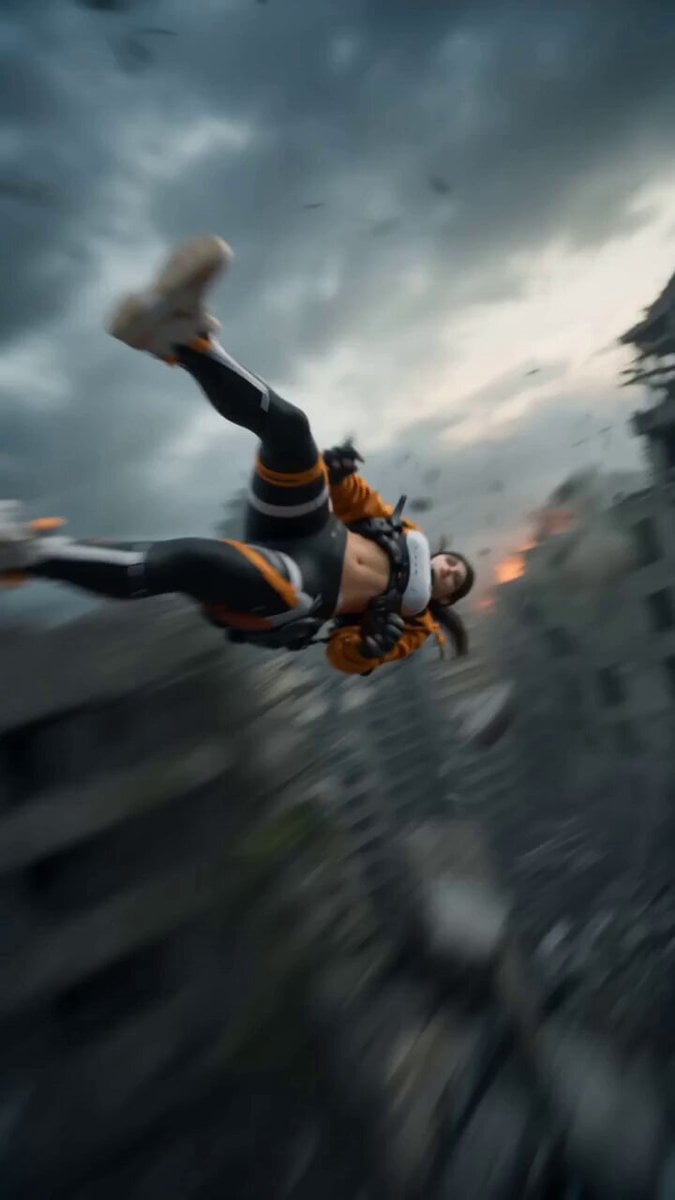
Realistic Sci-Fi Mecha Combat with Female Warrior
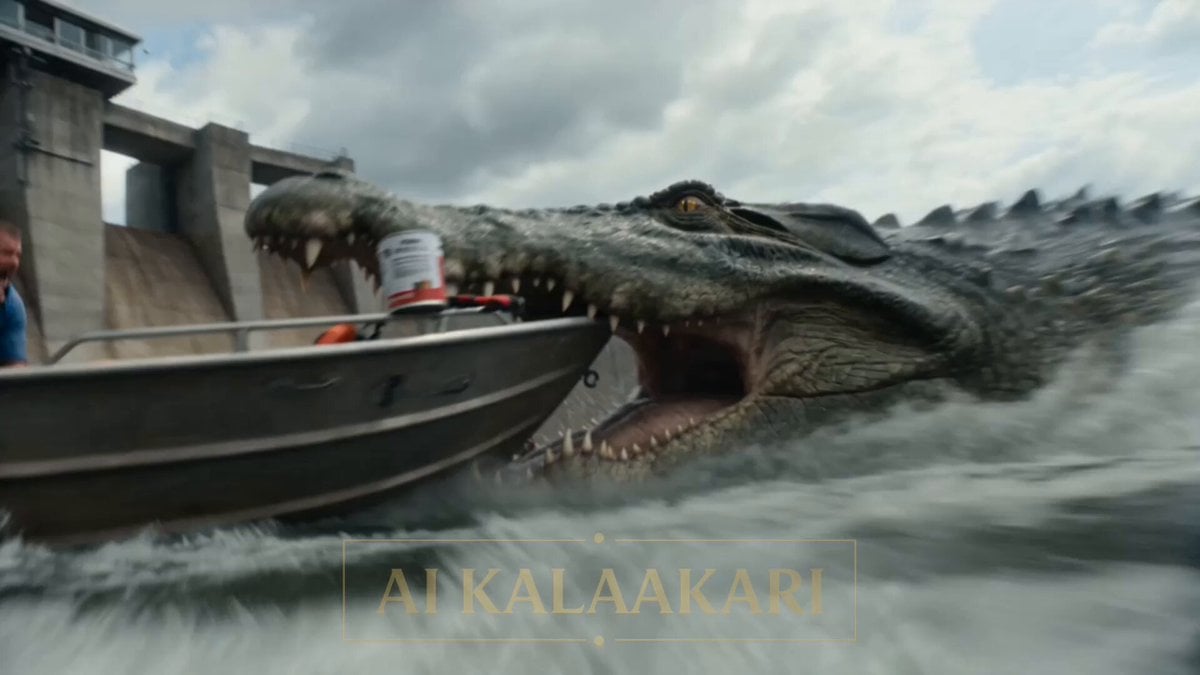
Giant Crocodile Dam Breach Sequence
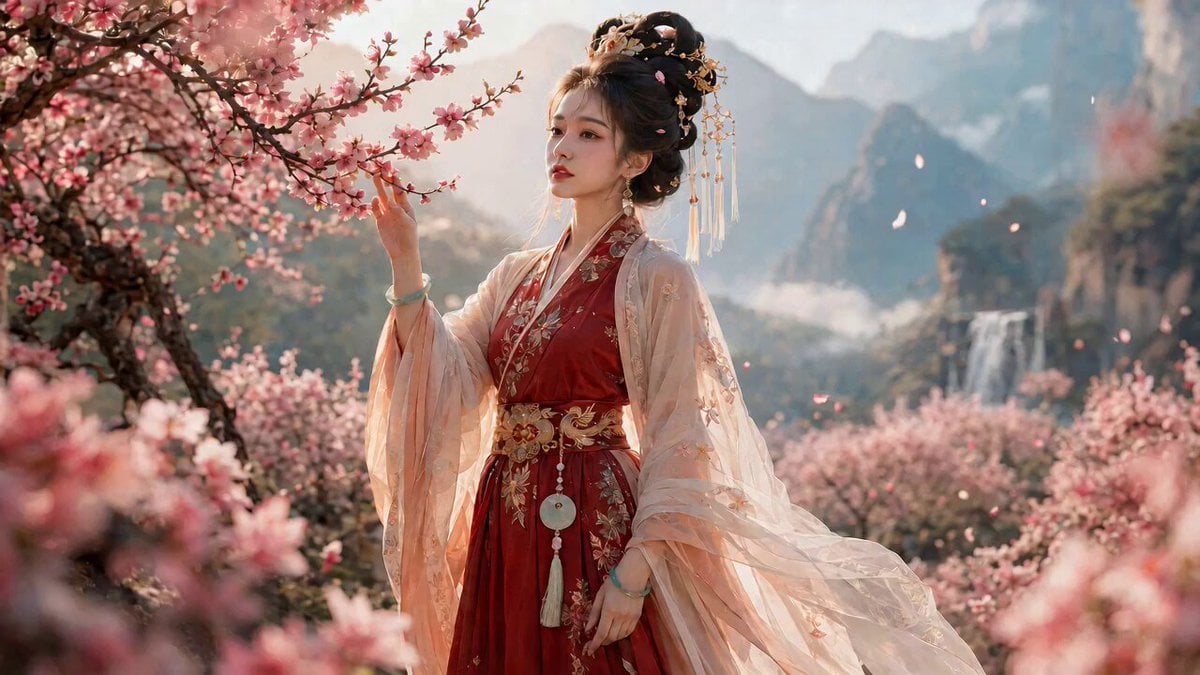
Ancient Chinese Drama Emotion Scene Prompt
Browse template categories
Dragon Protecting Child Fantasy Film questions
How do I use the Dragon Protecting Child Fantasy Film template?
Add your photo if the template asks for one, edit the prompt if you like — the template's model and format are already selected — and press Generate. Your version opens in PicX Studio.
Can I customize the Dragon Protecting Child Fantasy Film template?
Yes. You can change the subject, setting, lighting, mood, format, and available model controls before creating your video.
Is the Dragon Protecting Child Fantasy Film template free?
Opening and editing this template is free. Generating uses credits, shown on the Generate button when you are signed in.
Which AI model should I use?
Start with Seedance 2.0, which is the model associated with this template. You can compare another compatible model for a different finish.
Looking for something else? Browse all templates.

Your photo, any look
Thousands of ready templates for every top image and video model, from one credit balance.