
Emotional Breakdown and Fabric Interaction - Seedance 2.5
Video prompt from YouMind (seedance-2.5).
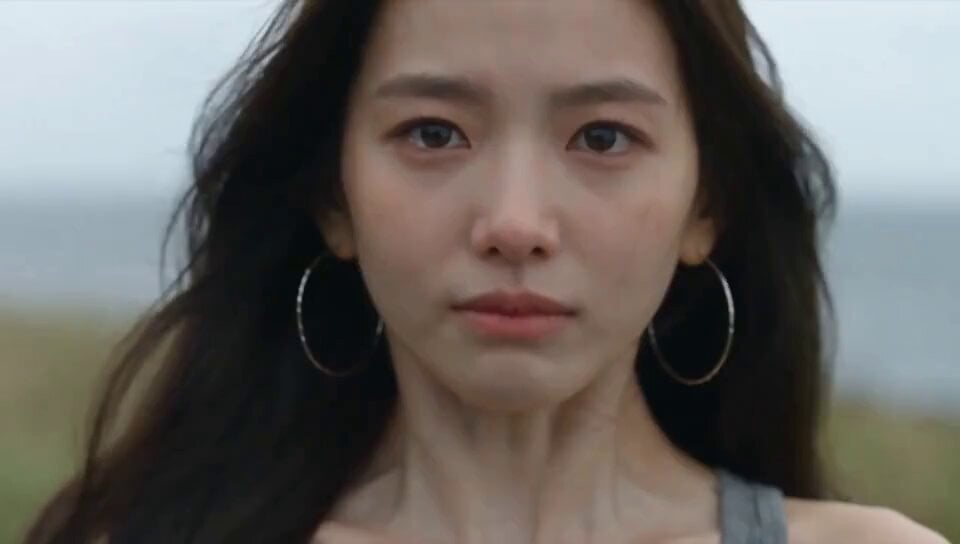
- Prompt included
- Model and format preset
- Free template
The prompt behind this video
Copy the exact prompt behind Emotional Breakdown and Fabric Interaction - Seedance 2.5, or open it in the studio and make it yours.
Use the reference image as the starting frame. Maintain complete character consistency: young East Asian woman, gray sleeveless top, large silver hoop earrings, soft overcast lighting, completely blurred coastal background. Maintain subtle continuous handheld camera drift. Hair is gently blown by the wind throughout. Action sequence: Subject holds back tears. Lips tightly pursed, chin trembling, chest heaving from sharp inhalations. Tears pool in eyes but do not fall. Emotional breakdown. Eyes closed tight, mouth open sobbing. Tears actively slide down cheeks. Head tilted slightly downward. The front collar of the gray top is pulled directly upward from the bottom edge of the frame, the fabric naturally stretching and deforming to cover her chin, mouth, and nose. The fabric deforms naturally over facial features. No hands, fingers, or arms should appear in the frame. The fabric naturally releases and falls back to the collarbone. Her face is revealed again, eyes slightly open looking down, mouth open, breathing heavily and exhaustedly. Generate Video with Prompt P!Image 2 @PixelAIGCView original Published Aug 11, 2026 Original language ZH CategoriesCinematic Scene ShowcaseShort FilmCinematic RealisticPerson / Character Likes 142 Views 12.9K Shares 7 Comments 19 Bookmarks 124 Quotes 1 Share ## Go beyond generating video Collect materials, process them, generate finished work, and distribute it from one AI workspace. !Image 3 Explore YouMind
How to use Emotional Breakdown and Fabric Interaction - Seedance 2.5 in 3 steps
- 1Upload ImagePNG, JPG or paste
Add your photo
Upload the photo the template builds on. The prompt, model and format are already set.
- 2…a portrait of your subject in softgolden-hour light, 85mm…
Personalize
Edit the subject and creative details for your destination.
- 3Generate
Generate
Press Generate — your video is created in PicX Studio, so you can compare it with the original and refine one variable at a time.
More like this
Templates with the same subject, style or setup. Open one to see its prompt.

Wholesome Puppy and Kitten Story - Seedance 2.5

Mysterious Home Exploration Vlog - Seedance 2.5

Dark Tokusatsu Transformation - Seedance 2.5

Cinematic Xinjiang Drone Landscapes - Seedance 2.5

Late Night Kitchen Phone Recording - Seedance 2.5

3D Animated Cat and Old Man - Seedance

Realistic City Street Story Cinematic Video - Seedance
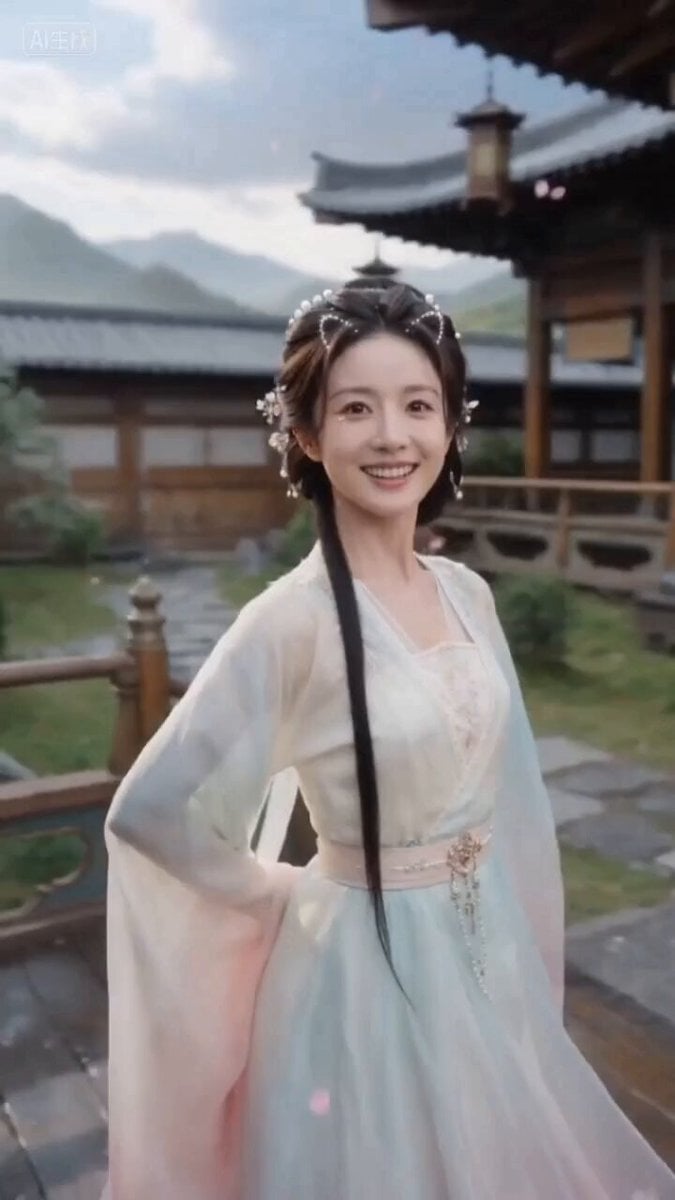
Ancient Style Fairy Sister Video Prompt for Seedance 2.0 (Detailed Scene Breakdown)

Seedance 2.0 First Test — Dynamic Motion Showcase

Dragon Rider Cinematic Flight — Seedance 2.5

Seedance 2.5 - @Diplomeme - 446818
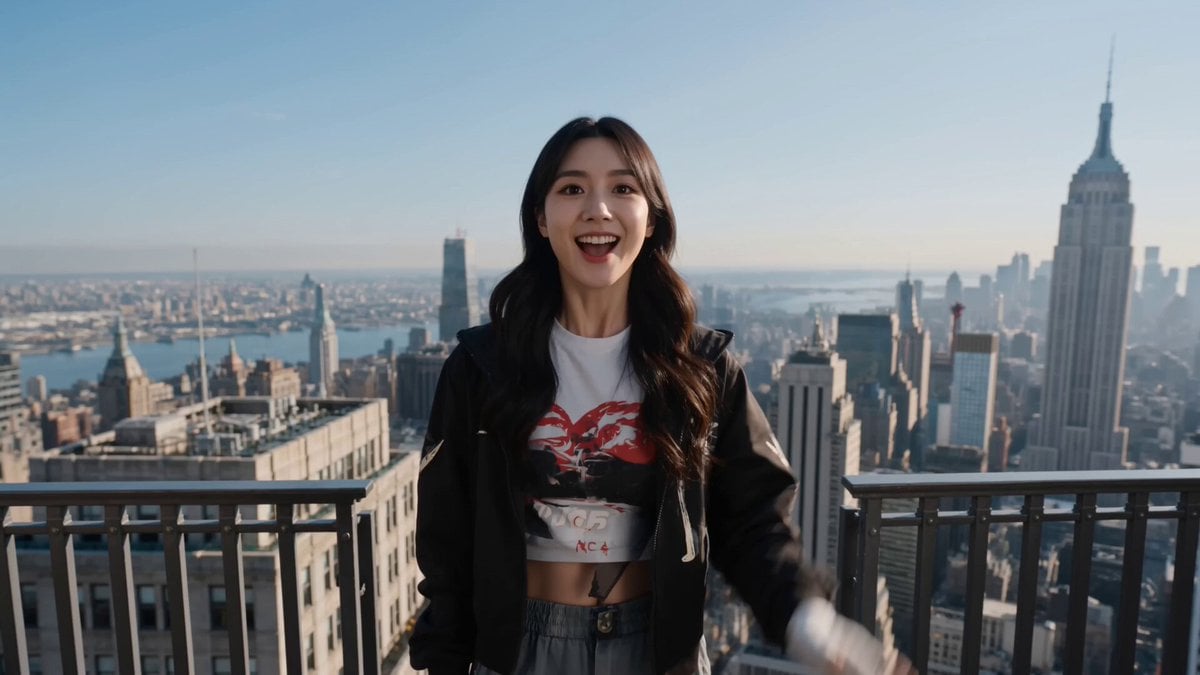
Seedance 2.5 - @AIwithkhan - 728160
Make it yours
Emotional Breakdown and Fabric Interaction - Seedance 2.5 works as-is. These are the safest ways to change it without losing the look.
Change one field
Copy a single group, rewrite it, and generate again so you can see what that field is doing.
Keep the frame, change the subject
Hold the composition and light of Emotional Breakdown and Fabric Interaction - Seedance 2.5, then swap wardrobe, props or the person for a new take.
| If the result… | Why | Fix |
|---|---|---|
| The result drifts from the preview | Too many fields changed at once. | Reuse Emotional Breakdown and Fabric Interaction - Seedance 2.5 as-is first, then change one group — subject, light, or setting. |
| The model over-stylizes the scene | The prose prompt leaves finish and camera underspecified. | Add one camera or lighting sentence and stay on Seedance 2.5. |
More Seedance 2.5 templates
Other prompts made for Seedance 2.5.

Mediterranean Coffee Run Vlog - Seedance 2.5

Sci-Fi Disaster Movie Scene - Seedance 2.5
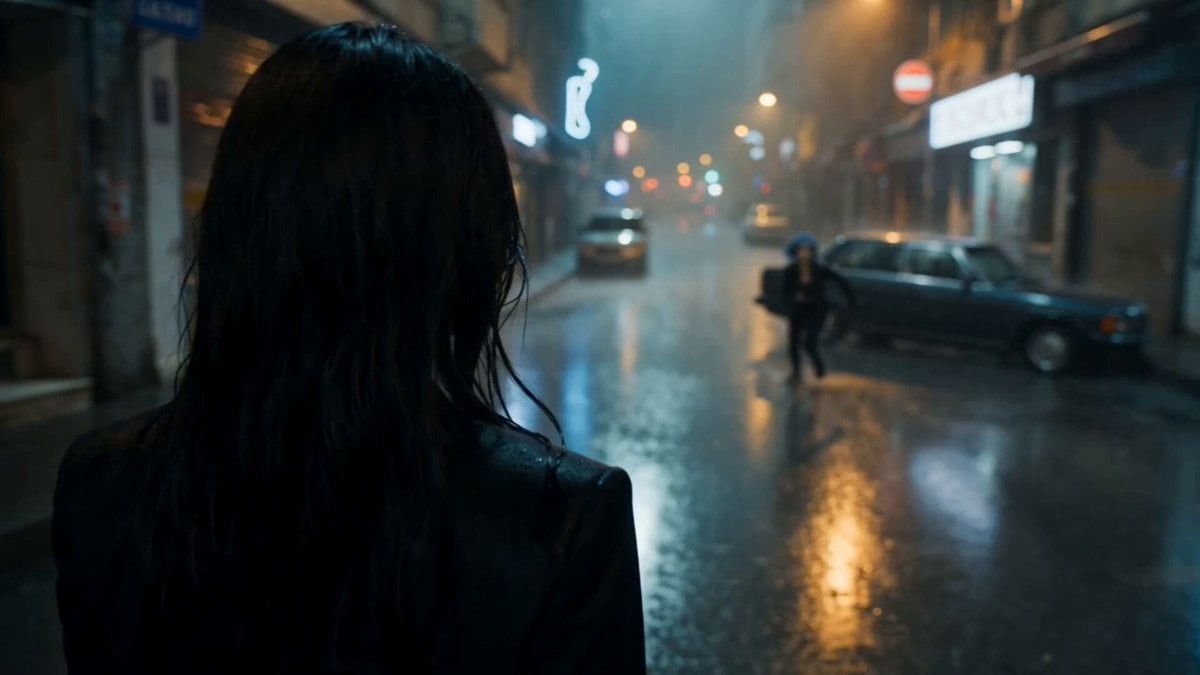
Cinematic Istanbul Night Fight - Seedance 2.5

Magical Room Transformation - Seedance 2.5

Realistic UGC Cleanser Review - Seedance 2.5
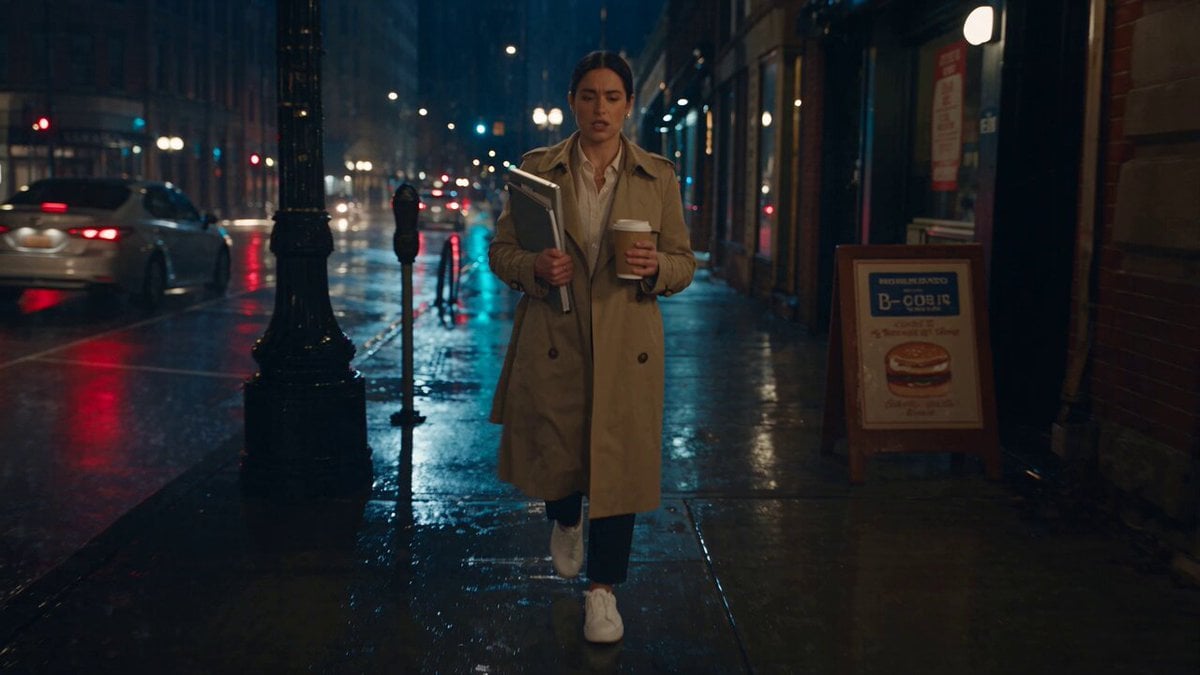
Viking in Modern America Comedy - Seedance 2.5
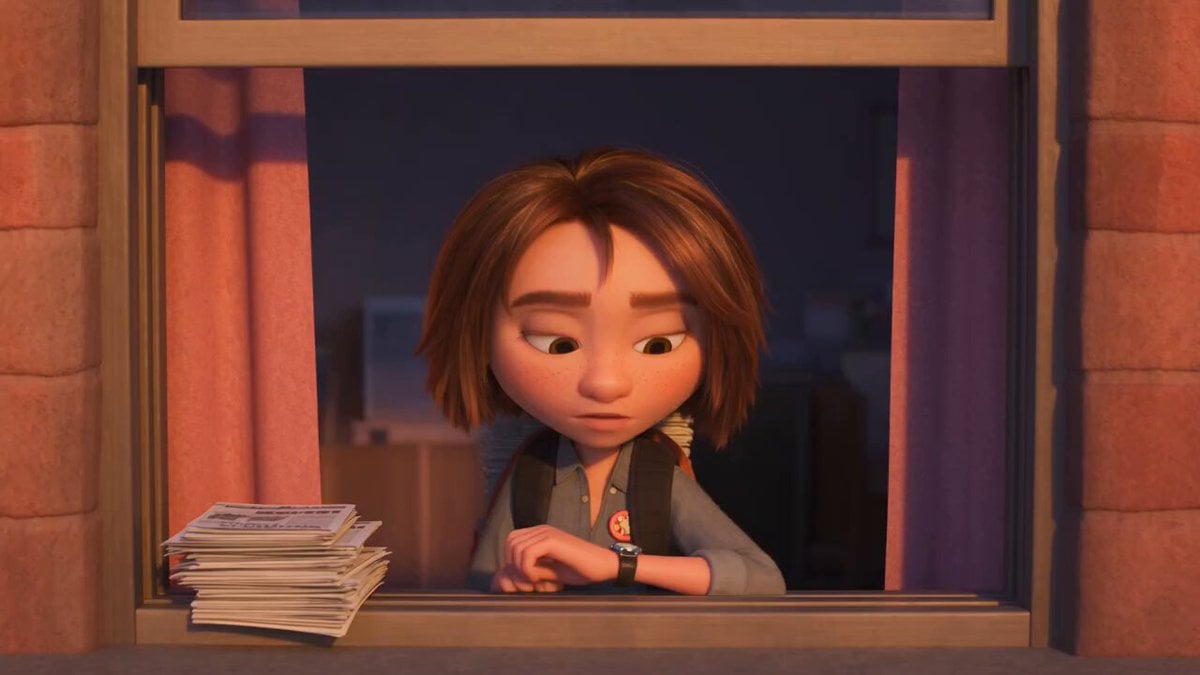
3D Animated Newspaper Delivery Short - Seedance 2.5
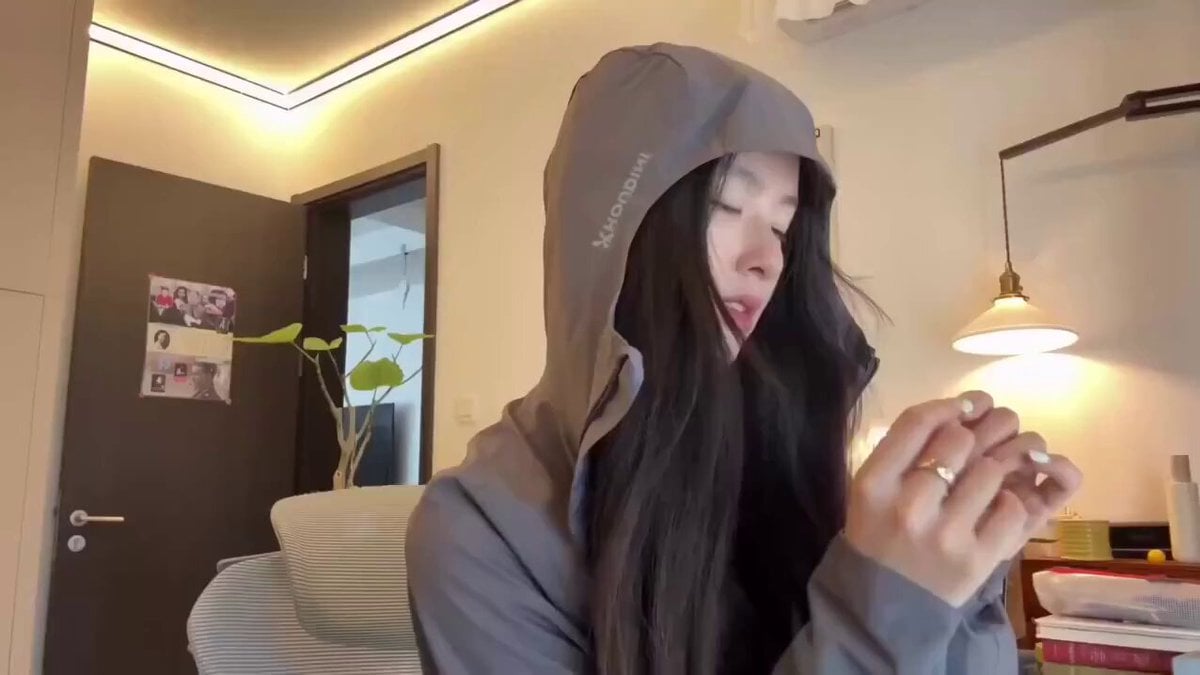
Cyberpunk Holographic Dance Performance - Seedance 2.5
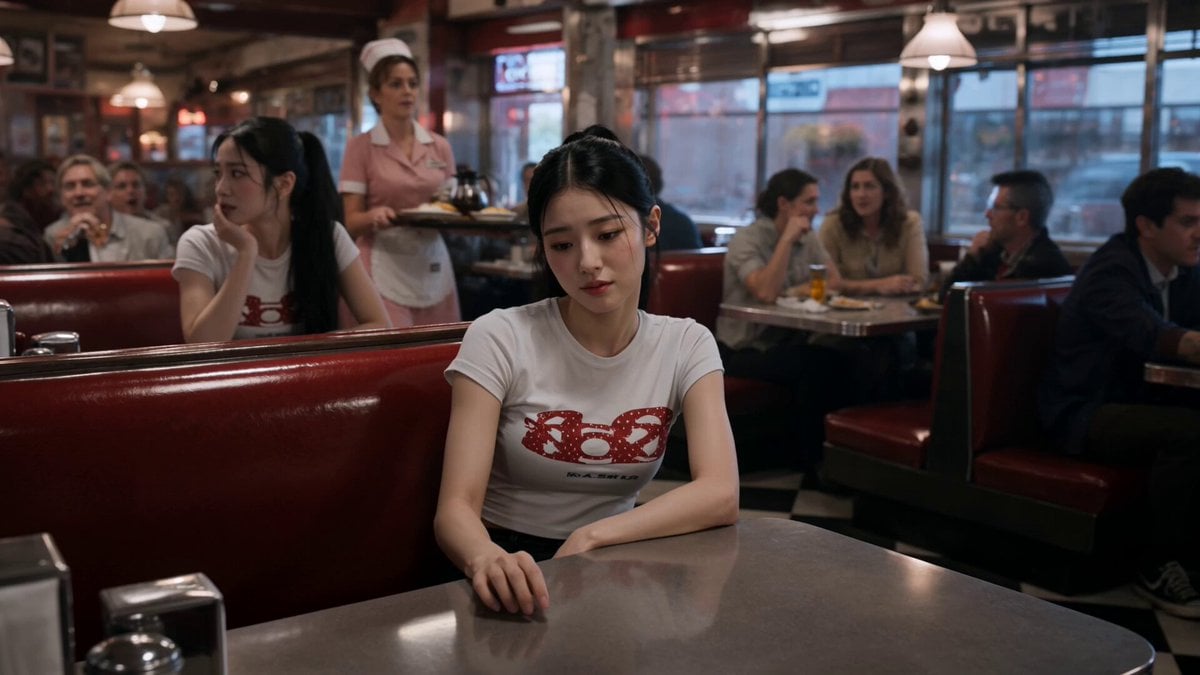
Slow-Motion 90s Diner Explosion - Seedance 2.5
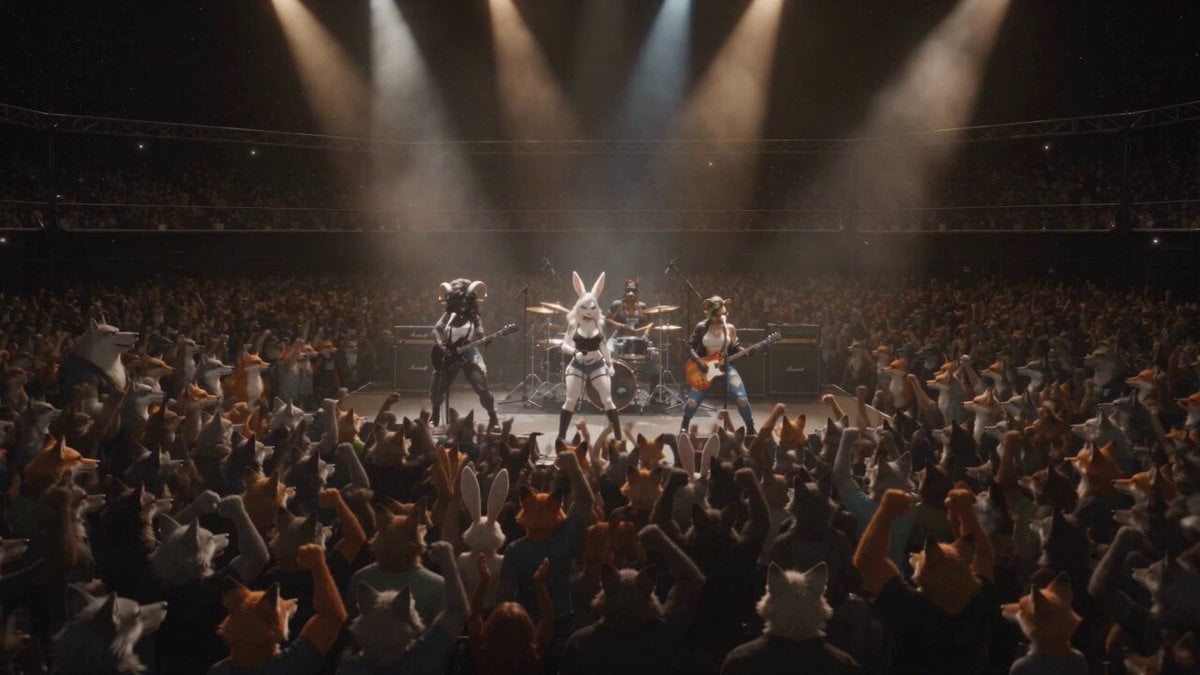
Anthropomorphic Rock Band Live Concert - Seedance 2.5
More video prompts
Fresh picks from across the catalog.
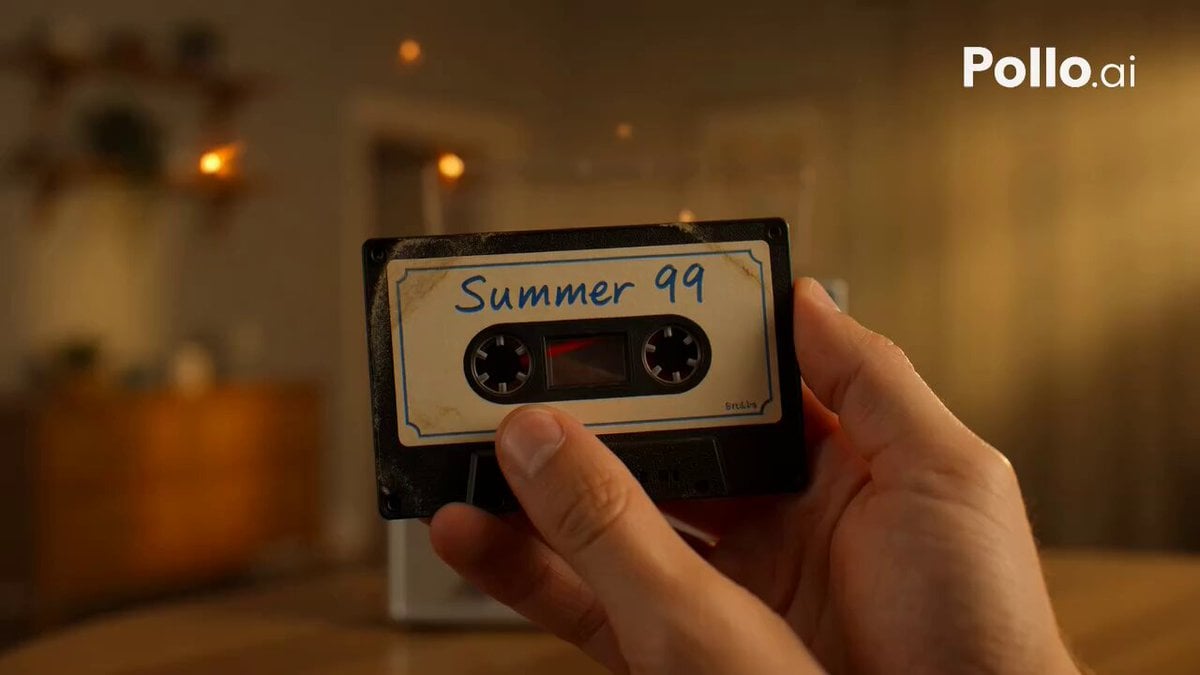
Mixtape Memory Transformation
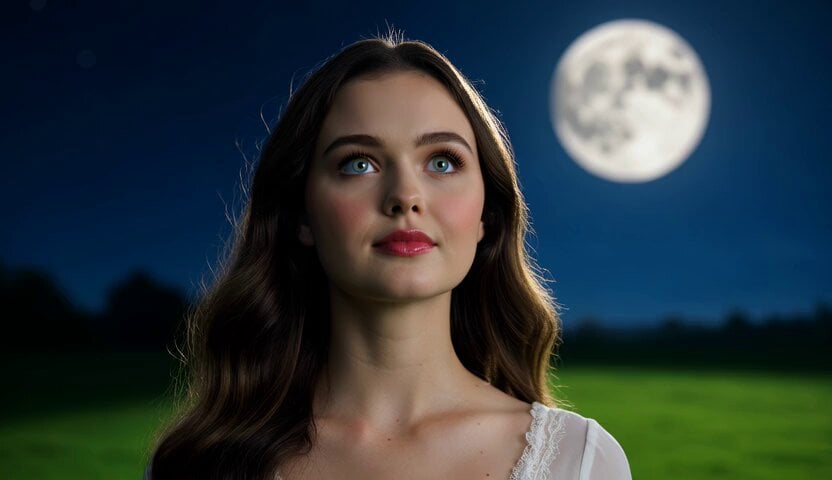
Romantic Moonlit Encounter
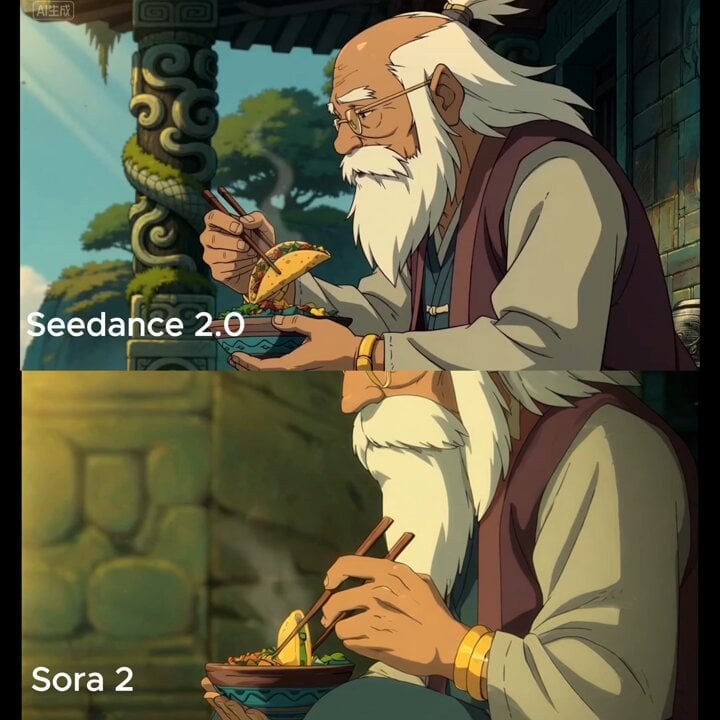
Medium shot of man lifting taco with chopsticks

Cinematic cat action comedy prompt

Fluffy Creature Story Sequence

Claude Fable 5 prompt: Multishot action scene, he

Giant Baby Superhero Dancing on Gothic Street

Tribal Warrior Shapeshift Jungle

Minimalist Menswear Editorial GRWM
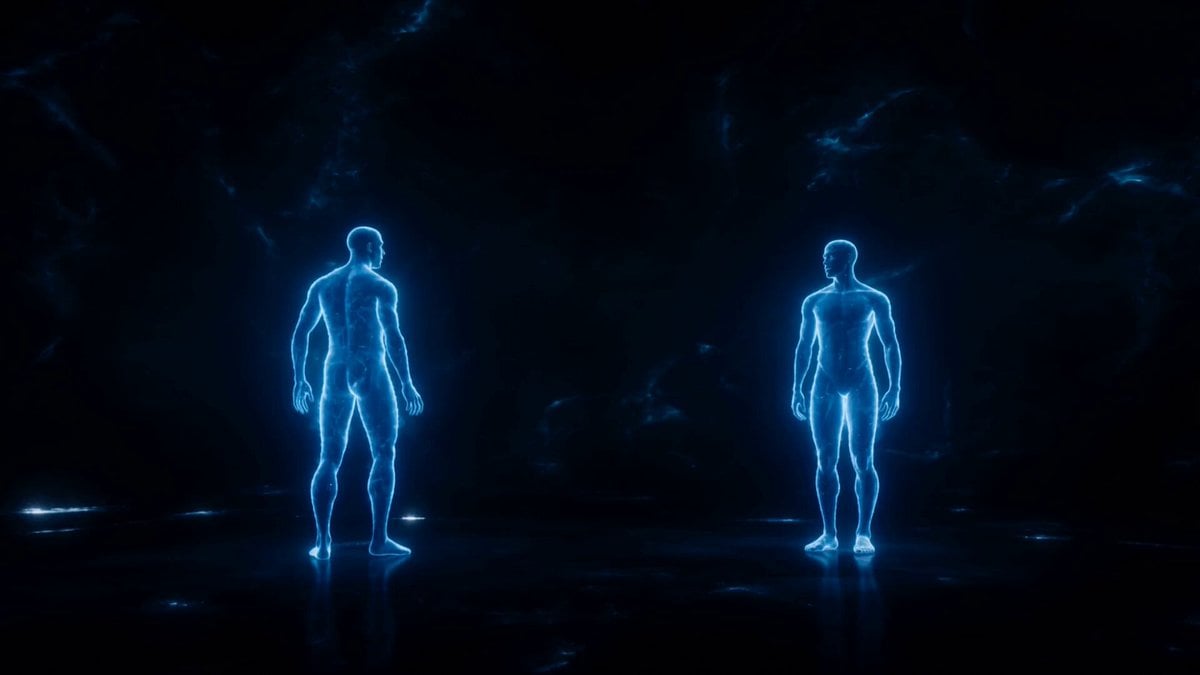
Synchronized Blue Echoes Dance
Browse template categories
Emotional Breakdown and Fabric Interaction - Seedance 2.5 questions
How do I use the Emotional Breakdown and Fabric Interaction - Seedance 2.5 template?
Add your photo if the template asks for one, edit the prompt if you like — the template's model and format are already selected — and press Generate. Your version opens in PicX Studio.
Can I customize the Emotional Breakdown and Fabric Interaction - Seedance 2.5 template?
Yes. You can change the subject, setting, lighting, mood, format, and available model controls before creating your video.
Is the Emotional Breakdown and Fabric Interaction - Seedance 2.5 template free?
Opening and editing this template is free. Generating uses credits, shown on the Generate button when you are signed in.
Which AI model should I use?
Start with Seedance 2.5, which is the model associated with this template. You can compare another compatible model for a different finish.
Looking for something else? Browse all templates.

Your photo, any look
Thousands of ready templates for every top image and video model, from one credit balance.