
Giant Baby Superhero Dancing on Gothic Street
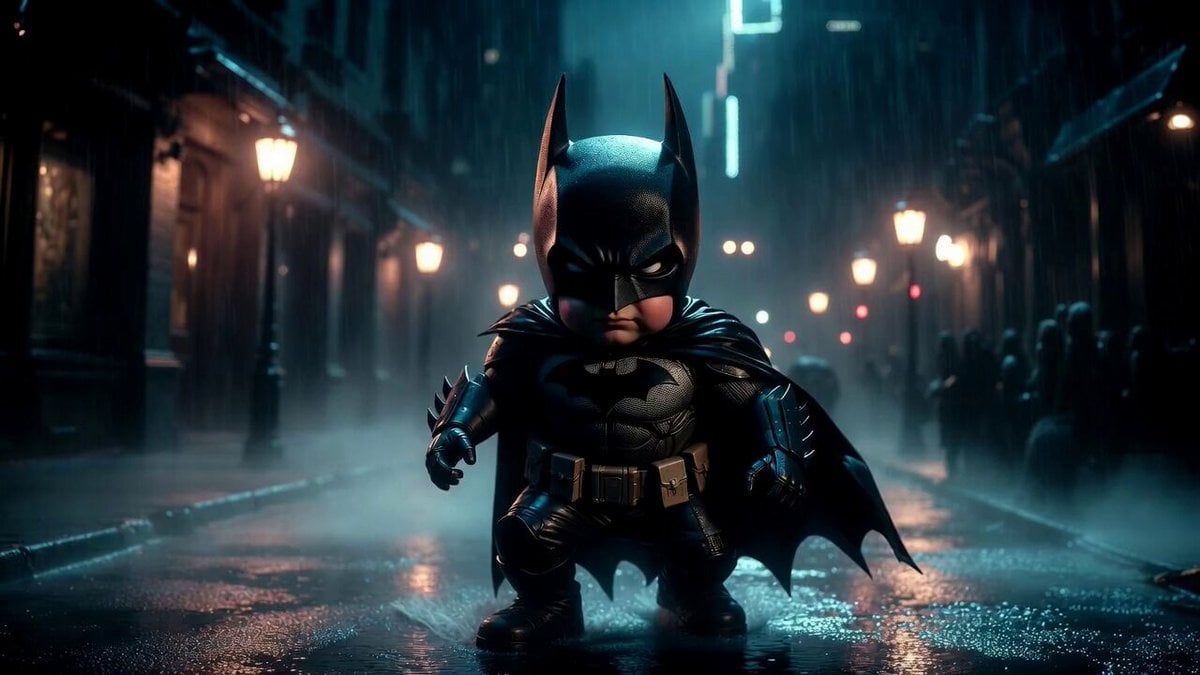
A detailed prompt for Grok Imagine to generate a video of a giant baby superhero, inspired by Batman, dancing on a dark, rain-soaked gothic city street at night.
- Prompt included
- Model and format preset
- Premium template
The prompt behind this video
Copy the exact prompt behind Giant Baby Superhero Dancing on Gothic Street, or open it in the studio and make it yours.
Giant baby superhero inspired by Batman dancing on a dark rain soaked gothic city street at night, cute but intimidating oversized baby proportions, black armored mini cape, matte black baby tactical shorts, tiny bat inspired chest emblem, heavy armored boots, small sleek black mask with expressive eyes visible, wet pavement reflecting city lights, gothic architecture, dramatic street lamps, moody fog, rain mist, cinematic noir atmosphere, strong contrast lighting, deep blacks and cold blue highlights, surreal comic book realism, low angle epic framing, powerful heroic stance transformed into dance motion, highly detailed textures, photorealistic rain droplets, premium stylized realism, masterpiece, 8k.
How to use Giant Baby Superhero Dancing on Gothic Street in 3 steps
- 1
Open
The prompt is already in the box next to the preview, with the template's model and format selected.
- 2…a portrait of your subject in softgolden-hour light, 85mm…
Personalize
Edit the subject and creative details for your destination.
- 3Generate
Generate
Press Generate — your video is created in PicX Studio, so you can compare it with the original and refine one variable at a time.
More like this
Templates with the same subject, style or setup. Open one to see its prompt.
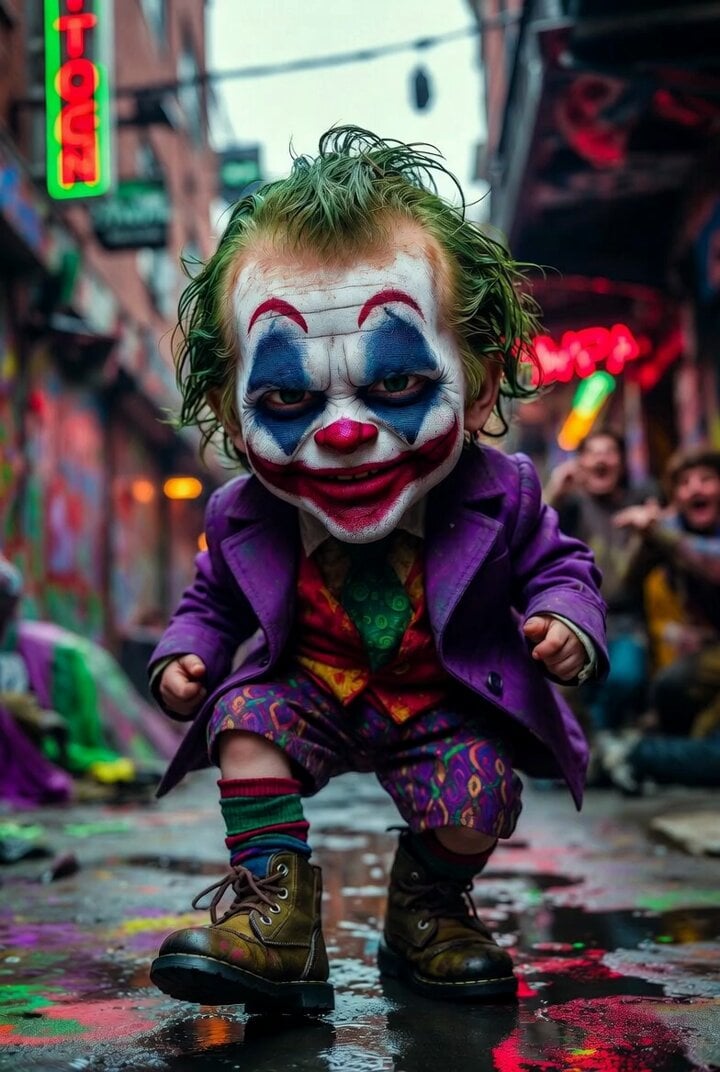
Grok Imagine prompt for Giant Baby Clown Villain Dancing

Gothic Queen Cradling Baby
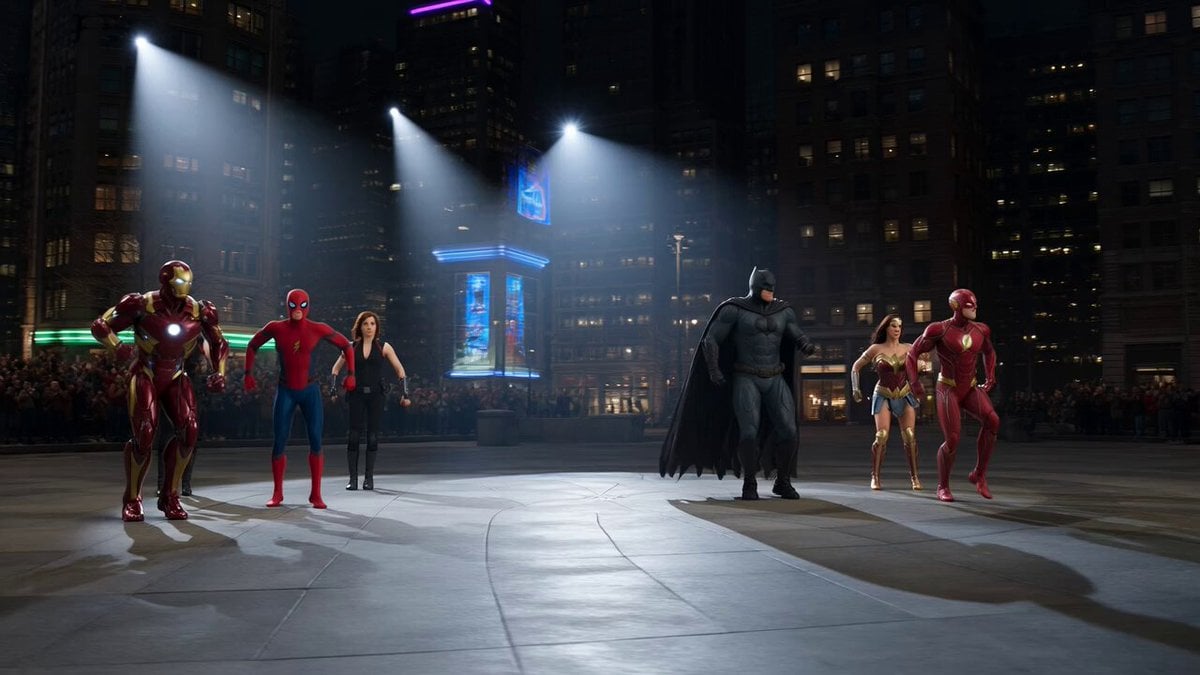
Superhero Dance Off Mashup
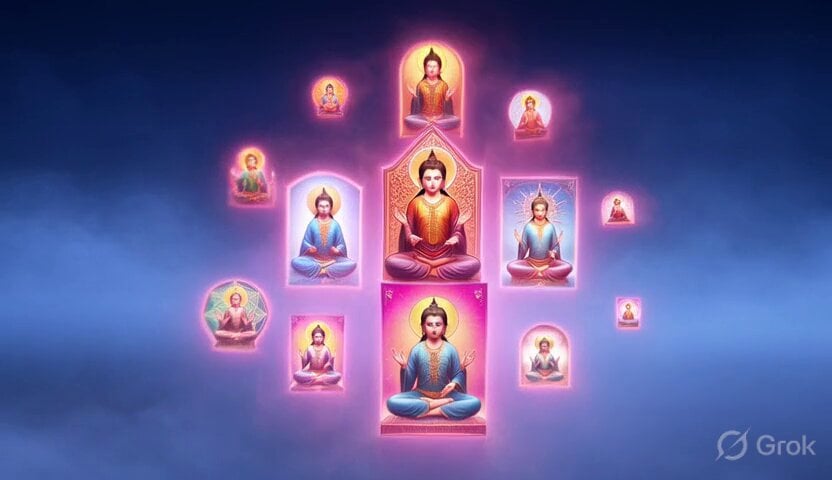
Dancing Buddhist sculptures animation
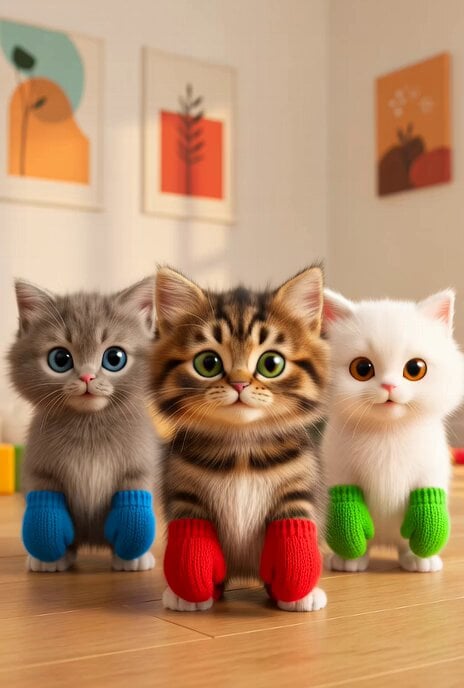
Dancing Kittens with Mittens

Dancing Kittens in Mittens
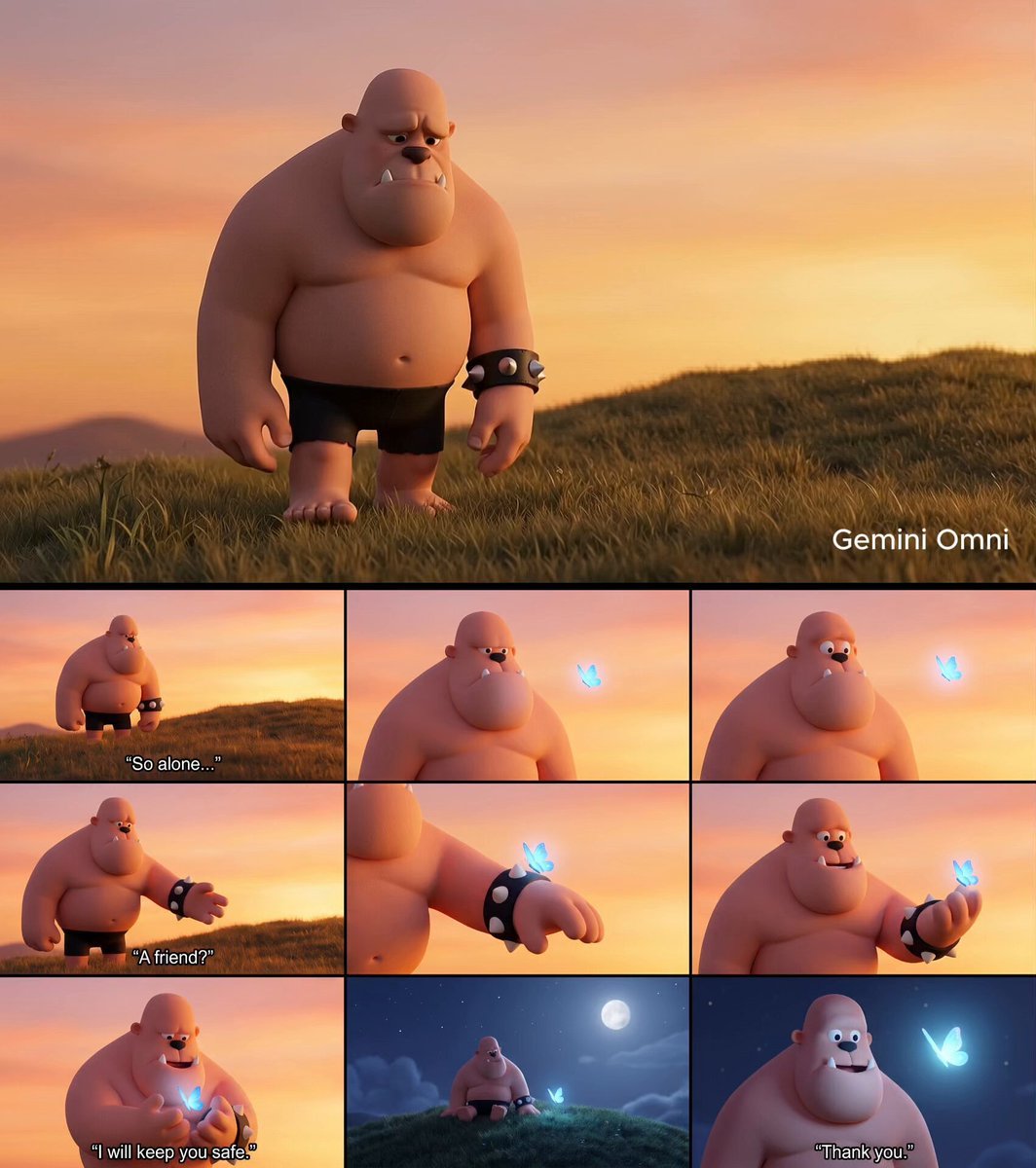
Giant and Glowing Butterfly Story
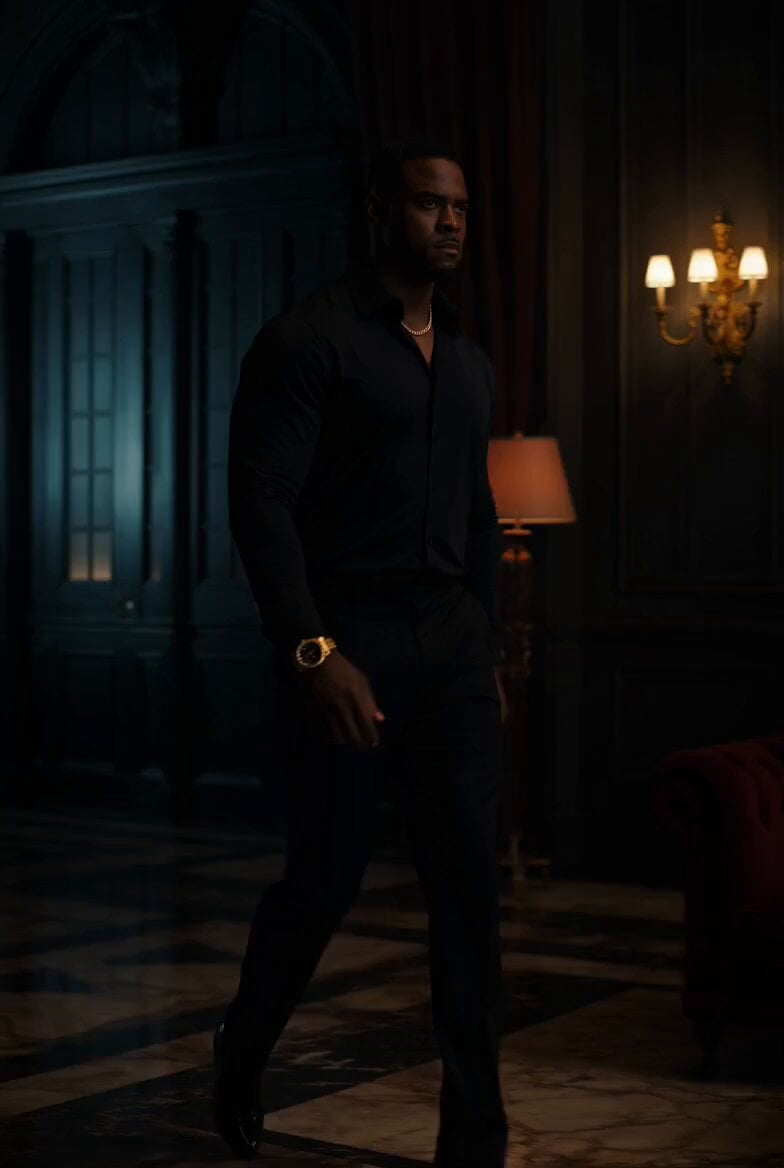
Superhero Neon City Transformation
Dancing Woman with Purple Bird
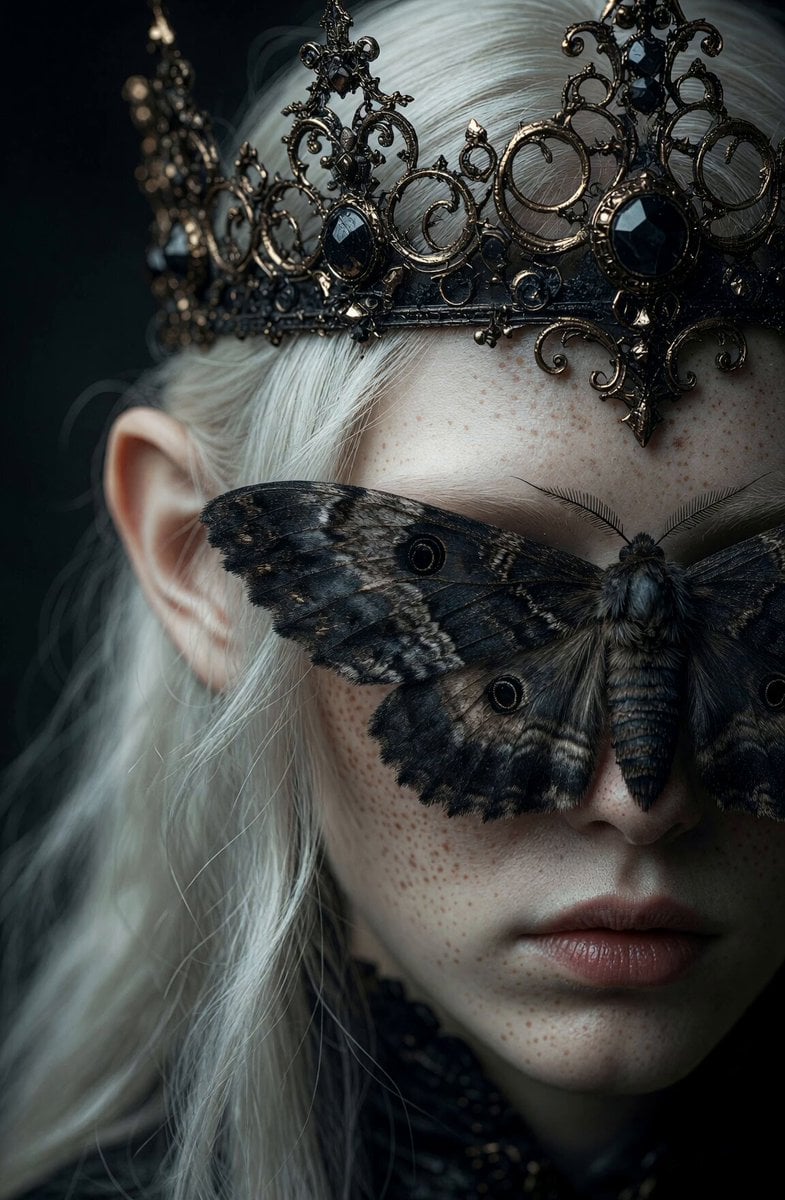
Gothic Elf Moth Portrait

DJ Powers with Doge Paws Dancing C-Walk
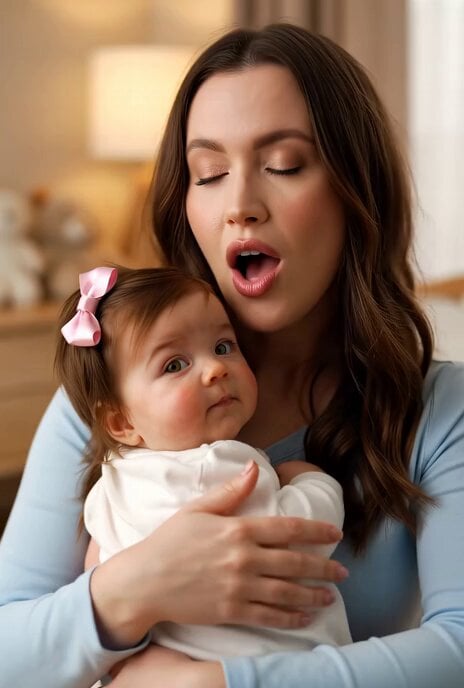
Margaret singing a beautiful song to her baby
Make it yours
Giant Baby Superhero Dancing on Gothic Street works as-is. These are the safest ways to change it without losing the look.
Change one field
Copy a single group, rewrite it, and generate again so you can see what that field is doing.
Keep the frame, change the subject
Hold the composition and light of Giant Baby Superhero Dancing on Gothic Street, then swap wardrobe, props or the person for a new take.
| If the result… | Why | Fix |
|---|---|---|
| The result drifts from the preview | Too many fields changed at once. | Reuse Giant Baby Superhero Dancing on Gothic Street as-is first, then change one group — subject, light, or setting. |
| The model over-stylizes the scene | The prose prompt leaves finish and camera underspecified. | Add one camera or lighting sentence and stay on Grok Imagine. |
More Grok Imagine templates
Other prompts made for Grok Imagine.

Kaleidoscopic Cosmic Dolphin Video

Horror Daffy Duck Video Transition

America 250th Anniversary Celebration

Glowing Water Forest Night Prompt

Soft Pink Roses Dreamer Prompt

Ninja Wizard Levitation Jump

Coffee Cup Interaction Motion

Voice Controlled Water Animation

Pterodactyl Transformation Journey

Candle Mandala Mirror Video
More video prompts
Fresh picks from across the catalog.

King-size canopy bed made of flexible, luminous crystal
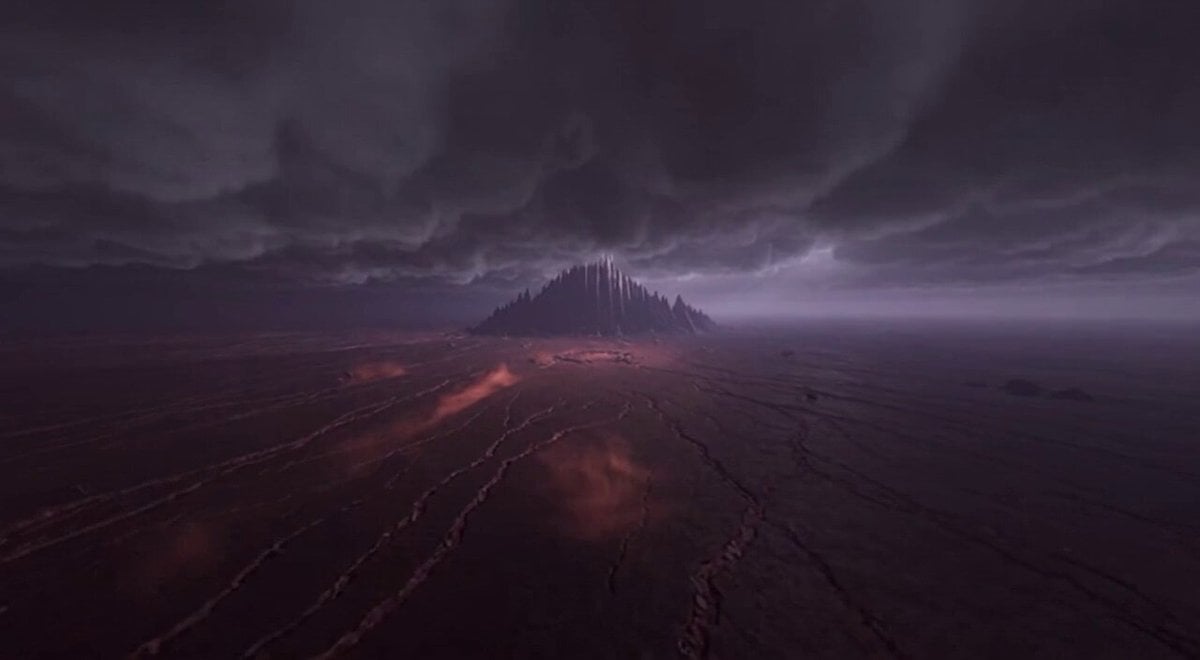
Epic Fantasy Awakening Video Prompt (Aerial Version)

Luxury Furniture Storyboard Animation
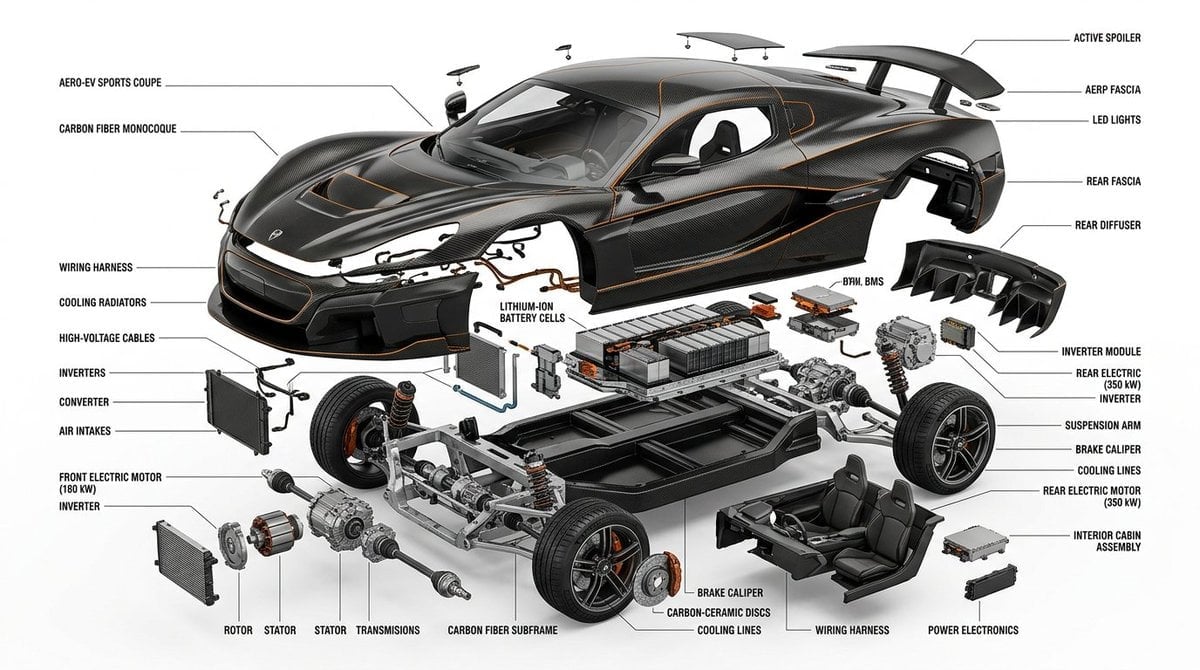
Detailed Exploded View Diagram
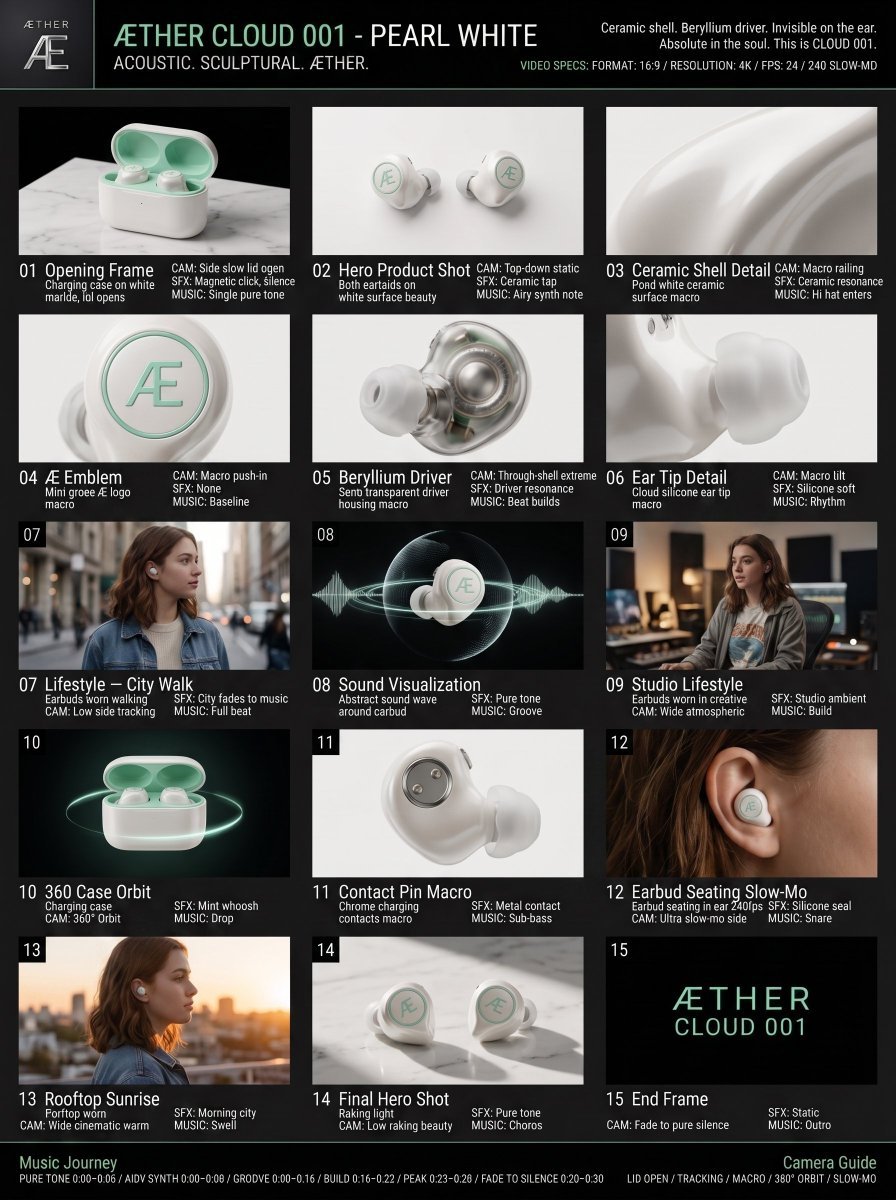
Luxury Audio Product Commercial
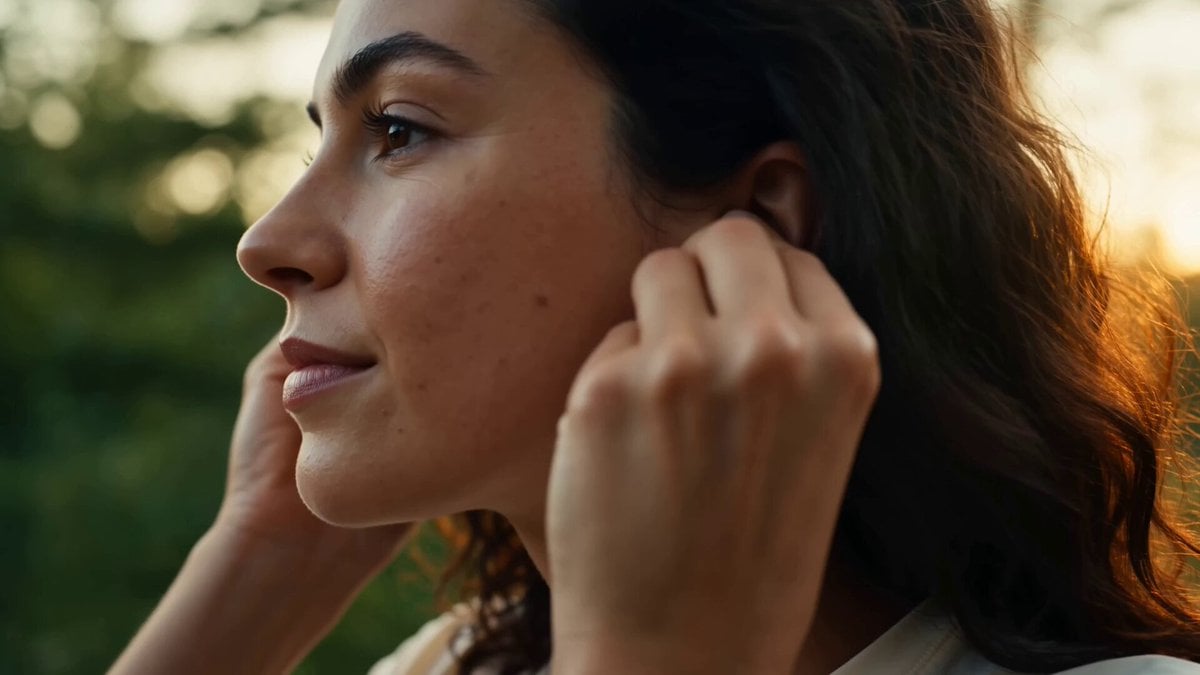
Lakeside Sunrise Lifestyle Vlog
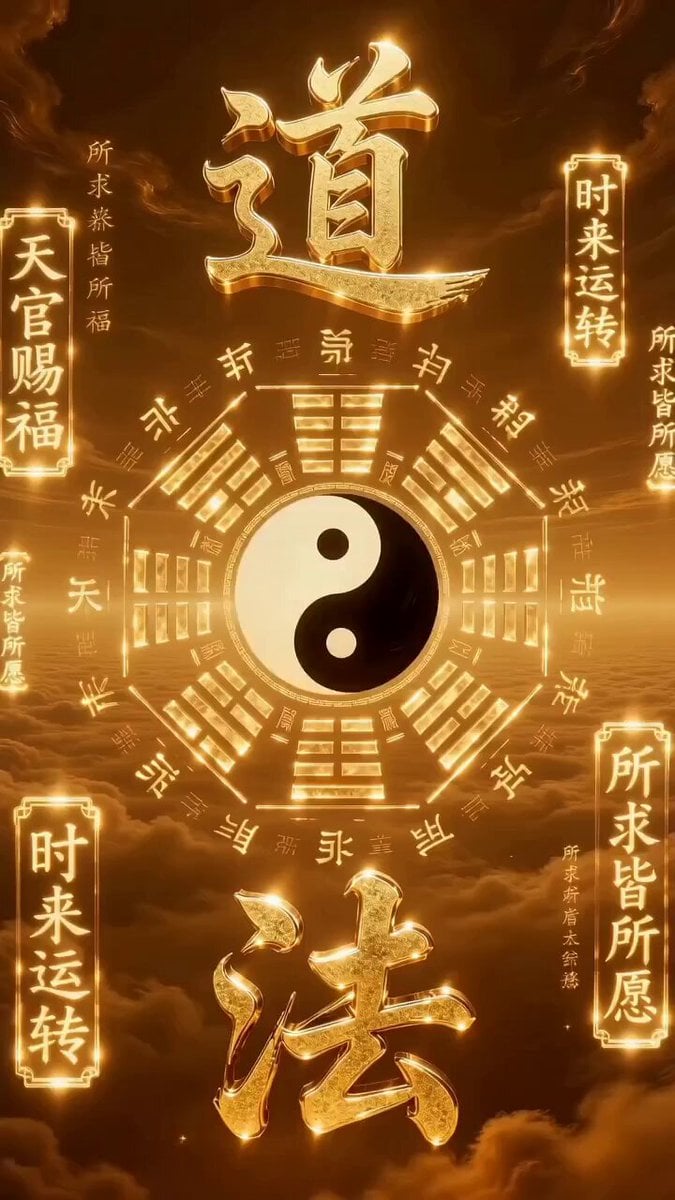
Eastern High-Fantasy Daoist Aesthetics Video Prompt
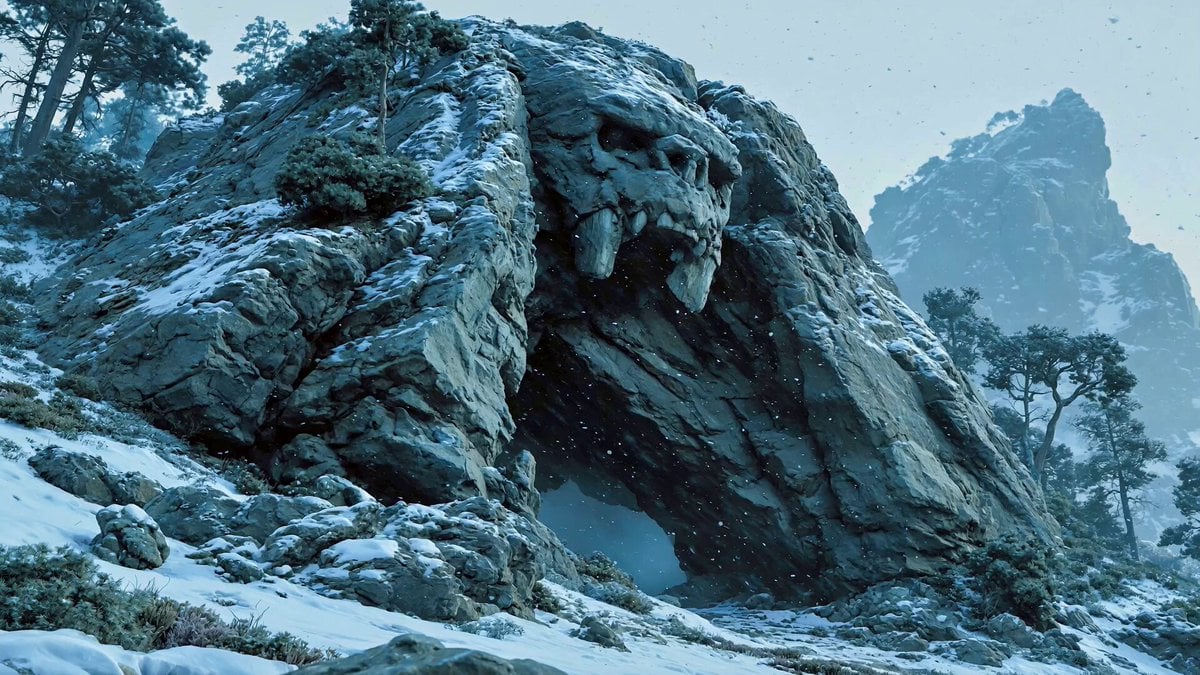
Troll Finding Flower Cinematic Video

Ancient Indian Kingdom FPV Drone Shot
Seedance 2.0 Video Generation Prompt for Text Effects
Browse template categories
Giant Baby Superhero Dancing on Gothic Street questions
How do I use the Giant Baby Superhero Dancing on Gothic Street template?
Add your photo if the template asks for one, edit the prompt if you like — the template's model and format are already selected — and press Generate. Your version opens in PicX Studio.
Can I customize the Giant Baby Superhero Dancing on Gothic Street template?
Yes. You can change the subject, setting, lighting, mood, format, and available model controls before creating your video.
Is the Giant Baby Superhero Dancing on Gothic Street template free?
Opening and editing this template is free. Generating uses credits, shown on the Generate button when you are signed in.
Which AI model should I use?
Start with Grok Imagine, which is the model associated with this template. You can compare another compatible model for a different finish.
Looking for something else? Browse all templates.

Your photo, any look
Thousands of ready templates for every top image and video model, from one credit balance.