
Grok Imagine prompt for Giant Baby Clown Villain Dancing
A detailed prompt for Grok Imagine to generate a cinematic scene of a giant baby clown villain, inspired by the Joker, dancing in a chaotic, neon-lit urban side street, emphasizing surreal charisma and premium cinematic…
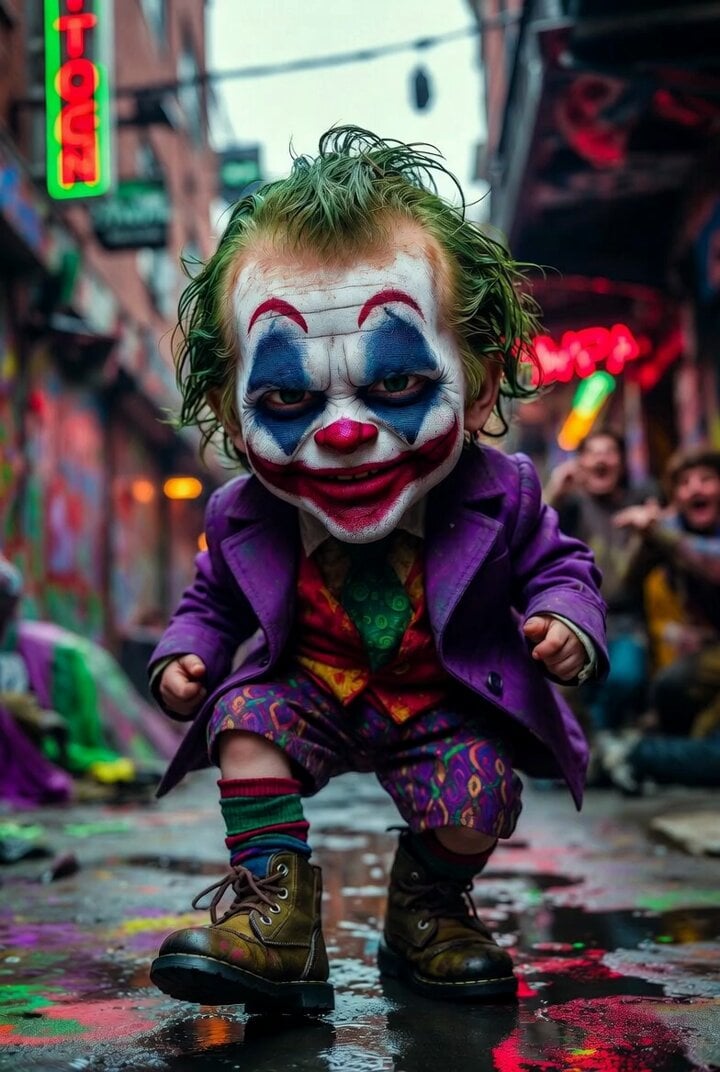
- Prompt included
- Model and format preset
- Free template
The prompt behind this video
Copy the exact prompt behind Grok Imagine prompt for Giant Baby Clown Villain Dancing, or open it in the studio and make it yours.
Giant baby clown villain inspired by Joker dancing in a chaotic urban side street covered in graffiti and neon signs, oversized baby proportions, mischievous painted grin, green tinted hair, purple tiny tailored coat left open, patterned shorts, mismatched socks, chunky combat boots, playful menace, smeared makeup but cinematically beautiful, colorful puddles on the street, saturated reds, greens, purples, urban decay mixed with stylish rave lighting, dramatic composition, low angle lens, background extras laughing and reacting, photorealistic skin and fabric texture, surreal chaotic charisma, premium cinematic realism, 8k masterpiece.
How to use Grok Imagine prompt for Giant Baby Clown Villain Dancing in 3 steps
- 1
Open
The prompt is already in the box next to the preview, with the template's model and format selected.
- 2…a portrait of your subject in softgolden-hour light, 85mm…
Personalize
Edit the subject and creative details for your destination.
- 3Generate
Generate
Press Generate — your video is created in PicX Studio, so you can compare it with the original and refine one variable at a time.
More like this
Templates with the same subject, style or setup. Open one to see its prompt.
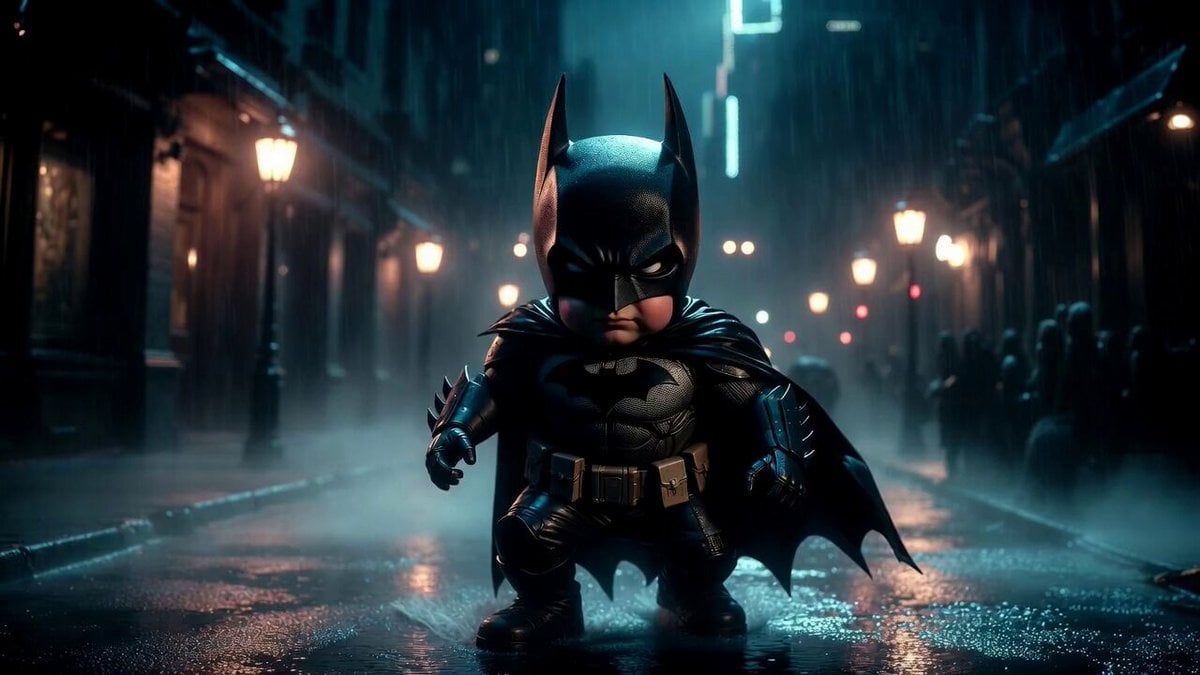
Giant Baby Superhero Dancing on Gothic Street
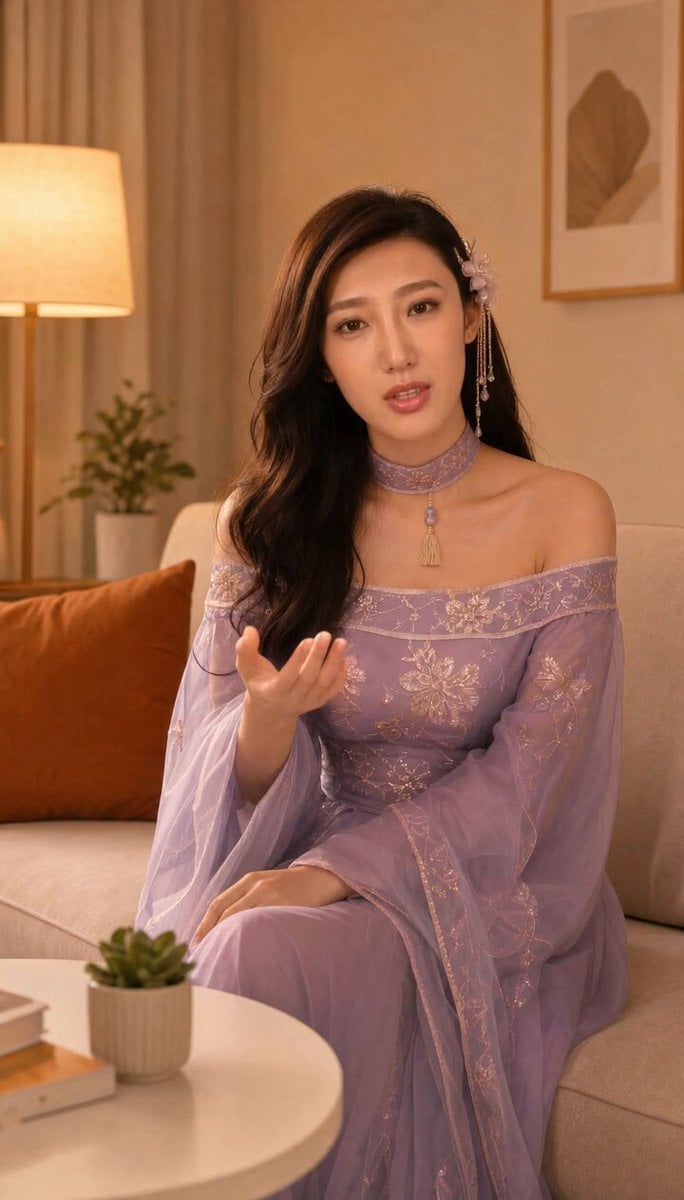
Grok-imagine 1.5 Digital Human Video Script
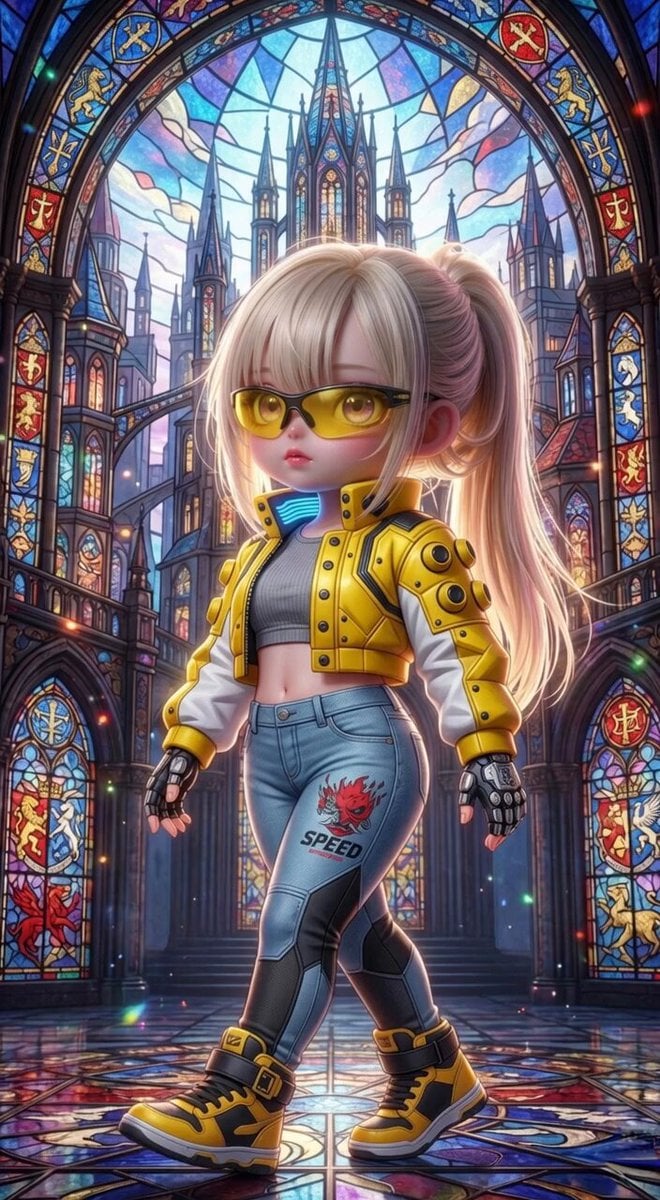
Grok Imagine Mechanical and Ethereal Creature Prompts
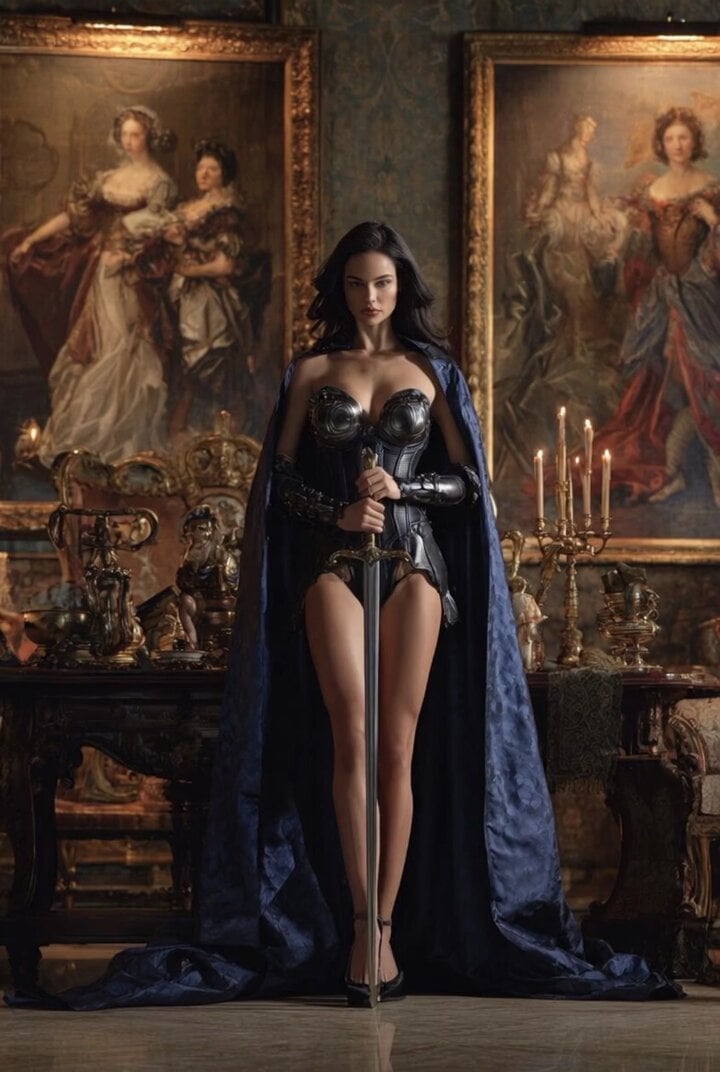
Grok Imagine Video of a Graceful Warrior
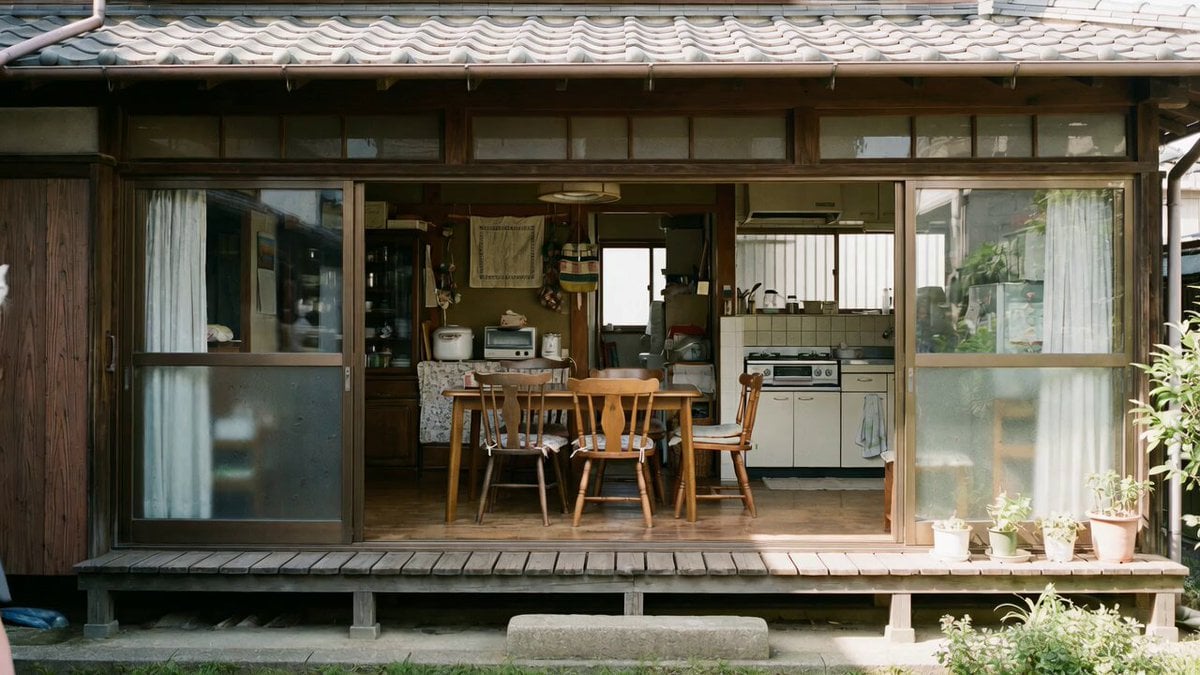
Grok Imagine prompt with negative constraints and scenario

Grok Imagine prompt for cinematic VFX scene (Scene 2 - Landing)
Grok Imagine video prompt part 1: Morning routine
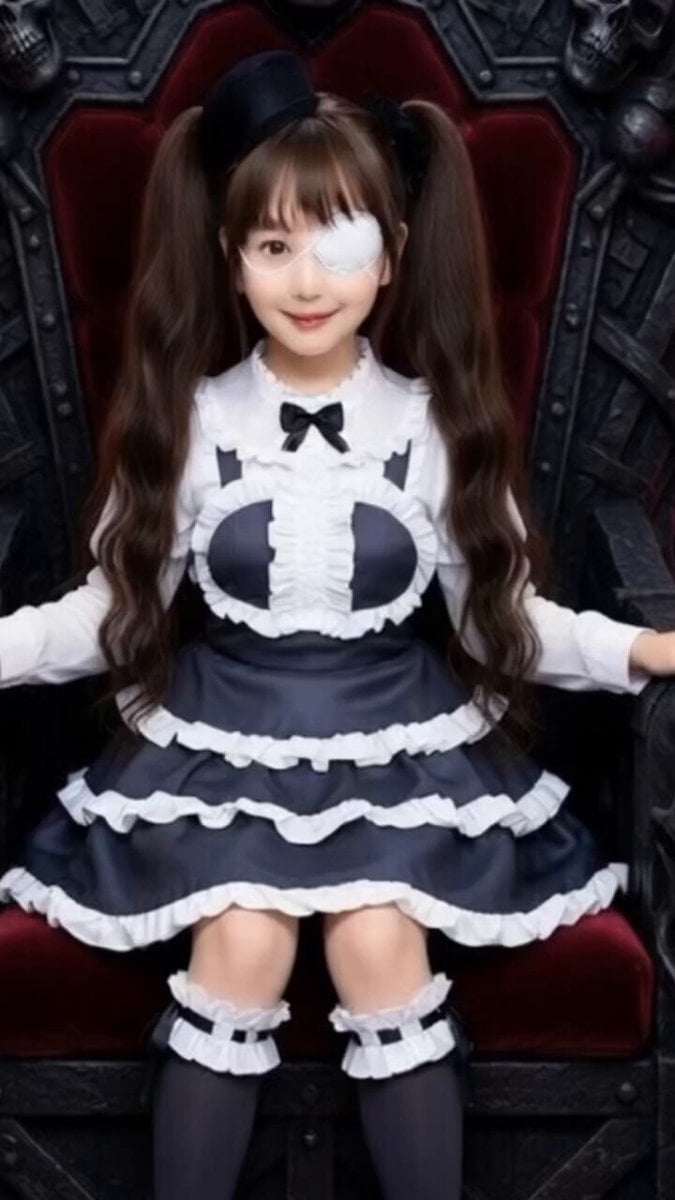
Grok Imagine Prompt: Yurine Kingdom Apocalypse Day
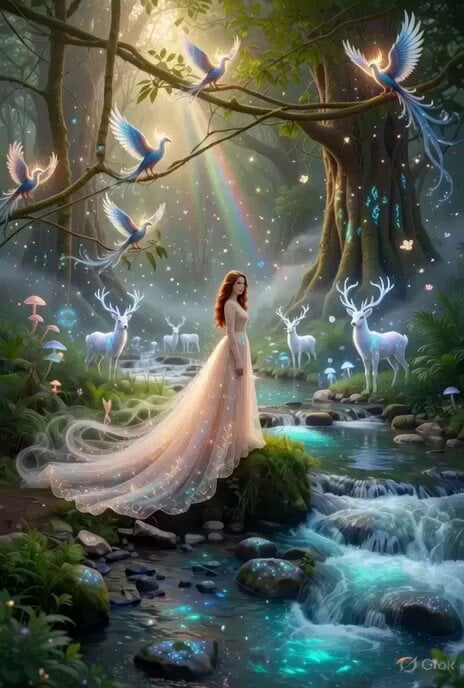
Enchanting Forest Grok Imagine Video Prompt
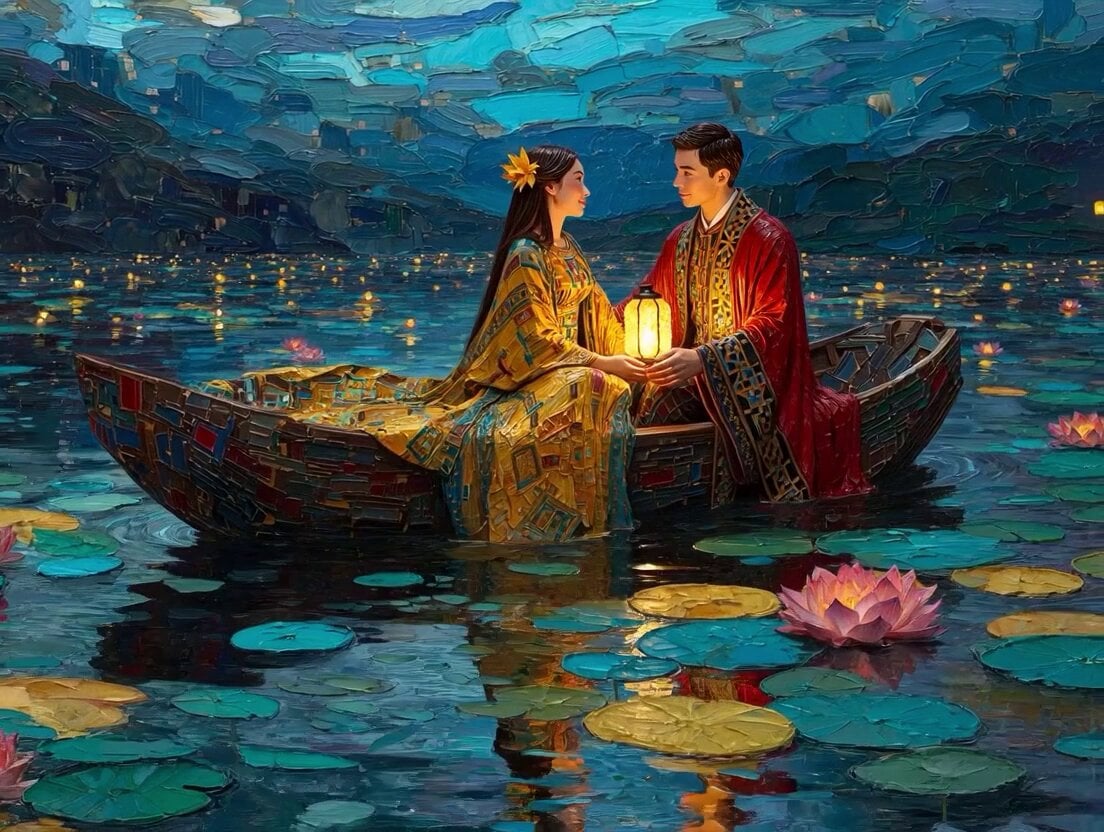
Klimt-Inspired Impasto Painting of Lovers (Midjourney/Grok Imagine)
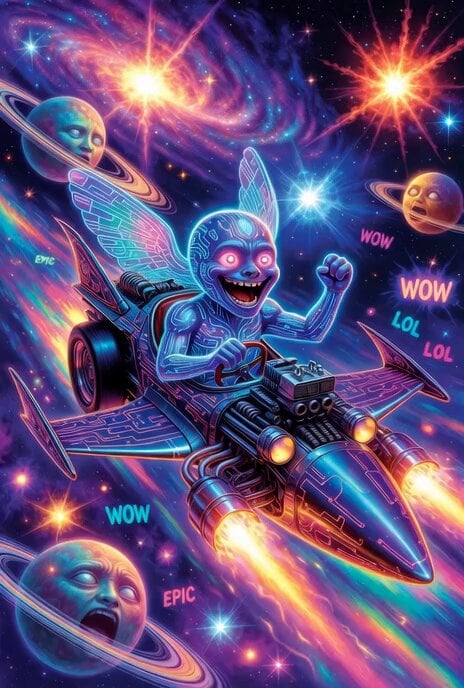
Grok Imagine prompt: Grok driving a cosmic hot rod spaceship

Grok Imagine Prompt: Linux, Containers/K8s, and OpenClaw OS Concepts
Make it yours
Grok Imagine prompt for Giant Baby Clown Villain Dancing works as-is. These are the safest ways to change it without losing the look.
Change one field
Copy a single group, rewrite it, and generate again so you can see what that field is doing.
Keep the frame, change the subject
Hold the composition and light of Grok Imagine prompt for Giant Baby Clown Villain Dancing, then swap wardrobe, props or the person for a new take.
| If the result… | Why | Fix |
|---|---|---|
| The result drifts from the preview | Too many fields changed at once. | Reuse Grok Imagine prompt for Giant Baby Clown Villain Dancing as-is first, then change one group — subject, light, or setting. |
| The model over-stylizes the scene | The prose prompt leaves finish and camera underspecified. | Add one camera or lighting sentence and stay on Grok Imagine. |
More Grok Imagine templates
Other prompts made for Grok Imagine.

Kaleidoscopic Cosmic Dolphin Video

Horror Daffy Duck Video Transition

America 250th Anniversary Celebration

Glowing Water Forest Night Prompt

Soft Pink Roses Dreamer Prompt

Ninja Wizard Levitation Jump

Coffee Cup Interaction Motion

Voice Controlled Water Animation

Pterodactyl Transformation Journey

Candle Mandala Mirror Video
More video prompts
Fresh picks from across the catalog.
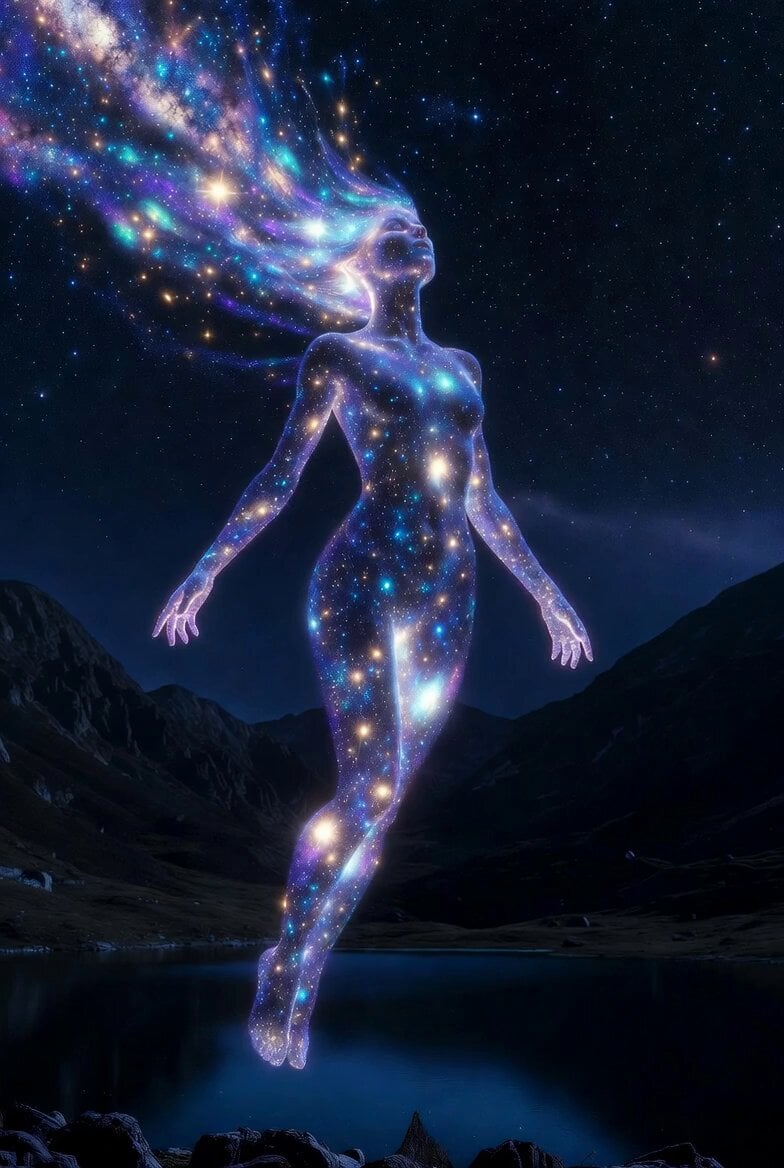
Cosmic Goddess Spirit Above Water
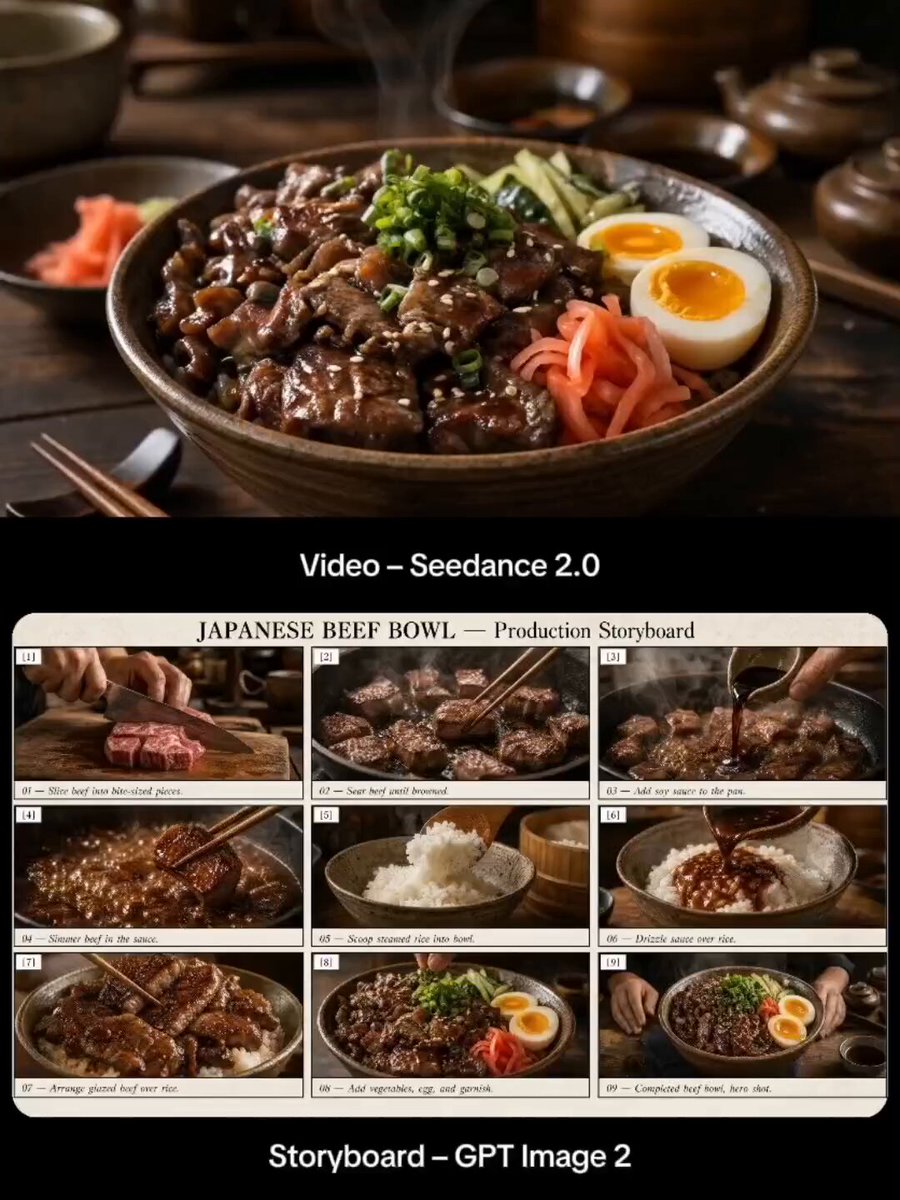
Japanese Beef Bowl Cooking Storyboard
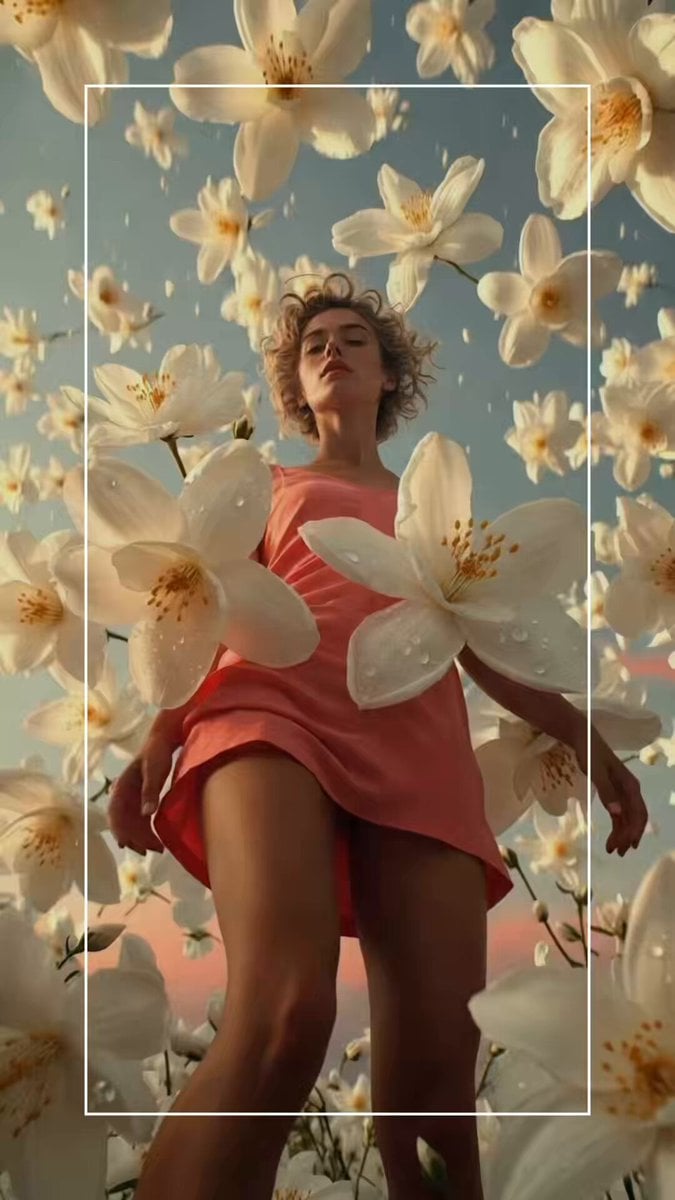
Hyper-realistic Woman in Coral Dress

Cinematic POV of stressed Ghanaian healthcare worker prompt
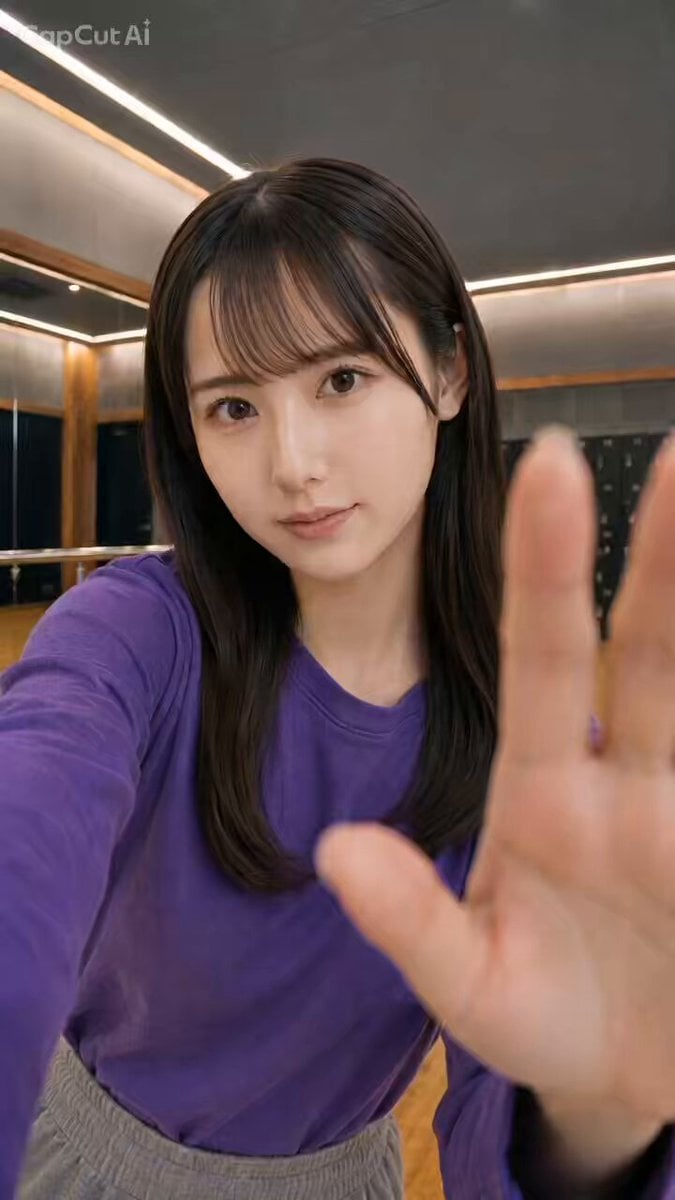
Full-Body Side-to-Side Jumping
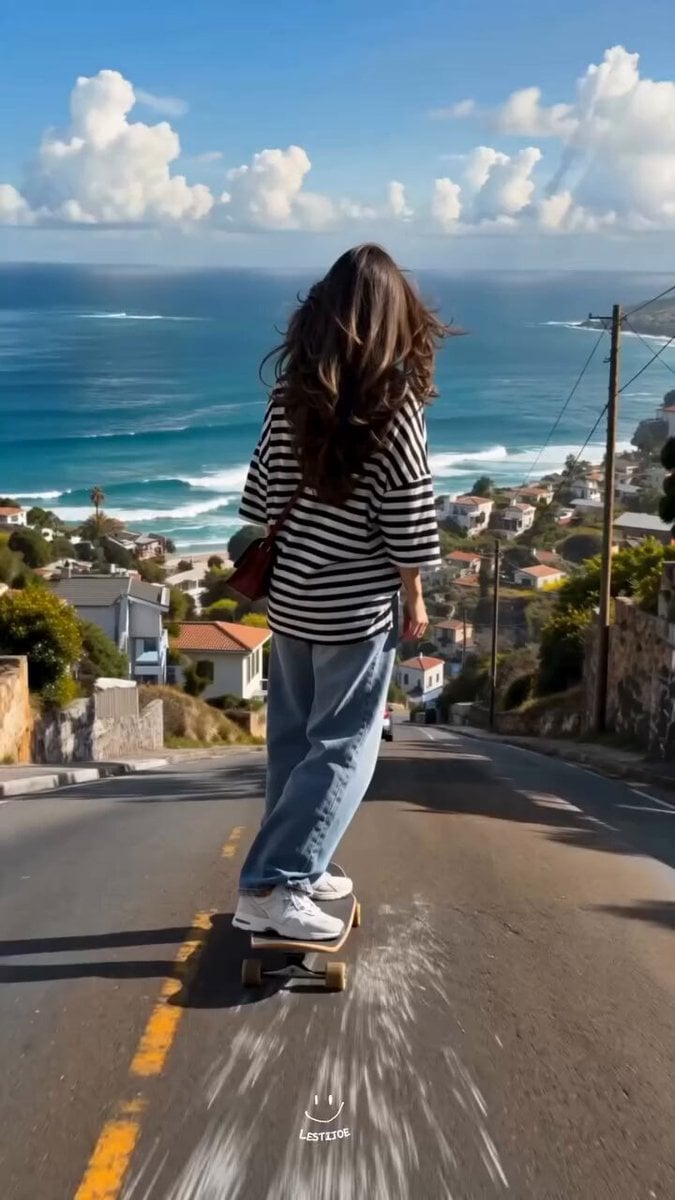
Coastal Downhill Skateboarding Chase
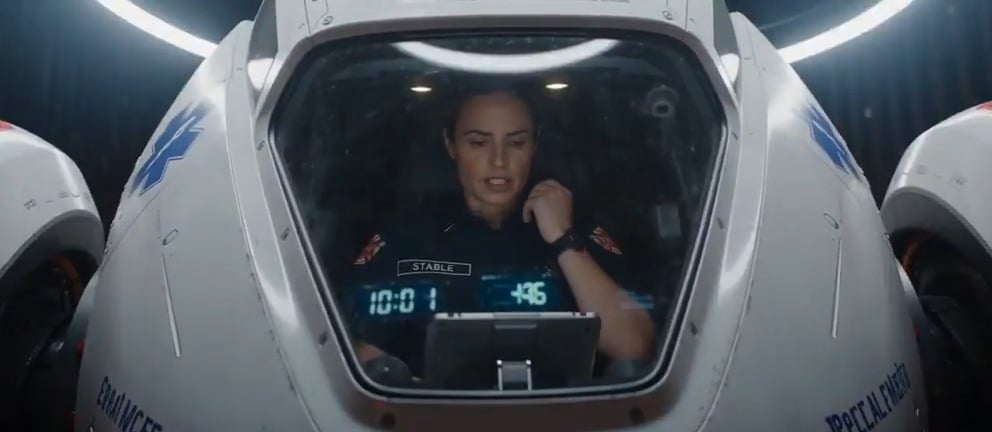
IMAX Paramedic Action Scene
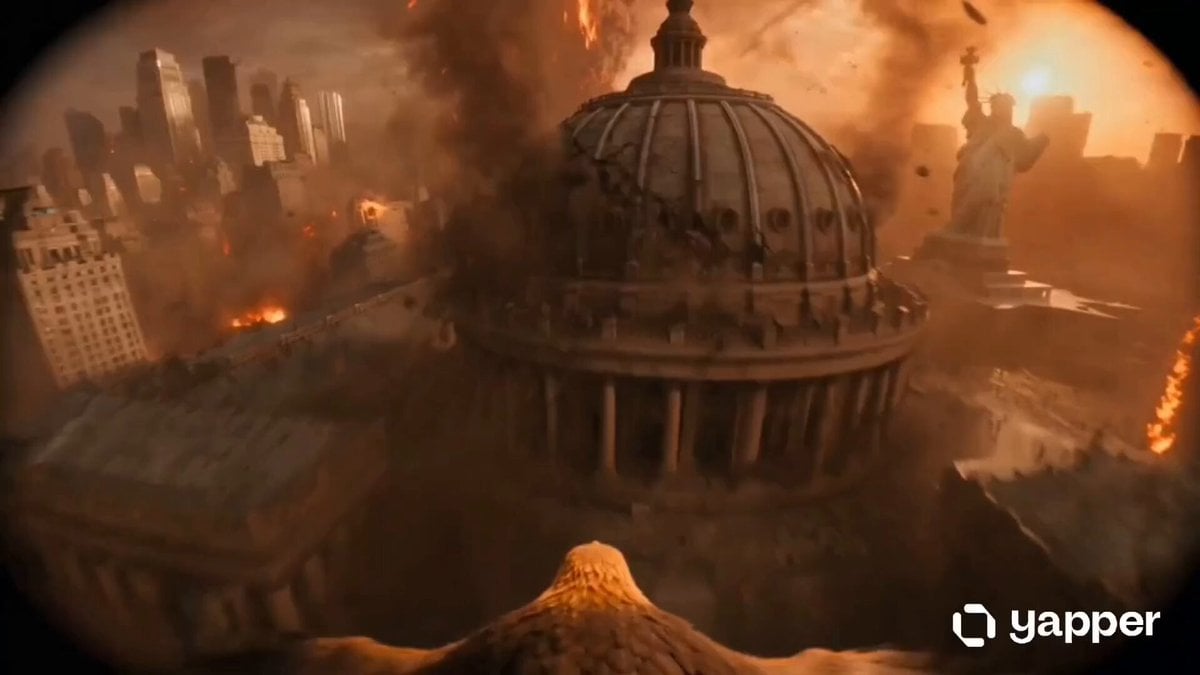
Golden Eagle Escape from Volcanic New York
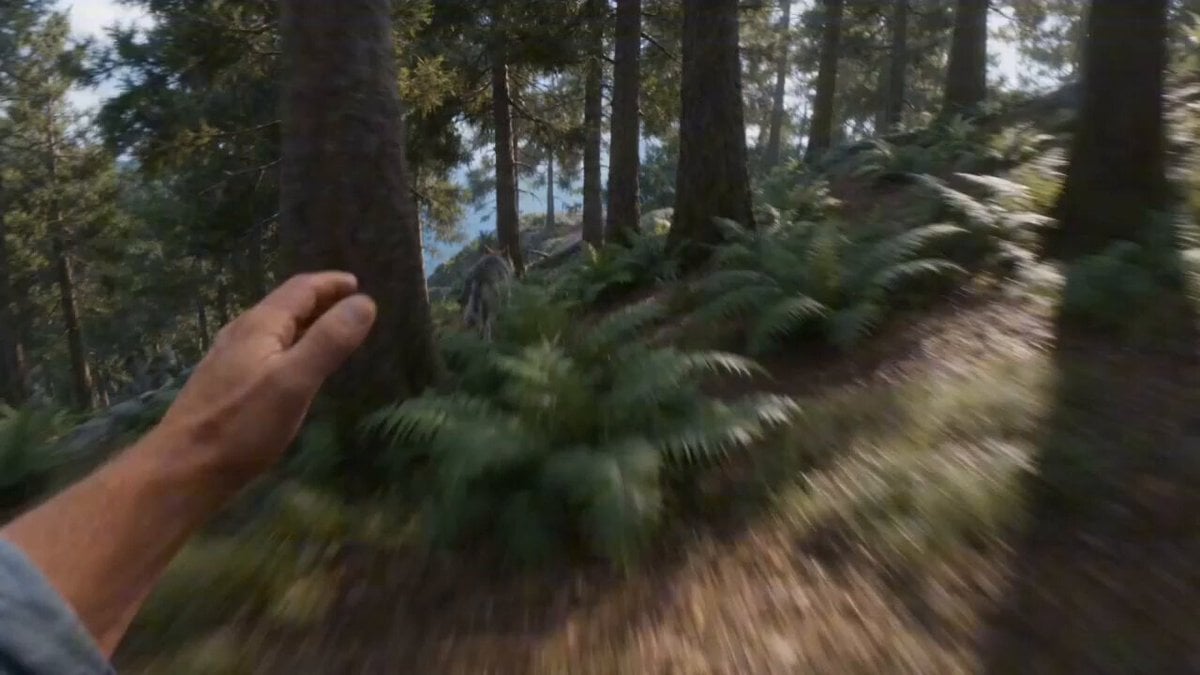
First-person FPV Chase and Rescue by Cat Pirates

Migrating Living Mountains Landscape
Browse template categories
Grok Imagine prompt for Giant Baby Clown Villain Dancing questions
How do I use the Grok Imagine prompt for Giant Baby Clown Villain Dancing template?
Add your photo if the template asks for one, edit the prompt if you like — the template's model and format are already selected — and press Generate. Your version opens in PicX Studio.
Can I customize the Grok Imagine prompt for Giant Baby Clown Villain Dancing template?
Yes. You can change the subject, setting, lighting, mood, format, and available model controls before creating your video.
Is the Grok Imagine prompt for Giant Baby Clown Villain Dancing template free?
Opening and editing this template is free. Generating uses credits, shown on the Generate button when you are signed in.
Which AI model should I use?
Start with Grok Imagine, which is the model associated with this template. You can compare another compatible model for a different finish.
Looking for something else? Browse all templates.

Your photo, any look
Thousands of ready templates for every top image and video model, from one credit balance.