How do I use the Full-Body Side-to-Side Jumping template?
Edit the prompt in the box under the preview — the template's model and format are already selected — and press Generate. Your version appears right on this page.
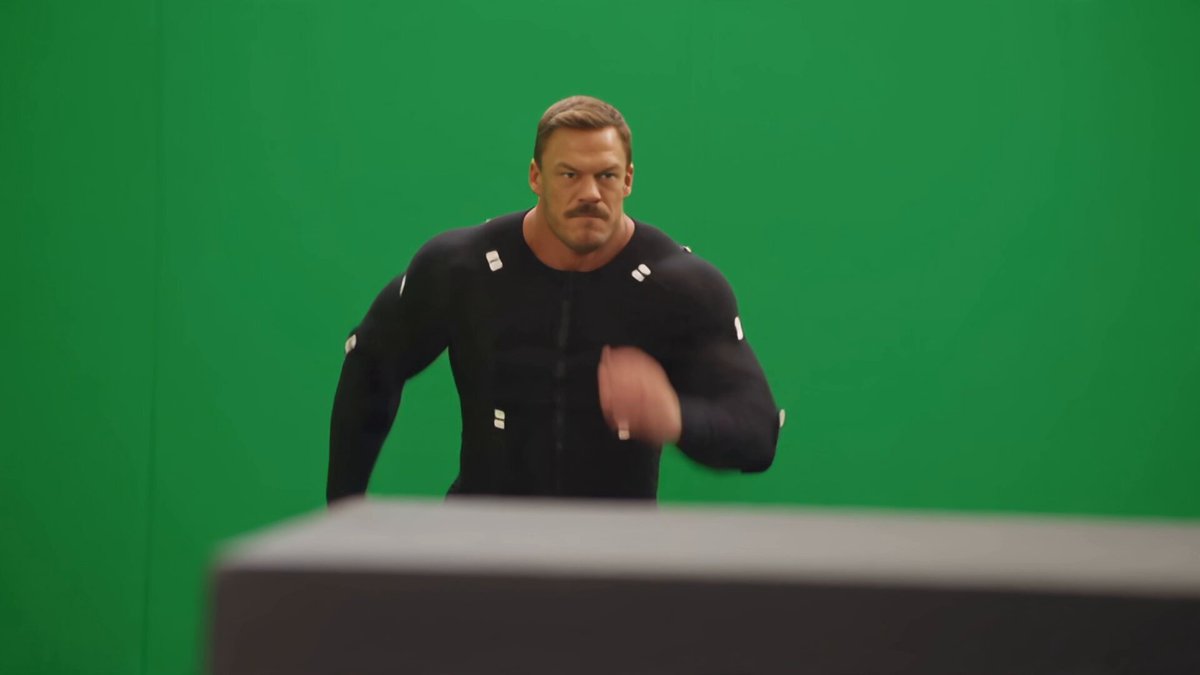
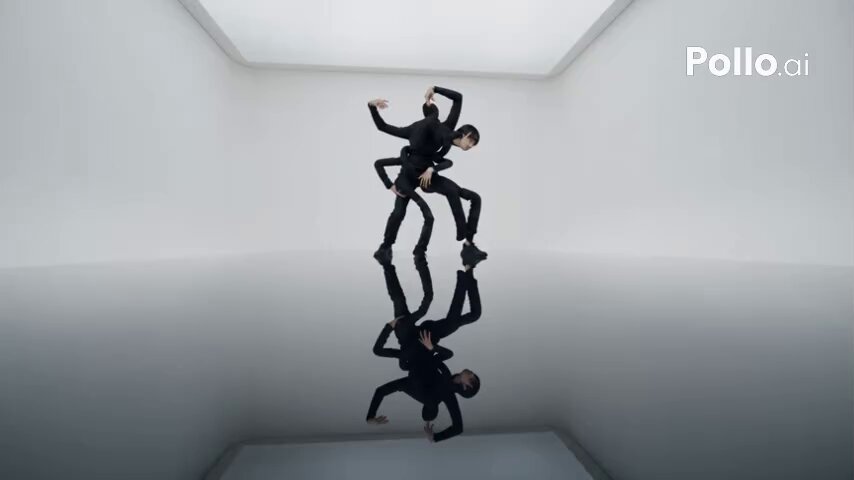
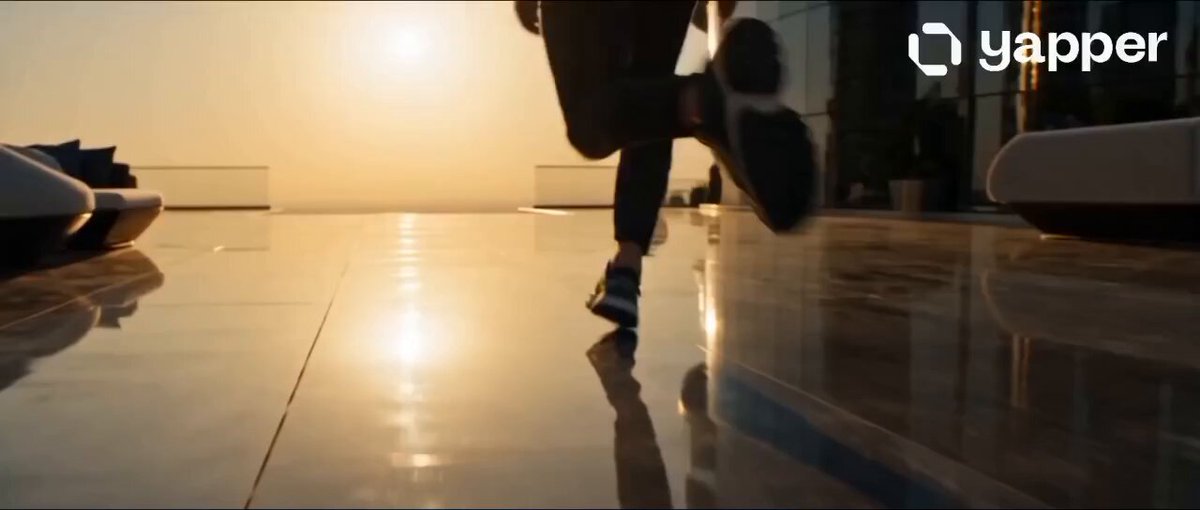
A straightforward prompt for generating a video of a character performing side-to-side jumping exercises with specific camera framing.
カメラをセッティングして、後ろに下がり全身がうつったときにおもむろに反復横跳びをし続ける 動画を作成. モデル Seedance 2.0 Mini. 長さ 10s. 縦横比 9:16. 解像度 720p.
カメラをセッティングして、後ろに下がり全身がうつったときにおもむろに反復横跳びをし続ける 動画を作成. モデル Seedance 2.0 Mini. 長さ 10s. 縦横比 9:16. 解像度 720p.
Edit the prompt in the box under the preview — the template's model and format are already selected — and press Generate. Your version appears right on this page.
Yes. You can change the subject, setting, lighting, mood, format, and available model controls before creating your video.
Opening and editing this template is free. Generating uses credits, shown on the Generate button when you are signed in.
Start with Seedance 2.0, which is the model associated with this template. You can compare another compatible model for a different finish.
Follow a topic to a crawlable collection of related PicX Studio templates.