
Victorian Attic Horror Doll
An eerie multi-shot horror sequence set in an abandoned attic, featuring a creepy porcelain doll that comes to life.
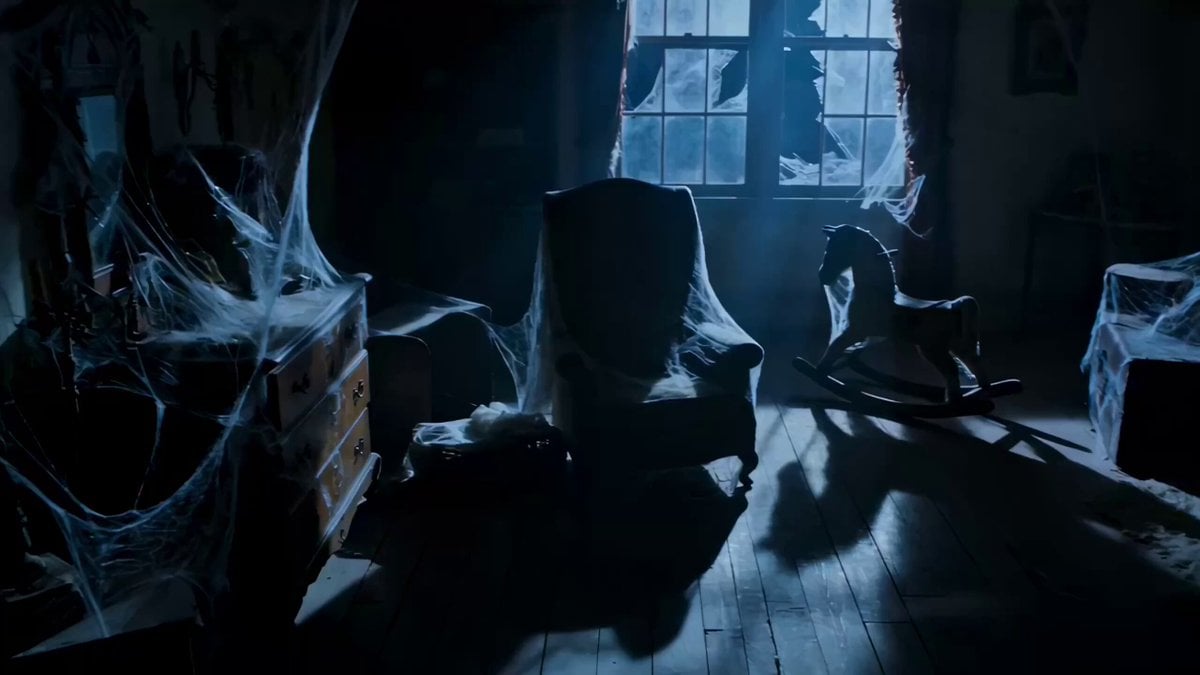
- Prompt included
- Model and format preset
- Free template
The prompt behind this video
Copy the exact prompt behind Victorian Attic Horror Doll, or open it in the studio and make it yours.
15-second eerie multi-shot horror video, 5 shots, dusty abandoned Victorian attic at night lit only by cold moonlight through cracked window. Shot 1: long slow pan across cobweb-covered furniture and old toys. Shot 2: close-up on cracked porcelain doll sitting motionless on a shelf, its painted eyes suddenly shift and blink. Shot 3: medium shot as its head turns 180 degrees with a sharp mechanical jerk. Shot 4: low-angle tracking shot as the doll crawls down from the shelf with stiff, jerky limbs. Shot 5: extreme close-up of its broken smiling face emerging from shadow staring straight at viewer. Cold blue moonlight, floating dust particles, high contrast shadows, extremely unsettling and realistic
How to use Victorian Attic Horror Doll in 3 steps
- 1
Open
The prompt is already in the box next to the preview, with the template's model and format selected.
- 2…a portrait of your subject in softgolden-hour light, 85mm…
Personalize
Edit the subject and creative details for your destination.
- 3Generate
Generate
Press Generate — your video is created in PicX Studio, so you can compare it with the original and refine one variable at a time.
More like this
Templates with the same subject, style or setup. Open one to see its prompt.
Rainforest Thriller — Searching the Unseen
Chibi Cave Adventure — He Doesn't Know What's Coming
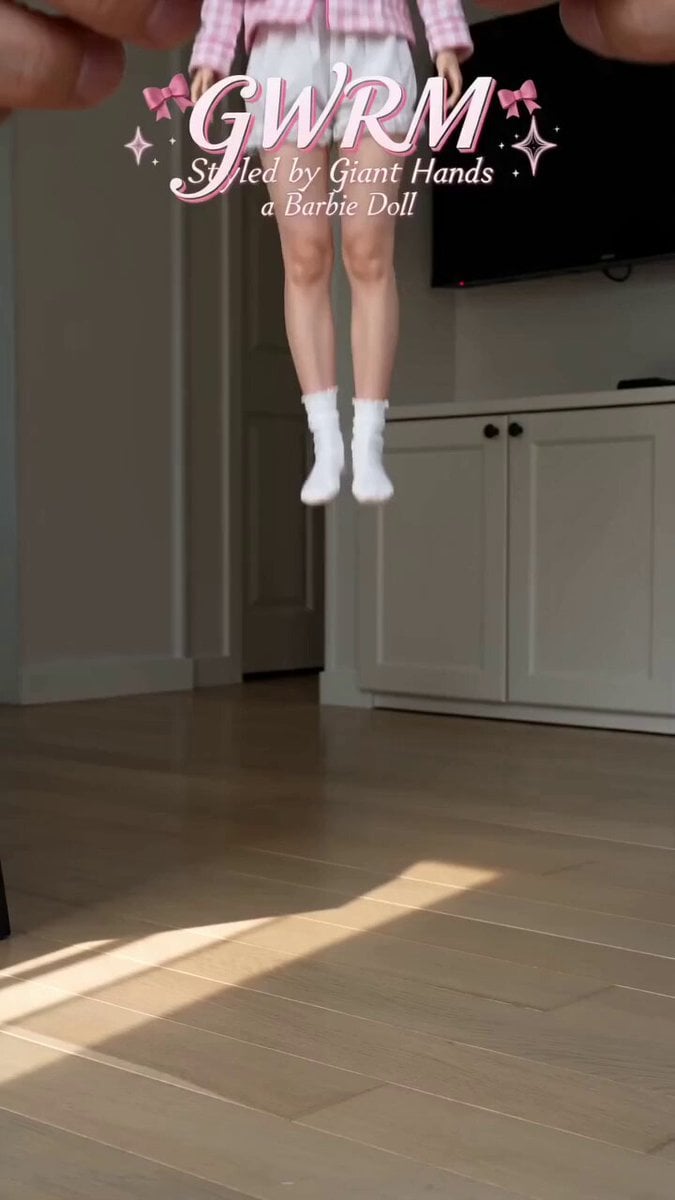
Giant Hands Barbie Doll Styling Workflow

Mystic Ocean Victorian Lady
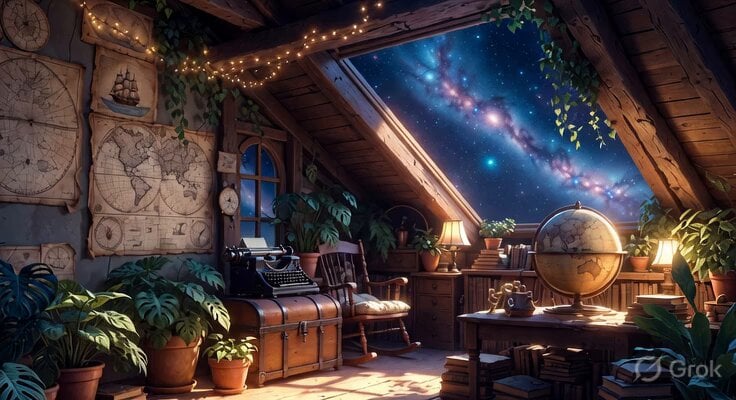
Studio Ghibli Inspired Cozy Attic
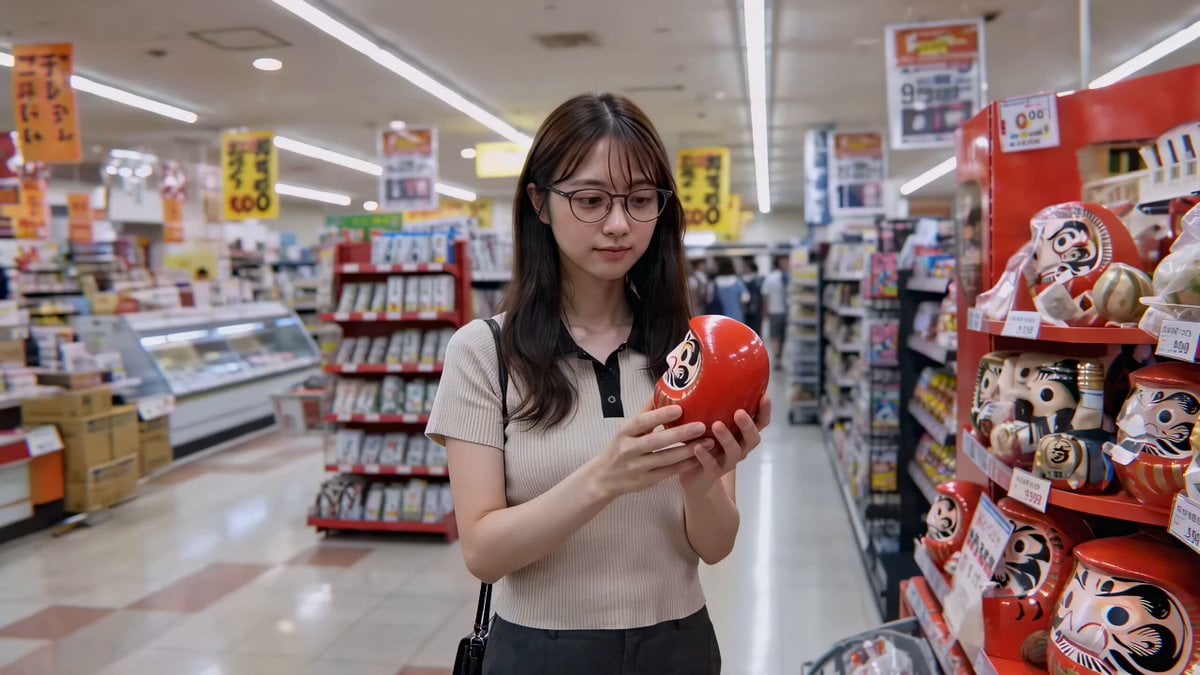
Cute Character and Daruma Doll Interaction
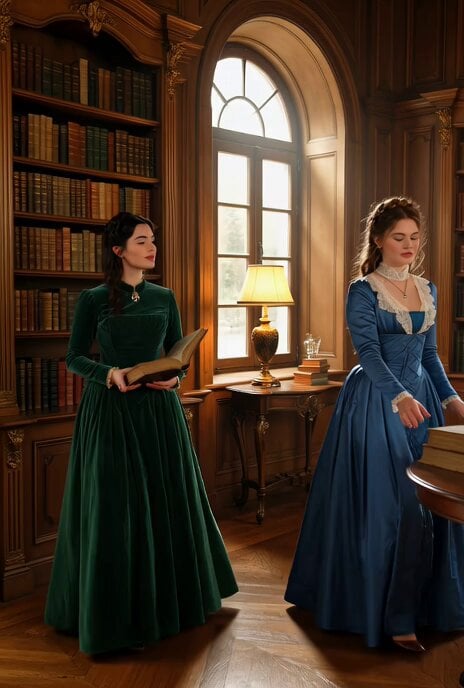
Victorian woman surrounded by books coming to life
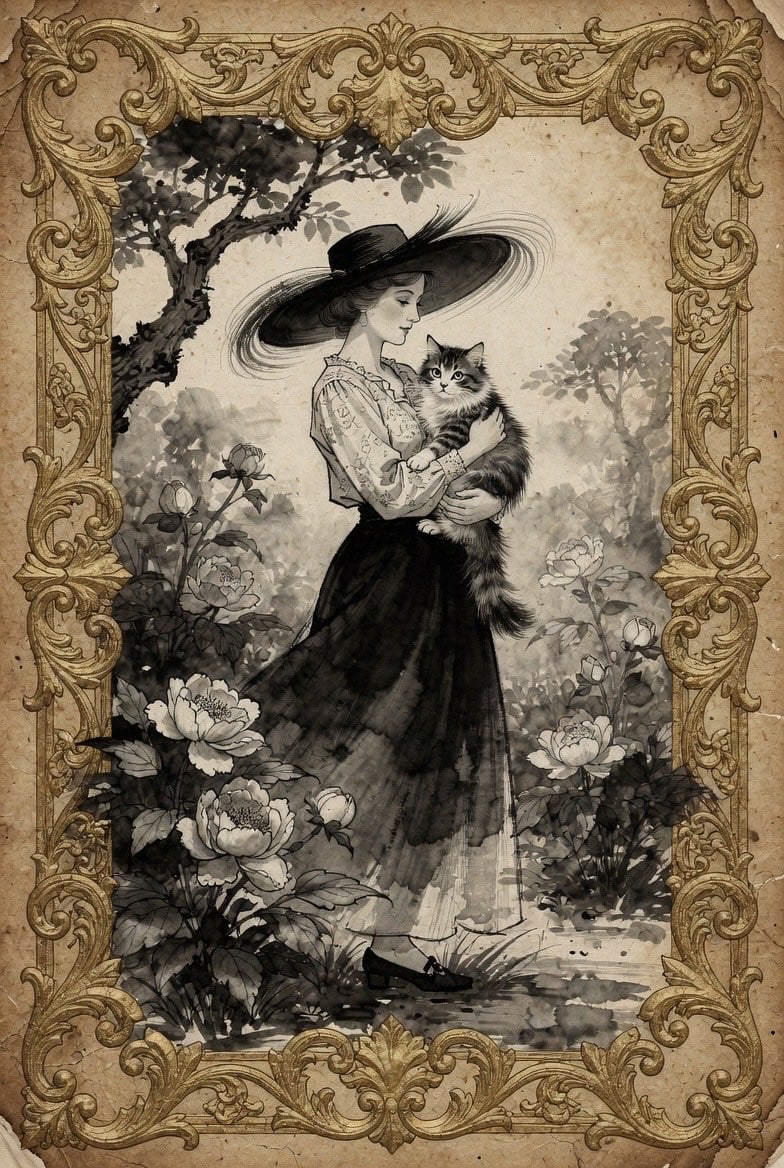
Vintage Victorian Lady with Cat Illustration
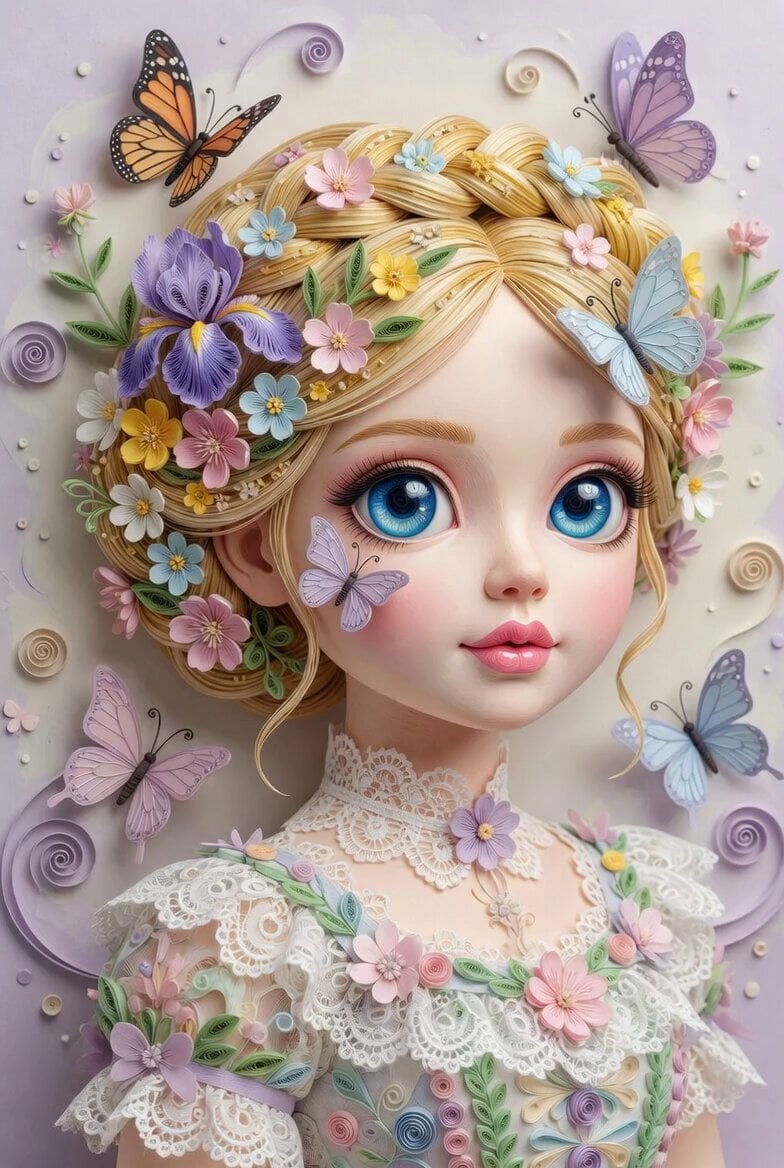
3D Paper Quilling Doll Prompt
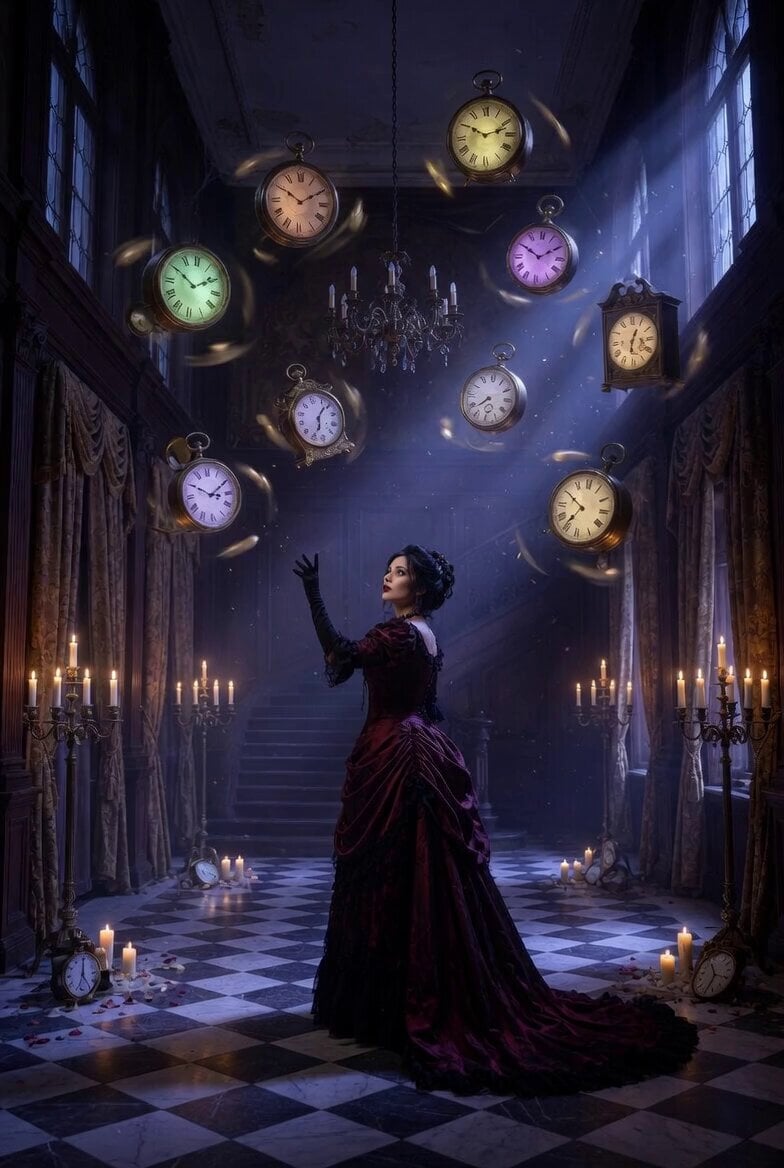
Mysterious Victorian Woman and Floating Clocks
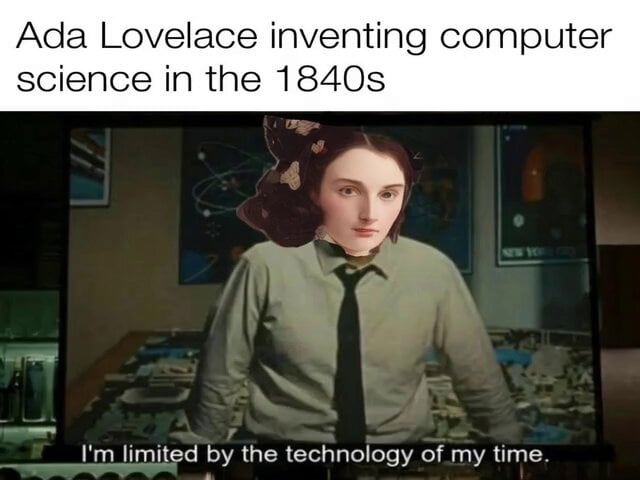
Victorian Female Basilisk

Victorian Gothic Man on Sofa
Make it yours
Victorian Attic Horror Doll works as-is. These are the safest ways to change it without losing the look.
Change one field
Copy a single group, rewrite it, and generate again so you can see what that field is doing.
Keep the frame, change the subject
Hold the composition and light of Victorian Attic Horror Doll, then swap wardrobe, props or the person for a new take.
| If the result… | Why | Fix |
|---|---|---|
| The result drifts from the preview | Too many fields changed at once. | Reuse Victorian Attic Horror Doll as-is first, then change one group — subject, light, or setting. |
| The model over-stylizes the scene | The prose prompt leaves finish and camera underspecified. | Add one camera or lighting sentence and stay on Seedance 2.0. |
More Seedance 2.0 templates
Other prompts made for Seedance 2.0.

Comical Martial Arts Punch Scene

Maglev Train Action Sequence

Martial Arts Fight Sequence

Wuxia Protection and Trust Script

Vintage Korean Arcade MiniDV Vlog

Mercedes 190 SL Luxury Ad

Rainy Night Supernatural Reverse Comedy Video Script

Amazon Civilization Discovery

Futuristic South Asian City Transformation

Cozy Luxury Cafe Commercial
More video prompts
Fresh picks from across the catalog.
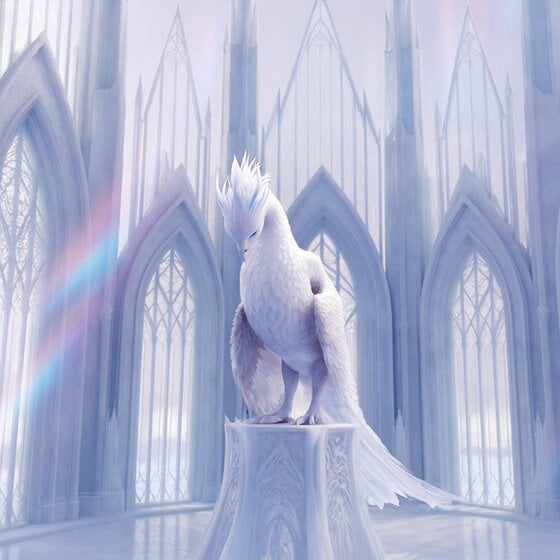
Cinematic Ice Phoenix Awakening Video Prompt

Easter Day Video Prompt in Spanish

Grok Imagine Prompt: Cinematic Realism Base

Mice and Rabbits in Blowing Winds
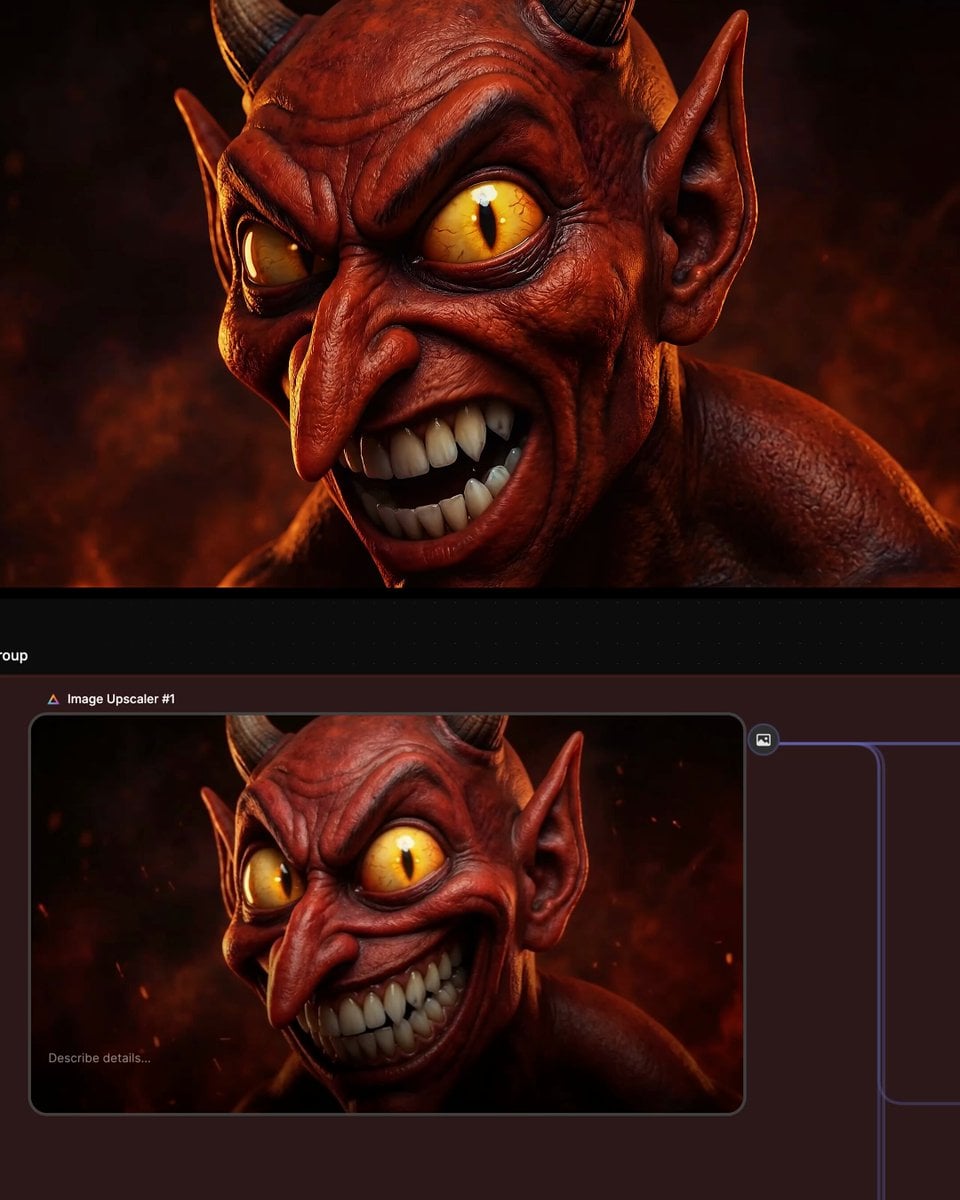
Multi-shot prompt for a devil character using Kling 3.0

EC135 Helicopter Alpine Rescue Flight

The Departure Sci-Fi Ad Script

Cinematic Commercial Video Aesthetic for Seedance 2.0
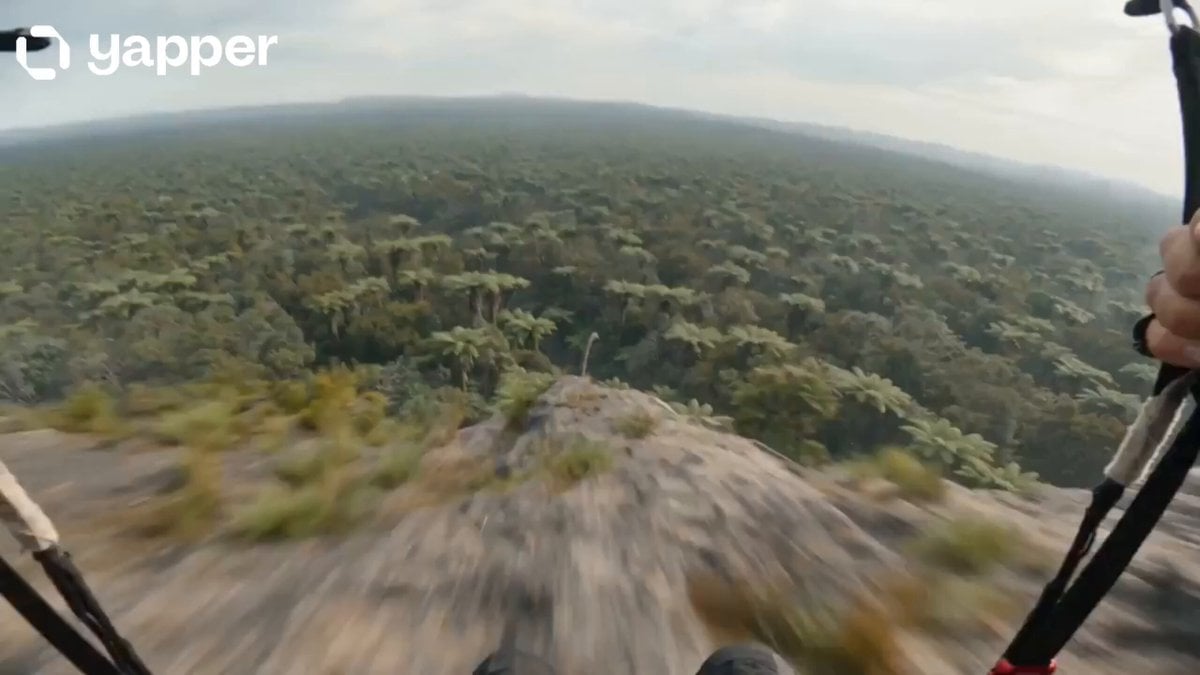
Prehistoric POV Paragliding Action
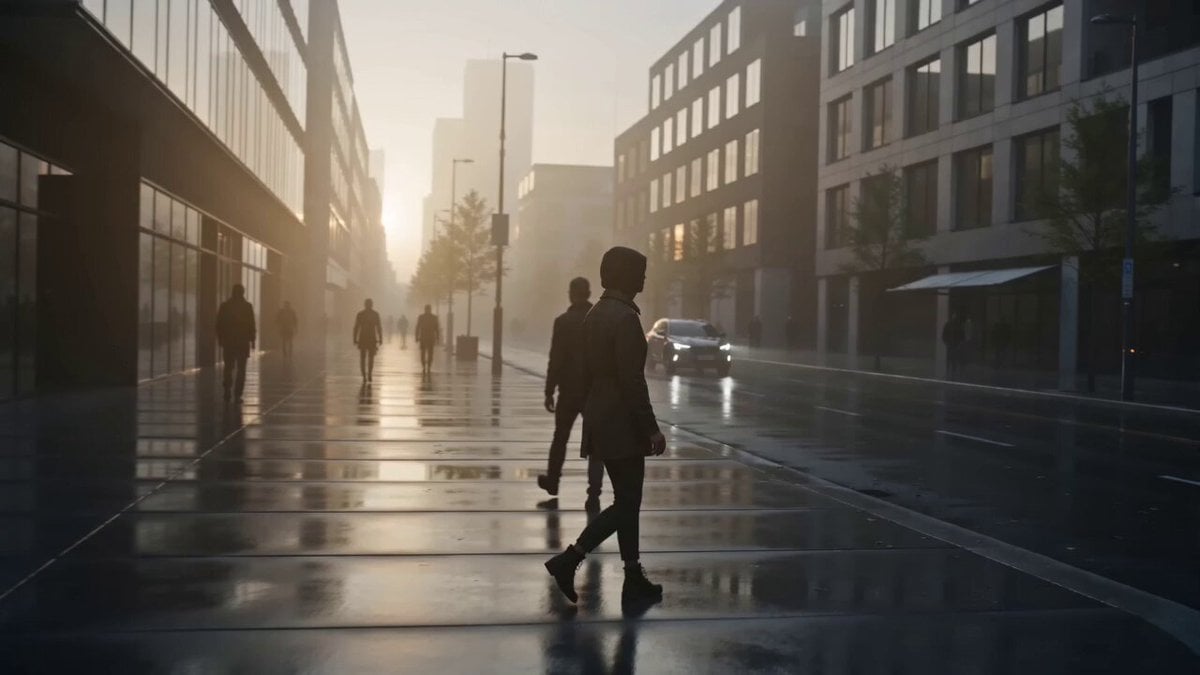
Collecting City Sounds Surrealism
Browse template categories
Victorian Attic Horror Doll questions
How do I use the Victorian Attic Horror Doll template?
Add your photo if the template asks for one, edit the prompt if you like — the template's model and format are already selected — and press Generate. Your version opens in PicX Studio.
Can I customize the Victorian Attic Horror Doll template?
Yes. You can change the subject, setting, lighting, mood, format, and available model controls before creating your video.
Is the Victorian Attic Horror Doll template free?
Opening and editing this template is free. Generating uses credits, shown on the Generate button when you are signed in.
Which AI model should I use?
Start with Seedance 2.0, which is the model associated with this template. You can compare another compatible model for a different finish.
Looking for something else? Browse all templates.

Your photo, any look
Thousands of ready templates for every top image and video model, from one credit balance.