
Giant Hands Barbie Doll Styling Workflow
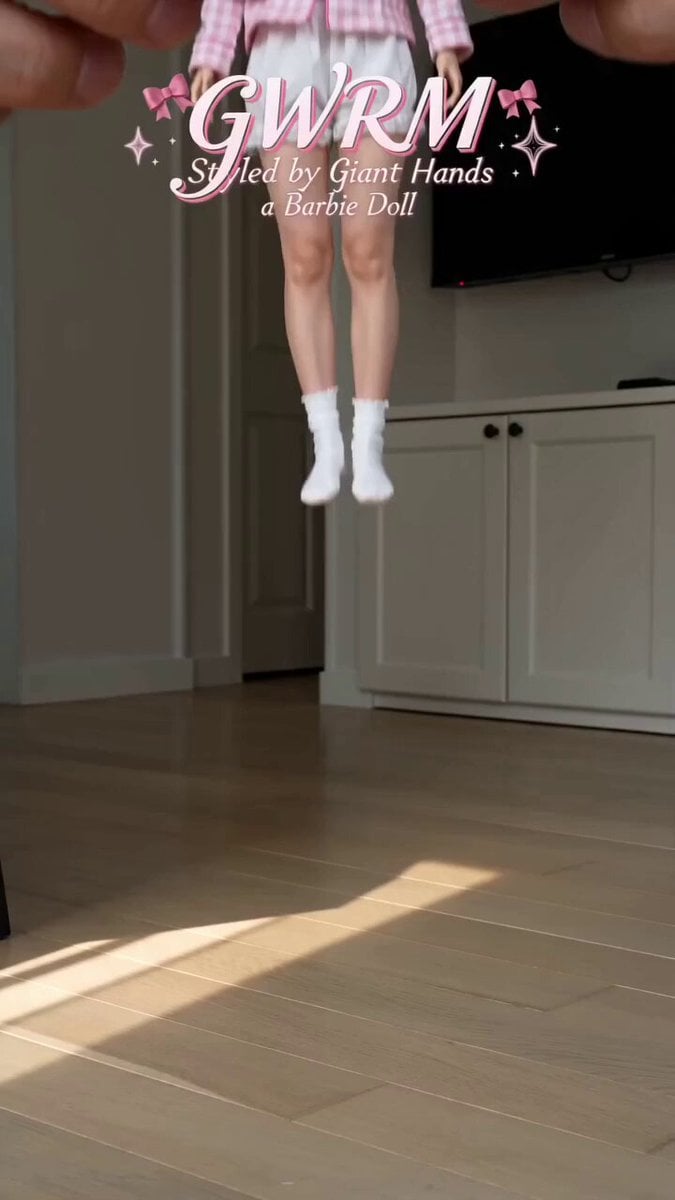
A highly detailed video generation prompt for Seedance 2.0 that mimics the style of a Barbie doll 'Get Ready With Me' video being manipulated by giant hands.
- Prompt included
- Model and format preset
- Free template
The prompt behind this video
Copy the exact prompt behind Giant Hands Barbie Doll Styling Workflow, or open it in the studio and make it yours.
【风格】巨人之手娃娃穿搭(GWRM · Giant Hands Barbie Doll Styling),真实手机竖屏实拍质感(9:16 Vertical, Photorealistic),ins爆款粉色少女感,自然家居光\n【时长】15秒\n【场景】真实居家客厅:浅色木地板、白色衣柜、墙上挂着电视,自然窗光从侧面打进来;女主以真人芭比娃娃的比例站在地板上,画外伸进来的手比她整个人还大\n【角色】女主@图片1(被缩小成娃娃比例的真人,面部与身材保持真人质感,动作有轻微娃娃感的僵直和顿挫)\n【核心机制】比例差:一双巨大的手(正常人手,相对女主如巨人)从画外反复伸入画面为她换装——捏起、放下、脱衣、套衣、蹲下换鞋;女主全程配合但保持娃娃式的乖巧站姿,被摆弄时身体轻微晃动\n【常驻字幕】画面上方粉色手写花体英文标题\"GWRM\",下方小字\"Styled by Giant Hands Like a Barbie Doll\",配粉色蝴蝶结与星星装饰\n\n[00:00-00:02] 开场:把娃娃放下(Placement)\n巨手捏住女主的腰部把她从画外拎进来,轻轻放到木地板上站稳,她穿着粉格睡衣外套、白色吊带、白色蕾丝短裤和白袜,头上戴粉色睡眠眼罩,双脚落地时轻轻晃了一下才站定。\n\n[00:02-00:05] 第一步:摘眼罩、脱外套(Undress)\n巨手两指捏住她头上的粉色眼罩向上一摘;随后双手捏住粉格外套的两只袖口,把整件外套从她身上向后一褪、整件拎出画面,她只剩白吊带和蕾丝短裤,抬手揉了揉眼睛。\n\n[00:05-00:08] 第二步:护肤上妆(Skincare Close-up)\n切怼脸特写:巨大的手指蘸着乳白色面霜在她脸颊上轻轻抹开,她乖乖闭眼仰着脸;接着一根手指举起一面粉色小镜子递到她面前,她睁眼照镜子、抿嘴整理刘海。\n\n[00:08-00:11] 第三步:换新装(Dress Up)\n切回全景:巨手捧着一件绿色荷叶边抹胸上衣从她头顶套下、拉正下摆;再取一条粉白格子超短裙从她脚下向上提到腰间,抚平褶皱,她配合地抬起手臂又放下。\n\n[00:11-00:13.5] 第四步:换鞋袜(Shoes & Socks)\n低角度贴地特写:巨手捏着粉色长筒蕾丝袜一只只往她腿上套、拉到膝盖;再把一双玫红色尖头高跟鞋摆到她脚边,捏着她的脚踝一只只塞进鞋里,指尖调整鞋跟站稳。\n\n[00:13.5-00:15] 收尾:走秀定格(Final Pose)\n巨手退出画面,女主独自站在地板中央,双手叉腰扭胯摆pose,接着原地转身甩了下头发,对镜头歪头一笑,画面定格在她的全身穿搭上。\n\n【音效】轻快甜美的ins风BGM打底,衣物摩擦的窸窣声、鞋跟磕地的\"哒\"声、手指擦面霜的细微声都保留真实录音质感,每次换装完成配一声轻\"叮\",结尾定格配上扬收束音
How to use Giant Hands Barbie Doll Styling Workflow in 3 steps
- 1
Open
The prompt is already in the box next to the preview, with the template's model and format selected.
- 2…a portrait of your subject in softgolden-hour light, 85mm…
Personalize
Edit the subject and creative details for your destination.
- 3Generate
Generate
Press Generate — your video is created in PicX Studio, so you can compare it with the original and refine one variable at a time.
More like this
Templates with the same subject, style or setup. Open one to see its prompt.
Tiny Figure Climbing a Giant — Low Angle Seedance
Outcome-Focused Product Commercial Workflow
Girl Turning Head and Moving Hands
Cute Character and Daruma Doll Interaction
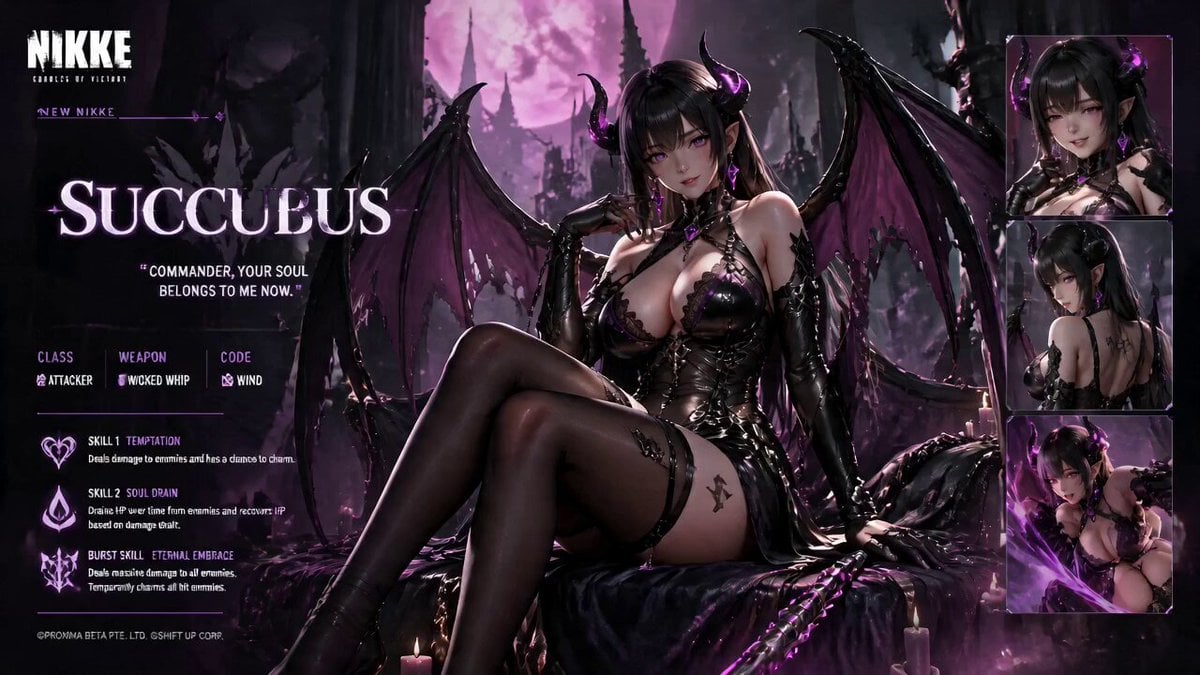
Live Character Animation Workflow
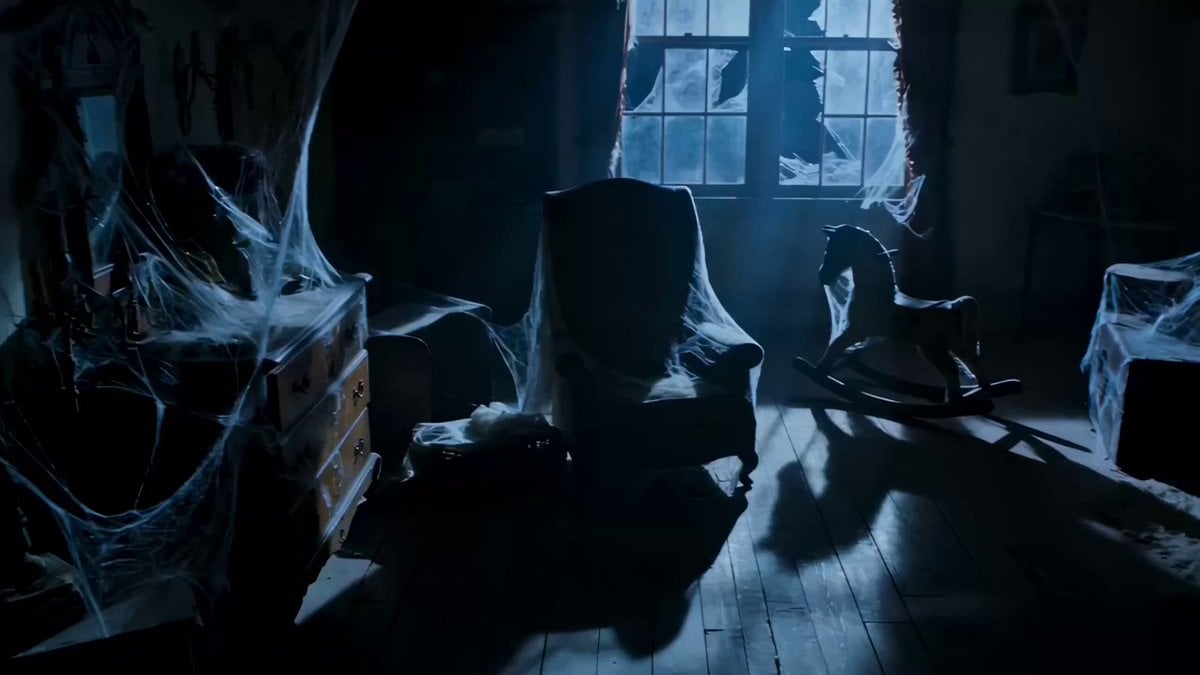
Victorian Attic Horror Doll
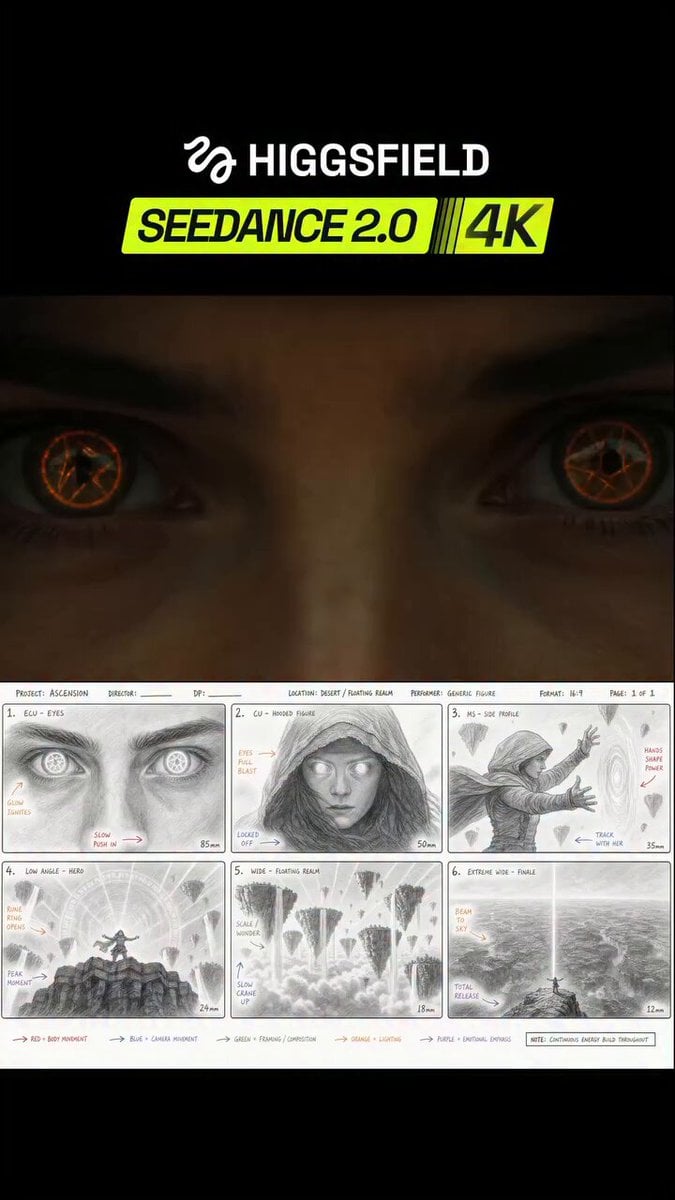
Seedance 2.0 JSON Prompt Workflow
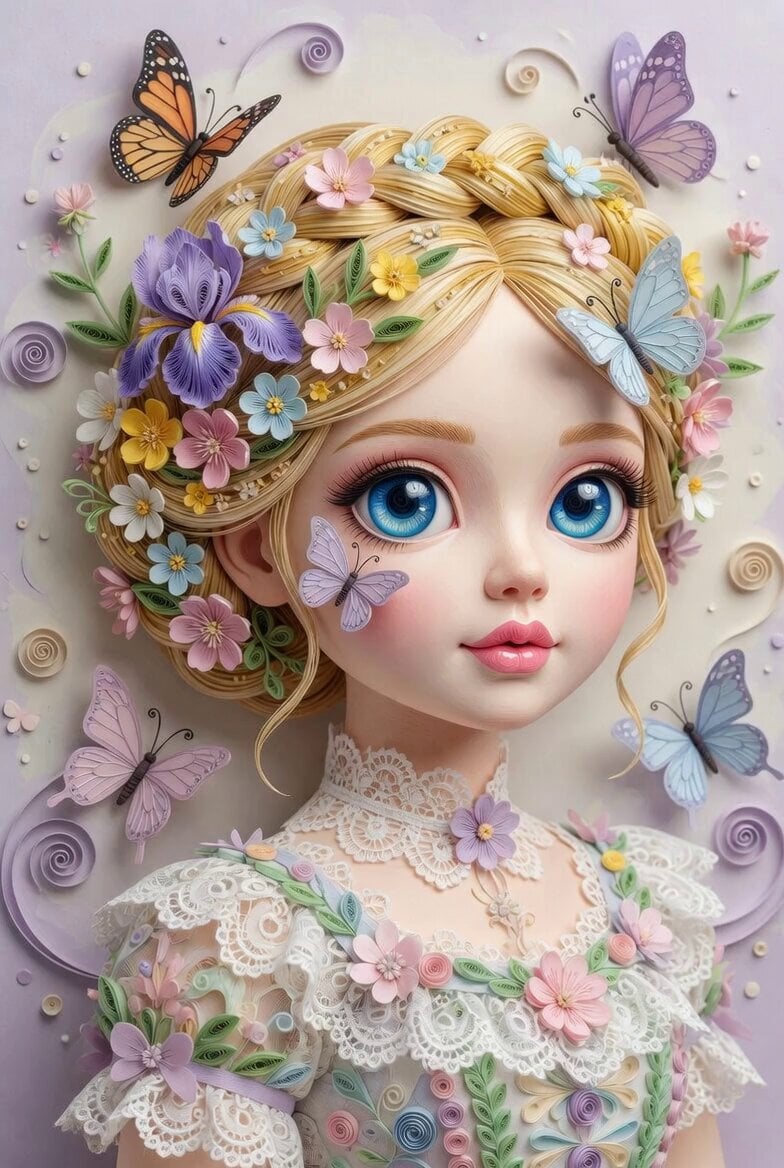
3D Paper Quilling Doll Prompt
Jewelry and Hands Close-up
Translucent Aliens Handshake Scene
iPad Kid Cheeto Hands Video Prompt

Monet Impressionist Rowing Hands
Make it yours
Giant Hands Barbie Doll Styling Workflow works as-is. These are the safest ways to change it without losing the look.
Change one field
Copy a single group, rewrite it, and generate again so you can see what that field is doing.
Keep the frame, change the subject
Hold the composition and light of Giant Hands Barbie Doll Styling Workflow, then swap wardrobe, props or the person for a new take.
| If the result… | Why | Fix |
|---|---|---|
| The result drifts from the preview | Too many fields changed at once. | Reuse Giant Hands Barbie Doll Styling Workflow as-is first, then change one group — subject, light, or setting. |
| The model over-stylizes the scene | The prose prompt leaves finish and camera underspecified. | Add one camera or lighting sentence and stay on Seedance 2.0. |
More Seedance 2.0 templates
Other prompts made for Seedance 2.0.

Comical Martial Arts Punch Scene

Maglev Train Action Sequence

Martial Arts Fight Sequence

Wuxia Protection and Trust Script

Vintage Korean Arcade MiniDV Vlog

Mercedes 190 SL Luxury Ad

Rainy Night Supernatural Reverse Comedy Video Script

Amazon Civilization Discovery

Futuristic South Asian City Transformation

Cozy Luxury Cafe Commercial
More video prompts
Fresh picks from across the catalog.
Cyberpunk Urban Runner Animation
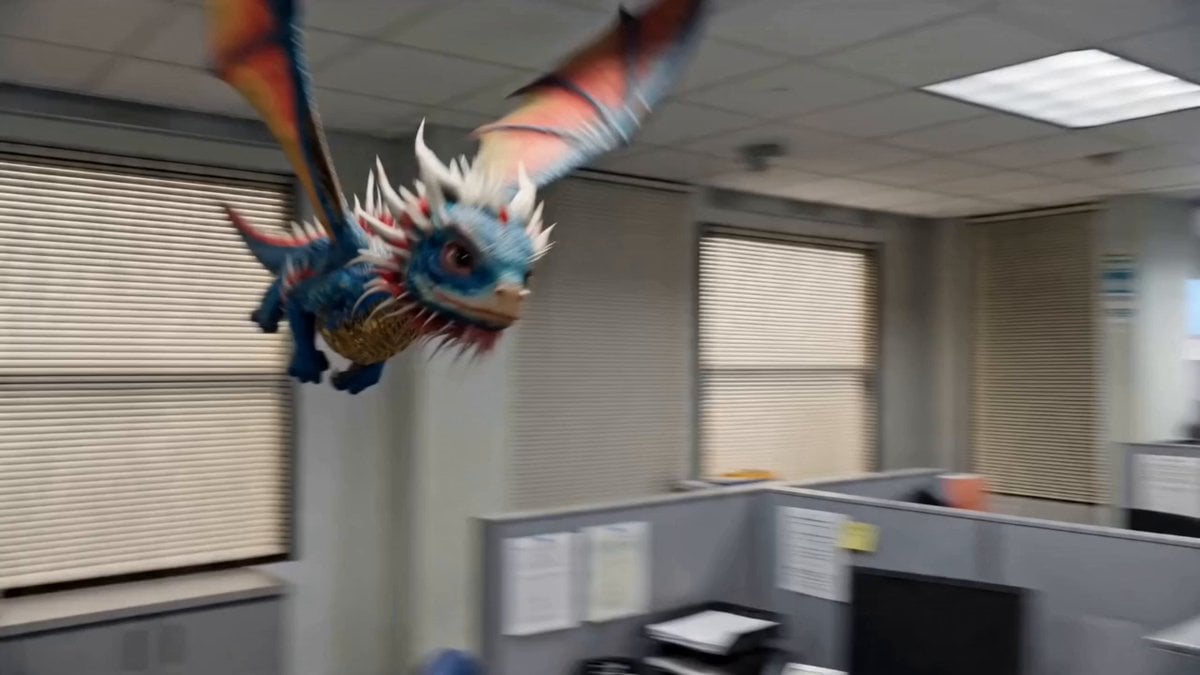
The Office Dragon
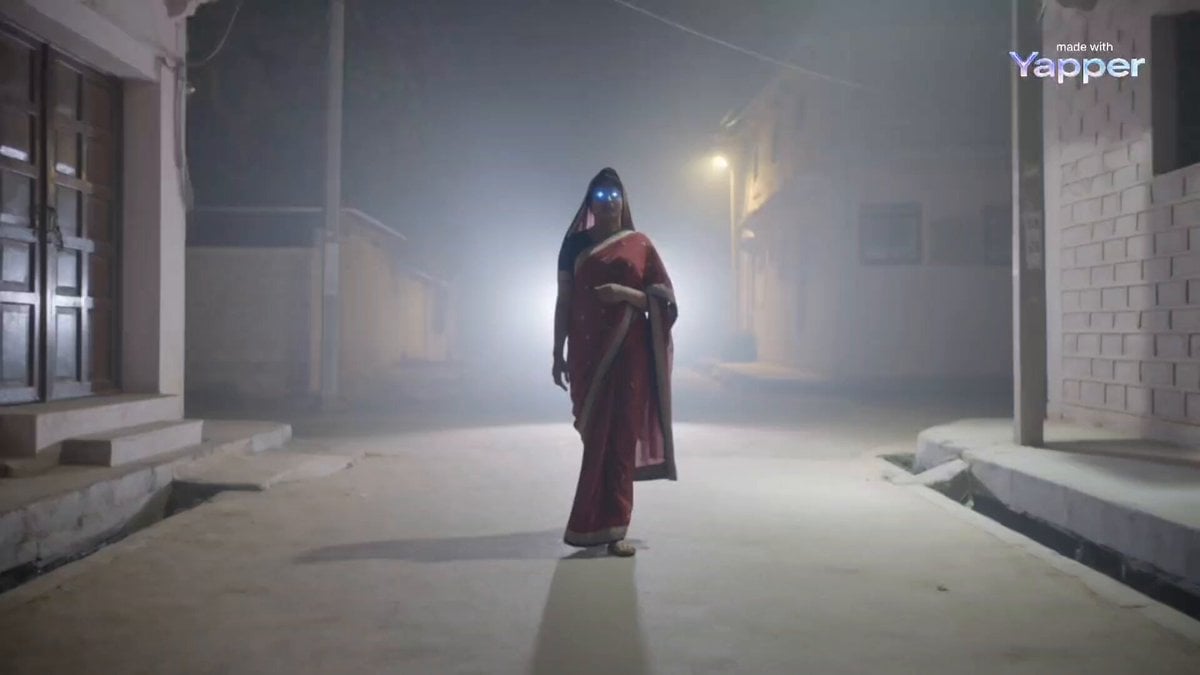
Maa Kali in Disguise (Seedance 2.0)
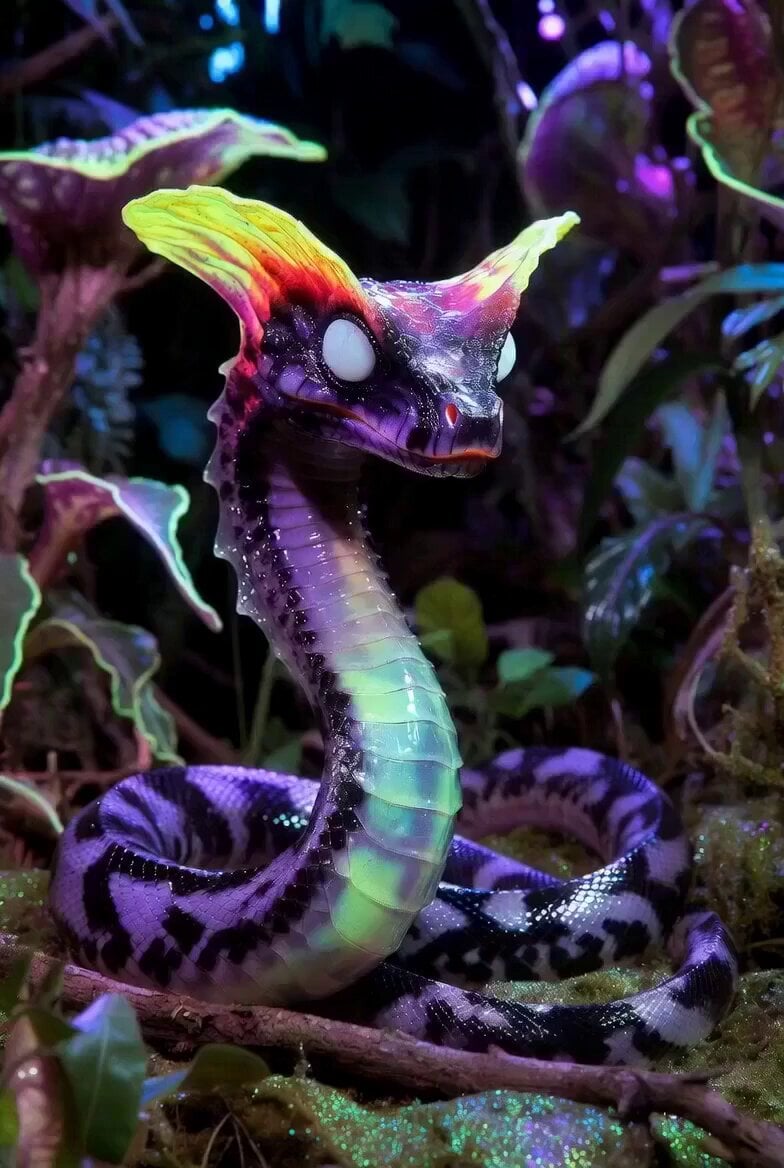
Serpentine Movement Motion Prompt
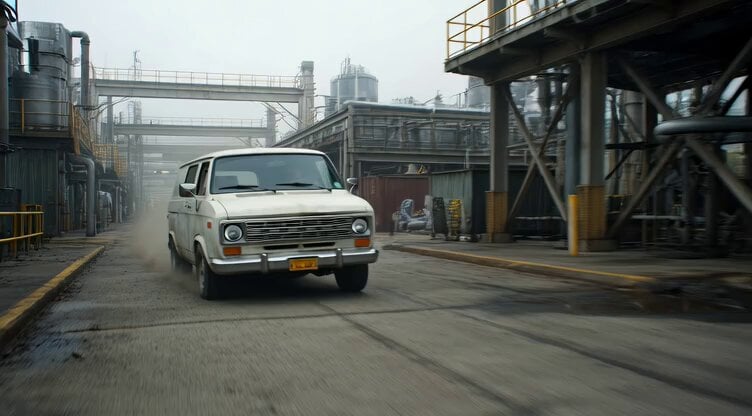
Badass tracking shot of a van speeding through an industrial complex
High-End Food Commercial ASMR Cinematography
Breakdance Flare to Windmill Sequence
Enchanted Twilight Fairy Tale Cottage
Monster Energy Rafael Leão Football Animation

Celestial Aurora Weaving
Browse template categories
Giant Hands Barbie Doll Styling Workflow questions
How do I use the Giant Hands Barbie Doll Styling Workflow template?
Add your photo if the template asks for one, edit the prompt if you like — the template's model and format are already selected — and press Generate. Your version opens in PicX Studio.
Can I customize the Giant Hands Barbie Doll Styling Workflow template?
Yes. You can change the subject, setting, lighting, mood, format, and available model controls before creating your video.
Is the Giant Hands Barbie Doll Styling Workflow template free?
Opening and editing this template is free. Generating uses credits, shown on the Generate button when you are signed in.
Which AI model should I use?
Start with Seedance 2.0, which is the model associated with this template. You can compare another compatible model for a different finish.
Looking for something else? Browse all templates.

Your photo, any look
Thousands of ready templates for every top image and video model, from one credit balance.