
Breakdance Flare to Windmill Sequence
A highly detailed structural prompt for Seedance 2.0 to generate a realistic 15-second breakdancing transition from a flare to a windmill with specific physics and camera requirements.
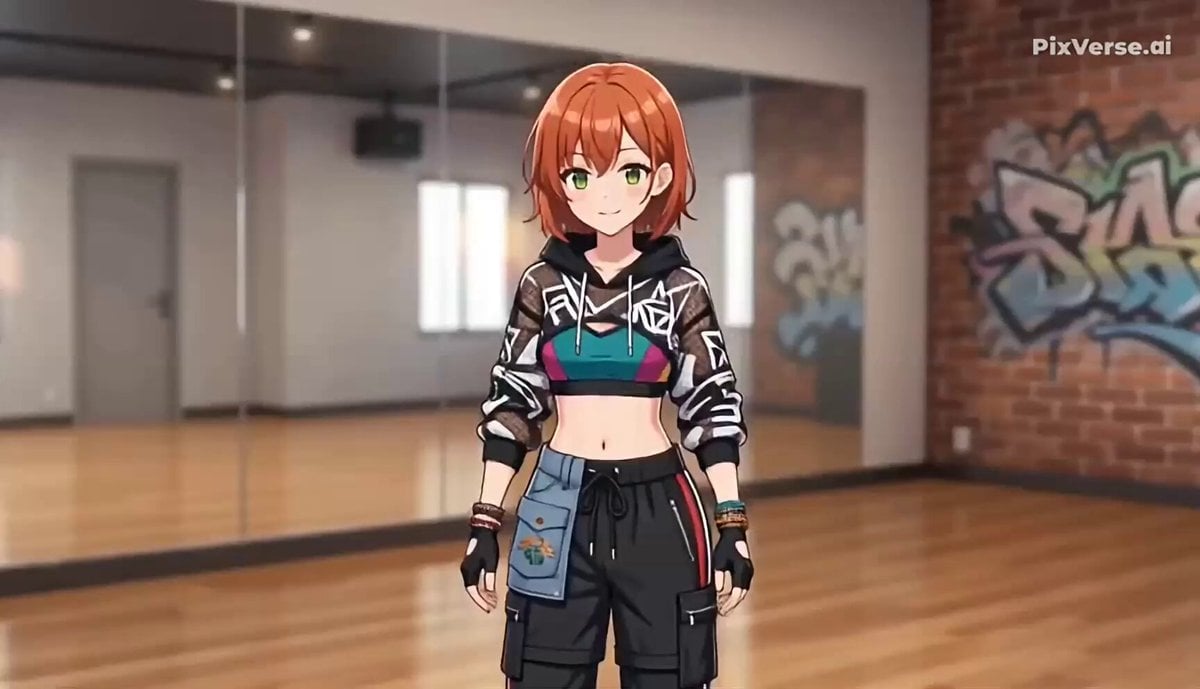
- Prompt included
- Model and format preset
- Free template
The prompt behind this video
Copy the exact prompt behind Breakdance Flare to Windmill Sequence, or open it in the studio and make it yours.
shot: type: R2V reference: <Picture 1> camera: fixed, eye-level, medium-wide shot capturing full body throughout, no cuts duration: 15-second continuous sequence, constant tempo throughout character: appearance: delegated entirely to <Picture 1>, no additional description style_separation: character: cel-shaded anime style, locked to reference image environment: photorealistic indoor dance studio floor, neutral wall, soft even lighting action: sequence_name: thomas_flare_to_windmill_combo segments: - segment: intro_setup duration: approx 0-3s description: standing neutral pose transitions down into crouched base position, both palms grounding shoulder-width apart, core braced, hips settling to a fixed rotation height - segment: flare_combo duration: approx 3-9s support_pattern: alternating two-hand support, hand-to-hand transfer, no static single-hand hold description: two continuous flare rotations - right leg sweeps laterally at constant angular velocity, left leg sweeps diagonally downward-forward as support hand transfers, right leg continues diagonally upward with legs held widely split throughout, hips remain the stationary rotation axis with no vertical bounce; cycle repeats once more at identical speed - segment: transition_to_windmill duration: approx 9-11s description: on the final flare rotation, upper back and shoulder lower to the floor while legs continue their circular momentum, torso rolling from the flare's hip-axis rotation into a back-and-shoulder-axis rotation, hands lift off the floor and tuck near the chest as the transition completes - segment: windmill_execution duration: approx 11-15s description: two continuous windmill rotations - legs swing in a wide circular arc overhead while the upper back and shoulders roll across the floor in constant-velocity rotation, legs stay extended and split for momentum, no hands touching the floor for support during this segment physics_constraints: - hip axis remains at constant height during the flare segment, no vertical bounce - leg sweeps driven by hip rotation and knee flexion, not by jumping or floating - hand-to-floor contact during the flare is continuous except the brief instant of transfer between palms - the flare-to-windmill transition is a smooth momentum carry-over, not a stop-and-restart - during the windmill segment, rotation is driven by shoulder-and-back contact with the floor, not by pushing off with hands - rotation speed stays constant within each segment, no acceleration bursts - legs stay maximally extended and split during all rotation segments to convey centrifugal force lighting: soft studio lighting, consistent throughout, no flicker
How to use Breakdance Flare to Windmill Sequence in 3 steps
- 1Upload ImagePNG, JPG or paste
Add your photo
Upload the photo the template builds on. The prompt, model and format are already set.
- 2…a portrait of your subject in softgolden-hour light, 85mm…
Personalize
Edit the subject and creative details for your destination.
- 3Generate
Generate
Press Generate — your video is created in PicX Studio, so you can compare it with the original and refine one variable at a time.
More like this
Templates with the same subject, style or setup. Open one to see its prompt.
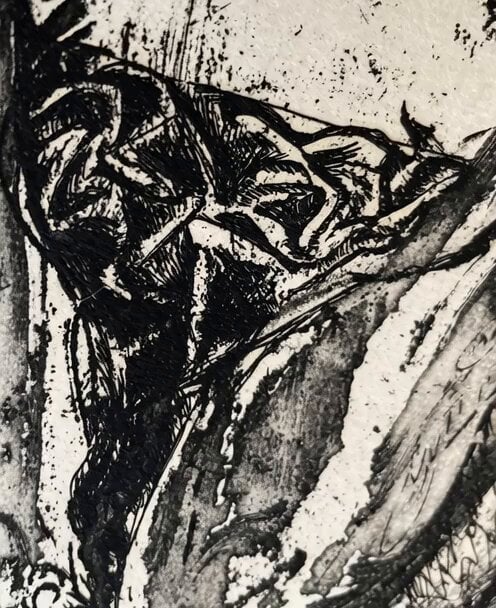
Image Rotation and Color Flare Video
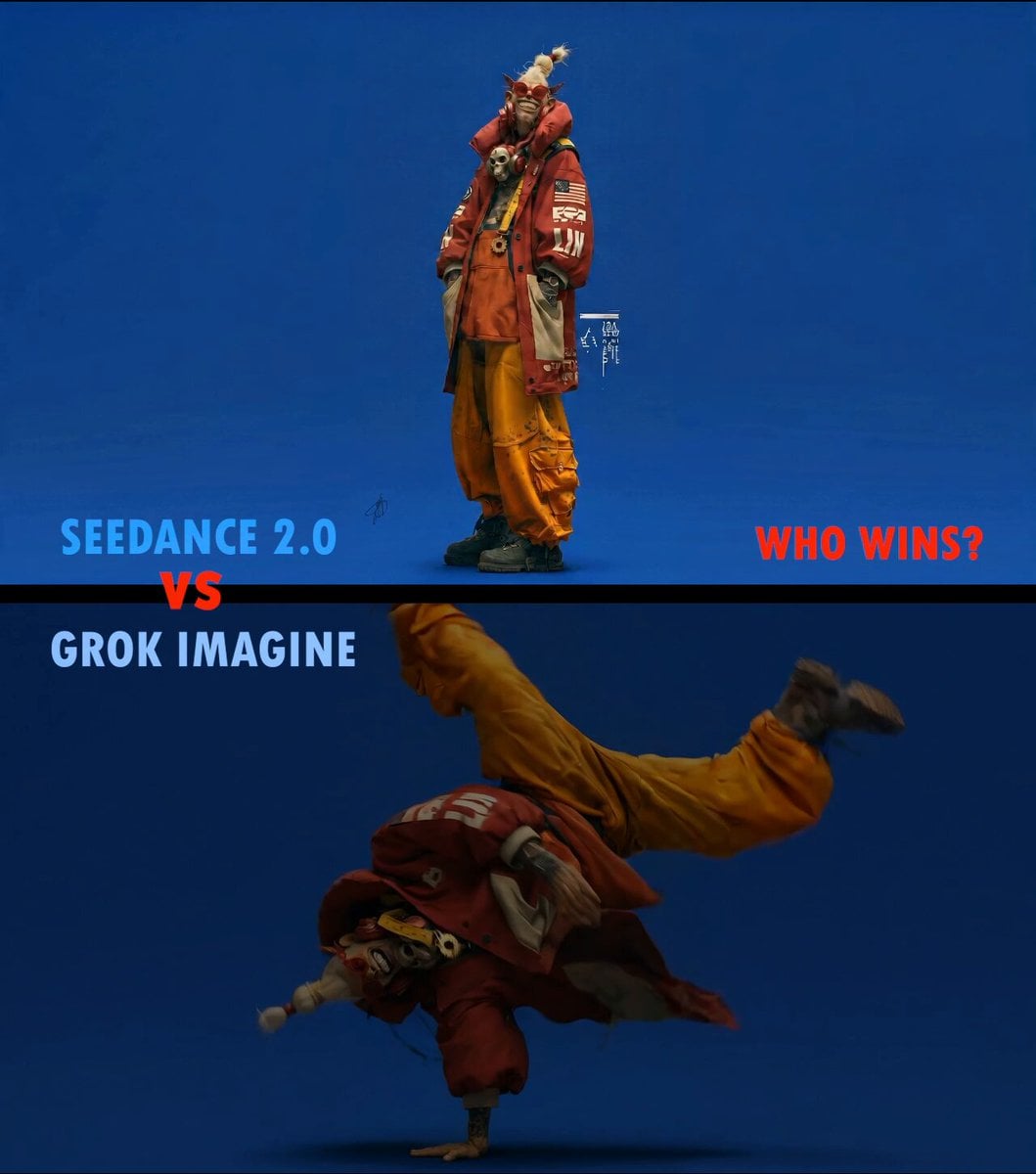
Slow Motion ASMR Breakdance Flip
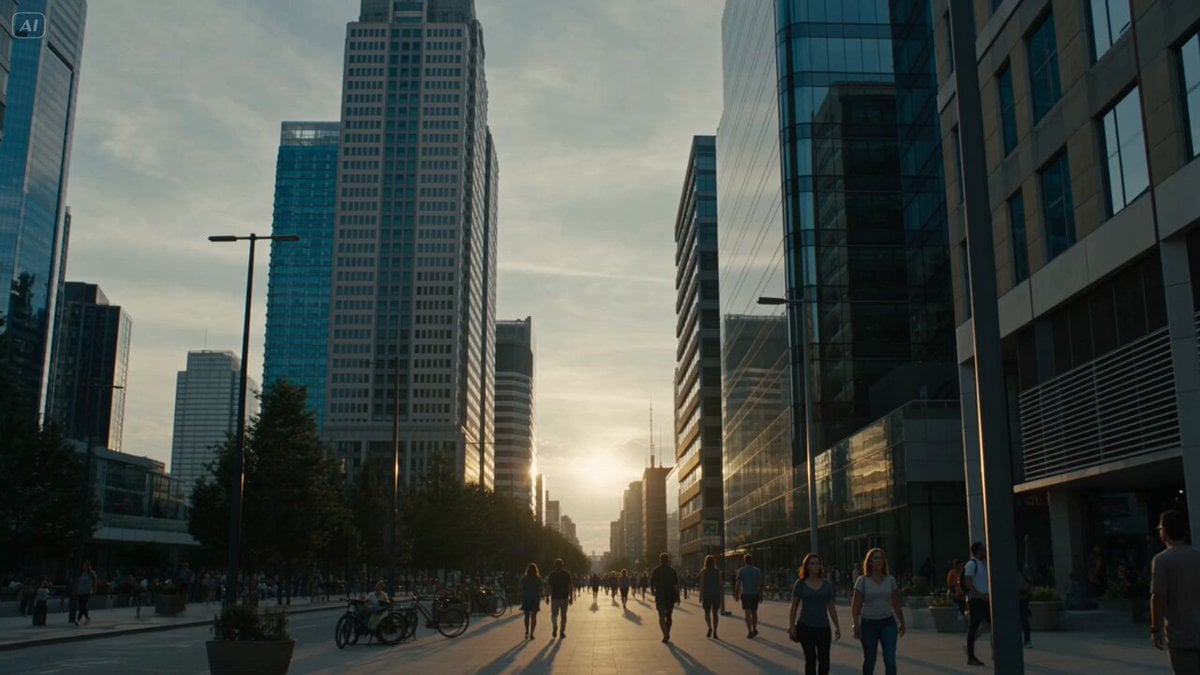
Solar Flare Cosmic Disaster Simulation
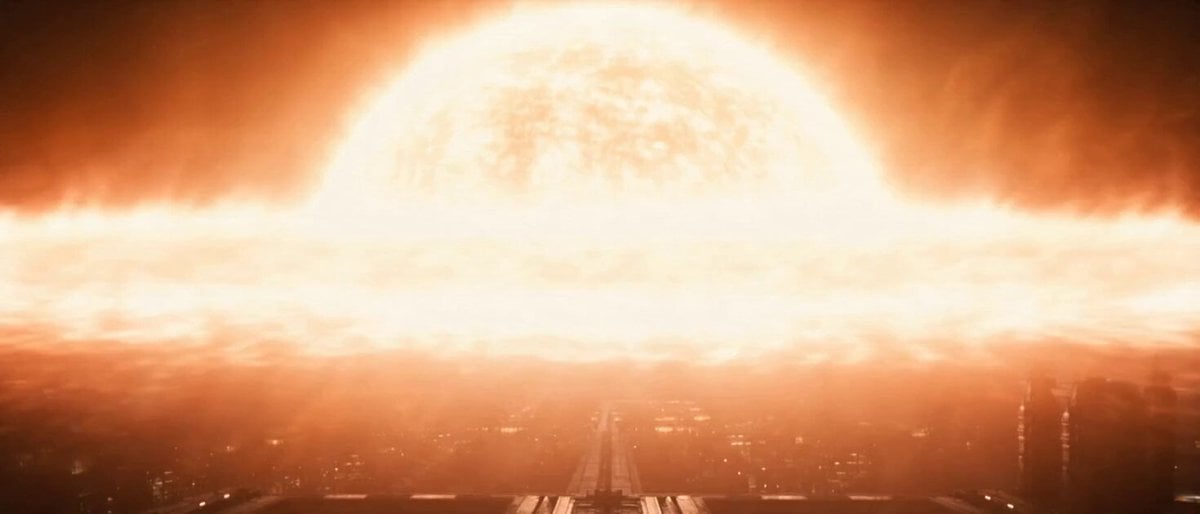
Space Station Solar Flare Emergency
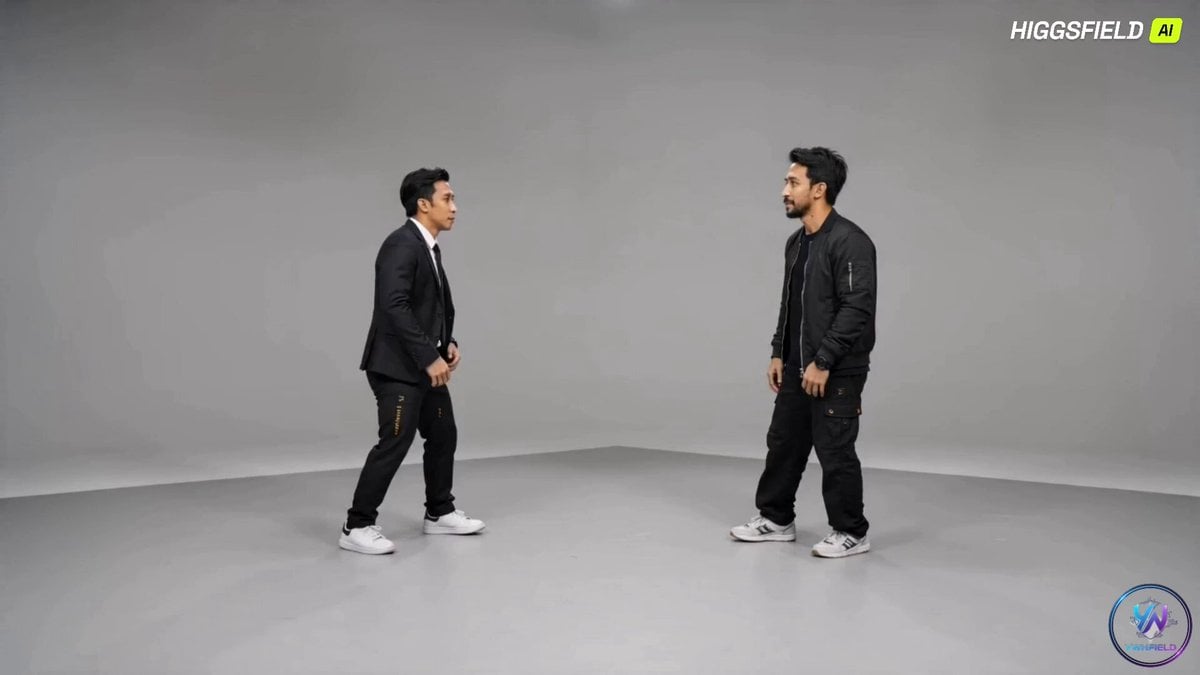
Breakdance Battle Cinematic Video

Maglev Train Action Sequence

Martial Arts Fight Sequence
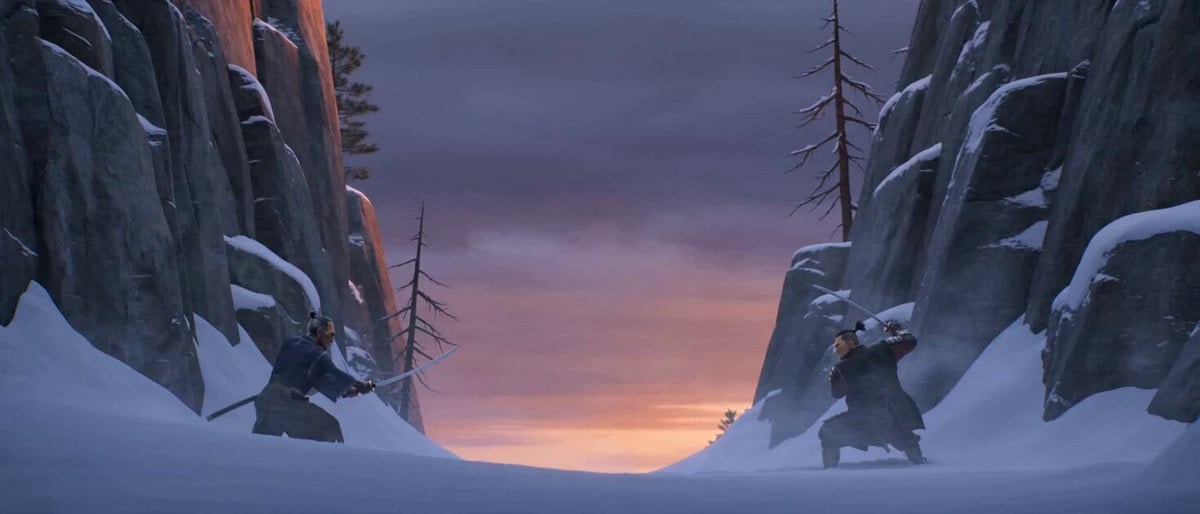
Cinematic Samurai Duel Sequence
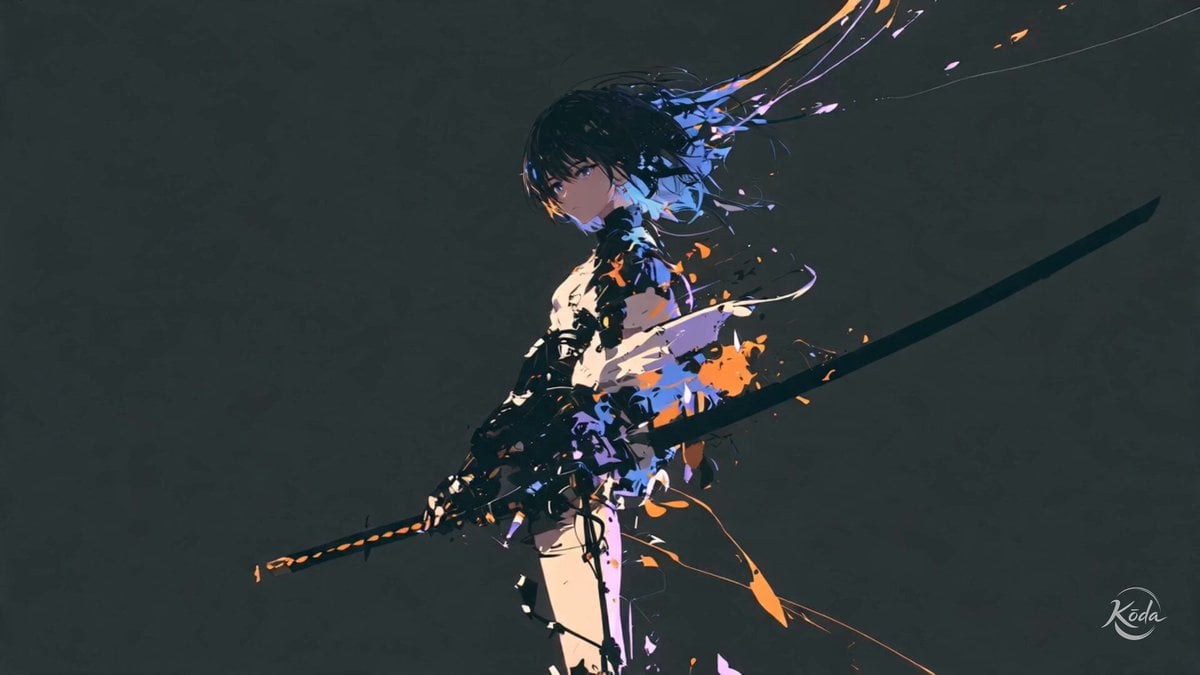
Cinematic Swordswoman Action Sequence
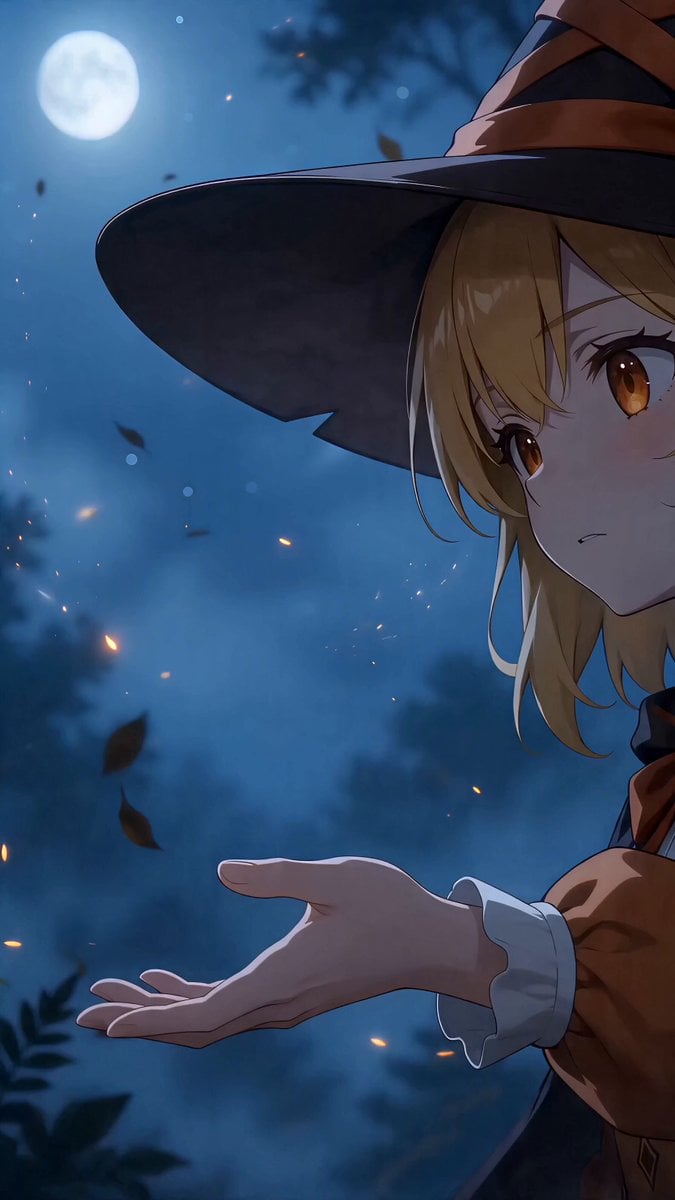
Cinematic Phoenix Summon Sequence
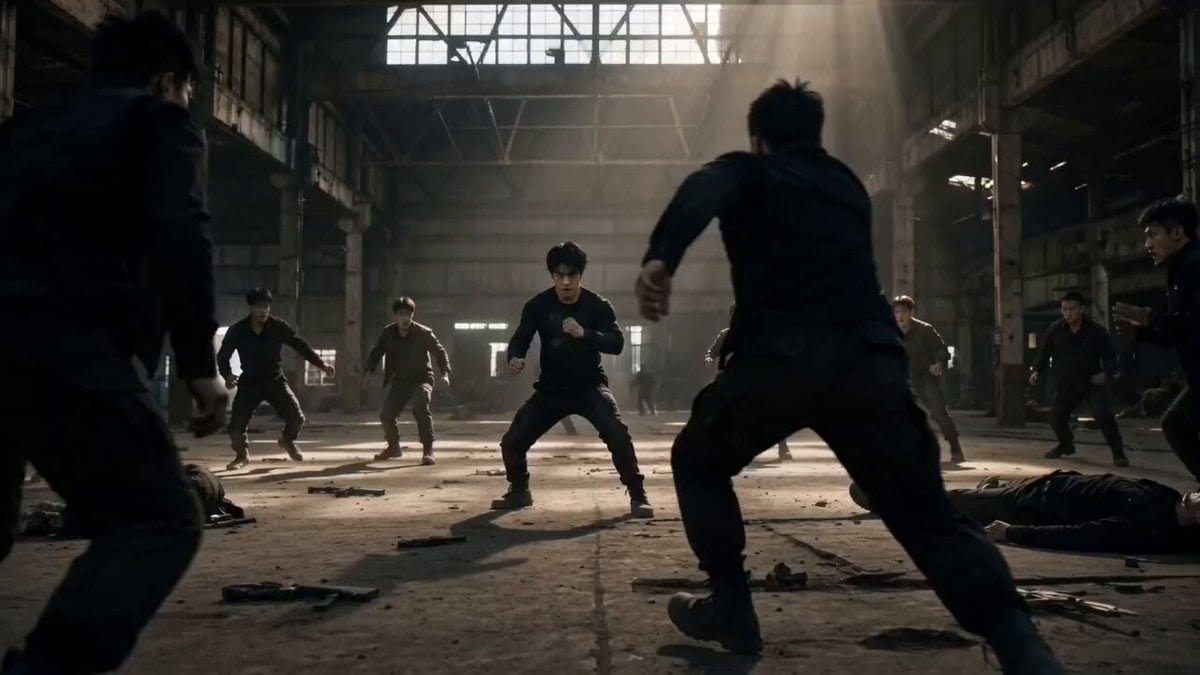
Martial Arts Warehouse Combat Sequence
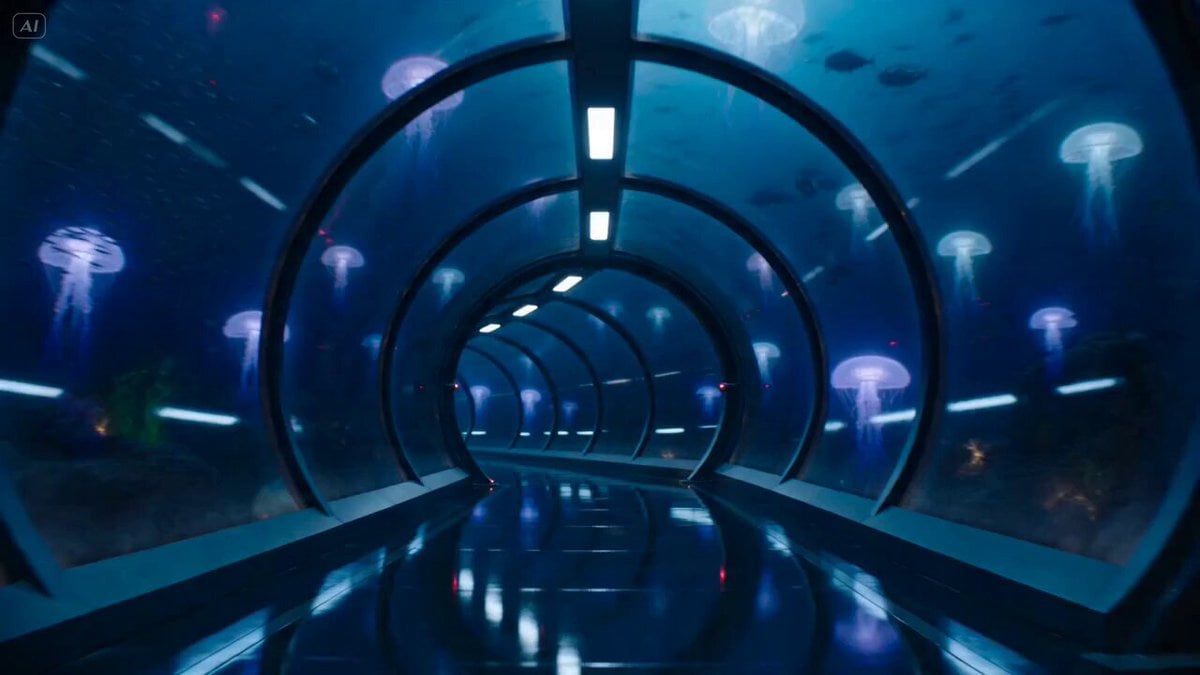
Underwater Glass Tunnel Action Sequence
Make it yours
Breakdance Flare to Windmill Sequence works as-is. These are the safest ways to change it without losing the look.
Change one field
Copy a single group, rewrite it, and generate again so you can see what that field is doing.
Keep the frame, change the subject
Hold the composition and light of Breakdance Flare to Windmill Sequence, then swap wardrobe, props or the person for a new take.
| If the result… | Why | Fix |
|---|---|---|
| The result drifts from the preview | Too many fields changed at once. | Reuse Breakdance Flare to Windmill Sequence as-is first, then change one group — subject, light, or setting. |
| The model over-stylizes the scene | The prose prompt leaves finish and camera underspecified. | Add one camera or lighting sentence and stay on Seedance 2.0. |
More Seedance 2.0 templates
Other prompts made for Seedance 2.0.

Comical Martial Arts Punch Scene

Wuxia Protection and Trust Script

Vintage Korean Arcade MiniDV Vlog

Mercedes 190 SL Luxury Ad

Rainy Night Supernatural Reverse Comedy Video Script

Amazon Civilization Discovery

Futuristic South Asian City Transformation

Cozy Luxury Cafe Commercial

Cyber Ronin Nanotech Transformation Video
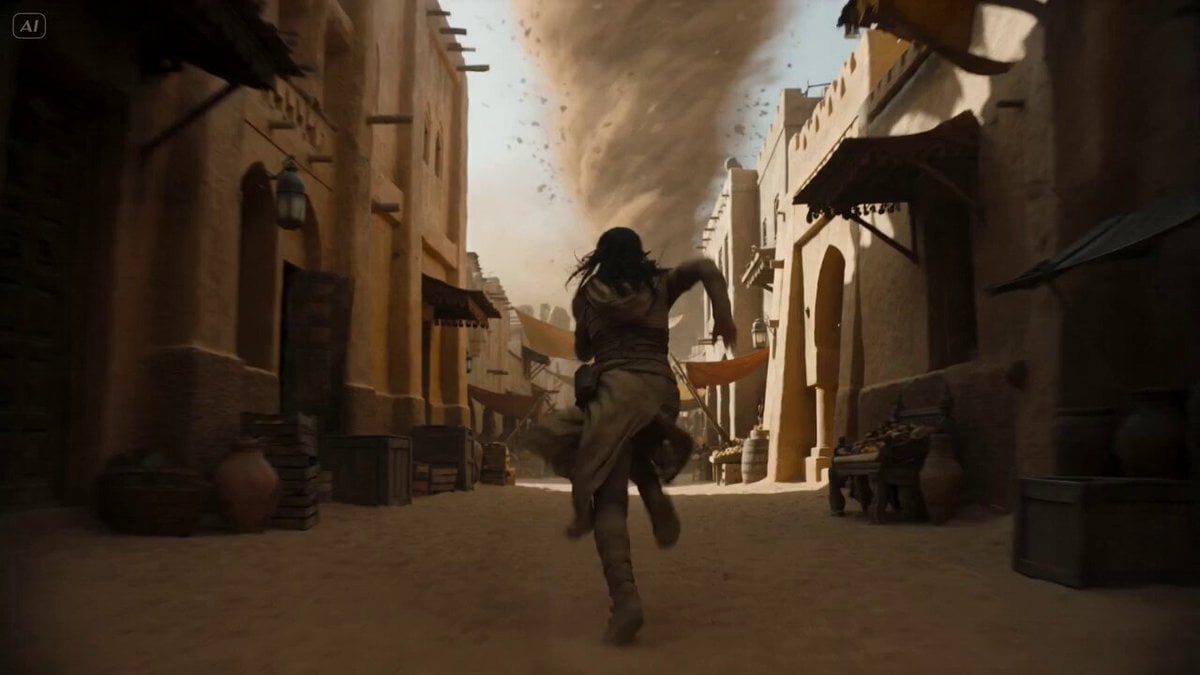
Desert Courier and Sandstorm Leviathan Chase
More video prompts
Fresh picks from across the catalog.
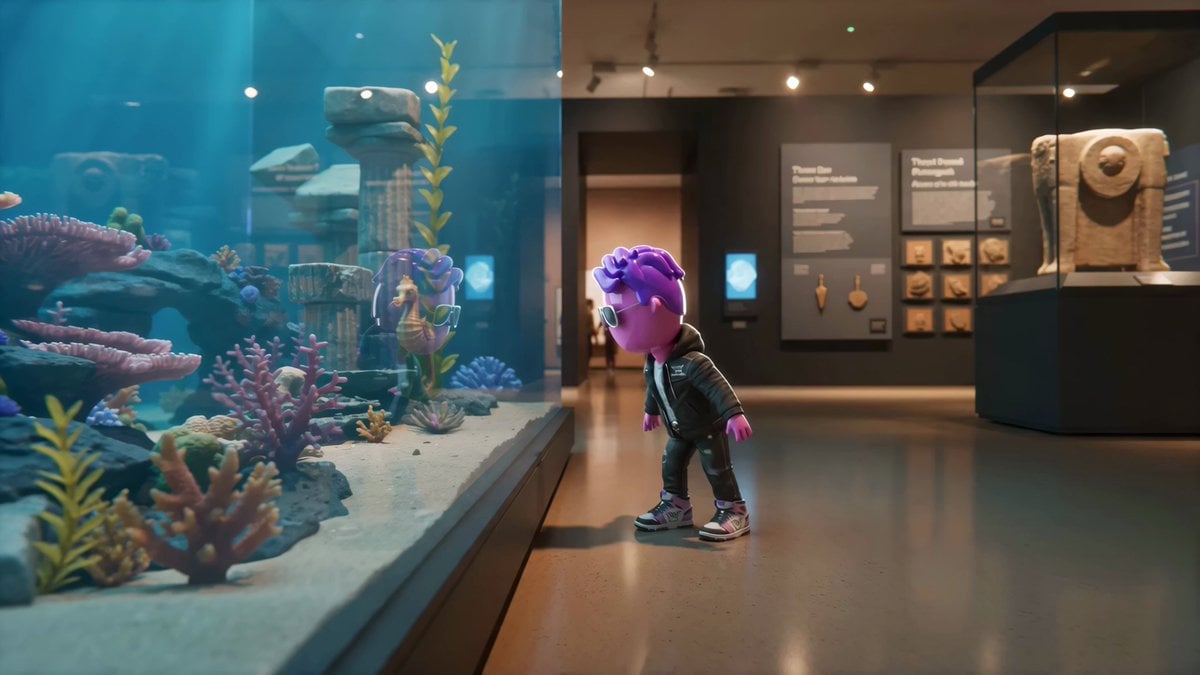
Living Museum Diorama Underwater Cinematic
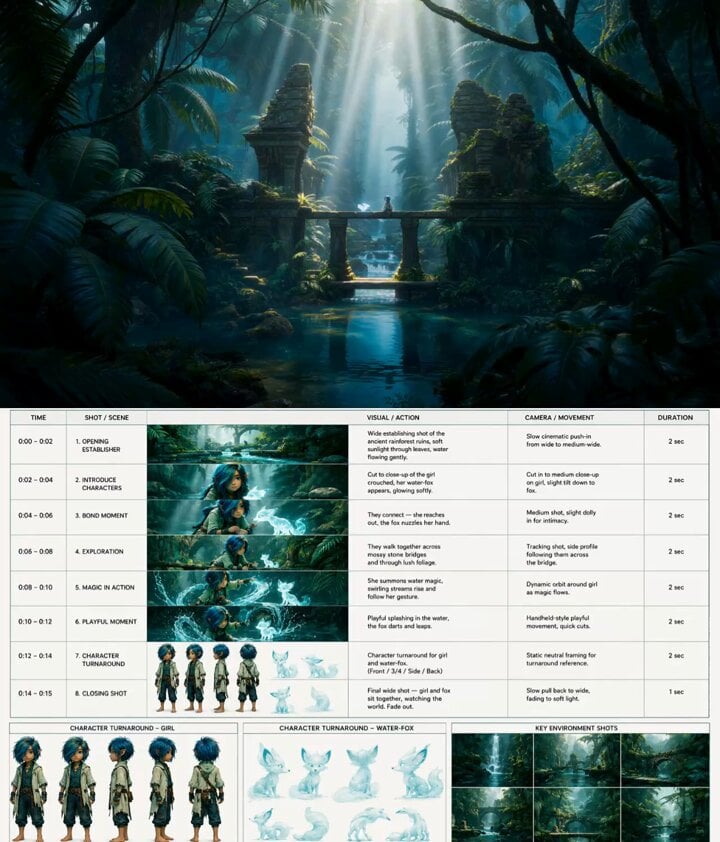
Fantasy Animation Jungle Adventure
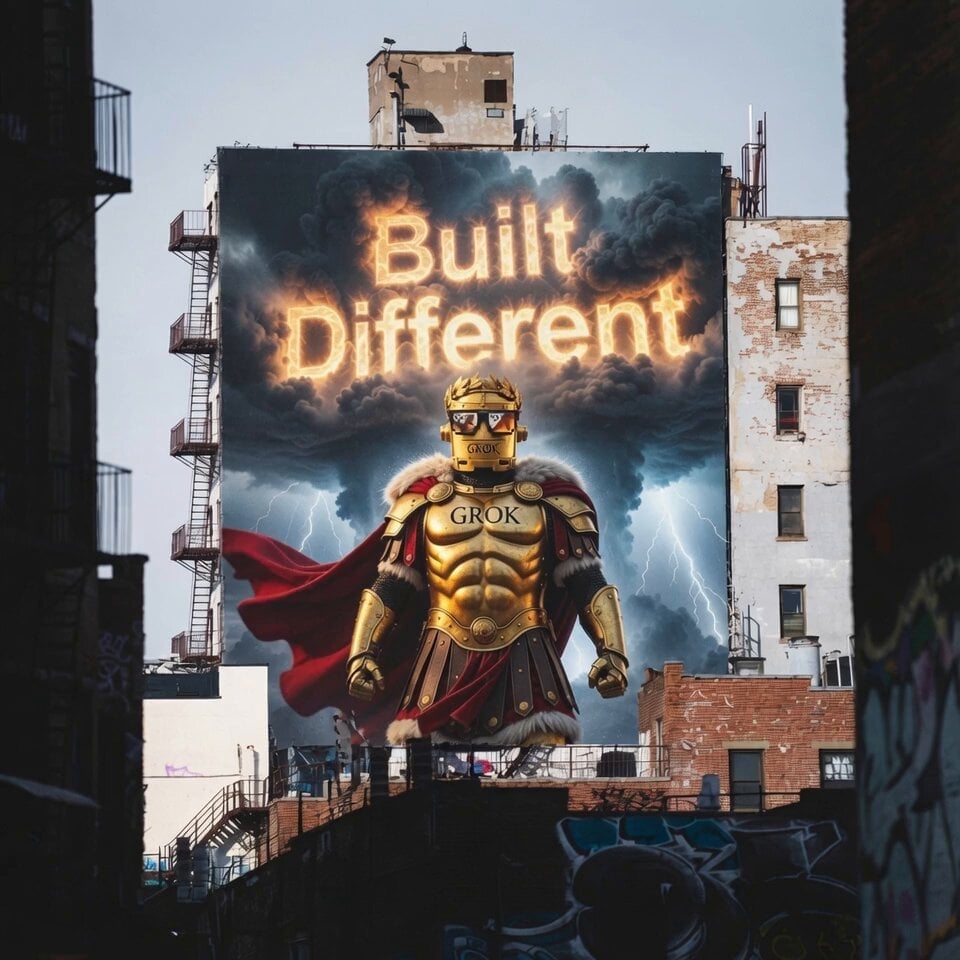
Grokius Maximus Billboard Animation
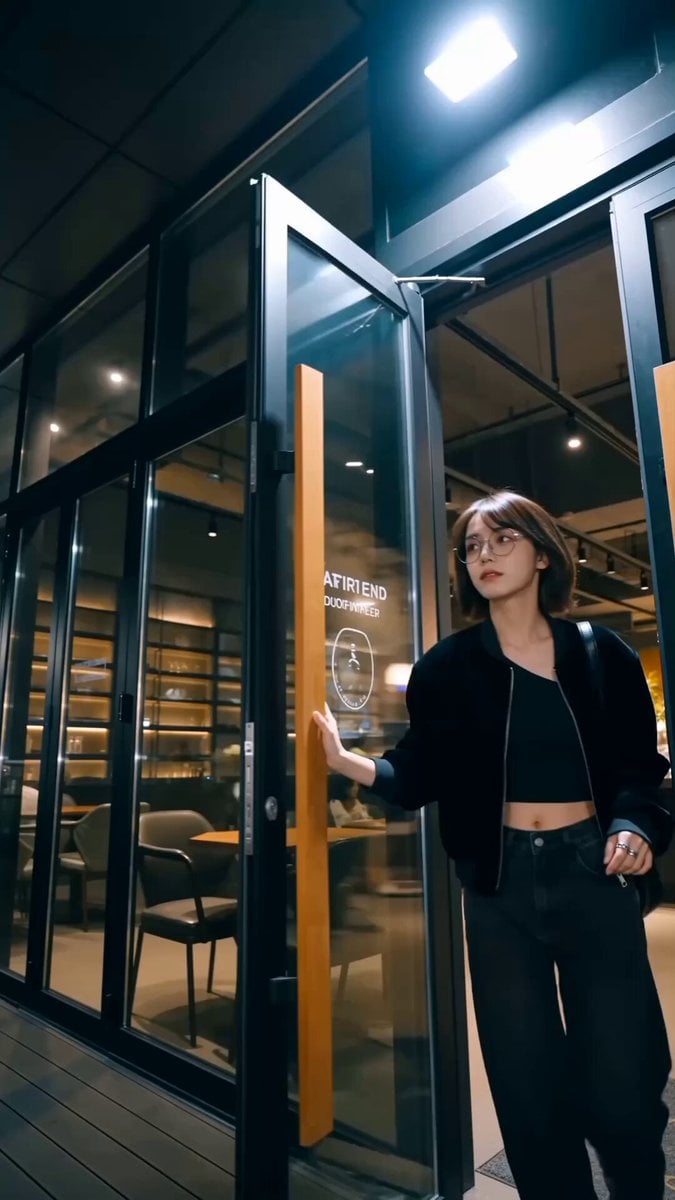
Handheld Influencer Night Vlog

Nezha vs. Monkey King Martial Arts Video Prompt (Seedance 2.0)

Spanish Political Voiceover Prompt
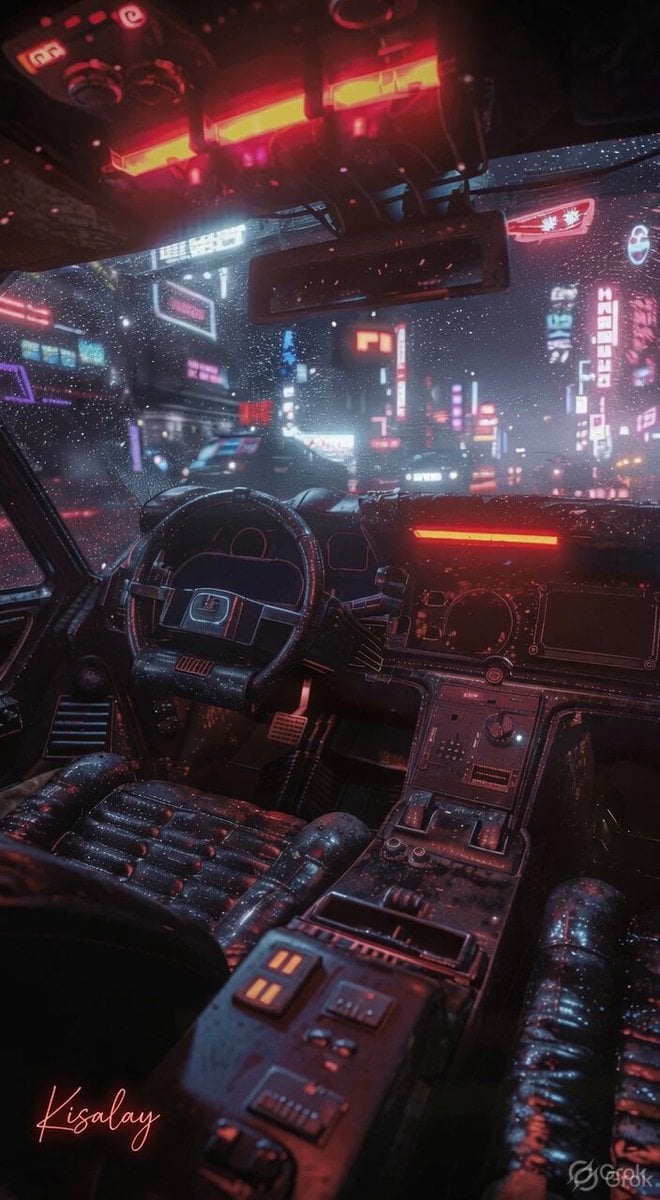
Rainy Night Neon City
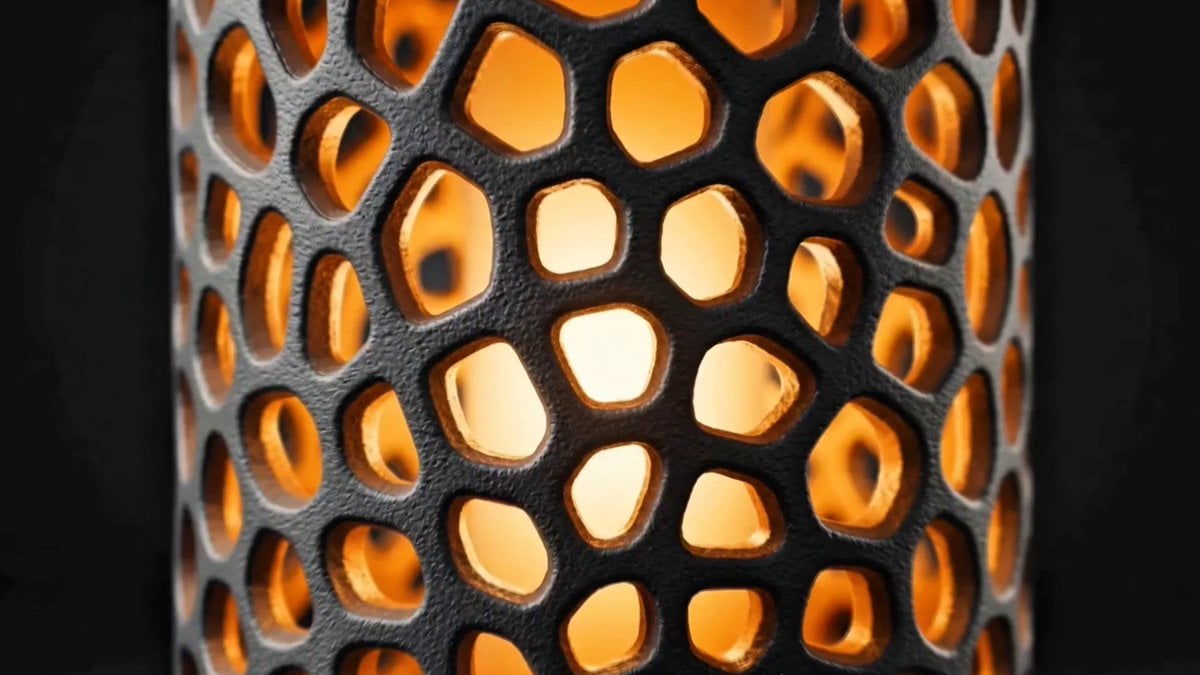
Voronoi Lamp Product Animation
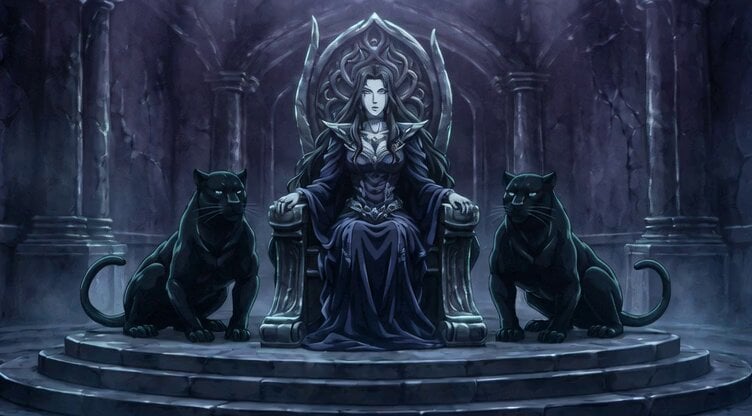
Conan the Barbarian Fantasy Scene

Alien Ski Station Night Ambush
Browse template categories
Breakdance Flare to Windmill Sequence questions
How do I use the Breakdance Flare to Windmill Sequence template?
Add your photo if the template asks for one, edit the prompt if you like — the template's model and format are already selected — and press Generate. Your version opens in PicX Studio.
Can I customize the Breakdance Flare to Windmill Sequence template?
Yes. You can change the subject, setting, lighting, mood, format, and available model controls before creating your video.
Is the Breakdance Flare to Windmill Sequence template free?
Opening and editing this template is free. Generating uses credits, shown on the Generate button when you are signed in.
Which AI model should I use?
Start with Seedance 2.0, which is the model associated with this template. You can compare another compatible model for a different finish.
Looking for something else? Browse all templates.

Your photo, any look
Thousands of ready templates for every top image and video model, from one credit balance.