
Breakdance Battle Cinematic Video
A highly detailed instructional prompt for a breakdance battle video, specifying character consistency, choreography steps, and camera angles.
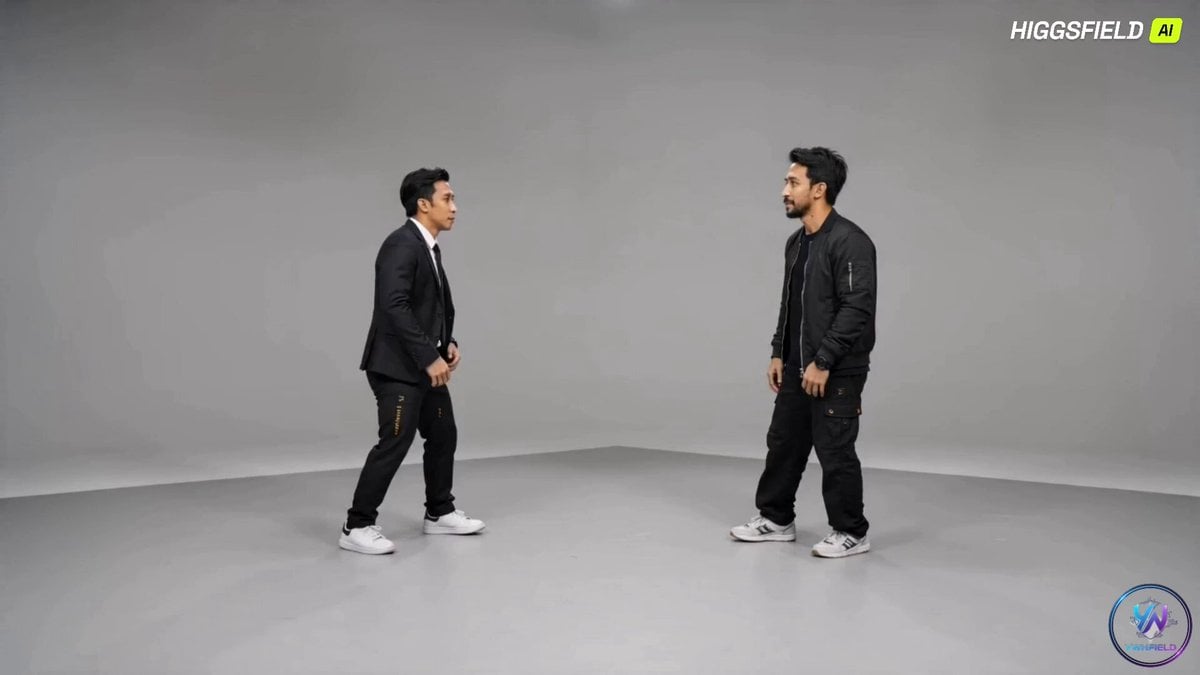
- Prompt included
- Model and format preset
- Premium template
The prompt behind this video
Copy the exact prompt behind Breakdance Battle Cinematic Video, or open it in the studio and make it yours.
Create a 15–20 second cinematic dance video using image1 and image2 as the main characters. CHARACTERS: - Two adult men (match faces exactly from image1 and image) - Keep original facial features consistent (no changes) - No hats - Outfit: - Man from image1: formal black suit (clean, elegant) - Man from image2: casual dark outfit (black shirt, relaxed style) MOTION REFERENCE: - Strictly follow the choreography from image3 (16-step breakdance sequence) - Recreate the movements step-by-step from 1 to 16 in exact order - Include: - Toprock (opening steps) - Footwork (6-step, CCs) - Floor transitions - Power moves (windmill, backspin, swipe) - Ending freeze pose TIMING: - Each step flows smoothly into the next - Keep rhythm consistent with music (1 step per beat feel) INTERACTION: - The two men perform as a dance battle - Face each other most of the time - Alternate dominance (one leads, the other responds) - Include mirrored and counter-movements CAMERA: - Full-body framing (important for floor moves) - Slight cinematic motion (slow dolly, subtle rotation during spins) - Keep both dancers visible at all times ENVIRONMENT: - Clean studio background (like image3) - Neutral lighting with soft shadows AUDIO: - Energetic hip-hop beat RESTRICTIONS: - No dialogue - No text - No narration OUTPUT: - Smooth realistic motion - Strong emphasis on breakdance techniques - Accurate recreation of image3 choreography - Consistent identity (faces must not change)
How to use Breakdance Battle Cinematic Video in 3 steps
- 1
Open
The prompt is already in the box next to the preview, with the template's model and format selected.
- 2…a portrait of your subject in softgolden-hour light, 85mm…
Personalize
Edit the subject and creative details for your destination.
- 3Generate
Generate
Press Generate — your video is created in PicX Studio, so you can compare it with the original and refine one variable at a time.
More like this
Templates with the same subject, style or setup. Open one to see its prompt.
Swordsman vs Shadow Monster — Bamboo Forest Battle
Tiger vs Gorilla — Jungle Canyon Clash
Mecha Transformation vs Kaiju — 4-Scene Epic
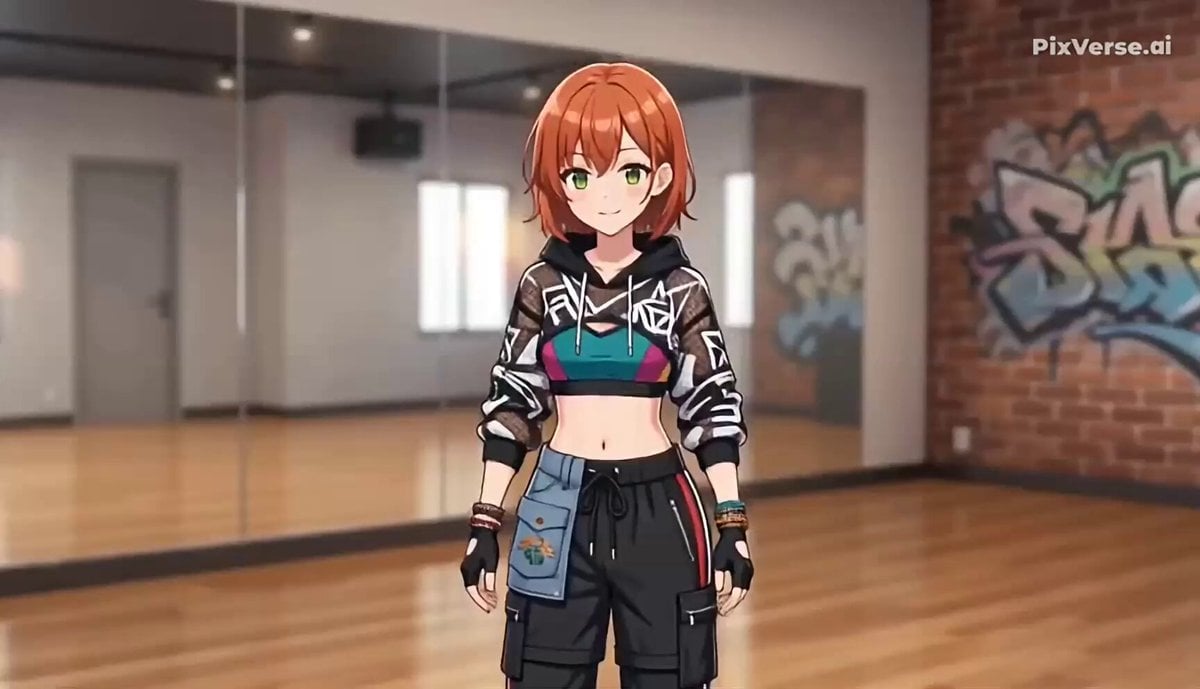
Breakdance Flare to Windmill Sequence
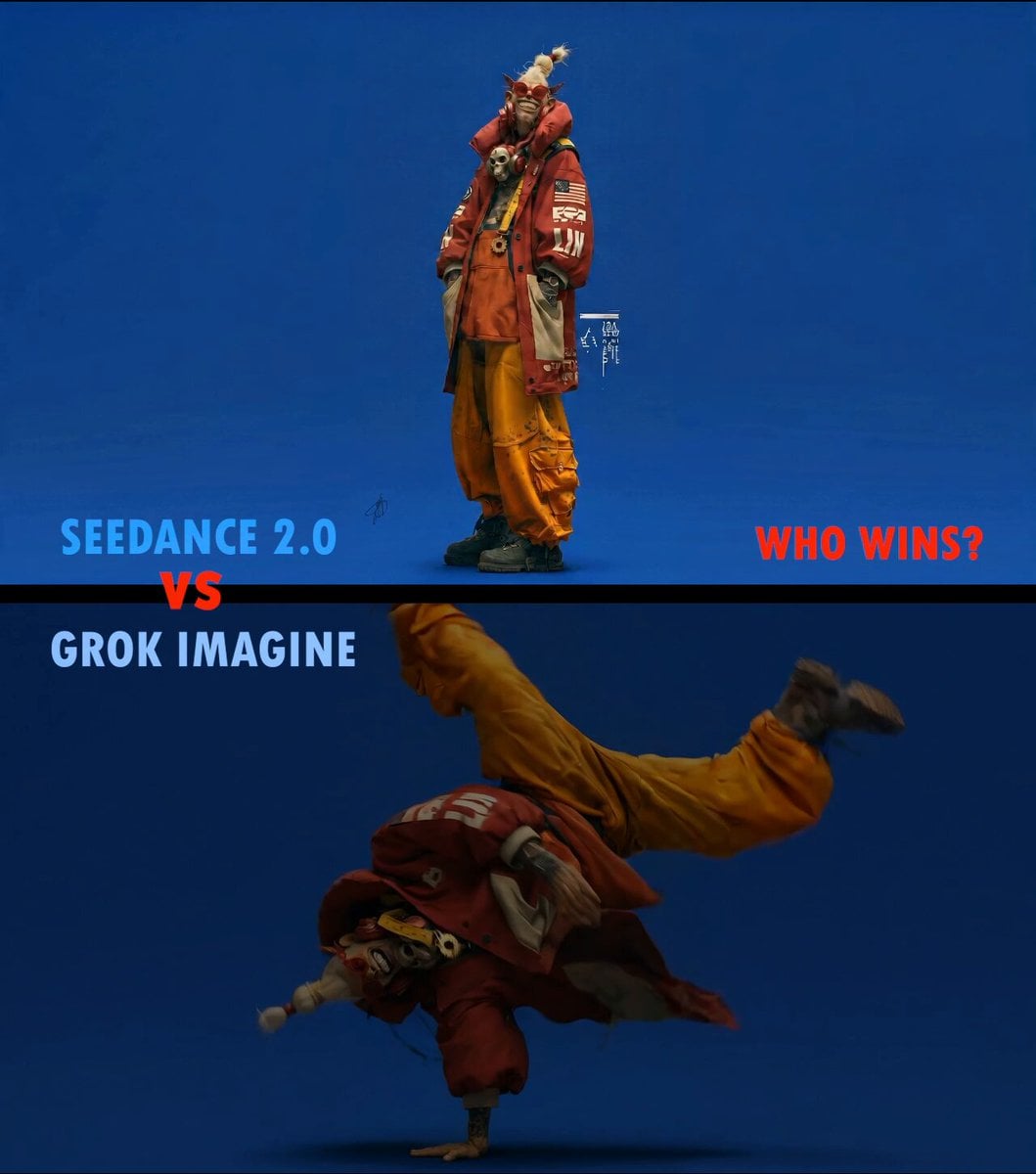
Slow Motion ASMR Breakdance Flip
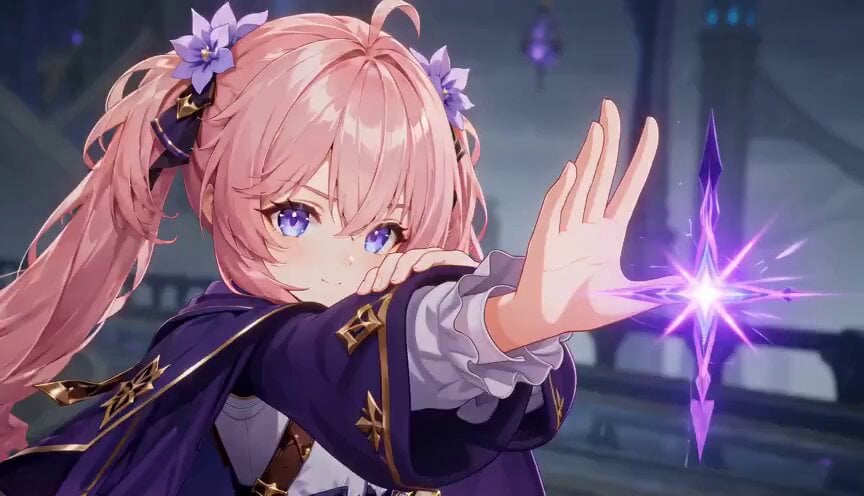
Magic City Fantasy Battle Animation
Street Dance Battle Sony Headphones
High-End Anime Dark Fantasy Cerberus Battle
Martial Arts Cyborg Battle and Transformation
Hand-drawn Animated Naval Battle
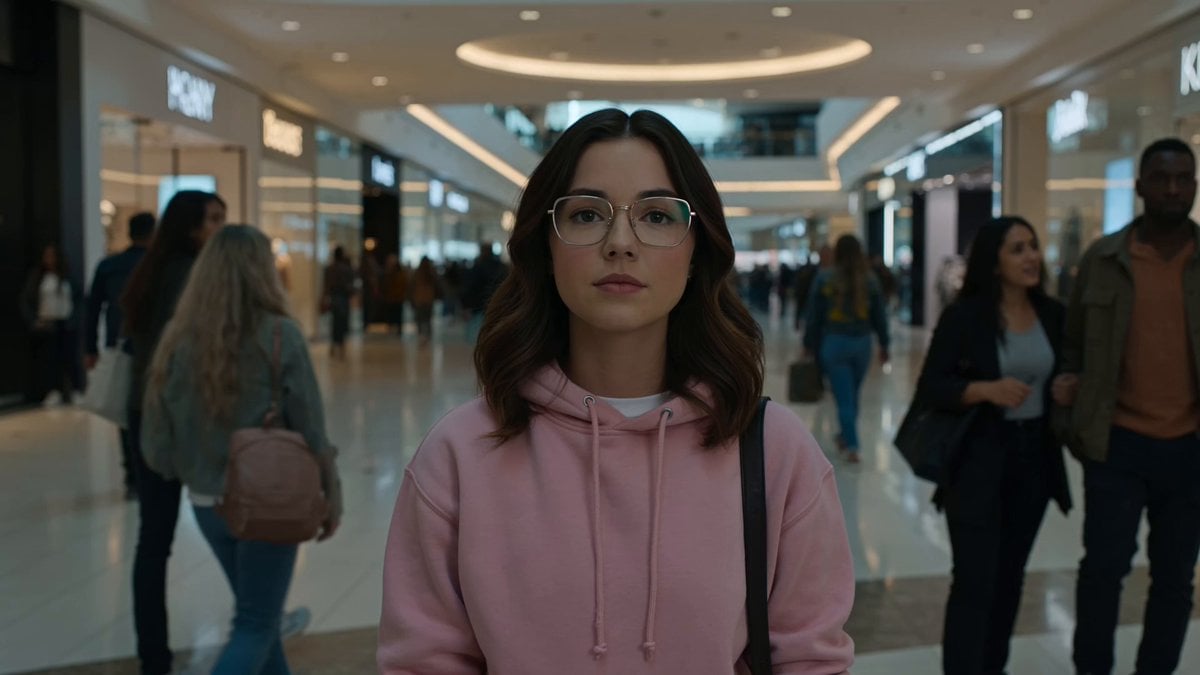
Cinematic Anime Battle in Modern Mall

Theatrical Anime Action Market Battle
Make it yours
Breakdance Battle Cinematic Video works as-is. These are the safest ways to change it without losing the look.
Change one field
Copy a single group, rewrite it, and generate again so you can see what that field is doing.
Keep the frame, change the subject
Hold the composition and light of Breakdance Battle Cinematic Video, then swap wardrobe, props or the person for a new take.
| If the result… | Why | Fix |
|---|---|---|
| The result drifts from the preview | Too many fields changed at once. | Reuse Breakdance Battle Cinematic Video as-is first, then change one group — subject, light, or setting. |
| The model over-stylizes the scene | The prose prompt leaves finish and camera underspecified. | Add one camera or lighting sentence and stay on Seedance 2.0. |
More Seedance 2.0 templates
Other prompts made for Seedance 2.0.

Comical Martial Arts Punch Scene

Maglev Train Action Sequence

Martial Arts Fight Sequence

Wuxia Protection and Trust Script

Vintage Korean Arcade MiniDV Vlog

Mercedes 190 SL Luxury Ad

Rainy Night Supernatural Reverse Comedy Video Script

Amazon Civilization Discovery

Futuristic South Asian City Transformation

Cozy Luxury Cafe Commercial
More video prompts
Fresh picks from across the catalog.
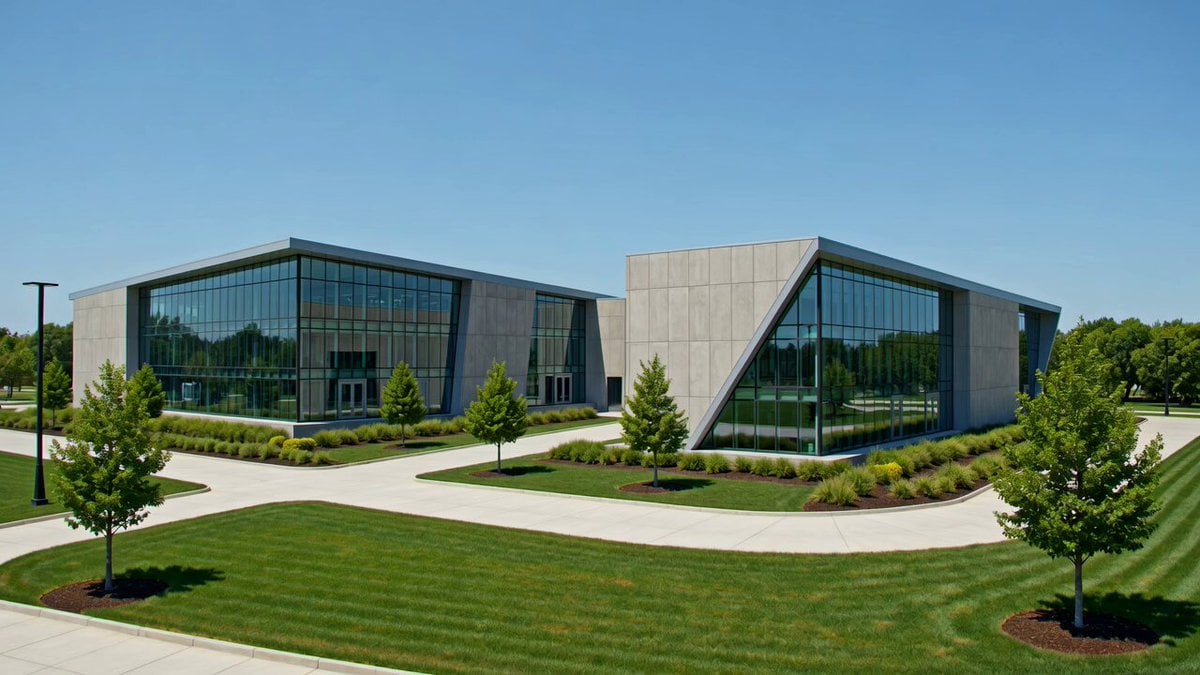
Industrial Park Reception Walkthrough
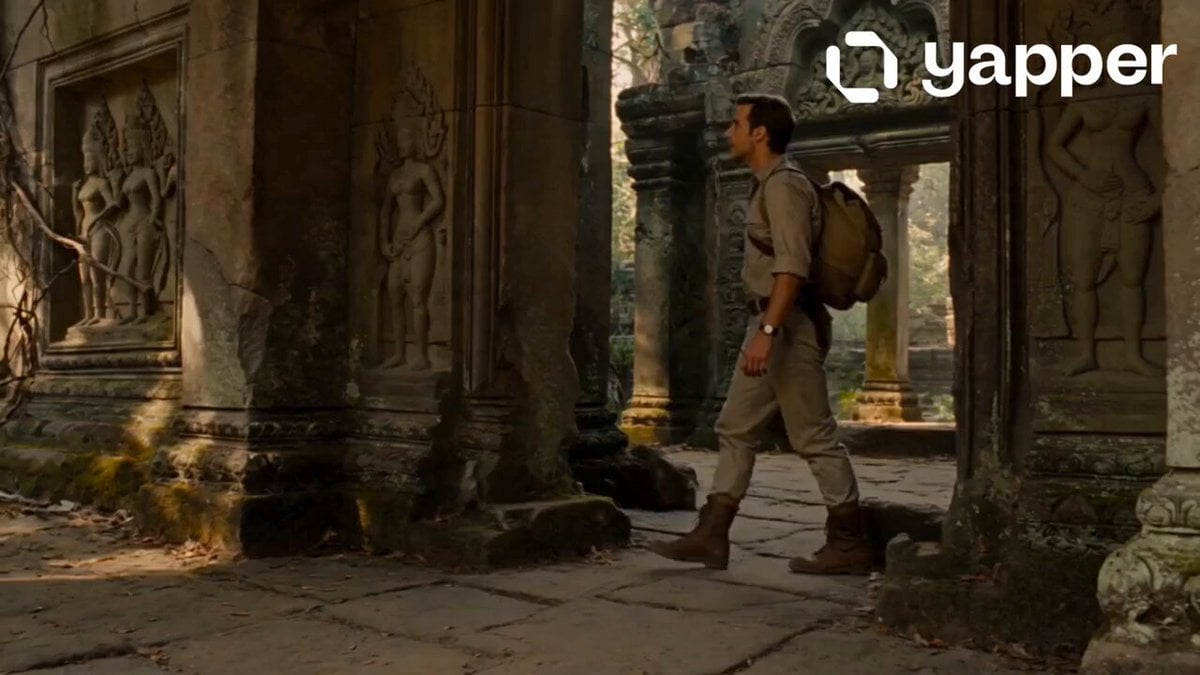
Jungle Temple Explorer Cinematic Video
Kinetic Bar Combat Animation
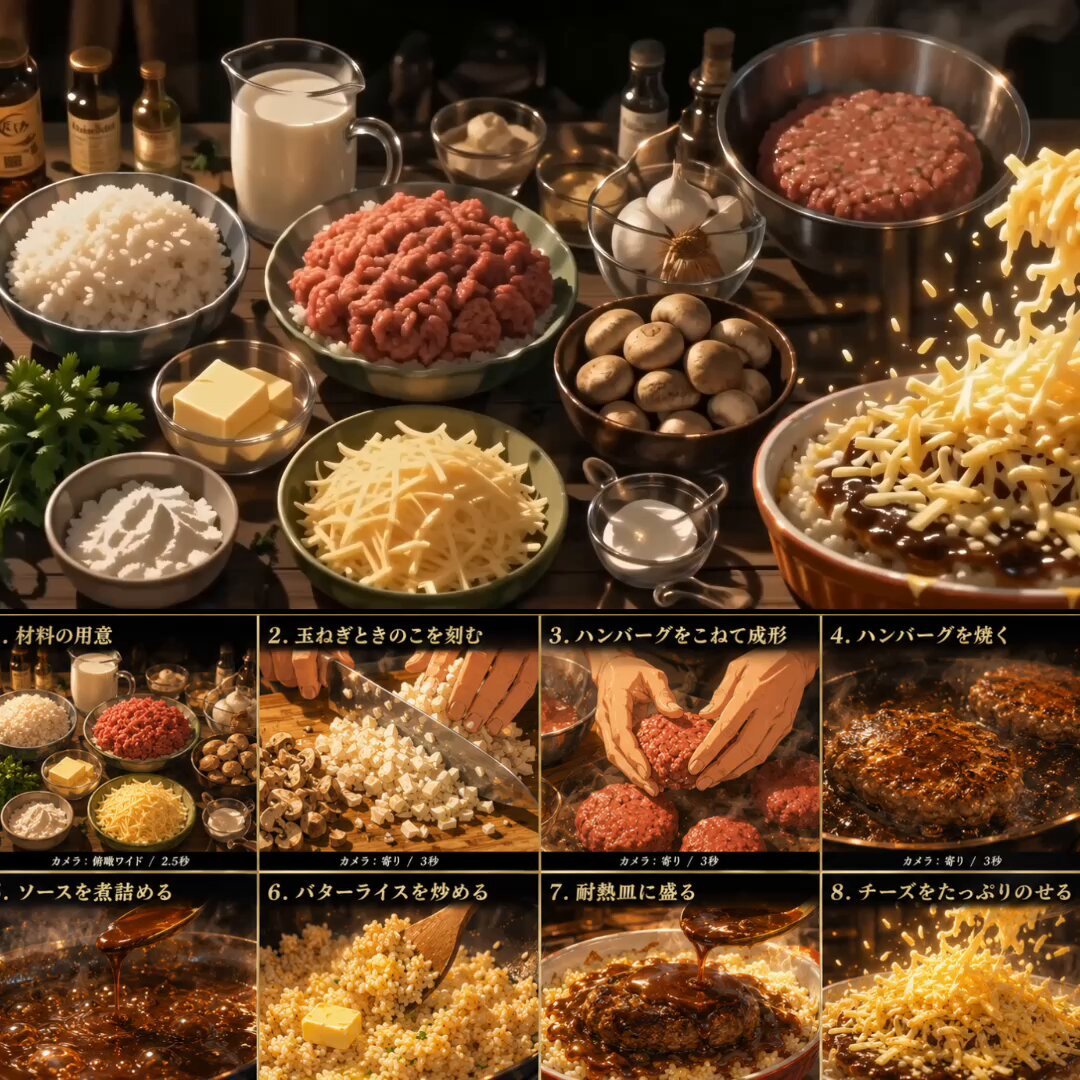
Anime Cooking Animation: Melting Cheese Doria
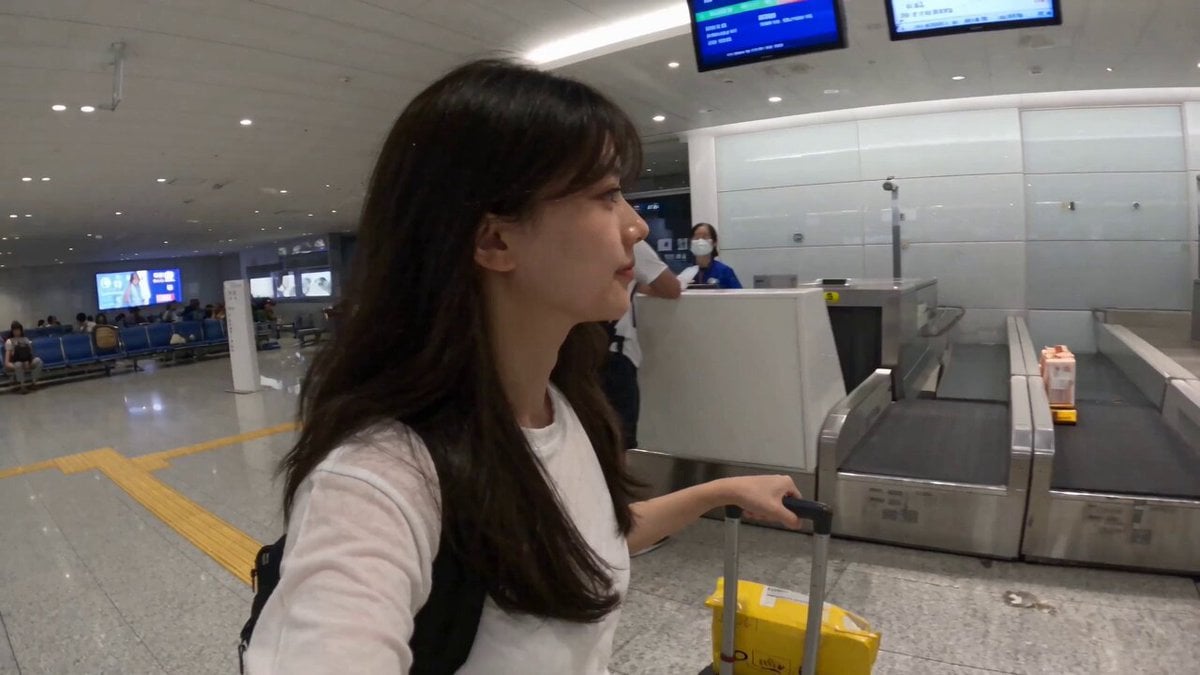
Smartphone Travel Vlog Tokyo Trip Identity Preserved

Surreal Paradise Ethereal Transaction
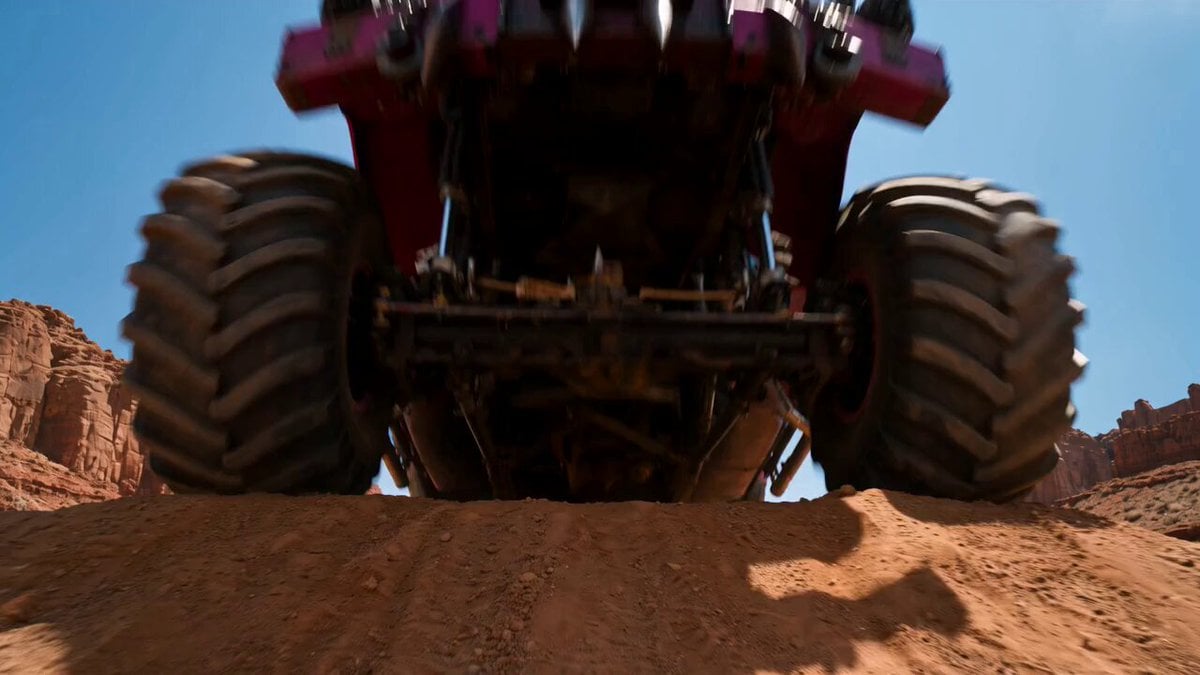
Post-Apocalyptic Desert Truck Action
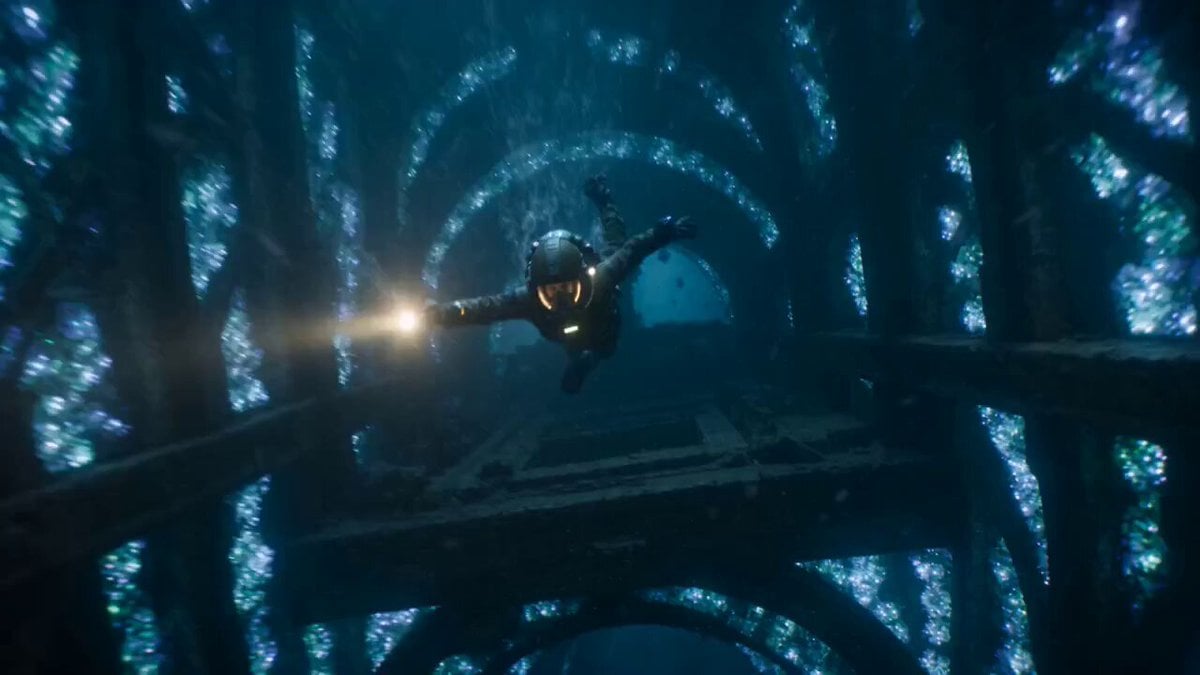
The Leviathan's Throat: Underwater Megastructure Descent
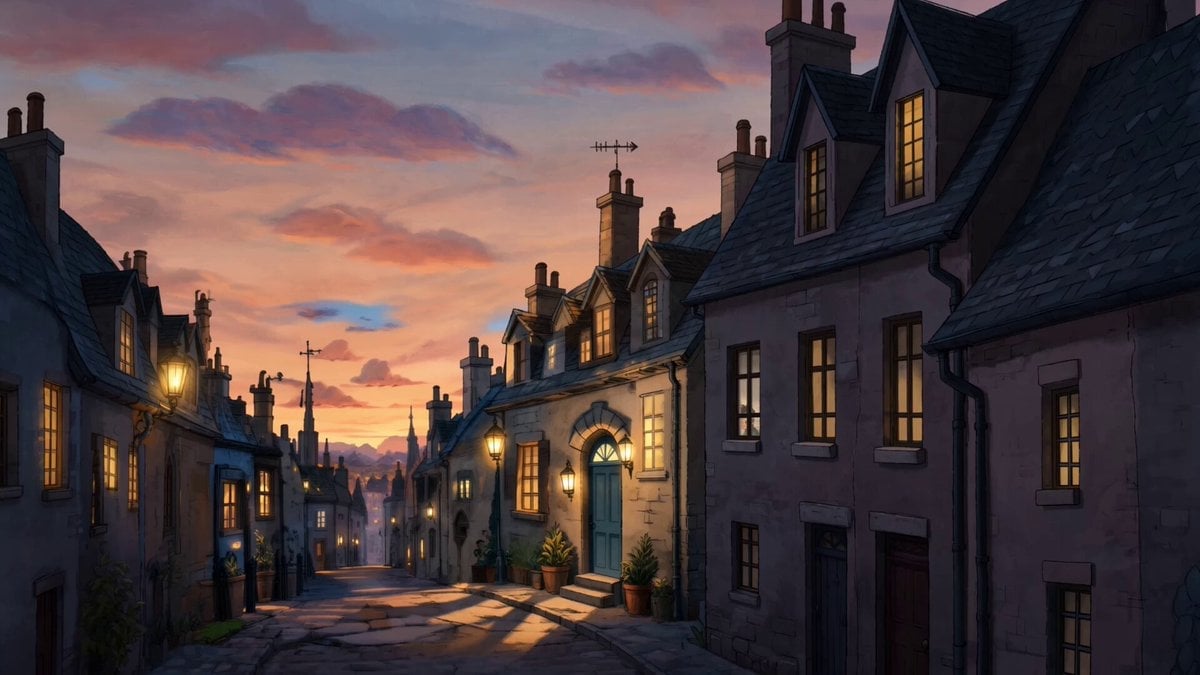
Animation Control via Storyboard Reference

Street to Stadium Football Dream

Browse template categories
Breakdance Battle Cinematic Video questions
How do I use the Breakdance Battle Cinematic Video template?
Add your photo if the template asks for one, edit the prompt if you like — the template's model and format are already selected — and press Generate. Your version opens in PicX Studio.
Can I customize the Breakdance Battle Cinematic Video template?
Yes. You can change the subject, setting, lighting, mood, format, and available model controls before creating your video.
Is the Breakdance Battle Cinematic Video template free?
Opening and editing this template is free. Generating uses credits, shown on the Generate button when you are signed in.
Which AI model should I use?
Start with Seedance 2.0, which is the model associated with this template. You can compare another compatible model for a different finish.
Looking for something else? Browse all templates.

Your photo, any look
Thousands of ready templates for every top image and video model, from one credit balance.