
Hand-drawn Animated Naval Battle
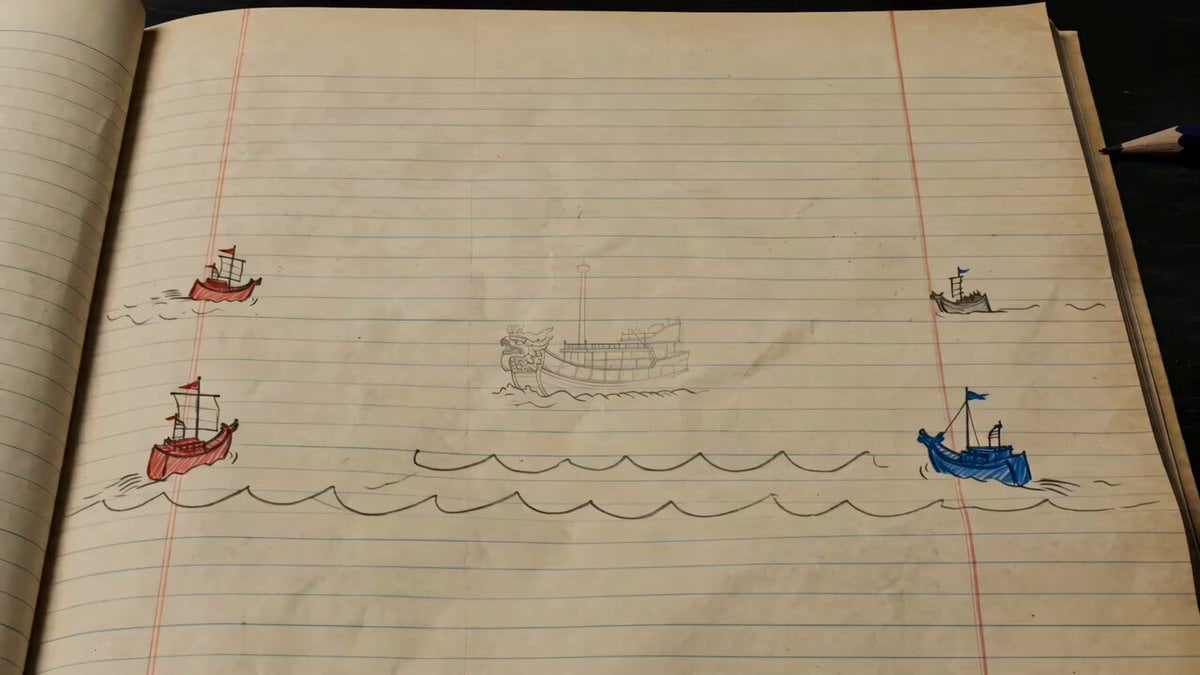
This prompt generates a stylized 2D hand-drawn animation of a naval battle on lined notebook paper, transitioning from simple doodles to detailed ink illustrations.
- Prompt included
- Model and format preset
- Free template
The prompt behind this video
Copy the exact prompt behind Hand-drawn Animated Naval Battle, or open it in the studio and make it yours.
15-second stylized 2D hand-drawn animation, top-down naval battle on old yellow lined notebook paper. Keep the notebook-paper world from start to finish, with blue horizontal lines and the red left margin line always visible. Subtle paper texture, pencil marks, and ink strokes should be emphasized. No live action, no 3D, no realistic faces, no modern objects, no narration, no subtitles. A childlike doodle naval battle gradually transforms into a legendary illustrated naval battle, then collapses back into doodles. The escalation should feel magical, as if imagination is taking over the paper. Two naval forces, red vs blue, advance across the notebook page. Include panokseon ships, rowing boats, flags, arrows, and cannons. A turtle ship sits at the center of the battle. At first everything is rough and childish, like simple notebook doodles. As the battle intensifies, the drawings become more detailed, with stronger ink lines, richer ship details, ink-like smoke, wave marks, and dramatic motion. A commander symbolizing Admiral Yi Sun-sin appears as a heroic silhouette, not a realistic portrait. As the animation progresses, his hand-drawn presence becomes more majestic and clearly defined while still staying within the notebook illustration style. Timeline: 0–3s: A simple doodle naval battle begins on the notebook page. Red and blue fleets move toward each other. 3–7s: The first collision begins. Arrows fly, cannons fire, ships crash, and the drawing style starts upgrading from rough doodles into more detailed ink illustration. 7–11s: The battle reaches its grandest form. The turtle ship dominates the center, surrounded by detailed hand-drawn ships, smoke, waves, arrows, and rhythmic impacts. The scene feels legendary and heroic. 11–15s: After a decisive charge and impact, everything breaks apart. Ships, waves, smoke, and figures collapse back into simple doodles, broken ink lines, and scattered pencil marks. The notebook page becomes strangely quiet again. Motion should be smooth and fluid, with sharp rhythmic impacts. Keep a minimum 24fps feeling. Maintain readable silhouettes from the top-down view, with the turtle ship clearly visible as the central object. Emotional flow: playful and curious at first, then increasingly solemn and heroic, reaching a mythic climax, then ending with a quiet, strange afterglow after the collapse.
How to use Hand-drawn Animated Naval Battle in 3 steps
- 1
Open
The prompt is already in the box next to the preview, with the template's model and format selected.
- 2…a portrait of your subject in softgolden-hour light, 85mm…
Personalize
Edit the subject and creative details for your destination.
- 3Generate
Generate
Press Generate — your video is created in PicX Studio, so you can compare it with the original and refine one variable at a time.
More like this
Templates with the same subject, style or setup. Open one to see its prompt.
Japanese Hand-Drawn Anime Cooking Animation
Hand-Drawn 2D Japanese Cooking Animation
3D Animated Newspaper Delivery Short - Seedance 2.5

3D Animated Cat and Old Man - Seedance

90s Hand-Drawn Shark Animation
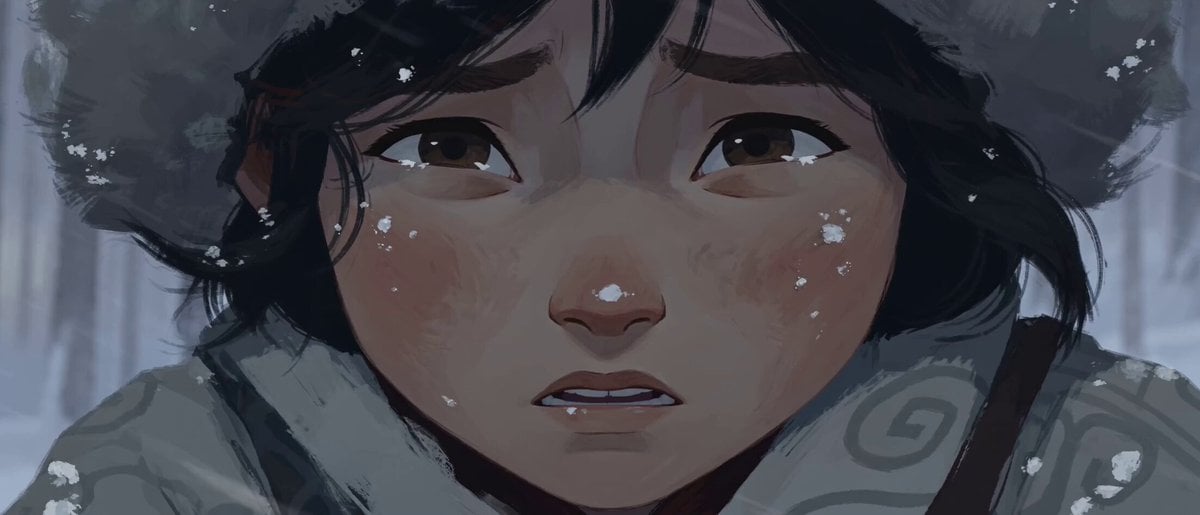
Hand-Drawn 2D Snowstorm Animation
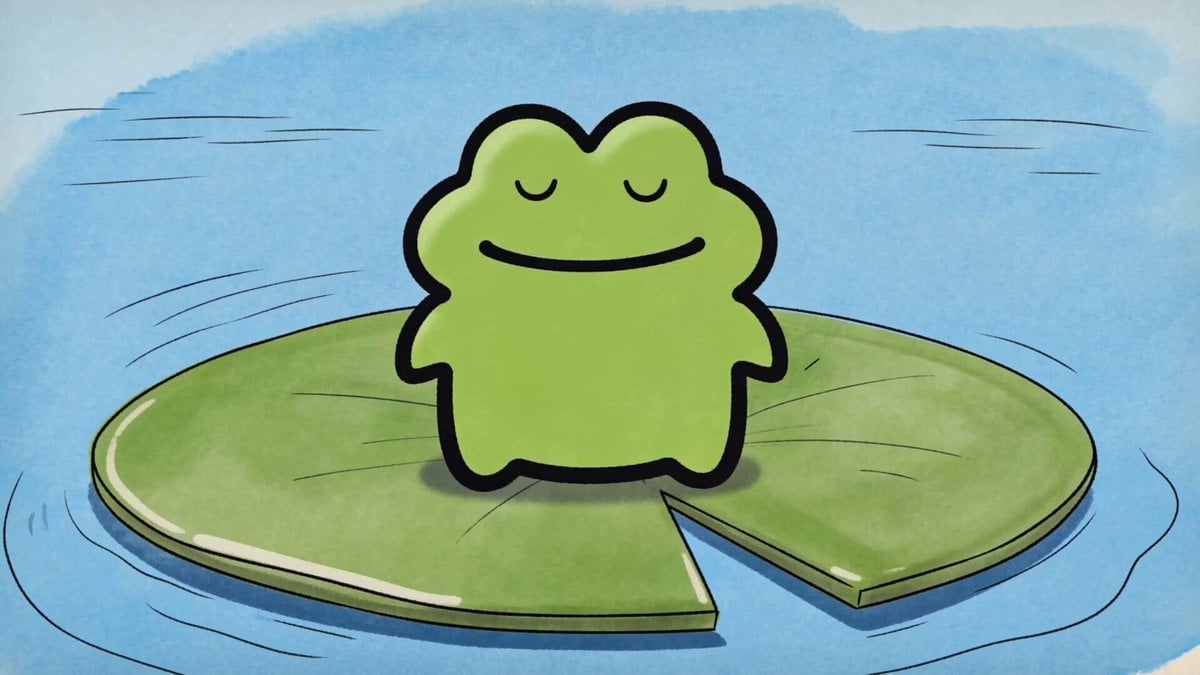
Hand-Drawn Frog Cartoon Animation
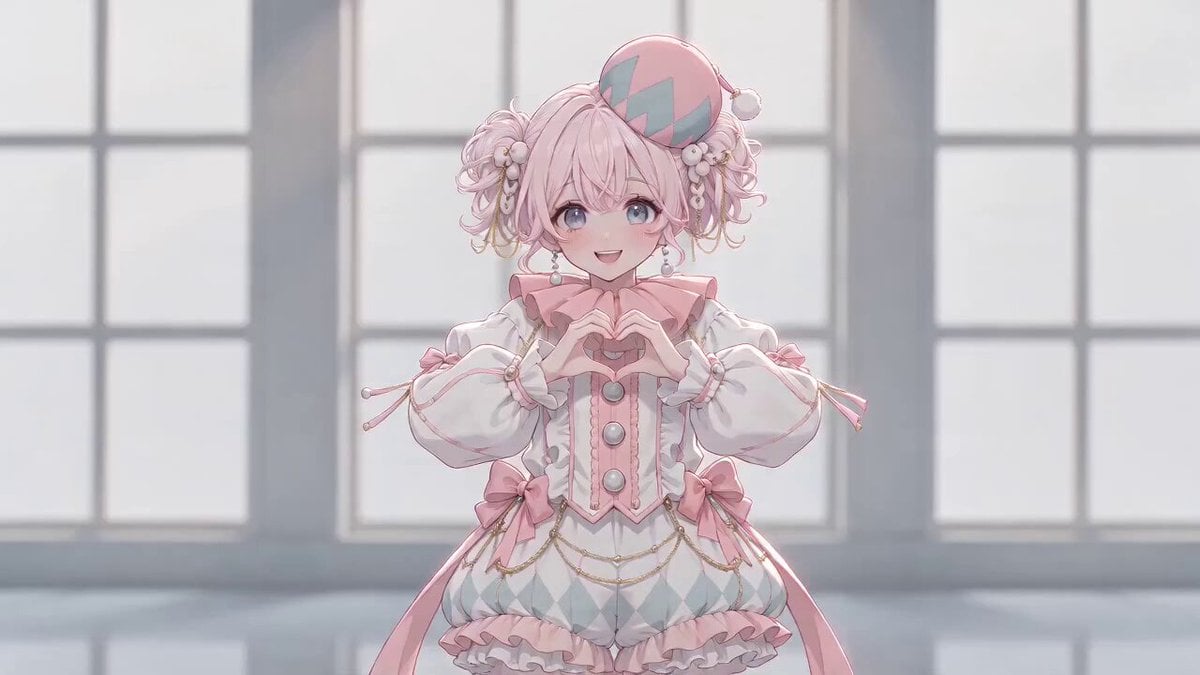
Anime Girl Hand-Drawn Effect Dance
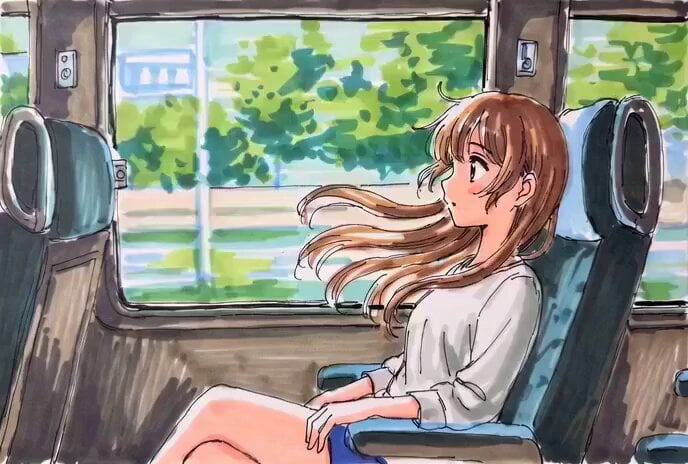
Hand-Drawn Anime Bus Scene Video Prompt
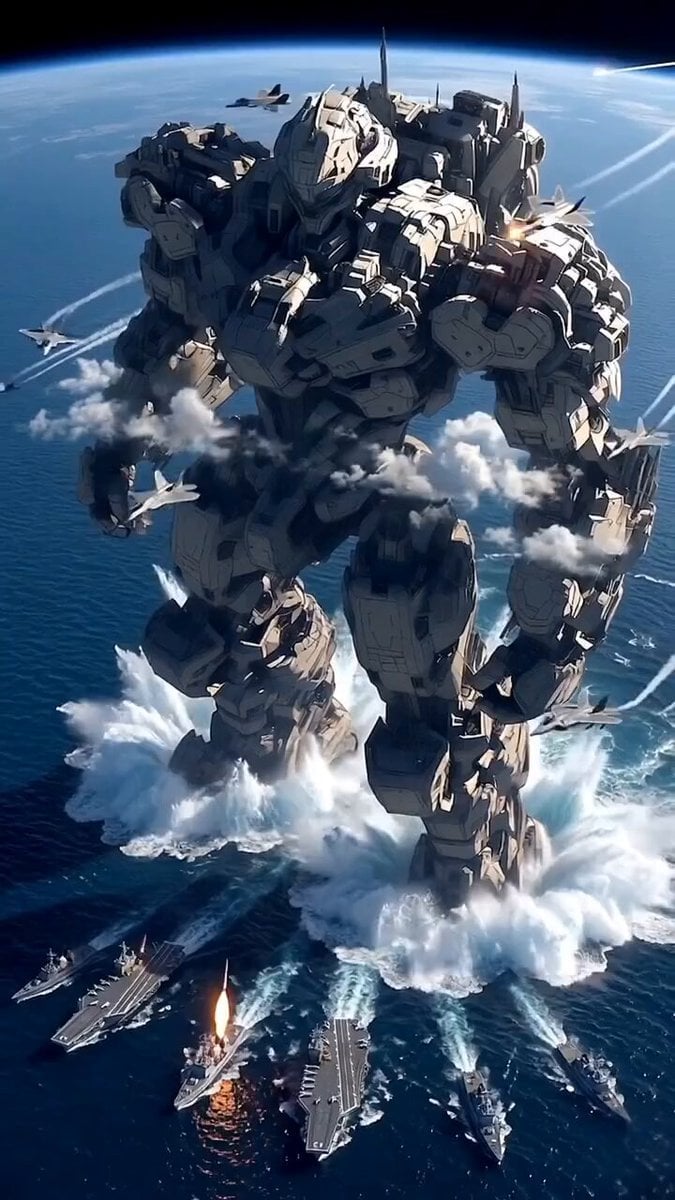
Giant Mecha Naval Battle
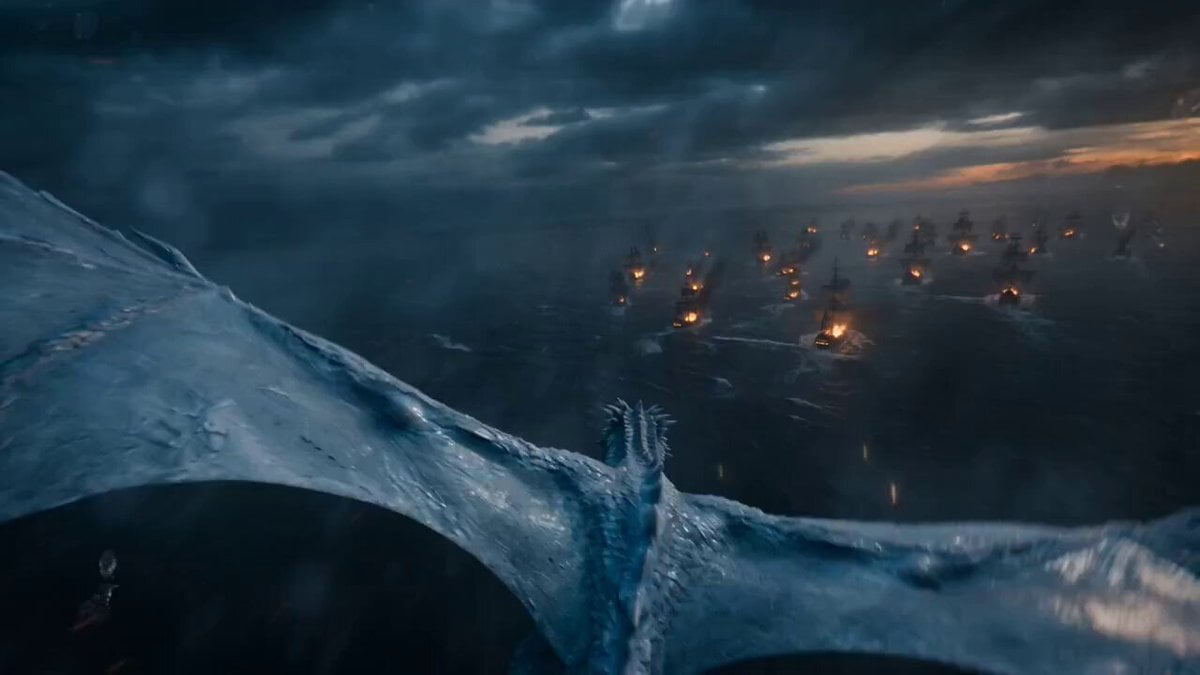
POV Ice Dragon Naval Battle Trailer
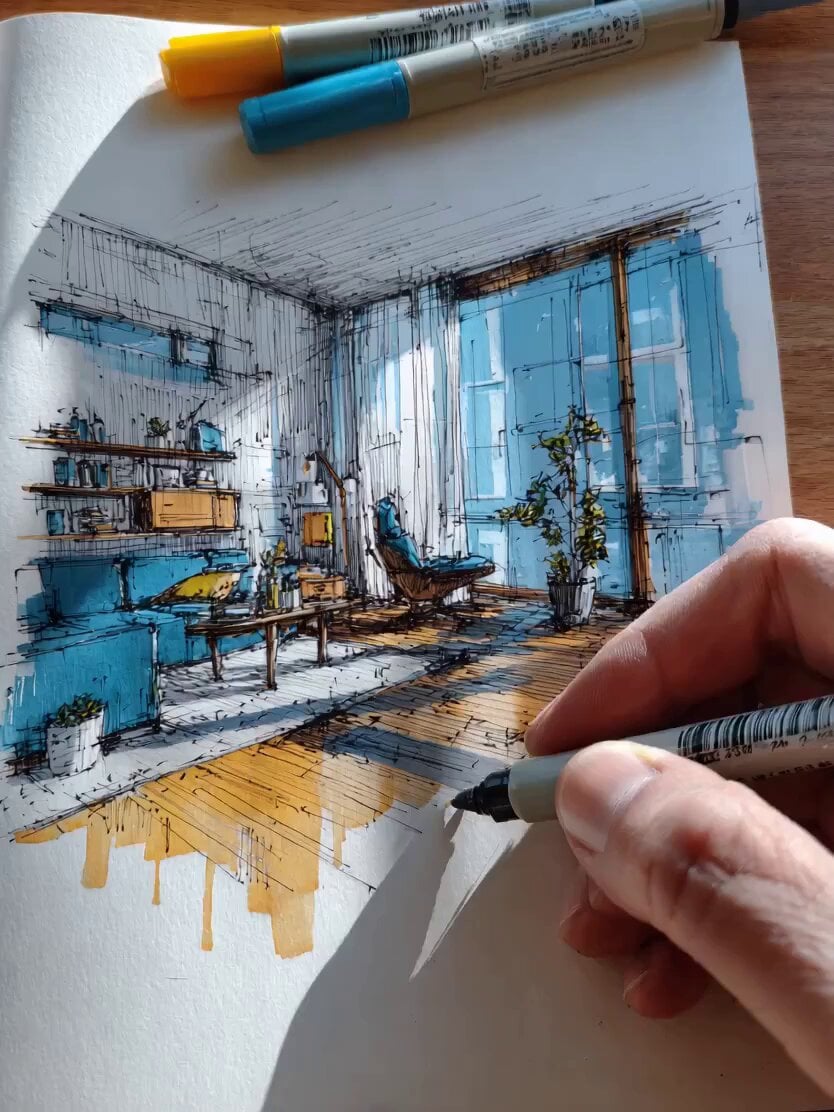
Video Prompt: Hand-Drawn Interior Design Transformation
Make it yours
Hand-drawn Animated Naval Battle works as-is. These are the safest ways to change it without losing the look.
Change one field
Copy a single group, rewrite it, and generate again so you can see what that field is doing.
Keep the frame, change the subject
Hold the composition and light of Hand-drawn Animated Naval Battle, then swap wardrobe, props or the person for a new take.
| If the result… | Why | Fix |
|---|---|---|
| The result drifts from the preview | Too many fields changed at once. | Reuse Hand-drawn Animated Naval Battle as-is first, then change one group — subject, light, or setting. |
| The model over-stylizes the scene | The prose prompt leaves finish and camera underspecified. | Add one camera or lighting sentence and stay on Seedance 2.0. |
More Seedance 2.0 templates
Other prompts made for Seedance 2.0.

Comical Martial Arts Punch Scene

Maglev Train Action Sequence

Martial Arts Fight Sequence

Wuxia Protection and Trust Script

Vintage Korean Arcade MiniDV Vlog

Mercedes 190 SL Luxury Ad

Rainy Night Supernatural Reverse Comedy Video Script

Amazon Civilization Discovery

Futuristic South Asian City Transformation

Cozy Luxury Cafe Commercial
More video prompts
Fresh picks from across the catalog.
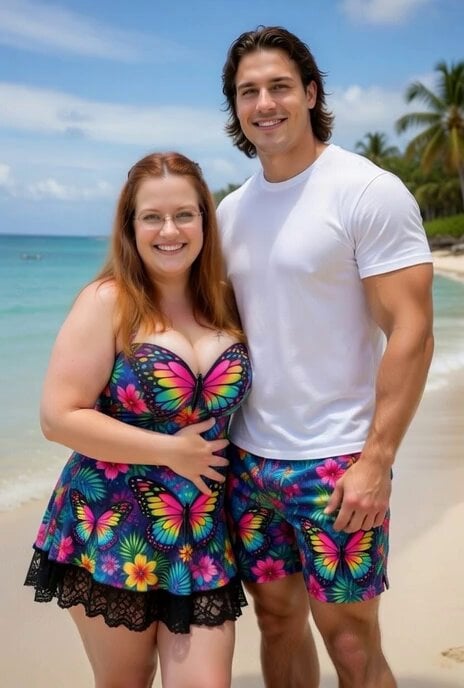
Romantic Beach Scene with Rey
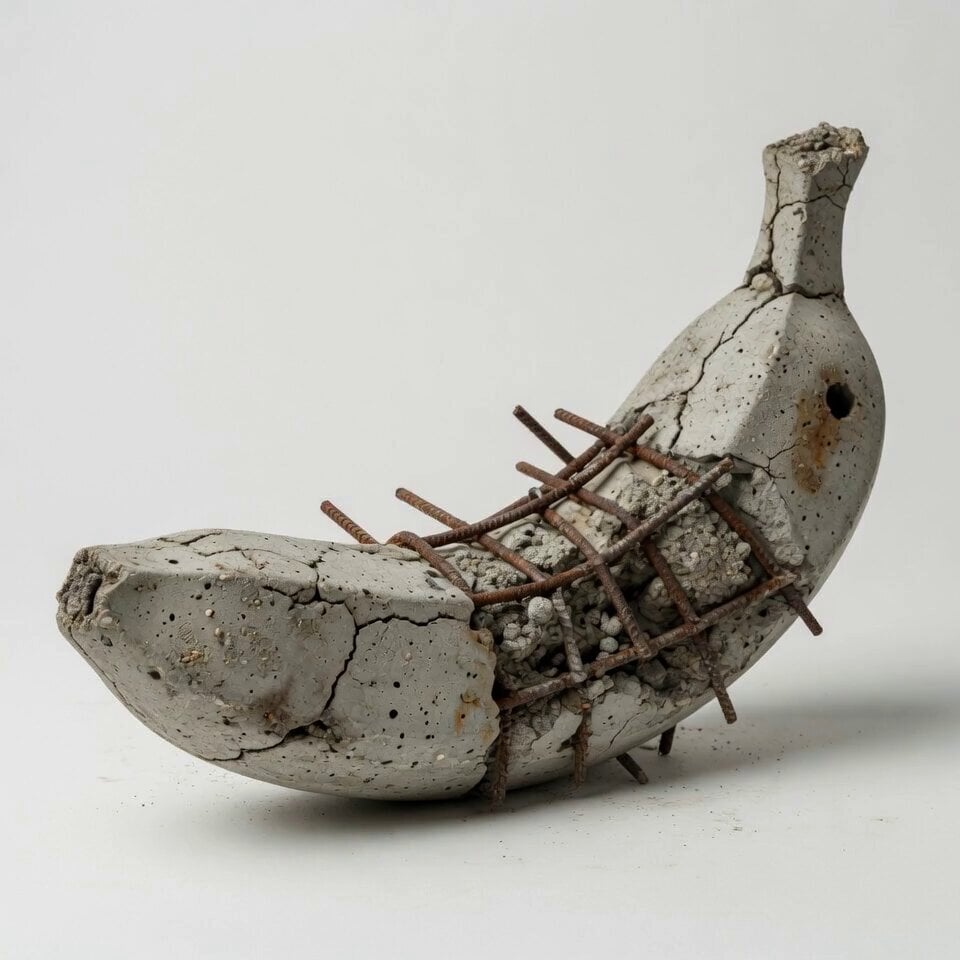
Concrete Banana Gorilla Transformation
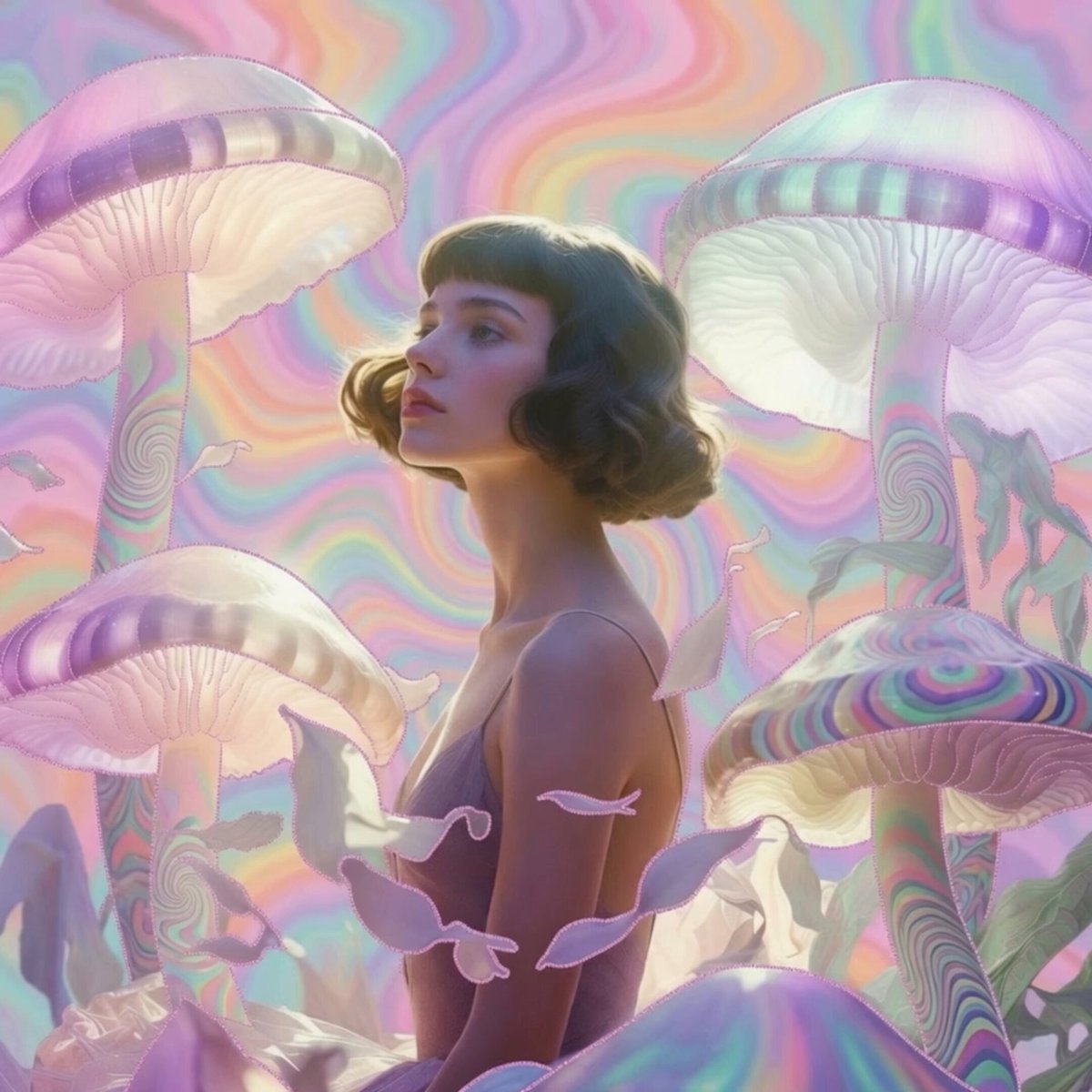
Pastel Psychedelic Mushroom Dream
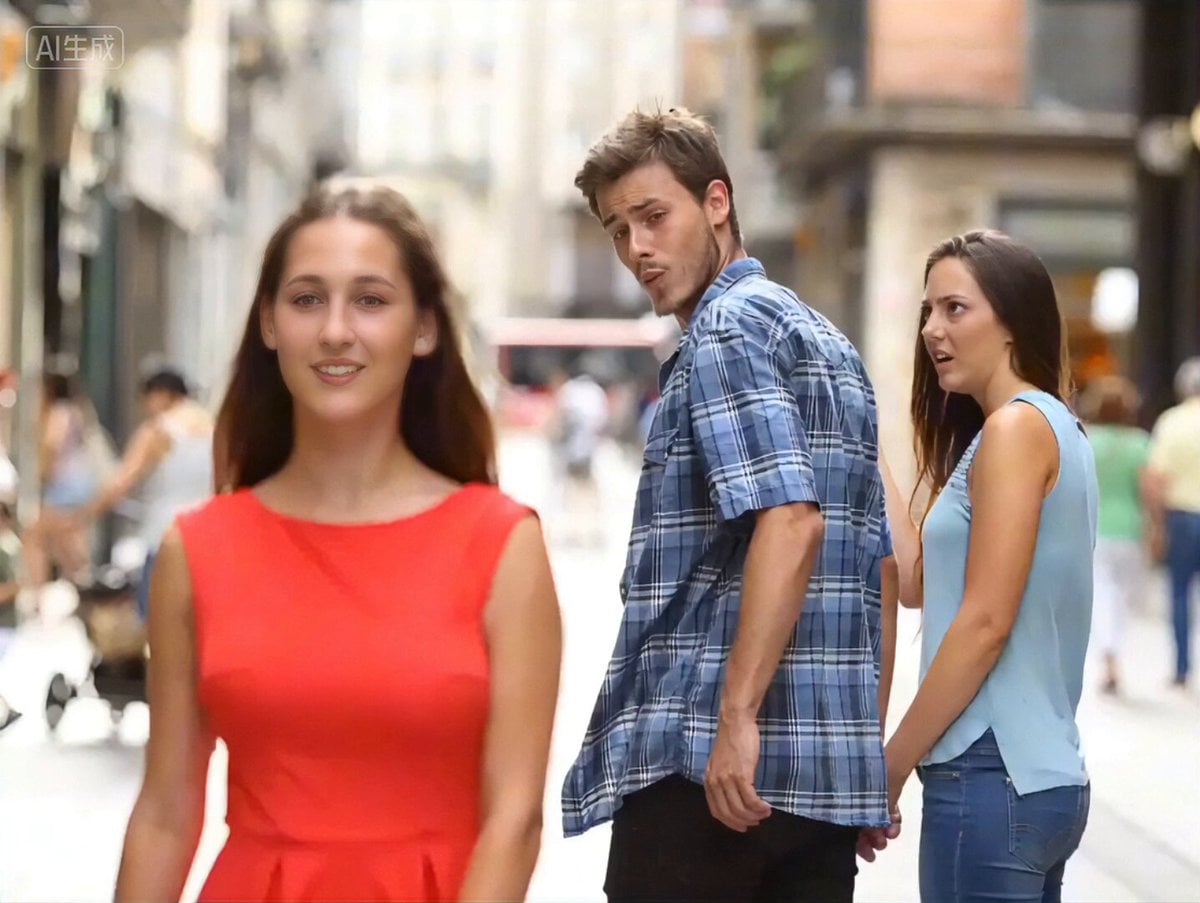
Bollywood Dance Distracted Boyfriend Meme Prompt
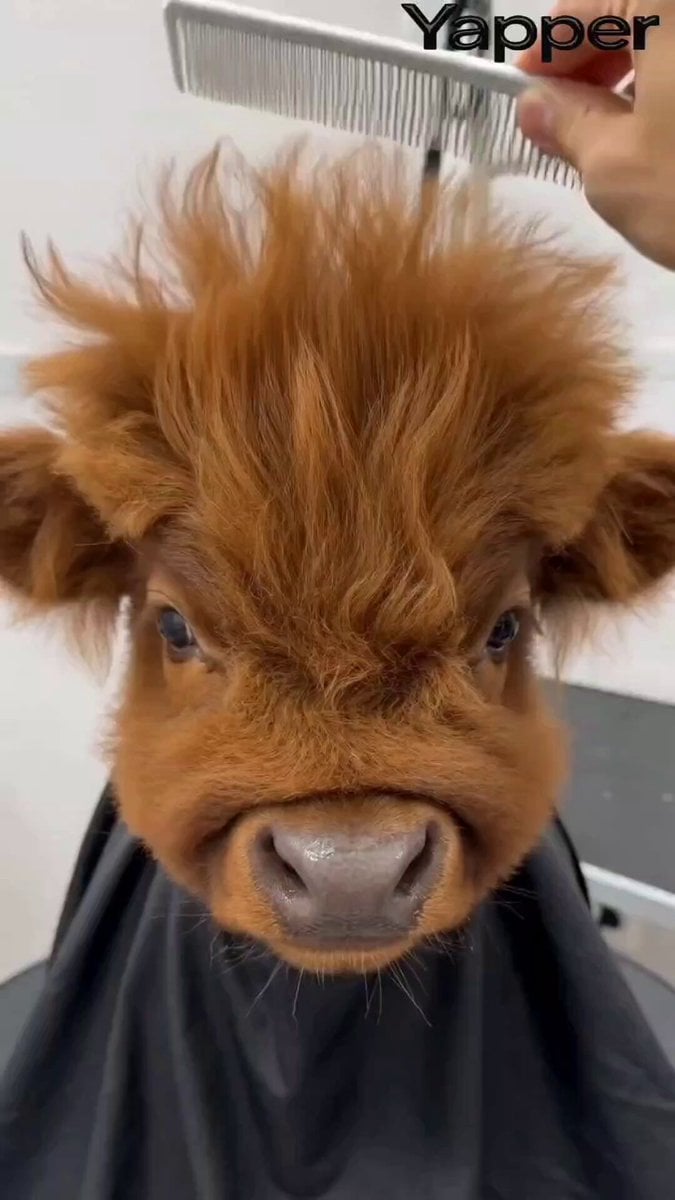
Humorous Persian Calf Haircut Transformation Video Prompt
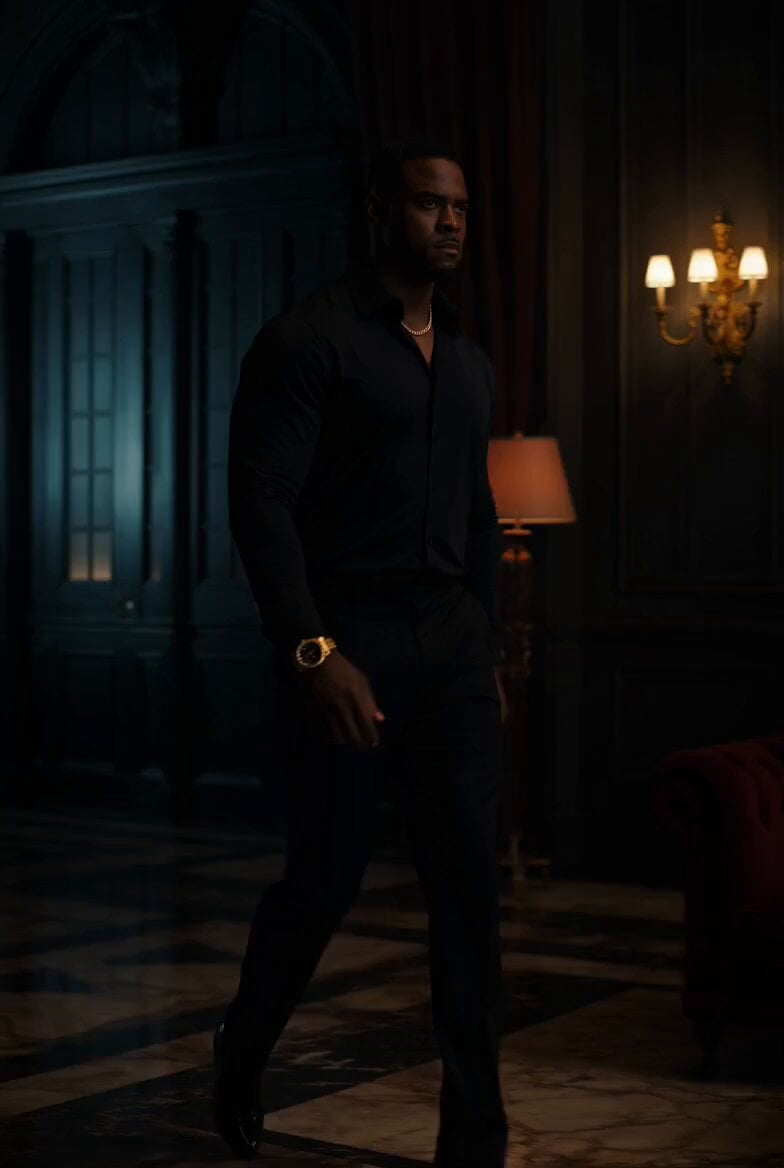
Superhero Neon City Transformation
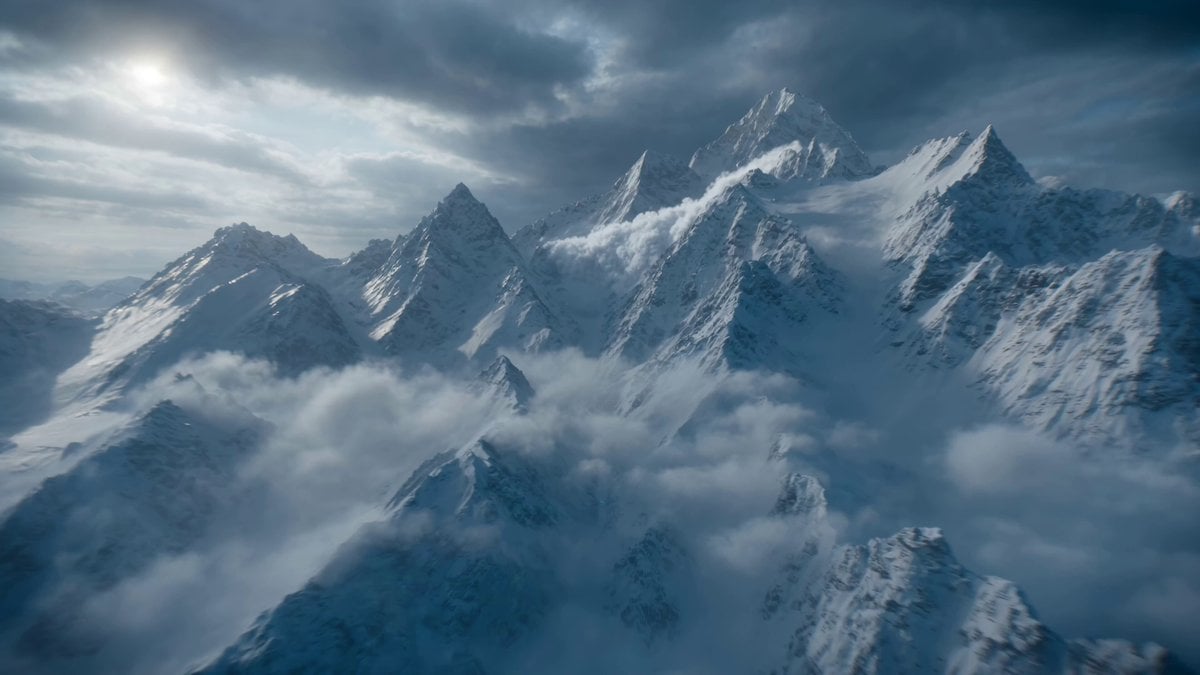
Futuristic Hypercar Avalanche Sequence
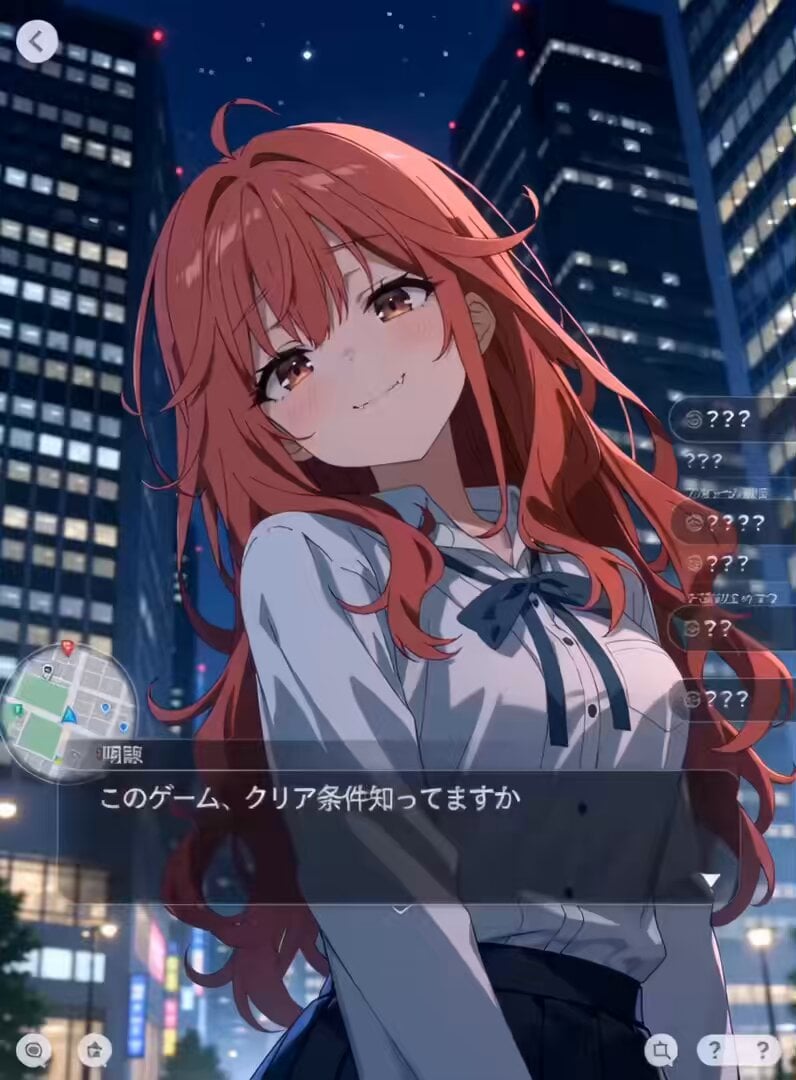
Urban RPG Gameplay Animation
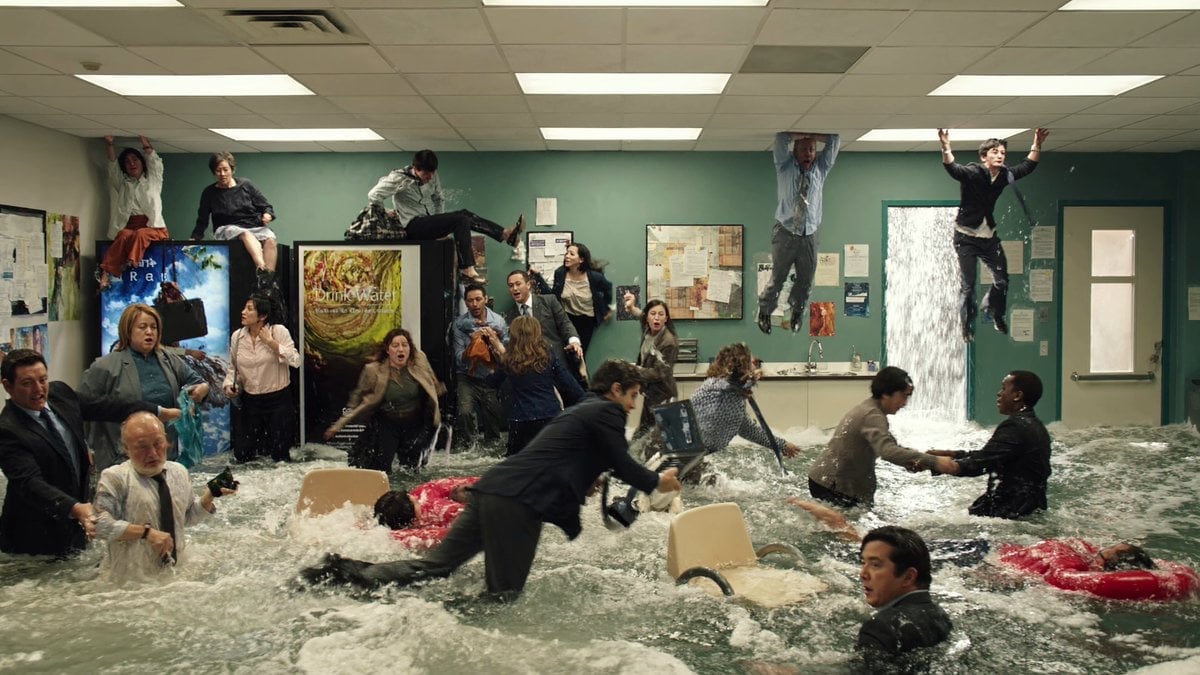
Slow Motion Flood Disaster Cinematography
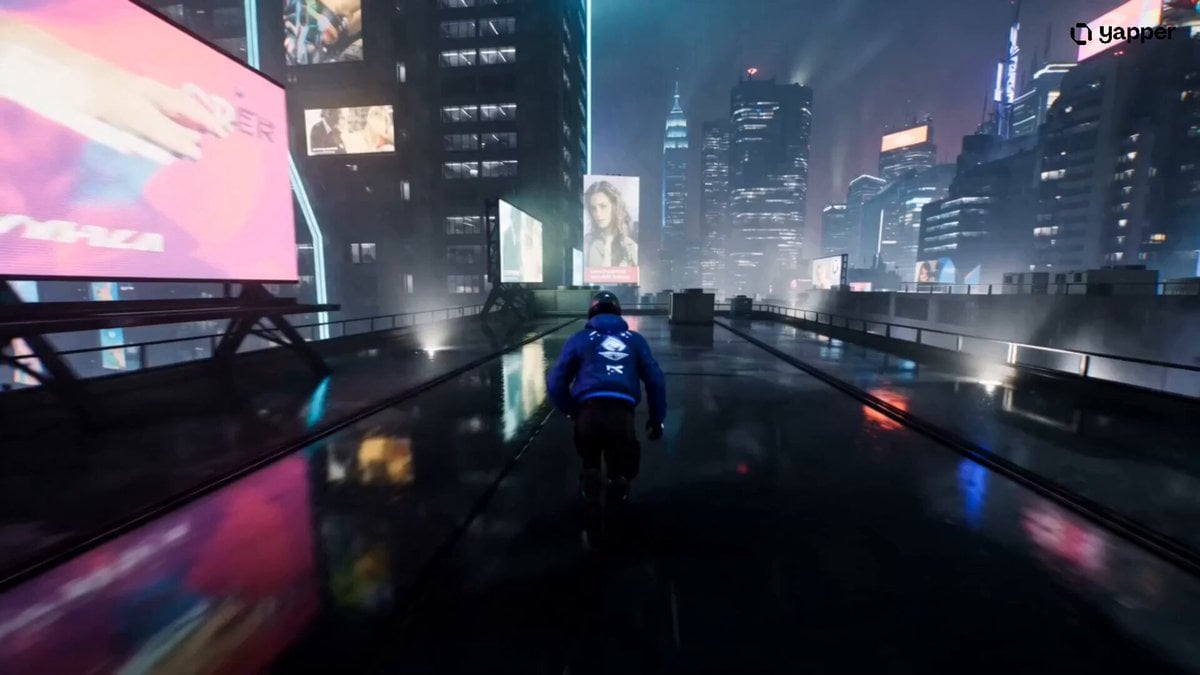
Cyberpunk Rooftop Chase Cinematic Prompt
Browse template categories
Hand-drawn Animated Naval Battle questions
How do I use the Hand-drawn Animated Naval Battle template?
Add your photo if the template asks for one, edit the prompt if you like — the template's model and format are already selected — and press Generate. Your version opens in PicX Studio.
Can I customize the Hand-drawn Animated Naval Battle template?
Yes. You can change the subject, setting, lighting, mood, format, and available model controls before creating your video.
Is the Hand-drawn Animated Naval Battle template free?
Opening and editing this template is free. Generating uses credits, shown on the Generate button when you are signed in.
Which AI model should I use?
Start with Seedance 2.0, which is the model associated with this template. You can compare another compatible model for a different finish.
Looking for something else? Browse all templates.

Your photo, any look
Thousands of ready templates for every top image and video model, from one credit balance.