
Cyberpunk Rooftop Chase Cinematic Prompt
An action-packed 15-second tracking shot following a courier across neon-lit cyberpunk rooftops during a rainstorm, featuring high-speed traversal and energy gliding.
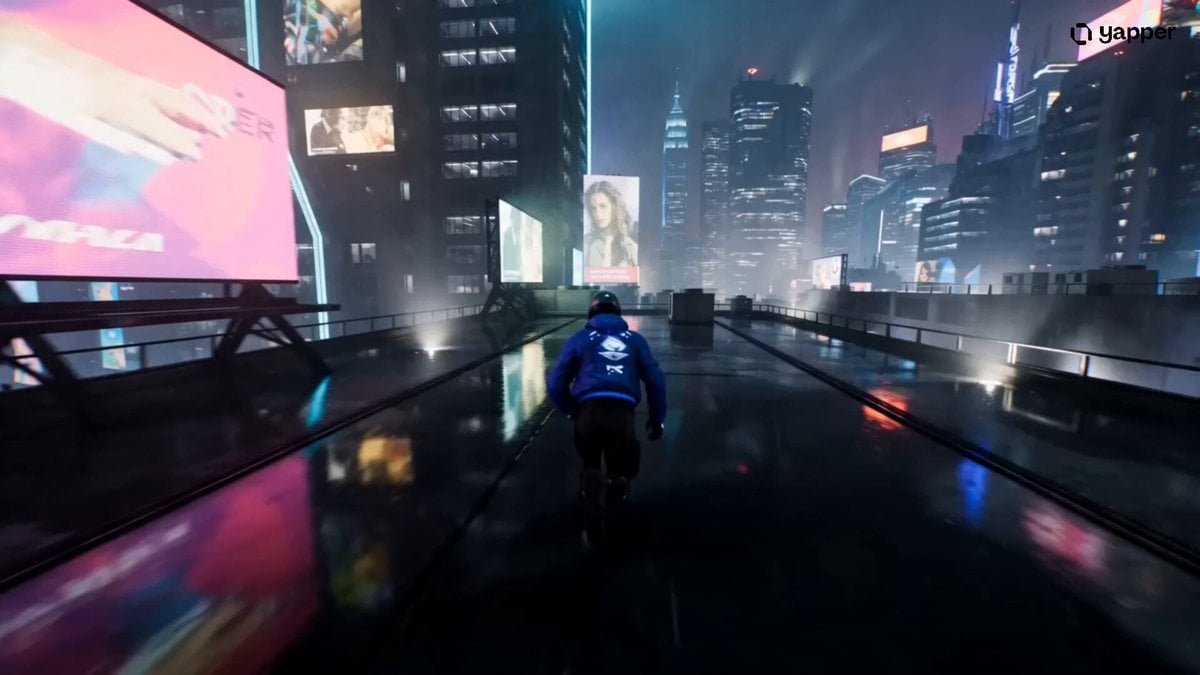
- Prompt included
- Model and format preset
- Free template
The prompt behind this video
Copy the exact prompt behind Cyberpunk Rooftop Chase Cinematic Prompt, or open it in the studio and make it yours.
A high-energy 15-second tracking shot follows a futuristic courier sprinting across the rooftops of a neon-lit cyberpunk мегacity during a rainstorm. 0–4s: The camera chases closely from behind as the courier dashes across slick rooftops, neon signs reflecting off puddles. Rain streaks past the lens, and their glowing jacket leaves a faint light trail. They leap over gaps between buildings, boots splashing on impact. 4–8s: The angle drops low and shifts to the side, capturing their speed and agility as they slide under holographic billboards and vault over ventilation units. Lightning briefly illuminates the skyline, revealing towering skyscrapers layered into the distance. 8–12s: They sprint toward the edge of a skyscraper and launch outward, deploying a compact energy-glider mid-air. The camera pulls wide as they soar between buildings, silhouetted against a massive holographic advertisement flickering in the rain. 12–15s: They retract the glider and land in a controlled roll on a lower rooftop, water splashing outward. Without breaking stride, they continue running as the camera stabilizes and follows them deeper into the glowing urban maze.
How to use Cyberpunk Rooftop Chase Cinematic Prompt in 3 steps
- 1
Open
The prompt is already in the box next to the preview, with the template's model and format selected.
- 2…a portrait of your subject in softgolden-hour light, 85mm…
Personalize
Edit the subject and creative details for your destination.
- 3Generate
Generate
Press Generate — your video is created in PicX Studio, so you can compare it with the original and refine one variable at a time.
More like this
Templates with the same subject, style or setup. Open one to see its prompt.
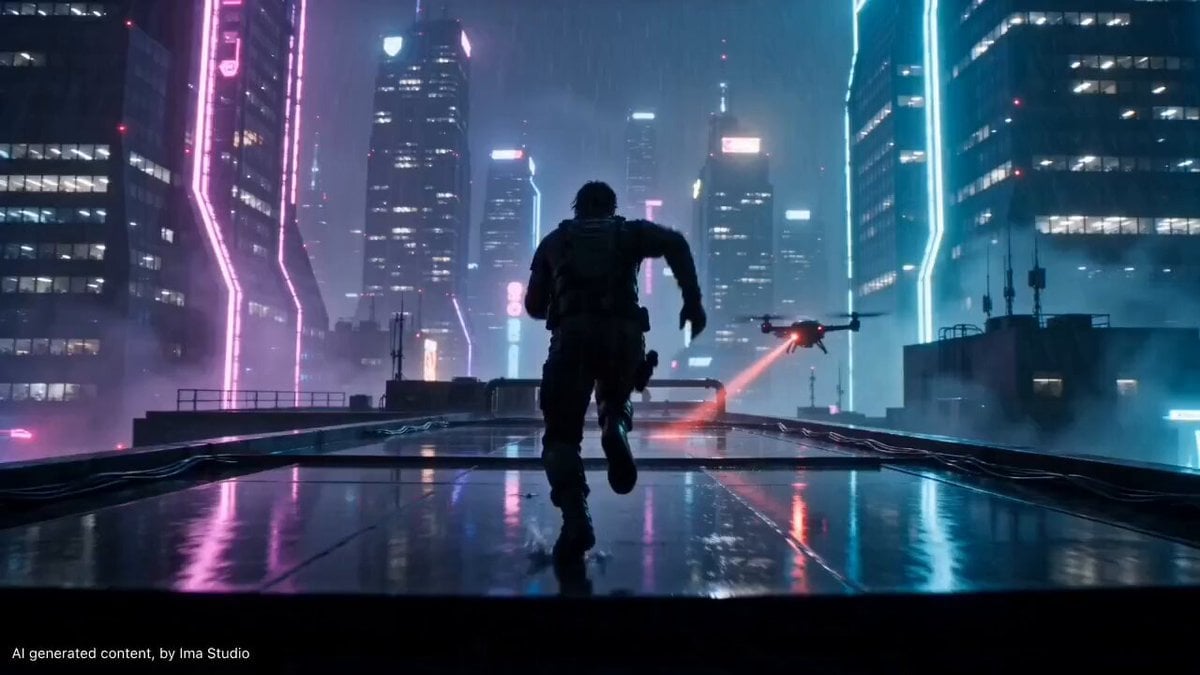
Cyberpunk Rooftop Parkour Chase

Cyberpunk Holographic Dance Performance - Seedance 2.5
Rooftop Chase Motion Phrases
Rooftop Parkour Motion Control

RX-7 to Mech Transformation Cyberpunk

Luxury Lifestyle Day Vlog
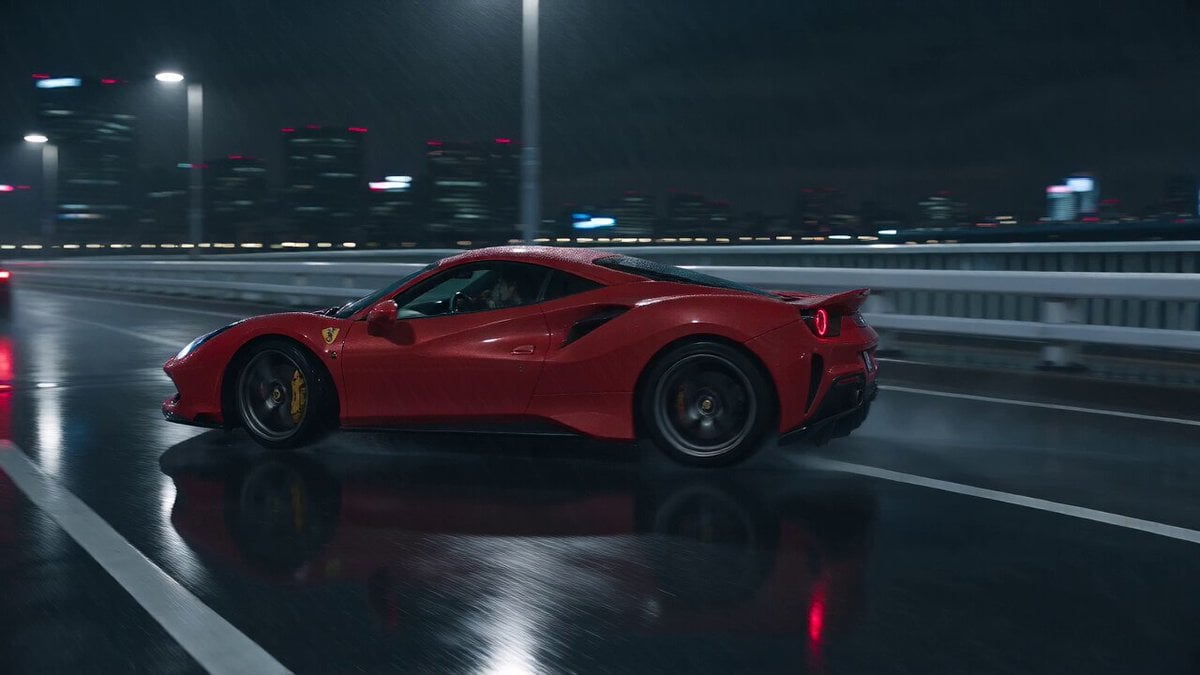
Cyberpunk Tokyo Rainy Car Chase

Cartoon Donut Heist Bakery Chase

Walking Factory with Rebel on Hoverbike - Wasteland
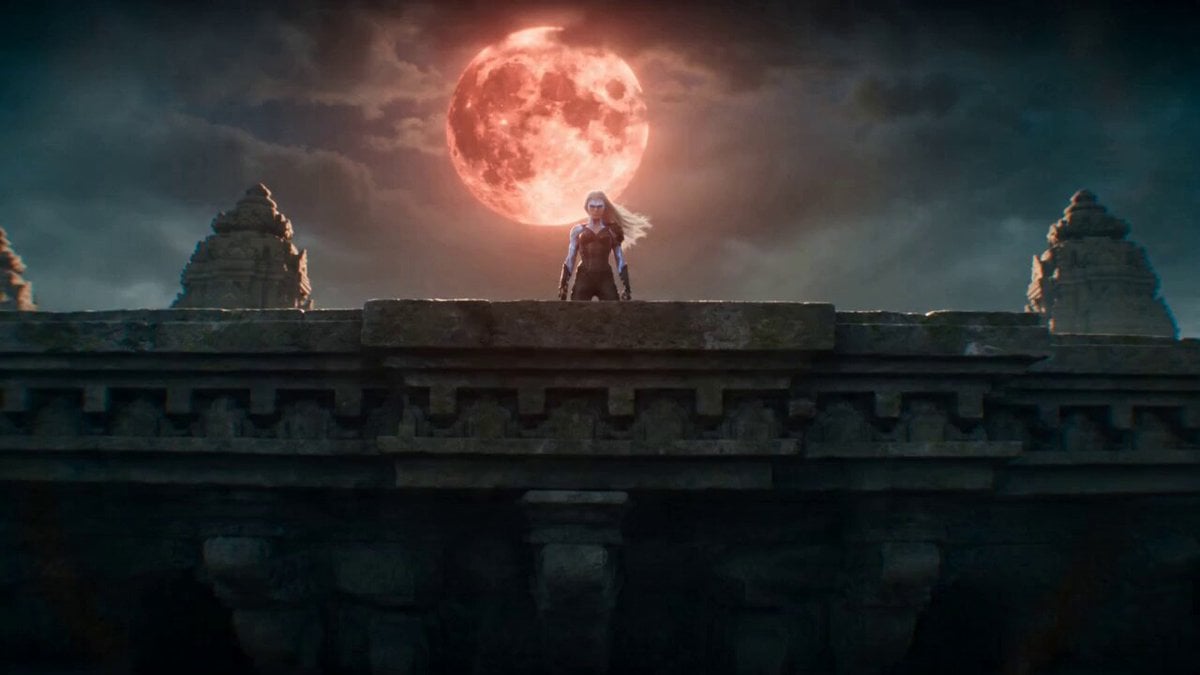
Temple Rooftop Chase Animation
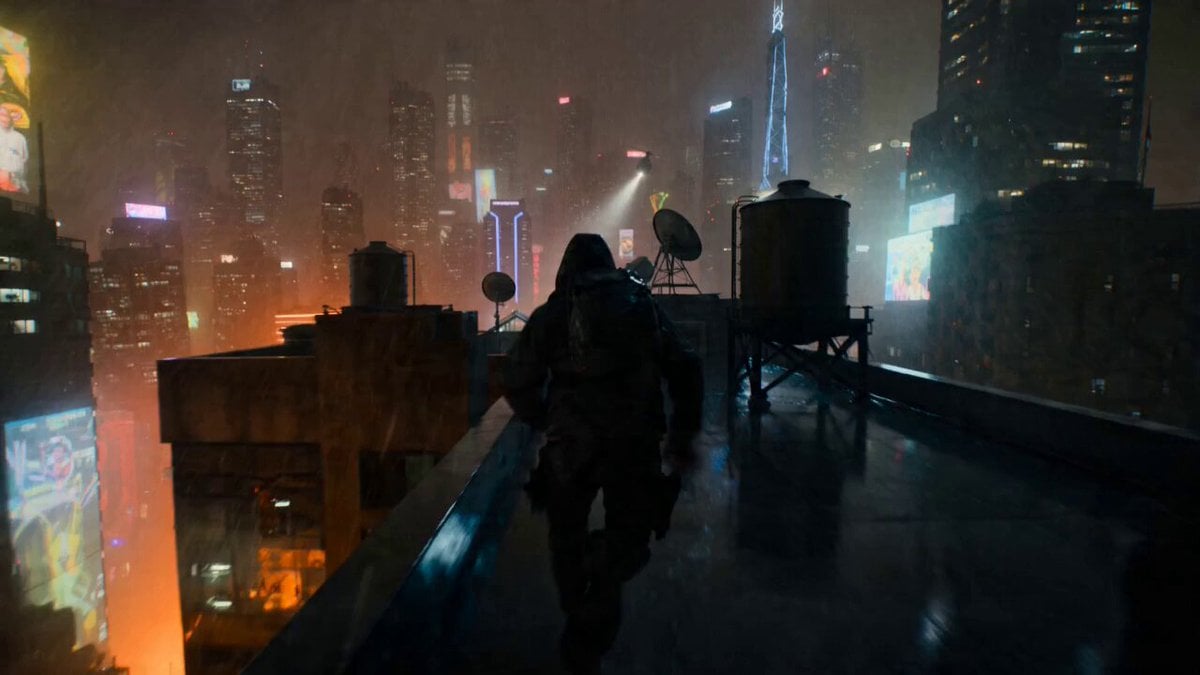
POV Rooftop Chase Prompt

Taekwondo Cat Rooftop Chase
Make it yours
Cyberpunk Rooftop Chase Cinematic Prompt works as-is. These are the safest ways to change it without losing the look.
Change one field
Copy a single group, rewrite it, and generate again so you can see what that field is doing.
Keep the frame, change the subject
Hold the composition and light of Cyberpunk Rooftop Chase Cinematic Prompt, then swap wardrobe, props or the person for a new take.
| If the result… | Why | Fix |
|---|---|---|
| The result drifts from the preview | Too many fields changed at once. | Reuse Cyberpunk Rooftop Chase Cinematic Prompt as-is first, then change one group — subject, light, or setting. |
| The model over-stylizes the scene | The prose prompt leaves finish and camera underspecified. | Add one camera or lighting sentence and stay on Seedance 2.0. |
More Seedance 2.0 templates
Other prompts made for Seedance 2.0.

Comical Martial Arts Punch Scene

Maglev Train Action Sequence

Martial Arts Fight Sequence

Wuxia Protection and Trust Script

Vintage Korean Arcade MiniDV Vlog

Mercedes 190 SL Luxury Ad

Rainy Night Supernatural Reverse Comedy Video Script

Amazon Civilization Discovery

Futuristic South Asian City Transformation

Cozy Luxury Cafe Commercial
More video prompts
Fresh picks from across the catalog.
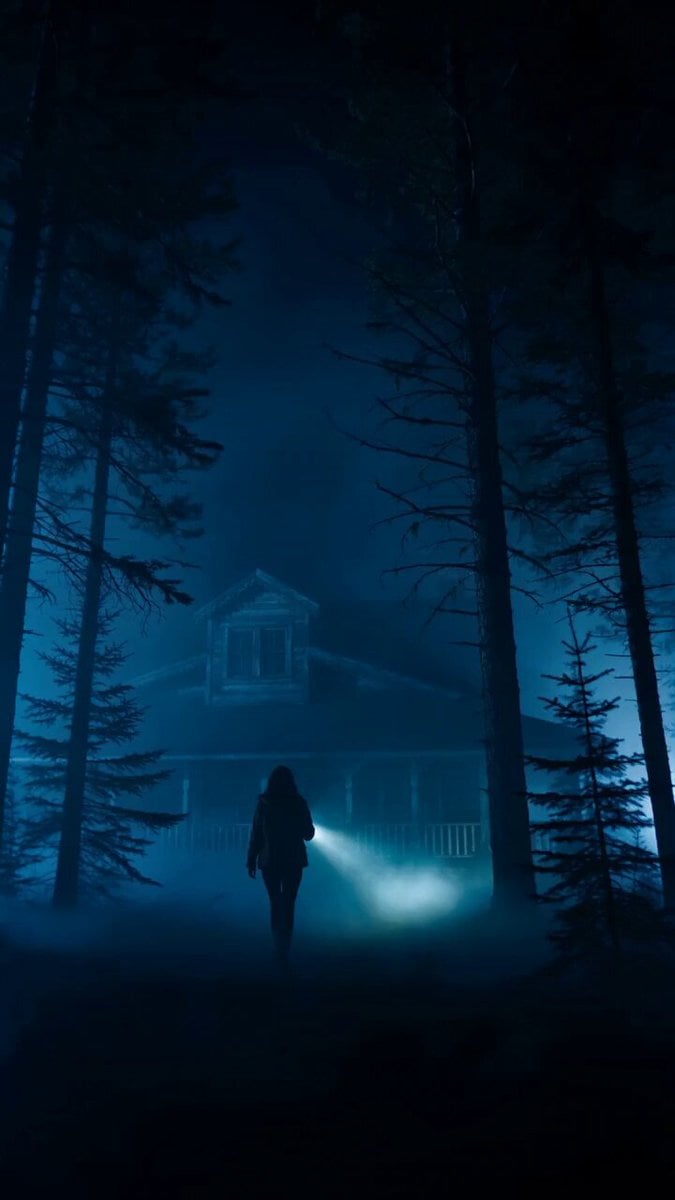
Cinematic Horror Thriller Video Prompt
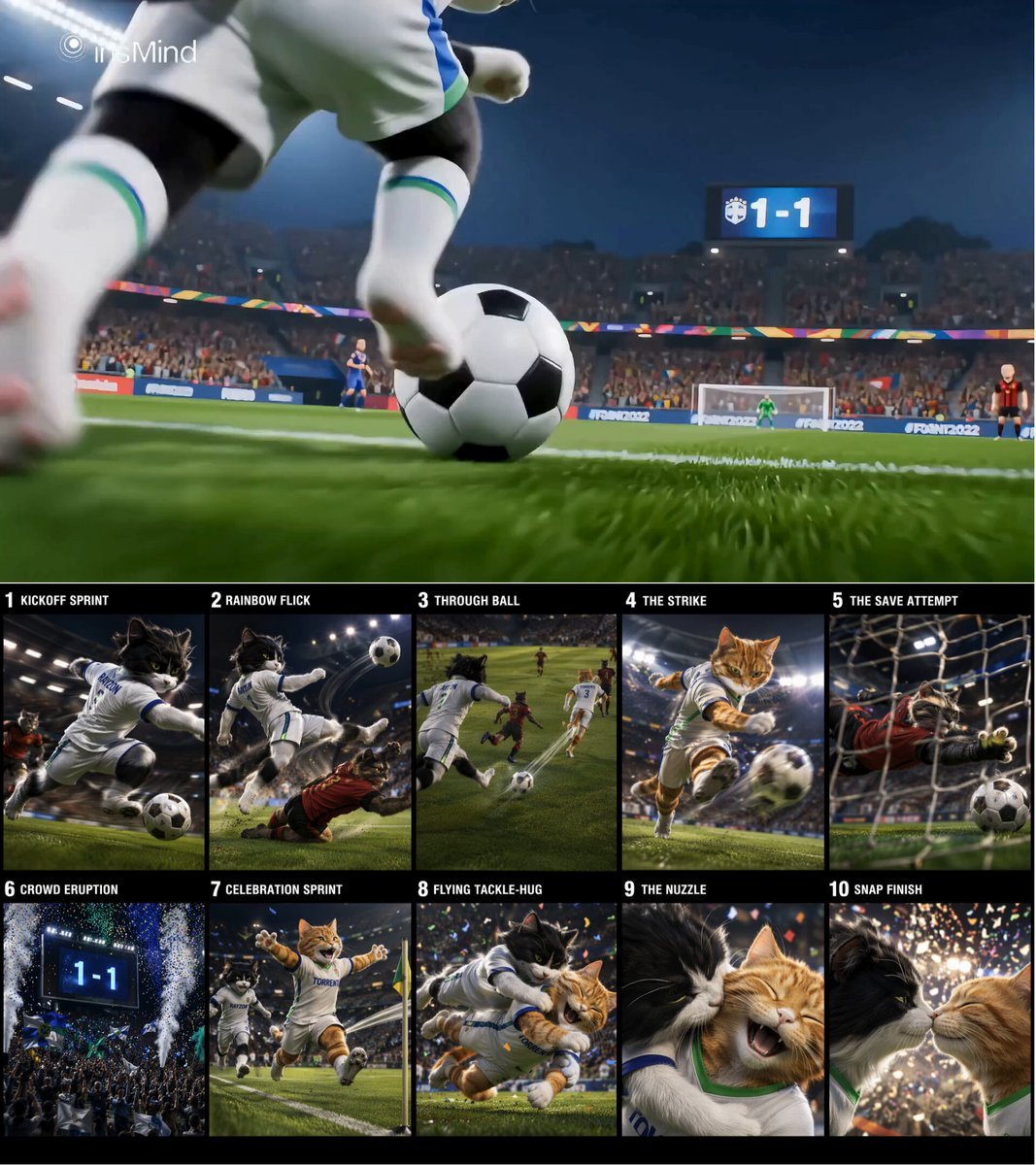
Cinematic Cat Football Championship Highlights

Cinematic Anime Magic Sword Battle

Butterflies on Heart Flower

3D render of Chibi humanoid cat mascot at SpaceX launch site
Ice Cave Explorer Sequence
Gritty Handheld 35mm Film Aesthetic
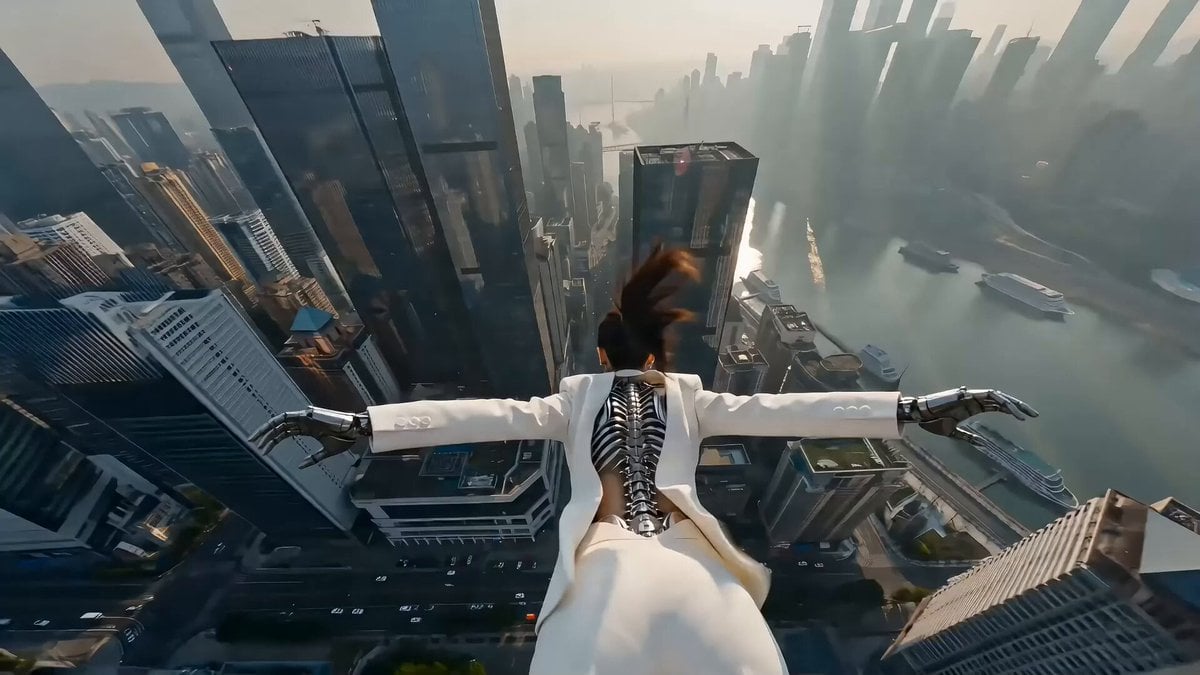
Cyberpunk Action Scene: Freefall and Car Interception Prompt (Chapter 2)

Cute Brand Character Animation
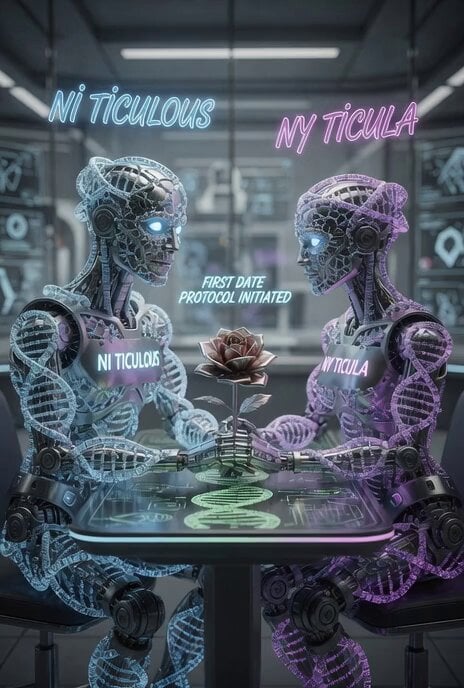
First Date of Molecular Strand Robots Video Prompt
Browse template categories
Cyberpunk Rooftop Chase Cinematic Prompt questions
How do I use the Cyberpunk Rooftop Chase Cinematic Prompt template?
Add your photo if the template asks for one, edit the prompt if you like — the template's model and format are already selected — and press Generate. Your version opens in PicX Studio.
Can I customize the Cyberpunk Rooftop Chase Cinematic Prompt template?
Yes. You can change the subject, setting, lighting, mood, format, and available model controls before creating your video.
Is the Cyberpunk Rooftop Chase Cinematic Prompt template free?
Opening and editing this template is free. Generating uses credits, shown on the Generate button when you are signed in.
Which AI model should I use?
Start with Seedance 2.0, which is the model associated with this template. You can compare another compatible model for a different finish.
Looking for something else? Browse all templates.

Your photo, any look
Thousands of ready templates for every top image and video model, from one credit balance.