
Cinematic Horror Thriller Video Prompt
A detailed, multi-shot video prompt for Seedance 2.0, designed to generate a cinematic horror thriller scene.
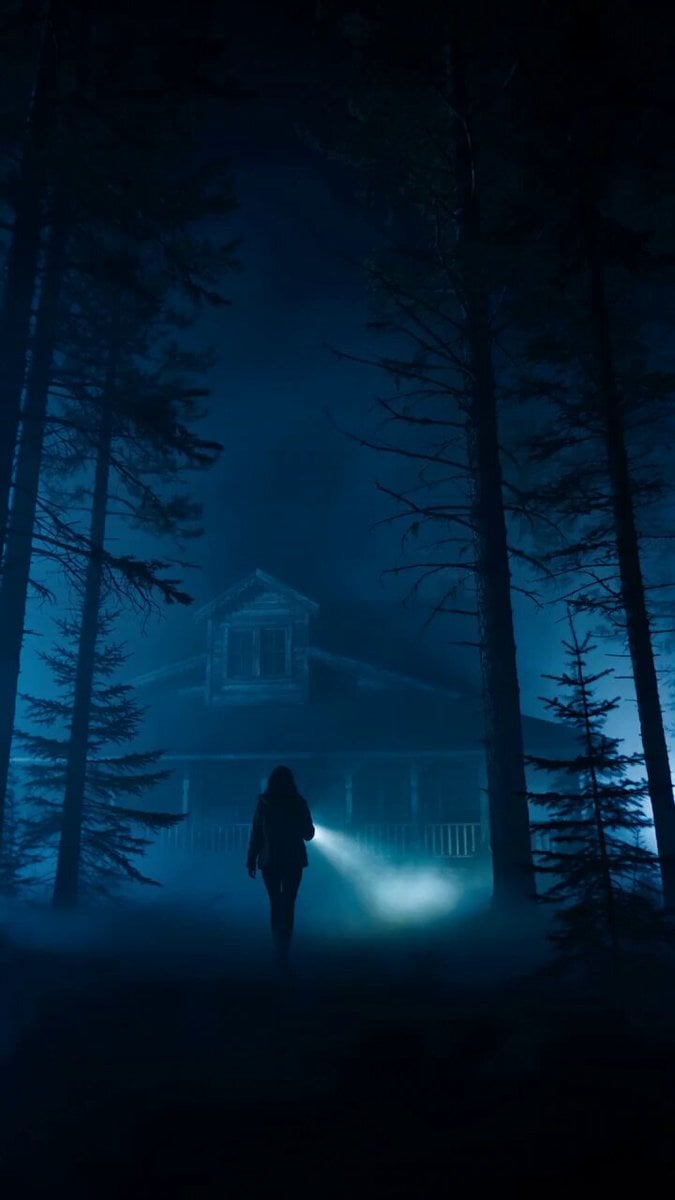
- Prompt included
- Model and format preset
- Premium template
The prompt behind this video
Copy the exact prompt behind Cinematic Horror Thriller Video Prompt, or open it in the studio and make it yours.
Seedance 2.0...【Film Style】 Cinematic horror thriller, modern supernatural suspense film, dark forest atmosphere, volumetric fog, moody blue night lighting, realistic flashlight illumination, slow tension building, dramatic horror soundtrack atmosphere. 【Duration】 12 seconds 【Protagonist】 A young woman alone in a dark forest at night holding a flashlight, cautiously approaching a small abandoned wooden cabin. 【Storyboard Script】 [00:00–00:05] Shot 1: Arrival & Approach Scene: A misty forest at night with tall pine trees surrounding an old wooden cabin. Action: The woman slowly walks toward the cabin holding a flashlight. The beam cuts through drifting fog and illuminates tree trunks and the cabin porch. Camera: Wide cinematic tracking shot moving slowly behind her, matching the arrival and approach frames from the storyboard. [00:05–00:9] Shot 2: Suspense & Awareness Action: She stops walking and slowly turns her head as if she hears something in the woods. Her breathing becomes tense. Camera: The camera pushes in from medium shot to a close-up of her worried face while the flashlight beam trembles slightly. Environmental Detail: Fog drifts between trees, the cabin creaks quietly, and distant forest sounds echo. [00:09–00:12] Shot 3: Fear & Vulnerability Action: She raises the flashlight and slowly scans the forest around her. Her eyes dart nervously between the trees. Dialogue Cue: In a soft, nervous British accent she calls out quietly, **"Hello?"** Performance Direction: Her voice trembles slightly as if she is unsure whether she wants an answer. Camera: Close-up on her face illuminated by the flashlight beam, then slowly pulling back to reveal how alone she is in the dark forest. Atmosphere: Fog thickens and the forest grows silent as she waits for a response. 【Technical Parameters】 Cinematic depth of field, HDR night lighting, volumetric fog particles, realistic flashlight light scattering, subtle handheld tension, dramatic horror color grading.
How to use Cinematic Horror Thriller Video Prompt in 3 steps
- 1
Open
The prompt is already in the box next to the preview, with the template's model and format selected.
- 2…a portrait of your subject in softgolden-hour light, 85mm…
Personalize
Edit the subject and creative details for your destination.
- 3Generate
Generate
Press Generate — your video is created in PicX Studio, so you can compare it with the original and refine one variable at a time.
More like this
Templates with the same subject, style or setup. Open one to see its prompt.
Rainforest Thriller — Searching the Unseen
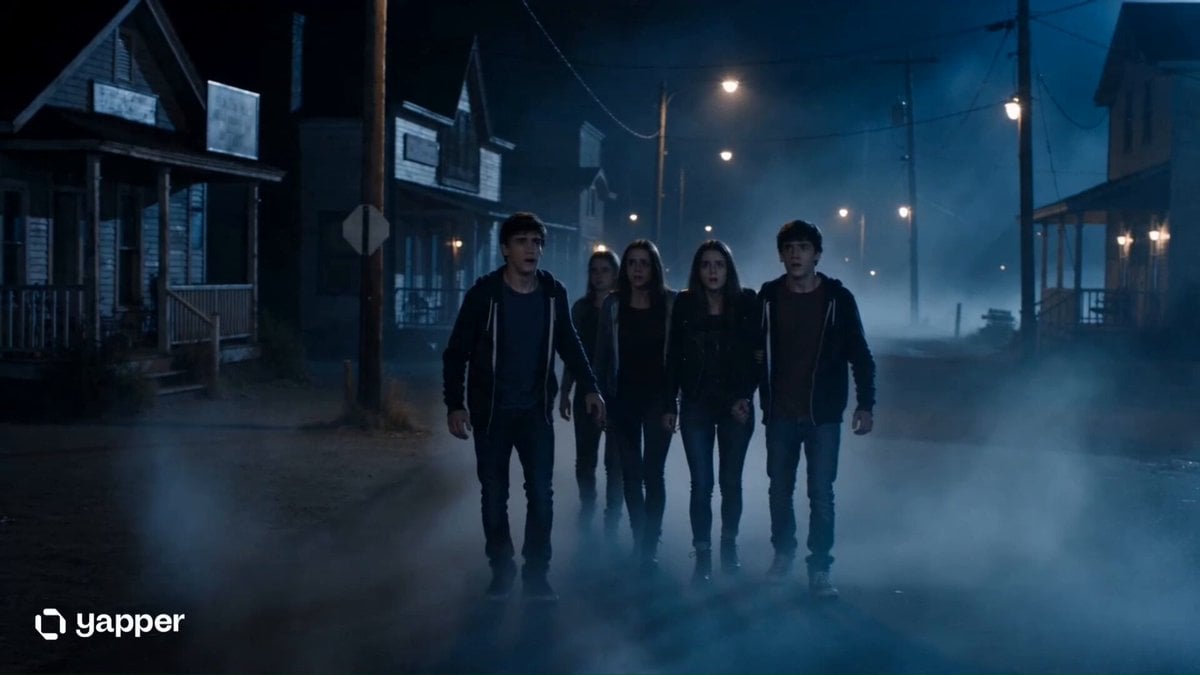
Supernatural Horror Thriller Scene
Chibi Cave Adventure — He Doesn't Know What's Coming
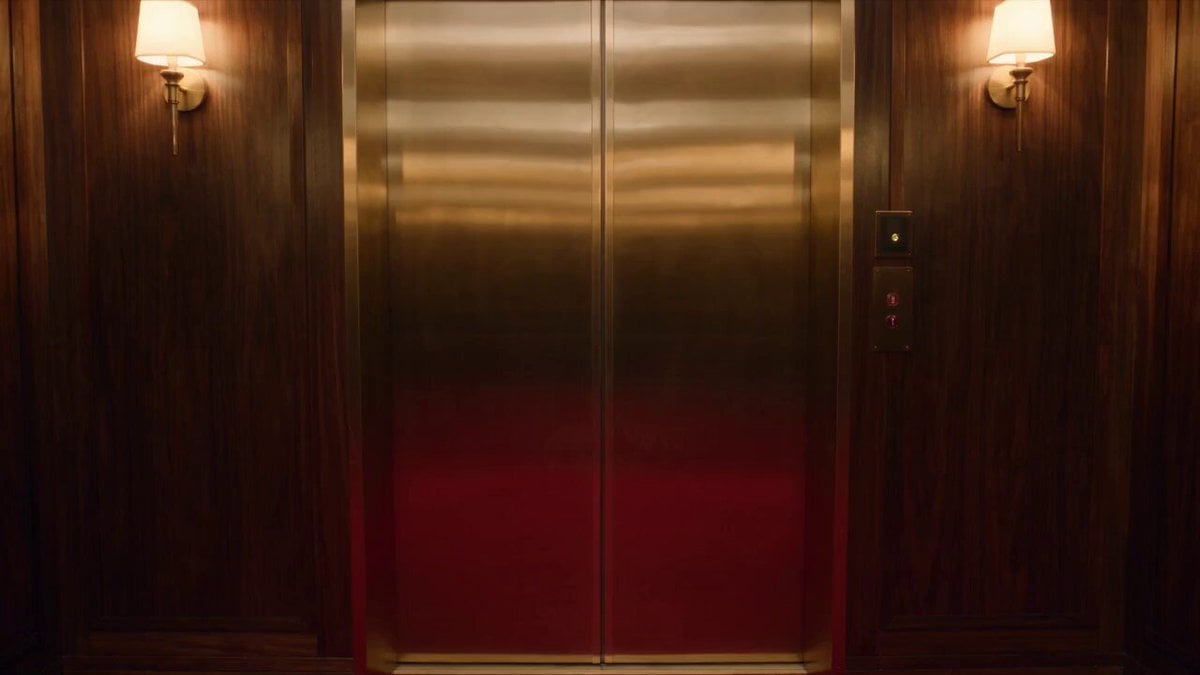
Luxury Hotel Thriller Sequence
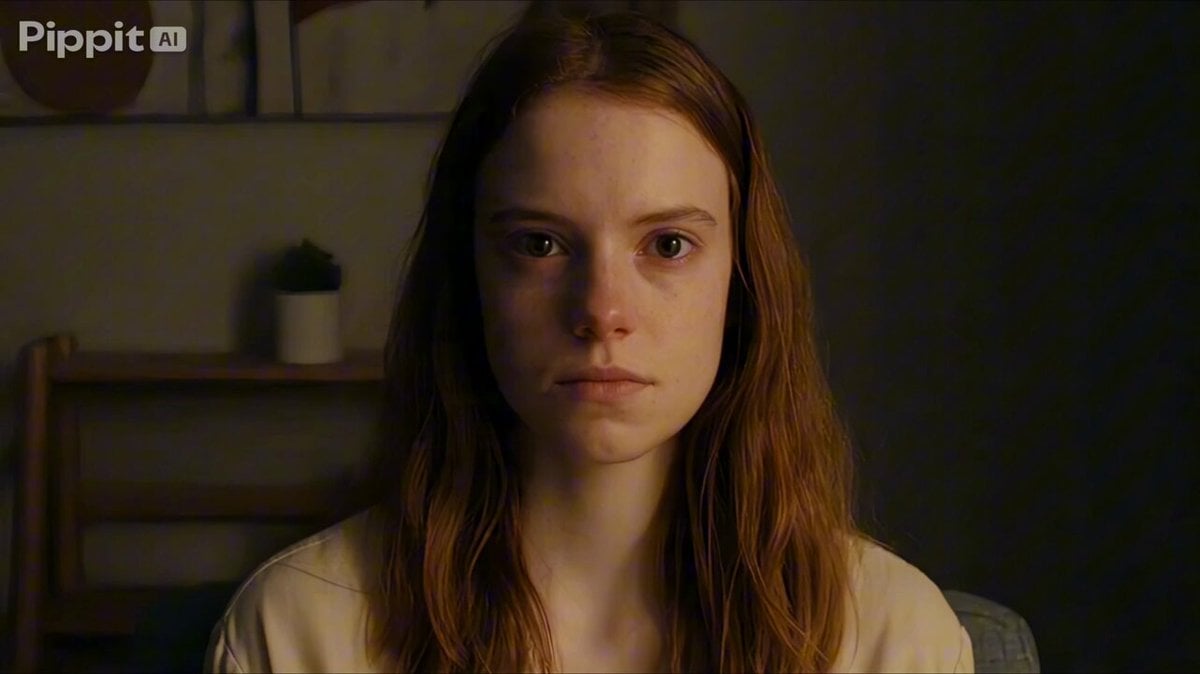
Psychological Thriller Performance Study
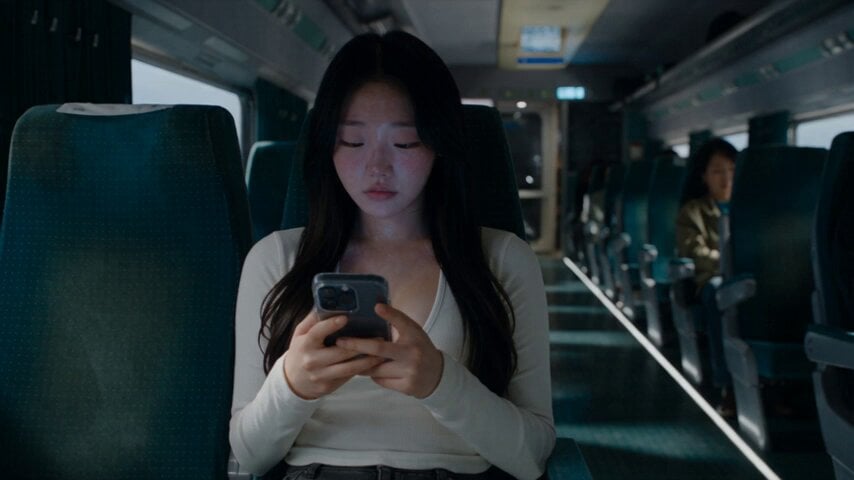
Last Ride Train Outbreak Horror
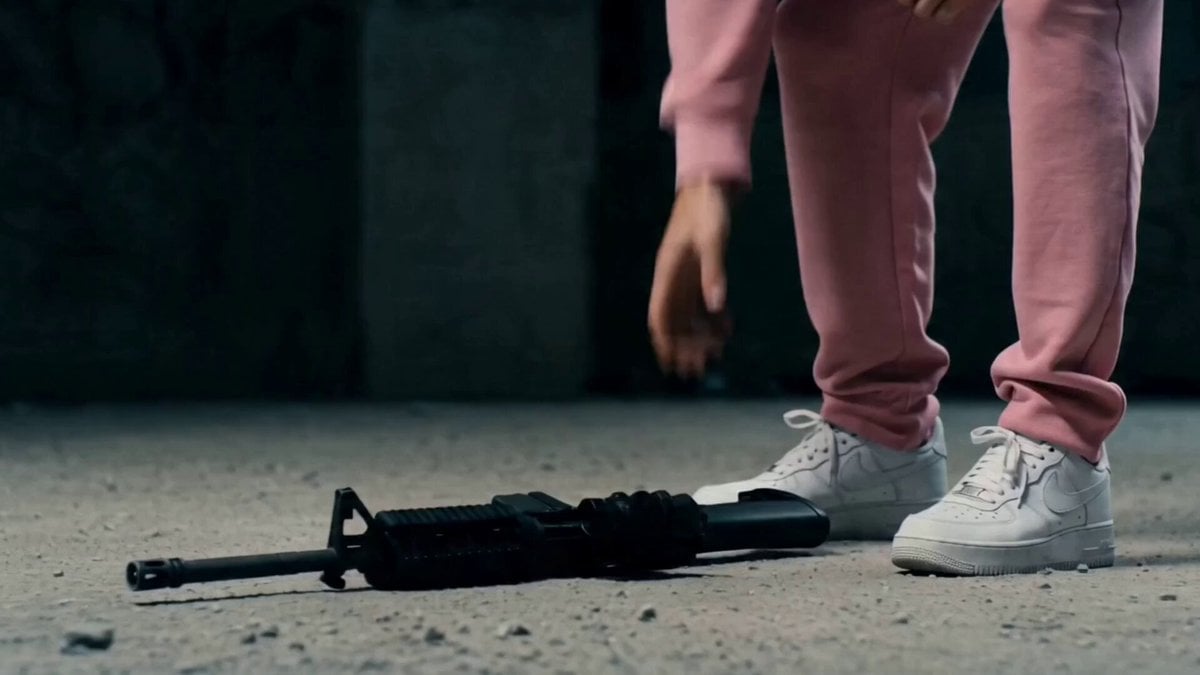
Post-Apocalyptic Survival Thriller Prompt
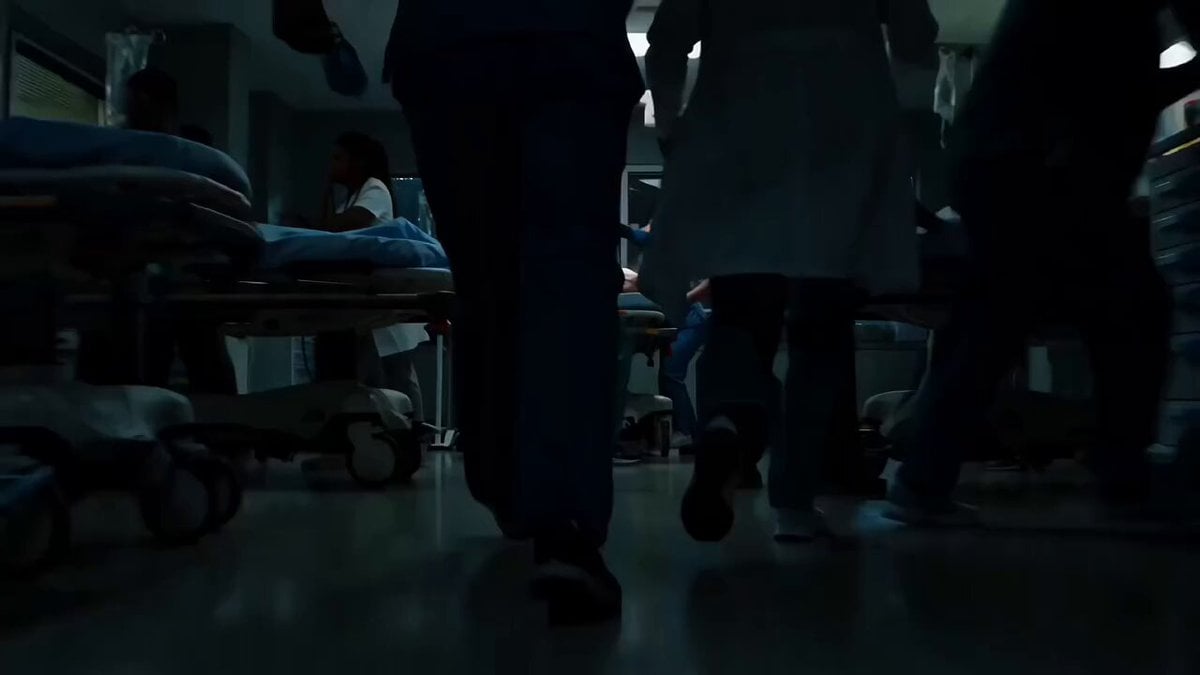
Sci-Fi Horror Hospital Alien Scene
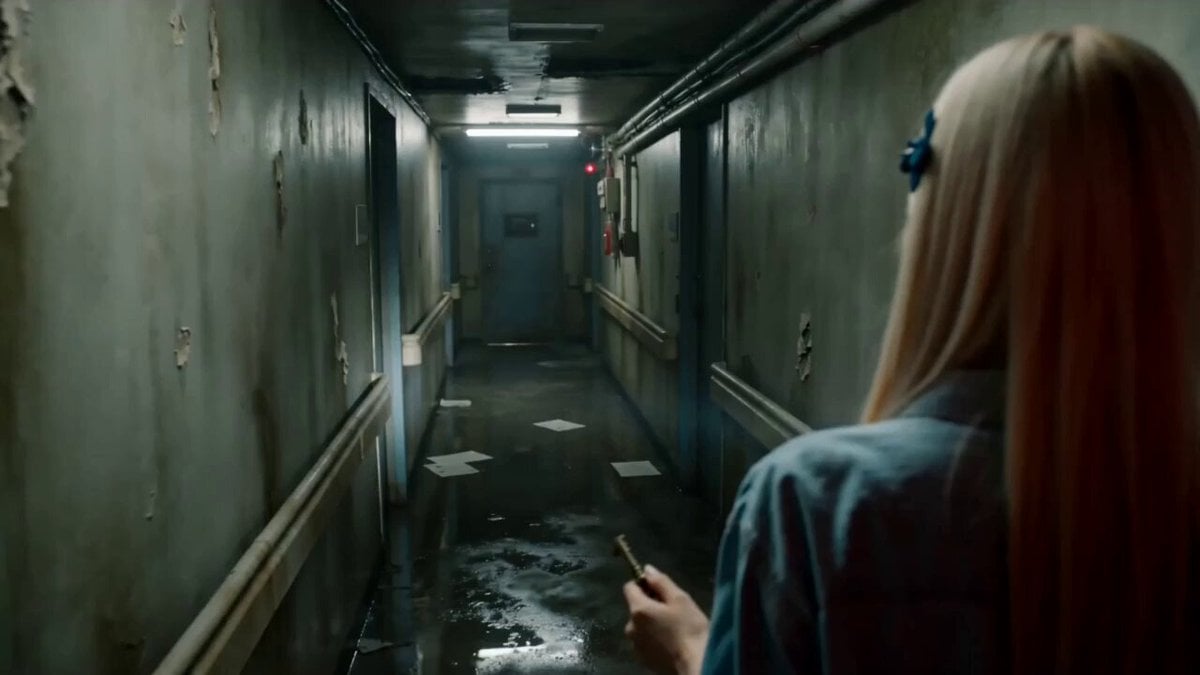
Abandoned Hospital Horror POV Film

Horror Short Guesthouse Box

Horror Daffy Duck Video Transition
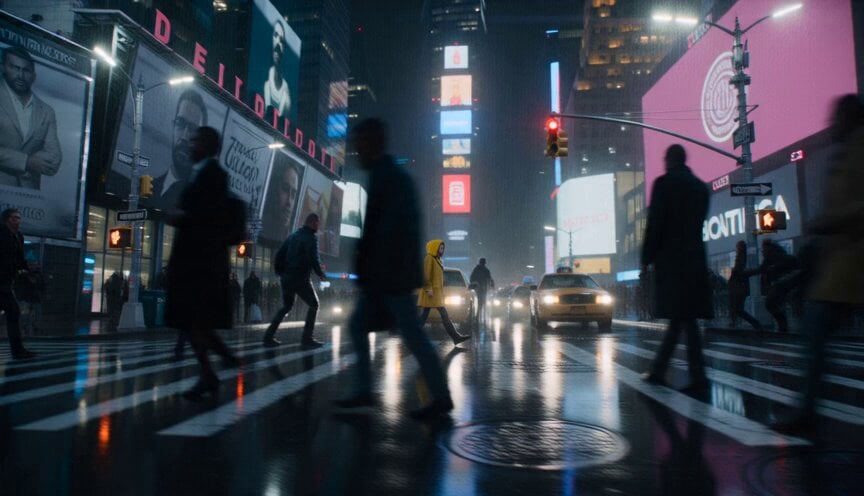
Anamorphic Surreal Thriller Time-Freeze
Make it yours
Cinematic Horror Thriller Video Prompt works as-is. These are the safest ways to change it without losing the look.
Change one field
Copy a single group, rewrite it, and generate again so you can see what that field is doing.
Keep the frame, change the subject
Hold the composition and light of Cinematic Horror Thriller Video Prompt, then swap wardrobe, props or the person for a new take.
| If the result… | Why | Fix |
|---|---|---|
| The result drifts from the preview | Too many fields changed at once. | Reuse Cinematic Horror Thriller Video Prompt as-is first, then change one group — subject, light, or setting. |
| The model over-stylizes the scene | The prose prompt leaves finish and camera underspecified. | Add one camera or lighting sentence and stay on Seedance 2.0. |
More Seedance 2.0 templates
Other prompts made for Seedance 2.0.

Comical Martial Arts Punch Scene

Maglev Train Action Sequence

Martial Arts Fight Sequence

Wuxia Protection and Trust Script

Vintage Korean Arcade MiniDV Vlog

Mercedes 190 SL Luxury Ad

Rainy Night Supernatural Reverse Comedy Video Script

Amazon Civilization Discovery

Futuristic South Asian City Transformation

Cozy Luxury Cafe Commercial
More video prompts
Fresh picks from across the catalog.

Seedance 2.0 Prompt: Gugugaga Penguin Figurines
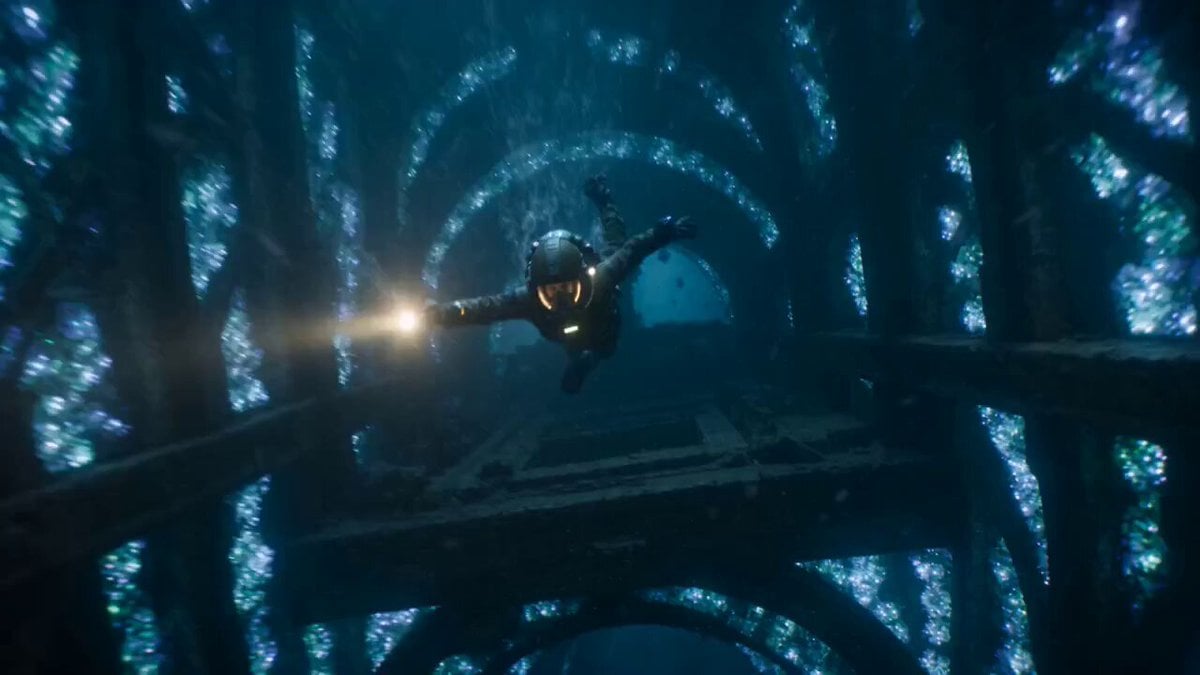
The Leviathan's Throat: Underwater Megastructure Descent
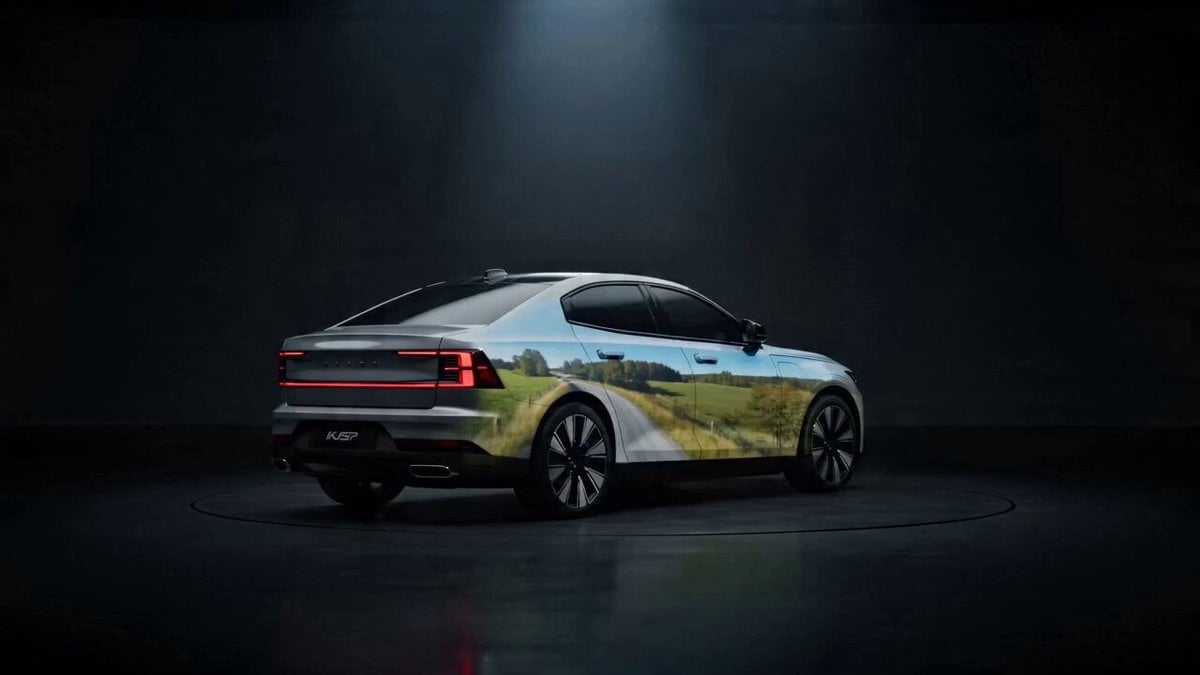
SUV Studio Projection Prompt
Cinematic Street Justice Action Scene
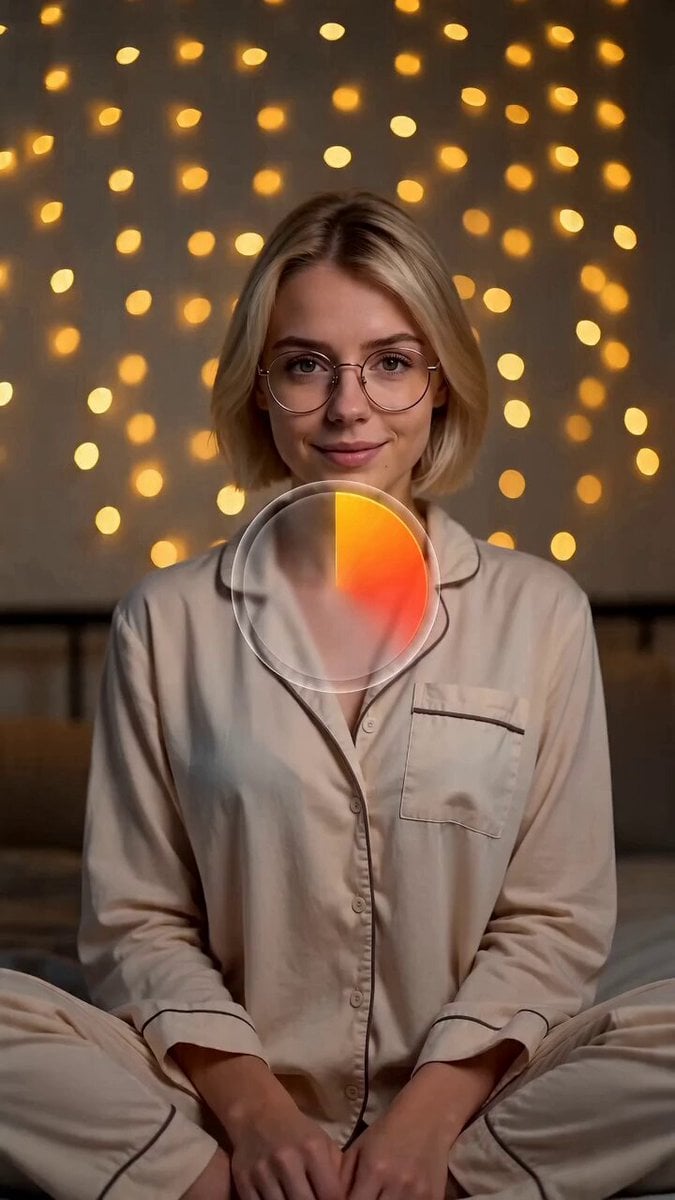
Seedance 2.0 Color Transformation Video Prompt
Epic Battlefield King Cinematic

Sahara Belly Dancers Soap Display
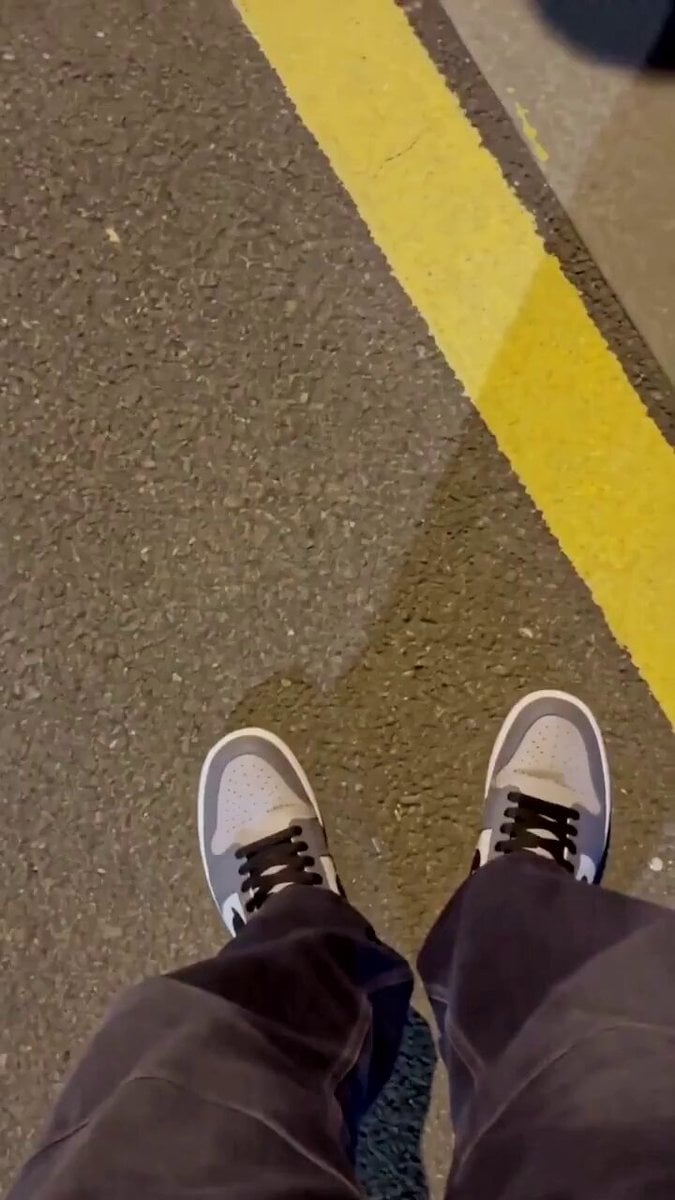
Handheld iPhone Style Realistic Story Video

Desert Couch Sandboarding Video
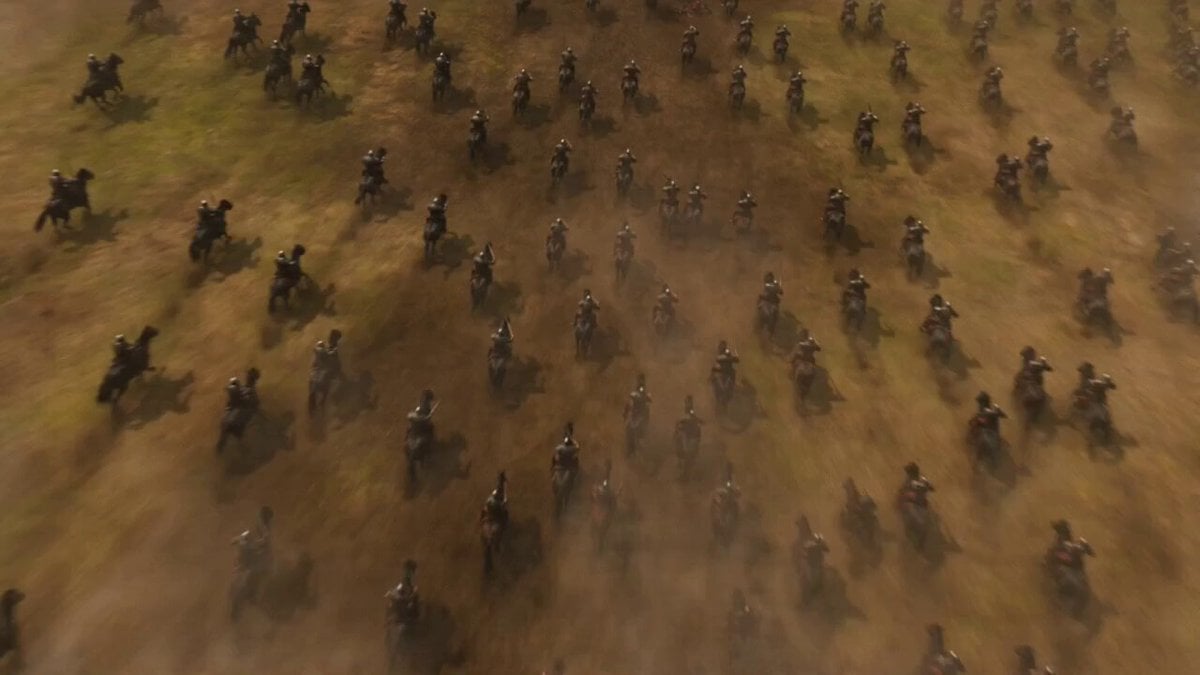
Impossible Cavalry Charge Camera Shot Prompt for Seedance 2.0
Browse template categories
Cinematic Horror Thriller Video Prompt questions
How do I use the Cinematic Horror Thriller Video Prompt template?
Add your photo if the template asks for one, edit the prompt if you like — the template's model and format are already selected — and press Generate. Your version opens in PicX Studio.
Can I customize the Cinematic Horror Thriller Video Prompt template?
Yes. You can change the subject, setting, lighting, mood, format, and available model controls before creating your video.
Is the Cinematic Horror Thriller Video Prompt template free?
Opening and editing this template is free. Generating uses credits, shown on the Generate button when you are signed in.
Which AI model should I use?
Start with Seedance 2.0, which is the model associated with this template. You can compare another compatible model for a different finish.
Looking for something else? Browse all templates.

Your photo, any look
Thousands of ready templates for every top image and video model, from one credit balance.