How do I use the Supernatural Horror Thriller Scene template?
Edit the prompt in the box under the preview — the template's model and format are already selected — and press Generate. Your version appears right on this page.
A multi-stage horror prompt designed for a 15-second sequence involving a group of teenagers and a creature reveal in a foggy small town.
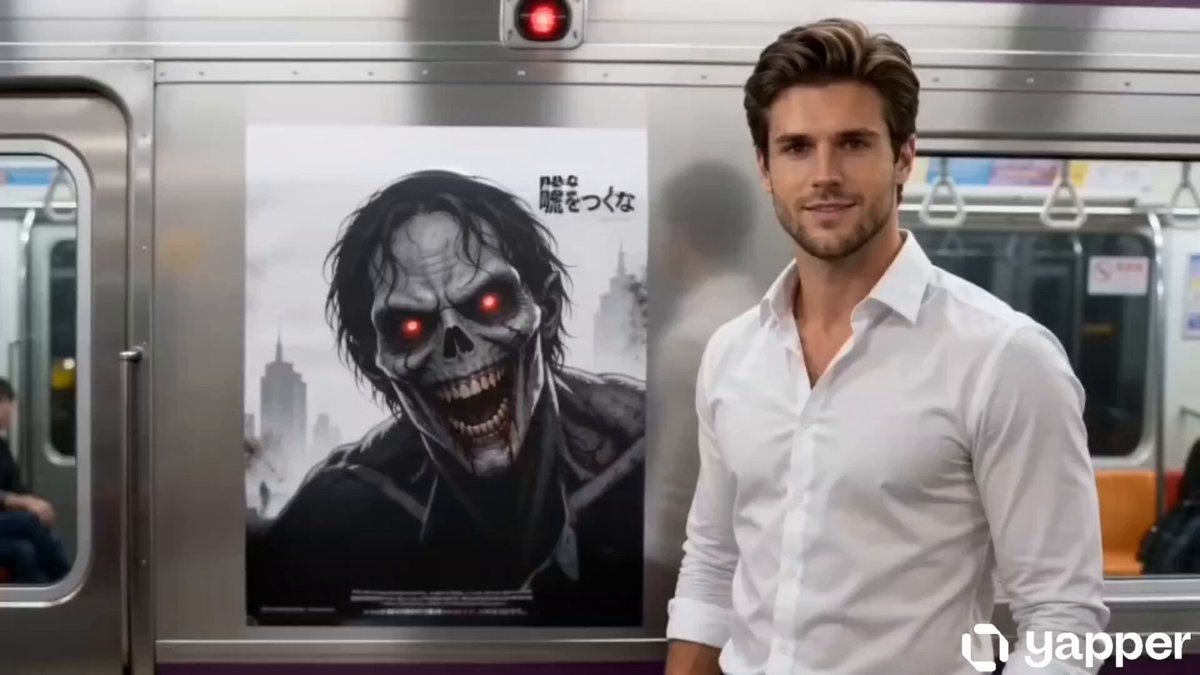
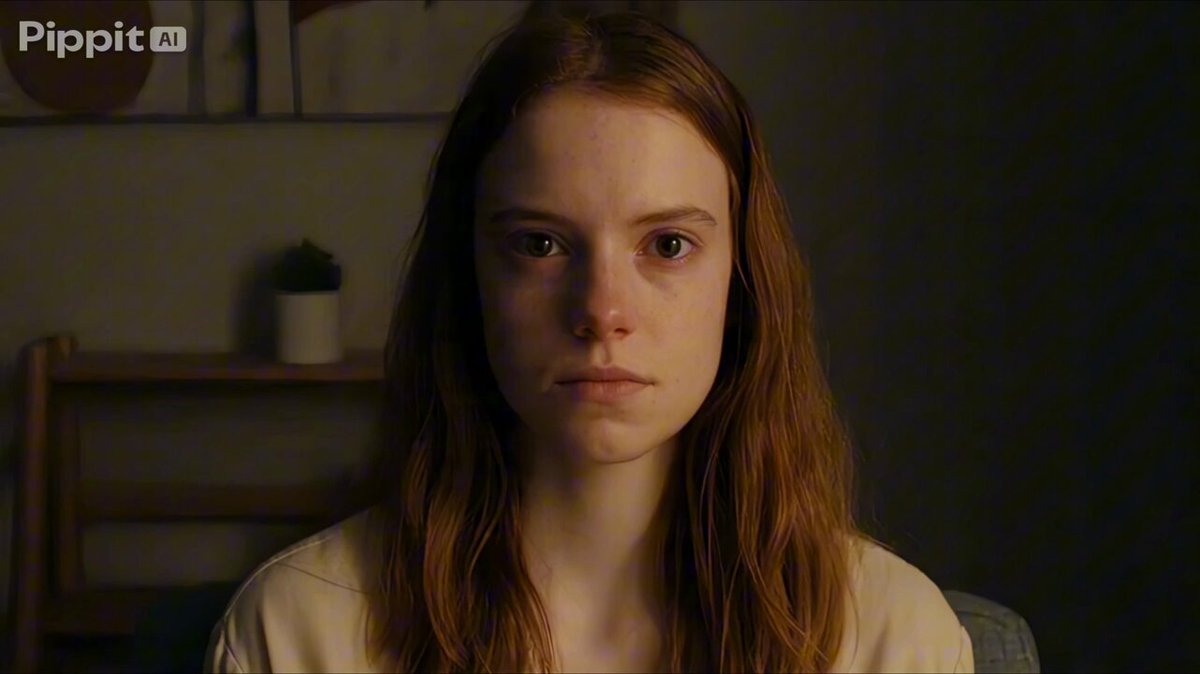
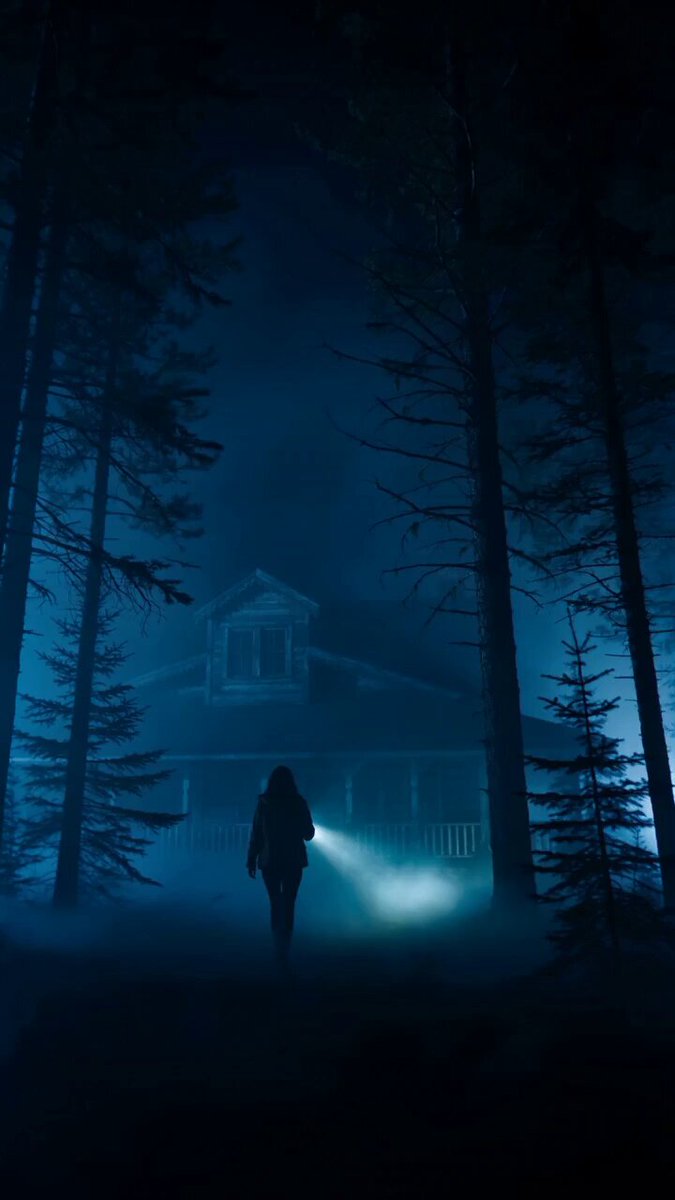
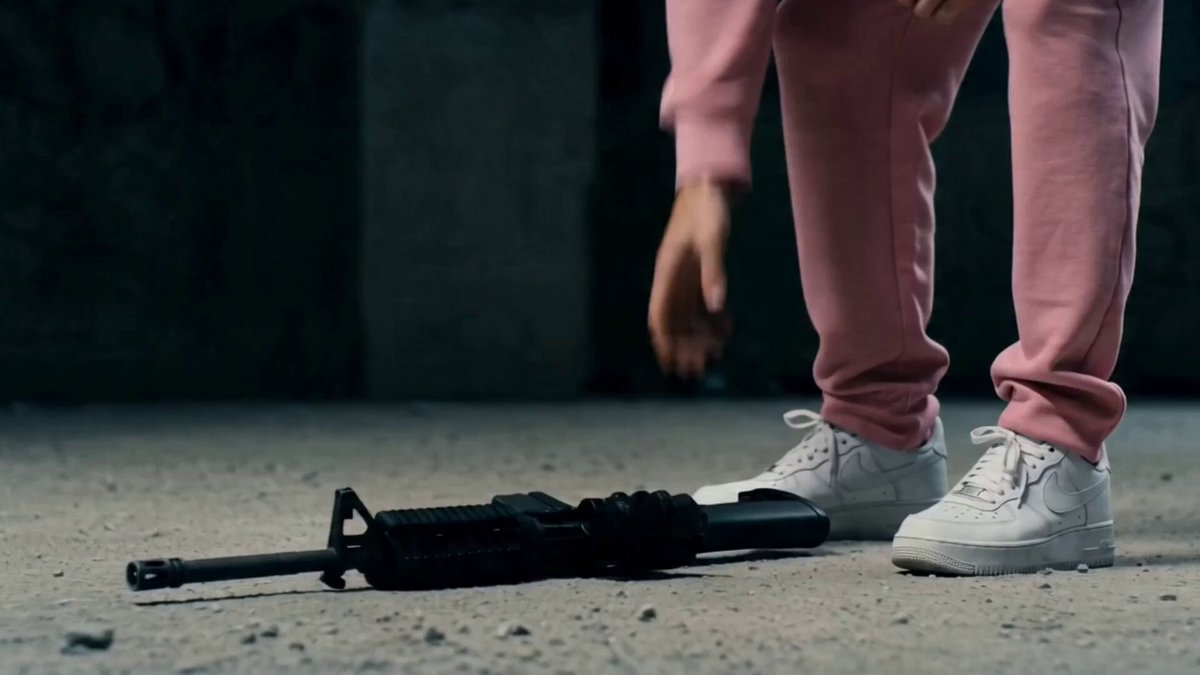
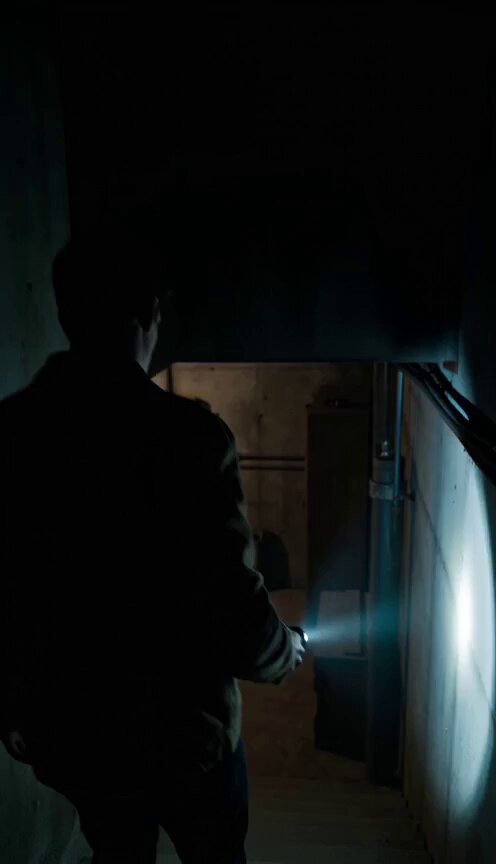
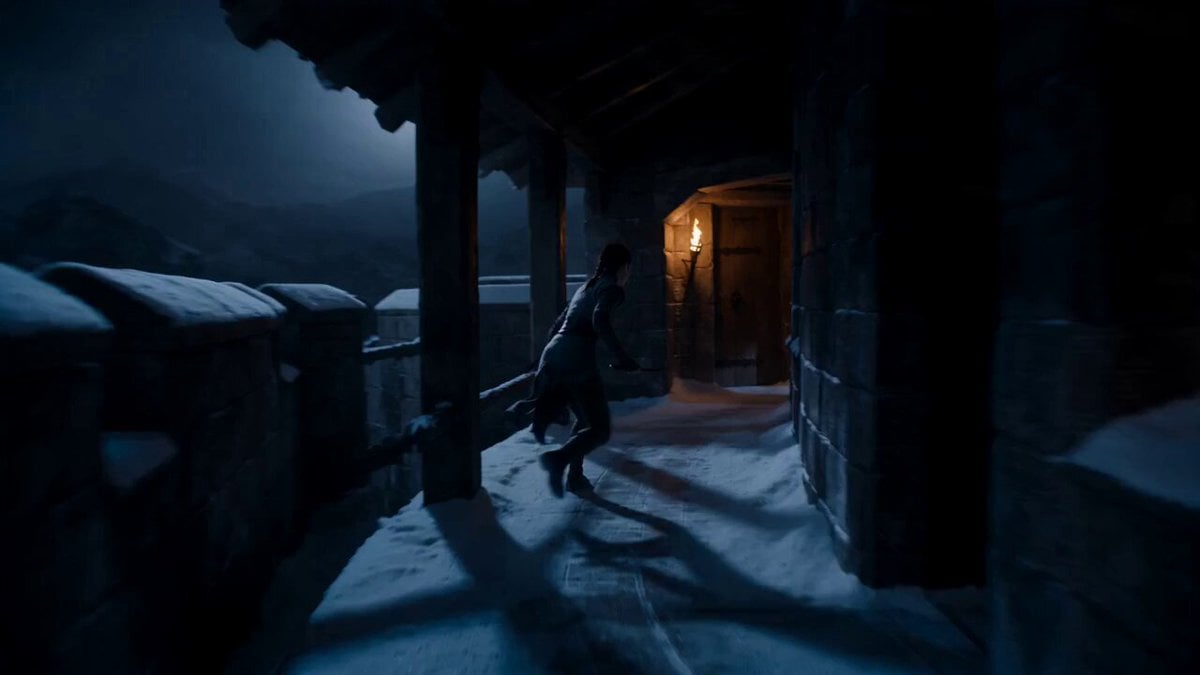
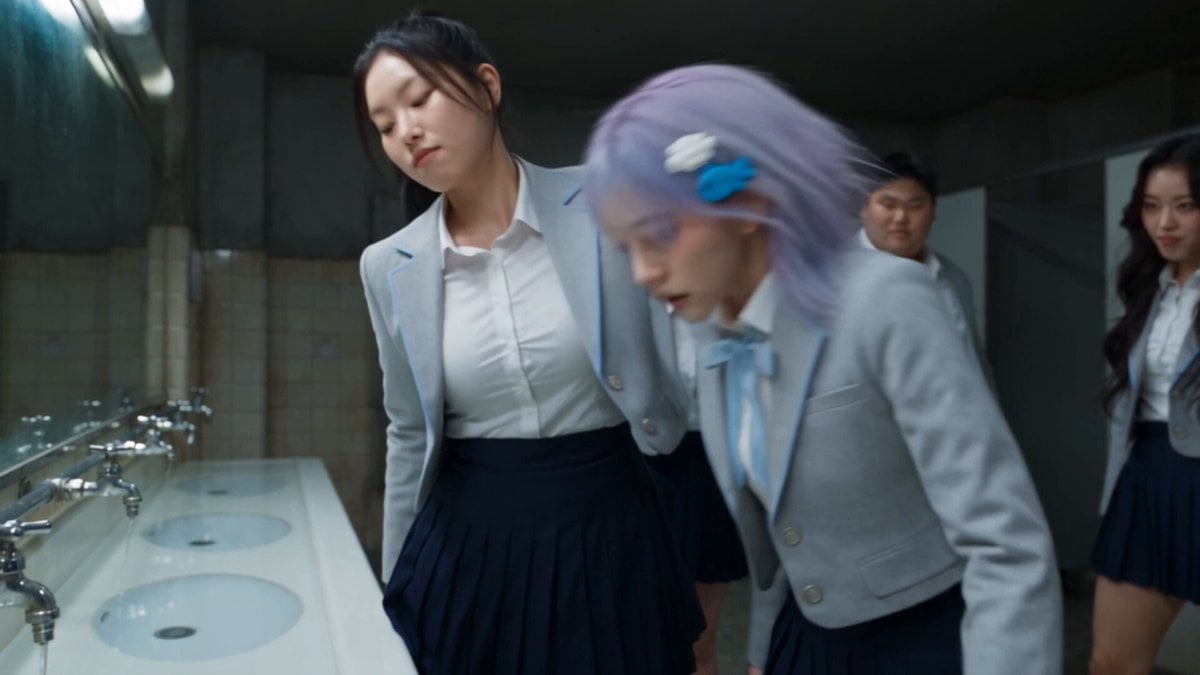
Cinematic supernatural thriller, small-town night setting, foggy atmosphere, flickering streetlights, abandoned houses, deep shadows, cool blue tones mixed with dim warm practical lights, subtle film grain, eerie tension. 0–3s: wide shot of an empty street at night, fog drifting slowly, distant electrical buzzing, a group of scared young people walking cautiously, looking around, whispering, handheld camera with slight shake. 3–6s: medium close-up, one girl stops suddenly, sensing something, eyes widen, slow head turn toward a dark alley, background lights flicker irregularly. 6–9s: tracking shot, group slowly backs away, tension rising, faint unnatural sound builds, shadows in the alley seem to stretch and move unnaturally. 9–12s: close-up on a boy holding a flashlight, beam shaking, light flickers, briefly revealing a tall distorted humanoid silhouette deep in the darkness, barely visible. 12–15s: sudden reveal, creature shifts slightly forward, elongated limbs and unnatural posture, lights burst and go dark for a split second, quick cut to black as the group reacts in fear, heavy atmospheric finish, cinematic horror tone.
Cinematic supernatural thriller, small-town night setting, foggy atmosphere, flickering streetlights, abandoned houses, deep shadows, cool blue tones mixed with dim warm practical lights, subtle film grain, eerie tension. 0–3s: wide shot of an empty street at night, fog drifting slowly, distant electrical buzzing, a group of scared young people walking cautiously, looking around, whispering, handheld camera with slight shake. 3–6s: medium close-up, one girl stops suddenly, sensing something, eyes widen, slow head turn toward a dark alley, background lights flicker irregularly. 6–9s: tracking shot, group slowly backs away, tension rising, faint unnatural sound builds, shadows in the alley seem to stretch and move unnaturally. 9–12s: close-up on a boy holding a flashlight, beam shaking, light flickers, briefly revealing a tall distorted humanoid silhouette deep in the darkness, barely visible. 12–15s: sudden reveal, creature shifts slightly forward, elongated limbs and unnatural posture, lights burst and go dark for a split second, quick cut to black as the group reacts in fear, heavy atmospheric finish, cinematic horror tone.
Edit the prompt in the box under the preview — the template's model and format are already selected — and press Generate. Your version appears right on this page.
Yes. You can change the subject, setting, lighting, mood, format, and available model controls before creating your video.
Opening and editing this template is free. Generating uses credits, shown on the Generate button when you are signed in.
Start with Seedance 2.0, which is the model associated with this template. You can compare another compatible model for a different finish.
Follow a topic to a crawlable collection of related PicX Studio templates.