
The Leviathan's Throat: Underwater Megastructure Descent
An extremely detailed, cinematic prompt for Seedance 2.0 describing a diver's terrifying descent through a flooded subterranean megastructure, pursued by a colossal, eyeless leviathan, culminating in the diver firing a…
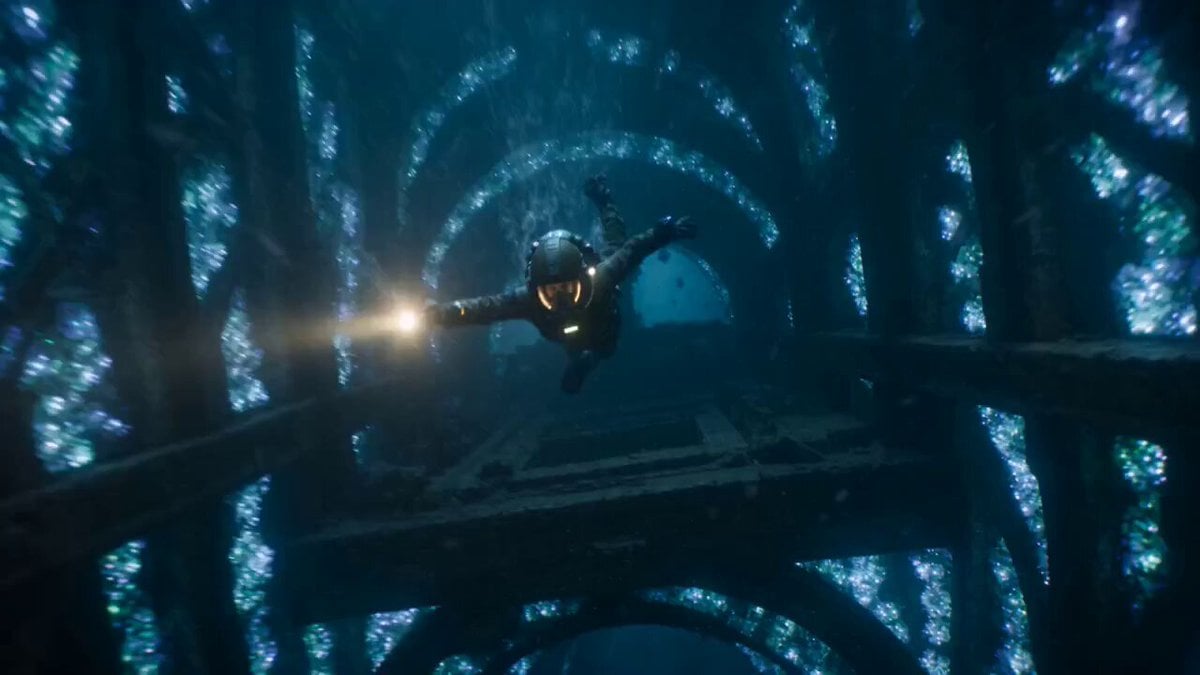
- Prompt included
- Model and format preset
- Premium template
The prompt behind this video
Copy the exact prompt behind The Leviathan's Throat: Underwater Megastructure Descent, or open it in the studio and make it yours.
A flooded subterranean megastructure, ancient stone corridors half-submerged in black water, bioluminescent algae pulsing along the walls like a heartbeat. A masked diver in scarred tactical gear, lit by a flickering wrist-mounted flare, is pulled downward through collapsing flooded chambers by the current of a colossal eyeless leviathan moving beneath the floor grates. The camera plunges after the diver as water rushes through shattering stone archways, air bubbles and debris spiraling past the lens. The diver grabs a broken pillar to stop herself, the current ripping at her body, then releases and freefalls through a vertical shaft, twisting to dodge the leviathan's translucent tendrils whipping upward through the darkness. Quick shaky frames catch her igniting a harpoon gun mid-fall, the flare illuminating the creature's massive jaw opening below. In the final movement, the camera spirals downward around her as she fires the harpoon into the creature's mouth, the bioluminescence erupts blinding white, and the camera bursts through the surface of a vast underground ocean, the diver silhouetted against the glow of a thousand pulsing organisms on a cathedral-sized cavern ceiling. 15 seconds..
How to use The Leviathan's Throat: Underwater Megastructure Descent in 3 steps
- 1
Open
The prompt is already in the box next to the preview, with the template's model and format selected.
- 2…a portrait of your subject in softgolden-hour light, 85mm…
Personalize
Edit the subject and creative details for your destination.
- 3Generate
Generate
Press Generate — your video is created in PicX Studio, so you can compare it with the original and refine one variable at a time.
More like this
Templates with the same subject, style or setup. Open one to see its prompt.
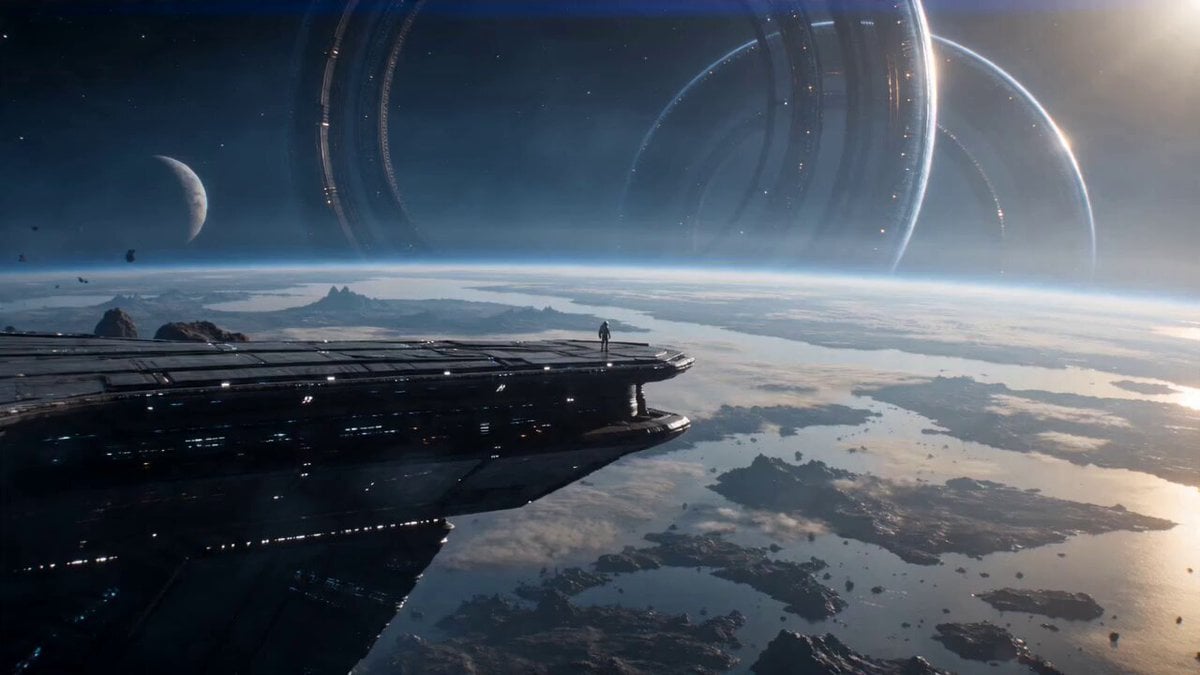
Astronaut and Alien Megastructure
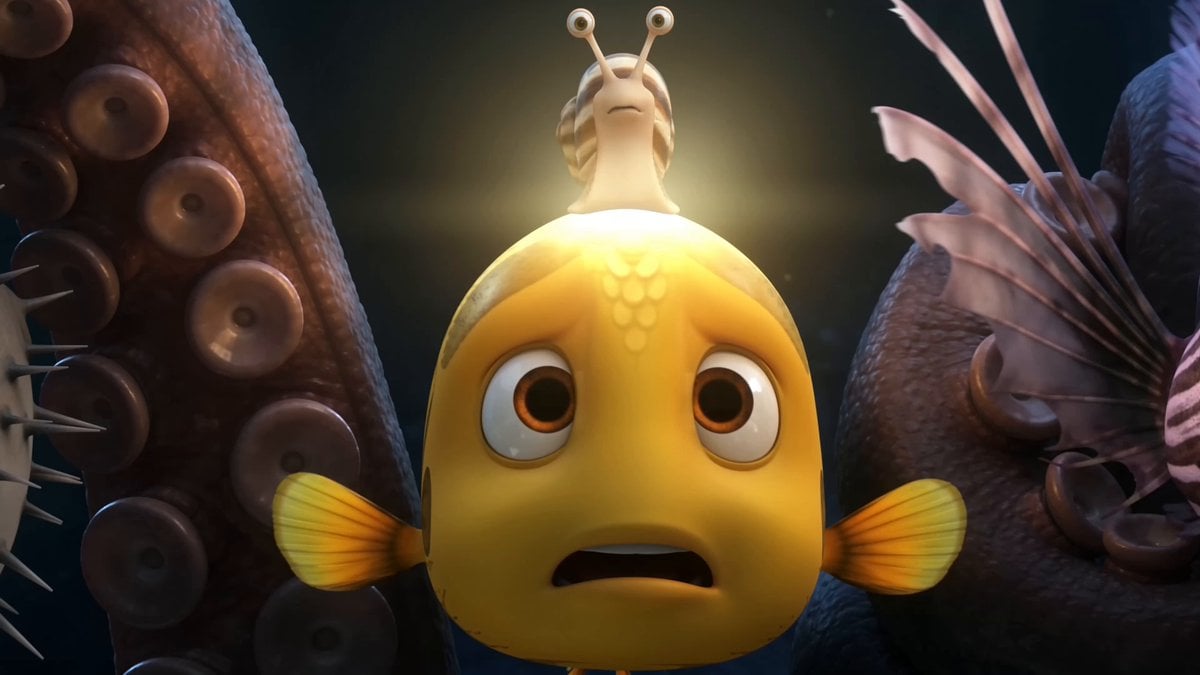
Pixar Style Underwater Squid Animation
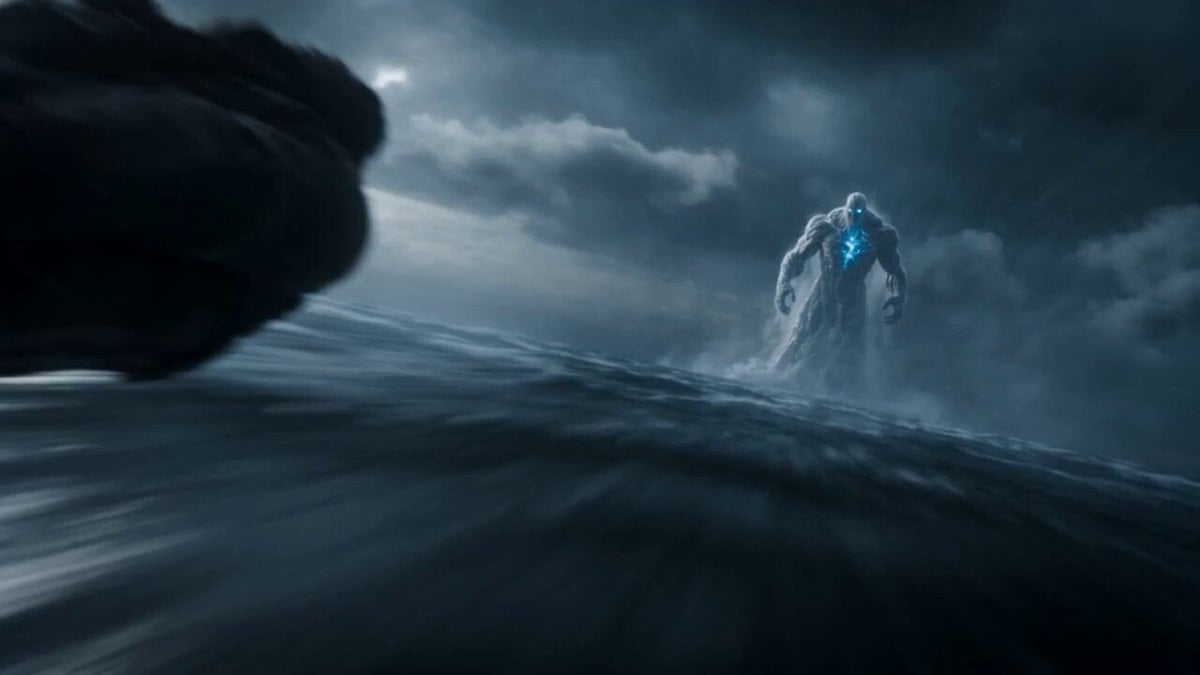
Leviathan Protocol Ocean Battle
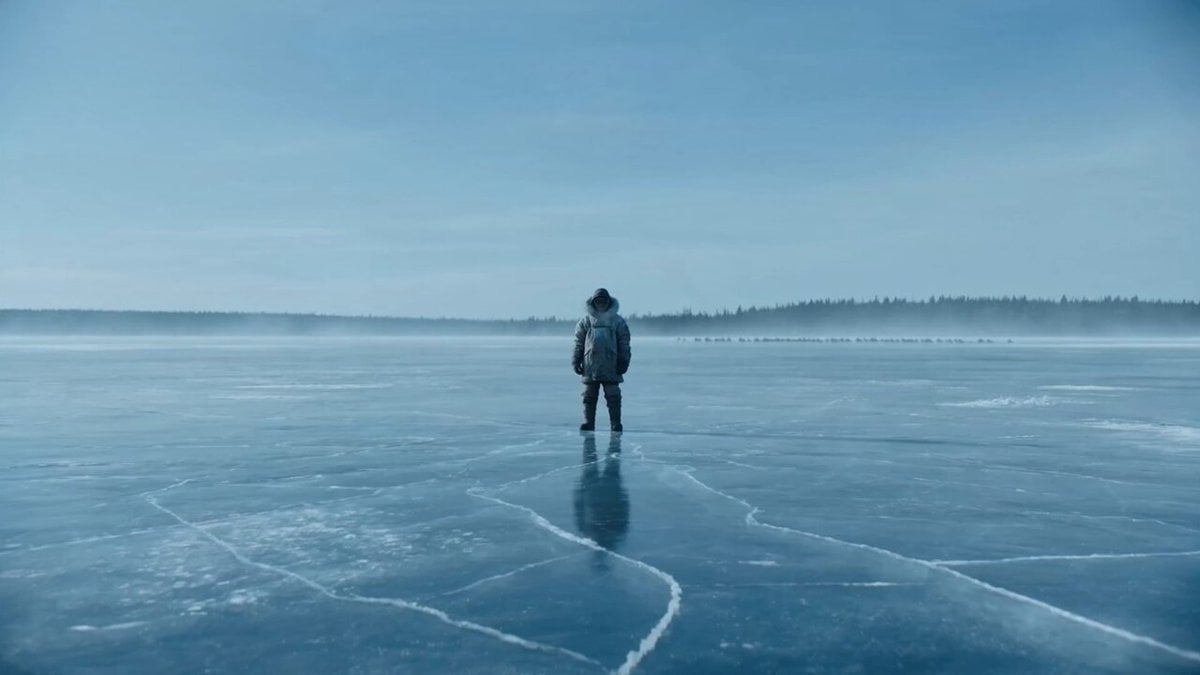
Giant Leviathan Under Frozen Lake
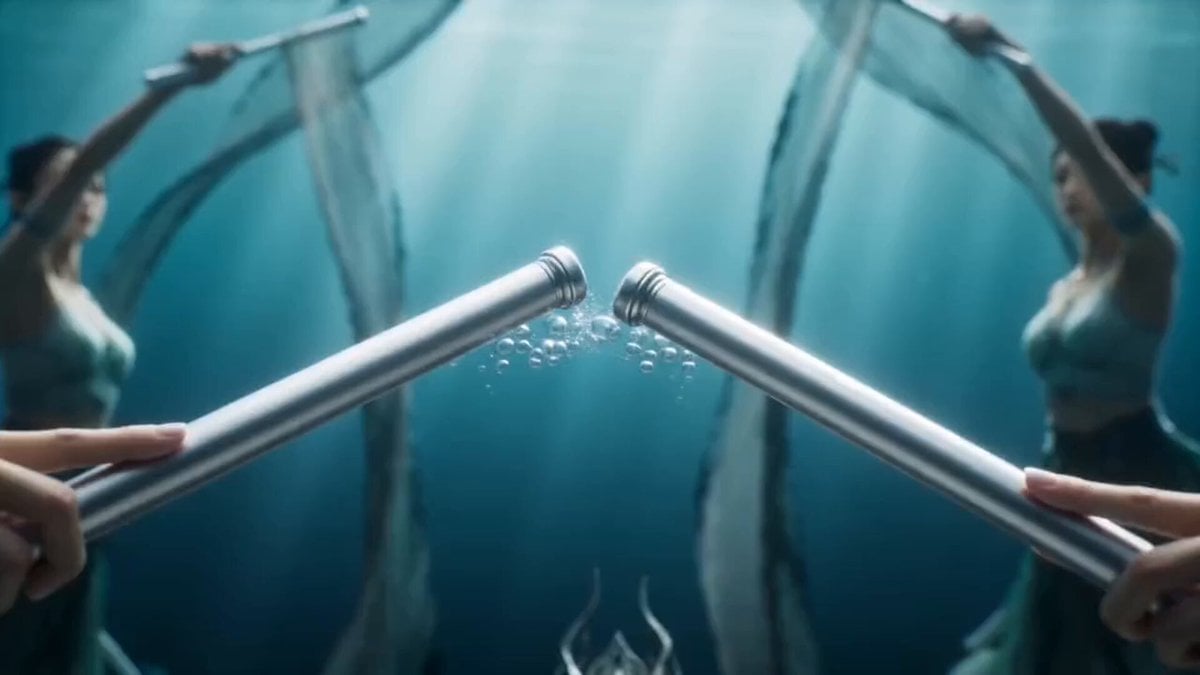
Magical Underwater Dance Choreography
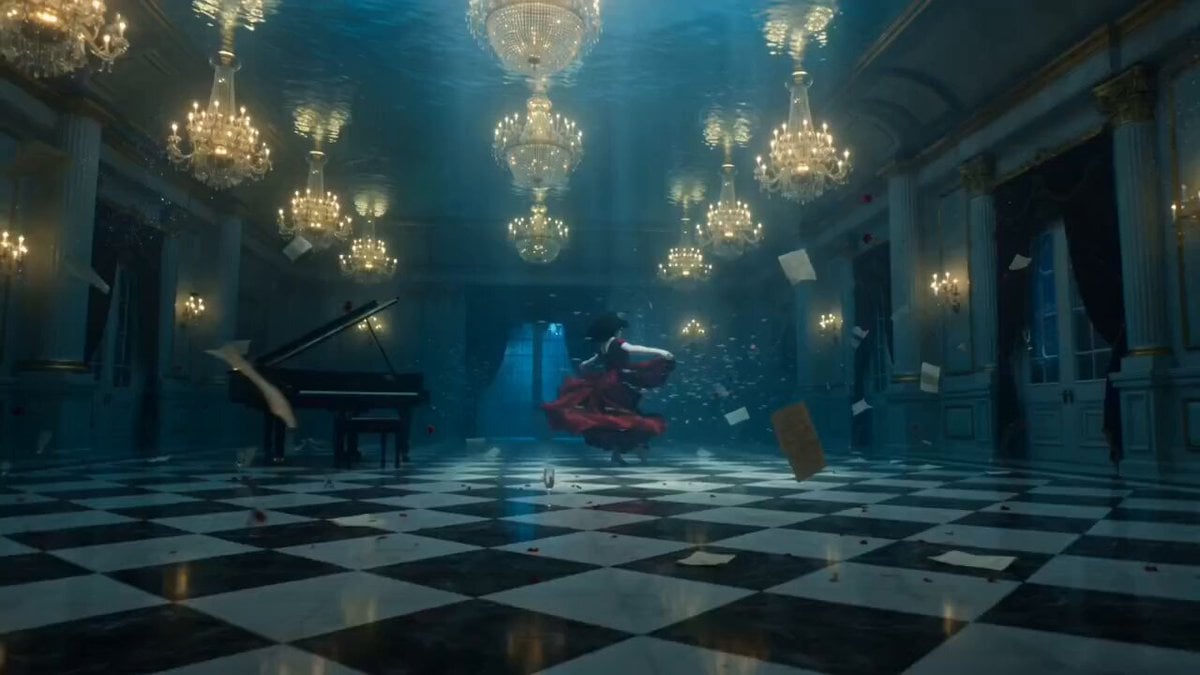
Ethereal Underwater Ballroom Waltz
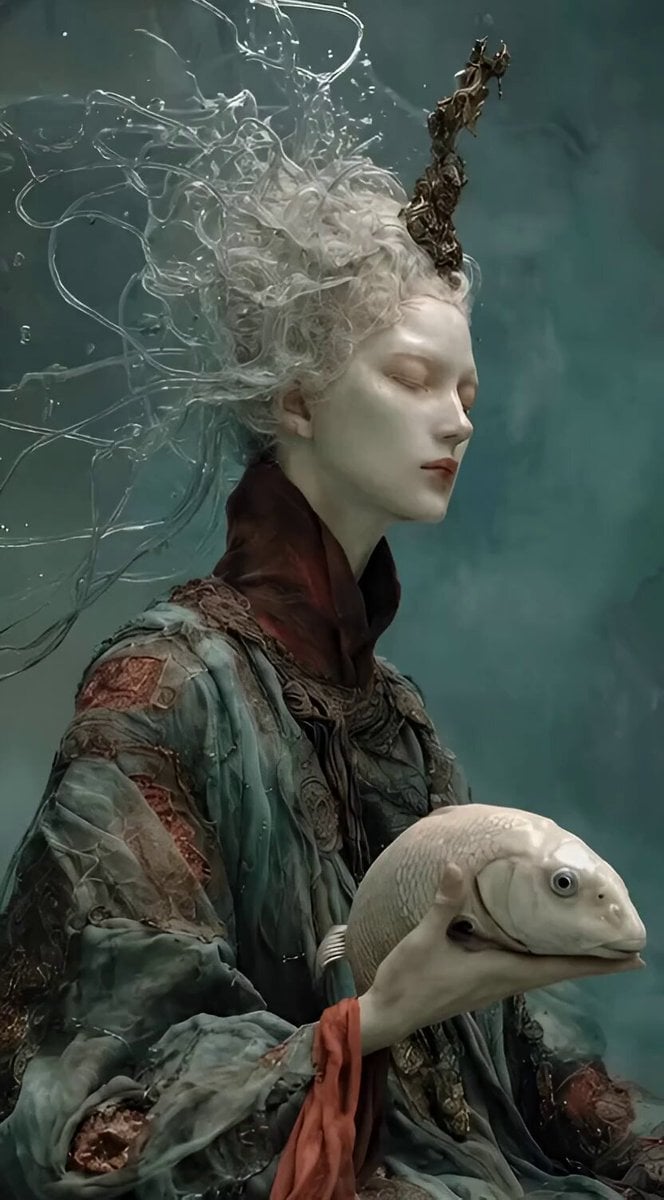
Ethereal Underwater Sorrow
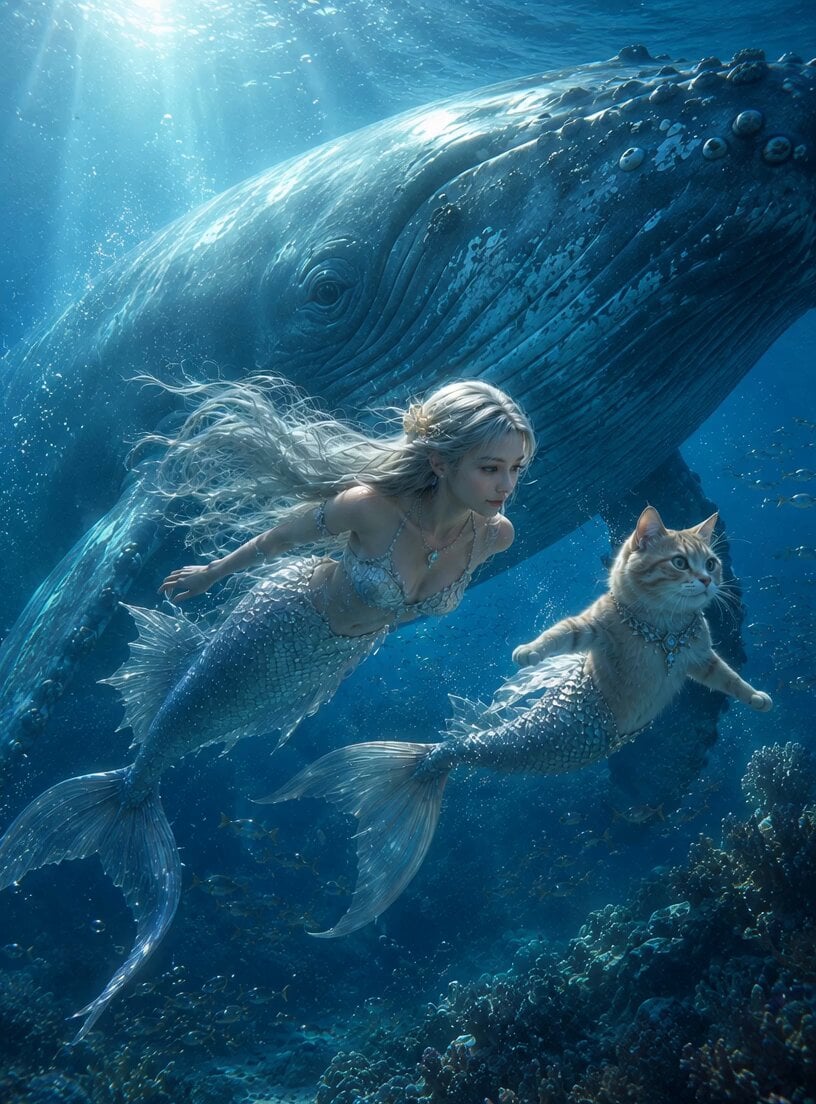
Mermaid and Cat Mermaid Underwater Fantasy
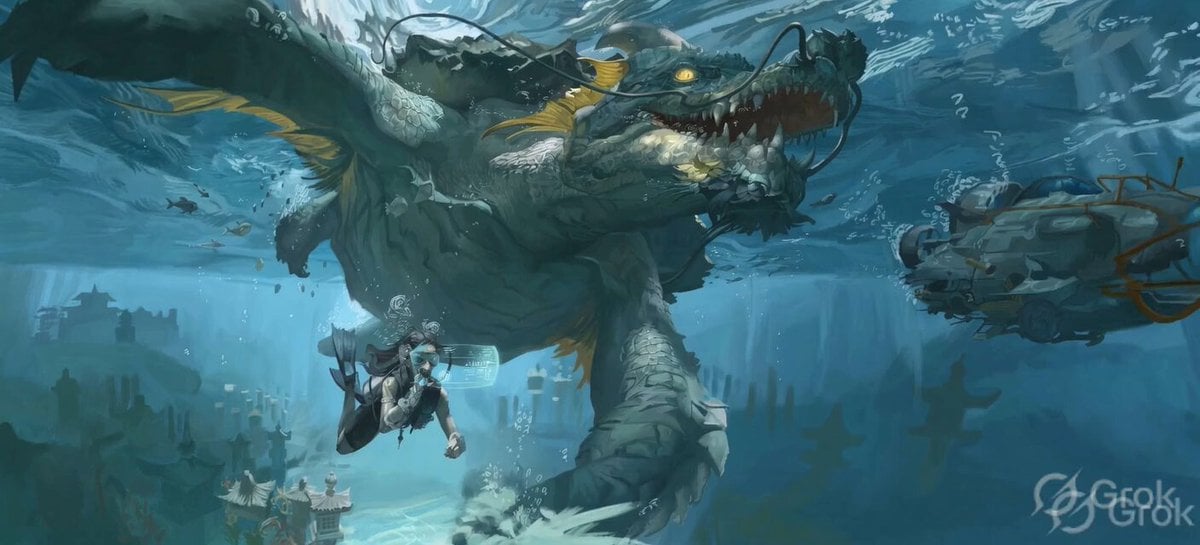
Ancient Underwater Dragon Encounter
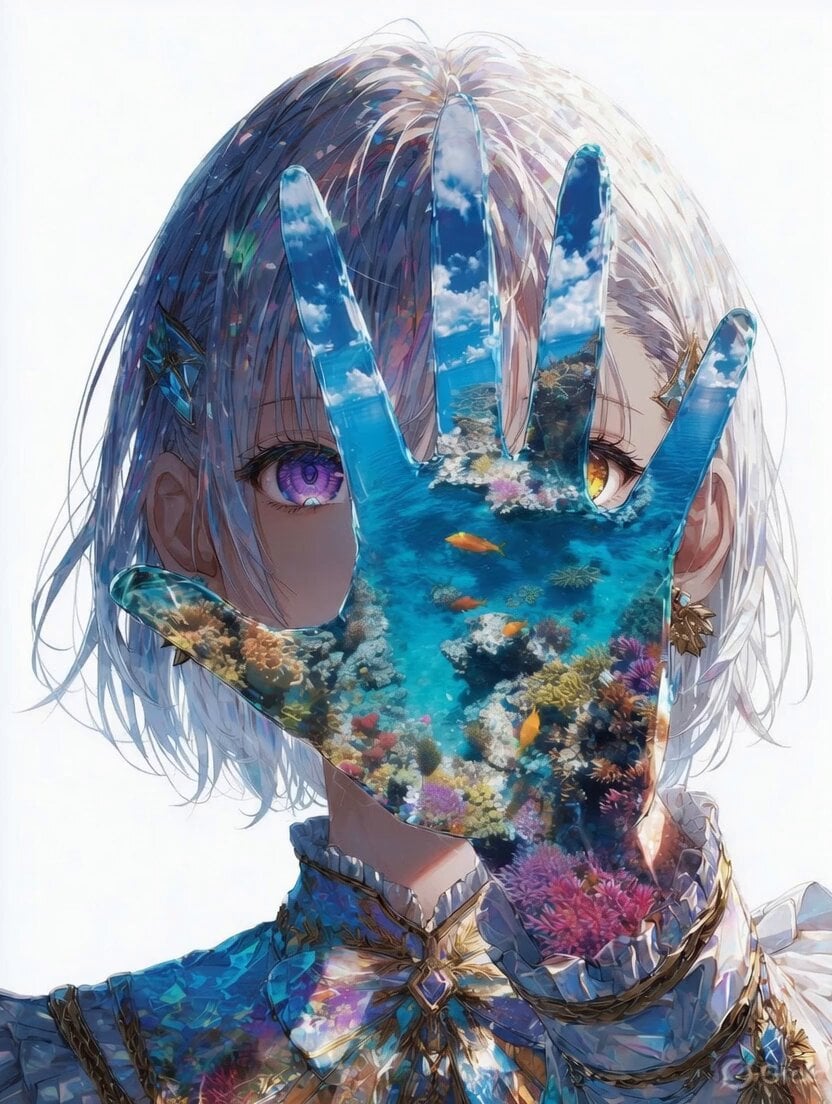
Mystical Underwater Sea Goddess
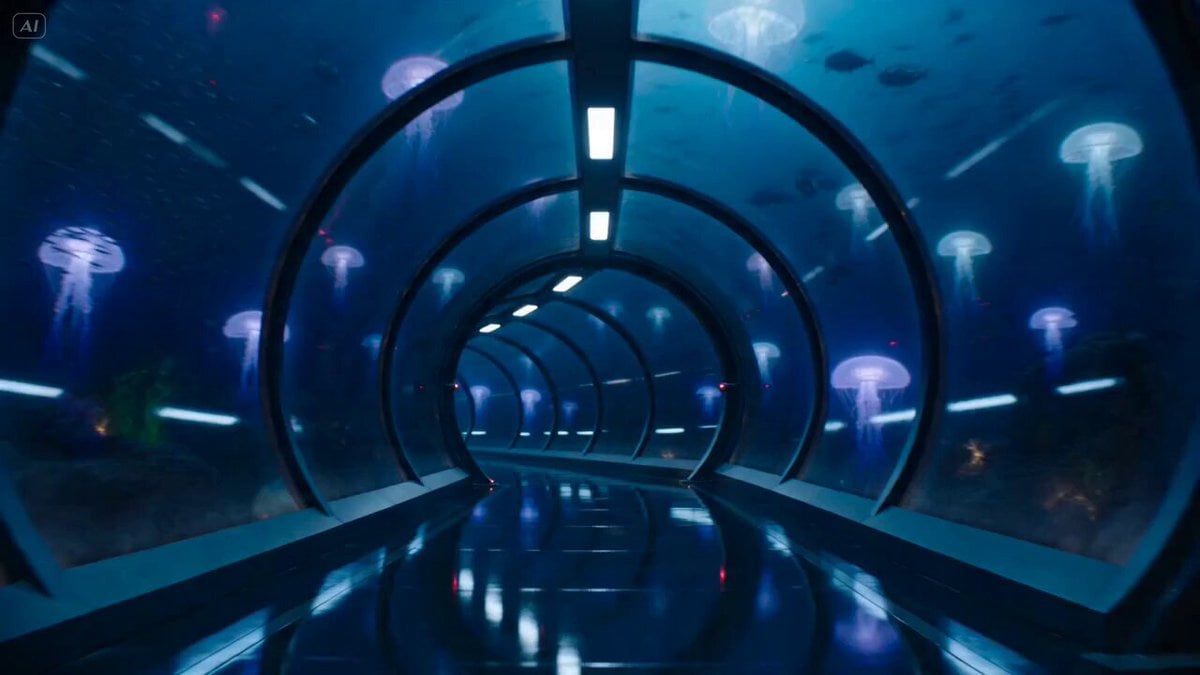
Underwater Glass Tunnel Action Sequence
Cinematic Underwater Office Zoom Out Prompt
Make it yours
The Leviathan's Throat: Underwater Megastructure Descent works as-is. These are the safest ways to change it without losing the look.
Change one field
Copy a single group, rewrite it, and generate again so you can see what that field is doing.
Keep the frame, change the subject
Hold the composition and light of The Leviathan's Throat: Underwater Megastructure Descent, then swap wardrobe, props or the person for a new take.
| If the result… | Why | Fix |
|---|---|---|
| The result drifts from the preview | Too many fields changed at once. | Reuse The Leviathan's Throat: Underwater Megastructure Descent as-is first, then change one group — subject, light, or setting. |
| The model over-stylizes the scene | The prose prompt leaves finish and camera underspecified. | Add one camera or lighting sentence and stay on Seedance 2.0. |
More Seedance 2.0 templates
Other prompts made for Seedance 2.0.

Comical Martial Arts Punch Scene

Maglev Train Action Sequence

Martial Arts Fight Sequence

Wuxia Protection and Trust Script

Vintage Korean Arcade MiniDV Vlog

Mercedes 190 SL Luxury Ad

Rainy Night Supernatural Reverse Comedy Video Script

Amazon Civilization Discovery

Futuristic South Asian City Transformation

Cozy Luxury Cafe Commercial
More video prompts
Fresh picks from across the catalog.
T-Rex Jungle Tunnel Chase Scene
Volleyball Game Zoom Out to TV Screen
Tokyo Tower Parkour Leap

Woman Smiling and Waving Animation

Pixar-Inspired Animated Short of Anthropomorphic Breakfast Items
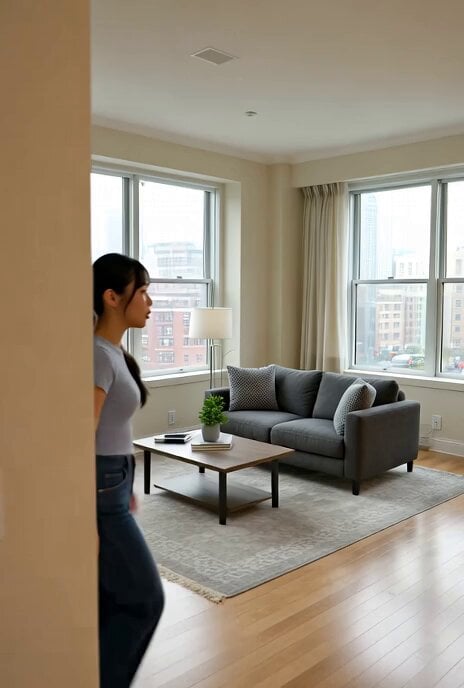
New York trip narrative
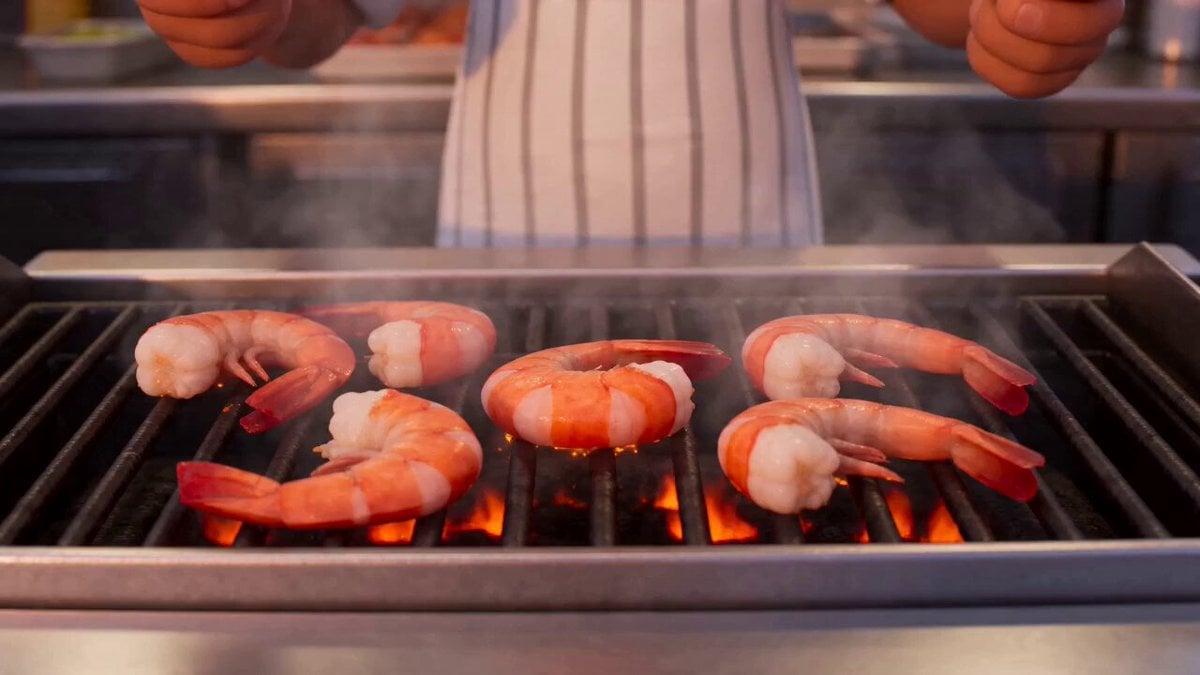
Shrimp Wars Animation Prompt
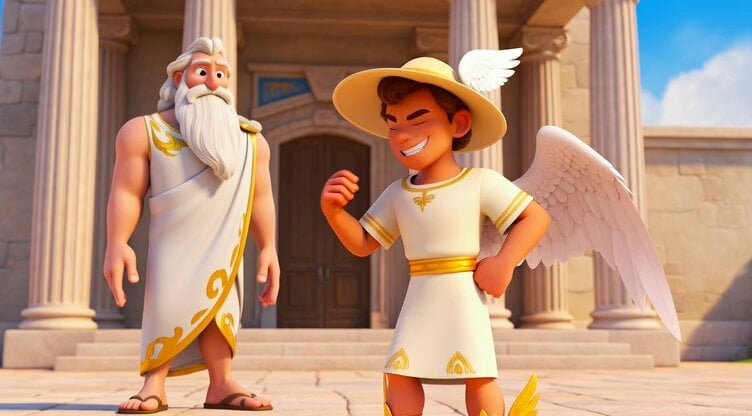
Hermes Flying Shoes Animation
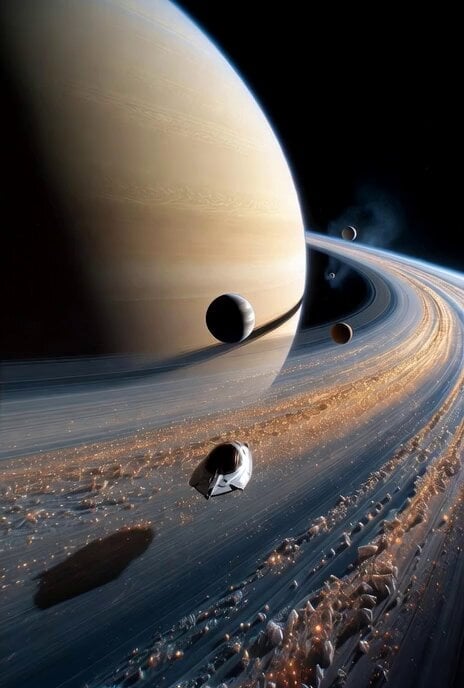
Cinematic Voyage Through the Saturn System
1800s Elven Cottage Scene
Browse template categories
The Leviathan's Throat: Underwater Megastructure Descent questions
How do I use the The Leviathan's Throat: Underwater Megastructure Descent template?
Add your photo if the template asks for one, edit the prompt if you like — the template's model and format are already selected — and press Generate. Your version opens in PicX Studio.
Can I customize the The Leviathan's Throat: Underwater Megastructure Descent template?
Yes. You can change the subject, setting, lighting, mood, format, and available model controls before creating your video.
Is the The Leviathan's Throat: Underwater Megastructure Descent template free?
Opening and editing this template is free. Generating uses credits, shown on the Generate button when you are signed in.
Which AI model should I use?
Start with Seedance 2.0, which is the model associated with this template. You can compare another compatible model for a different finish.
Looking for something else? Browse all templates.

Your photo, any look
Thousands of ready templates for every top image and video model, from one credit balance.