How do I use the Ethereal Underwater Ballroom Waltz template?
Edit the prompt in the box under the preview — the template's model and format are already selected — and press Generate. Your version appears right on this page.
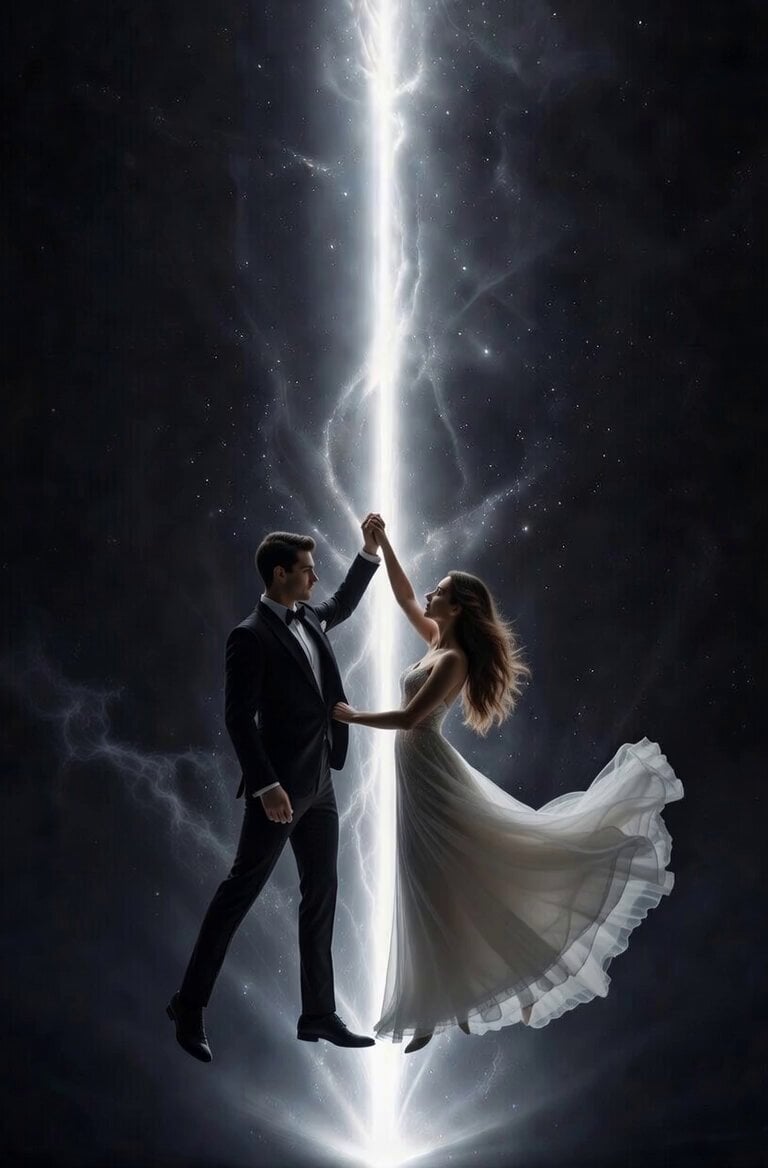
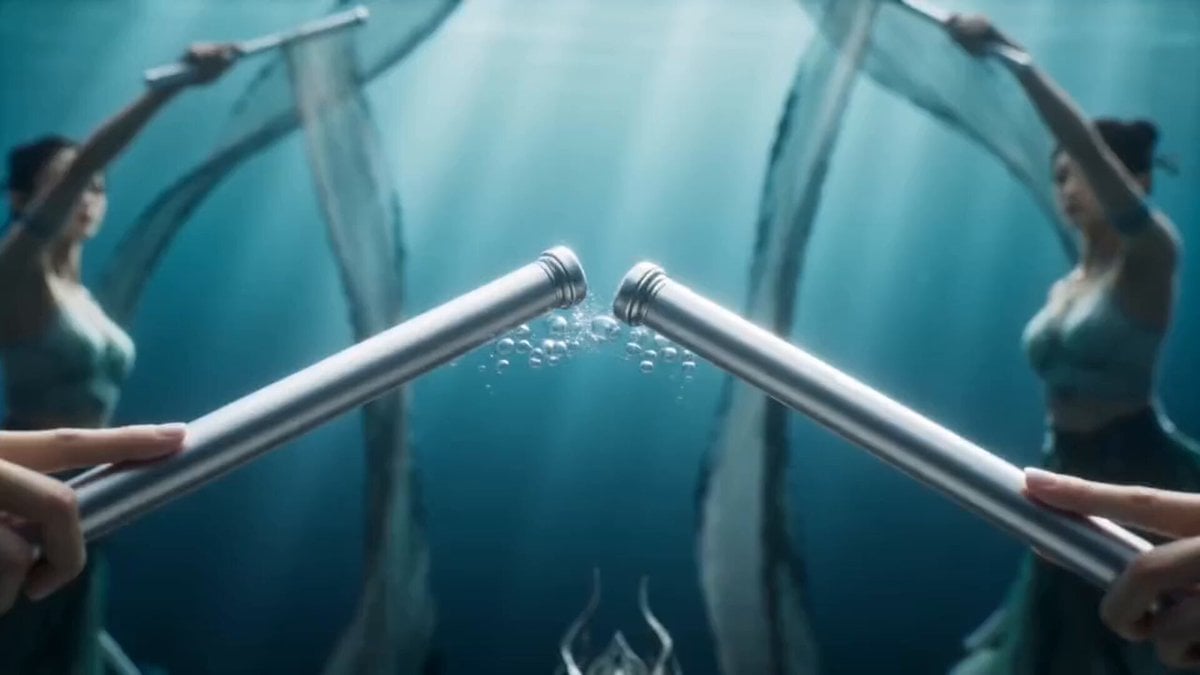
A detailed 90-second cinematic slow-motion prompt of a woman in a silk gown waltzing in a flooded underwater ballroom.
4K 2.39:1 cinematic slow-motion sequence, 90 second runtime, ethereal photorealistic underwater style. Opening wide tracking shot glides 10ft above flooded grand ballroom floor, warm glowing chandeliers cast dancing caustic gold light across marble. Young woman with flowing black hair, porcelain skin, deep red silk gown moves in weightless waltz, fabric billowing like liquid ink. Slow smooth camera orbits her as tiny silver fish swirl in ribbons, air bubbles rise in glittering columns. Drifting sheet music, rose petals, champagne glasses float past; tilted grand piano keys move gently with water currents. Mid-sequence slow close-up catches her calm dark eyes mid-spin, hair and gown unfurling. Final upward dolly follows as she ascends, soft volumetric god rays filter down from surface, she reaches one pale hand slowly toward the lens. Ethereal blue-gold color grade, perfectly smooth motion, natural underwater physics, dreamlike meditative pacing.
4K 2.39:1 cinematic slow-motion sequence, 90 second runtime, ethereal photorealistic underwater style. Opening wide tracking shot glides 10ft above flooded grand ballroom floor, warm glowing chandeliers cast dancing caustic gold light across marble. Young woman with flowing black hair, porcelain skin, deep red silk gown moves in weightless waltz, fabric billowing like liquid ink. Slow smooth camera orbits her as tiny silver fish swirl in ribbons, air bubbles rise in glittering columns. Drifting sheet music, rose petals, champagne glasses float past; tilted grand piano keys move gently with water currents. Mid-sequence slow close-up catches her calm dark eyes mid-spin, hair and gown unfurling. Final upward dolly follows as she ascends, soft volumetric god rays filter down from surface, she reaches one pale hand slowly toward the lens. Ethereal blue-gold color grade, perfectly smooth motion, natural underwater physics, dreamlike meditative pacing.
Edit the prompt in the box under the preview — the template's model and format are already selected — and press Generate. Your version appears right on this page.
Yes. You can change the subject, setting, lighting, mood, format, and available model controls before creating your video.
Opening and editing this template is free. Generating uses credits, shown on the Generate button when you are signed in.
Start with Seedance 2.0, which is the model associated with this template. You can compare another compatible model for a different finish.
Follow a topic to a crawlable collection of related PicX Studio templates.