
Epic Fantasy City Destruction Chase
An epic fantasy video prompt involving a messenger sprinting across a megacity while massive elemental colossi clash.
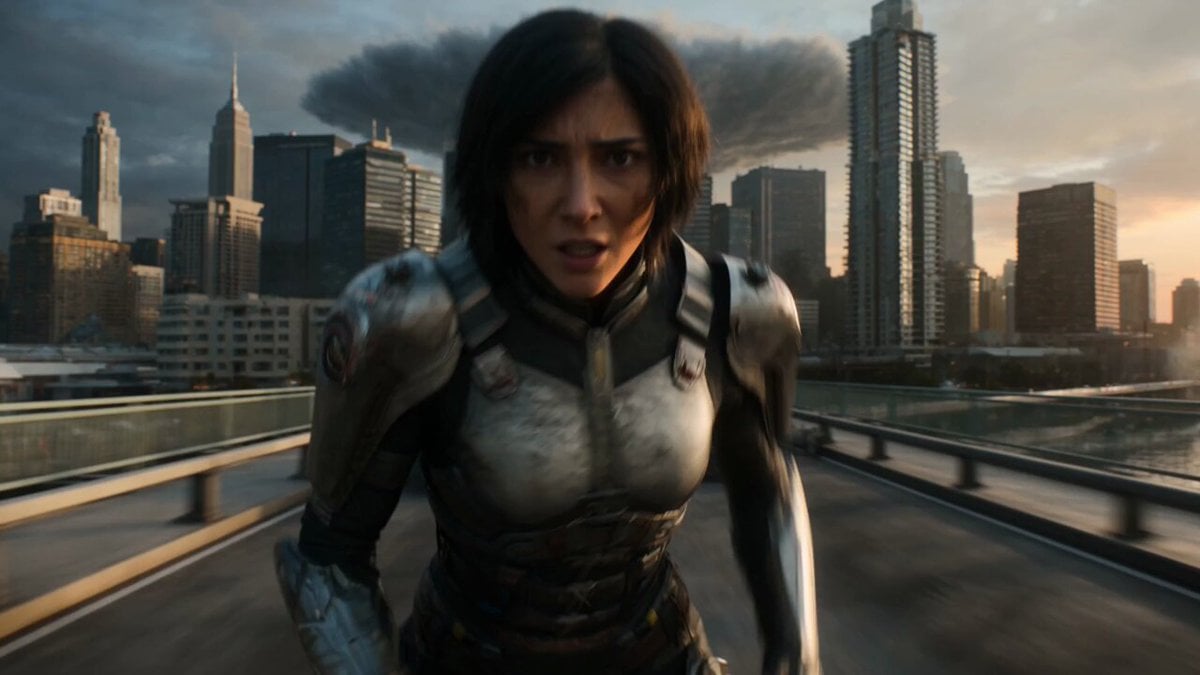
- Prompt included
- Model and format preset
- Free template
The prompt behind this video
Copy the exact prompt behind Epic Fantasy City Destruction Chase, or open it in the studio and make it yours.
A 27-year-old messenger in torn ceremonial armor sprints across a coastal megacity bridge in the first two seconds as three colossal forces collide behind her: a storm titan of lightning and clouds descending from the sky, a lava colossus erupting from the city core, and an ocean leviathan rising from the harbor, instantly tearing the skyline apart as lightning fractures skyscrapers, lava floods streets, and tidal waves crash through entire districts, the sequence never slowing as she runs across collapsing highways, flooded tunnels, burning plazas, and broken transit lines while the three entities clash continuously — lightning striking molten surfaces into explosive steam bursts, waves colliding with lava flows into violent vapor detonations, and shockwaves rippling through everything, forcing her to vault across gaps, dive through debris, and weave through panicked crowds as entire structures collapse in layered destruction. Rendered with ultra-real multi-element simulation, volumetric clouds, fire, water interaction, dynamic lighting shifts, the camera locked in relentless forward chase with sudden wide reveals of all three forces intersecting, and at the climax, the three entities collide at a single point, freezing for a fraction of a second before releasing a massive multi-element shockwave that fills the frame.
How to use Epic Fantasy City Destruction Chase in 3 steps
- 1
Open
The prompt is already in the box next to the preview, with the template's model and format selected.
- 2…a portrait of your subject in softgolden-hour light, 85mm…
Personalize
Edit the subject and creative details for your destination.
- 3Generate
Generate
Press Generate — your video is created in PicX Studio, so you can compare it with the original and refine one variable at a time.
More like this
Templates with the same subject, style or setup. Open one to see its prompt.
Stone Colossus Desert Riders — Golden Fire Reveal
Speeder Chase Across a Cliff City
Dragon Rescue — Volcanic Kingdom Collapse (Seedance)
Whale in the Sky — City Shadows (Kling AI)
Swordsman vs Shadow Monster — Bamboo Forest Battle
Subway Flood — Epic Tunnel Chaos
Sea Serpent vs Crab Titan — Ocean Battle
Asteroid Impact City Destruction
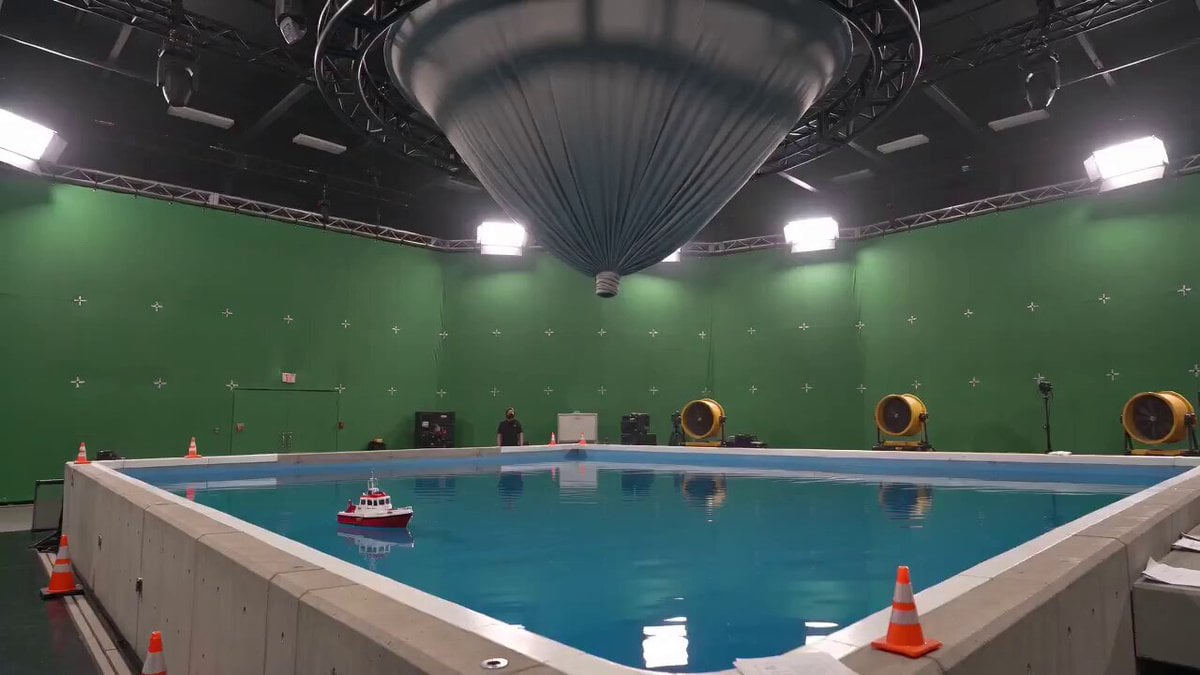
Tornado VFX Miniature City Destruction

Realistic City Street Story Cinematic Video - Seedance
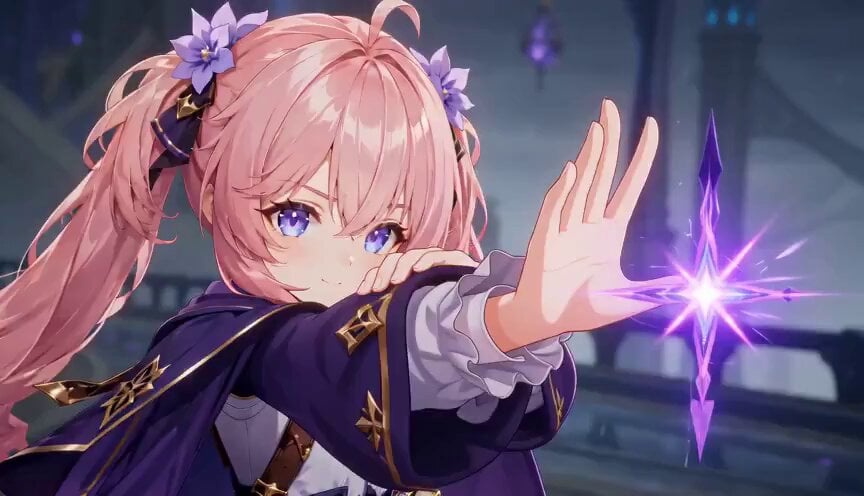
Magic City Fantasy Battle Animation

Giant Seahorse City Destruction — Flova AI
Make it yours
Epic Fantasy City Destruction Chase works as-is. These are the safest ways to change it without losing the look.
Change one field
Copy a single group, rewrite it, and generate again so you can see what that field is doing.
Keep the frame, change the subject
Hold the composition and light of Epic Fantasy City Destruction Chase, then swap wardrobe, props or the person for a new take.
| If the result… | Why | Fix |
|---|---|---|
| The result drifts from the preview | Too many fields changed at once. | Reuse Epic Fantasy City Destruction Chase as-is first, then change one group — subject, light, or setting. |
| The model over-stylizes the scene | The prose prompt leaves finish and camera underspecified. | Add one camera or lighting sentence and stay on Seedance 2.0. |
More Seedance 2.0 templates
Other prompts made for Seedance 2.0.

Comical Martial Arts Punch Scene

Maglev Train Action Sequence

Martial Arts Fight Sequence

Wuxia Protection and Trust Script

Vintage Korean Arcade MiniDV Vlog

Ancient Roman Celestial Flight

Mercedes 190 SL Luxury Ad

Rainy Night Supernatural Reverse Comedy Video Script

Amazon Civilization Discovery

Futuristic South Asian City Transformation
More video prompts
Fresh picks from across the catalog.
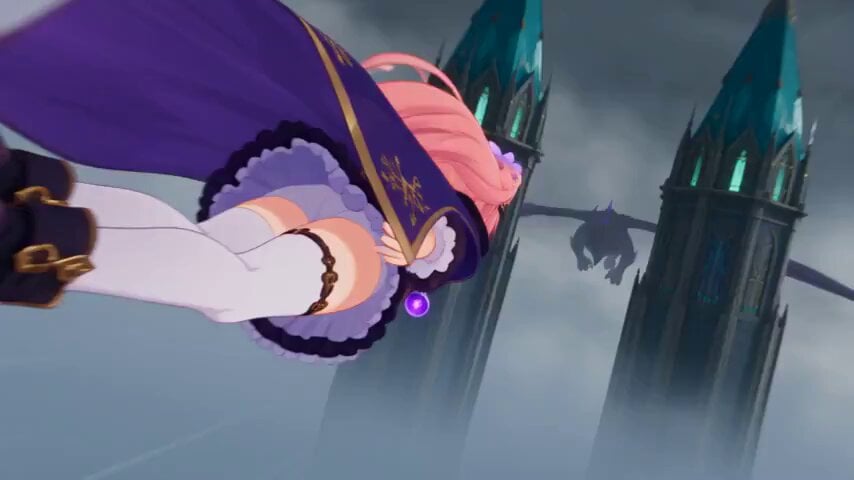
Magical Girl Aerial Battle Anime Scene
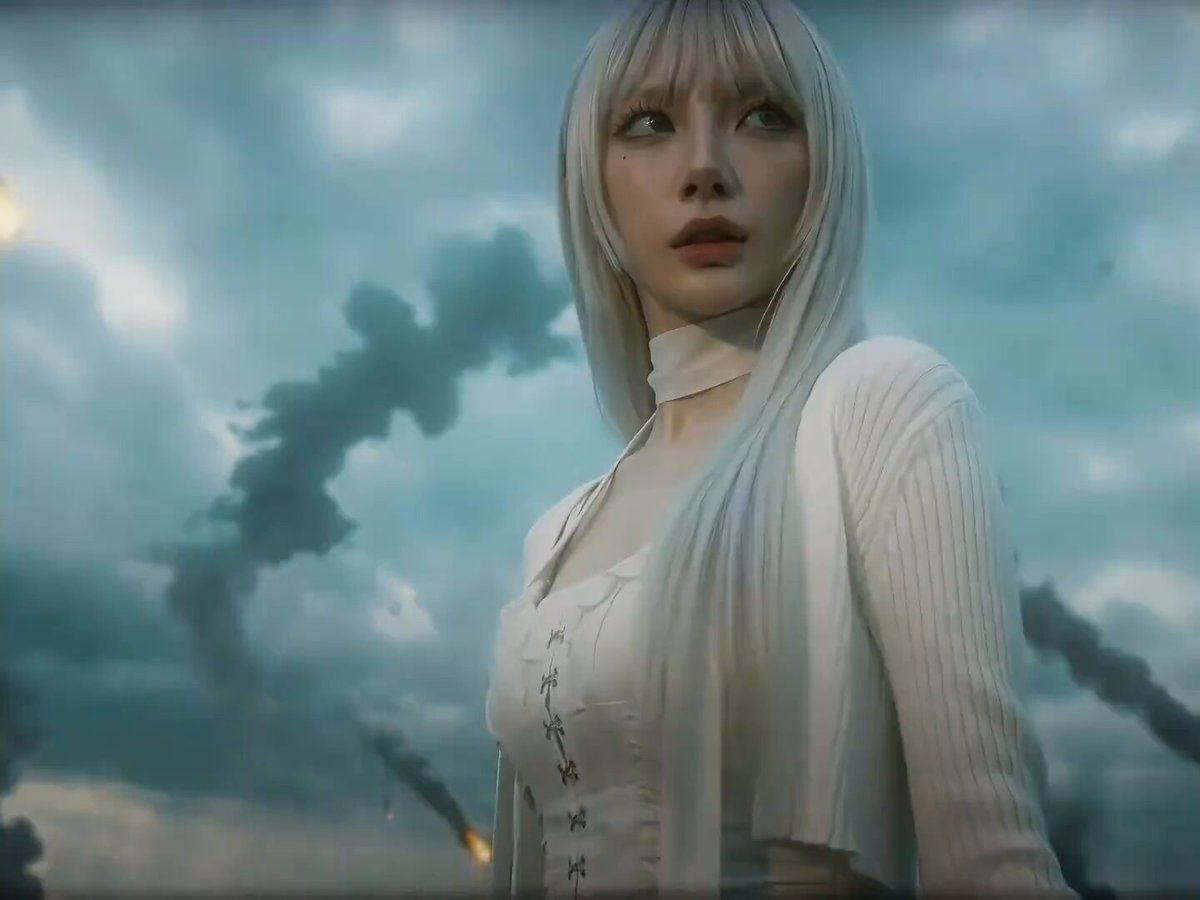
Seedance 2.0 Prompt for Dark Sci-Fi Transformation Video

K-Pop Dance Choreography Sketch
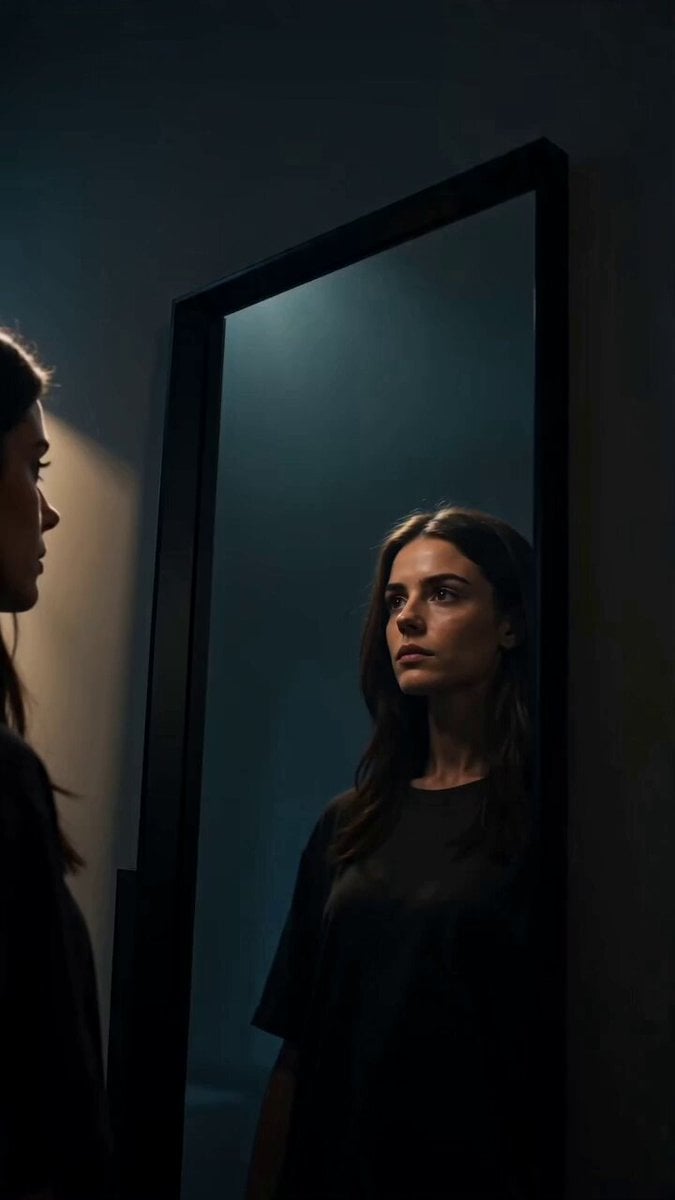
Glitch Mirror DNA Transformation
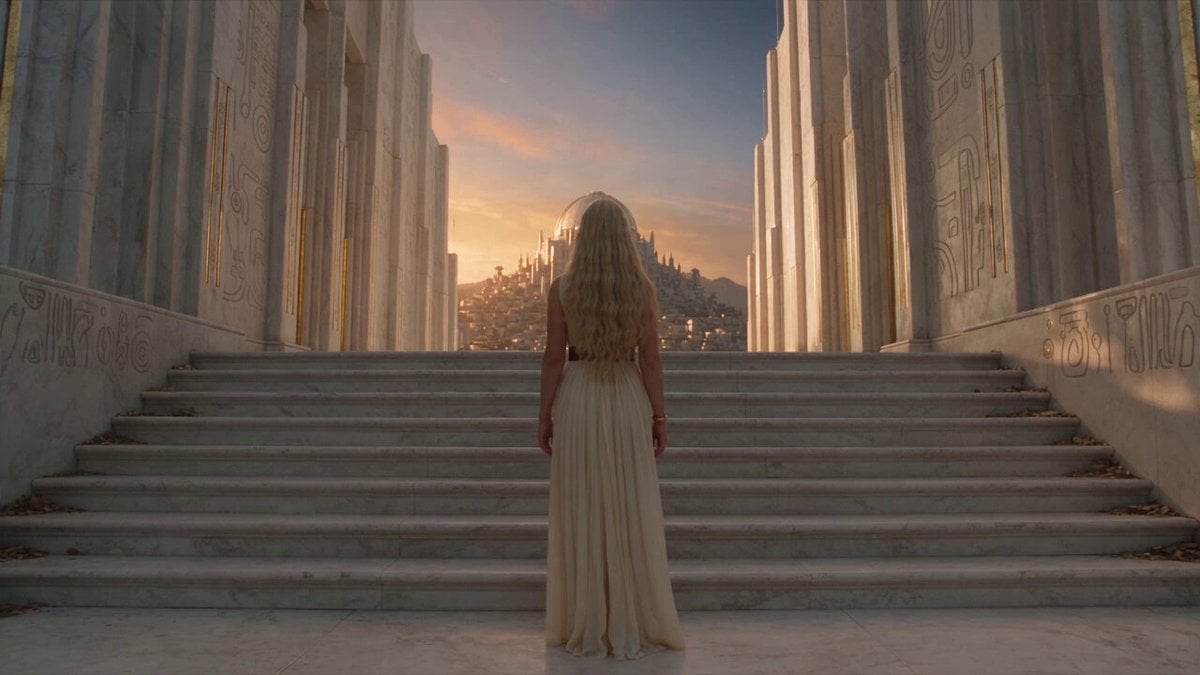
Fantasy Broom Flight Cinematic
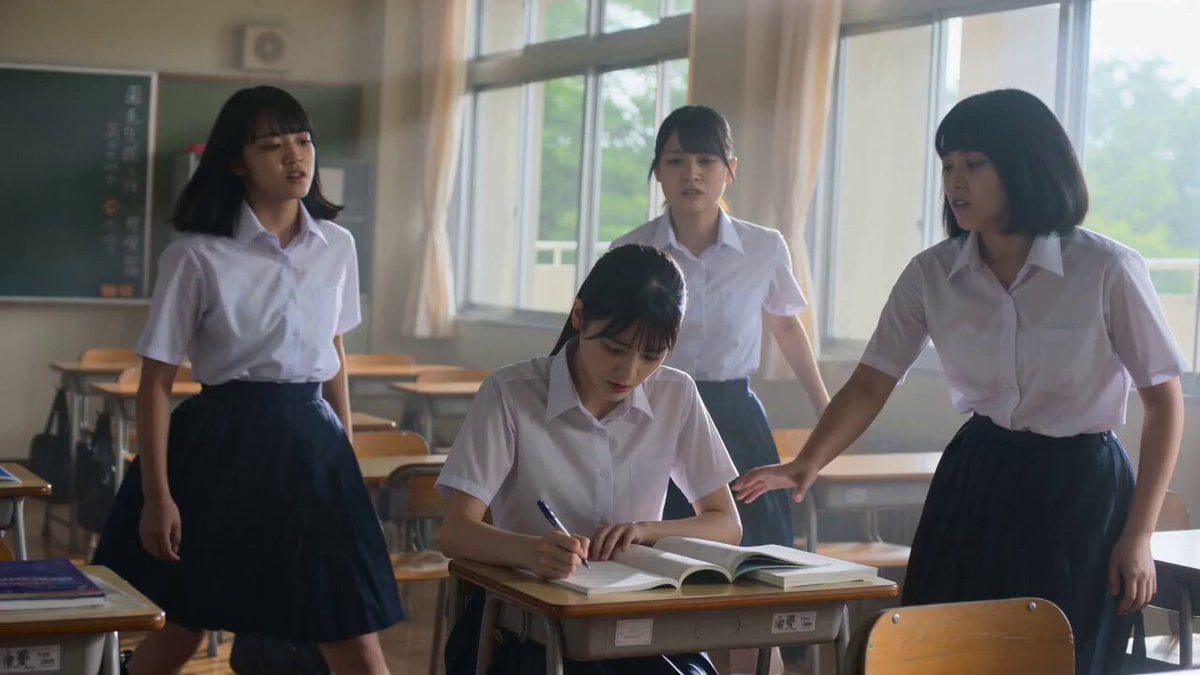
Cinematic School Fight Action Sequence
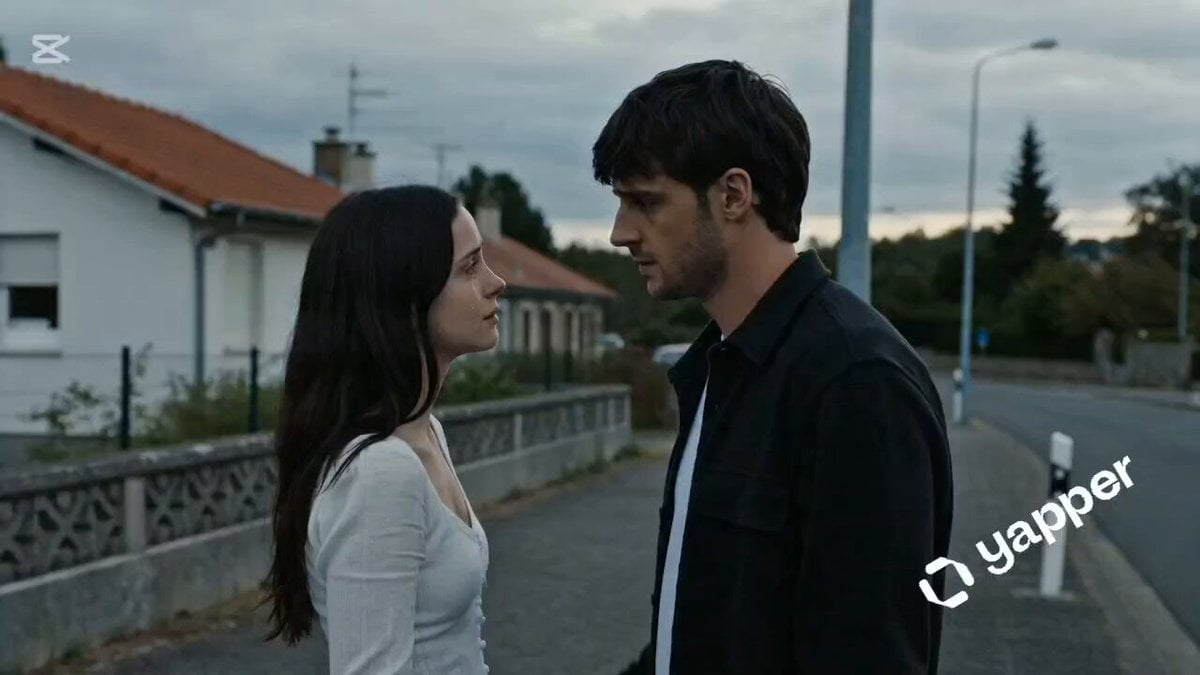
Lahore Street Slow Motion Cinematic
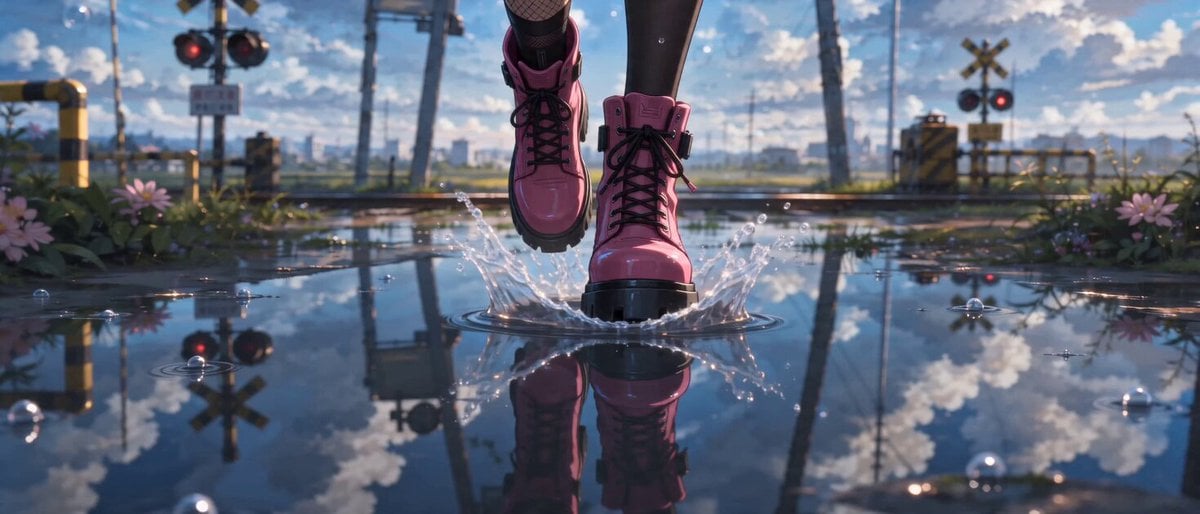
Cinematic Character Locked Video Prompt

Futuristic Cyborg Sprinter Video Prompt
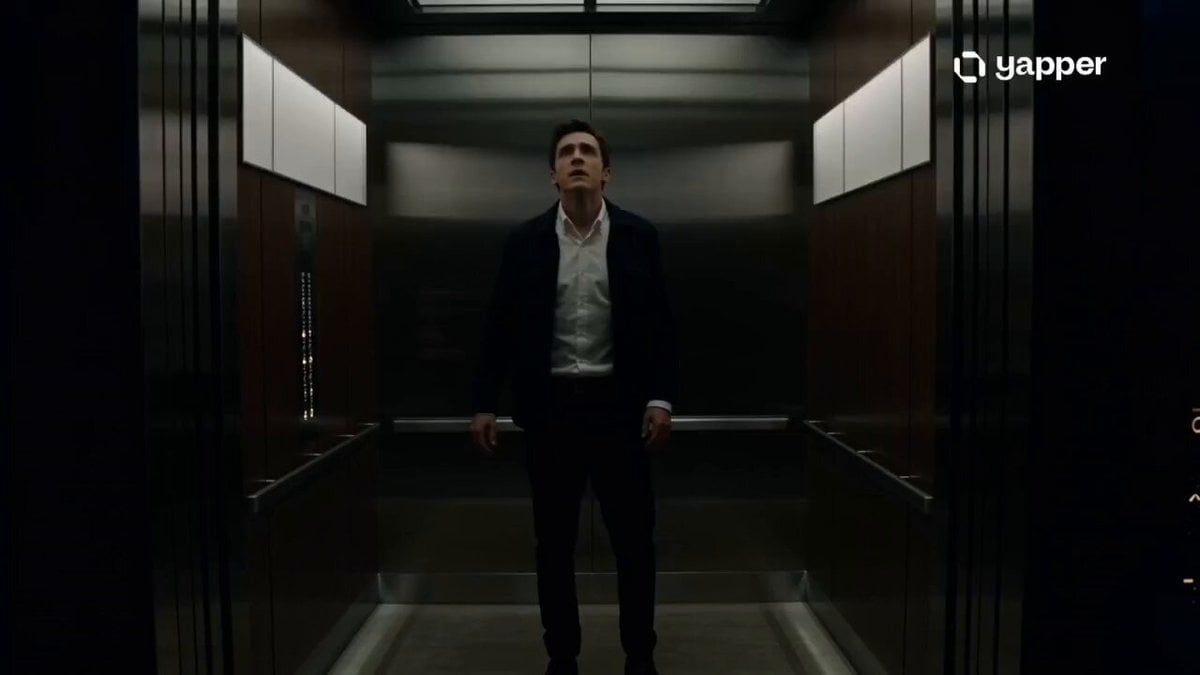
Cinematic Multiverse Elevator Journey
Browse template categories
Epic Fantasy City Destruction Chase questions
How do I use the Epic Fantasy City Destruction Chase template?
Add your photo if the template asks for one, edit the prompt if you like — the template's model and format are already selected — and press Generate. Your version opens in PicX Studio.
Can I customize the Epic Fantasy City Destruction Chase template?
Yes. You can change the subject, setting, lighting, mood, format, and available model controls before creating your video.
Is the Epic Fantasy City Destruction Chase template free?
Opening and editing this template is free. Generating uses credits, shown on the Generate button when you are signed in.
Which AI model should I use?
Start with Seedance 2.0, which is the model associated with this template. You can compare another compatible model for a different finish.
Looking for something else? Browse all templates.

Your photo, any look
Thousands of ready templates for every top image and video model, from one credit balance.