How do I use the Seedance 2.0 Prompt for Dark Sci-Fi Transformation Video template?
Edit the prompt in the box under the preview — the template's model and format are already selected — and press Generate. Your version appears right on this page.
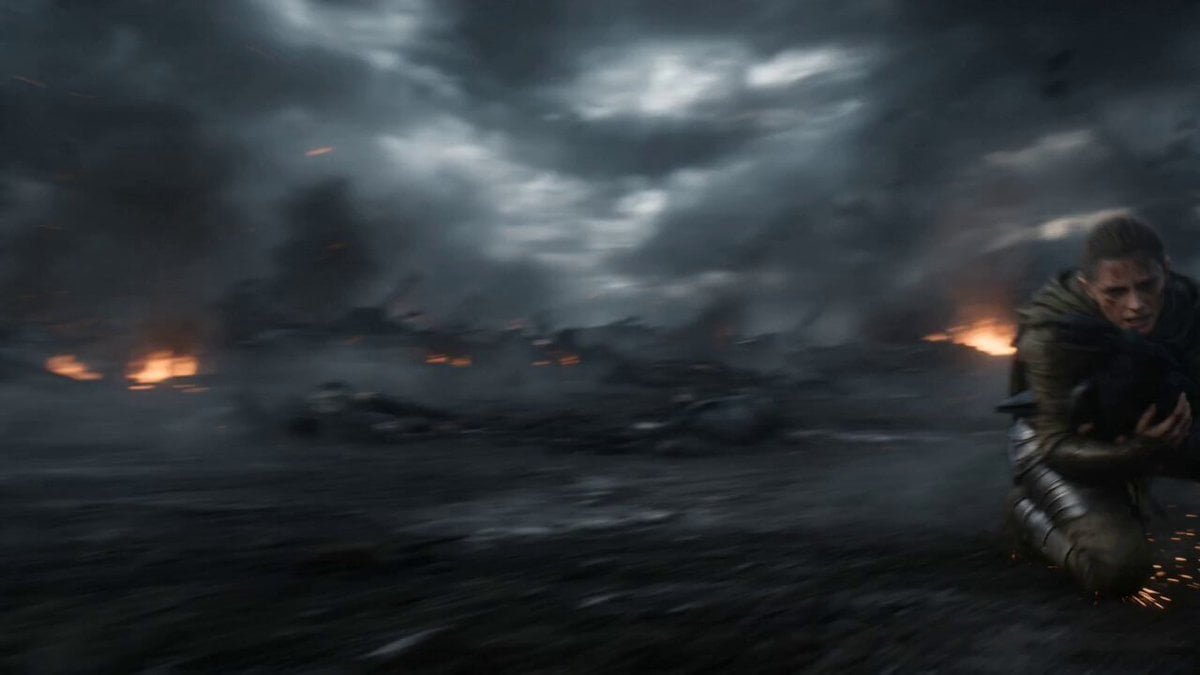
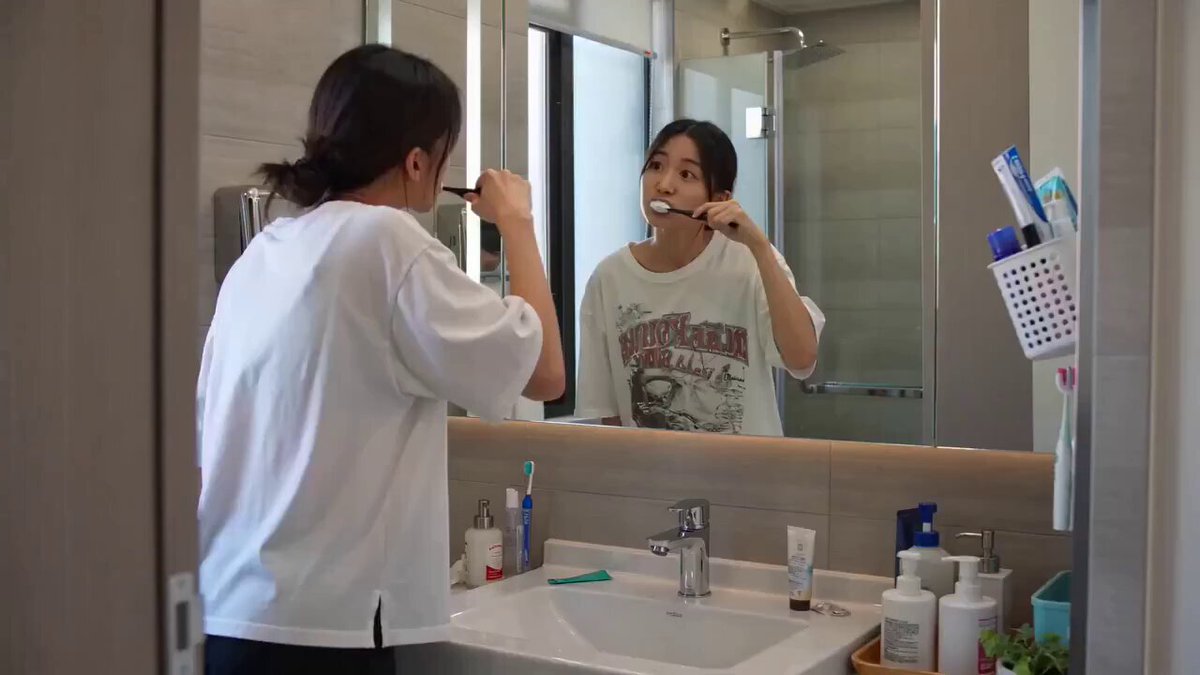
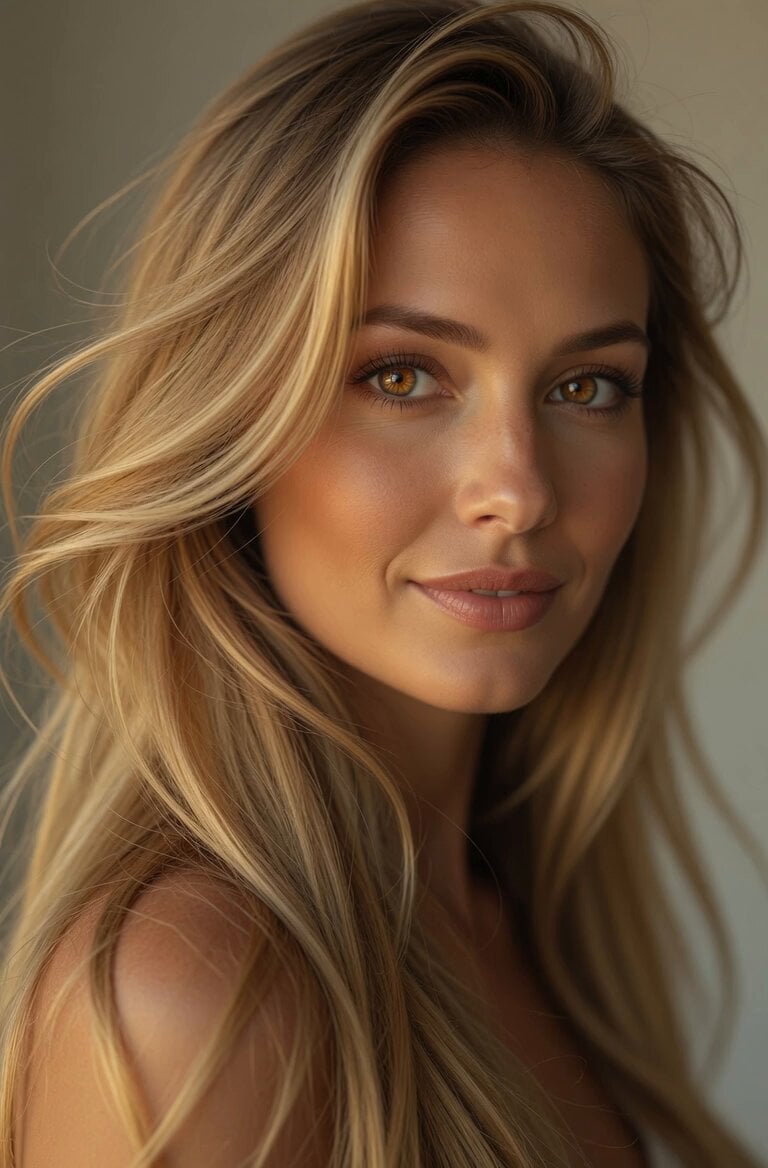
A detailed prompt for generating a transformation video (likely using Seedance 2.0, given the context of other tweets) where the subject's face remains consistent.
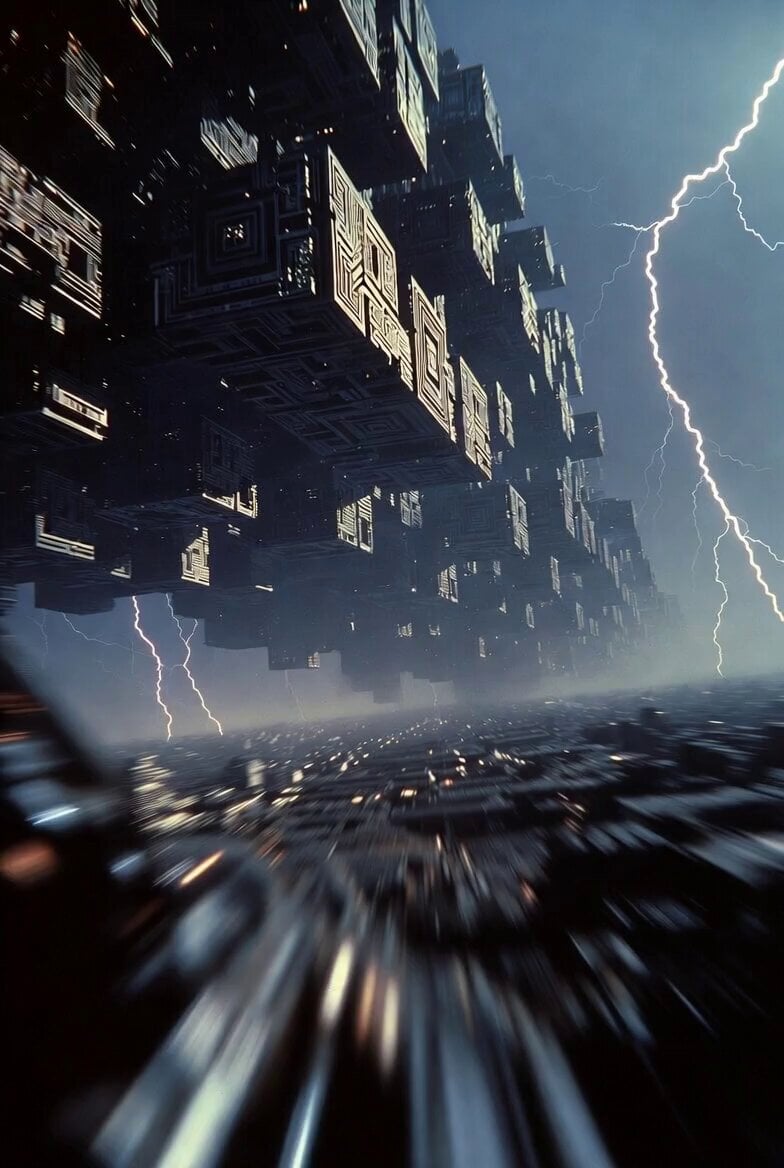
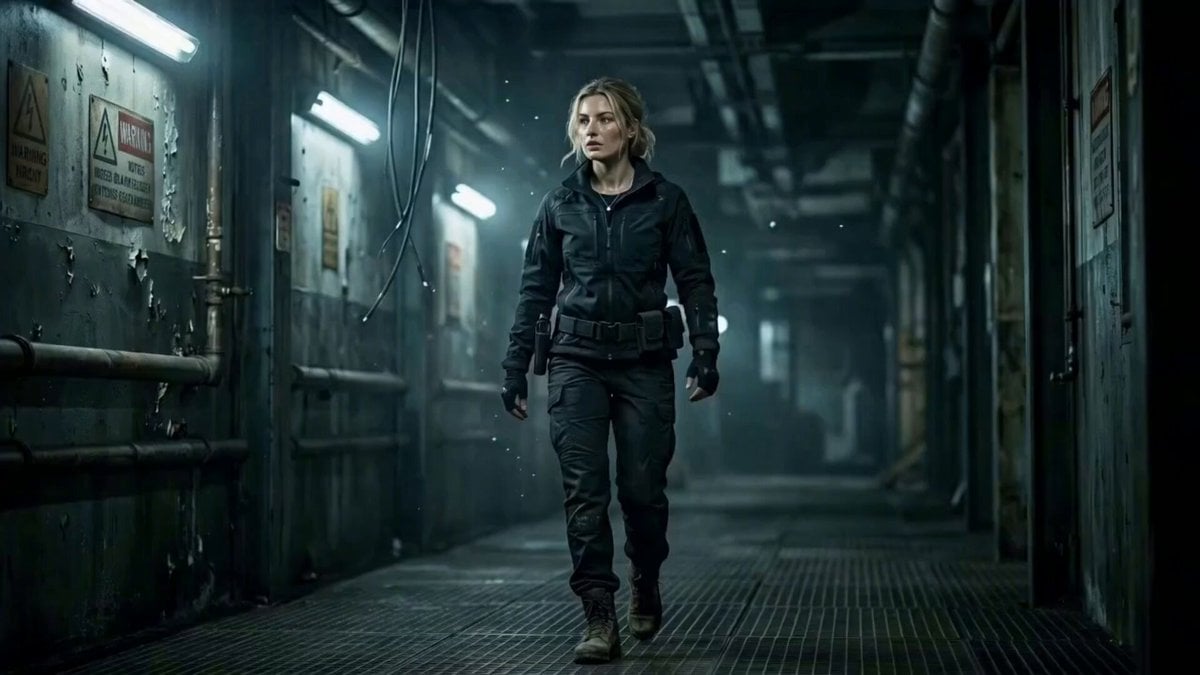
帮我生成分身视频:保持脸部完全一致,不改变五官和脸型,不美化。 风格参考仮面 BLACK SUN,写实暗黑,生物科技与外星科技感,压抑沉重。 变身前造型:黑色皮质风衣+黑衬衫,刘海遮额,不露额头,阴郁沉稳。 腰带:图了,异形能量核心,无玩具感。 场景:阴天户外空地,灰蓝天空,有风。
帮我生成分身视频:保持脸部完全一致,不改变五官和脸型,不美化。 风格参考仮面 BLACK SUN,写实暗黑,生物科技与外星科技感,压抑沉重。 变身前造型:黑色皮质风衣+黑衬衫,刘海遮额,不露额头,阴郁沉稳。 腰带:图了,异形能量核心,无玩具感。 场景:阴天户外空地,灰蓝天空,有风。
Edit the prompt in the box under the preview — the template's model and format are already selected — and press Generate. Your version appears right on this page.
Yes. You can change the subject, setting, lighting, mood, format, and available model controls before creating your video.
Opening and editing this template is free. Generating uses credits, shown on the Generate button when you are signed in.
Start with Seedance 2.0, which is the model associated with this template. You can compare another compatible model for a different finish.
Follow a topic to a crawlable collection of related PicX Studio templates.