How do I use the K-pop Idol Backstage Vlog template?
Edit the prompt in the box under the preview — the template's model and format are already selected — and press Generate. Your version appears right on this page.
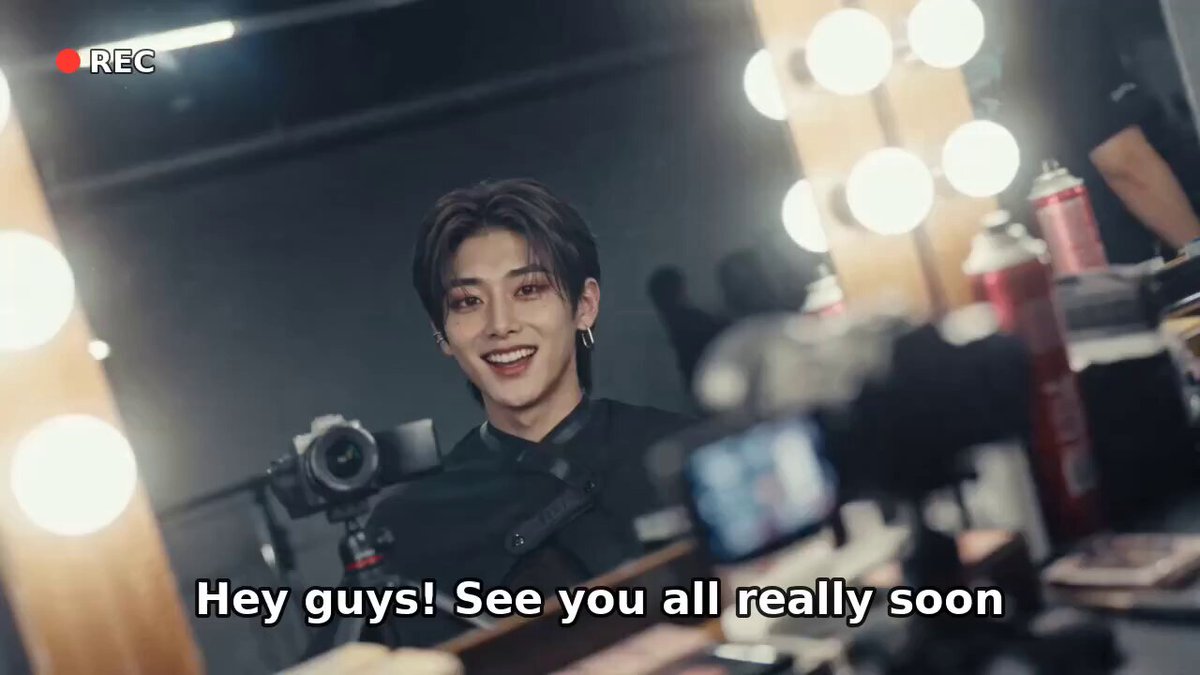
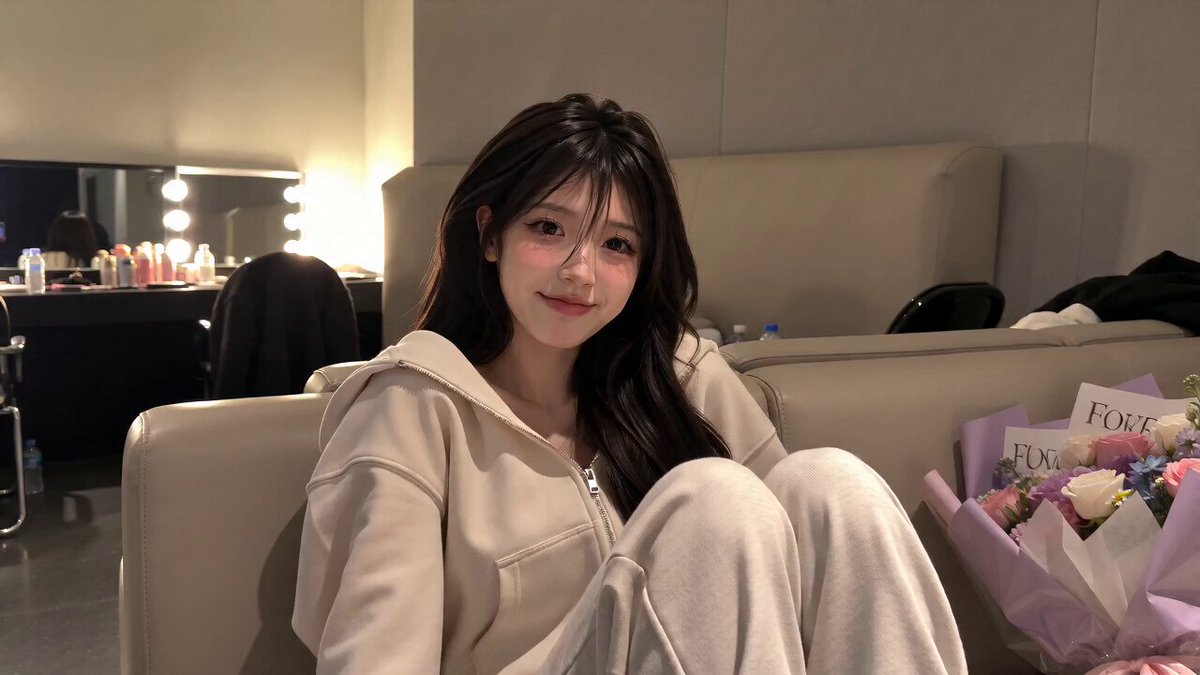
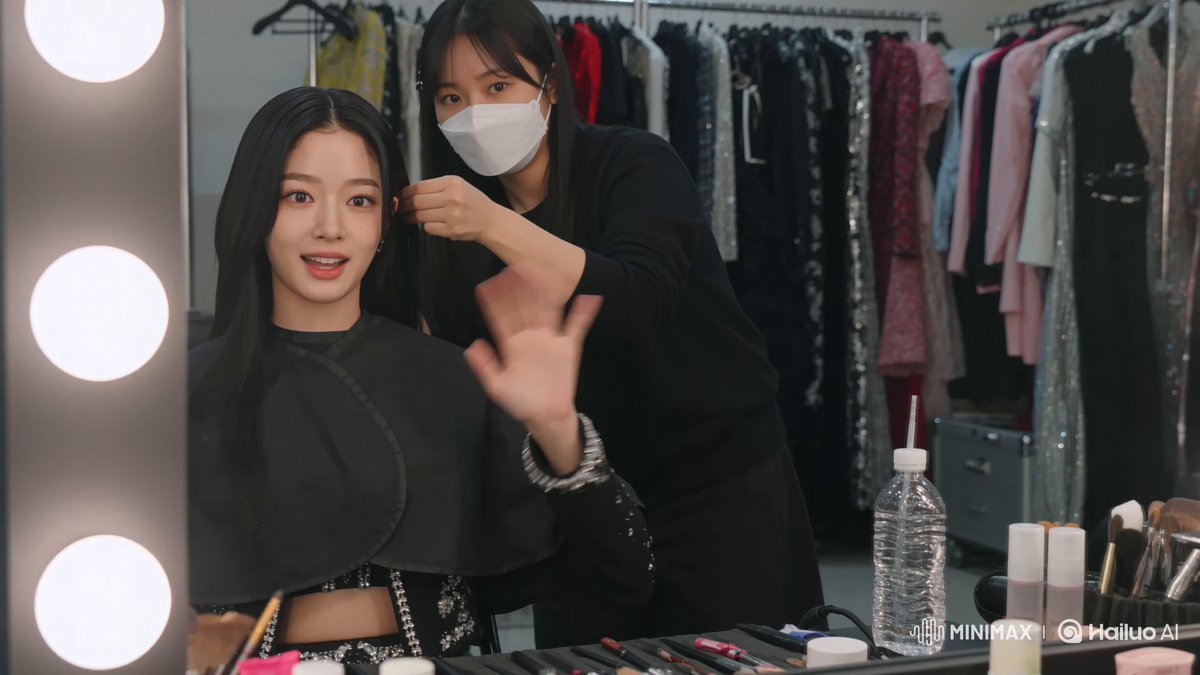
A cinematic smartphone-perspective vlog prompt featuring a K-pop idol giving a tour behind the scenes of a concert arena.
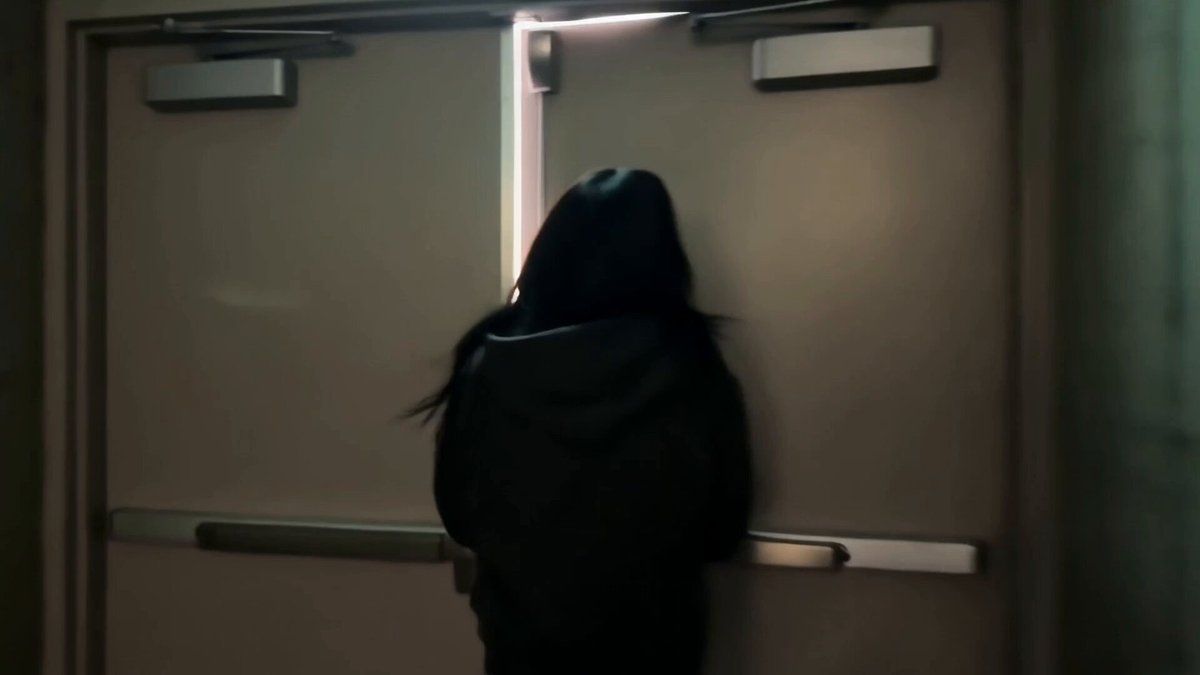
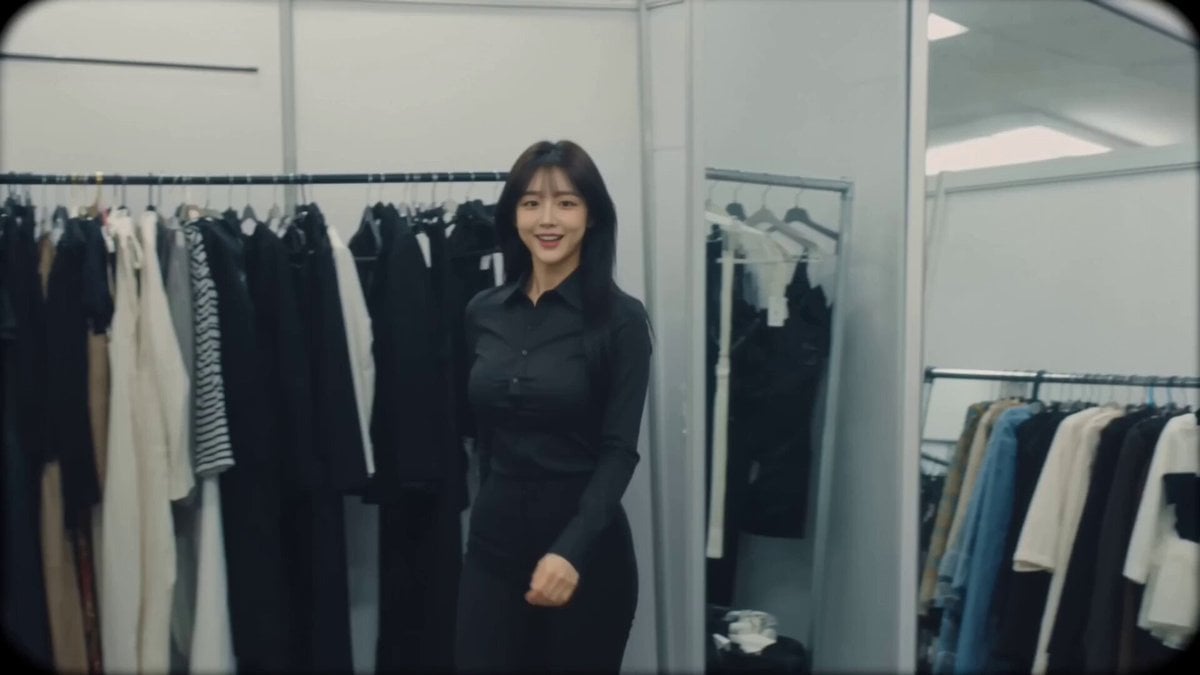
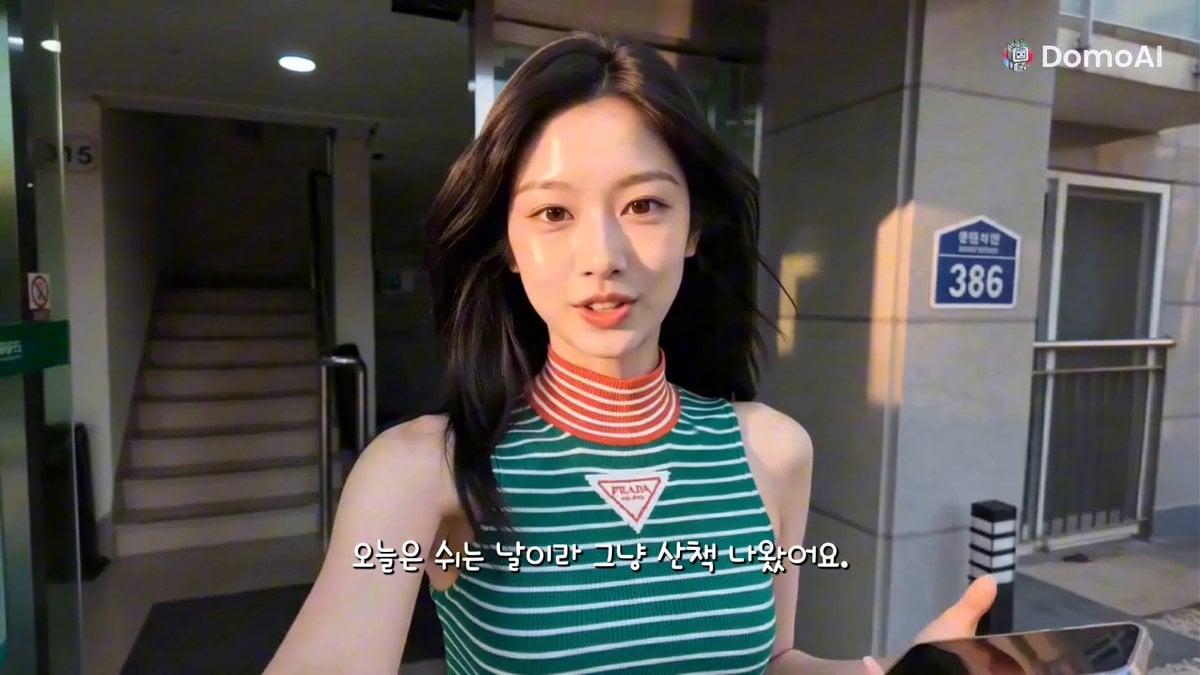
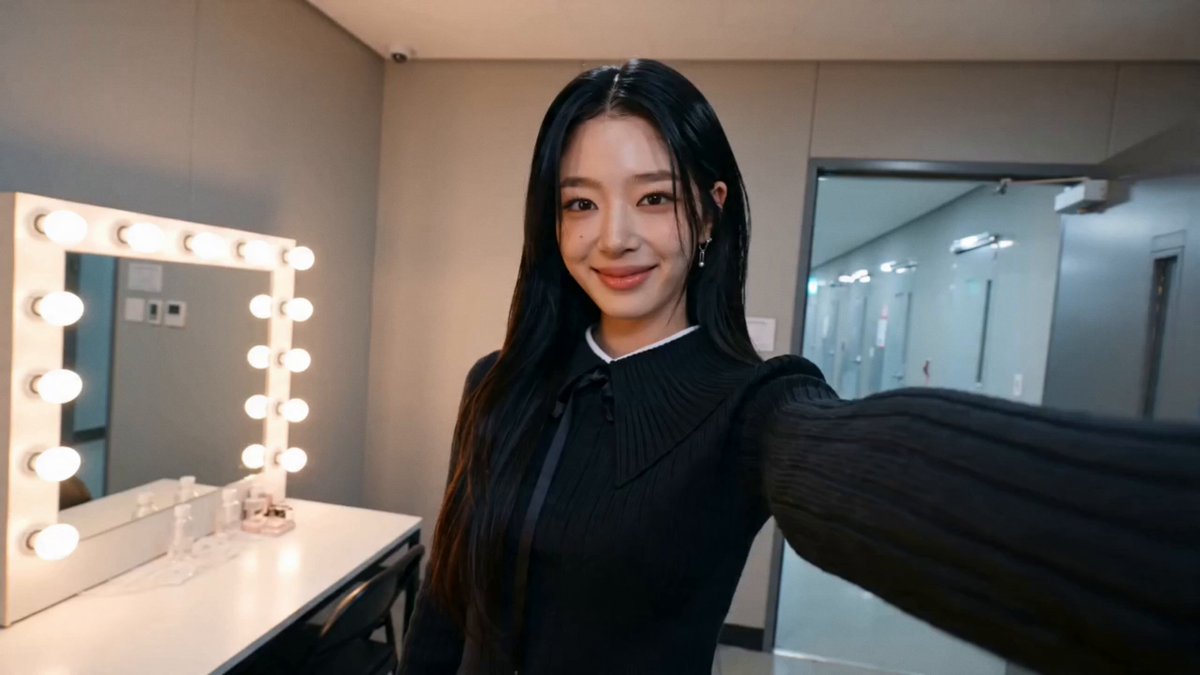
Create an ultra-realistic cinematic selfie vlog filmed entirely from the perspective of a smartphone held by the main character. The phone is never visible, and the footage should feel like a real spontaneous behind-the-scenes video with natural hand movement, imperfect framing, slight autofocus adjustments, realistic exposure changes, and energetic camera motion. The visual quality should look like a premium smartphone recording with cinematic HDR, realistic skin texture, soft highlight glow, subtle film grain, and authentic social media vlog aesthetics. The main character is Anissa, a Korean female idol in her early twenties with long glossy black hair, luminous glass skin, expressive eyes, soft pink lips, and elegant Korean features. She wears a stylish white-and-silver performance outfit with sparkling accessories and subtle glamorous makeup. Her personality is cheerful, confident, and playful, creating a strong connection with the camera through natural smiles, reactions, and genuine emotions. The video starts in a quiet backstage hallway of a massive concert arena. Anissa holds the camera in selfie mode while walking through the tunnel, with distant crowd cheers, stage music, and backstage conversations creating an exciting atmosphere. She smiles and says, "Can you hear that? The show is about to begin." She opens a large backstage door and reveals a breathtaking stage filled with giant LED screens, colorful lights, dancers preparing, and thousands of fans waiting. She continues filming a realistic behind-the-scenes journey, walking past makeup stations, dancers warming up, and crew members preparing the performance. The camera captures quick natural moments: Anissa fixing her hair in a mirror, checking her outfit details, laughing with her teammates, and taking a final deep breath before going on stage. As the countdown begins, Anissa hides behind the stage curtain with a nervous but excited smile and whispers, "I still get butterflies every time." The music starts, smoke effects fill the entrance, and she confidently walks onto the stage as bright lights surround her. The crowd erupts with excitement, thousands of light sticks wave in sync, and the camera captures the magical atmosphere from her perspective. During the performance entrance, she turns the camera toward the audience, showing the huge arena, flashing lights, confetti, and fireworks. She laughs happily, waves at the fans, then returns the camera to selfie mode for the final moment. Anissa creates a heart shape with her hands, smiles warmly, and says, "Thank you for sharing this moment with me. See you after the show!" Then she runs back toward the center of the stage as the video ends with the crowd cheering. Audio: Realistic crowd noise, backstage voices, footsteps, stage bass, microphone announcements, natural breathing, camera handling sounds, fireworks, and arena echo. Style: Viral K-pop idol backstage vlog, authentic socia
Create an ultra-realistic cinematic selfie vlog filmed entirely from the perspective of a smartphone held by the main character. The phone is never visible, and the footage should feel like a real spontaneous behind-the-scenes video with natural hand movement, imperfect framing, slight autofocus adjustments, realistic exposure changes, and energetic camera motion. The visual quality should look like a premium smartphone recording with cinematic HDR, realistic skin texture, soft highlight glow, subtle film grain, and authentic social media vlog aesthetics. The main character is Anissa, a Korean female idol in her early twenties with long glossy black hair, luminous glass skin, expressive eyes, soft pink lips, and elegant Korean features. She wears a stylish white-and-silver performance outfit with sparkling accessories and subtle glamorous makeup. Her personality is cheerful, confident, and playful, creating a strong connection with the camera through natural smiles, reactions, and genuine emotions. The video starts in a quiet backstage hallway of a massive concert arena. Anissa holds the camera in selfie mode while walking through the tunnel, with distant crowd cheers, stage music, and backstage conversations creating an exciting atmosphere. She smiles and says, "Can you hear that? The show is about to begin." She opens a large backstage door and reveals a breathtaking stage filled with giant LED screens, colorful lights, dancers preparing, and thousands of fans waiting. She continues filming a realistic behind-the-scenes journey, walking past makeup stations, dancers warming up, and crew members preparing the performance. The camera captures quick natural moments: Anissa fixing her hair in a mirror, checking her outfit details, laughing with her teammates, and taking a final deep breath before going on stage. As the countdown begins, Anissa hides behind the stage curtain with a nervous but excited smile and whispers, "I still get butterflies every time." The music starts, smoke effects fill the entrance, and she confidently walks onto the stage as bright lights surround her. The crowd erupts with excitement, thousands of light sticks wave in sync, and the camera captures the magical atmosphere from her perspective. During the performance entrance, she turns the camera toward the audience, showing the huge arena, flashing lights, confetti, and fireworks. She laughs happily, waves at the fans, then returns the camera to selfie mode for the final moment. Anissa creates a heart shape with her hands, smiles warmly, and says, "Thank you for sharing this moment with me. See you after the show!" Then she runs back toward the center of the stage as the video ends with the crowd cheering. Audio: Realistic crowd noise, backstage voices, footsteps, stage bass, microphone announcements, natural breathing, camera handling sounds, fireworks, and arena echo. Style: Viral K-pop idol backstage vlog, authentic socia
Edit the prompt in the box under the preview — the template's model and format are already selected — and press Generate. Your version appears right on this page.
Yes. You can change the subject, setting, lighting, mood, format, and available model controls before creating your video.
Opening and editing this template is free. Generating uses credits, shown on the Generate button when you are signed in.
Start with Seedance 2.0, which is the model associated with this template. You can compare another compatible model for a different finish.
Follow a topic to a crawlable collection of related PicX Studio templates.