How do I use the Korean Idol Backstage Fitting Vlog template?
Edit the prompt in the box under the preview — the template's model and format are already selected — and press Generate. Your version appears right on this page.
A nostalgic 16mm handheld camcorder style prompt creating a playful and energetic backstage vlog.
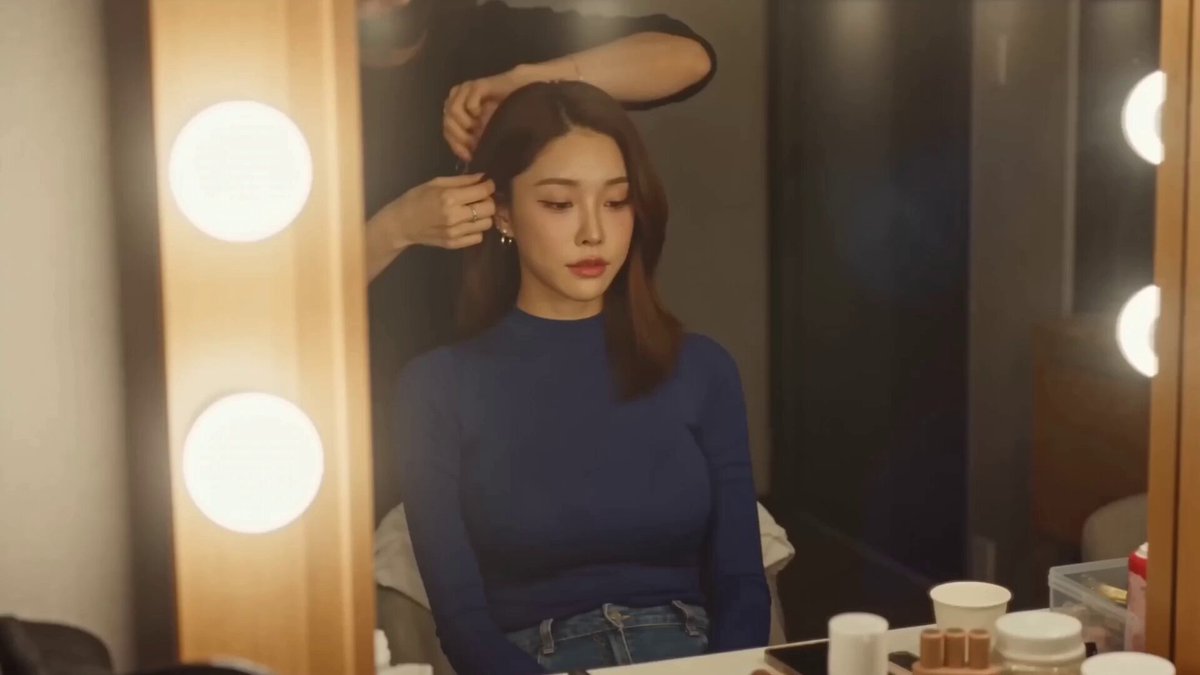
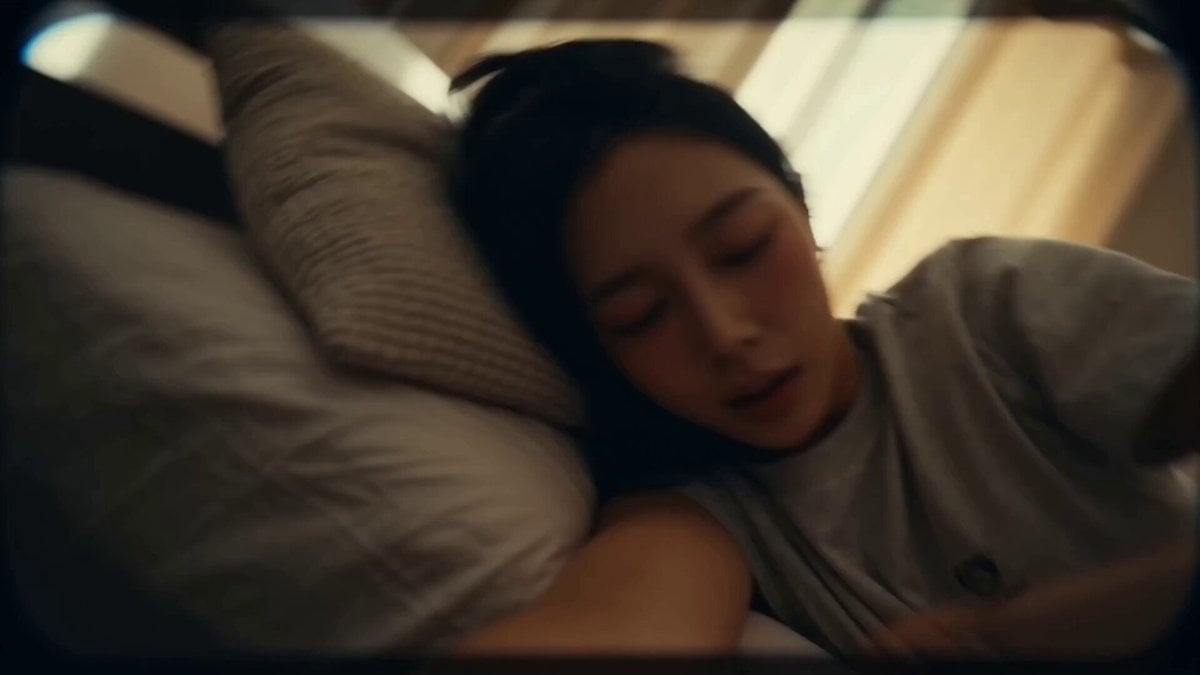
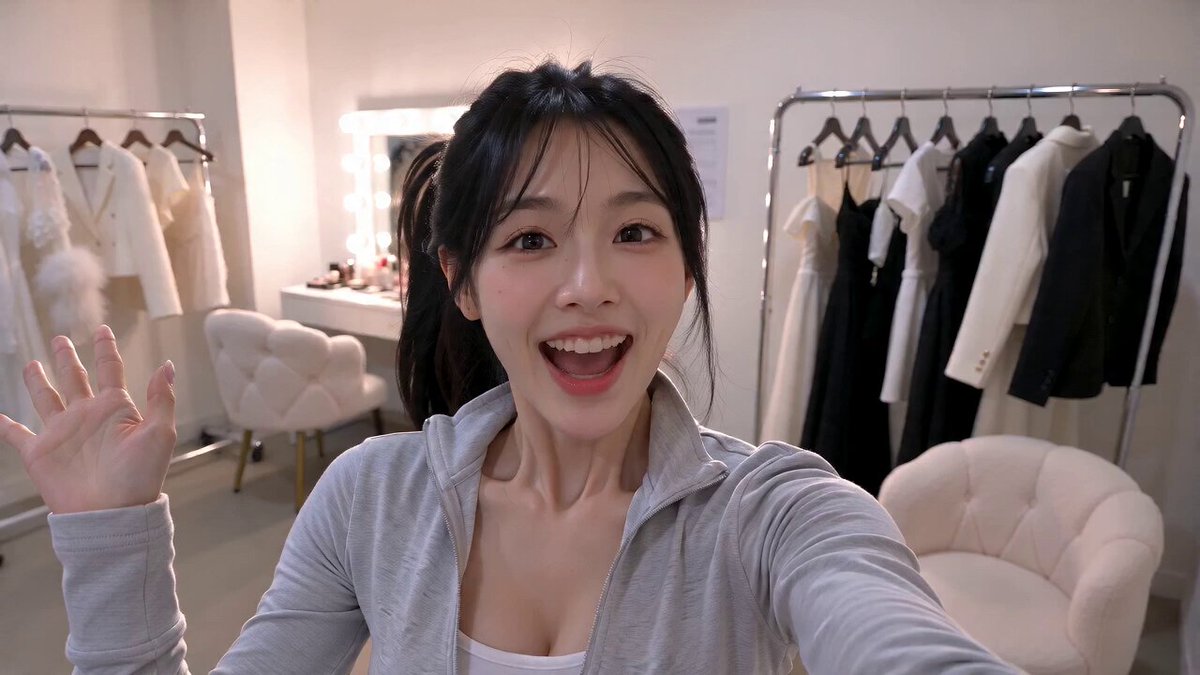
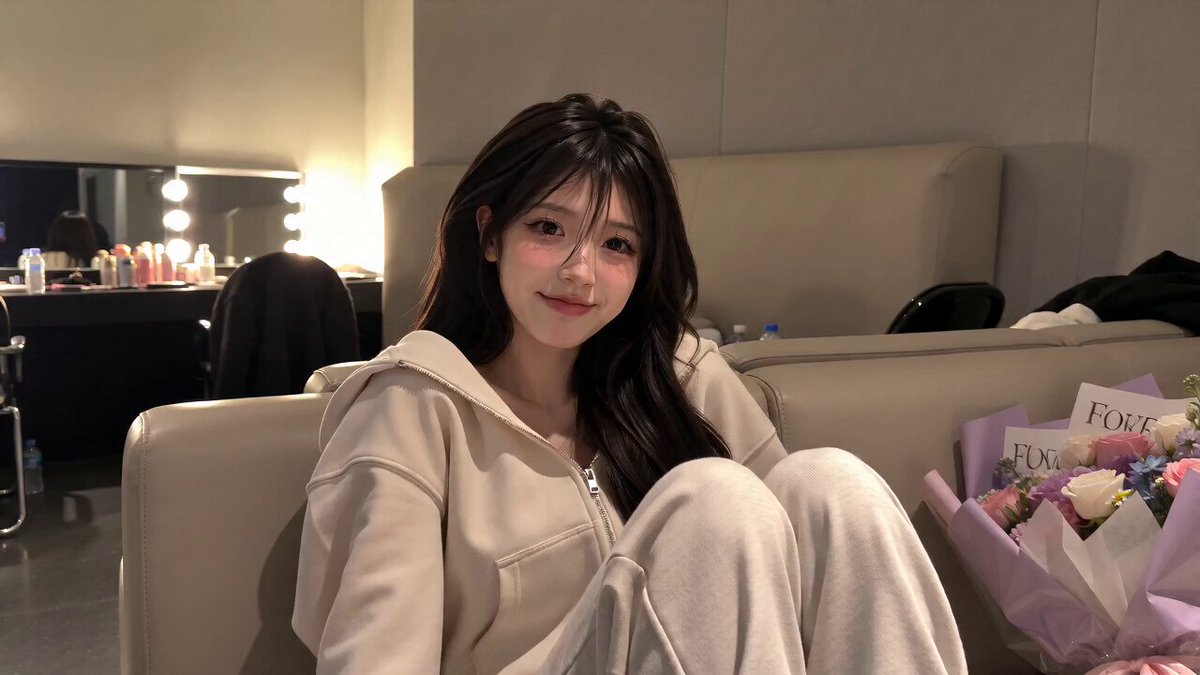
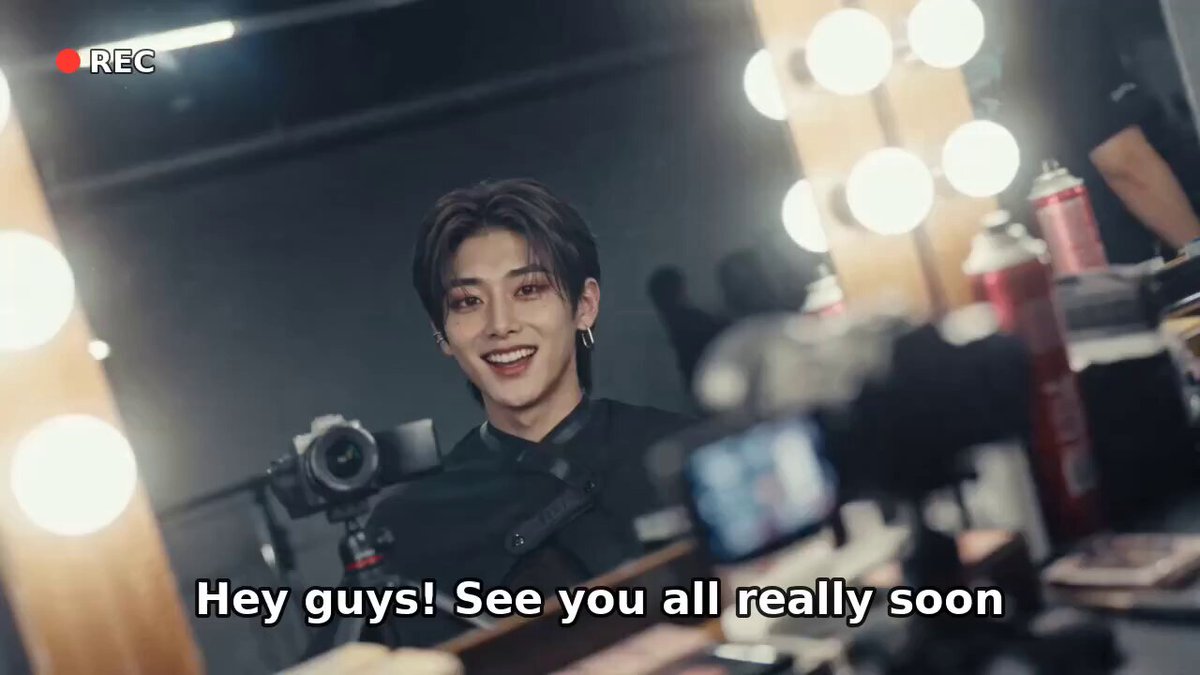
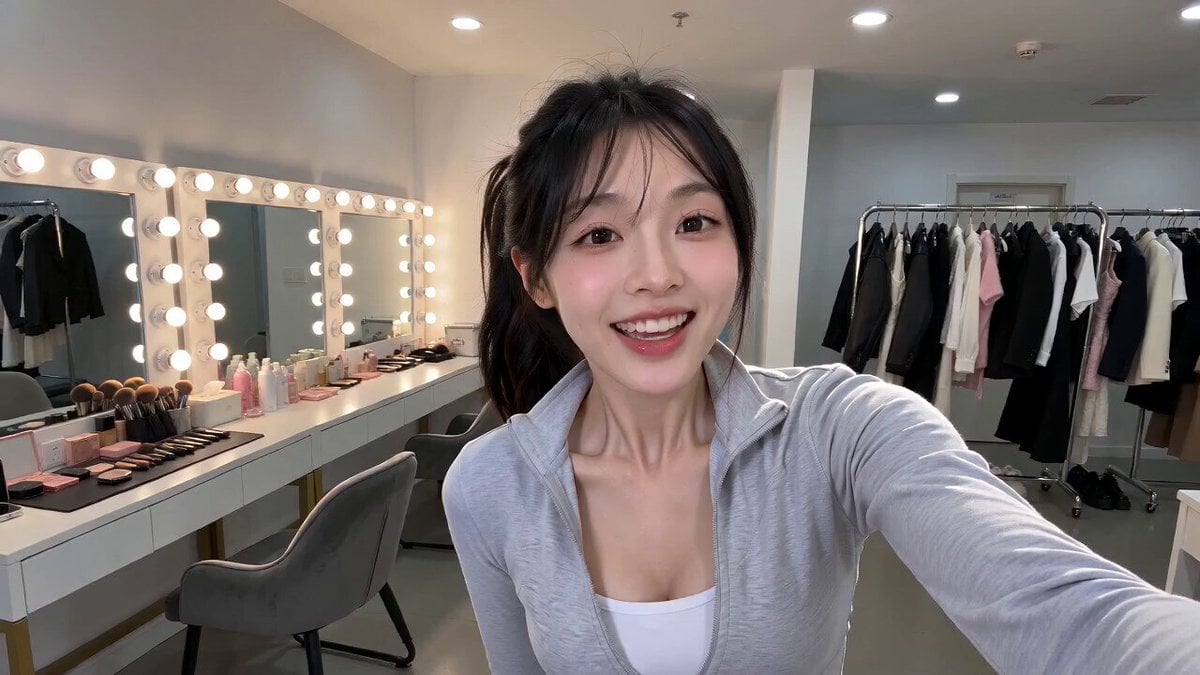
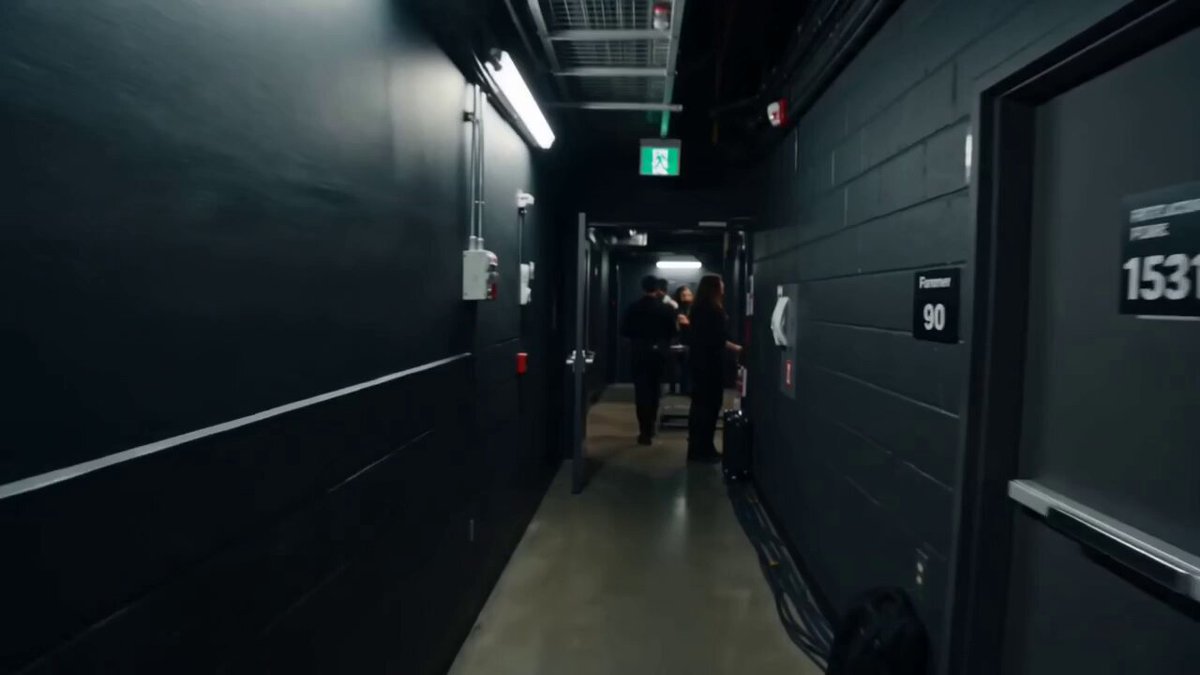
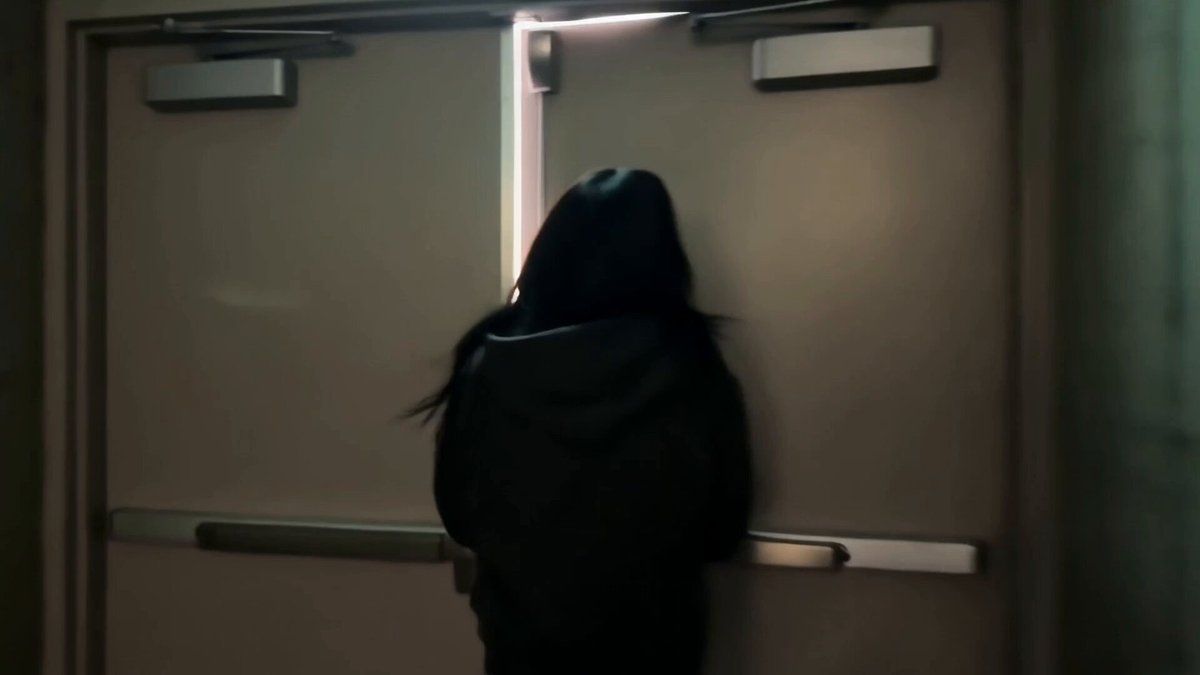
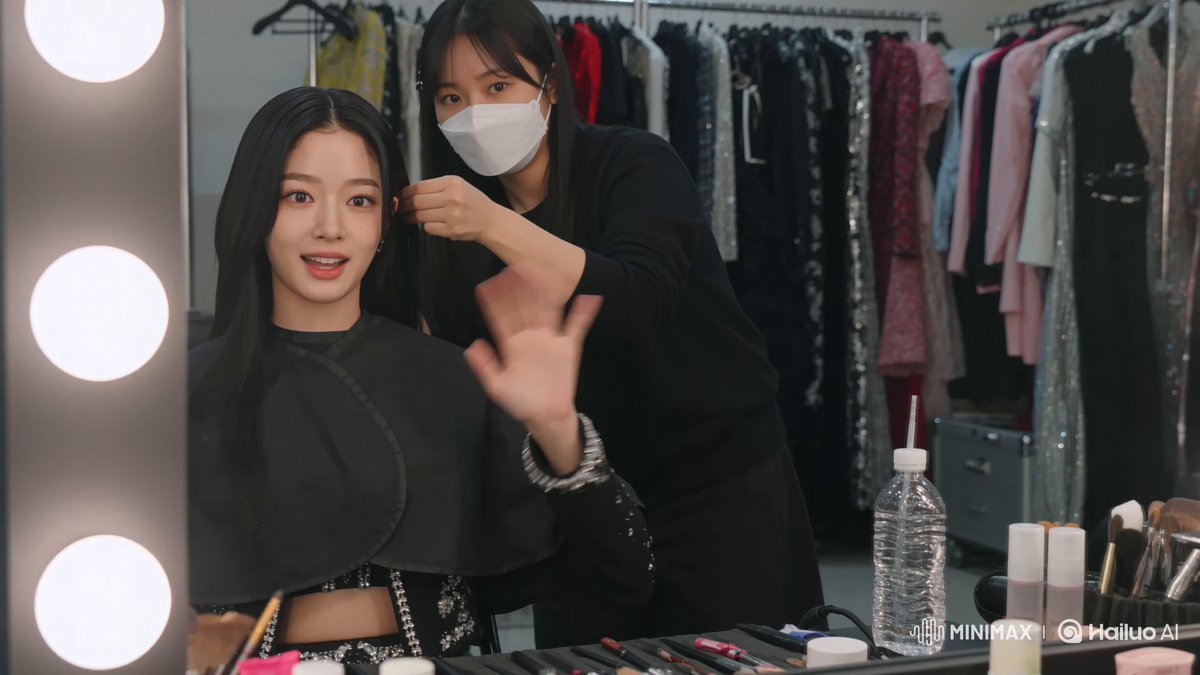
DV 16mm handheld camcorder POV, CHASE filming herself, occasionally propped against a fitting-room mirror. Natural hand shake, imperfect framing, delayed focus, clumsy zooms, tape blur/noise, bloomed vanity lights, flickering auto-exposure, muted contrast, realistic skin. Playful, energetic backstage fitting-room vlog with quick pacing. CHASE: Korean idol in her 20s, long straight black hair, dewy glass skin, coral lips, large eyes, slim. Wears two fully modest stage outfits (1: fitted long-sleeve top + tailored trousers, 2: high-neck dress over long-sleeve base layer), minimal jewelry. Backstage fitting room with mirror, garment rack, stylist off-camera, pins/fabric clips. Sequence: outfit 1 mirror turn ("Okay, first outfit—let's see."), smooths fabric ("I really like this fit."), stylist pins waist (ambient only), playful spin ("Moves pretty well!"), quick change to outfit 2 ("Now let's compare."), compares ("More elegant, but the first had better movement."), close-up thinking ("I genuinely can't decide."), selfie spin ending ("I'll let the team decide—see you on stage!"). Camcorder never visible.
DV 16mm handheld camcorder POV, CHASE filming herself, occasionally propped against a fitting-room mirror. Natural hand shake, imperfect framing, delayed focus, clumsy zooms, tape blur/noise, bloomed vanity lights, flickering auto-exposure, muted contrast, realistic skin. Playful, energetic backstage fitting-room vlog with quick pacing. CHASE: Korean idol in her 20s, long straight black hair, dewy glass skin, coral lips, large eyes, slim. Wears two fully modest stage outfits (1: fitted long-sleeve top + tailored trousers, 2: high-neck dress over long-sleeve base layer), minimal jewelry. Backstage fitting room with mirror, garment rack, stylist off-camera, pins/fabric clips. Sequence: outfit 1 mirror turn ("Okay, first outfit—let's see."), smooths fabric ("I really like this fit."), stylist pins waist (ambient only), playful spin ("Moves pretty well!"), quick change to outfit 2 ("Now let's compare."), compares ("More elegant, but the first had better movement."), close-up thinking ("I genuinely can't decide."), selfie spin ending ("I'll let the team decide—see you on stage!"). Camcorder never visible.
Edit the prompt in the box under the preview — the template's model and format are already selected — and press Generate. Your version appears right on this page.
Yes. You can change the subject, setting, lighting, mood, format, and available model controls before creating your video.
Opening and editing this template is free. Generating uses credits, shown on the Generate button when you are signed in.
Start with Seedance 2.0, which is the model associated with this template. You can compare another compatible model for a different finish.
Follow a topic to a crawlable collection of related PicX Studio templates.