How do I use the Anime Witch Transformation with Bat Wings template?
Edit the prompt in the box under the preview — the template's model and format are already selected — and press Generate. Your version appears right on this page.
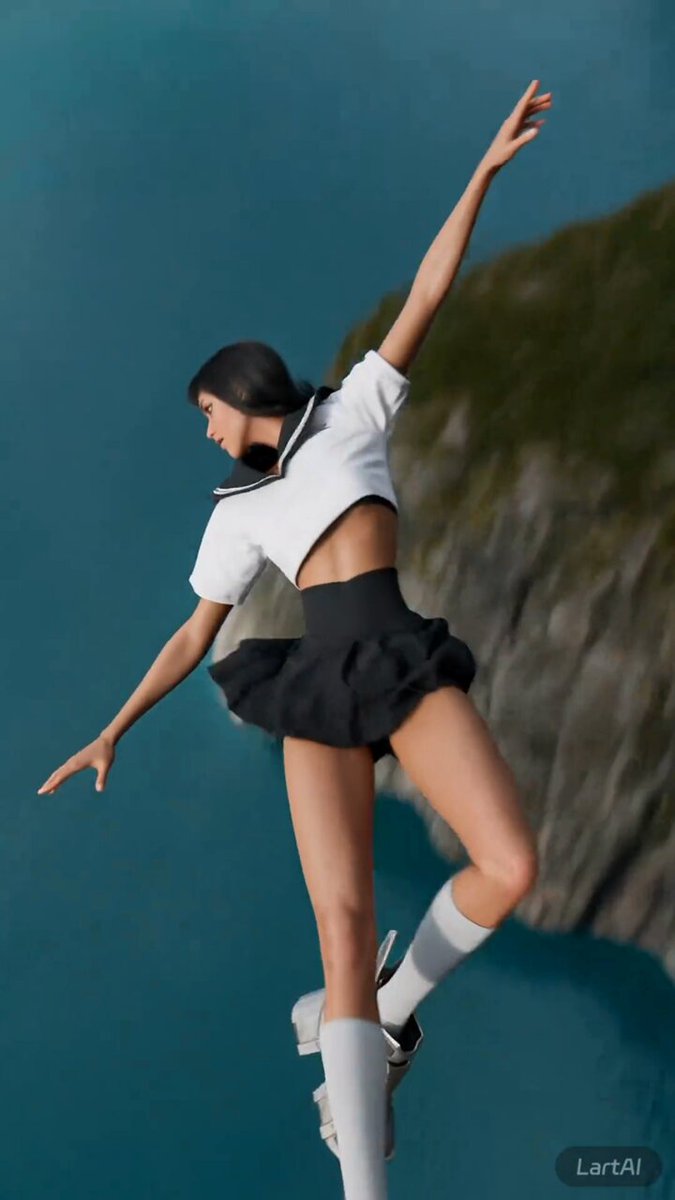
A detailed, multi-scene prompt for a video featuring an anime-style sketch art woman transforming by causing a staff to disappear and large bat wings to emerge, before flying off a cliff towards a castle.
"Image1 is the reference for the entire video. It is a sketch art anime style. 1sec-3seconds the woman is standing still and the wind is blowing hard. Her dress and hair are blowing in the wind. 4sec-6sec the woman magically causes the staff in her hand to disappear. She smiles with an evil smile. 7sec-15sec She holds out her arms and large bat wings appear from her back draping down from her arms. (the wings should be attached to her as the wings are attached to a bat). She turns her back to the camera and jumps off the cliff flying towards the castle in the distance, wings flapping like a bat. She should have bat wimgs and not bird wings. The sketch art anime style should be used throughout the video just like the reference image1"
"Image1 is the reference for the entire video. It is a sketch art anime style. 1sec-3seconds the woman is standing still and the wind is blowing hard. Her dress and hair are blowing in the wind. 4sec-6sec the woman magically causes the staff in her hand to disappear. She smiles with an evil smile. 7sec-15sec She holds out her arms and large bat wings appear from her back draping down from her arms. (the wings should be attached to her as the wings are attached to a bat). She turns her back to the camera and jumps off the cliff flying towards the castle in the distance, wings flapping like a bat. She should have bat wimgs and not bird wings. The sketch art anime style should be used throughout the video just like the reference image1"
Edit the prompt in the box under the preview — the template's model and format are already selected — and press Generate. Your version appears right on this page.
Yes. You can change the subject, setting, lighting, mood, format, and available model controls before creating your video.
Opening and editing this template is free. Generating uses credits, shown on the Generate button when you are signed in.
Start with Seedance 2.0, which is the model associated with this template. You can compare another compatible model for a different finish.
Follow a topic to a crawlable collection of related PicX Studio templates.