How do I use the POV Handheld DV Camcorder Beach template?
Edit the prompt in the box under the preview — the template's model and format are already selected — and press Generate. Your version appears right on this page.
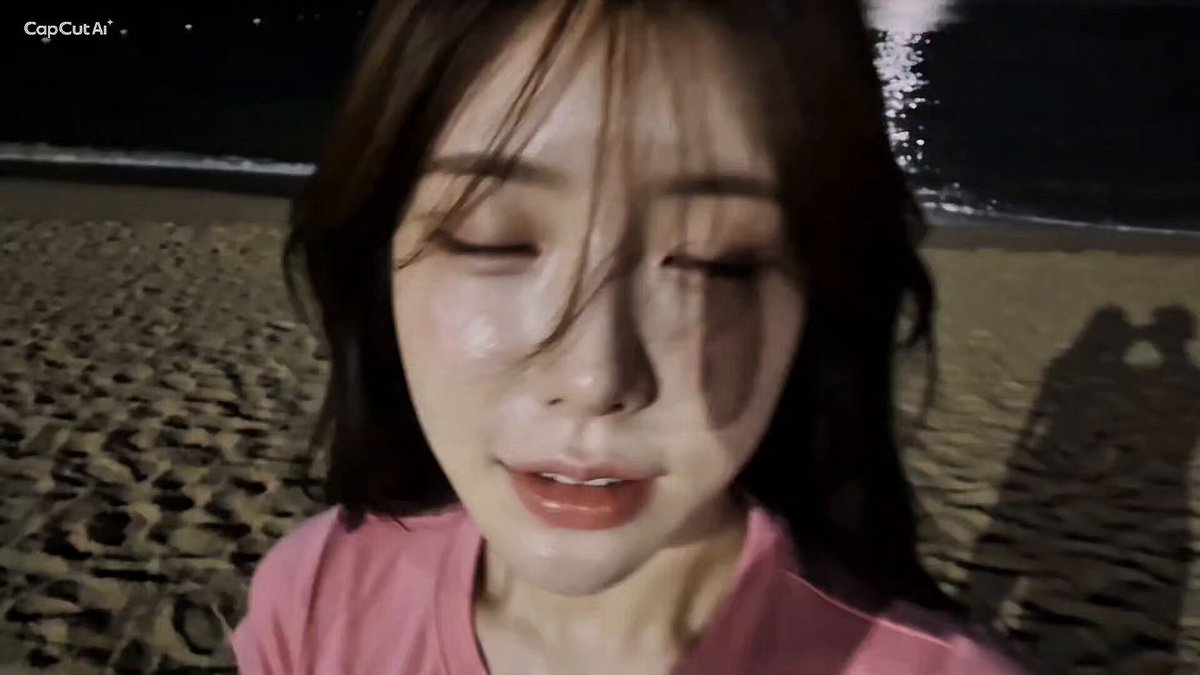
A nostalgic first-person perspective video prompt mimicking a handheld 16mm DV camcorder aesthetic at a night beach.
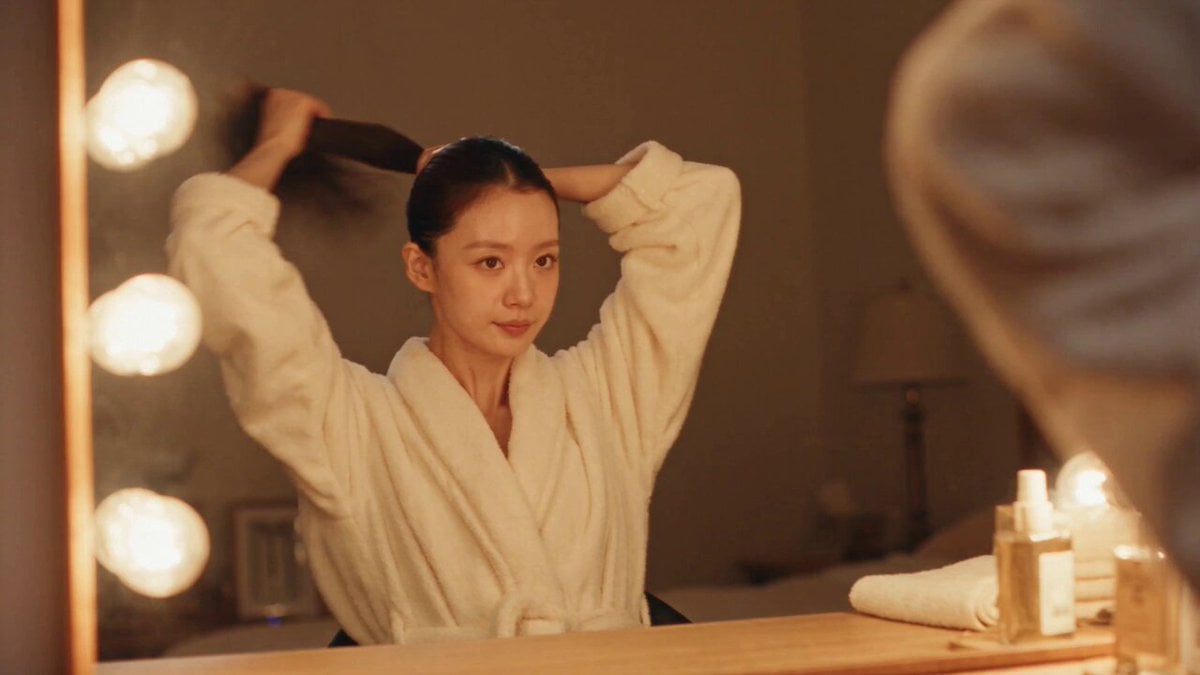
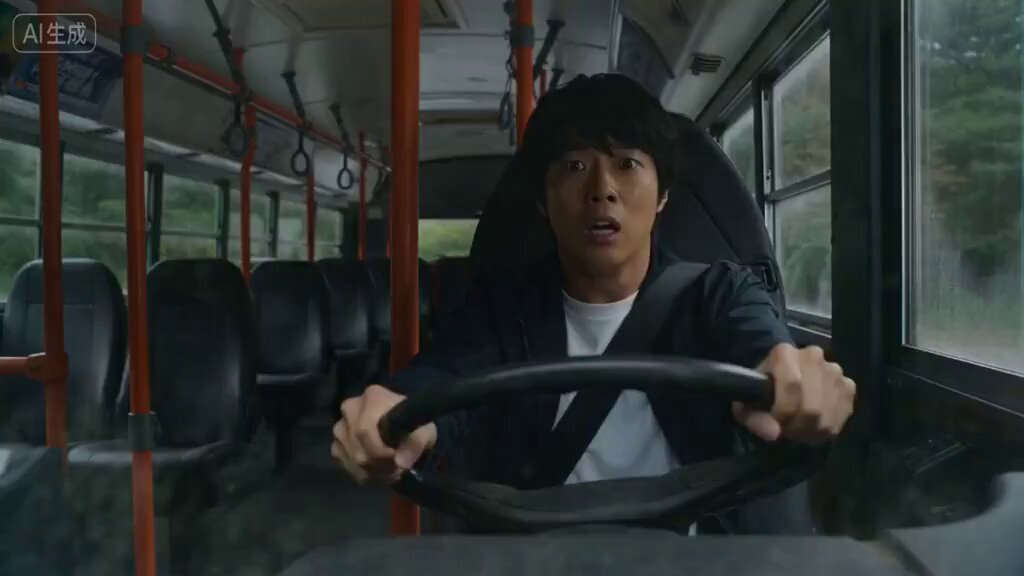
Image 1: Woman Image 2: Man CAMERA Shot in the style of a handheld DV 16mm tape camcorder. The footage is filmed entirely from Image 2's point of view, with him holding the camcorder himself. Maintain authentic handheld imperfections throughout: natural hand shake off-center framing delayed autofocus clumsy zoom-ins and zoom-outs self-camera shots where faces are sometimes partially cut off imperfect framing that occasionally loses the subject Every shot is either a selfie shot or first-person POV filmed by Image 2. The camcorder itself never appears on screen. SCENE Image 1 and Image 2 are at Gangneung Beach at night. Image 1 hugs Image 2 from the front, lifting him into her arms. The camera is filmed from Image 2's perspective while being carried. Image 1: "That confession you made earlier... was it real... or not?" "Be clear. Tell me honestly." Image 2: "Whyyy~~ Can't I joke around~~?" Still carrying Image 2 in his arms, Image 1 suddenly runs into the ocean. Image 2: "Hey! Hey!! Don't do it!!!" The camera shakes violently as they rush into the water, and the video abruptly ends. LOOK A DV 16mm tape camcorder travel footage aesthetic: soft, slightly blurry digital tape image quality subtle tape noise highlights that bloom slightly under natural light minor automatic exposure fluctuations muted, low-contrast colors realistic skin tones AUDIO Natural nighttime ocean waves. Audio recorded with an old camcorder, including noticeable tape hiss and recording noise.
Image 1: Woman Image 2: Man CAMERA Shot in the style of a handheld DV 16mm tape camcorder. The footage is filmed entirely from Image 2's point of view, with him holding the camcorder himself. Maintain authentic handheld imperfections throughout: natural hand shake off-center framing delayed autofocus clumsy zoom-ins and zoom-outs self-camera shots where faces are sometimes partially cut off imperfect framing that occasionally loses the subject Every shot is either a selfie shot or first-person POV filmed by Image 2. The camcorder itself never appears on screen. SCENE Image 1 and Image 2 are at Gangneung Beach at night. Image 1 hugs Image 2 from the front, lifting him into her arms. The camera is filmed from Image 2's perspective while being carried. Image 1: "That confession you made earlier... was it real... or not?" "Be clear. Tell me honestly." Image 2: "Whyyy~~ Can't I joke around~~?" Still carrying Image 2 in his arms, Image 1 suddenly runs into the ocean. Image 2: "Hey! Hey!! Don't do it!!!" The camera shakes violently as they rush into the water, and the video abruptly ends. LOOK A DV 16mm tape camcorder travel footage aesthetic: soft, slightly blurry digital tape image quality subtle tape noise highlights that bloom slightly under natural light minor automatic exposure fluctuations muted, low-contrast colors realistic skin tones AUDIO Natural nighttime ocean waves. Audio recorded with an old camcorder, including noticeable tape hiss and recording noise.
Edit the prompt in the box under the preview — the template's model and format are already selected — and press Generate. Your version appears right on this page.
Yes. You can change the subject, setting, lighting, mood, format, and available model controls before creating your video.
Opening and editing this template is free. Generating uses credits, shown on the Generate button when you are signed in.
Start with Seedance 2.0, which is the model associated with this template. You can compare another compatible model for a different finish.
Follow a topic to a crawlable collection of related PicX Studio templates.