
Sci-fi Cinematic 360-Degree Rotation Prompt
A highly detailed, two-shot cinematic prompt for Seedance 2.0, set in a Hollywood Sci-fi style.
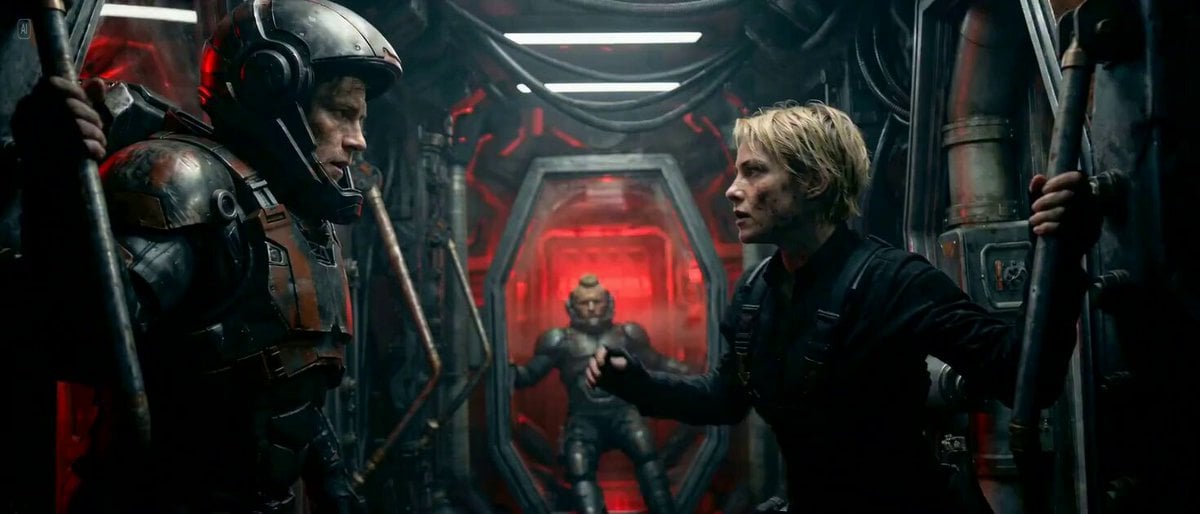
- Prompt included
- Model and format preset
- Premium template
The prompt behind this video
Copy the exact prompt behind Sci-fi Cinematic 360-Degree Rotation Prompt, or open it in the studio and make it yours.
【Style】 Hollywood Sci-fi cinematic. The entire camera frame rotates 360 degrees in a slow, sickening corkscrew to match the ship's roll. 【Duration】 10 seconds Characters: Darrow (@): Charcoal heavy mech armor, golden hair visible before the helmet closes. Sevro (@): Background character, rugged mohawk, checking gear. Victra (@): Tall, fierce woman in high-tech tactical gear. Shot Actions: Shot 1 (The Anchored Kiss): Medium Shot on Darrow and Victra. As the frigate begins a violent corkscrew maneuver to dodge flak, the gravity shifts. The camera begins to rotate 180 degrees. Darrow and Victra are forced to grab onto a hydraulic steam pipe and a magnetic rail to stay upright. Mid-rotation, Victra pulls Darrow in by his chest plate for a firm, desperate kiss. In the background, Sevro is visible bracing his boots against the floor to keep from sliding. Shot 2 (The Impact & Visor): Extreme Close-up. The ship takes a massive kinetic hit to the hull; a violent jolt shakes the camera frame. Victra pulls back, her face illuminated by flickering red strobes, and whispers in a British accent: "Good luck." She reaches up and slams Darrow’s heavy metallic helmet visor down over his face with a loud mechanical clack. Another massive impact jolts the camera just as the visor locks, and the frame completes its 360-degree rotation into total chaos.
How to use Sci-fi Cinematic 360-Degree Rotation Prompt in 3 steps
- 1
Open
The prompt is already in the box next to the preview, with the template's model and format selected.
- 2…a portrait of your subject in softgolden-hour light, 85mm…
Personalize
Edit the subject and creative details for your destination.
- 3Generate
Generate
Press Generate — your video is created in PicX Studio, so you can compare it with the original and refine one variable at a time.
More like this
Templates with the same subject, style or setup. Open one to see its prompt.
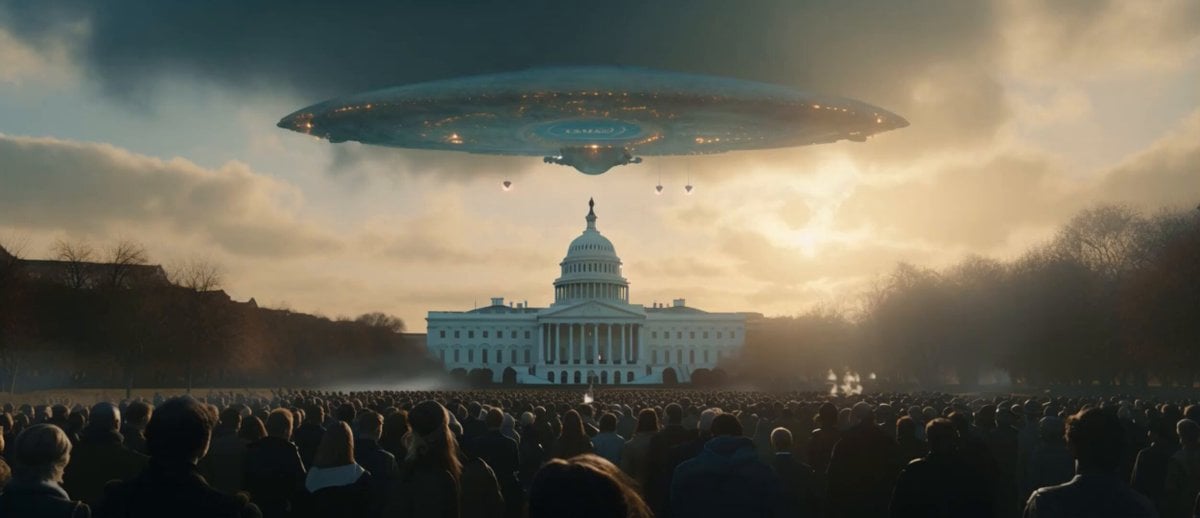
Sci-Fi Disaster Movie Scene - Seedance 2.5
Degree Camera Rotation
Thunder Camera Rotation Xianxia Fashion Video
Image Rotation and Color Flare Video
Precise Character Rotation Sequence
Degree Orbiting Camera Work
Jesus is dead statue rotation with tears
Cyberpunk Samurai Action Figure Rotation
Chibi Blonde Magazine Rotation

Static Exhibit Light Rotation
degree Panoramic Selfie in a Dessert Shop
Cinematic video with continuous rotation match cut
Make it yours
Sci-fi Cinematic 360-Degree Rotation Prompt works as-is. These are the safest ways to change it without losing the look.
Change one field
Copy a single group, rewrite it, and generate again so you can see what that field is doing.
Keep the frame, change the subject
Hold the composition and light of Sci-fi Cinematic 360-Degree Rotation Prompt, then swap wardrobe, props or the person for a new take.
| If the result… | Why | Fix |
|---|---|---|
| The result drifts from the preview | Too many fields changed at once. | Reuse Sci-fi Cinematic 360-Degree Rotation Prompt as-is first, then change one group — subject, light, or setting. |
| The model over-stylizes the scene | The prose prompt leaves finish and camera underspecified. | Add one camera or lighting sentence and stay on Seedance 2.0. |
More Seedance 2.0 templates
Other prompts made for Seedance 2.0.

Comical Martial Arts Punch Scene

Maglev Train Action Sequence

Martial Arts Fight Sequence

Wuxia Protection and Trust Script

Vintage Korean Arcade MiniDV Vlog

Mercedes 190 SL Luxury Ad

Rainy Night Supernatural Reverse Comedy Video Script

Amazon Civilization Discovery

Futuristic South Asian City Transformation

Cozy Luxury Cafe Commercial
More video prompts
Fresh picks from across the catalog.
Japanese Fantasy Barrier Master Anime
Dark Comedy Street Rescue
Prison Cell Dialogue Prompt
Rooftop Survival Zone Cinematic Video
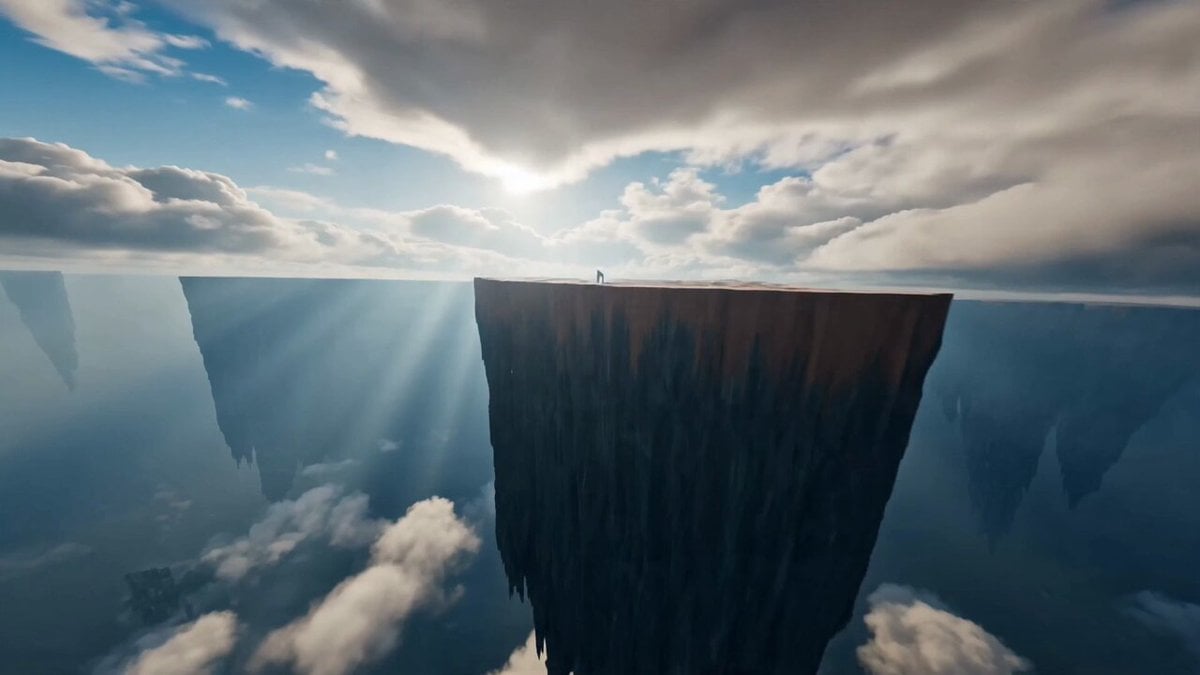
Immersive FPV Surreal Flying Perspective
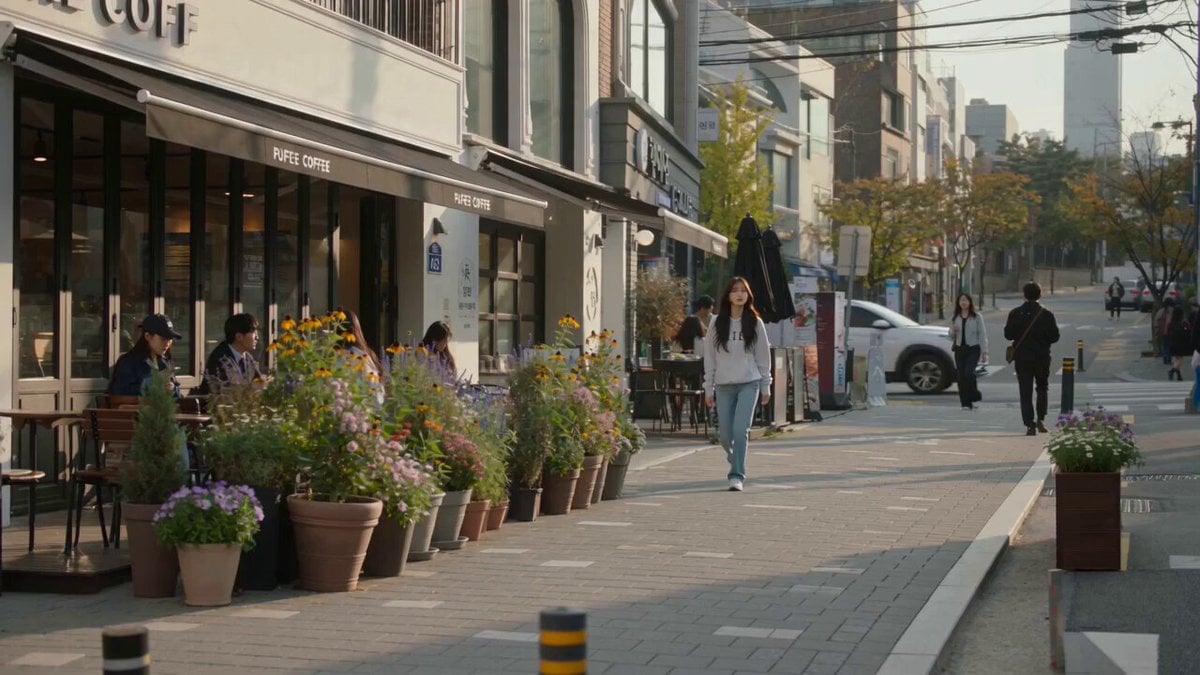
Urban Lifestyle Smartphone Photography
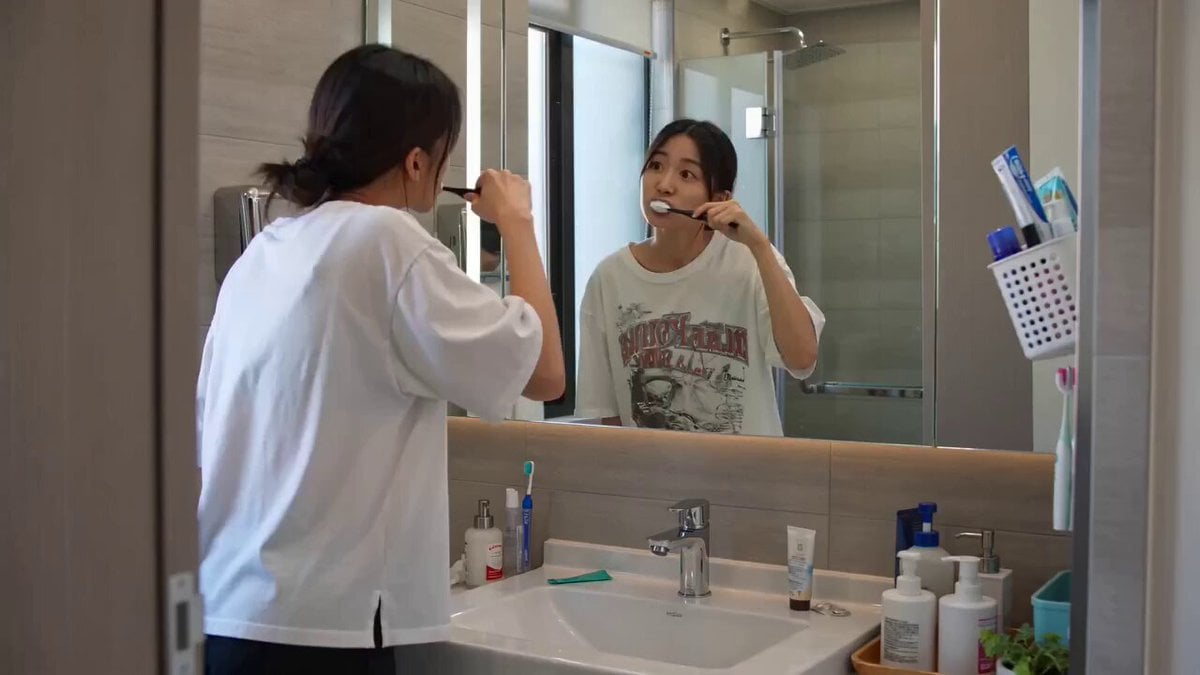
Seedance 2.0 Text-to-Video Prompt: Suspense Comedy Mirror Glitch
Claude Prompt: Predictive Insights and Scenario Analysis

Beauty Advent Calendar Unboxing Vlog
Cinematic Giant Insect Horror Short Film Prompt
Browse template categories
Sci-fi Cinematic 360-Degree Rotation Prompt questions
How do I use the Sci-fi Cinematic 360-Degree Rotation Prompt template?
Add your photo if the template asks for one, edit the prompt if you like — the template's model and format are already selected — and press Generate. Your version opens in PicX Studio.
Can I customize the Sci-fi Cinematic 360-Degree Rotation Prompt template?
Yes. You can change the subject, setting, lighting, mood, format, and available model controls before creating your video.
Is the Sci-fi Cinematic 360-Degree Rotation Prompt template free?
Opening and editing this template is free. Generating uses credits, shown on the Generate button when you are signed in.
Which AI model should I use?
Start with Seedance 2.0, which is the model associated with this template. You can compare another compatible model for a different finish.
Looking for something else? Browse all templates.

Your photo, any look
Thousands of ready templates for every top image and video model, from one credit balance.