
Dark Comedy Street Rescue
A multi-shot screenplay-style prompt for a dark comedy scene featuring cats and hyenas in a chaotic street rescue scenario.
- Prompt included
- Model and format preset
- Free template
The prompt behind this video
Copy the exact prompt behind Dark Comedy Street Rescue, or open it in the studio and make it yours.
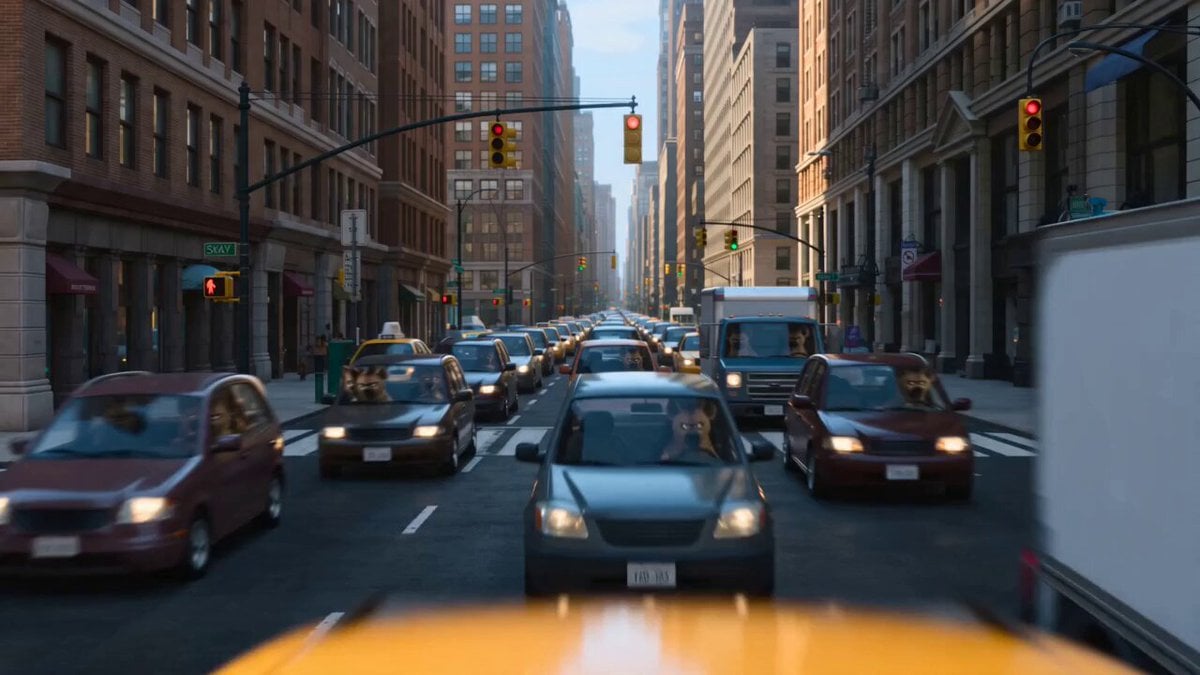
project: crosswalk_chaos_v1 format: vertical_9x16 fps: 24 shot_duration: ~0.9s total_shots: 16 total_duration: 15s style: American dark comedy, fast-paced, expressive animation, exaggerated reactions, cinematic lighting, slight handheld shake Global rule: All hyenas are inside vehicles as drivers. No human pedestrians appear anywhere in the scene. SHOT 1 (0:00–0:01) Wide shot. Busy chaotic street packed with speeding cars driven by aggressive hyenas. No pedestrians on the road. Honking everywhere. Audio: horns blaring, engines roaring. SHOT 2 (0:01–0:02) Close-up. Gray cat in blue overalls, right leg in cast, holding a crutch. Sweating, hopeless expression. Gray Cat (muttering): “No way…” SHOT 3 (0:02–0:03) Over-shoulder rear shot. The gray cat’s shoulders and head dominate foreground, completely still, frozen in place at the curb. In the background, cars blast past at high speed in continuous motion blur, barely any gaps. A taxi swerves by — a sunglasses-wearing hyena driver leans out of the driver seat window toward camera. Hyena Driver (shouting): “Don’t block the road!” SHOT 4 (0:03–0:04) Medium shot. Behind him, stylish white cat in pink t-shirt and white pants notices. Oversized diamond sunglasses sparkle. White Cat: “Oh boy…” SHOT 5 (0:04–0:05) Cut to sidewalk. Kindergarten bunnies walking with backpacks, holding floating balloons. Innocent vibe. No humans present. SHOT 6 (0:05–0:06) Fast action. White cat snatches a white balloon from a bunny. Bunny: “Hey—!” SHOT 7 (0:06–0:07) Close-up. White cat stuffs balloon under shirt, forming a fake pregnant belly. Shirt stretches. SHOT 8 (0:07–0:08) White cat steps onto crosswalk, one hand holding belly, acting in pain. Dramatic limp. White Cat (groaning): “Oh… it’s happening…” SHOT 9 (0:08–0:09) Cars slam brakes simultaneously. Tires screech. All visible hyenas remain inside driver seats, shocked. Hyena Driver: “Whoa!!” SHOT 10 (0:09–0:10) Wide shot. Entire road frozen. Engines idling. White cat confidently turns back. SHOT 11 (0:10–0:11) White cat grabs gray cat’s hand. White Cat: “Let’s go!” Gray Cat: “Seriously?!” SHOT 12 (0:11–0:12) They hurry across. Gray cat limps fast, nearly tripping. SHOT 13 (0:12–0:13) Close-up. Balloon under shirt suddenly POPS loudly. SFX: *BANG!* SHOT 14 (0:13–0:14) White cat freezes. Belly instantly flat. Awkward silence. Sunglasses slightly tilt. SHOT 15 (0:14–0:15) Hyena drivers still inside vehicles turn furious, honking aggressively. White cat pushes gray cat to safety, then bows repeatedly in the middle of the road. White Cat (shouting): “MY BAD, SORRY!”
How to use Dark Comedy Street Rescue in 3 steps
- 1
Open
The prompt is already in the box next to the preview, with the template's model and format selected.
- 2…a portrait of your subject in softgolden-hour light, 85mm…
Personalize
Edit the subject and creative details for your destination.
- 3Generate
Generate
Press Generate — your video is created in PicX Studio, so you can compare it with the original and refine one variable at a time.
More like this
Templates with the same subject, style or setup. Open one to see its prompt.

Dark Tokusatsu Transformation - Seedance 2.5
Viking in Modern America Comedy - Seedance 2.5

Realistic City Street Story Cinematic Video - Seedance
Comedy Coke Bottle Prank Reel — Kling 3.0 O3 Pro

Live-Action Firefighter Rescue Night Scene

Cartoon Donut Heist Bakery Chase
Sci-Fi Dark Comedy Chase Scene

Nano Banana Seedance Time Control Streets
Skybridge Rescue — Supertall Tower Collapse (Seedance)
Dragon Rescue — Volcanic Kingdom Collapse (Seedance)
Dim Sum Chase — Shrimp Dumpling Monster
Animal Garden Party Bar — Comedy Short
Make it yours
Dark Comedy Street Rescue works as-is. These are the safest ways to change it without losing the look.
Change one field
Copy a single group, rewrite it, and generate again so you can see what that field is doing.
Keep the frame, change the subject
Hold the composition and light of Dark Comedy Street Rescue, then swap wardrobe, props or the person for a new take.
| If the result… | Why | Fix |
|---|---|---|
| The result drifts from the preview | Too many fields changed at once. | Reuse Dark Comedy Street Rescue as-is first, then change one group — subject, light, or setting. |
| The model over-stylizes the scene | The prose prompt leaves finish and camera underspecified. | Add one camera or lighting sentence and stay on Seedance 2.0. |
More Seedance 2.0 templates
Other prompts made for Seedance 2.0.

Comical Martial Arts Punch Scene

Maglev Train Action Sequence

Martial Arts Fight Sequence

Wuxia Protection and Trust Script

Vintage Korean Arcade MiniDV Vlog

Mercedes 190 SL Luxury Ad

Amazon Civilization Discovery

Futuristic South Asian City Transformation

Cozy Luxury Cafe Commercial

Cyber Ronin Nanotech Transformation Video
More video prompts
Fresh picks from across the catalog.
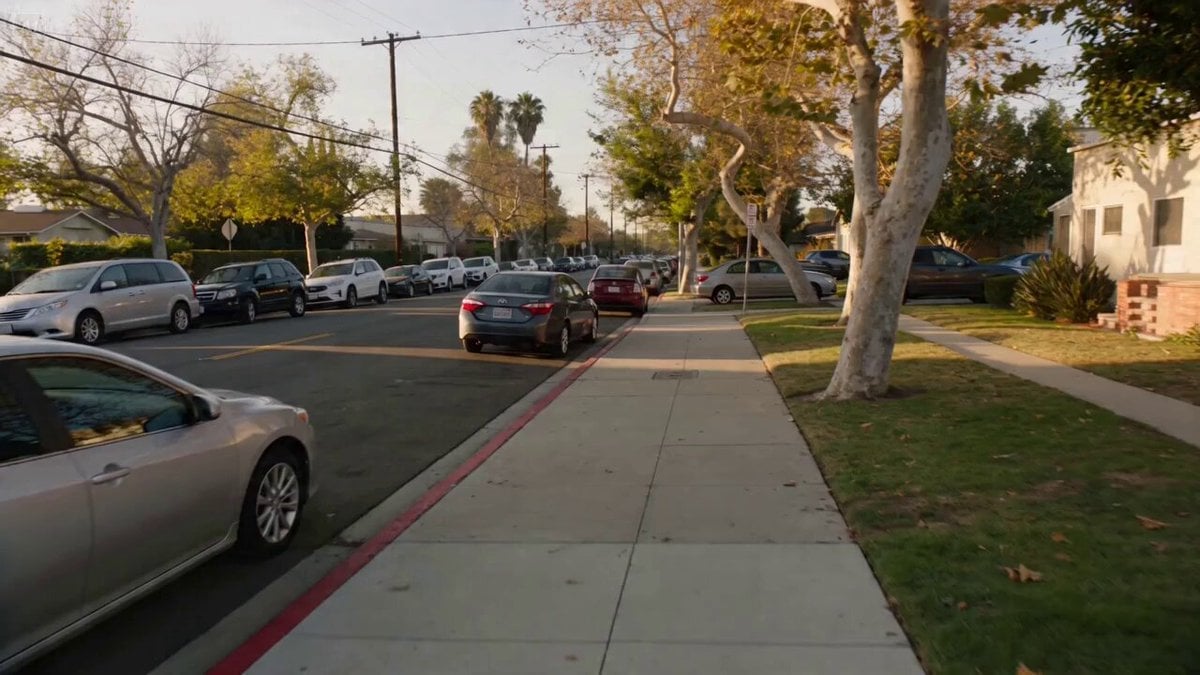
Documentary Realism Car Crash Scene
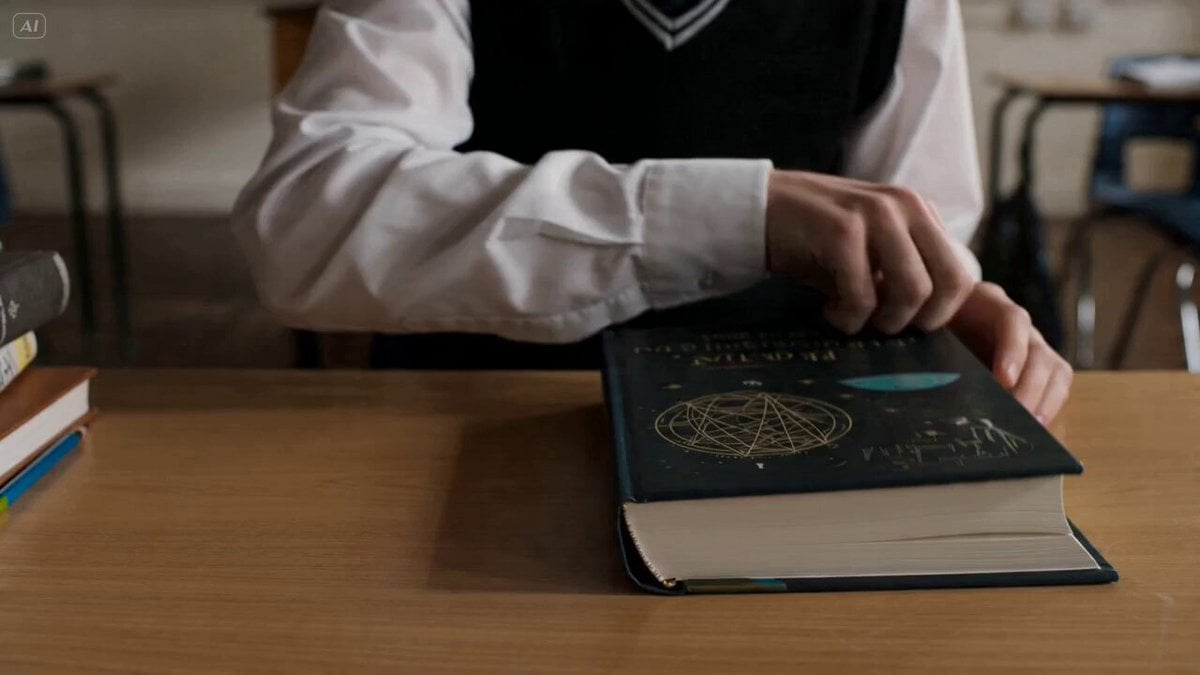
Textbook Inspiration Video Prompt for Seedance 2
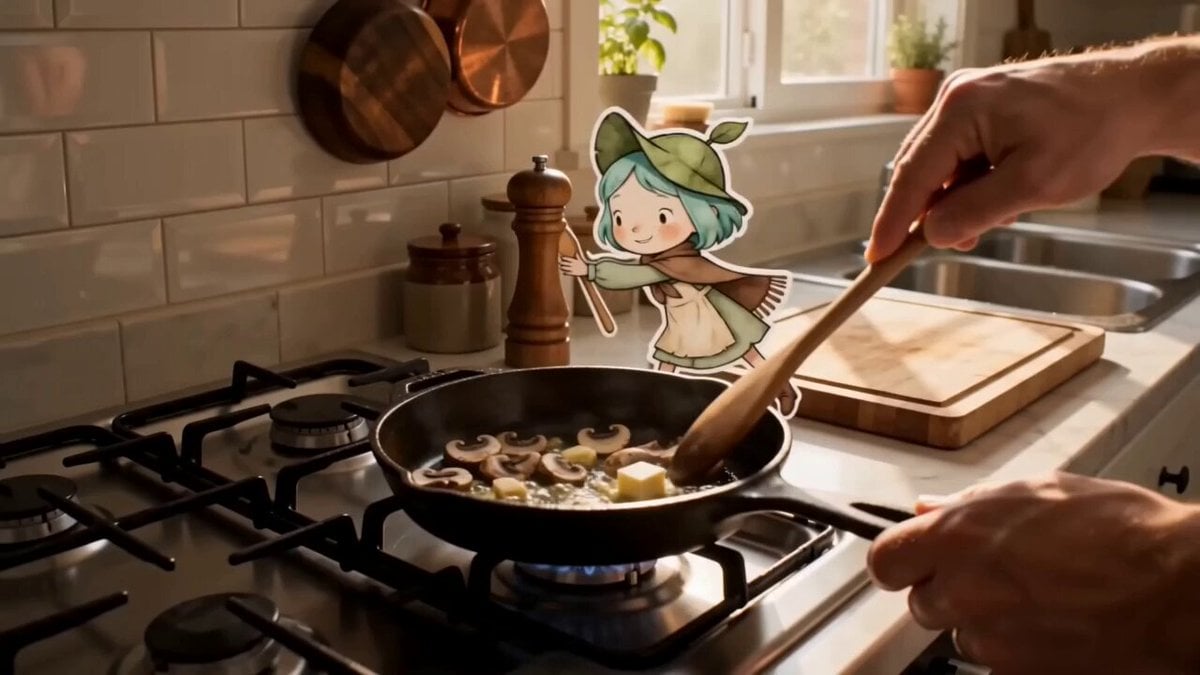
Mixed Reality Anime Sticker Cooking
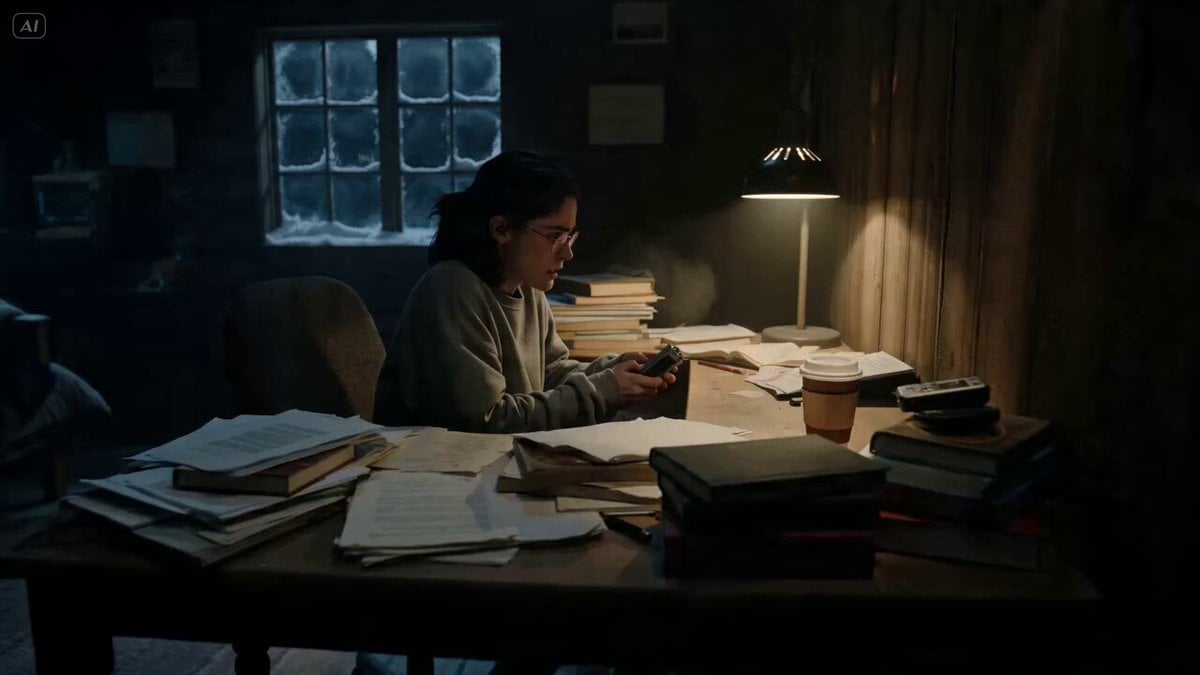
Ghost Lore Horror Short Film
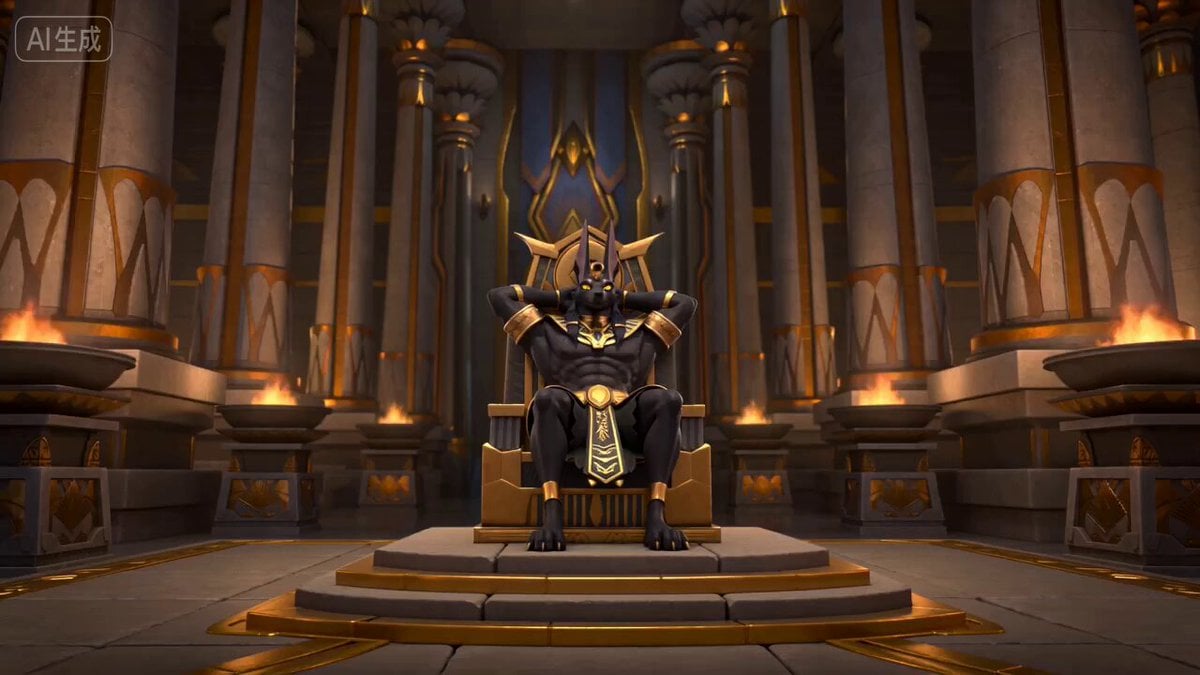
Anubis Tickle Scene
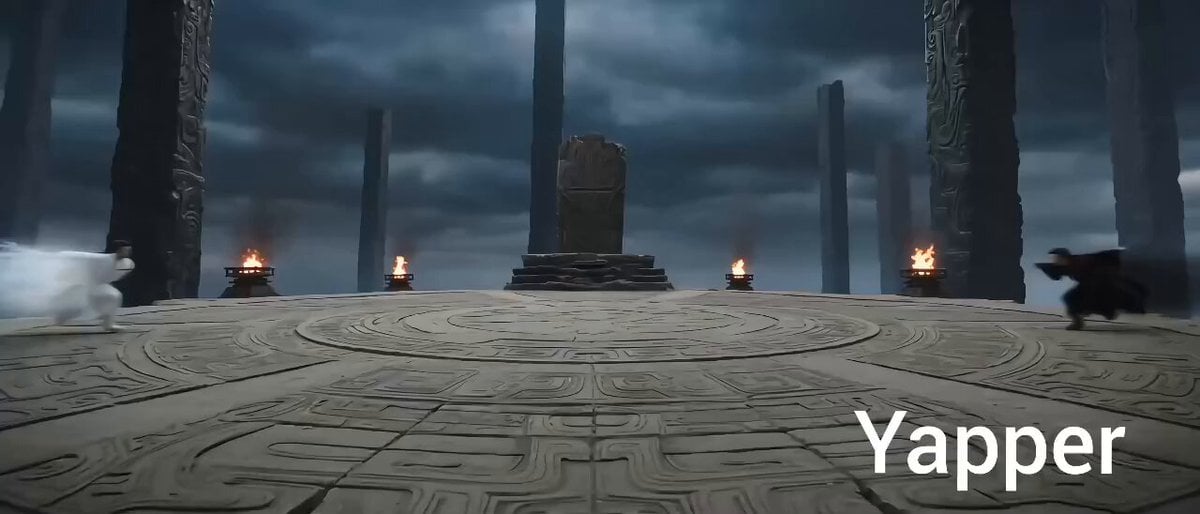
Eastern Wuxia Ultimate Showdown

Sinking of the Battleship Yamato
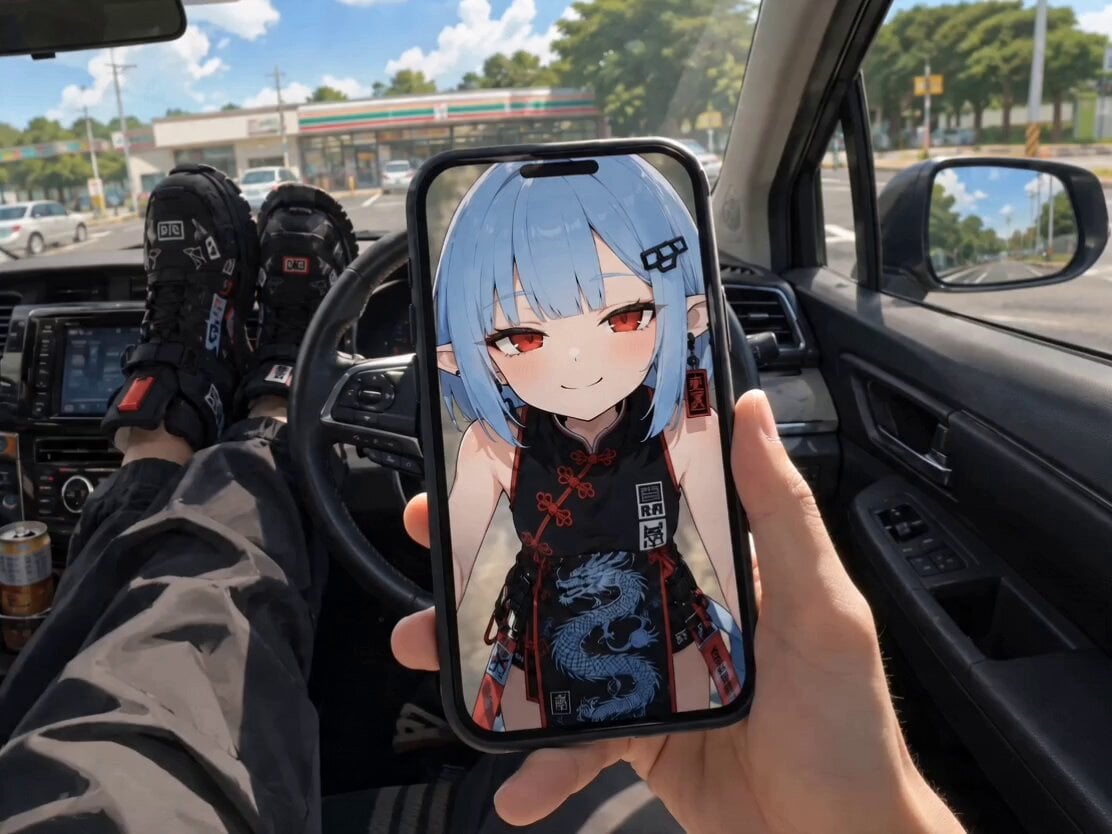
POV Singing Video Call in Car
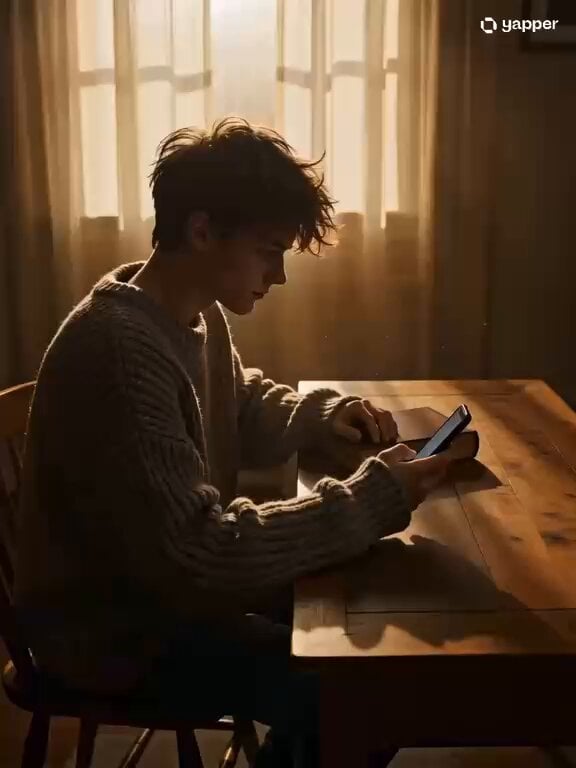
Cozy Indoor Reading Scene

Dramatic low-angle cinematic prompt of a knight charging on a warhorse
Browse template categories
Dark Comedy Street Rescue questions
How do I use the Dark Comedy Street Rescue template?
Add your photo if the template asks for one, edit the prompt if you like — the template's model and format are already selected — and press Generate. Your version opens in PicX Studio.
Can I customize the Dark Comedy Street Rescue template?
Yes. You can change the subject, setting, lighting, mood, format, and available model controls before creating your video.
Is the Dark Comedy Street Rescue template free?
Opening and editing this template is free. Generating uses credits, shown on the Generate button when you are signed in.
Which AI model should I use?
Start with Seedance 2.0, which is the model associated with this template. You can compare another compatible model for a different finish.
Looking for something else? Browse all templates.

Your photo, any look
Thousands of ready templates for every top image and video model, from one credit balance.