
Urban Lifestyle Smartphone Photography
A vertical lifestyle vlog prompt showing a woman taking photos on a modern city street with a focus on phone screen interactions.
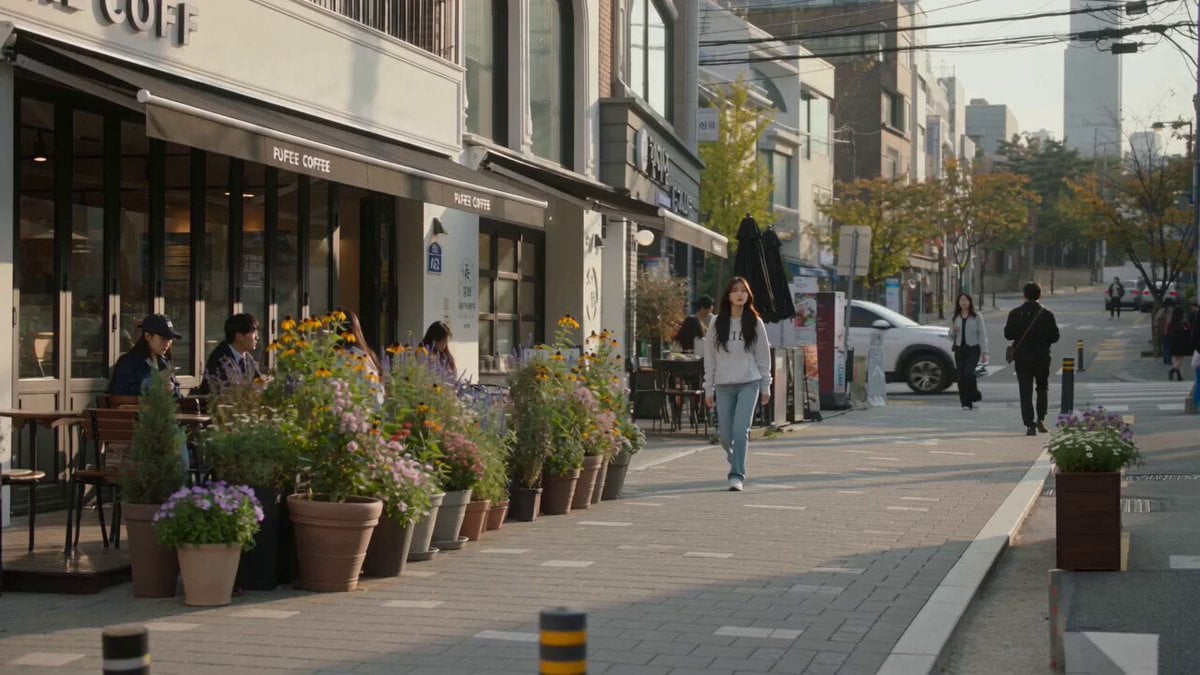
- Prompt included
- Model and format preset
- Free template
The prompt behind this video
Copy the exact prompt behind Urban Lifestyle Smartphone Photography, or open it in the studio and make it yours.
Create a 15-second ultra-realistic vertical lifestyle video using the reference image. Keep the exact same woman, facial identity, hairstyle, outfit, body proportions, and appearance throughout. She walks through a charming modern city street and notices a beautiful scene worth photographing. Start with a wide rear three-quarter shot as she approaches and stops. Cut to a medium side shot as she takes out her phone and tries the first composition, then checks the result with slight dissatisfaction. Include a clear POV/over-the-shoulder shot focused on the smartphone screen, showing the actual live camera view of the street inside the phone display as she slowly moves the phone and searches for the perfect framing. Make the phone interface, reflections, exposure, and camera preview physically realistic. Then use a rear three-quarter shot as she changes position, steps sideways, and slightly crouches to find a better angle. Follow with a close over-the-shoulder shot of the phone as she captures the final photo. End with a front medium tracking shot as she looks at the result, gives a subtle satisfied smile, lowers her phone, and continues walking. Keep the acting understated and natural: curious → focused → slightly dissatisfied → concentrated → satisfied. Use authentic handheld smartphone movement, natural autofocus, realistic depth of field, soft daylight, natural skin texture, realistic urban background, pedestrians, reflections, and shadows. Photorealistic Korean lifestyle vlog aesthetic, cinematic but candid, 24fps. Avoid exaggerated expressions, dramatic acting, excessive camera shake, repetitive close-ups, face/identity changes, outfit changes, distorted hands, extra fingers, unnatural movement, or unrealistic phone-screen rendering.
How to use Urban Lifestyle Smartphone Photography in 3 steps
- 1Upload ImagePNG, JPG or paste
Add your photo
Upload the photo the template builds on. The prompt, model and format are already set.
- 2…a portrait of your subject in softgolden-hour light, 85mm…
Personalize
Edit the subject and creative details for your destination.
- 3Generate
Generate
Press Generate — your video is created in PicX Studio, so you can compare it with the original and refine one variable at a time.
More like this
Templates with the same subject, style or setup. Open one to see its prompt.
Authentic Smartphone Lifestyle Vlog

Realistic Morning Routine Lifestyle Vlog - Seedance 2.5

Mediterranean Morning Coffee Run Vlog (Seedance 2.5)

Kenting Lifestyle Travel Vlog

Smartphone Travel Vlog Tokyo Trip Identity Preserved

Studio Ghibli Dumpling Kitchen Cooking Scene
Out of Control — Seedance 2.0
Nani Banana Pro + Seedance 2.0 Cinematic Lifestyle
Whale in the Sky — City Shadows (Kling AI)
Urban Night Rain Tracking Shot

Fashion GRWM Smartphone Vlog
Korean Festival Smartphone Vlog
Make it yours
Urban Lifestyle Smartphone Photography works as-is. These are the safest ways to change it without losing the look.
Change one field
Copy a single group, rewrite it, and generate again so you can see what that field is doing.
Keep the frame, change the subject
Hold the composition and light of Urban Lifestyle Smartphone Photography, then swap wardrobe, props or the person for a new take.
| If the result… | Why | Fix |
|---|---|---|
| The result drifts from the preview | Too many fields changed at once. | Reuse Urban Lifestyle Smartphone Photography as-is first, then change one group — subject, light, or setting. |
| The model over-stylizes the scene | The prose prompt leaves finish and camera underspecified. | Add one camera or lighting sentence and stay on Seedance 2.0. |
More Seedance 2.0 templates
Other prompts made for Seedance 2.0.

Comical Martial Arts Punch Scene

Maglev Train Action Sequence

Martial Arts Fight Sequence

Wuxia Protection and Trust Script

Vintage Korean Arcade MiniDV Vlog

Mercedes 190 SL Luxury Ad

Rainy Night Supernatural Reverse Comedy Video Script

Amazon Civilization Discovery

Futuristic South Asian City Transformation

Cozy Luxury Cafe Commercial
More video prompts
Fresh picks from across the catalog.

Sneaky Kitten Scrolling on Phone Under Covers
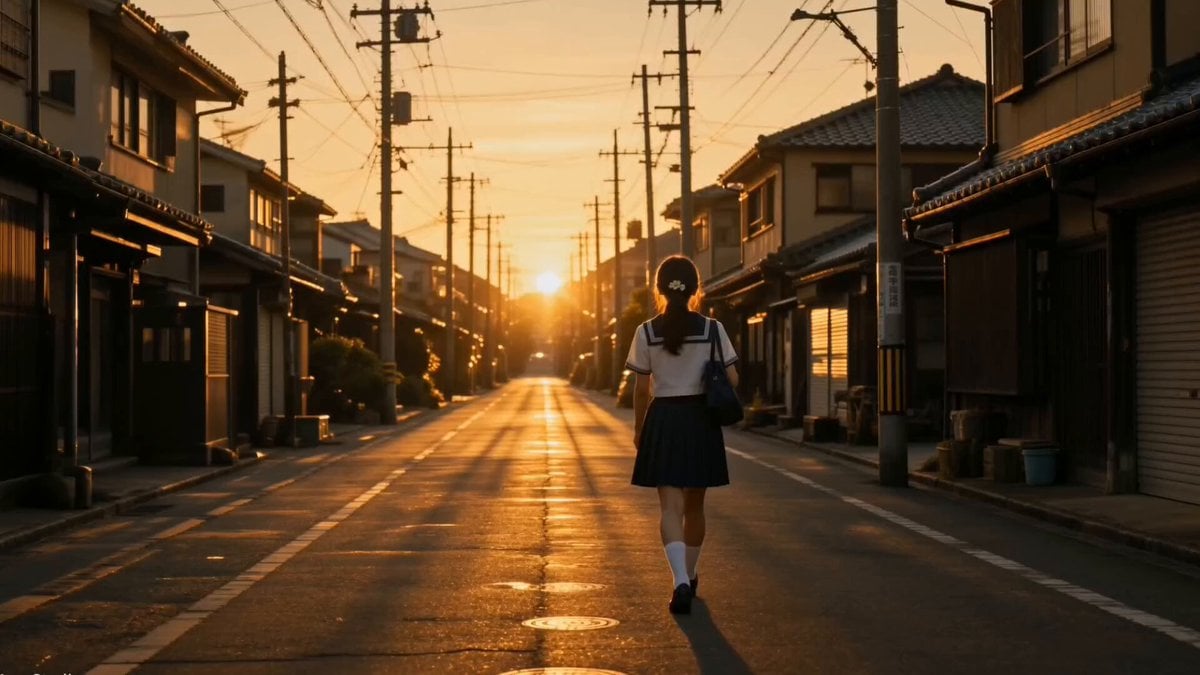
Japanese Coming-of-Age Cinematic Film

Living Metal Organisms Video
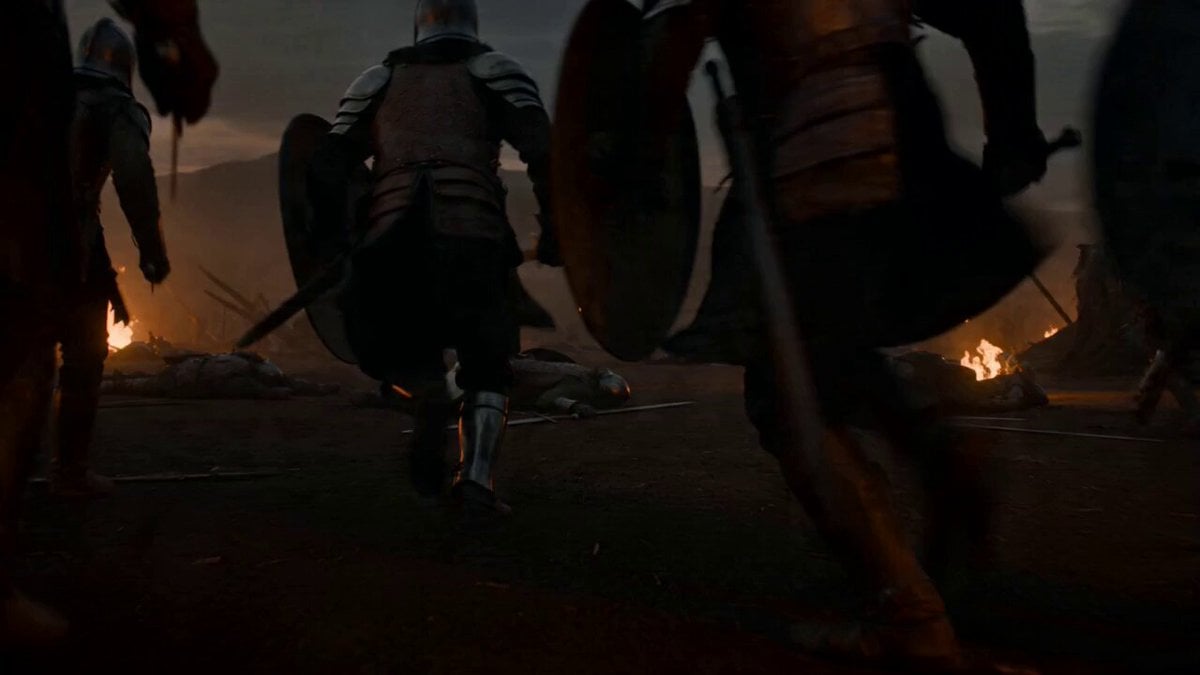
Second Cinematic Fantasy Creature Animation

Anime Character Switching Prompt
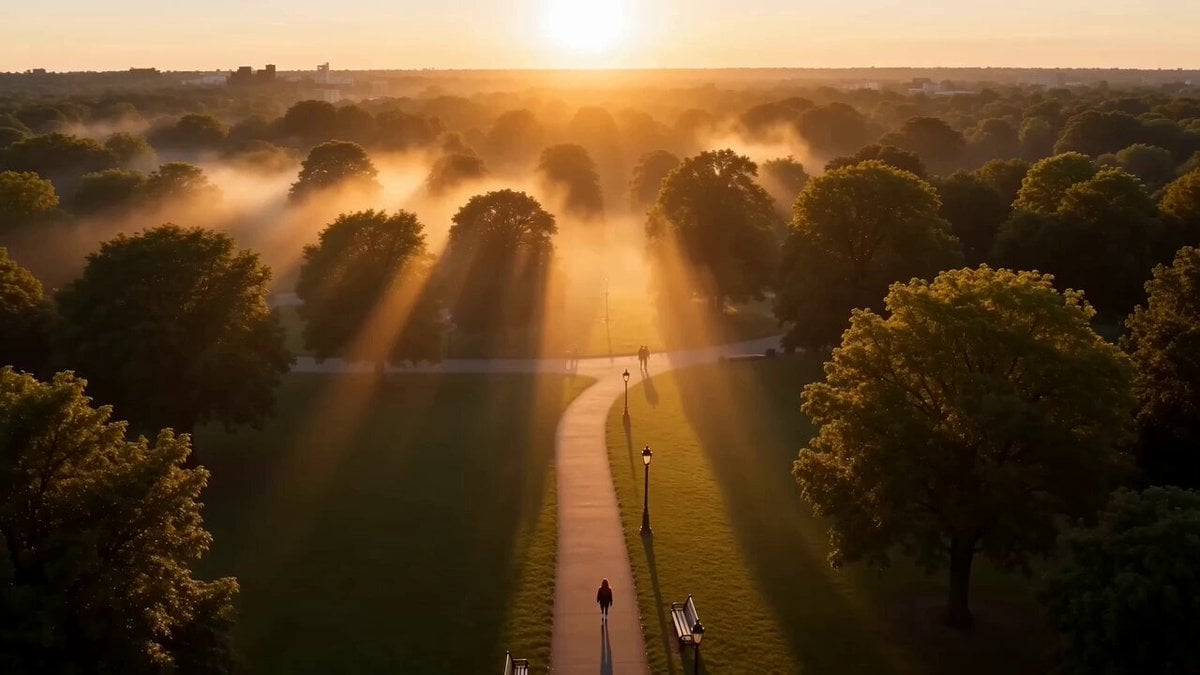
Cinematic Street Justice Action Scene

Cyberpunk Samurai Ronin Animation
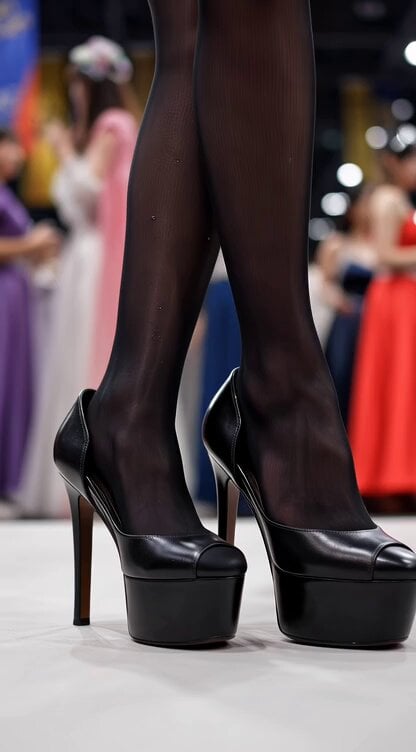
Video generation prompt for a cosplay model's foot and leg focus

Crocodile Ambush Action Sequence
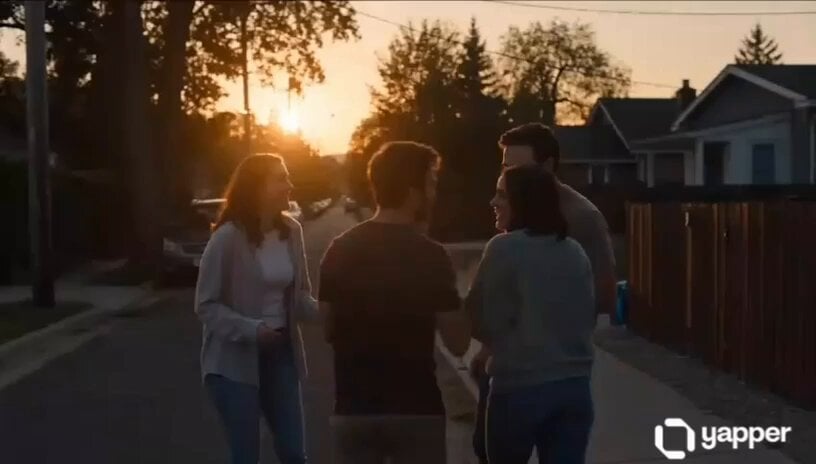
Emotional Neighborhood Short Film
Browse template categories
Urban Lifestyle Smartphone Photography questions
How do I use the Urban Lifestyle Smartphone Photography template?
Add your photo if the template asks for one, edit the prompt if you like — the template's model and format are already selected — and press Generate. Your version opens in PicX Studio.
Can I customize the Urban Lifestyle Smartphone Photography template?
Yes. You can change the subject, setting, lighting, mood, format, and available model controls before creating your video.
Is the Urban Lifestyle Smartphone Photography template free?
Opening and editing this template is free. Generating uses credits, shown on the Generate button when you are signed in.
Which AI model should I use?
Start with Seedance 2.0, which is the model associated with this template. You can compare another compatible model for a different finish.
Looking for something else? Browse all templates.

Your photo, any look
Thousands of ready templates for every top image and video model, from one credit balance.