
Urban Night Rain Tracking Shot
A continuous tracking shot prompt following a character through a misty, rain-slicked city street at night.
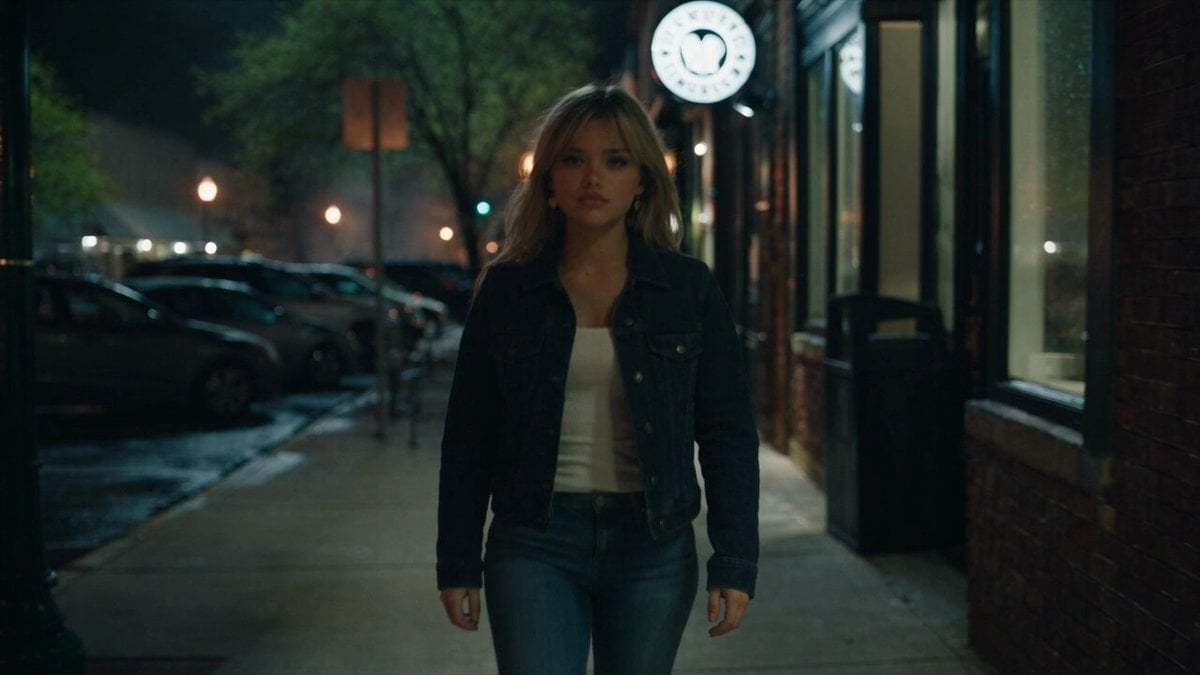
- Prompt included
- Model and format preset
- Free template
The prompt behind this video
Copy the exact prompt behind Urban Night Rain Tracking Shot, or open it in the studio and make it yours.
Medium tracking shot follows @Chris as she walks directly toward the camera through a rain-slicked urban evening. Her gaze remains toward the camera for two beats. As she reaches the camera, she passes closely beside the camera on its left side. The camera immediately pivots and pans with her movement, continuously following the SAME woman from behind as she walks away. There is only one Chris in the entire scene. She never disappears, duplicates, or re-enters the shot. Without cutting, the camera completes the turn behind her, revealing the wet street ahead as she continues walking toward the @blackwood storefront. She steps off the curb and crosses between parked cars with deliberate steps, her silhouette backlit by warm amber streetlights creating long reflections in shallow puddles. The "Blackwood Bar and Grill" store sign glows cool white above dark wood-framed windows, casting a soft halo through the misty air. Handheld camera with subtle natural shake continuously follows her movement. Muted city ambience, distant traffic, footsteps on wet pavement, occasional passing cars. Cinematic color grading with deep teal shadows and warm amber highlights. <image 2>: location <image 1>: Chris character reference integrated_multimodal_description: Cinematic rain-slicked urban evening with deep teal shadows, warm amber highlights, wet asphalt, shallow puddles, and light mist in the air. ONE continuous shot with NO CUTS. There is only ONE Chris in the entire video. Chris must remain the SAME woman with the SAME face, hair, clothing, body, and appearance throughout the entire shot. Never duplicate Chris, never create a second version of her, and never have her disappear and re-enter. [0s–4s] Medium tracking shot. Chris walks directly toward the camera along the wet street, looking toward the camera for approximately two beats. The camera smoothly tracks backward in front of her, keeping her face clearly visible and framed at medium distance. Warm amber streetlights reflect across the wet pavement behind her. [4s–7s] Chris reaches the camera and naturally walks very close past the LEFT side of the camera. IMPORTANT CONTINUITY: the camera does NOT cut away and Chris does NOT leave the continuous action. As her body passes beside the lens, the camera immediately pivots left and rotates approximately 180 degrees with her movement, continuously tracking the SAME Chris as the viewpoint transitions naturally from facing her to following directly behind her. [7s–15s] The camera finishes the pivot behind Chris and continues following the SAME woman from a medium rear tracking position. Ahead of her is the wet urban street and the Blackwood Bar and Grill storefront. Chris steps off the curb and crosses the street, moving carefully between parked cars with deliberate natural steps. She continues directly toward the Blackwood Bar and Grill. Its cool-white illuminated sign reads "Blackwood Bar and Grill" above dark wood-framed windows, creating a soft glow through the mist. Warm amber streetlights backlight Chris and produce long reflections across shallow puddles. Camera behavior: one uninterrupted continuous tracking shot; no edits, no cuts, no teleportation, no character substitution. Natural handheld cinematography with subtle realistic movement and mild walking shake. During the crossover, maintain continuous visual tracking of Chris's physical movement past the camera so there is never an opportunity for a second Chris to appear. Keep Chris close enough to camera for stable character and facial consistency during the opening approach. overall_soundscape: Natural rainy urban evening ambience. Soft footsteps on wet pavement synchronized with Chris's movement, distant traffic hum, subtle tire noise on wet streets, occasional passing cars, faint environmental city sounds, and quiet atmospheric rain and water sounds. non_diegetic_music: None.
How to use Urban Night Rain Tracking Shot in 3 steps
- 1Upload ImagePNG, JPG or paste
Add your photo
Upload the photo the template builds on. The prompt, model and format are already set.
- 2…a portrait of your subject in softgolden-hour light, 85mm…
Personalize
Edit the subject and creative details for your destination.
- 3Generate
Generate
Press Generate — your video is created in PicX Studio, so you can compare it with the original and refine one variable at a time.
More like this
Templates with the same subject, style or setup. Open one to see its prompt.
Forest Fantasy Girl Short Film
Rainforest Thriller — Searching the Unseen
Cinematic Istanbul Night Fight - Seedance 2.5
Late Night Kitchen Phone Recording - Seedance 2.5
Korean Night Market Bullet-Time Scene - Seedance 2.5

Rainy Night Supernatural Reverse Comedy Video Script
FPV Drone Skier Tracking — Kling 3.0 O3 Pro
Early-2000s Trainee Flashback Film

Luxury Lifestyle Day Vlog
Japanese Pure Love Short Film
Iced Coffee Dog Good-News Montage
Italian Old-Town Time-Freeze Walk
Make it yours
Urban Night Rain Tracking Shot works as-is. These are the safest ways to change it without losing the look.
Change one field
Copy a single group, rewrite it, and generate again so you can see what that field is doing.
Keep the frame, change the subject
Hold the composition and light of Urban Night Rain Tracking Shot, then swap wardrobe, props or the person for a new take.
| If the result… | Why | Fix |
|---|---|---|
| The result drifts from the preview | Too many fields changed at once. | Reuse Urban Night Rain Tracking Shot as-is first, then change one group — subject, light, or setting. |
| The model over-stylizes the scene | The prose prompt leaves finish and camera underspecified. | Add one camera or lighting sentence and stay on Seedance 2.0. |
More Seedance 2.0 templates
Other prompts made for Seedance 2.0.

Comical Martial Arts Punch Scene

Maglev Train Action Sequence

Martial Arts Fight Sequence

Wuxia Protection and Trust Script

Vintage Korean Arcade MiniDV Vlog

Mercedes 190 SL Luxury Ad

Amazon Civilization Discovery

Futuristic South Asian City Transformation

Cozy Luxury Cafe Commercial

Cyber Ronin Nanotech Transformation Video
More video prompts
Fresh picks from across the catalog.
Futuristic Anime Parkour Gameplay Cinematic
Spring Outing Vlog Prompt for Seedance 2.0

First Human on Mars Cinematic Sequence
Serpentine Movement Motion Prompt
Backyard Bonfire Memory Montage
Seedance 2.0 Freeze Frame Cinematic Shot
Sheep Gathering at Sunrise Video
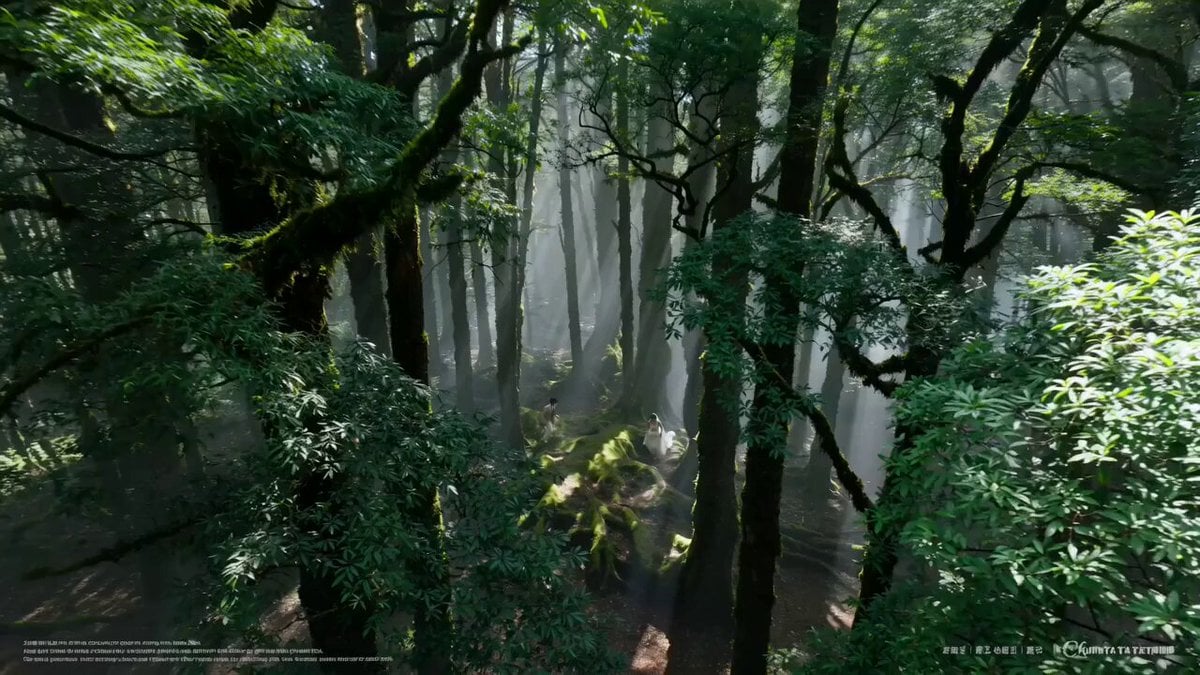
AI Wedding Video Prompt: Minimalist Forest Style with Light Effects
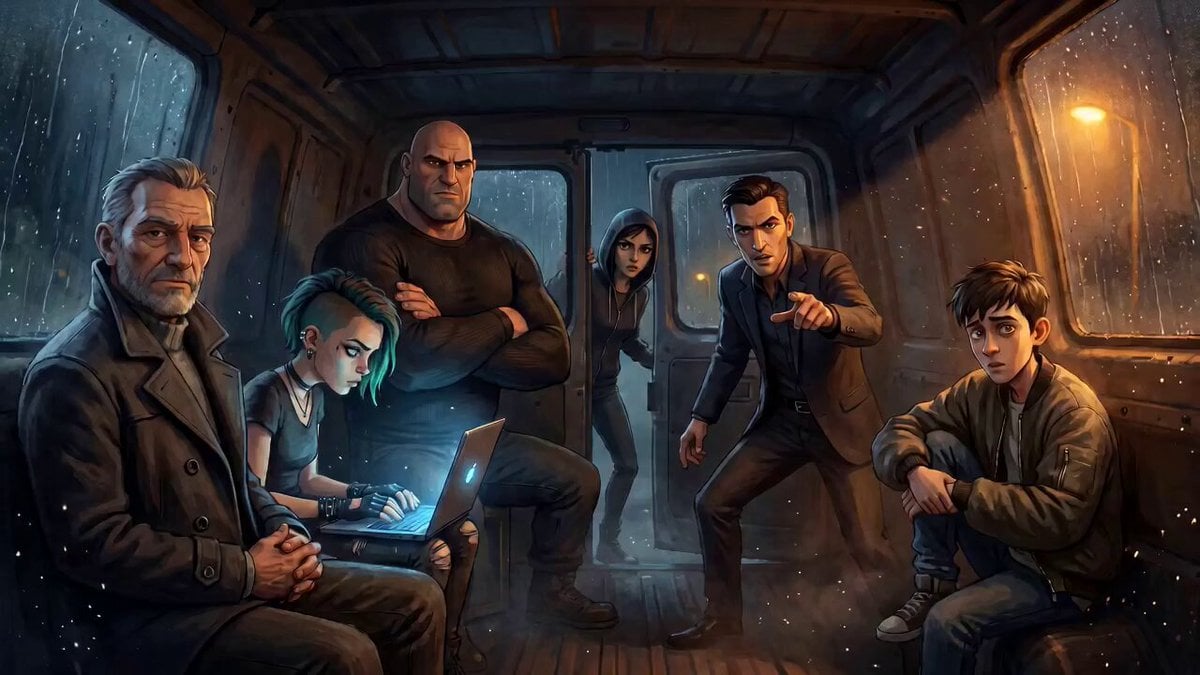
Tense Crime-Thriller Van Interior
Three-Column Space Shooter Game Comparison
Browse template categories
Urban Night Rain Tracking Shot questions
How do I use the Urban Night Rain Tracking Shot template?
Add your photo if the template asks for one, edit the prompt if you like — the template's model and format are already selected — and press Generate. Your version opens in PicX Studio.
Can I customize the Urban Night Rain Tracking Shot template?
Yes. You can change the subject, setting, lighting, mood, format, and available model controls before creating your video.
Is the Urban Night Rain Tracking Shot template free?
Opening and editing this template is free. Generating uses credits, shown on the Generate button when you are signed in.
Which AI model should I use?
Start with Seedance 2.0, which is the model associated with this template. You can compare another compatible model for a different finish.
Looking for something else? Browse all templates.

Your photo, any look
Thousands of ready templates for every top image and video model, from one credit balance.