
Three-Column Space Shooter Game Comparison
A complex technical prompt for generating a side-by-side comparison of vertical space shooter games across three different AI models, focusing on UI consistency and temporal stability.
- Prompt included
- Model and format preset
- Free template
The prompt behind this video
Copy the exact prompt behind Three-Column Space Shooter Game Comparison, or open it in the studio and make it yours.
[Slot Execution Instructions] No replaceable slots are configured. Bracketed sections like [Project Overview] and [Output Checklist] are fixed column names, not slots. Execute directly according to these specifications without inquiring. Do not alter the game genre, model names, 3-column layout, art style, shot count, target duration, or audio design. [Global Highest Priority: Complete Action and Duration Adaptation] This rule takes precedence over all other generation, editing, and compositing requirements. Target Duration: The final Master duration is approximately 28 seconds. Fable 5, Kimi K3, and GPT-5.6 Sol are three parallel tracks playing simultaneously, each running for about 28 seconds. Their durations must not be added together; the Master is not 84 seconds. Sequential Generation: Prioritize generating a continuous 28-second clip for each column in a single pass. If limited by the model's single-generation duration, use last-frame continuation to produce sequential segments. The next segment must seamlessly connect from the last frame of the previous one, inheriting the spaceship, enemies, barrages, items, background scrolling, and HUD visual style. Unified Speed Multiplier: If the total duration of the raw sequential footage in a column exceeds 28 seconds, it is strictly forbidden to crop the clips, delete intermediate actions, or only keep the first few seconds. You must apply a unified speed multiplier (speed_factor = Total Duration / 28) to compress the entire continuous track. Action coverage must be 100%, preserving the sequence from the first frame to the final frame. Continuity: Do not use hard cuts, black/white flashes, or cross-dissolves to mask discontinuities. If a segment fails to inherit the state, it must be regenerated. Audio Resync: After video retiming is complete, resync and produce the BGM and game sound effects. Use pitch-preserving time stretching if original audio must be retained; never delete video actions to match audio length. [Project Overview] Duration & Framerate: Approx. 28 seconds, ~30fps. Aspect Ratio: Horizontal 16:9 (Reference: 1212×720 or proportional HD). Theme: Side-by-side comparison of vertical space shooter games generated by three AI models: Fable 5, Kimi K3, and GPT-5.6 Sol. Art Style: White minimalist tech display frame, deep blue-black space interiors, retro arcade style, cyber neon, vector HUD, and slight CRT glow. Fixed Constraints: Single continuous shot with no camera movement or montages. No real people, live-action devices, or watermarks. Only use doubao or keling 2.6 if video models are required. [Three-Column Detailed Differences] The three game windows are identical in size and alignment, separated by light gray vertical lines. Headers and HUDs are locked as stable graphic layers in post-production. Fable 5 (Left): Minimalist near-black space with sparse stars. Cyan triangular wireframe spaceship firing thin cyan bullets. Magenta geometric wireframe enemies with low density and weak explosion feedback. Top HUD displays score, WAVE, and 3 hearts. Kimi K3 (Center): Traditional arcade style. Deep blue-purple gradient sky. Blue solid spaceship with exhaust flames firing vertical yellow bullets. Magenta, purple, and orange geometric enemies dropping items and showing +100/+200 points upon destruction. Top HUD displays SCORE, LEVEL (advancing 1–6), and heart lives. GPT-5.6 Sol (Right): High-density neon style. Scrolling perspective grid with a planet in the upper right. Fast-moving cyan-white glowing spaceship firing dense yellow-white bullets. Neon-colored enemies entering in scattered, diagonal, or full-row formations, causing massive bullet hells and intense particle explosions. Top HUD displays SCORE, SECTOR, and heart lives. [Storyboard Rhythm] This is a single continuous shot with escalating combat intensity: 00:00–00:08: Simultaneous base shooting. Center column enters Level 2; Right column adds colored enemies and barrages. 00:08–00:20: Intensity increases. Center column reaches Level 4; Right column forms complete formations and drops power-up items; Left column maintains a minimalist pace. 00:20–00:28: Climax. Center column reaches Level 6; Right column unleashes massive bullet hells and multi-row enemy arrays. The video ends abruptly while intense combat is still ongoing. [Standard Execution Steps] Setup Parameters: Initialize fixed specifications (16:9, 28s, 1 shot, 3 parallel tracks, no cropping) in project_spec.json. Video Generation: Generate the three vertical game tracks independently. Maintain strict state inheritance using continuity_state.json at every continuation point to track spaceship, enemies, and UI. Retiming & Assembly: Combine all sequential clips per column and apply the calculated speed_factor to compress each full timeline to exactly 28 seconds. Embed the three tracks into the static white tech frame. UI & Audio Post-Production: Overlay and lock the Logos, titles, and HUD layers. Create a retro electronic arcade audio track with fast synth pulses and 8-bit game SFX (lasers, explosions, level-ups) synchronized to the retiming. Quality Control: Inspect all continuation points to ensure 100% action coverage, stable layouts, and continuous HUD numeric progression. [Output Checklist] project_spec.json, storyboard_final.json, duration_map.json, continuity_state.json, run_log.json assets/ (Static UI, frames, and sprites) source_clips/ (Un-trimmed raw clips) and clips/ (Full sequences and retimed 28s tracks) audio/ (SFX tracks and final mix) final/master.mp4 (Final composite video)
How to use Three-Column Space Shooter Game Comparison in 3 steps
- 1
Open
The prompt is already in the box next to the preview, with the template's model and format selected.
- 2…a portrait of your subject in softgolden-hour light, 85mm…
Personalize
Edit the subject and creative details for your destination.
- 3Generate
Generate
Press Generate — your video is created in PicX Studio, so you can compare it with the original and refine one variable at a time.
More like this
Templates with the same subject, style or setup. Open one to see its prompt.
AAA Tactical Shooter Mission UI and Gameplay
High-Speed Ship Descent with Seedance 2.0
Chibi Cave Adventure — He Doesn't Know What's Coming
Futuristic Space Station Transformation Video
Three Kingdoms Battle Epic

Floating in Space Flight
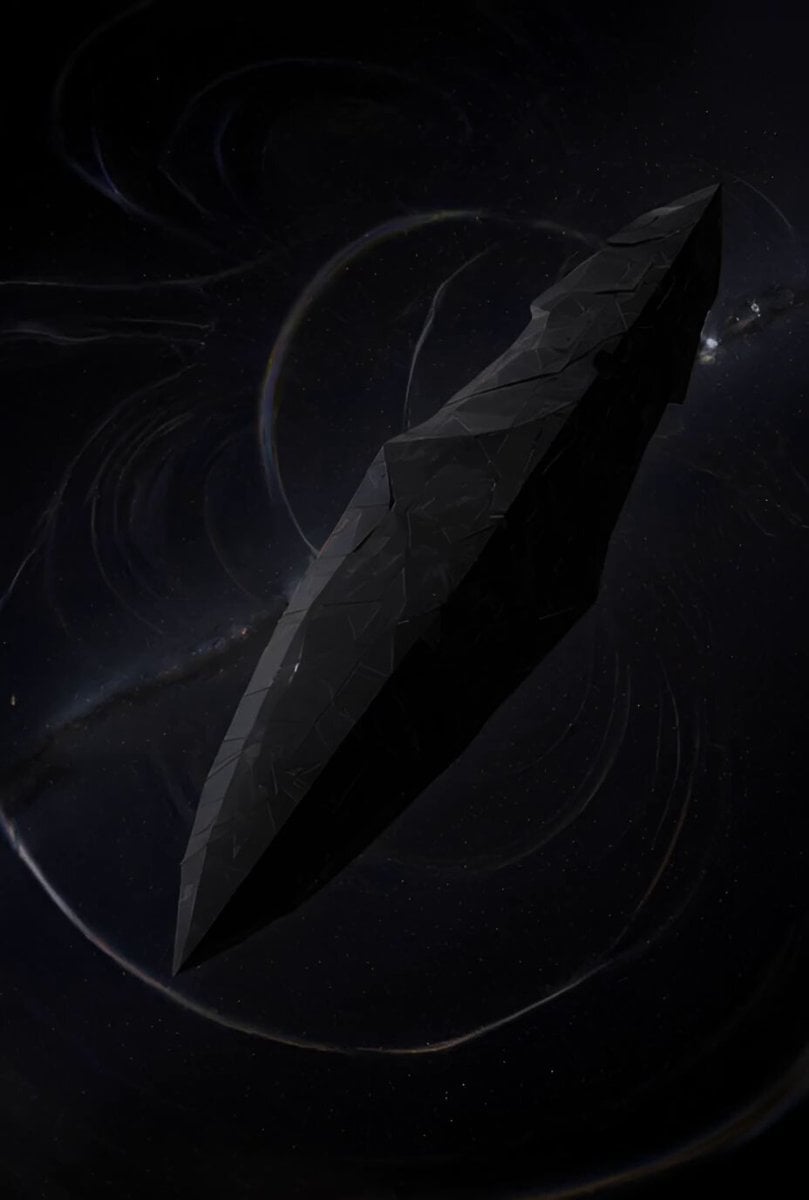
Ancient Deep Space Structure
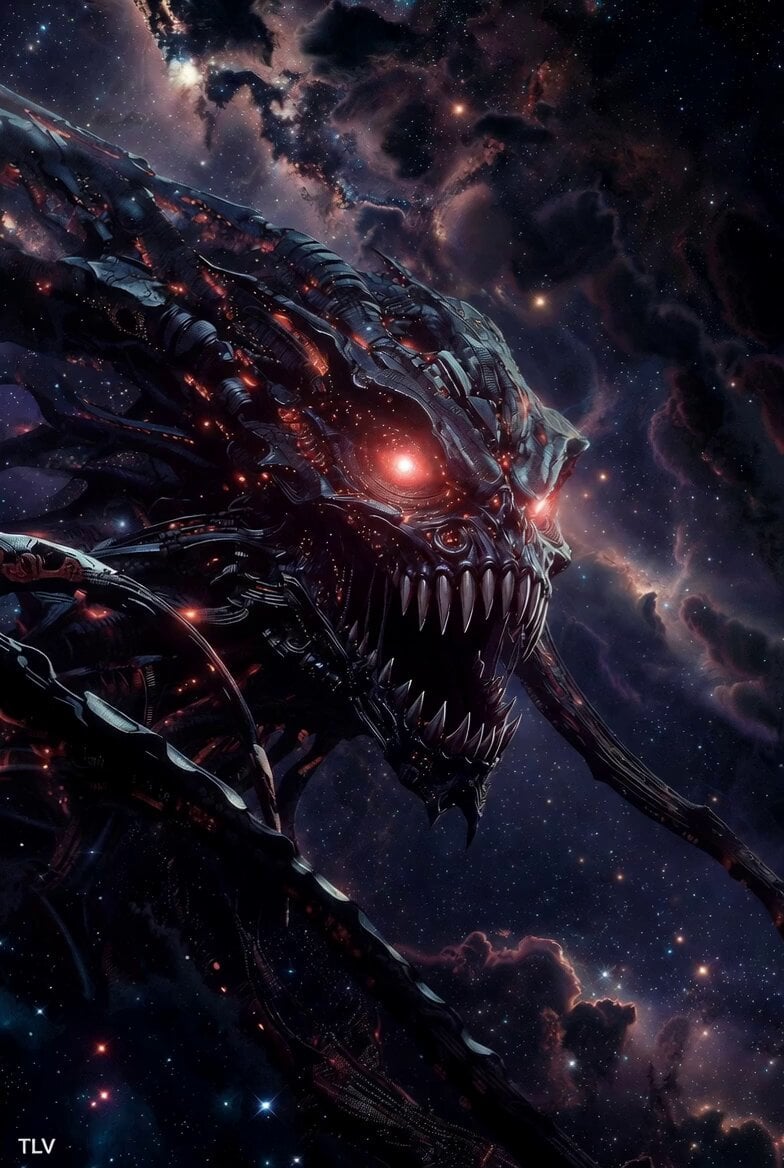
Evil Space Sci-Fi Power Threshold

Rocket Boots Space Voyage

Three-Thousand-Year Football History
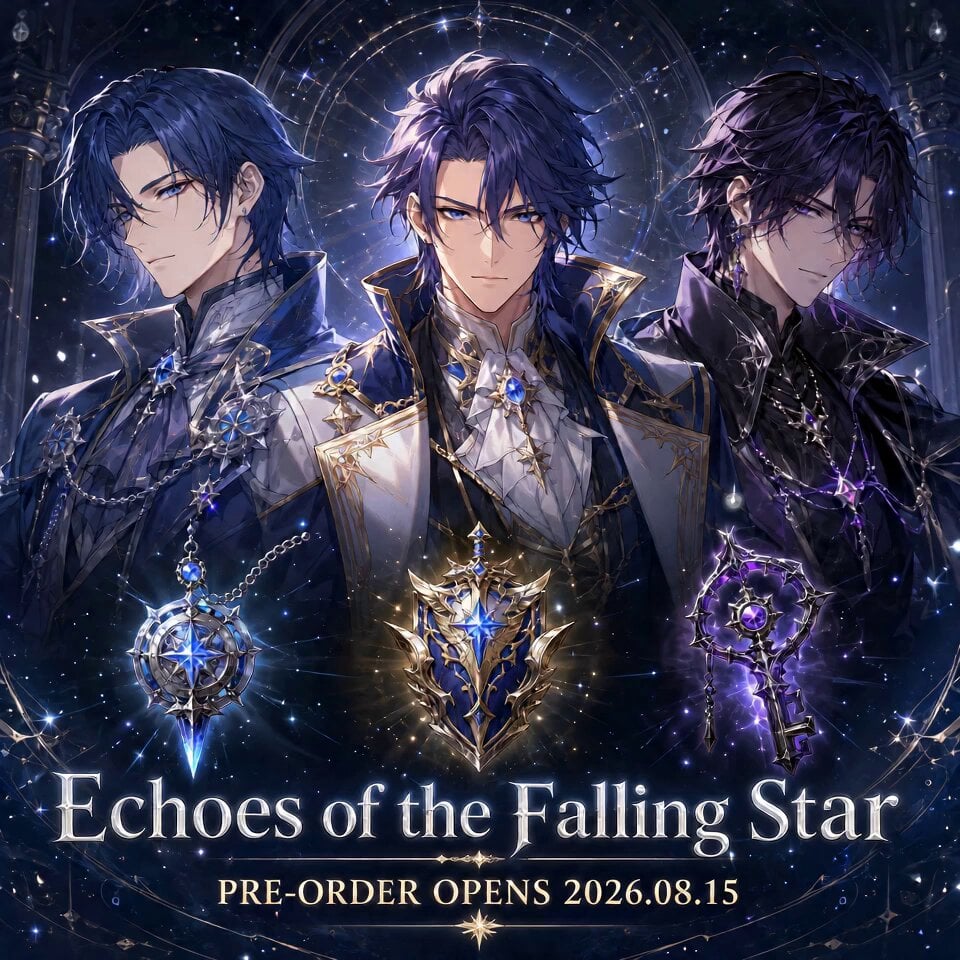
Fictional Game Teaser Visual Card
Premium Game Studio Logo Intro
Make it yours
Three-Column Space Shooter Game Comparison works as-is. These are the safest ways to change it without losing the look.
Change one field
Copy a single group, rewrite it, and generate again so you can see what that field is doing.
Keep the frame, change the subject
Hold the composition and light of Three-Column Space Shooter Game Comparison, then swap wardrobe, props or the person for a new take.
| If the result… | Why | Fix |
|---|---|---|
| The result drifts from the preview | Too many fields changed at once. | Reuse Three-Column Space Shooter Game Comparison as-is first, then change one group — subject, light, or setting. |
| The model over-stylizes the scene | The prose prompt leaves finish and camera underspecified. | Add one camera or lighting sentence and stay on Seedance 2.0. |
More Seedance 2.0 templates
Other prompts made for Seedance 2.0.

Comical Martial Arts Punch Scene

Maglev Train Action Sequence

Martial Arts Fight Sequence

Wuxia Protection and Trust Script

Vintage Korean Arcade MiniDV Vlog

Mercedes 190 SL Luxury Ad

Rainy Night Supernatural Reverse Comedy Video Script

Amazon Civilization Discovery

Futuristic South Asian City Transformation

Cozy Luxury Cafe Commercial
More video prompts
Fresh picks from across the catalog.

Character tongue twister challenge
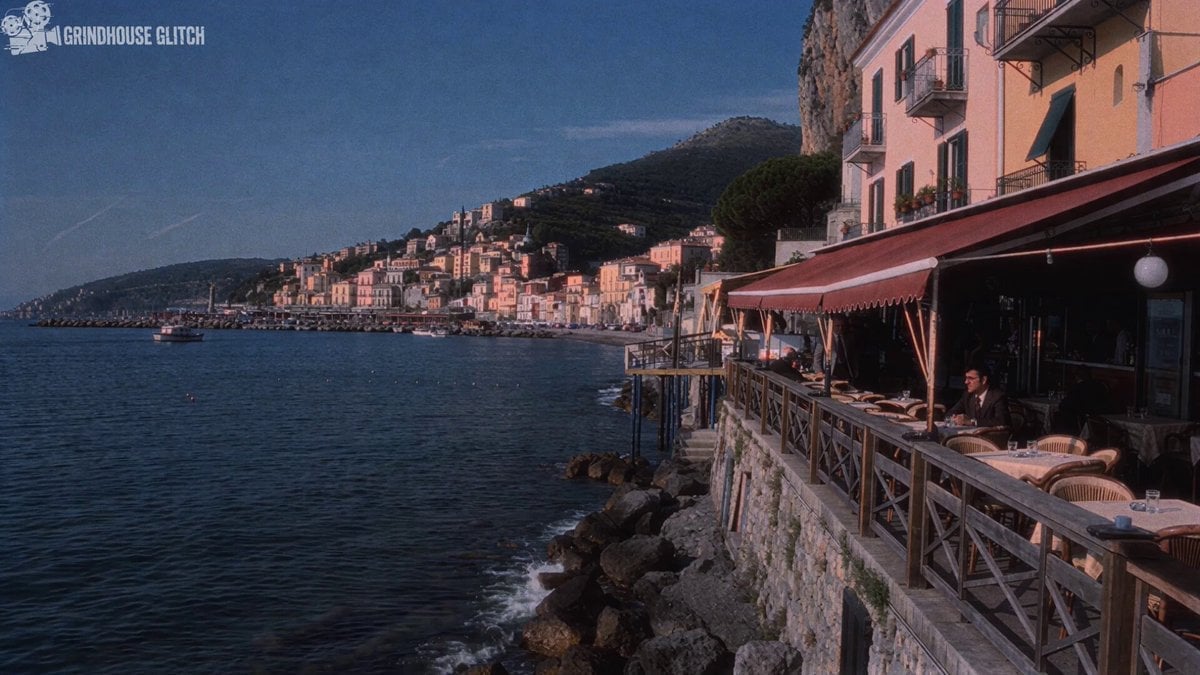
1970s Italian Crime Drama Clip Generation

Grok Imagine prompt for a complex, explicit Japanese subculture illustration

Beach Vacation Scene Generation

Starry Night Foggy Movement
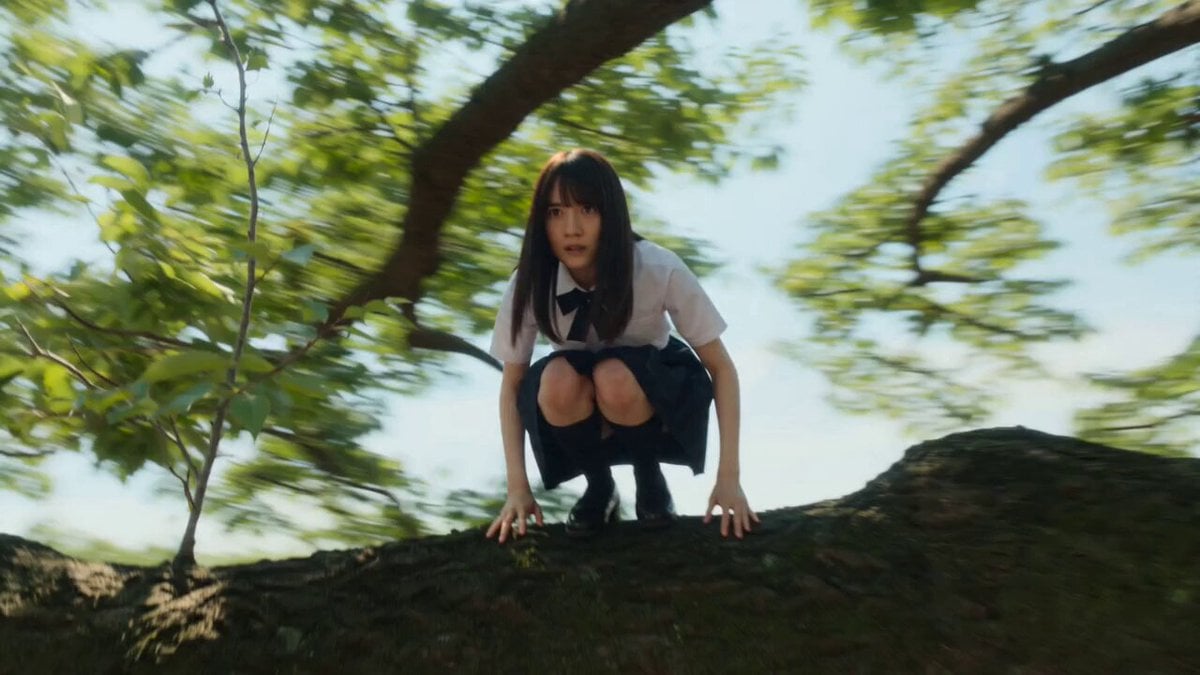
Cinematic Schoolgirl Action Short
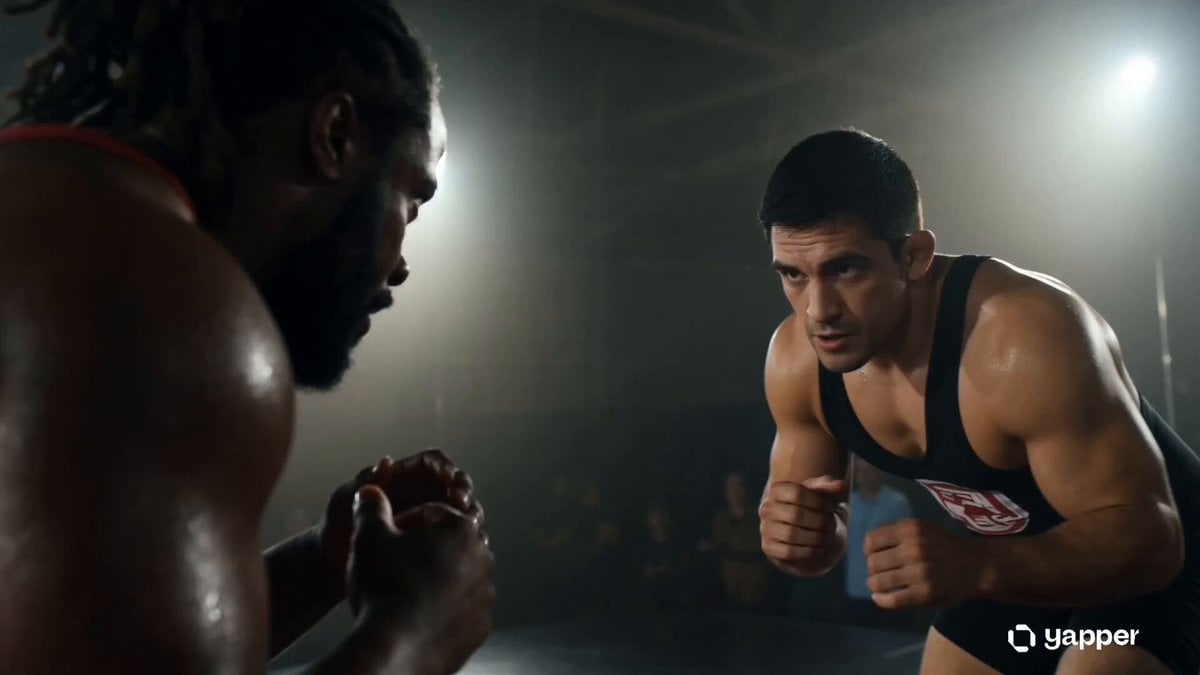
Gritty Wrestling Arena Sequence
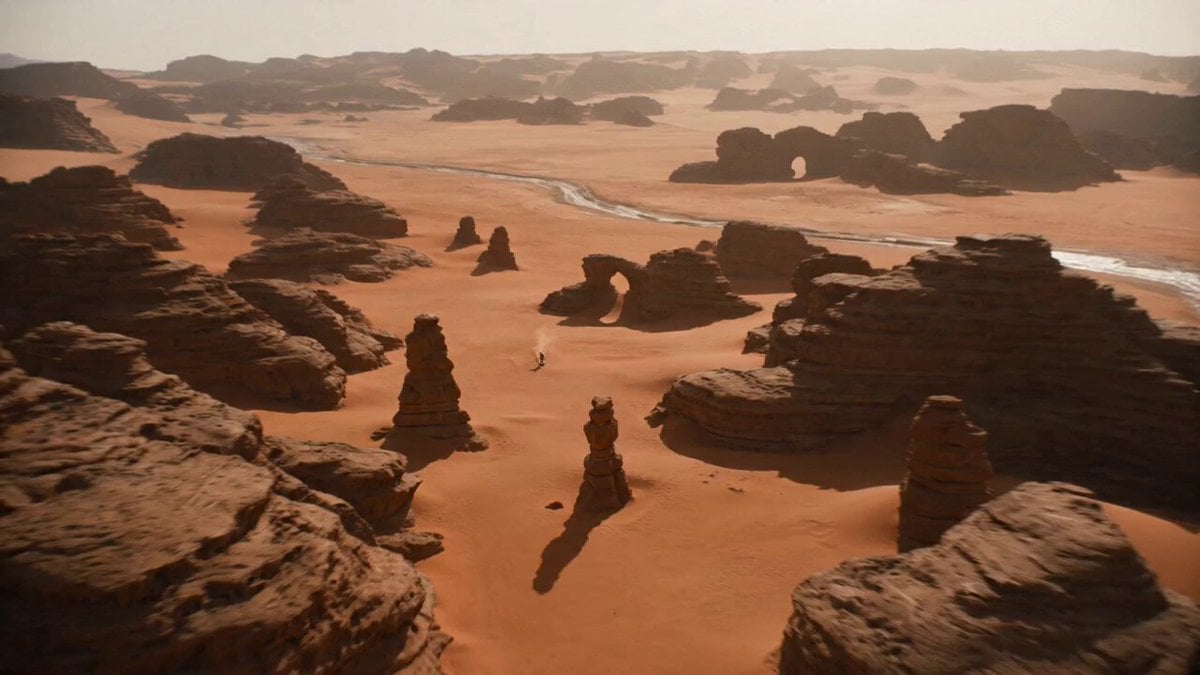
Photorealistic Sandworm Hunt Short Film
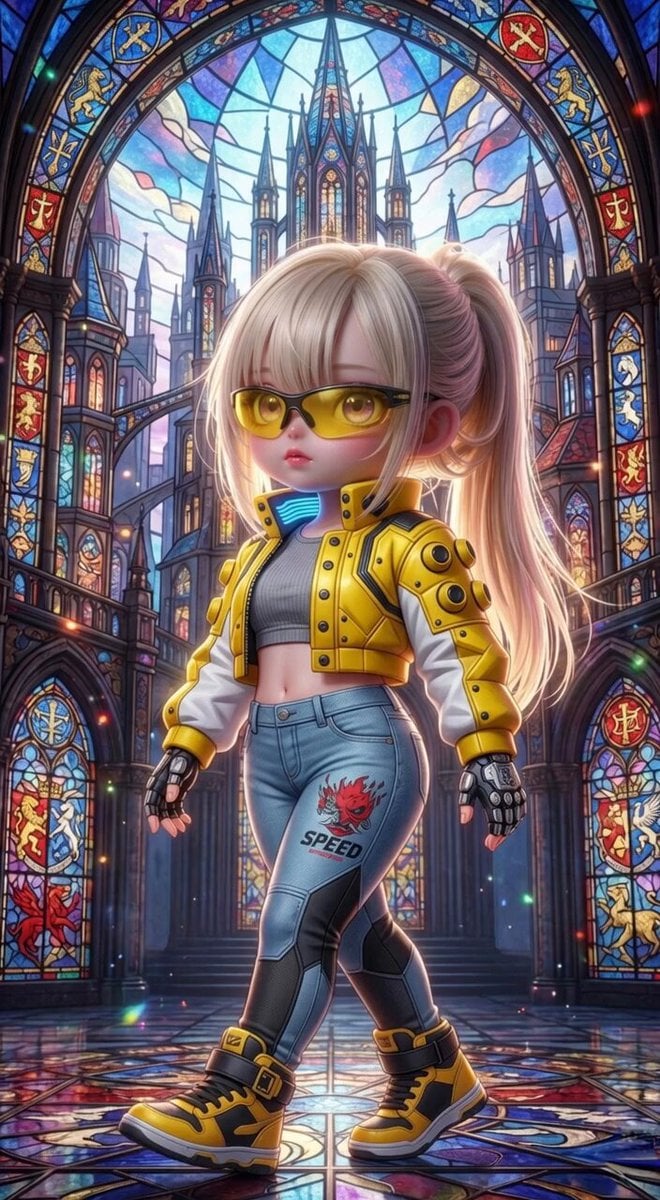
Grok Imagine Mechanical and Ethereal Creature Prompts
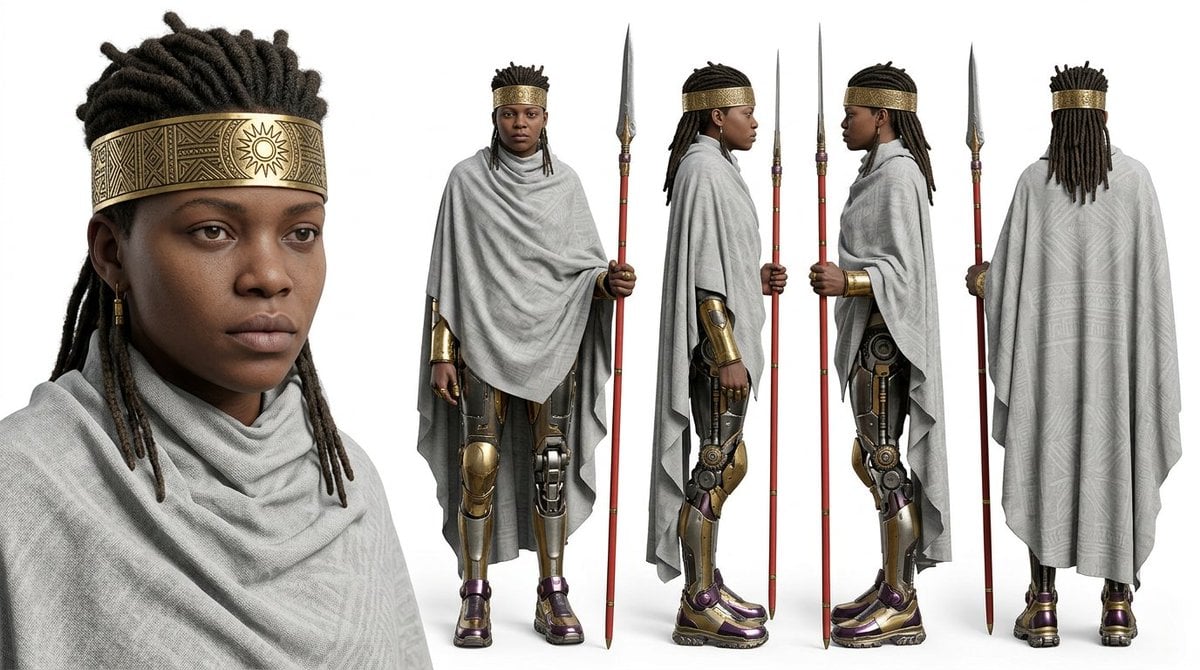
Character sheet prompt for Nano Banana 2 and Seedance 2.0
Browse template categories
Three-Column Space Shooter Game Comparison questions
How do I use the Three-Column Space Shooter Game Comparison template?
Add your photo if the template asks for one, edit the prompt if you like — the template's model and format are already selected — and press Generate. Your version opens in PicX Studio.
Can I customize the Three-Column Space Shooter Game Comparison template?
Yes. You can change the subject, setting, lighting, mood, format, and available model controls before creating your video.
Is the Three-Column Space Shooter Game Comparison template free?
Opening and editing this template is free. Generating uses credits, shown on the Generate button when you are signed in.
Which AI model should I use?
Start with Seedance 2.0, which is the model associated with this template. You can compare another compatible model for a different finish.
Looking for something else? Browse all templates.

Your photo, any look
Thousands of ready templates for every top image and video model, from one credit balance.