
AI Wedding Video Prompt: Minimalist Forest Style with Light Effects
This is a detailed, multi-scene prompt designed for Seedance 2.0 to generate an AI wedding video with a minimalist forest aesthetic, focusing heavily on lighting effects like the Tyndall effect (God rays) and realistic…
- Prompt included
- Model and format preset
- Premium template
The prompt behind this video
Copy the exact prompt behind AI Wedding Video Prompt: Minimalist Forest Style with Light Effects, or open it in the studio and make it yours.
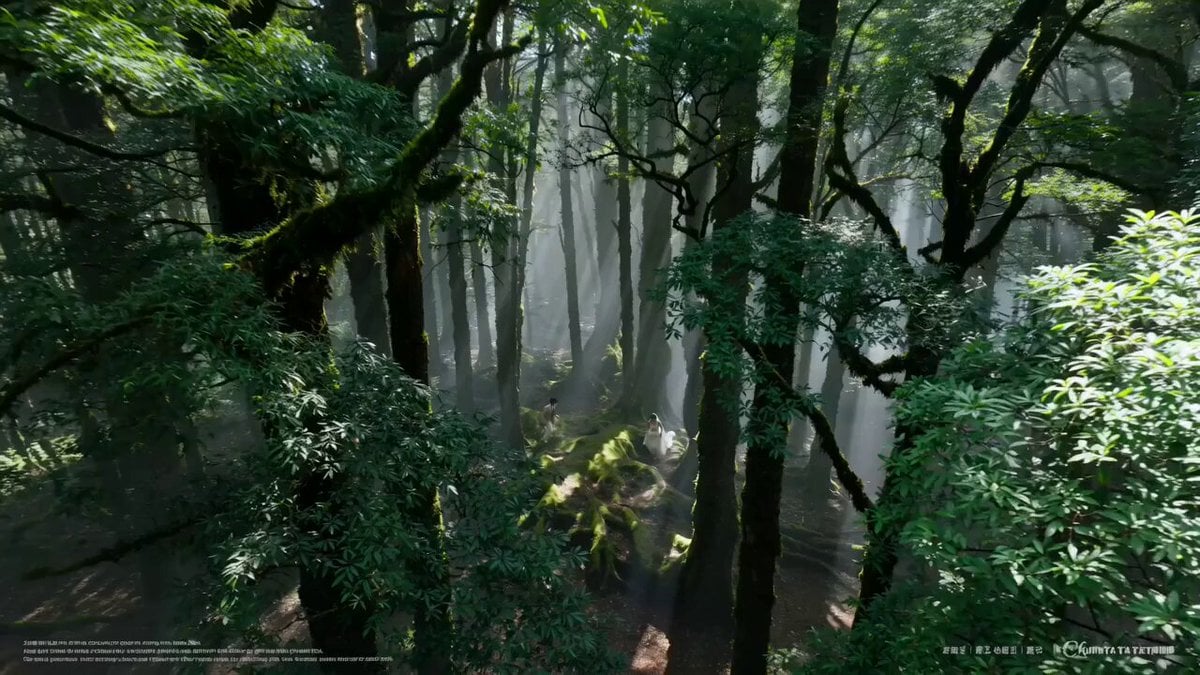
Theme 2: Minimalist Forest Style — Wizard of Oz, a Love Bathed in Light. Visual core: use the Tyndall effect (god rays) and dappled light-and-shadow textures to create a fresh, otherworldly, life-filled fairy feel. Live-action realistic style, fresh and ethereal, 4K HD. 0-4 seconds: a drone's-eye view weaves down through the canopy, then pushes forward level. An ancient redwood forest in the early morning, thick fog not yet cleared, a strong Tyndall effect (god rays) pouring down through the leaves, forming shafts of light. The bride wears a light French lace slip wedding dress, the groom wears a light khaki linen suit. The two run barefoot across giant, moss-covered tree roots, the wedding dress's hem weaving lightly through the light and shadow. 5-9 seconds: the camera switches to a low-angle upward-following shot. The bride has a cute round face, drooping tail eyebrows, clear almond eyes, a small delicate nose tip, peach-colored lips, and a beaming smile; the groom has soft features, gentle eyes and brows, a high straight nose bridge, and the corners of his mouth carry a doting smile. The two stop beneath one giant main shaft of light, the groom embracing the bride from behind, their hands clasped together. A light breeze blows, and glowing golden fallen leaves drift down through the air. 10-15 seconds: the camera pushes into an extreme close-up profile shot. Dappled tree shadows slowly move across both their faces. The bride closes her eyes, feeling the sunlight, while the groom gently rests his chin on top of the bride's head. The frame is filled with a minimalist healing feeling, the green background softly blurred, and a glowing firefly slowly flies past in front of the lens. The image freezes on the moment sunlight illuminates their smiling profiles. Sound: ethereal plucked guitar, crisp birdsong, the rustle of footsteps on fallen leaves, a lilting Irish flute. Prohibited: any text, subtitles, logos, or watermarks.
How to use AI Wedding Video Prompt: Minimalist Forest Style with Light Effects in 3 steps
- 1
Open
The prompt is already in the box next to the preview, with the template's model and format selected.
- 2…a portrait of your subject in softgolden-hour light, 85mm…
Personalize
Edit the subject and creative details for your destination.
- 3
 Generate
Press Generate — your video is created in PicX Studio, so you can compare it with the original and refine one variable at a time.
More like this
Templates with the same subject, style or setup. Open one to see its prompt.
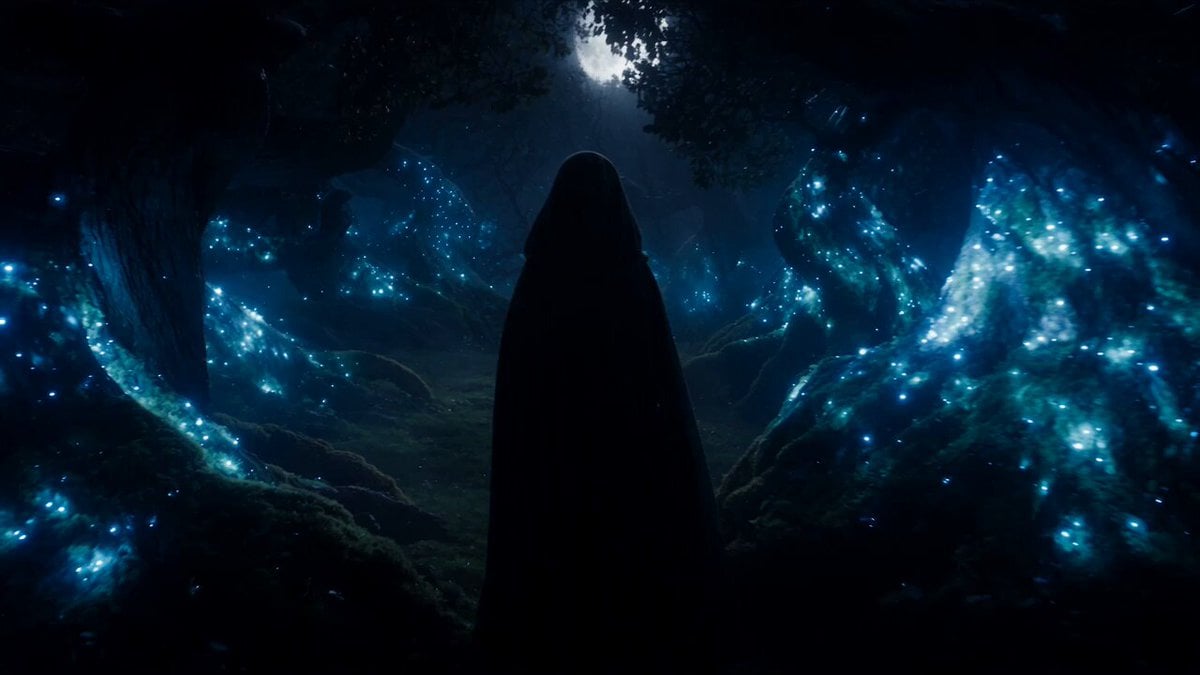
Forest Fantasy Girl Short Film
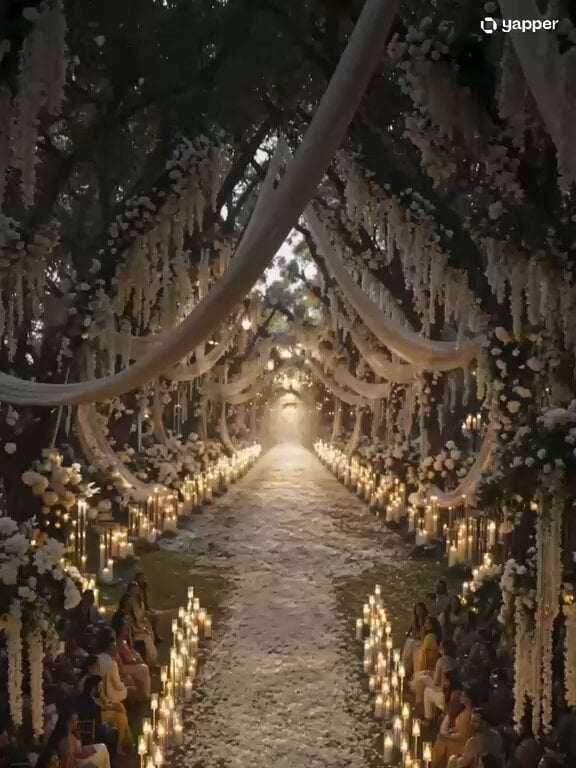
Ethereal Cathedral Forest Wedding
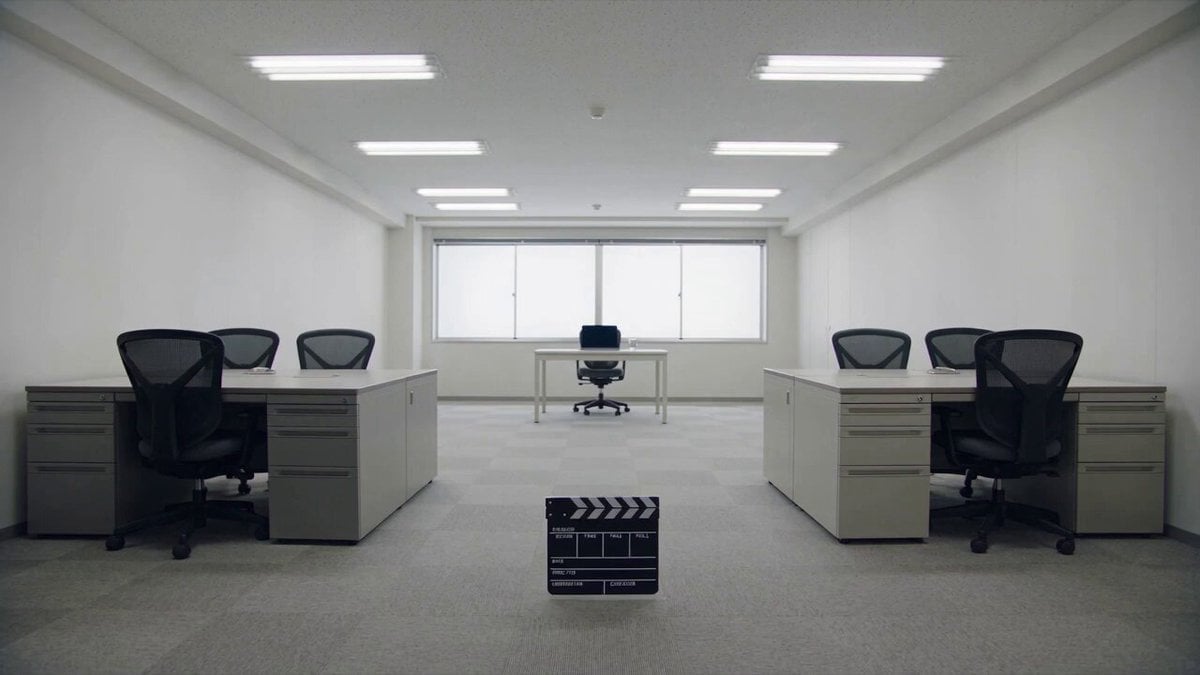
Minimalist Photography Studio Golden Hour
Anime Music Video Motion Effects
Wuxia Sword Maiden Visual Effects Prompt
Minimalist Fashion City Walk
Ancient Roman Celestial Flight
Minimalist Skincare Video Commercial
80s Sci-Fi Practical Effects Scene Prompt
Forest Sword Fight Cinematography
Flying Sword Traffic Light Violation
Emotional Wedding Movie Love Story
Make it yours
AI Wedding Video Prompt: Minimalist Forest Style with Light Effects works as-is. These are the safest ways to change it without losing the look.
Change one field
Copy a single group, rewrite it, and generate again so you can see what that field is doing.
Keep the frame, change the subject
Hold the composition and light of AI Wedding Video Prompt: Minimalist Forest Style with Light Effects, then swap wardrobe, props or the person for a new take.
| If the result… | Why | Fix |
|---|---|---|
| The result drifts from the preview | Too many fields changed at once. | Reuse AI Wedding Video Prompt: Minimalist Forest Style with Light Effects as-is first, then change one group — subject, light, or setting. |
| The model over-stylizes the scene | The prose prompt leaves finish and camera underspecified. | Add one camera or lighting sentence and stay on Seedance 2.0. |
More Seedance 2.0 templates
Other prompts made for Seedance 2.0.

Comical Martial Arts Punch Scene

Maglev Train Action Sequence

Martial Arts Fight Sequence

Wuxia Protection and Trust Script

Vintage Korean Arcade MiniDV Vlog

Mercedes 190 SL Luxury Ad

Rainy Night Supernatural Reverse Comedy Video Script

Amazon Civilization Discovery

Futuristic South Asian City Transformation

Cozy Luxury Cafe Commercial
More video prompts
Fresh picks from across the catalog.

Video Prompt for Flying Ship Action Scene
Pixar Style Animated Chef Action
Pixar-Style Muffin People Life Cycle Video Prompt
Artemis Space Mission Video Prompt
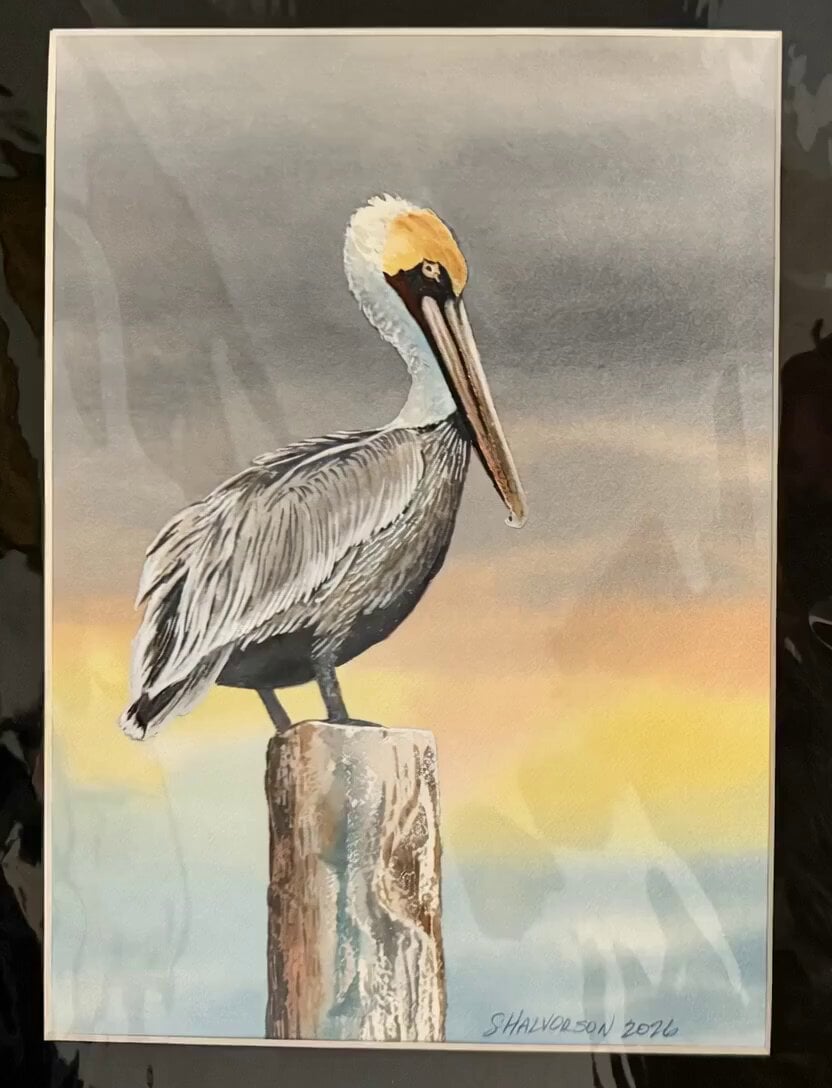
Animated Pelican Watercolor Painting
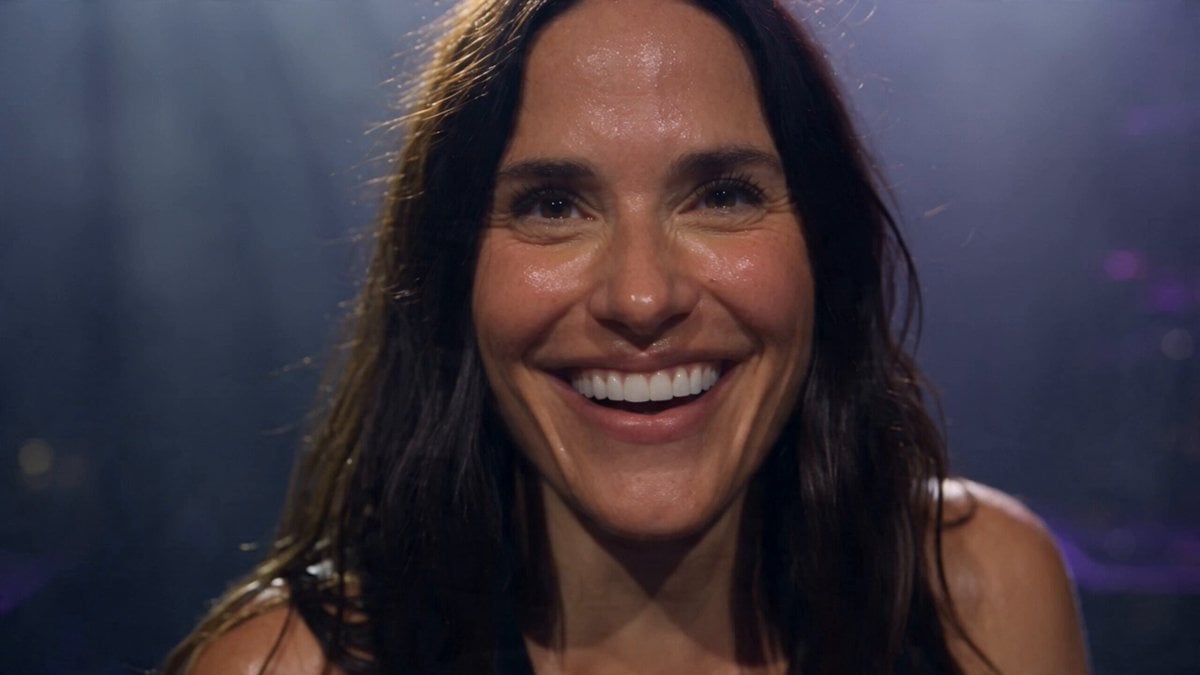
Live Arena Concert Documentary Film
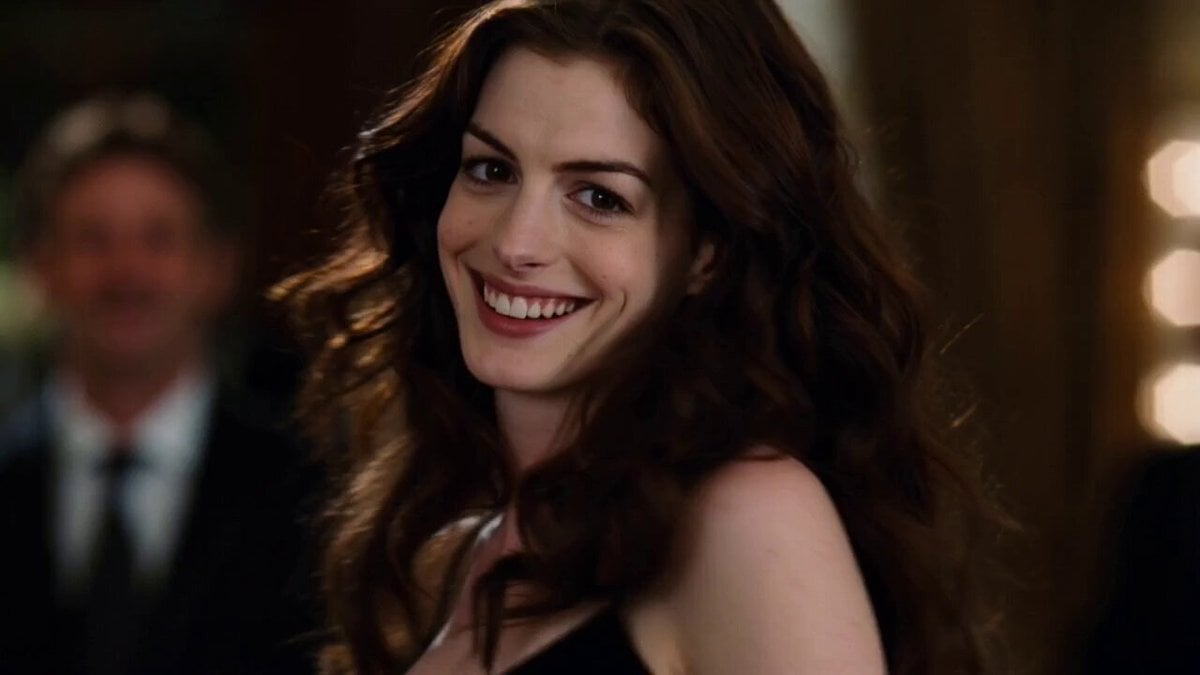
Cinematic Scene: Dancing Couple - Shot 1
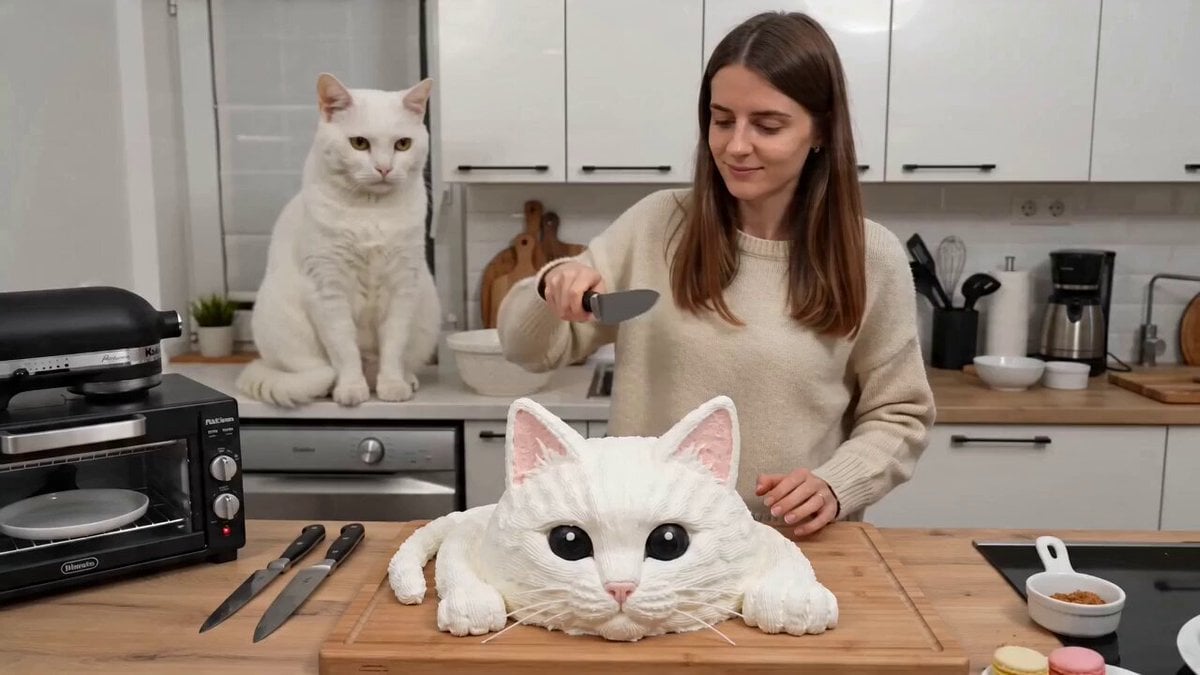
One-take UGC video of a woman cutting a cake and a cat screaming

Scandinavian Interior Real Estate Tour
Sora 2 Wind Turbine Scene Prompt
Browse template categories
AI Wedding Video Prompt: Minimalist Forest Style with Light Effects questions
How do I use the AI Wedding Video Prompt: Minimalist Forest Style with Light Effects template?
Add your photo if the template asks for one, edit the prompt if you like — the template's model and format are already selected — and press Generate. Your version opens in PicX Studio.
Can I customize the AI Wedding Video Prompt: Minimalist Forest Style with Light Effects template?
Yes. You can change the subject, setting, lighting, mood, format, and available model controls before creating your video.
Is the AI Wedding Video Prompt: Minimalist Forest Style with Light Effects template free?
Opening and editing this template is free. Generating uses credits, shown on the Generate button when you are signed in.
Which AI model should I use?
Start with Seedance 2.0, which is the model associated with this template. You can compare another compatible model for a different finish.
Looking for something else? Browse all templates.

Your photo, any look
Thousands of ready templates for every top image and video model, from one credit balance.