How do I use the Emotional Wedding Movie Love Story template?
Edit the prompt in the box under the preview — the template's model and format are already selected — and press Generate. Your version appears right on this page.
A comprehensive video prompt for creating a 15-second cinematic Japanese wedding story, following a couple from their first meeting at a station to their wedding ceremony.
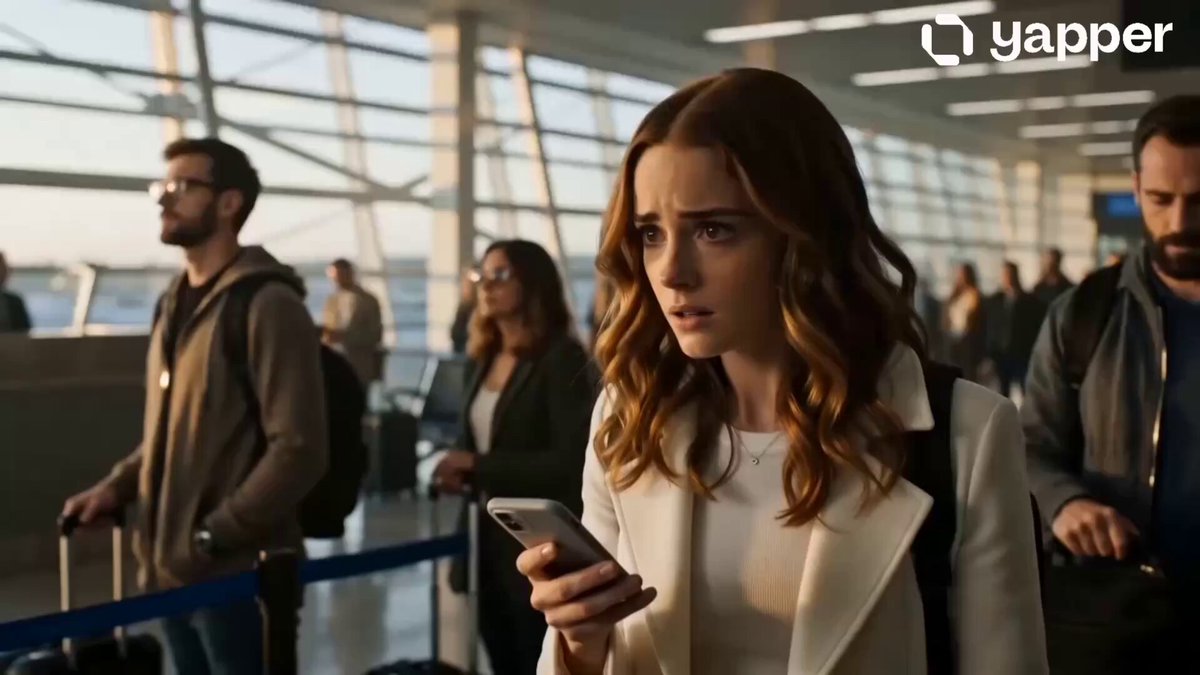
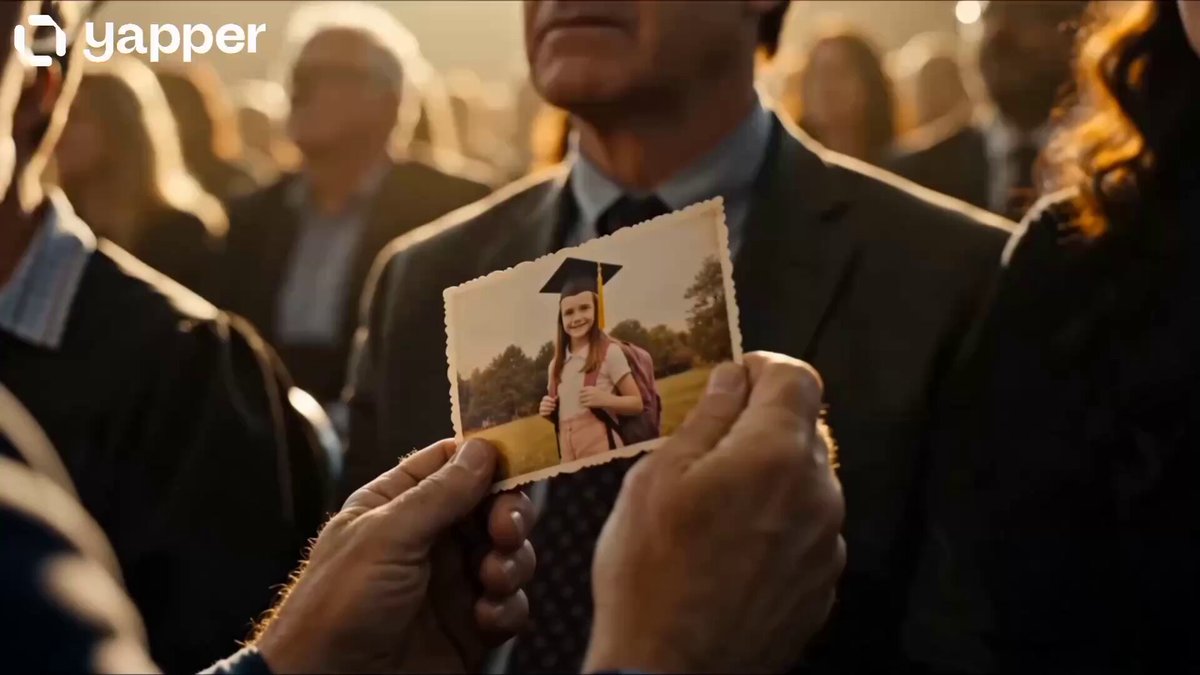
主人公は男性。 日本人の若い男女が、駅で出会い、恋に落ち、結婚するまでを描いた、感情的で映画のような15秒のラブストーリー。 16:9、実写映画風、フォトリアル、高品質、自然な人物動作、滑らかな場面転換。 0〜3秒:駅で一目惚れ 夕方の混雑した日本の駅構内。 ベージュのジャケットを着た男性が人混みの中を歩いている。 カメラは男性の横を追いかけるように移動する。男性がふと顔を上げ、人混みの向こうにいる女性を見つける。 周囲の人々は少しモーションブラーになり、女性だけが鮮明に見える。男性の歩みが止まり、驚きと惹かれた気持ちが表情に現れる。 一瞬だけ二人の目が合い、女性が優しく微笑む。 3〜5秒:思いがけないきっかけ 女性がスマートフォンを床に落とす。 男性が素早く拾い、女性に手渡す。 二人の手が一瞬触れ、少し照れながら笑い合う。男性は緊張しながらも勇気を出して話しかける。 カメラは二人の周囲をゆっくり半周し、運命的な出会いを強調する。 5〜8秒:恋人になるモンタージュ テンポのよい自然なマッチカットで、二人のデート風景を連続して見せる。 暖かい照明のカフェで笑い合う二人。 ゲームセンターのプリクラでふざけながら撮影する二人。 雨の夜、男性が透明な傘を女性側へ傾け、二人が肩を寄せて歩く。 男性は最初の緊張した表情から、心から楽しそうな笑顔へ変化していく。 8〜11秒:想いを伝える 夜景が広がる水辺。 男性と女性が向かい合い、男性が女性の手を優しく握る。 男性は真剣な表情で想いを伝え、女性は目を潤ませながら笑顔でうなずく。 二人の手元から表情へ、ゆっくりフォーカスを移動する。 11〜13秒:桜の下でプロポーズ 夕暮れの桜並木。桜の花びらが風に舞っている。 男性が女性の前で片膝をつき、小さな指輪の箱を開く。女性は驚いて両手で口元を押さえ、涙を浮かべながら何度もうなずく。 カメラは二人を中心にゆっくり旋回する。 13〜15秒:結婚式 桜の花びらを白いフラワーシャワーへ自然に変化させるマッチトランジション。 明るく上品な結婚式場。 白いタキシード姿の男性と、ウェディングドレス姿の女性が腕を組んで歩く。 二人が顔を見合わせて幸せそうに微笑み、最後に男性が女性の手を優しく握る。 カメラがゆっくり後方へ引き、祝福するゲストと舞い落ちる花びらに包まれた二人の全身を映して終了する。 演出指定 ・男性の視点と感情を中心に描く ・男性と女性の顔をリファレンス画像に忠実に維持する ・年齢、顔立ち、髪形、体格を途中で変化させない ・恋愛映画の予告編のような濃密な15秒 ・暖色系の柔らかな光 ・浅い被写界深度 ・美しいボケ ・自然な瞬き、呼吸、視線、笑顔 ・手や指の動きを自然にする ・カメラワークは滑らかで上品 ・カットの切り替えは人物の動作、視線、手元を利用したマッチカット ・セリフ、字幕、テロップ、ロゴは表示しない ネガティブ指定 人物の顔の変化、別人化、顔の崩れ、左右非対称な目、不自然な笑顔、過度な美肌加工、年齢の変化、髪型の変化、衣装の連続性ミス、人物の増殖、余分な腕、余分な指、指の欠損、手の融合、不自然な関節、身体の変形、物体の貫通、瞬間移動、激しいカメラ揺れ、過剰なスローモーション、不自然な口の動き、文字、字幕、ロゴ、透かし、低解像度、アニメ調を避ける。
主人公は男性。 日本人の若い男女が、駅で出会い、恋に落ち、結婚するまでを描いた、感情的で映画のような15秒のラブストーリー。 16:9、実写映画風、フォトリアル、高品質、自然な人物動作、滑らかな場面転換。 0〜3秒:駅で一目惚れ 夕方の混雑した日本の駅構内。 ベージュのジャケットを着た男性が人混みの中を歩いている。 カメラは男性の横を追いかけるように移動する。男性がふと顔を上げ、人混みの向こうにいる女性を見つける。 周囲の人々は少しモーションブラーになり、女性だけが鮮明に見える。男性の歩みが止まり、驚きと惹かれた気持ちが表情に現れる。 一瞬だけ二人の目が合い、女性が優しく微笑む。 3〜5秒:思いがけないきっかけ 女性がスマートフォンを床に落とす。 男性が素早く拾い、女性に手渡す。 二人の手が一瞬触れ、少し照れながら笑い合う。男性は緊張しながらも勇気を出して話しかける。 カメラは二人の周囲をゆっくり半周し、運命的な出会いを強調する。 5〜8秒:恋人になるモンタージュ テンポのよい自然なマッチカットで、二人のデート風景を連続して見せる。 暖かい照明のカフェで笑い合う二人。 ゲームセンターのプリクラでふざけながら撮影する二人。 雨の夜、男性が透明な傘を女性側へ傾け、二人が肩を寄せて歩く。 男性は最初の緊張した表情から、心から楽しそうな笑顔へ変化していく。 8〜11秒:想いを伝える 夜景が広がる水辺。 男性と女性が向かい合い、男性が女性の手を優しく握る。 男性は真剣な表情で想いを伝え、女性は目を潤ませながら笑顔でうなずく。 二人の手元から表情へ、ゆっくりフォーカスを移動する。 11〜13秒:桜の下でプロポーズ 夕暮れの桜並木。桜の花びらが風に舞っている。 男性が女性の前で片膝をつき、小さな指輪の箱を開く。女性は驚いて両手で口元を押さえ、涙を浮かべながら何度もうなずく。 カメラは二人を中心にゆっくり旋回する。 13〜15秒:結婚式 桜の花びらを白いフラワーシャワーへ自然に変化させるマッチトランジション。 明るく上品な結婚式場。 白いタキシード姿の男性と、ウェディングドレス姿の女性が腕を組んで歩く。 二人が顔を見合わせて幸せそうに微笑み、最後に男性が女性の手を優しく握る。 カメラがゆっくり後方へ引き、祝福するゲストと舞い落ちる花びらに包まれた二人の全身を映して終了する。 演出指定 ・男性の視点と感情を中心に描く ・男性と女性の顔をリファレンス画像に忠実に維持する ・年齢、顔立ち、髪形、体格を途中で変化させない ・恋愛映画の予告編のような濃密な15秒 ・暖色系の柔らかな光 ・浅い被写界深度 ・美しいボケ ・自然な瞬き、呼吸、視線、笑顔 ・手や指の動きを自然にする ・カメラワークは滑らかで上品 ・カットの切り替えは人物の動作、視線、手元を利用したマッチカット ・セリフ、字幕、テロップ、ロゴは表示しない ネガティブ指定 人物の顔の変化、別人化、顔の崩れ、左右非対称な目、不自然な笑顔、過度な美肌加工、年齢の変化、髪型の変化、衣装の連続性ミス、人物の増殖、余分な腕、余分な指、指の欠損、手の融合、不自然な関節、身体の変形、物体の貫通、瞬間移動、激しいカメラ揺れ、過剰なスローモーション、不自然な口の動き、文字、字幕、ロゴ、透かし、低解像度、アニメ調を避ける。
Edit the prompt in the box under the preview — the template's model and format are already selected — and press Generate. Your version appears right on this page.
Yes. You can change the subject, setting, lighting, mood, format, and available model controls before creating your video.
Opening and editing this template is free. Generating uses credits, shown on the Generate button when you are signed in.
Start with Seedance 2.0, which is the model associated with this template. You can compare another compatible model for a different finish.
Follow a topic to a crawlable collection of related PicX Studio templates.