
Anime Wedding Preparation Storyboard
A multi-scene cinematic anime prompt for a wedding preparation sequence, focusing on character consistency and smooth motion.
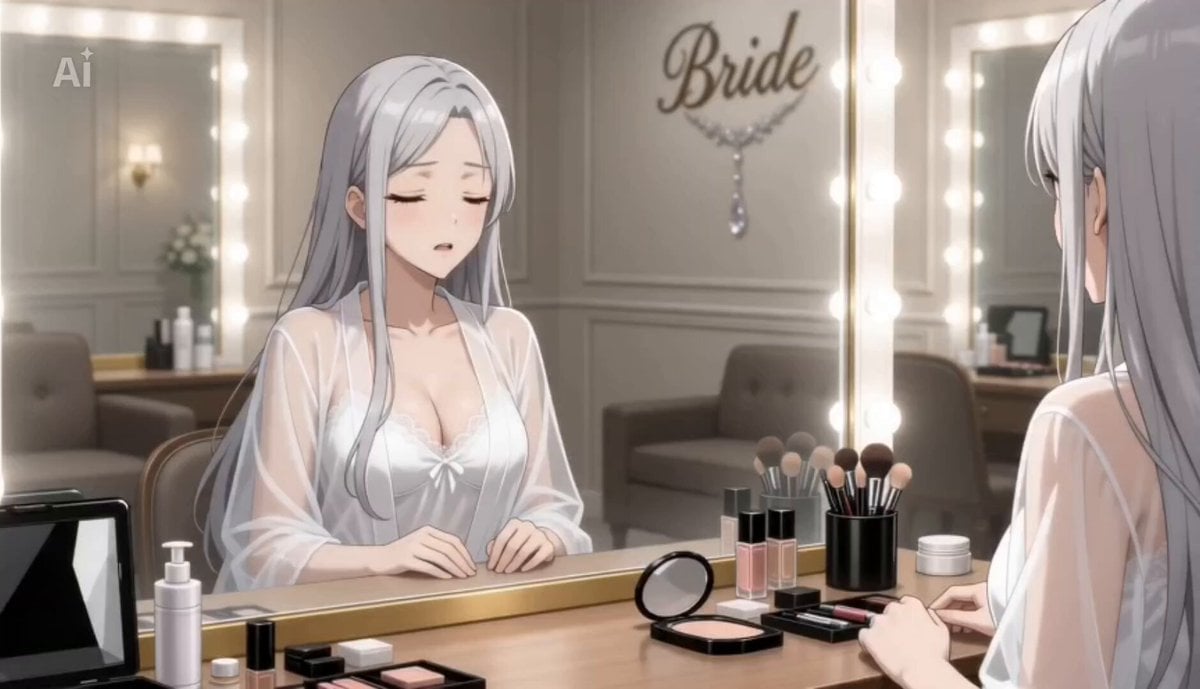
- Prompt included
- Model and format preset
- Premium template
The prompt behind this video
Copy the exact prompt behind Anime Wedding Preparation Storyboard, or open it in the studio and make it yours.
入力画像のキャラクターを完全基準として、顔立ち・目の形・髪型・髪色・体型・衣装ディテールを全シーンで厳密に統一。同一人物固定。 日本のフルカラー劇場版アニメ。 アニメらしい大きめの瞳、綺麗な線画、柔らかなアニメ塗り。 リアル寄りではなく、自然で高品質なアニメ作画。 繊細なグラデーションと透明感のある色彩。 滑らかなアニメーション。 自然な髪の揺れ、布の動き、感情表現。 結婚式当日の朝。静かな結婚式場のブライズルーム。 白いカーテン、大型鏡、化粧台、ドレスラック、アクセサリー、小物、ブーケが綺麗に配置されている。 柔らかな朝日と暖色照明が混ざる落ち着いた空間。 劇場版アニメのような静かな空気感と没入感。 キャラクター作画は全シーンで安定。 シーンごとに顔や頭身を変化させない。 ―― Scene 1 : 控室で待つ ―― キャラクターは薄手のルームウェア姿で鏡前に座っている。 少し緊張した穏やかな表情。 髪は自然に下ろしている。 朝日が頬と髪を柔らかく照らす。 机にはメイク道具とアクセサリー。 肩を軽く動かし、小さく深呼吸する。 カメラは肩越しからゆっくり引き、室内全体を映す。 ―― Scene 2 : ドレスを準備する ―― スタッフが純白のウェディングドレスを丁寧に広げる。 レース、リボン、刺繍、フリルを綺麗に描写。 ドレス裾が柔らかく床へ広がる。 キャラクターは鏡越しに静かに見つめる。 柔らかな逆光でドレス輪郭を際立たせる。 ―― Scene 3 : ブライダルインナー着付け ―― スタッフがブライダルインナーを整える。 肩紐や背中部分を順番に固定。 キャラクターは静かに姿勢を整える。 着付け途中の変化を自然に描写。 上品で落ち着いた演出。 ―― Scene 4 : ドレスへ足を通す ―― スタッフがドレス裾を持ち上げる。 キャラクターが慎重に足を通す。 ドレス生地が柔らかく揺れる。 腰や肩位置を丁寧に整える。 ドレスが身体へ自然に馴染んでいく。 ―― Scene 5 : 背面固定 ―― 背中のファスナーをゆっくり閉める。 リボンやコルセット紐を整える。 背面レースを丁寧に調整。 キャラクターの表情が少しずつ引き締まる。 ―― Scene 6 : ヘアセットとベール ―― 髪を後ろでまとめる。 前髪や後れ毛を細かく整える。 ヘアアクセサリーを固定。 純白のベールを装着。 半透明のベールが肩へ柔らかく落ちる。 鏡越しに完成へ近づく姿を映す。 ―― Scene 7 : アクセサリー装着 ―― イヤリング、ネックレス、グローブを順番に装着。 スタッフがドレス裾を整える。 キャラクターがブーケを受け取る。 鏡前で静かに全身を確認。 緊張と幸福感が混ざった自然な微笑み。 ―― Scene 8 : 出発前 ―― 控室の扉前に立つ。 スタッフが最後にベールと裾を整える。 キャラクターがゆっくり前を見る。 呼吸を整え、小さく頷く。 静かな空気の中、扉がゆっくり開く。 劇場版アニメのラストシーンのような余韻で締める。
How to use Anime Wedding Preparation Storyboard in 3 steps
- 1
Open
The prompt is already in the box next to the preview, with the template's model and format selected.
- 2…a portrait of your subject in softgolden-hour light, 85mm…
Personalize
Edit the subject and creative details for your destination.
- 3Generate
Generate
Press Generate — your video is created in PicX Studio, so you can compare it with the original and refine one variable at a time.
More like this
Templates with the same subject, style or setup. Open one to see its prompt.

3x3 Grid Storyboard Racing — Kling 3.0 O3 Pro

Dragon Rider Cinematic Flight — Seedance 2.5

MiniMax H3 Character Introduction

Japanese Pure Love Short Film
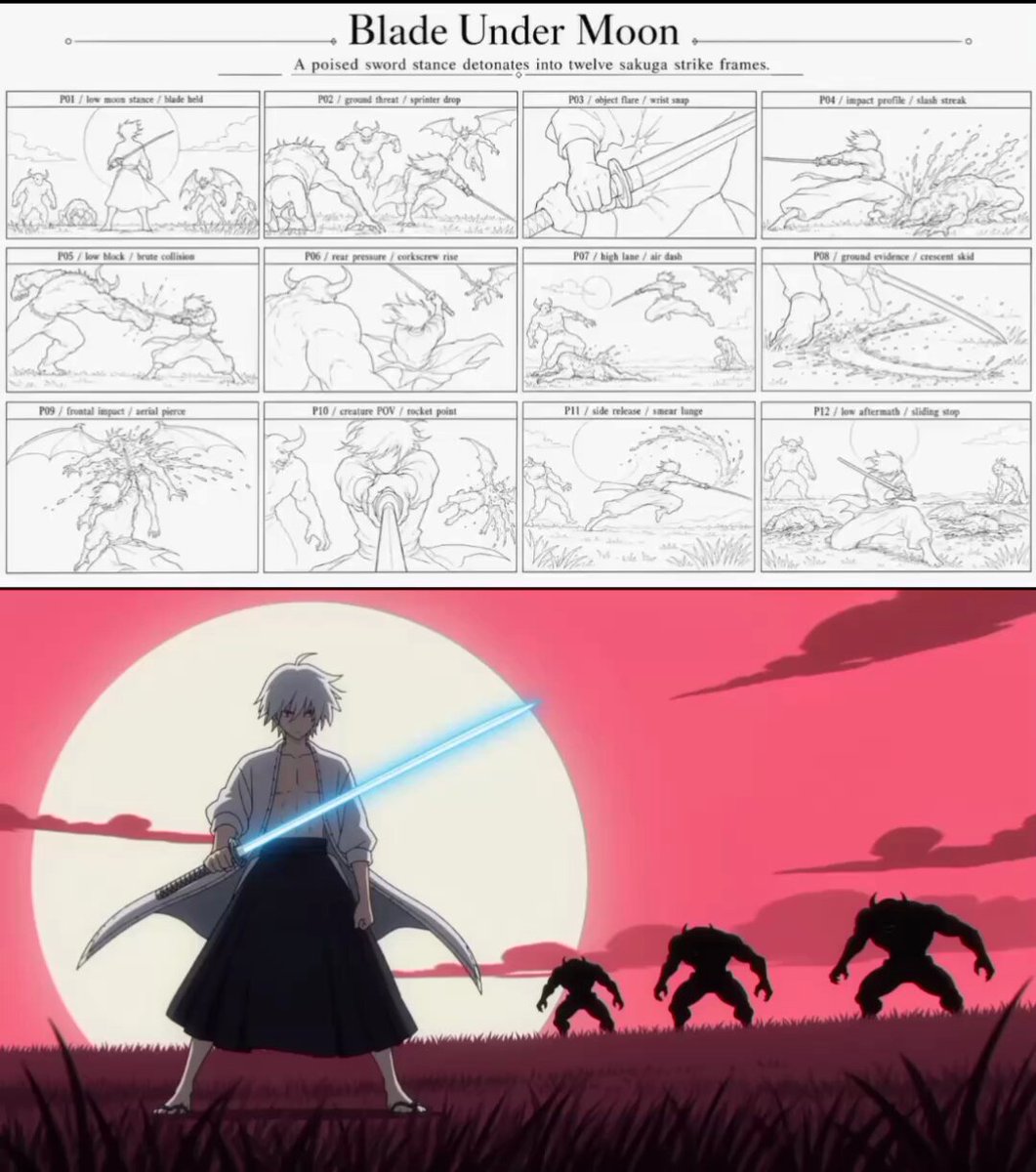
Sakuga Anime Action Storyboard

Studio Ghibli Dumpling Kitchen Cooking Scene

Gpt2 Gpt2 Seedance Storyboard to Video
Mecha Transformation vs Kaiju — 4-Scene Epic

Pigeon Nemesis Pixar Animation Storyboard
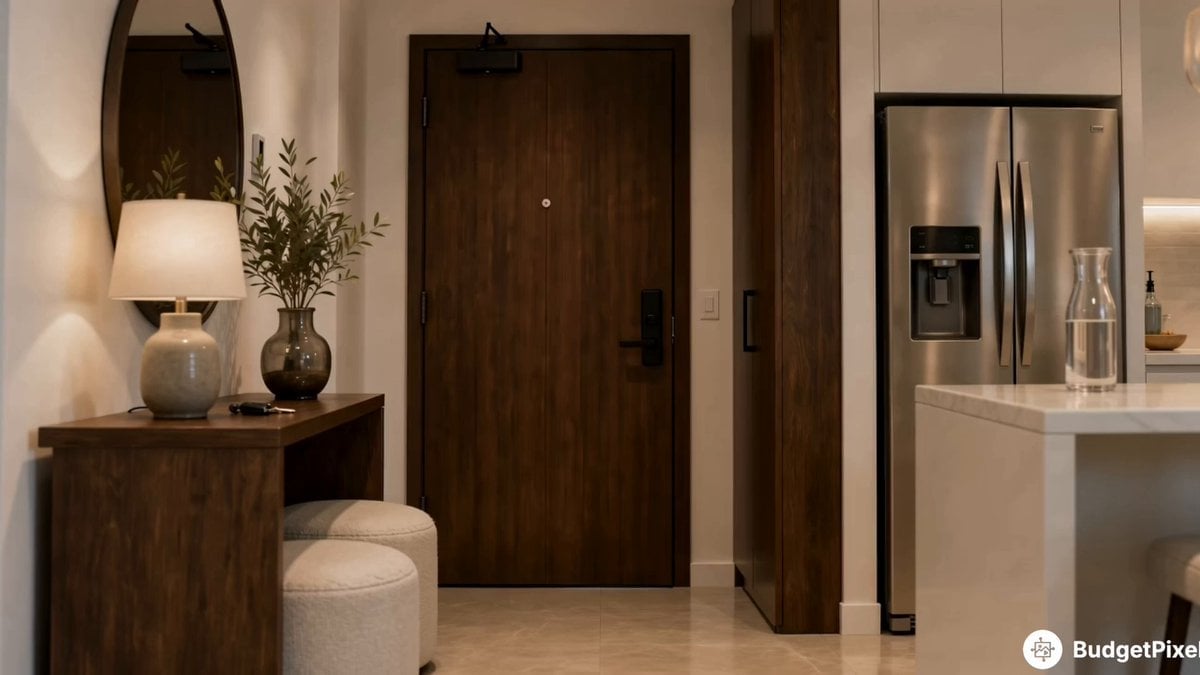
Apartment Arrival Storyboard Animation
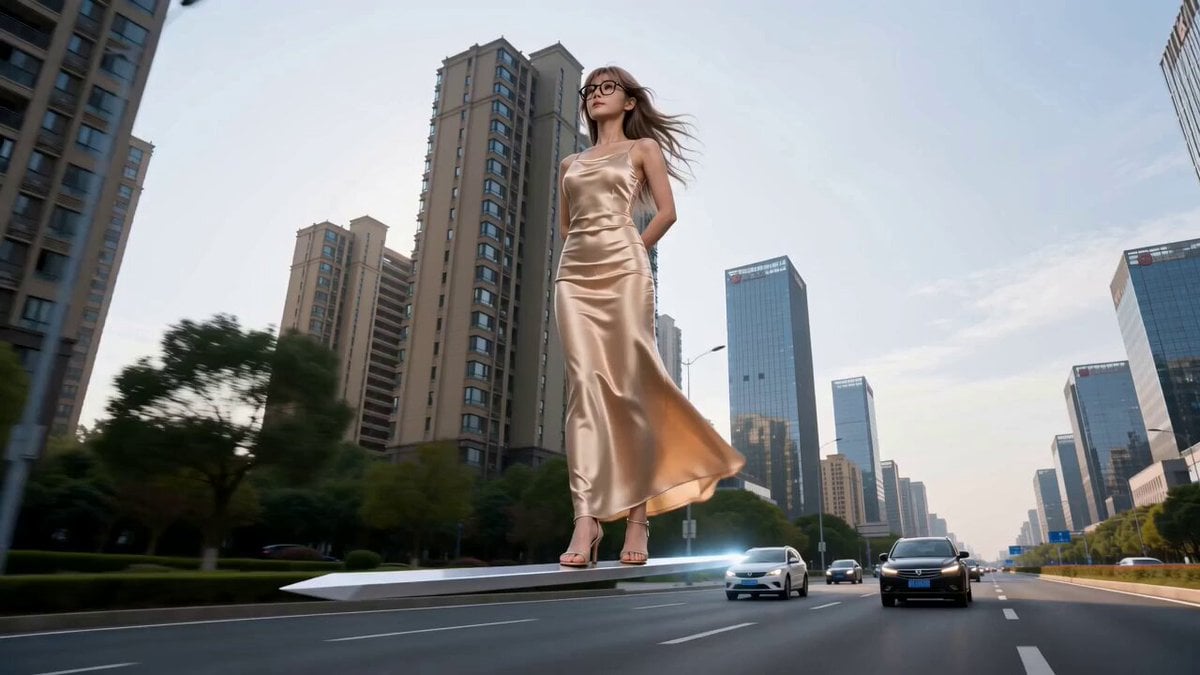
Modern Urban Fantasy Comedy Storyboard
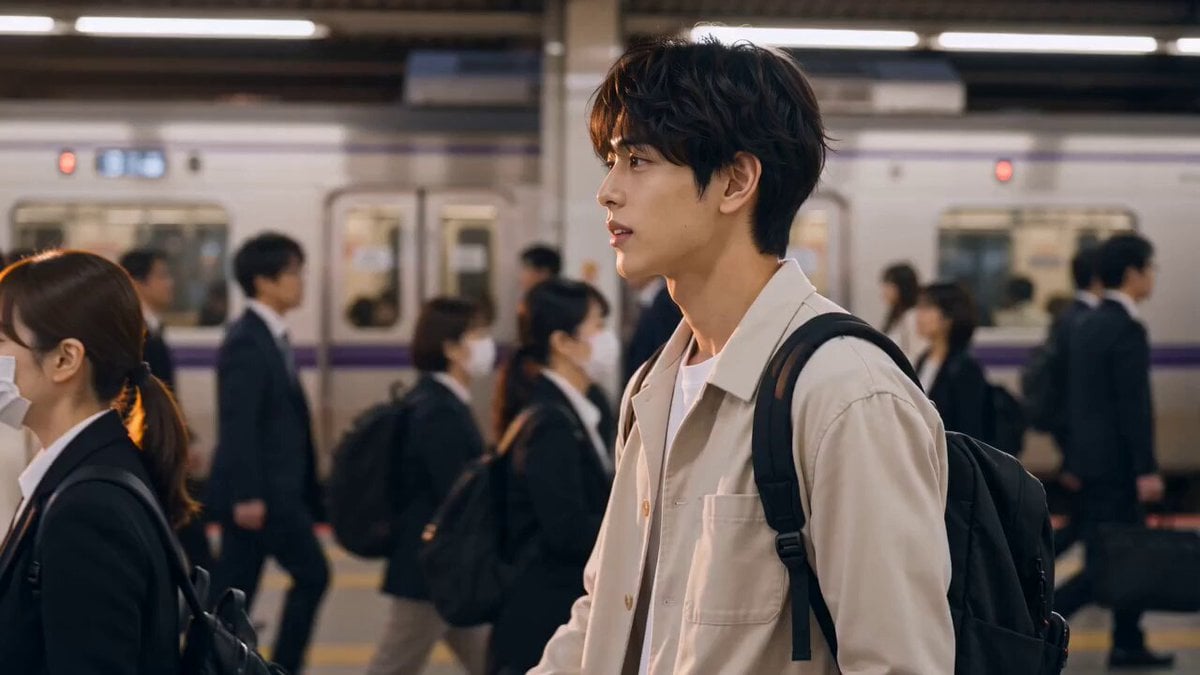
Emotional Wedding Movie Love Story
Make it yours
Anime Wedding Preparation Storyboard works as-is. These are the safest ways to change it without losing the look.
Change one field
Copy a single group, rewrite it, and generate again so you can see what that field is doing.
Keep the frame, change the subject
Hold the composition and light of Anime Wedding Preparation Storyboard, then swap wardrobe, props or the person for a new take.
| If the result… | Why | Fix |
|---|---|---|
| The result drifts from the preview | Too many fields changed at once. | Reuse Anime Wedding Preparation Storyboard as-is first, then change one group — subject, light, or setting. |
| The model over-stylizes the scene | The prose prompt leaves finish and camera underspecified. | Add one camera or lighting sentence and stay on Seedance 2.0. |
More Seedance 2.0 templates
Other prompts made for Seedance 2.0.

Comical Martial Arts Punch Scene

Maglev Train Action Sequence

Martial Arts Fight Sequence

Wuxia Protection and Trust Script

Vintage Korean Arcade MiniDV Vlog

Mercedes 190 SL Luxury Ad

Rainy Night Supernatural Reverse Comedy Video Script

Amazon Civilization Discovery

Futuristic South Asian City Transformation

Cozy Luxury Cafe Commercial
More video prompts
Fresh picks from across the catalog.
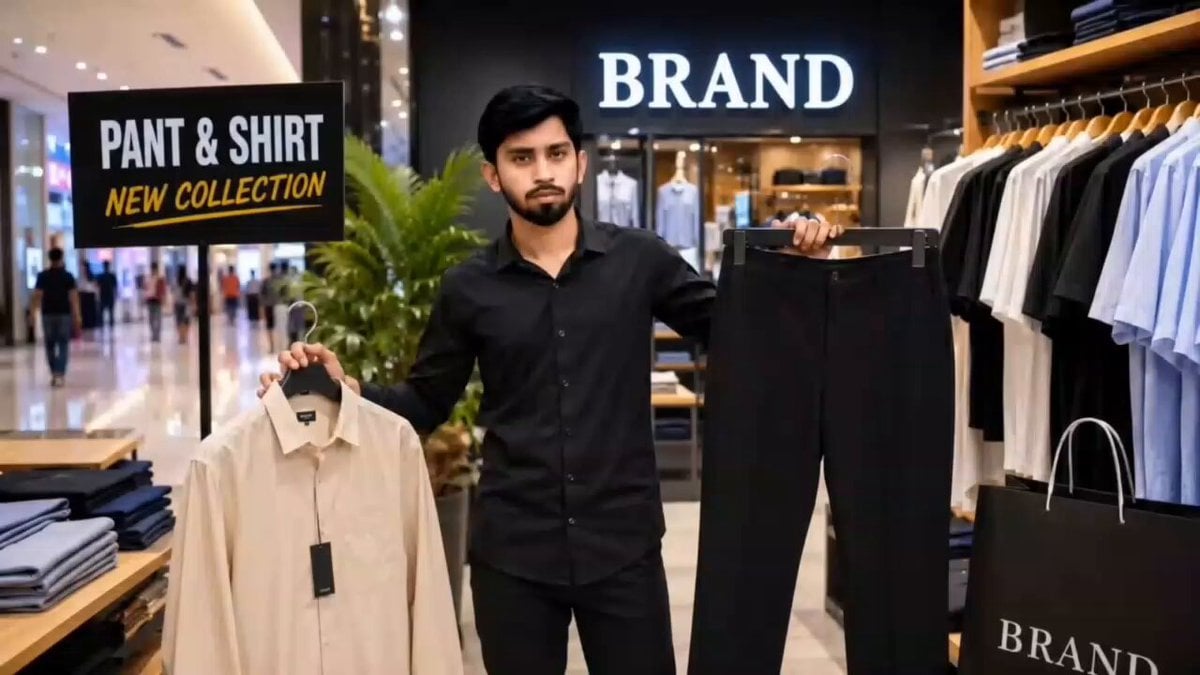
Luxury Fashion Store Commercial Ad
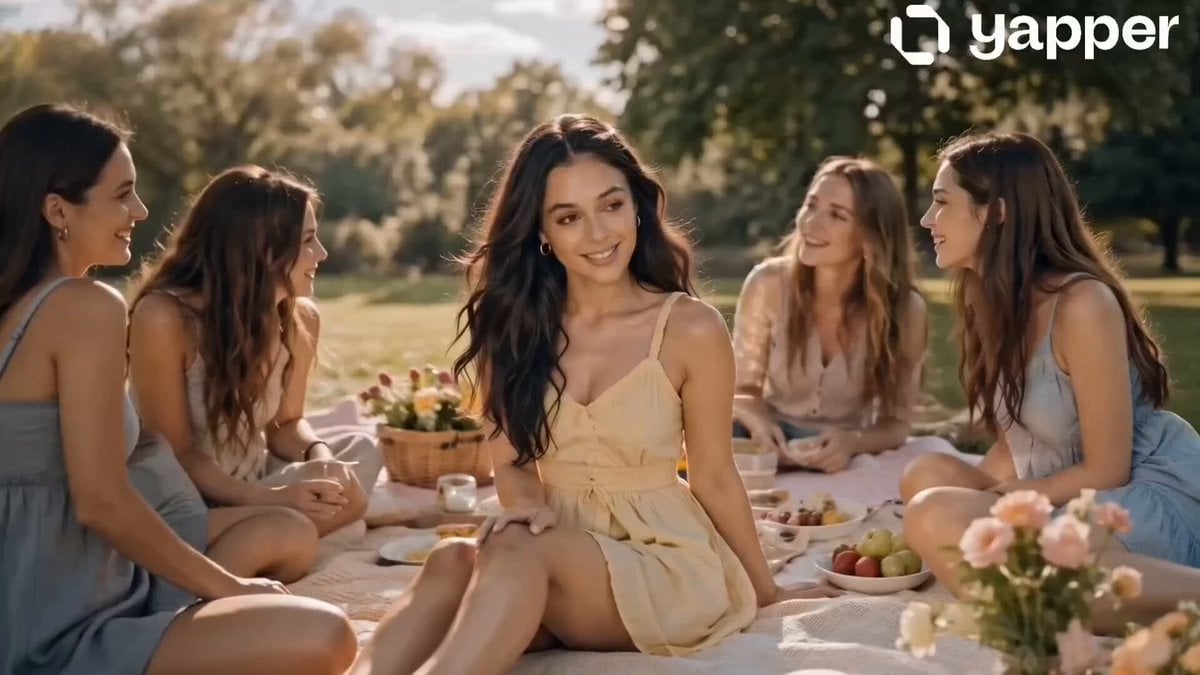
Sunny Park Picnic and Bicycle Storyboard

Lone Wanderer on a Floating Citadel Above a Nebula Storm

Cinematic Monologue and Action Sequence
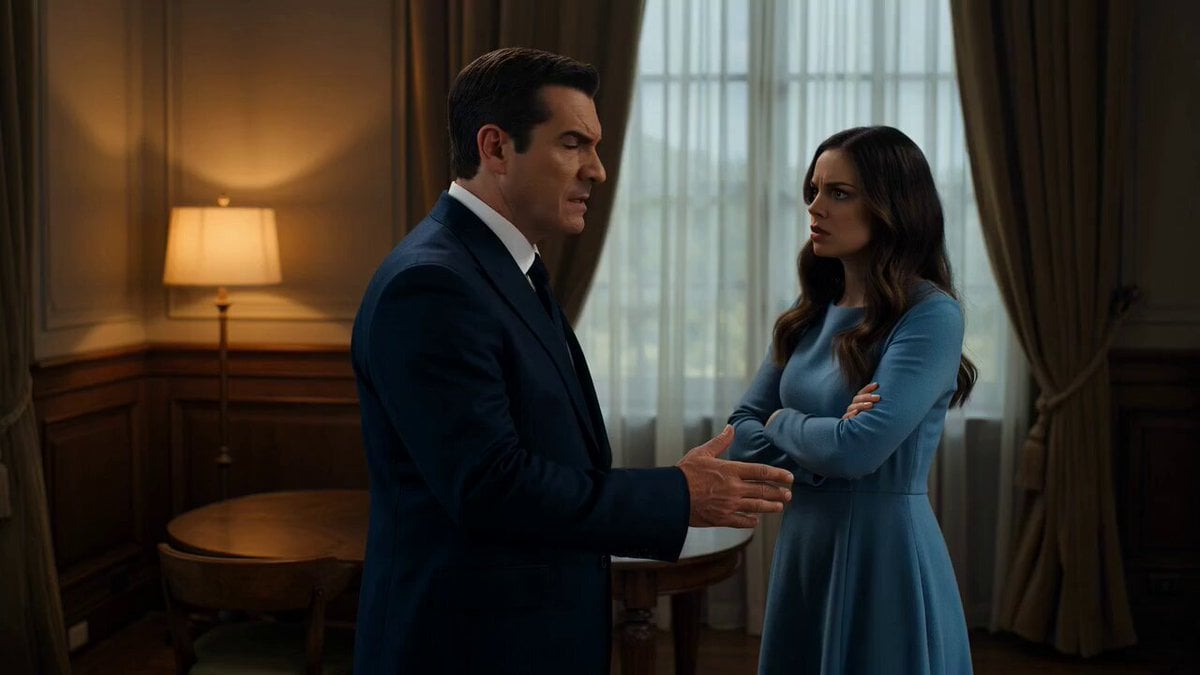
Wow! App Logo and Voiceover Video Prompt
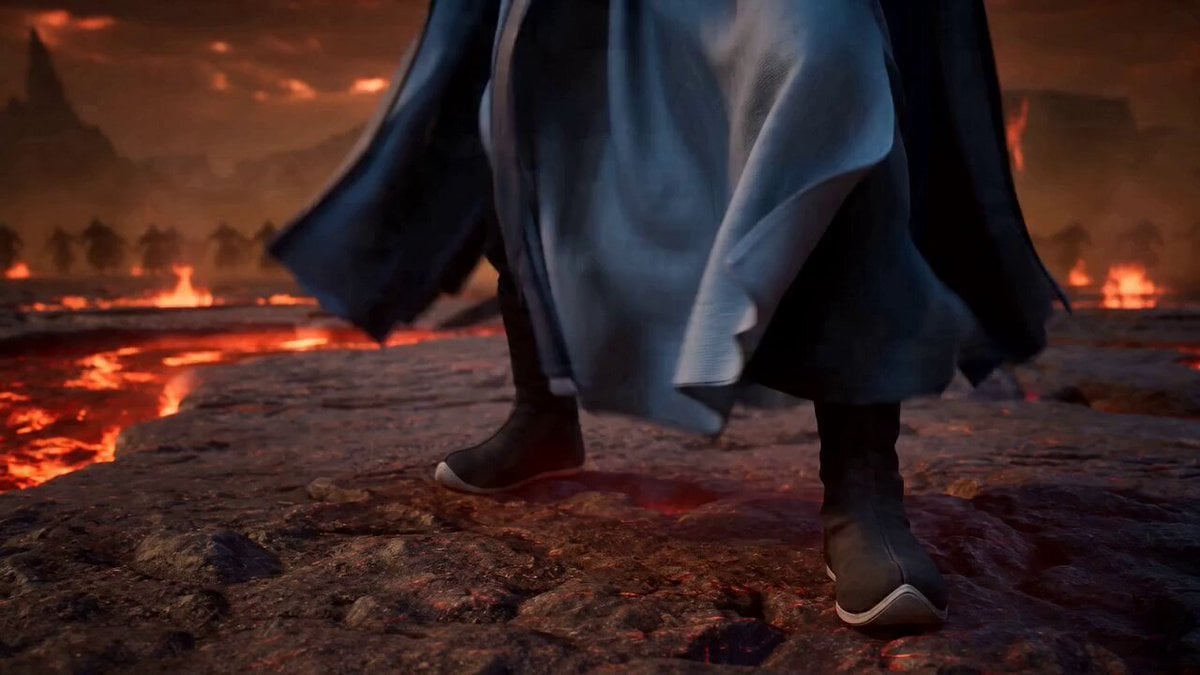
High-Energy Xianxia Battle Scene (15s)
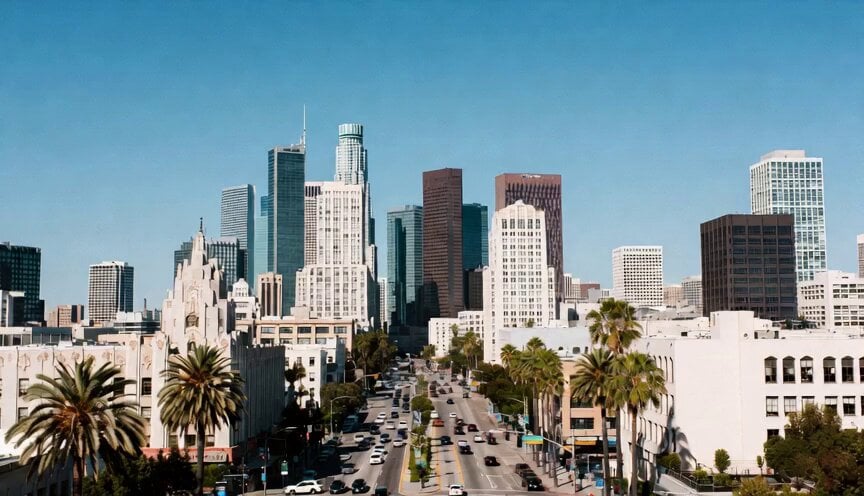
Cinematic Metropolitan Apocalypse Sequence
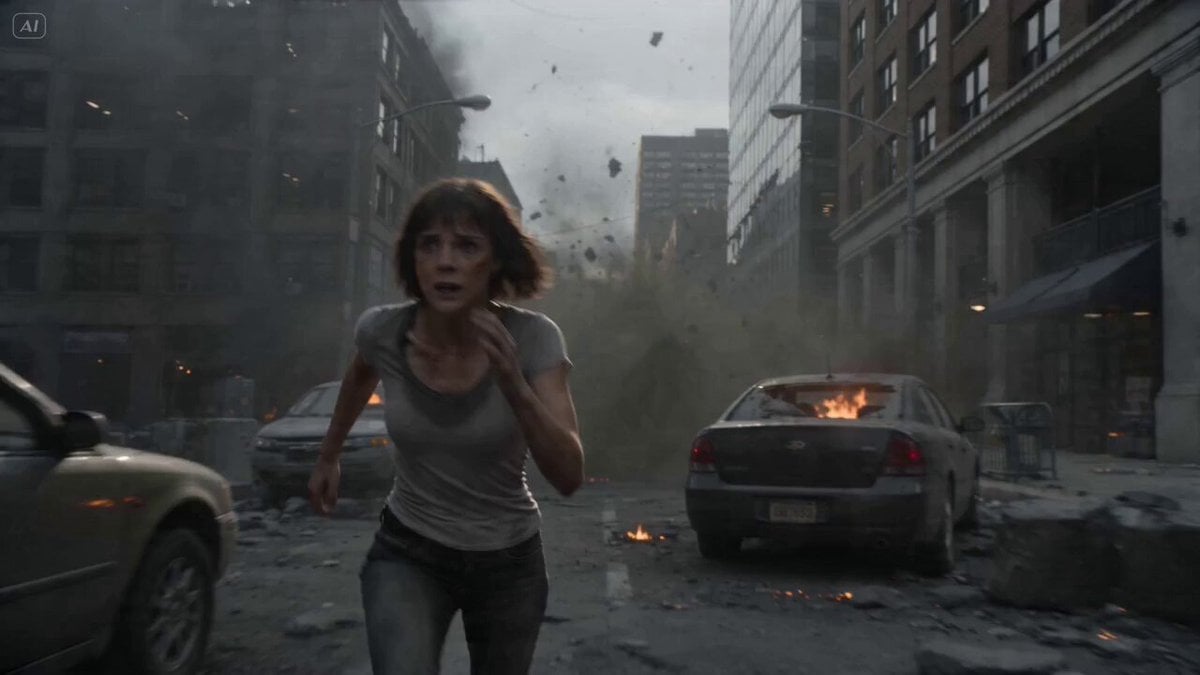
Intense FPV Urban Survival Tracking Shot
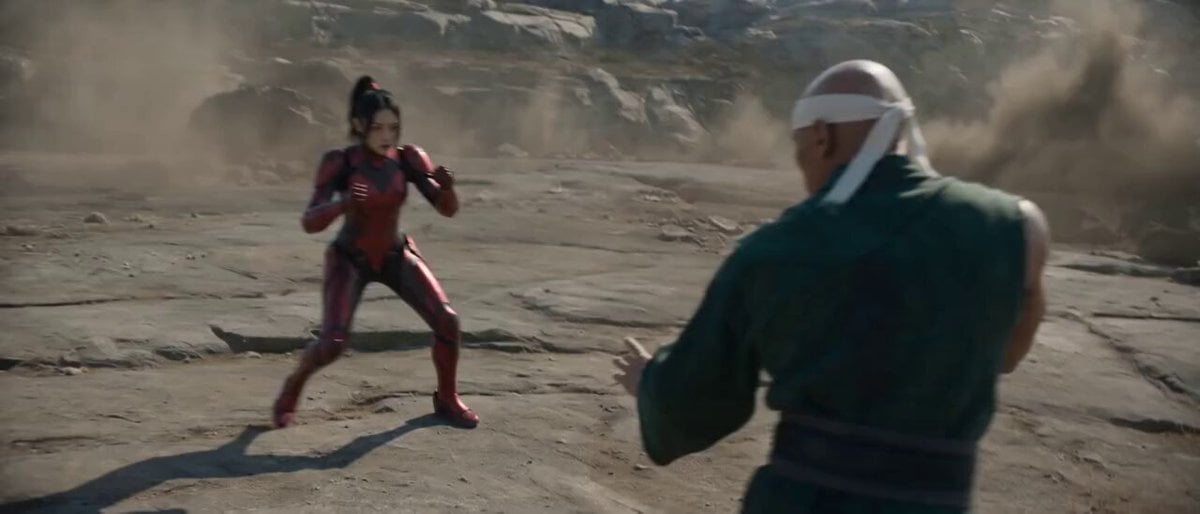
Raw Found Footage Superhuman Duel
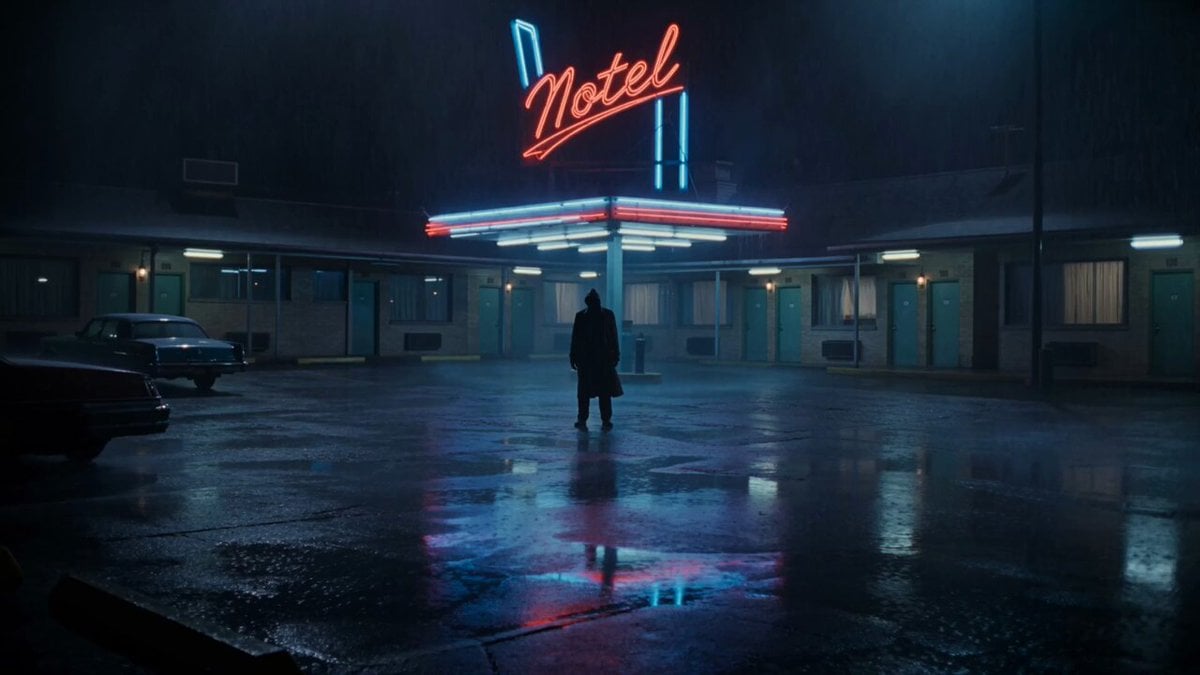
Horror Noir Roadside Motel Scene
Browse template categories
Anime Wedding Preparation Storyboard questions
How do I use the Anime Wedding Preparation Storyboard template?
Add your photo if the template asks for one, edit the prompt if you like — the template's model and format are already selected — and press Generate. Your version opens in PicX Studio.
Can I customize the Anime Wedding Preparation Storyboard template?
Yes. You can change the subject, setting, lighting, mood, format, and available model controls before creating your video.
Is the Anime Wedding Preparation Storyboard template free?
Opening and editing this template is free. Generating uses credits, shown on the Generate button when you are signed in.
Which AI model should I use?
Start with Seedance 2.0, which is the model associated with this template. You can compare another compatible model for a different finish.
Looking for something else? Browse all templates.

Your photo, any look
Thousands of ready templates for every top image and video model, from one credit balance.