
Sunny Park Picnic and Bicycle Storyboard
A peaceful multi-scene prompt for Seedance 2.0 depicting a girl enjoying a picnic and riding a bicycle by a lake in golden hour light.
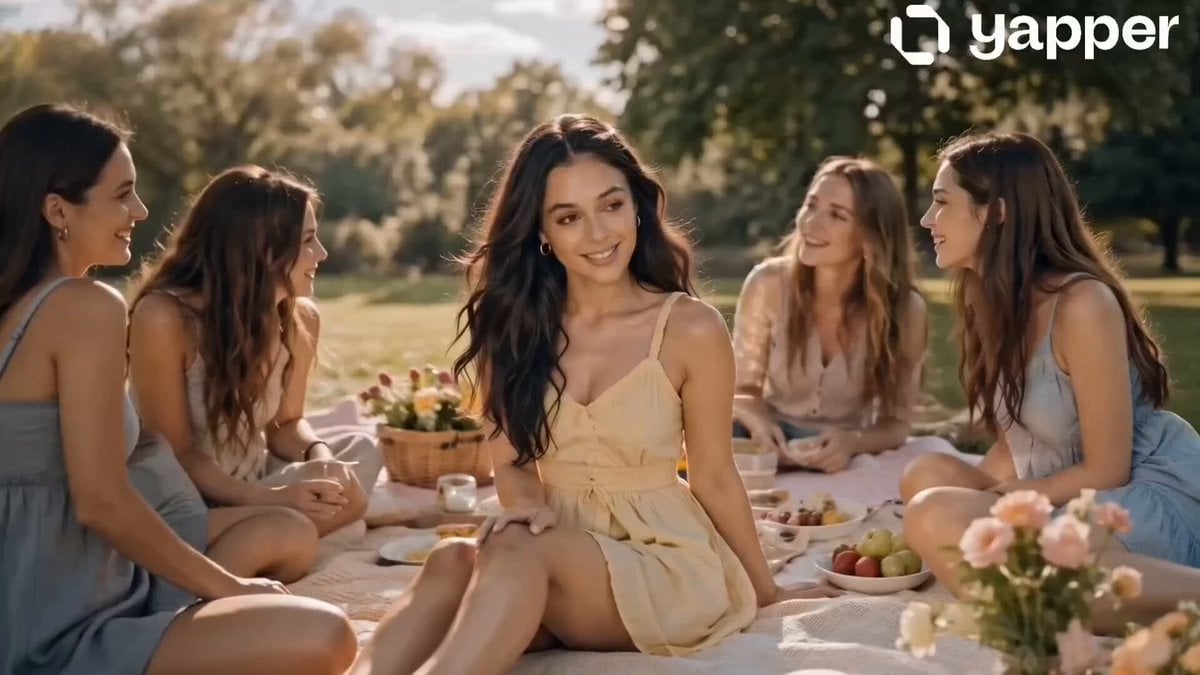
- Prompt included
- Model and format preset
- Free template
The prompt behind this video
Copy the exact prompt behind Sunny Park Picnic and Bicycle Storyboard, or open it in the studio and make it yours.
Scene 1 (0s–4s): Picnic Moment A serene park bathed in golden afternoon light.A girl wearing a flowing butter-yellow summer dress sits on a soft picnic blanket with her friends. They laugh gently, surrounded by flowers, fruit, and pastel picnic decor. The camera slowly pans, capturing soft smiles, sunlight filtering through trees, and a calm breeze moving her hair. Scene 2 (4s–8s): Soft Interaction Close-up shots of the girl (matching reference face exactly), smiling while holding a drink or fruit. Her friends are slightly blurred in the background. Light flares and soft focus enhance the dreamy tone. Fabric of the dress moves gently, emphasizing elegance and softness. Scene 3 (8s–12s): Bicycle by the Lake Transition to the girl riding a vintage-style bicycle along a lakeside path in the same park. The butter-yellow dress flows naturally with motion. The lake reflects sunlight, creating a glowing atmosphere. Camera follows from side angle, smooth tracking shot. Scene 4 (12s–16s): Peaceful Ending The girl slows down near the lake, stepping off the bicycle. She pauses, looking at the water with a calm, content expression. Soft wind, subtle smile, sunlight highlighting her face. Final frame fades into a warm, dreamy glow.
How to use Sunny Park Picnic and Bicycle Storyboard in 3 steps
- 1
Open
The prompt is already in the box next to the preview, with the template's model and format selected.
- 2…a portrait of your subject in softgolden-hour light, 85mm…
Personalize
Edit the subject and creative details for your destination.
- 3Generate
Generate
Press Generate — your video is created in PicX Studio, so you can compare it with the original and refine one variable at a time.
More like this
Templates with the same subject, style or setup. Open one to see its prompt.

3x3 Grid Storyboard Racing — Kling 3.0 O3 Pro

Dragon Rider Cinematic Flight — Seedance 2.5

Gpt2 Gpt2 Seedance Storyboard to Video
Realistic Korean Man Park Vlog
3D Cartoon Park Scene
Comedy Sword and Bicycle Swap
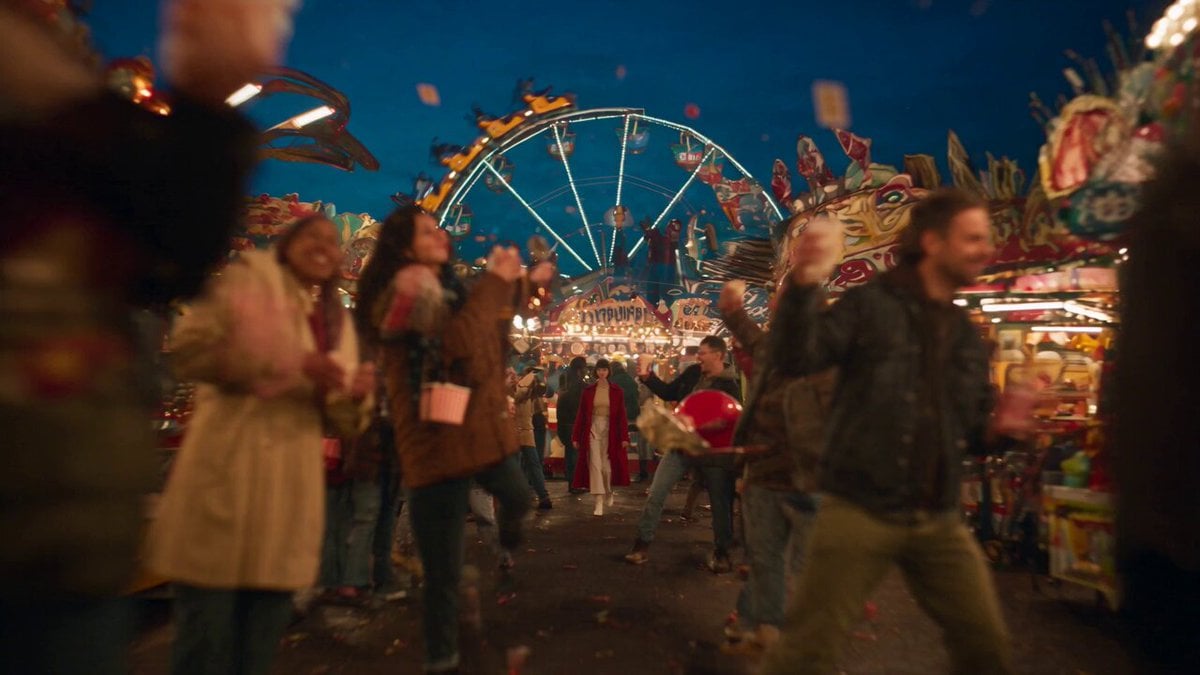
Amusement Park Time Stop Cinematic
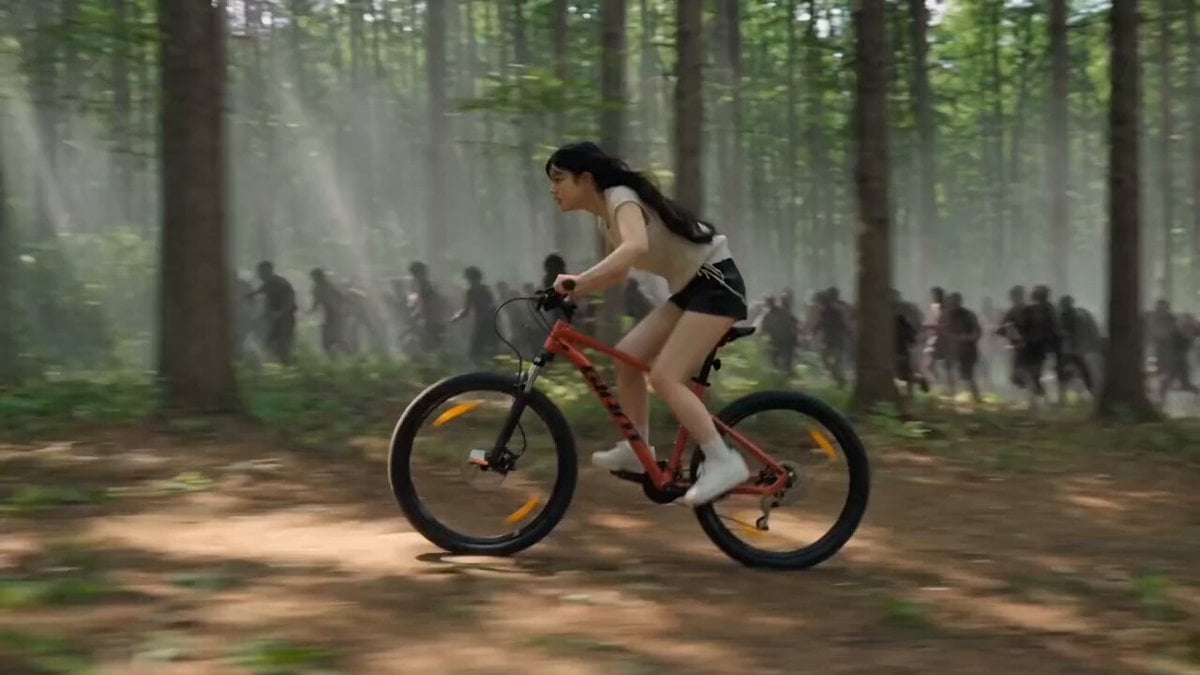
Woman Bicycle Zombie Chase Action Scene

Pigeon Nemesis Pixar Animation Storyboard
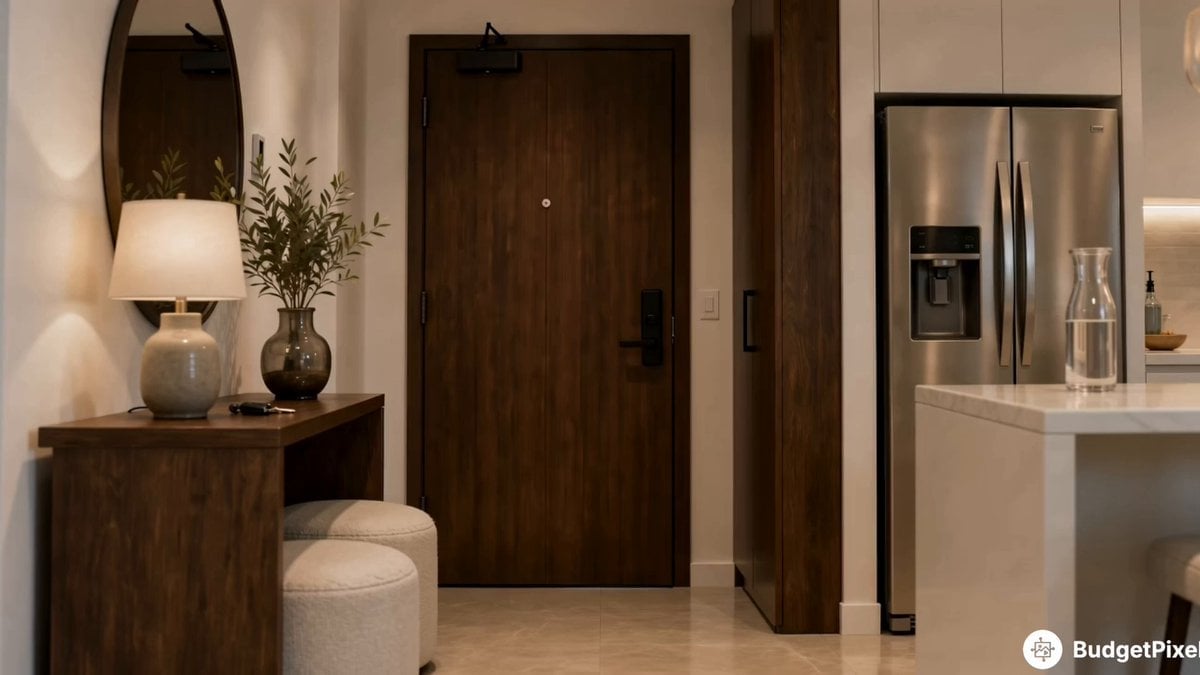
Apartment Arrival Storyboard Animation
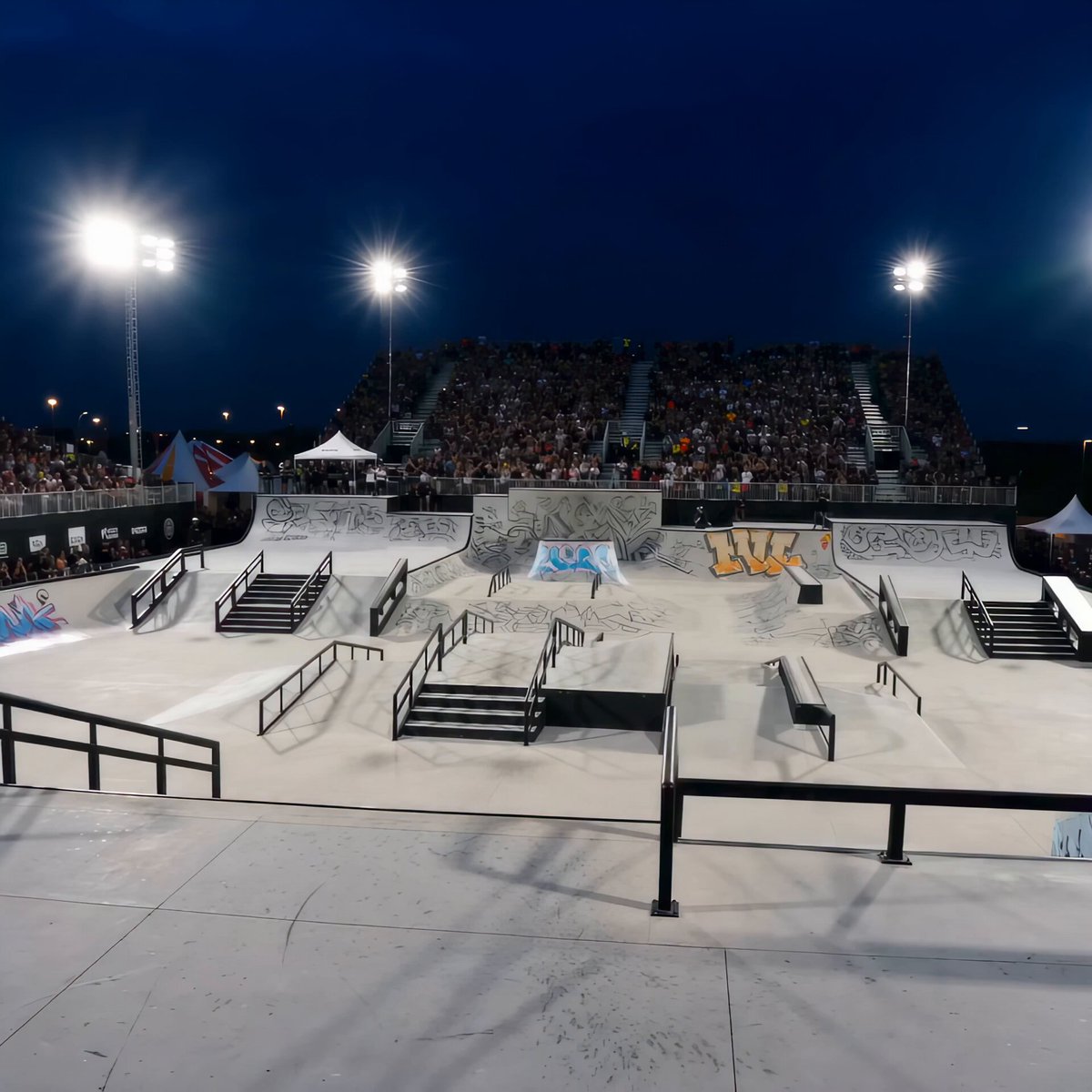
Realistic Female BMX Park Trick Sequence
Modern Urban Fantasy Comedy Storyboard
Make it yours
Sunny Park Picnic and Bicycle Storyboard works as-is. These are the safest ways to change it without losing the look.
Change one field
Copy a single group, rewrite it, and generate again so you can see what that field is doing.
Keep the frame, change the subject
Hold the composition and light of Sunny Park Picnic and Bicycle Storyboard, then swap wardrobe, props or the person for a new take.
| If the result… | Why | Fix |
|---|---|---|
| The result drifts from the preview | Too many fields changed at once. | Reuse Sunny Park Picnic and Bicycle Storyboard as-is first, then change one group — subject, light, or setting. |
| The model over-stylizes the scene | The prose prompt leaves finish and camera underspecified. | Add one camera or lighting sentence and stay on Seedance 2.0. |
More Seedance 2.0 templates
Other prompts made for Seedance 2.0.

Comical Martial Arts Punch Scene

Maglev Train Action Sequence

Martial Arts Fight Sequence

Wuxia Protection and Trust Script

Vintage Korean Arcade MiniDV Vlog

Mercedes 190 SL Luxury Ad

Rainy Night Supernatural Reverse Comedy Video Script

Amazon Civilization Discovery

Futuristic South Asian City Transformation

Cozy Luxury Cafe Commercial
More video prompts
Fresh picks from across the catalog.
Pixar-Style Office Comedy Short
Ad Truck Video Generation from Enka CD Jacket Reference

NBA Finals Game-Winning Moment

Cat Master's Tokyo Tower Descent and Rescue
Impossible Single-Take Medieval Tavern Tour

Electric Mosquito Swatter Ad

Space Station Solar Flare Emergency
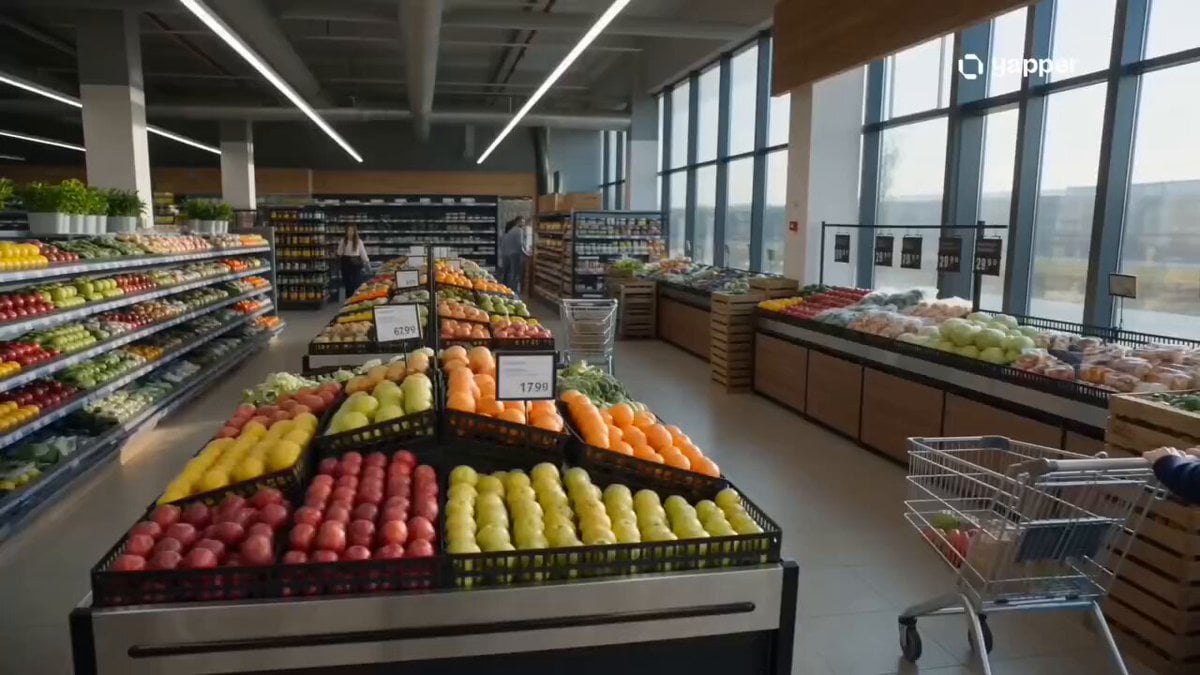
Cinematic Grocery Store Sequence

Arctic Glacier Collapse and Snowmobile Escape
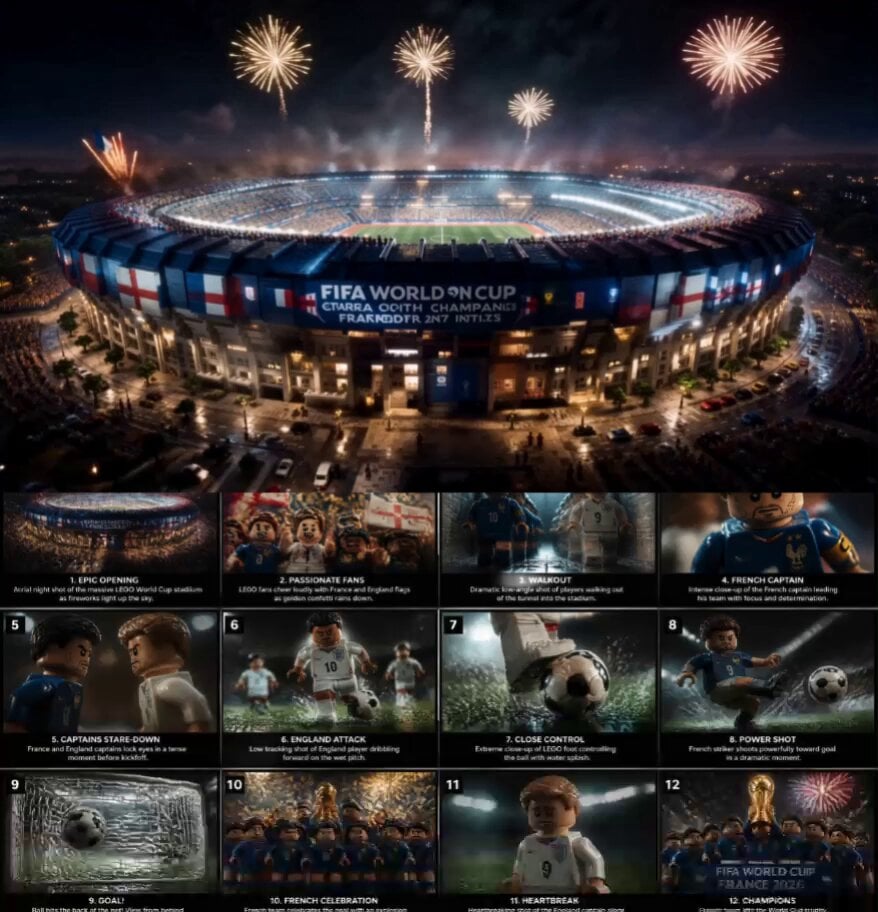
Cinematic LEGO Football Match Storyboard
Browse template categories
Sunny Park Picnic and Bicycle Storyboard questions
How do I use the Sunny Park Picnic and Bicycle Storyboard template?
Add your photo if the template asks for one, edit the prompt if you like — the template's model and format are already selected — and press Generate. Your version opens in PicX Studio.
Can I customize the Sunny Park Picnic and Bicycle Storyboard template?
Yes. You can change the subject, setting, lighting, mood, format, and available model controls before creating your video.
Is the Sunny Park Picnic and Bicycle Storyboard template free?
Opening and editing this template is free. Generating uses credits, shown on the Generate button when you are signed in.
Which AI model should I use?
Start with Seedance 2.0, which is the model associated with this template. You can compare another compatible model for a different finish.
Looking for something else? Browse all templates.

Your photo, any look
Thousands of ready templates for every top image and video model, from one credit balance.