
Ad Truck Video Generation from Enka CD Jacket Reference
A Grok Imagine prompt for generating a photorealistic video of an advertisement truck driving through a Japanese city at night.
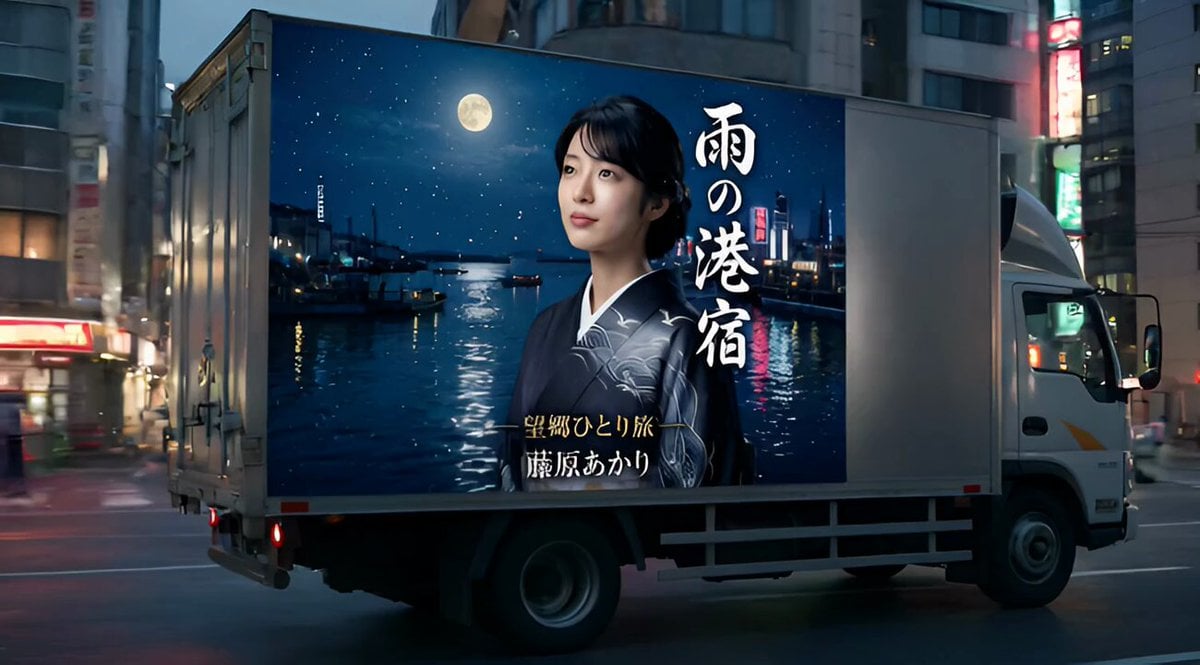
- Prompt included
- Model and format preset
- Free template
The prompt behind this video
Copy the exact prompt behind Ad Truck Video Generation from Enka CD Jacket Reference, or open it in the studio and make it yours.
リファレンス画像に写っている人物を同一人物として使用し、その人物がリリースした「演歌のCDジャケット」をデザインしてください。 重要: ・人物の顔や特徴はリファレンス画像から忠実に再現する ・元画像の構図、カメラアングル、ポーズ、背景には縛られない ・新しくCDジャケット用に構図を大胆に再構成する ・実在する演歌CDジャケットのような完成度の高いデザインにする デザイン要素: ・演歌らしいドラマチックで情緒的な雰囲気 ・昭和~現代演歌のCDジャケットのようなデザイン ・人物は中央または印象的な配置 ・強い感情表現(哀愁、決意、切なさなど) ・背景は自由に変更してよい。演歌の世界観を表現する情緒的でドラマチックな背景にすること。 タイトル: ・リファレンス画像の人物の雰囲気やキャラクターから推測して 「それらしい演歌のタイトル」を新しく作る ・タイトルは大きくジャケットに表示する ・演歌風の日本語タイトル ・筆文字風フォント 追加要素: ・本物のCDジャケットのようなレイアウト ・高品質、印刷用レベルのキッチュリティ スタイル: 日本の演歌CDジャケット ドラマチックなライティング 映画ポスターのような構図 高解像度 プロのグラフィックデザイン 以下の要素は一切表示しない: ・バーコード ・価格表示 ・JANコード ・レコード会社ロゴ ・CDレーベルロゴ ・コピーライト表記 ・発売日 ・型番 ・商品番号 ・キャンペーンシール ・ステッカー ・宣伝バッジ ・帯(オビ) ・販売用ラベル ・ストリーミングサービスのロゴ ・Spotify / Apple Music などのアイコン ・QRコード 文字情報は「演歌タイトル」と「歌手名」のみ表示すること。「サブタイトル」は表示してもよい。 それ以外の文字・記号・数字は一切表示しない。 商業CDパッケージに見られる販売情報はすべて禁止。 --- リファレンス画像(演歌のCDジャケット)を使用し、そのデザインが大型の広告としてトラックの側面に印刷されている。 シーン: 日本の都市の街中を、広告トラック(アドトラック)が走っている実写風の映像。 トラックの側面にはリファレンスのCDジャケットがそのまま大きくプリントされている。 デザイン(人物・タイトル・歌手名)は忠実に再現する。 映像: カメラは道路脇または歩道からトラックを追うように撮影 トラックがフレーム内を移動する(左→右、または右→左) 軽いカメラのパンや追従あり 実写映画のようなリアルな質感 環境: 日本の街並み(ネオン街、繁華街、交差点、住宅街など) 看板や街灯、車、通行人あり 時間帯は夕方~夜で、ネオンや街の光が反射する ディテール: トラックのボディは金属質でリアルな反射 CDジャケットは「印刷された広告」として自然に貼られている 歪みや影、パースも自然 走行による振動や軽いブレあり 雰囲気: シネマティック、フォトリアル、リアルな日本の街 演歌の雰囲気と現代の街のコントラスト 長さ: 約10秒 1カットまたはシンプルな構成で自然な動き
How to use Ad Truck Video Generation from Enka CD Jacket Reference in 3 steps
- 1
Open
The prompt is already in the box next to the preview, with the template's model and format selected.
- 2…a portrait of your subject in softgolden-hour light, 85mm…
Personalize
Edit the subject and creative details for your destination.
- 3Generate
Generate
Press Generate — your video is created in PicX Studio, so you can compare it with the original and refine one variable at a time.
More like this
Templates with the same subject, style or setup. Open one to see its prompt.
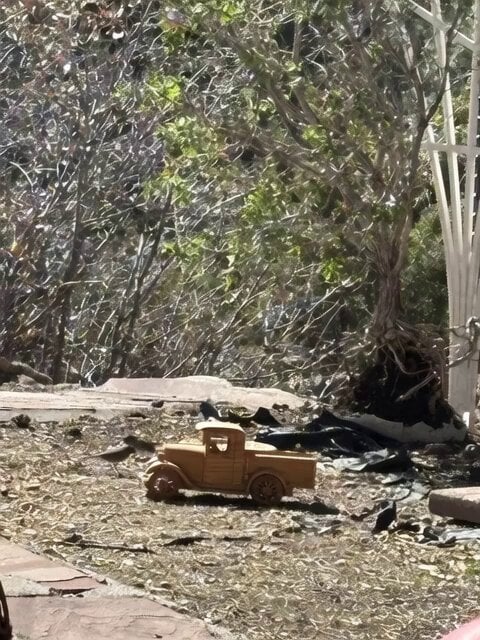
Video Generation Prompt: Blue Jay Driving a Truck
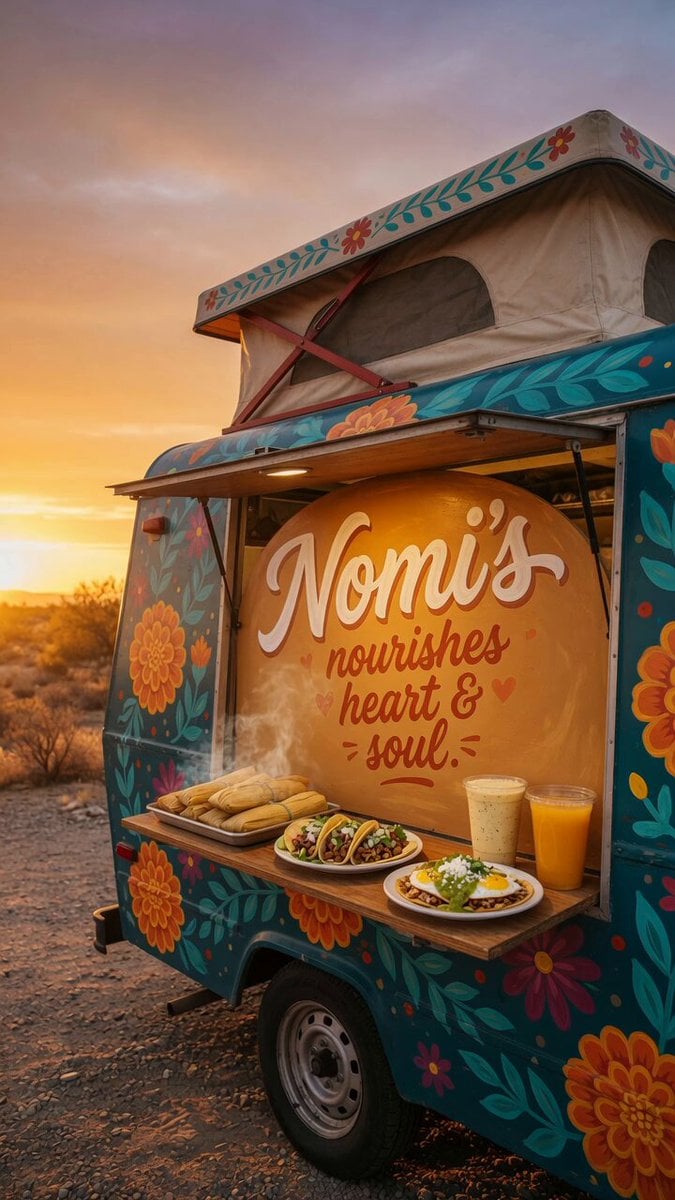
Custom Food Truck Animation

Chibi Cosmic Wildcat Cybertruck

Cyberpunk Guerrilla Girl Video Generation
Sci-Fi Teaser Trailer Montage from Reference Images

Interior View Video Generation Prompt
Video prompt with specific audio reference
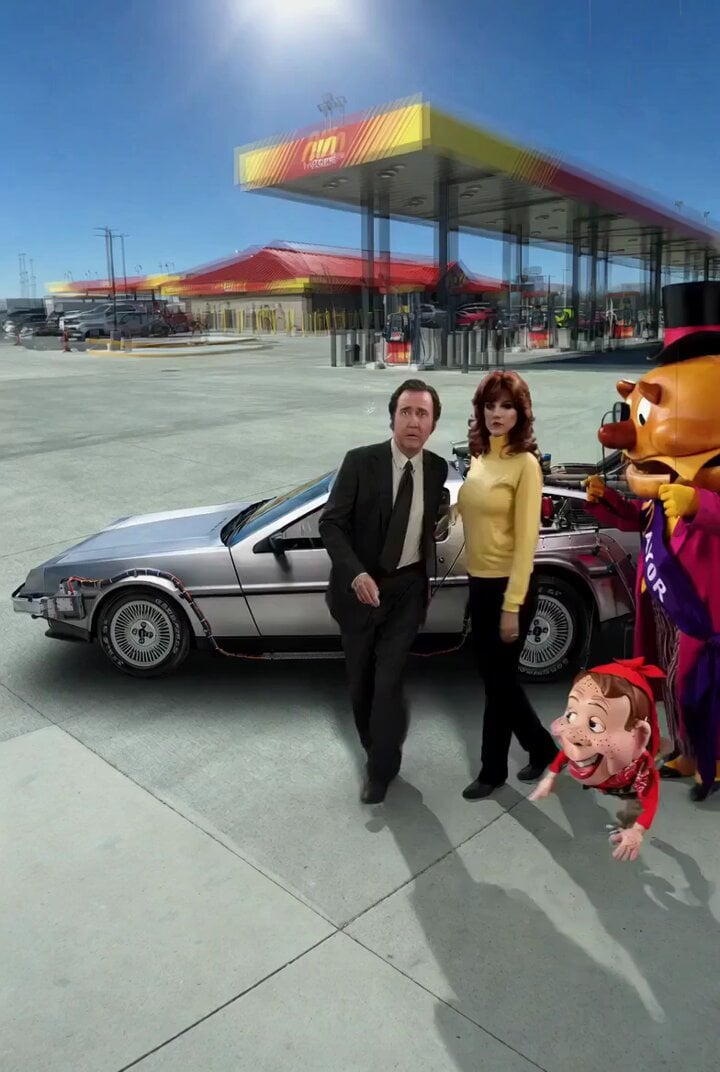
Back to the Future 4 R-rated Video Generation
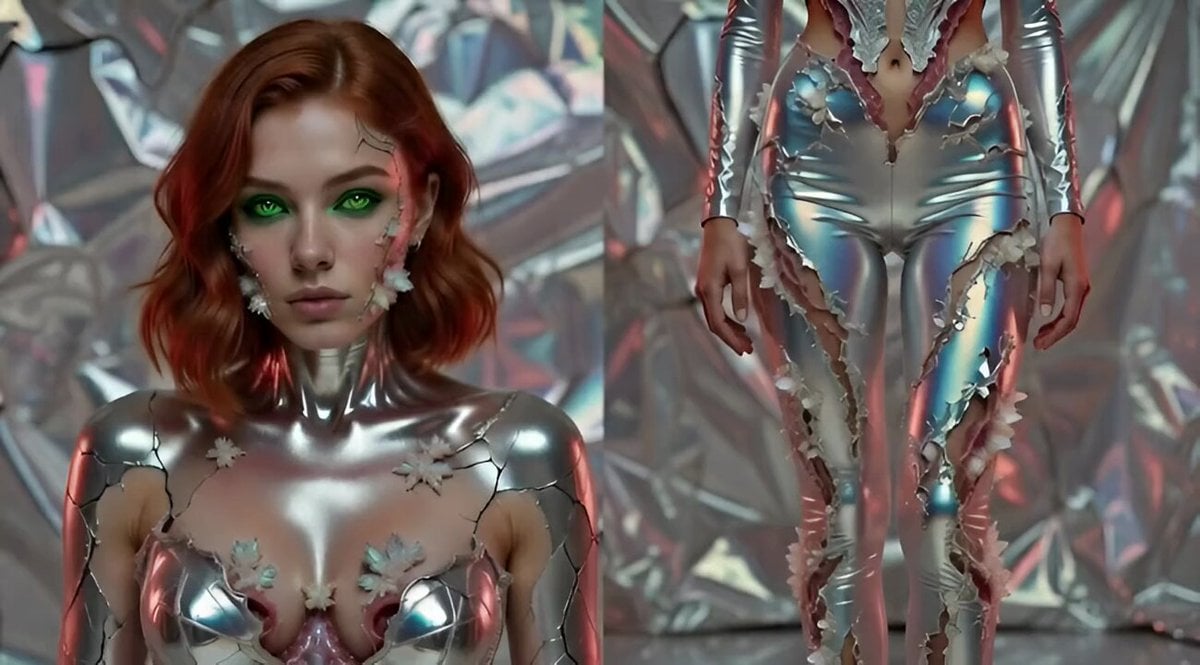
Video prompt for removing and repositioning tattoos using a video reference tool

Grok Imagine R2V Multi-Image Reference Tutorial
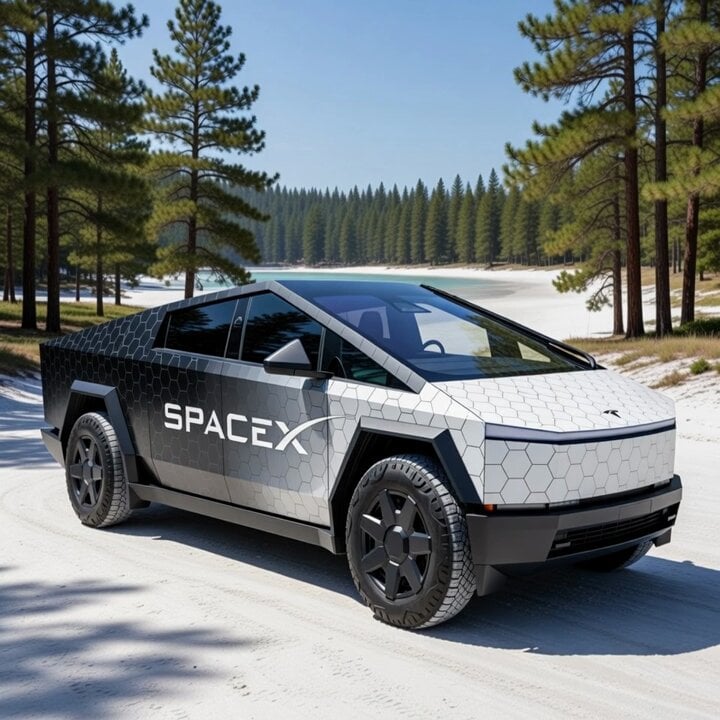
Cybertruck with SpaceX Starship Wrap
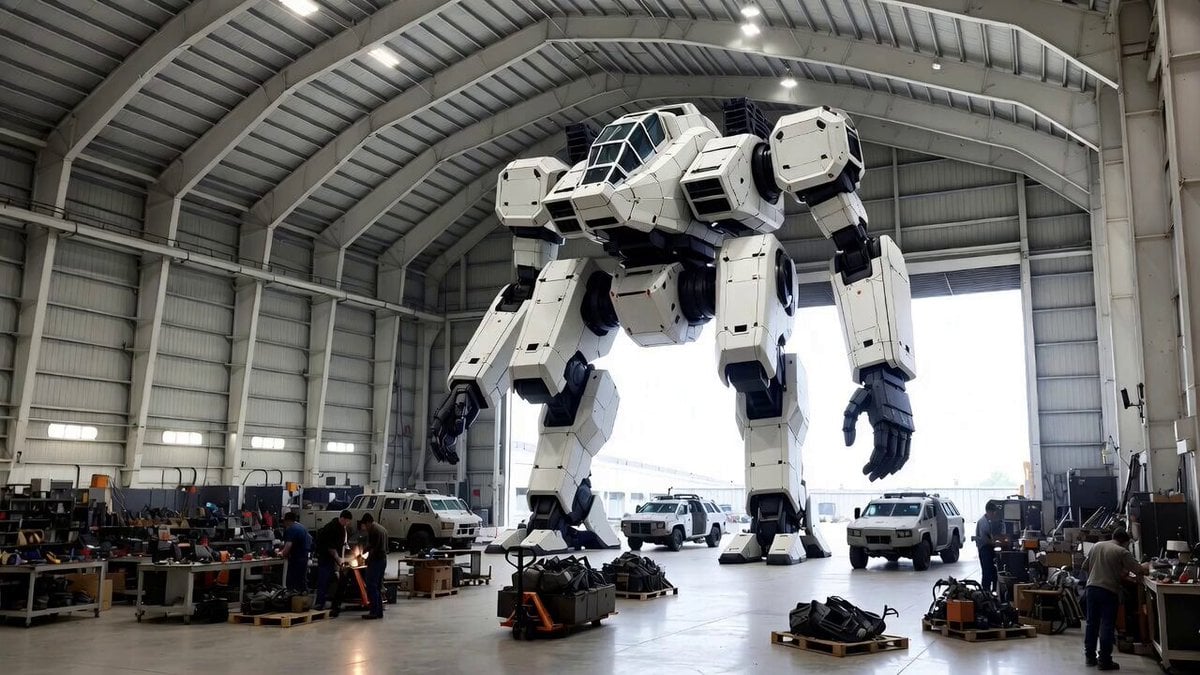
Video Generation Prompt: Mech in Aircraft Hangar
Make it yours
Ad Truck Video Generation from Enka CD Jacket Reference works as-is. These are the safest ways to change it without losing the look.
Change one field
Copy a single group, rewrite it, and generate again so you can see what that field is doing.
Keep the frame, change the subject
Hold the composition and light of Ad Truck Video Generation from Enka CD Jacket Reference, then swap wardrobe, props or the person for a new take.
| If the result… | Why | Fix |
|---|---|---|
| The result drifts from the preview | Too many fields changed at once. | Reuse Ad Truck Video Generation from Enka CD Jacket Reference as-is first, then change one group — subject, light, or setting. |
| The model over-stylizes the scene | The prose prompt leaves finish and camera underspecified. | Add one camera or lighting sentence and stay on Grok Imagine. |
More Grok Imagine templates
Other prompts made for Grok Imagine.

Glowing Water Forest Night Prompt

Soft Pink Roses Dreamer Prompt

Ninja Wizard Levitation Jump

Coffee Cup Interaction Motion

Voice Controlled Water Animation

Pterodactyl Transformation Journey

Candle Mandala Mirror Video

Psychedelic Purple Disc World Video

Mecha Runway Tap Dance Video Prompt

Quantum Inventor in Sonoran Desert
More video prompts
Fresh picks from across the catalog.
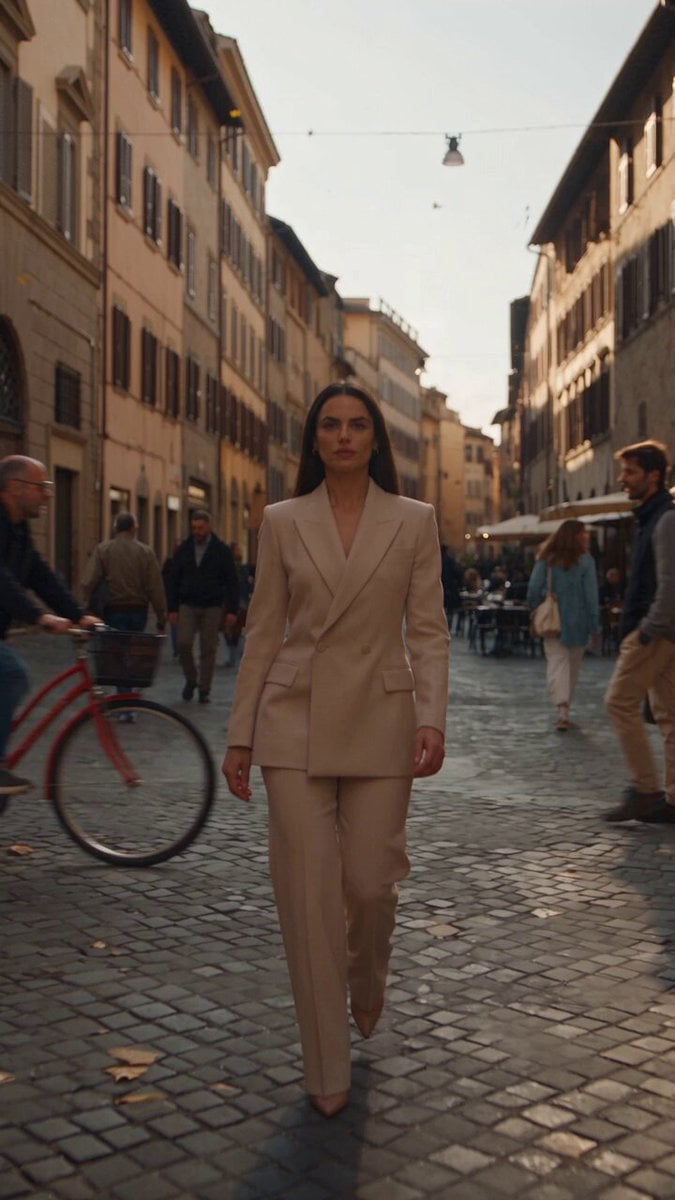
Italian Old-Town Time-Freeze Walk

Cinematic Flight Towards a Supermassive Black Hole

First Date of Molecular Strand Robots Video Prompt
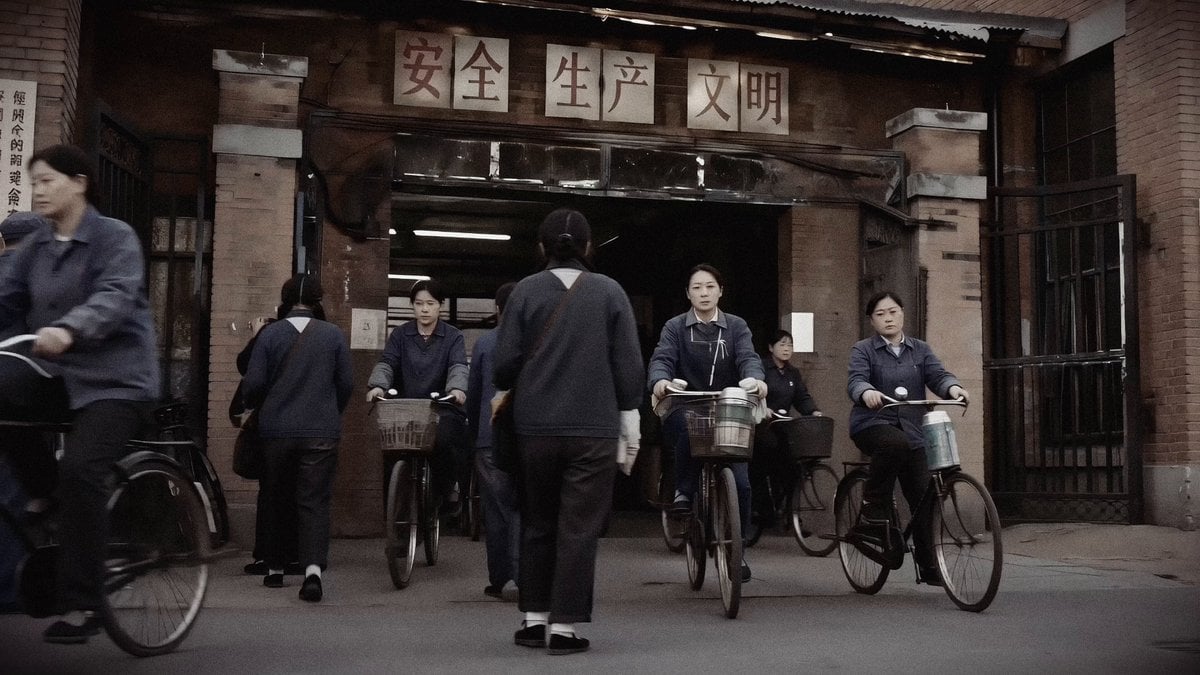
1990 Shanghai Textile Factory Documentary
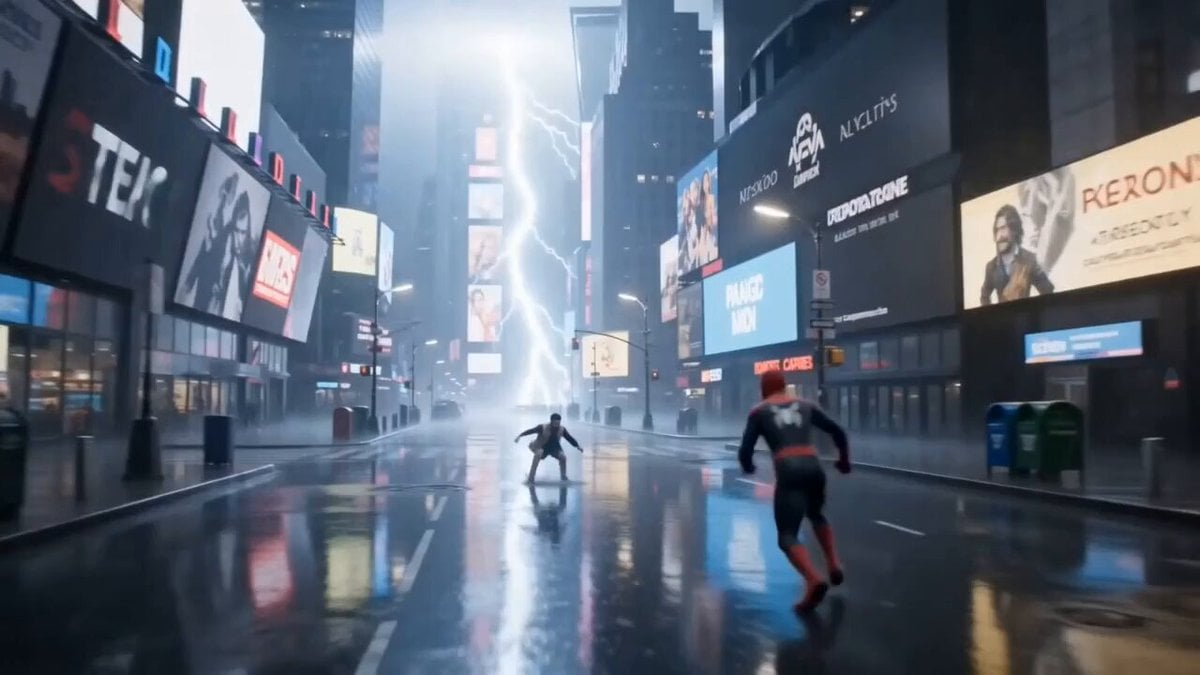
Cinematic Spider-Man NYC Action Scene

POV iPhone Selfie Reaction Video
Vertical Character Dance MV
Cinematic Gym Training Intensity

Grok Imagine Prompt: Render two kids outside dressed in winter coats and toques in traditional Easte
Cinematic Mech Battle in Los Angeles
Browse template categories
Ad Truck Video Generation from Enka CD Jacket Reference questions
How do I use the Ad Truck Video Generation from Enka CD Jacket Reference template?
Add your photo if the template asks for one, edit the prompt if you like — the template's model and format are already selected — and press Generate. Your version opens in PicX Studio.
Can I customize the Ad Truck Video Generation from Enka CD Jacket Reference template?
Yes. You can change the subject, setting, lighting, mood, format, and available model controls before creating your video.
Is the Ad Truck Video Generation from Enka CD Jacket Reference template free?
Opening and editing this template is free. Generating uses credits, shown on the Generate button when you are signed in.
Which AI model should I use?
Start with Grok Imagine, which is the model associated with this template. You can compare another compatible model for a different finish.
Looking for something else? Browse all templates.

Your photo, any look
Thousands of ready templates for every top image and video model, from one credit balance.