
Cinematic Grocery Store Sequence
A 15-second cinematic video prompt detailing a young woman's shopping experience in a modern supermarket with specific time-coded shots.
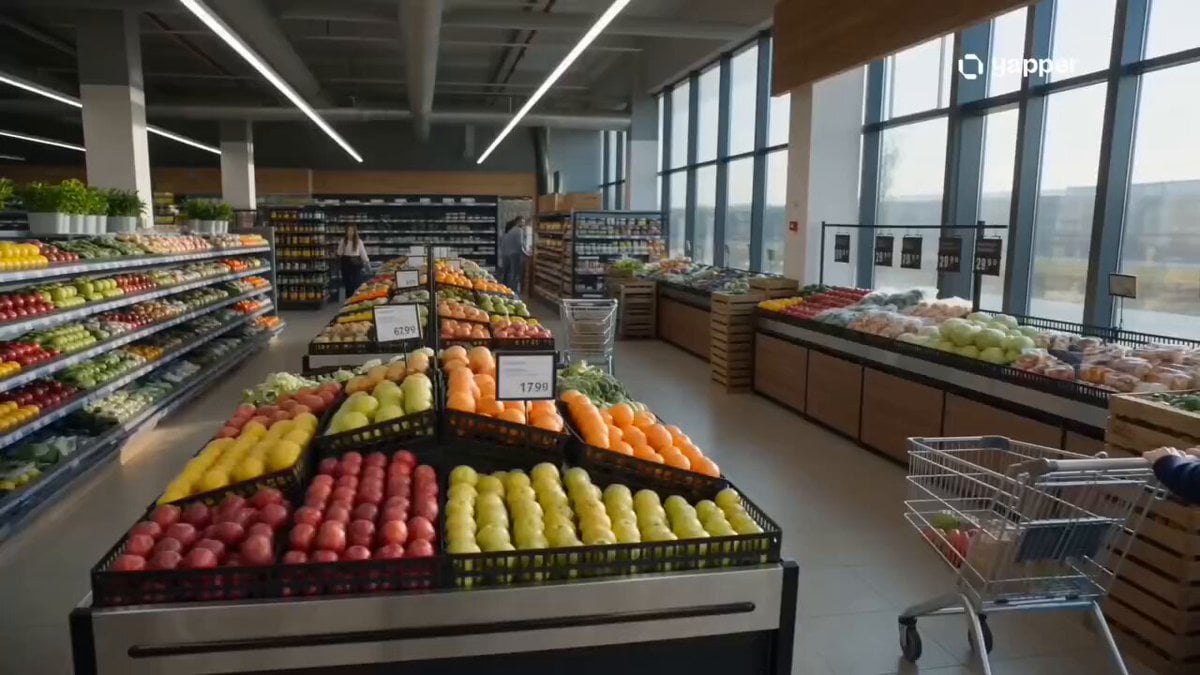
- Prompt included
- Model and format preset
- Premium template
The prompt behind this video
Copy the exact prompt behind Cinematic Grocery Store Sequence, or open it in the studio and make it yours.
Create a 15-second ultra-realistic vertical (9:16) cinematic video of a young woman shopping in a modern grocery store. Scene Style: Bright, clean, and aesthetically pleasing supermarket with soft natural lighting, slightly warm tones, shallow depth of field, and smooth cinematic camera movement. Sequence: 0–3s: Wide establishing shot of a modern grocery store aisle. Shelves neatly stocked with fresh fruits, vegetables, and packaged goods. Soft ambient store sounds. 3–7s: Medium tracking shot of a young woman wearing casual stylish outfit (white shirt, light denim jeans, minimal makeup). She pushes a shopping cart slowly while scanning shelves thoughtfully. 7–11s: Close-up shots: • Her hand picking fresh apples and checking quality • Slow-motion of fruits being placed into cart • Subtle smile as she compares items on a list 11–15s: Cinematic side profile shot as she walks down the aisle. Soft sunlight beams through store windows, creating a dreamy glow. Camera slowly pulls back as she continues shopping calmly. Mood: Peaceful, everyday lifestyle elegance, slightly cinematic commercial feel. Visual Quality: Ultra-realistic, 4K detail, smooth motion, natural skin tones, shallow focus, soft bokeh background.
How to use Cinematic Grocery Store Sequence in 3 steps
- 1
Open
The prompt is already in the box next to the preview, with the template's model and format selected.
- 2…a portrait of your subject in softgolden-hour light, 85mm…
Personalize
Edit the subject and creative details for your destination.
- 3Generate
Generate
Press Generate — your video is created in PicX Studio, so you can compare it with the original and refine one variable at a time.
More like this
Templates with the same subject, style or setup. Open one to see its prompt.

Nostalgic MiniDV Convenience Store Vlog - Seedance 2.5

Open-World RPG Grocery Store Quest Prompt
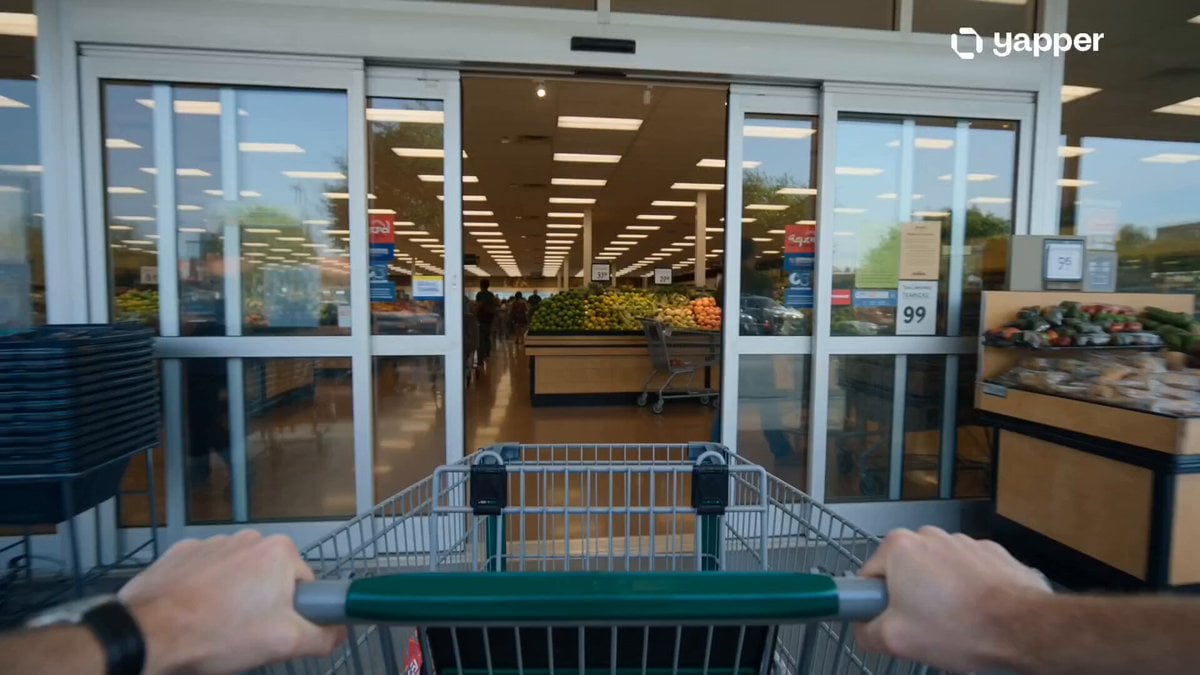
Grocery Store Slice-of-Life Realism
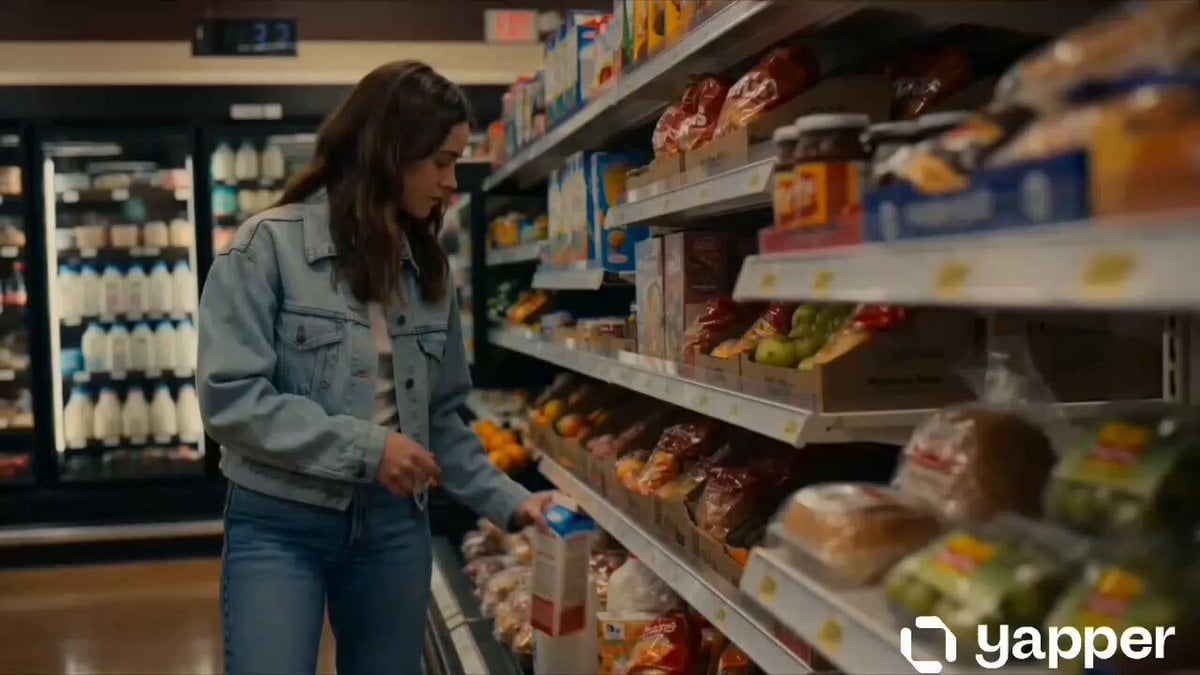
Cinematic Grocery Store Emotional Story
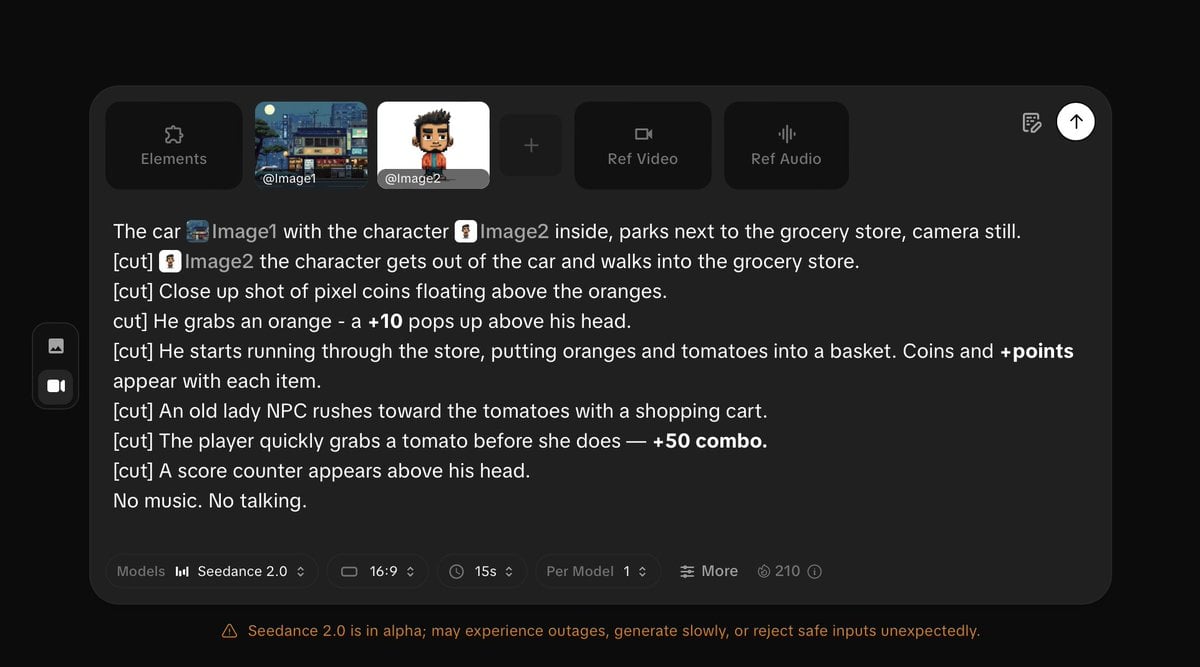
Pixel Game Style Grocery Store Heist
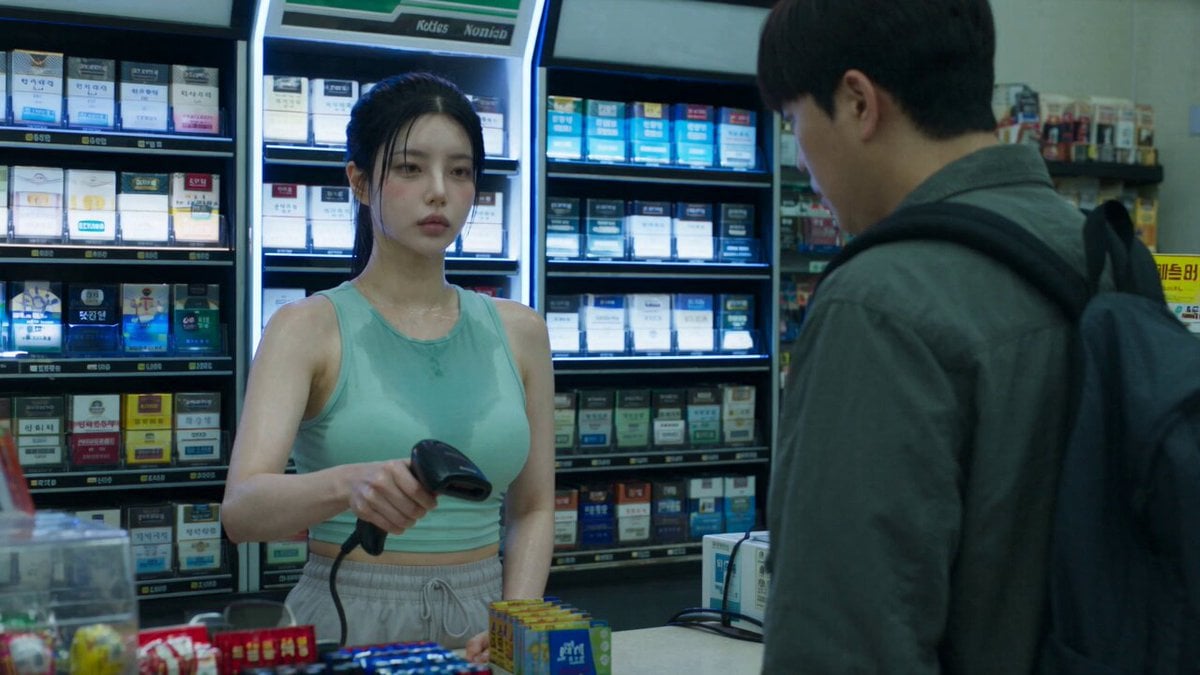
Korean Horror Zombie Convenience Store Attack
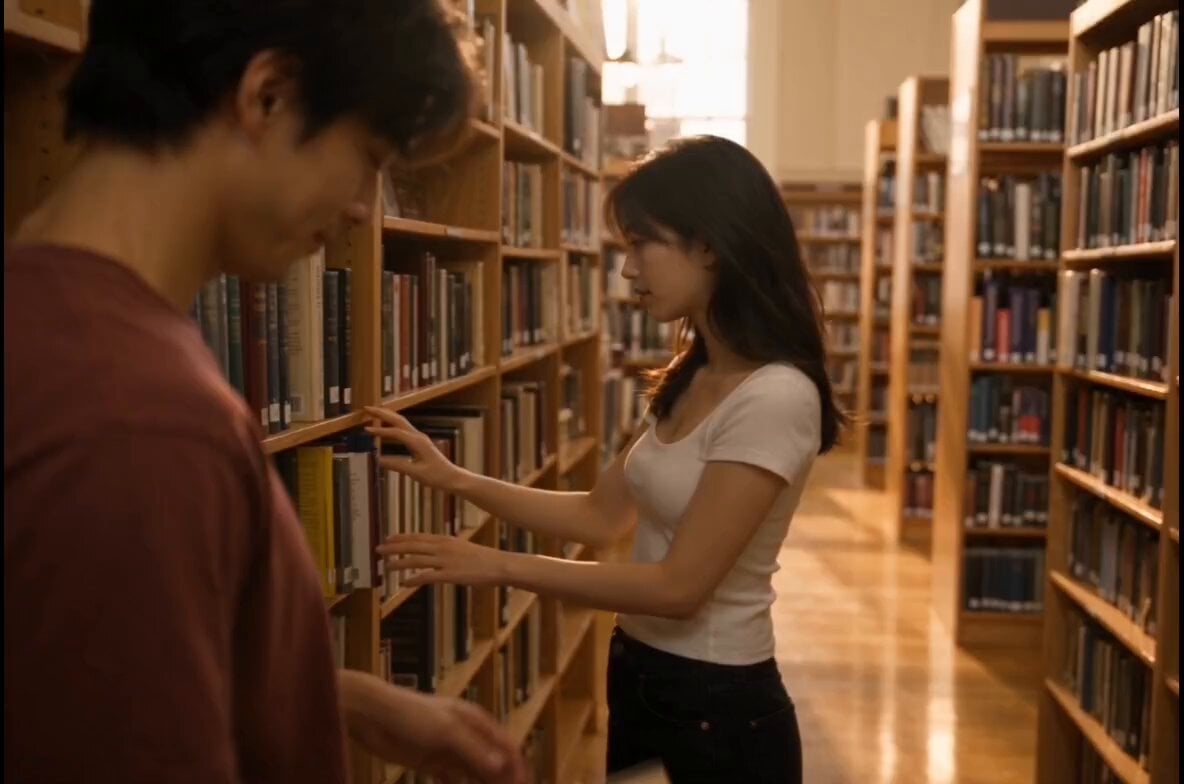
Bookstore Slice-of-Life Encounter

Everyday Grocery Shopping Lifestyle Vlog

Thrift Store Vlog Selfie
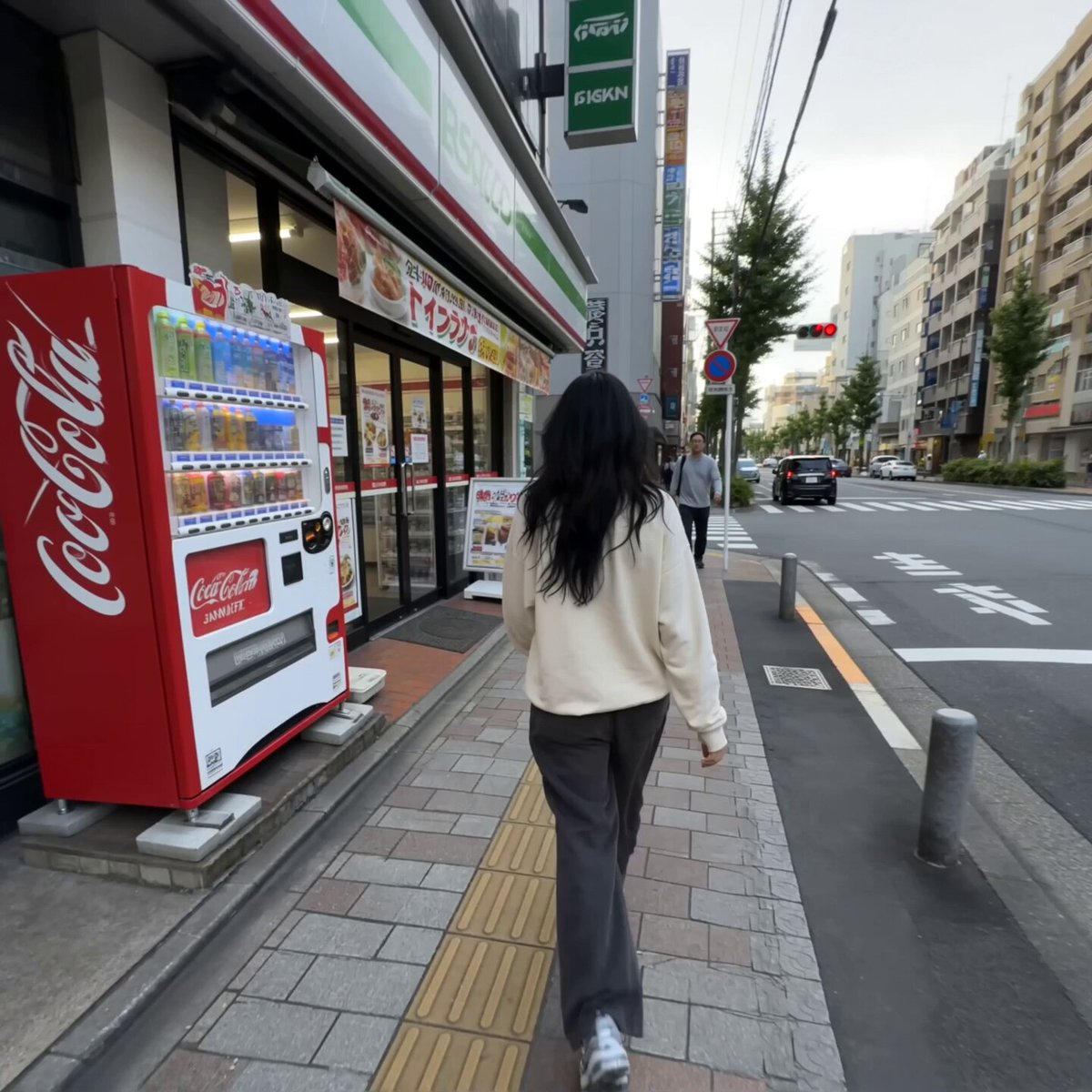
Realistic Tokyo Convenience Store Vlog

Cinematic Suspense Convenience Store Video Prompt
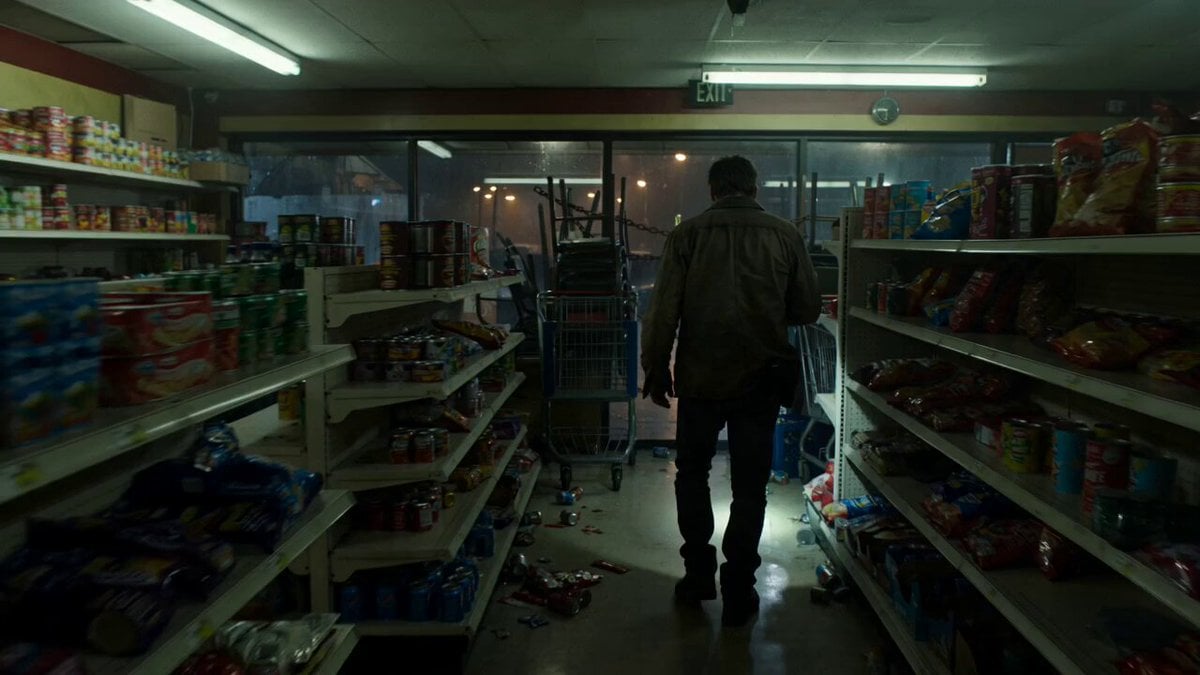
Zombie Apocalypse Convenience Store Shot
Make it yours
Cinematic Grocery Store Sequence works as-is. These are the safest ways to change it without losing the look.
Change one field
Copy a single group, rewrite it, and generate again so you can see what that field is doing.
Keep the frame, change the subject
Hold the composition and light of Cinematic Grocery Store Sequence, then swap wardrobe, props or the person for a new take.
| If the result… | Why | Fix |
|---|---|---|
| The result drifts from the preview | Too many fields changed at once. | Reuse Cinematic Grocery Store Sequence as-is first, then change one group — subject, light, or setting. |
| The model over-stylizes the scene | The prose prompt leaves finish and camera underspecified. | Add one camera or lighting sentence and stay on Seedance 2.0. |
More Seedance 2.0 templates
Other prompts made for Seedance 2.0.

Comical Martial Arts Punch Scene

Maglev Train Action Sequence

Martial Arts Fight Sequence

Wuxia Protection and Trust Script

Vintage Korean Arcade MiniDV Vlog

Mercedes 190 SL Luxury Ad

Rainy Night Supernatural Reverse Comedy Video Script

Amazon Civilization Discovery

Futuristic South Asian City Transformation

Cozy Luxury Cafe Commercial
More video prompts
Fresh picks from across the catalog.
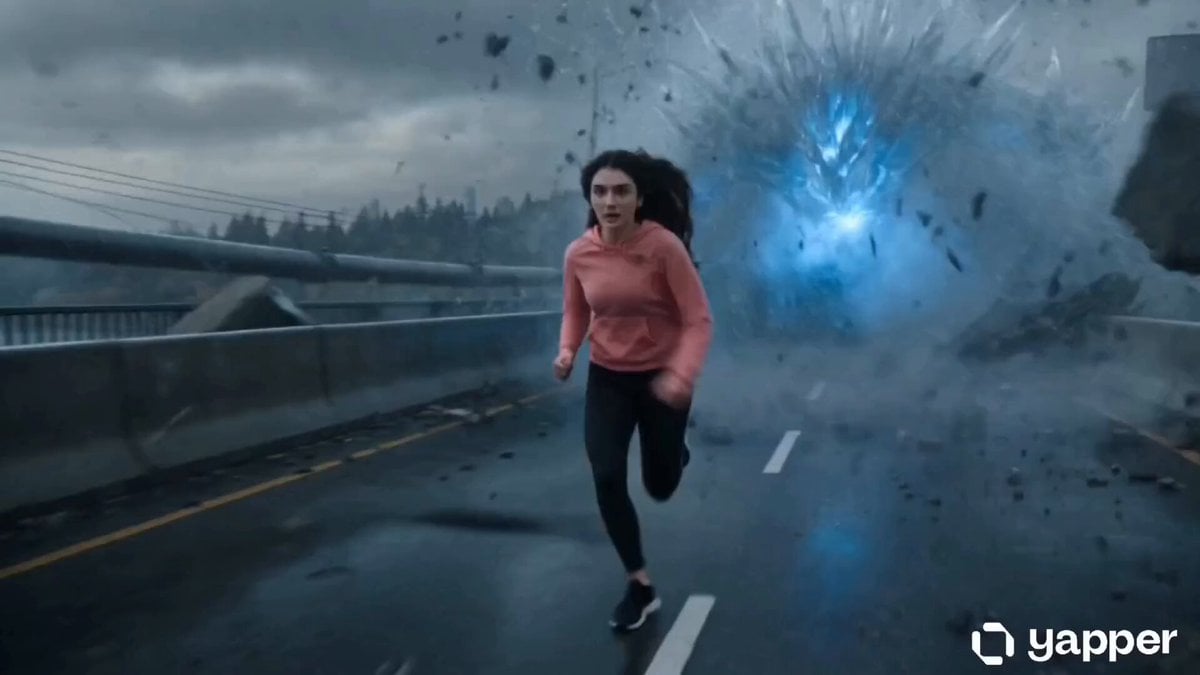
Action Thriller Leviathan Chase

Cinematic VFX racing sequence with bullet-time rain effect

Retro Anime Style Dragon Tickling Story

Spring Outing Vlog Prompt for Seedance 2.0

Futuristic EV Manufacturing Video Prompt

Cinematic Wakesurfing Lifestyle
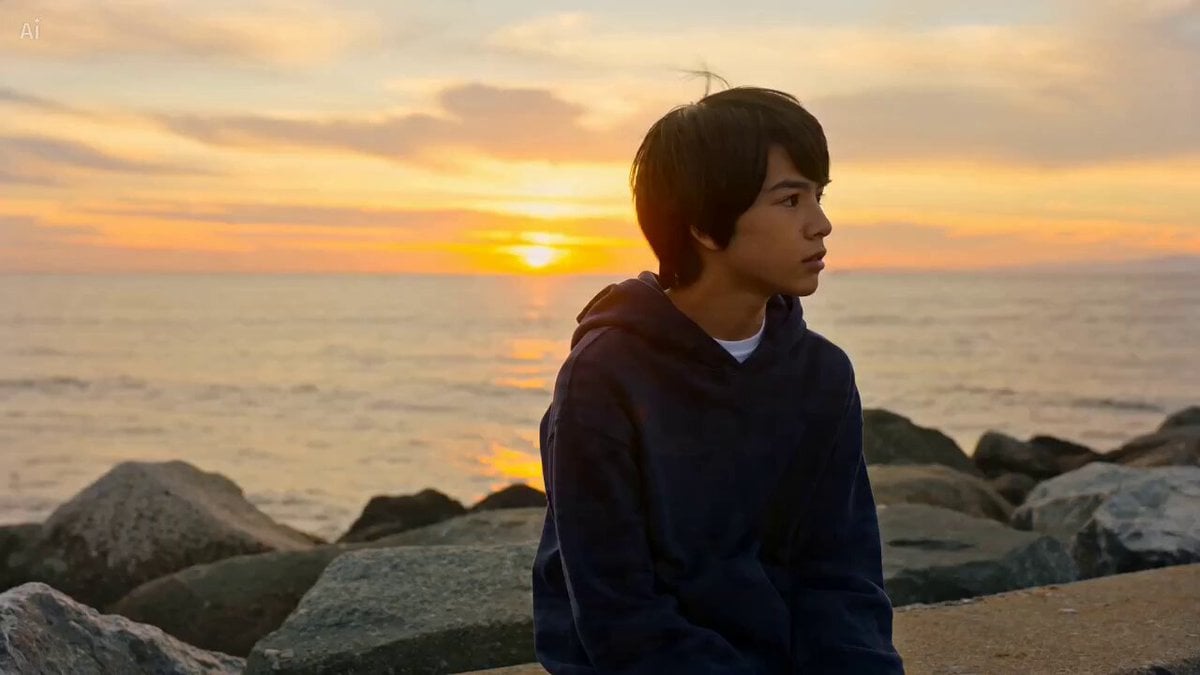
Cinematic Beach Sunset Scene

Sorcerer Casting Spells with Glowing Energy
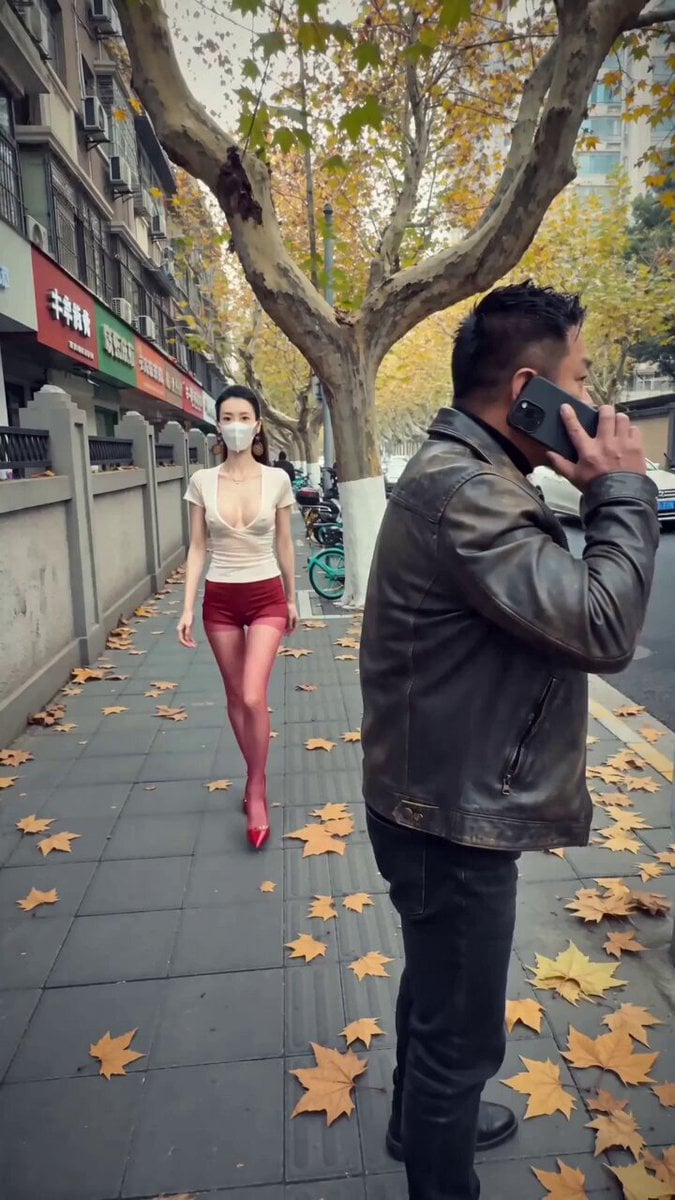
iPhone Handheld Street Encounter Video

Cinematic Chinese Xianxia Drama Storyboard
Browse template categories
Cinematic Grocery Store Sequence questions
How do I use the Cinematic Grocery Store Sequence template?
Add your photo if the template asks for one, edit the prompt if you like — the template's model and format are already selected — and press Generate. Your version opens in PicX Studio.
Can I customize the Cinematic Grocery Store Sequence template?
Yes. You can change the subject, setting, lighting, mood, format, and available model controls before creating your video.
Is the Cinematic Grocery Store Sequence template free?
Opening and editing this template is free. Generating uses credits, shown on the Generate button when you are signed in.
Which AI model should I use?
Start with Seedance 2.0, which is the model associated with this template. You can compare another compatible model for a different finish.
Looking for something else? Browse all templates.

Your photo, any look
Thousands of ready templates for every top image and video model, from one credit balance.