
Sorcerer Casting Spells with Glowing Energy
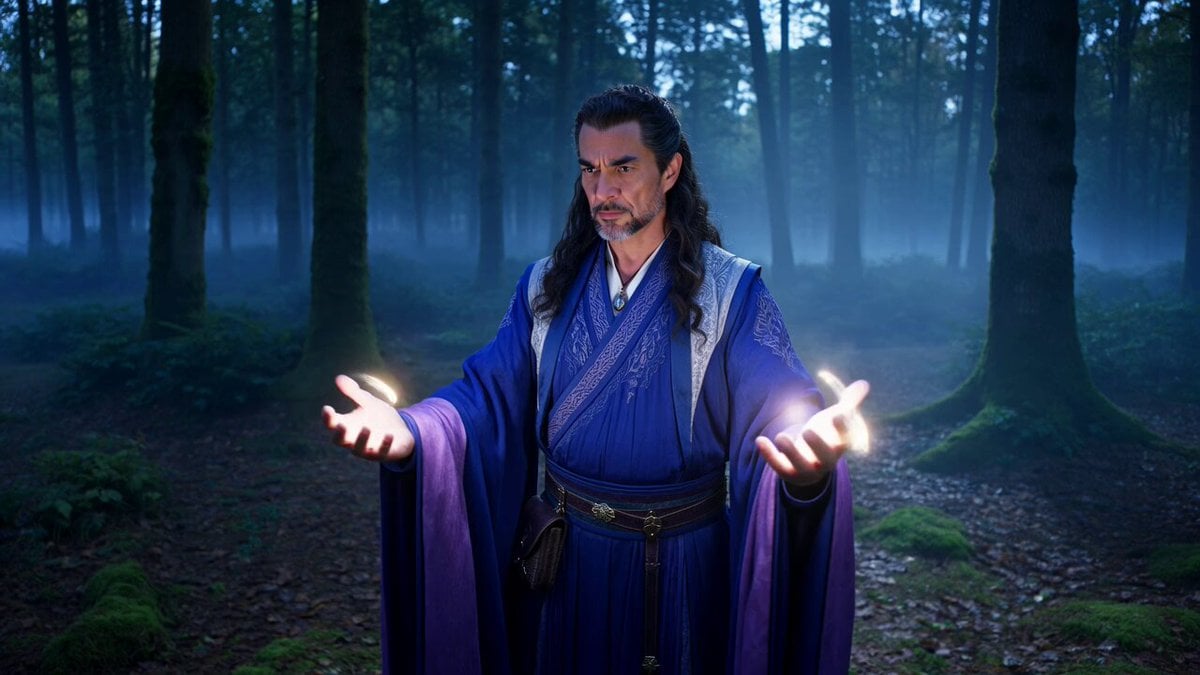
A prompt for generating a video featuring a tracking shot around a sorcerer casting spells, with glowing, string-like energy spiraling from his hands and forming intricate magical patterns in a misty forest at twilight.
- Prompt included
- Model and format preset
- Premium template
The prompt behind this video
Copy the exact prompt behind Sorcerer Casting Spells with Glowing Energy, or open it in the studio and make it yours.
Tracking shot around a sorcerer casting spells, glowing string-like energy spirals from his hands, forming intricate magical patterns, in a misty forest at twilight. The strings pulse with light, tangling and unraveling mid-air.
How to use Sorcerer Casting Spells with Glowing Energy in 3 steps
- 1
Open
The prompt is already in the box next to the preview, with the template's model and format selected.
- 2…a portrait of your subject in softgolden-hour light, 85mm…
Personalize
Edit the subject and creative details for your destination.
- 3Generate
Generate
Press Generate — your video is created in PicX Studio, so you can compare it with the original and refine one variable at a time.
More like this
Templates with the same subject, style or setup. Open one to see its prompt.
Energy Bow Jungle Edit

Metallic Relic Rainbow Energy

Glowing Water Forest Night Prompt

Cosmic Heart Radiant Energy
Glowing Dandelion Transformation
Giant and Glowing Butterfly Story

Glowing Ink Dark Writing
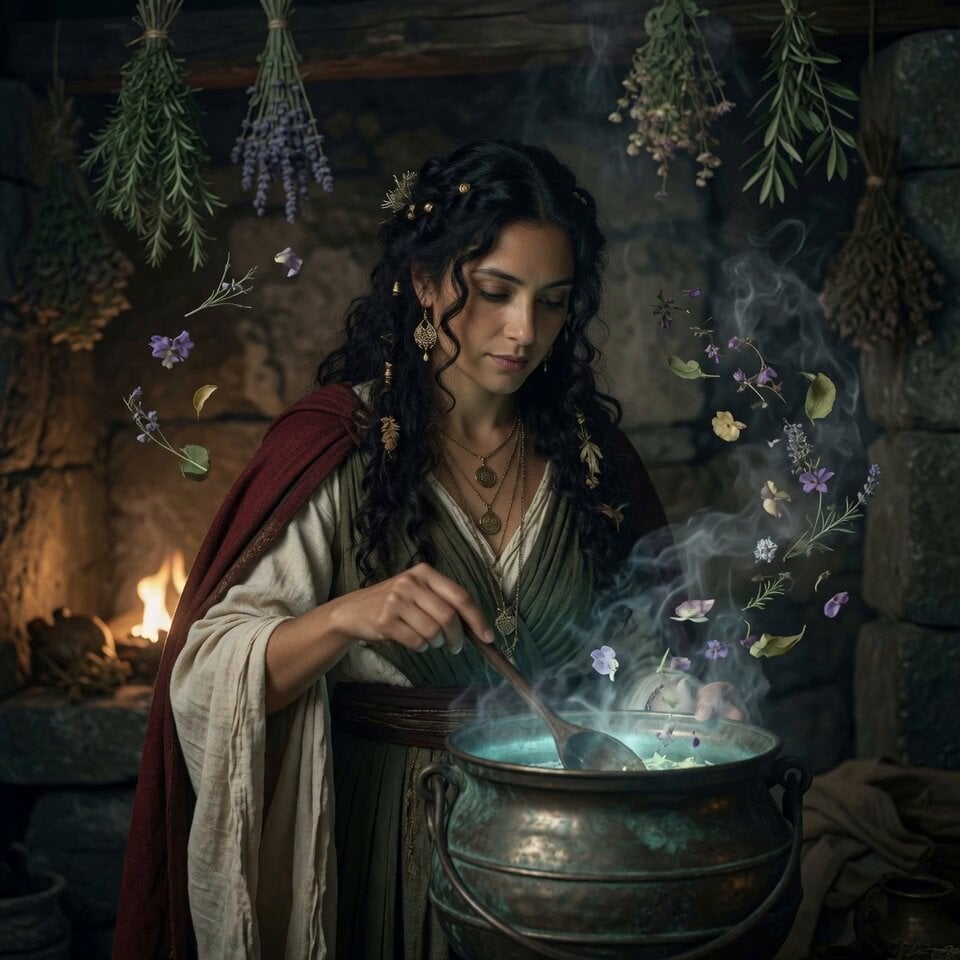
Fantasy Glowing Potion and Floating Herbs
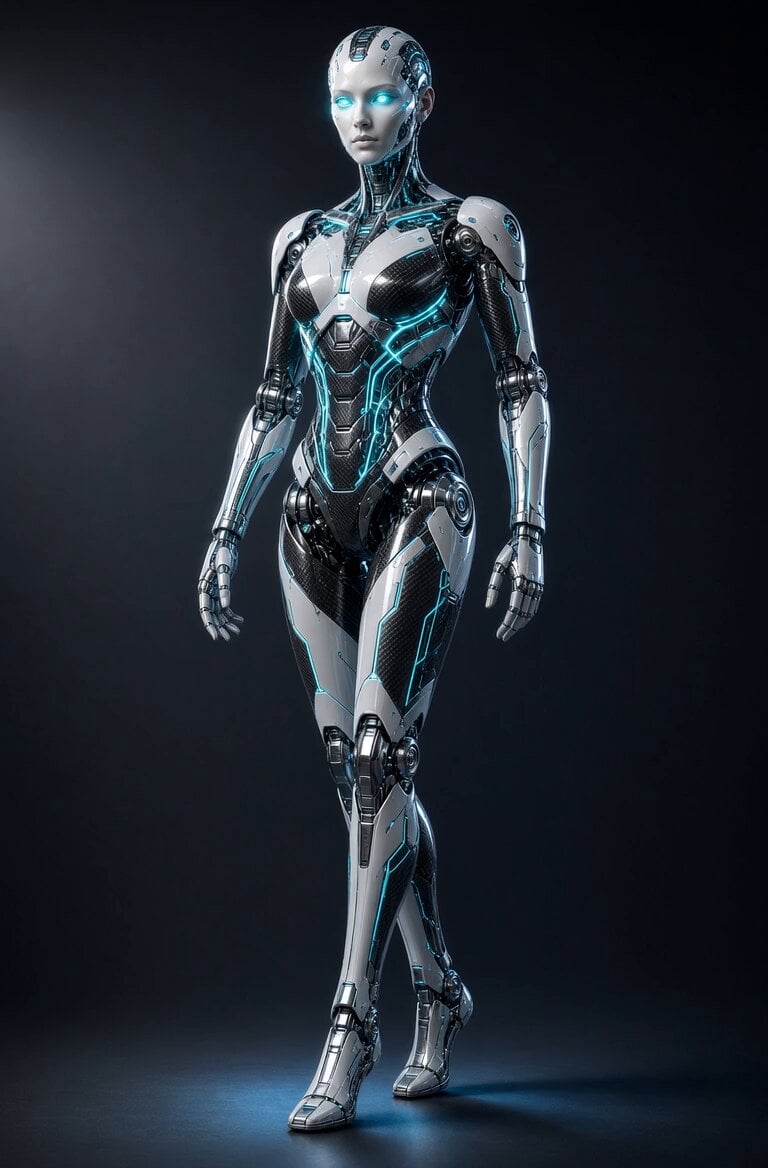
Glowing Android Mechanical Motion
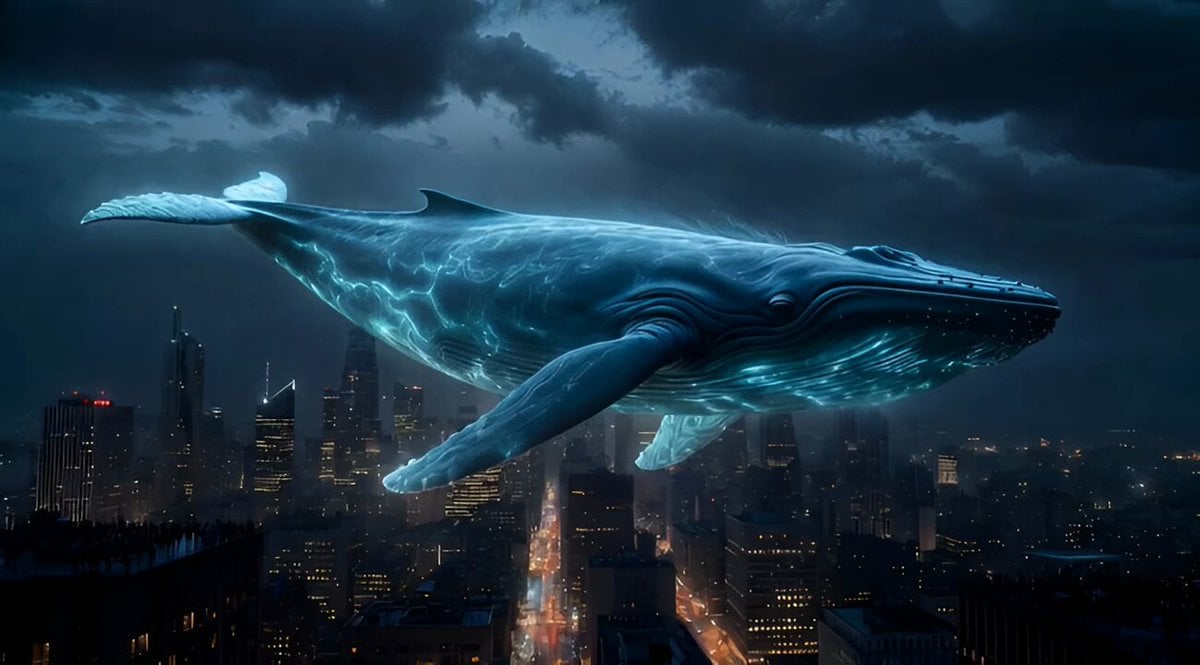
Epic Cinematic Scene of a Glowing Whale in the Night Sky
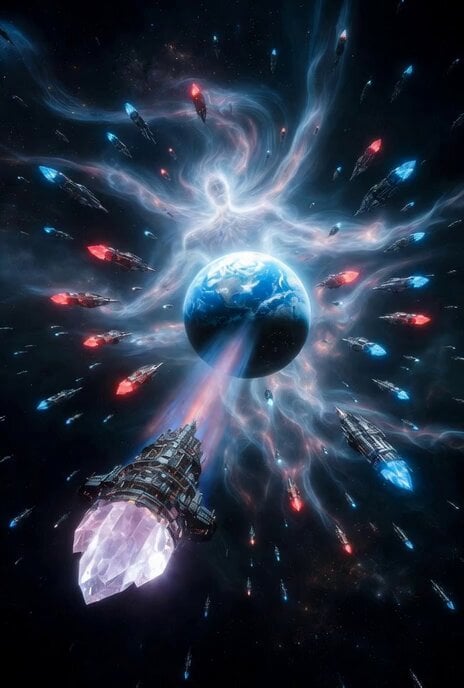
Spaceships and energy god surrounding Earth
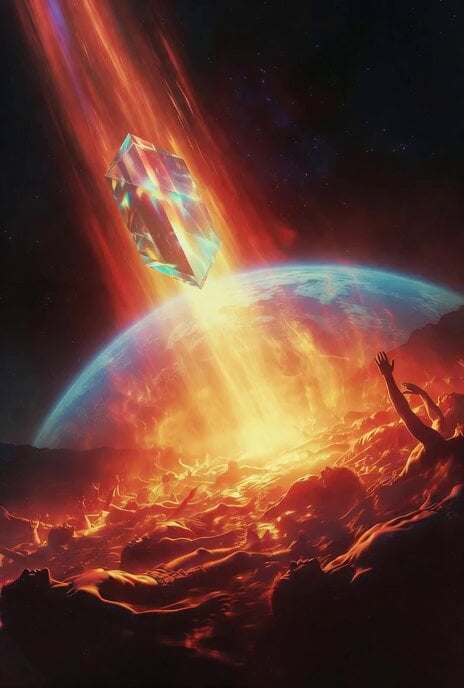
Grok Imagine prompt for a prism and energy being transformation
Make it yours
Sorcerer Casting Spells with Glowing Energy works as-is. These are the safest ways to change it without losing the look.
Change one field
Copy a single group, rewrite it, and generate again so you can see what that field is doing.
Keep the frame, change the subject
Hold the composition and light of Sorcerer Casting Spells with Glowing Energy, then swap wardrobe, props or the person for a new take.
| If the result… | Why | Fix |
|---|---|---|
| The result drifts from the preview | Too many fields changed at once. | Reuse Sorcerer Casting Spells with Glowing Energy as-is first, then change one group — subject, light, or setting. |
| The model over-stylizes the scene | The prose prompt leaves finish and camera underspecified. | Add one camera or lighting sentence and stay on Grok Imagine. |
More Grok Imagine templates
Other prompts made for Grok Imagine.

Coffee Cup Interaction Motion

Voice Controlled Water Animation

Pterodactyl Transformation Journey

Candle Mandala Mirror Video

Psychedelic Purple Disc World Video

Mecha Runway Tap Dance Video Prompt
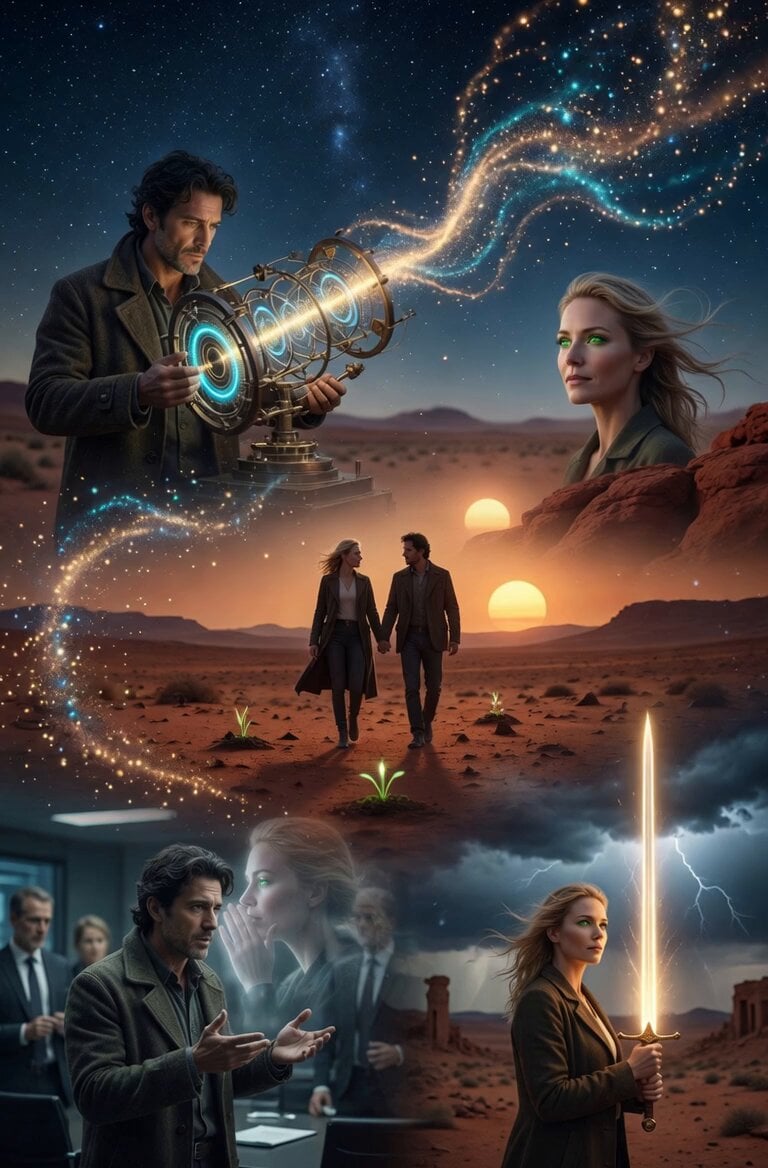
Quantum Inventor in Sonoran Desert

Emotional Angry Couple Drama
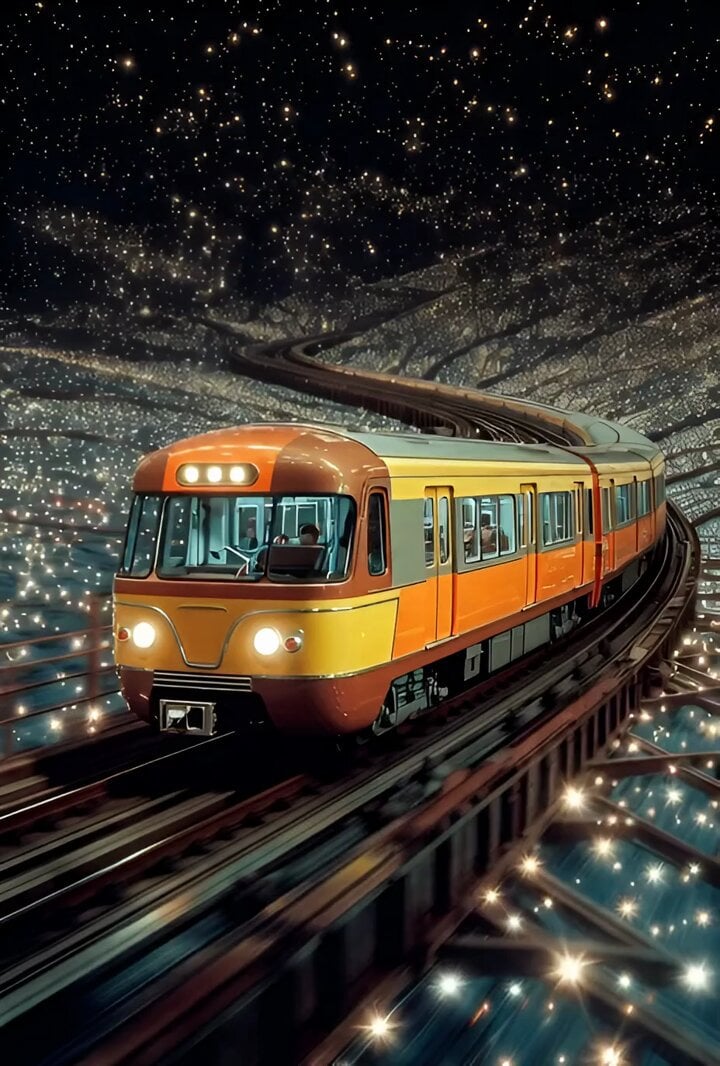
Train Zooming in Star Field Video Prompt

Cyberpunk Guerrilla Girl Video Generation
More video prompts
Fresh picks from across the catalog.
360 orbit camera movement prompt
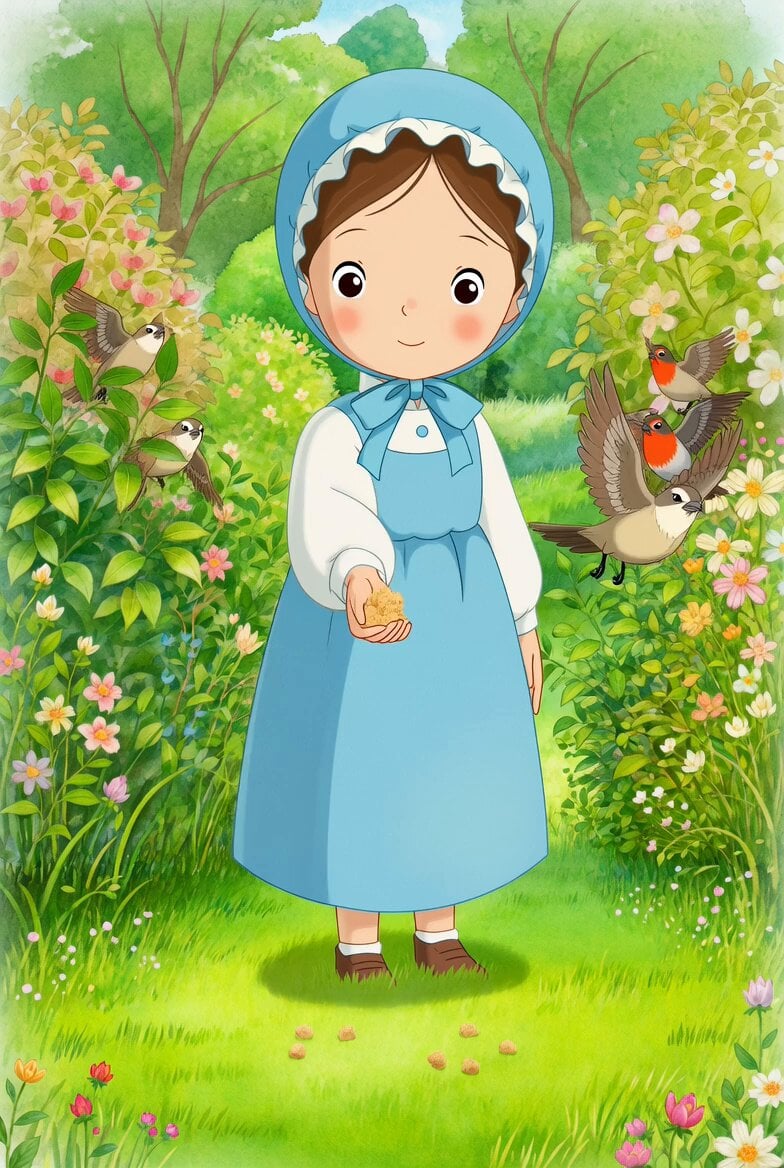
Kate Greenaway Garden Watercolor
Seedance 2.5 - @YourAlphaMom - 283935
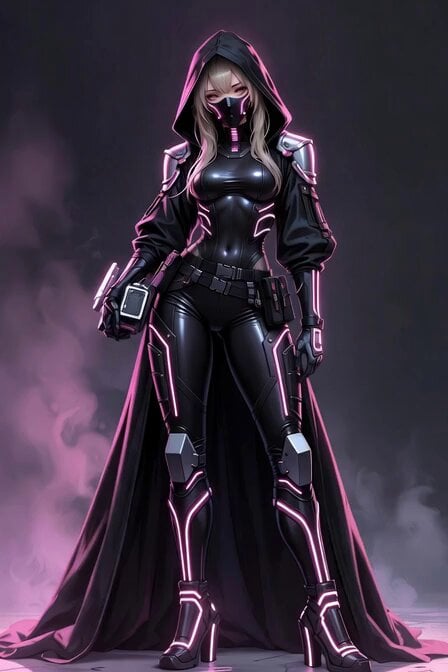
Cyberpunk Warrior Armor Transformation
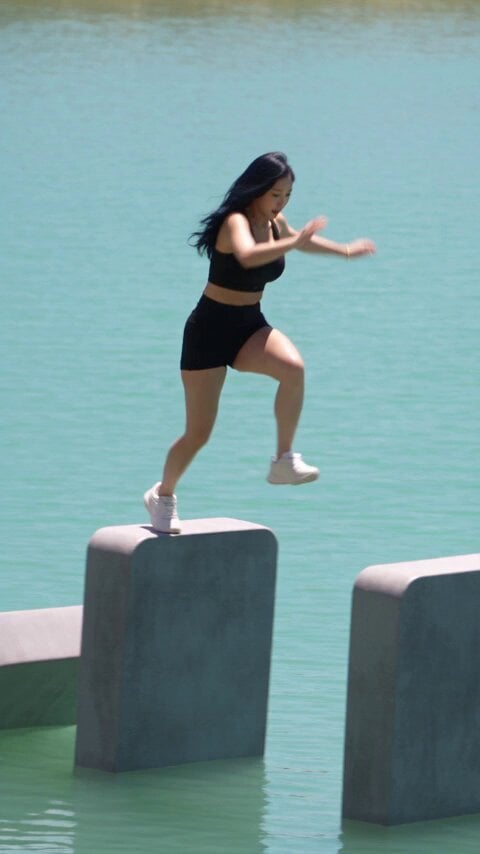
Giant Domino Water Parkour Challenge
Grotesque Monster Analog Horror
Market Kidnapping Action Drama Script
Shaw Brothers Style Cat Fight Video Prompt

Video Prompt for Tesla's Biggest Month Catalysts

Mutant Horse and Wolf Transformation
Browse template categories
Sorcerer Casting Spells with Glowing Energy questions
How do I use the Sorcerer Casting Spells with Glowing Energy template?
Add your photo if the template asks for one, edit the prompt if you like — the template's model and format are already selected — and press Generate. Your version opens in PicX Studio.
Can I customize the Sorcerer Casting Spells with Glowing Energy template?
Yes. You can change the subject, setting, lighting, mood, format, and available model controls before creating your video.
Is the Sorcerer Casting Spells with Glowing Energy template free?
Opening and editing this template is free. Generating uses credits, shown on the Generate button when you are signed in.
Which AI model should I use?
Start with Grok Imagine, which is the model associated with this template. You can compare another compatible model for a different finish.
Looking for something else? Browse all templates.

Your photo, any look
Thousands of ready templates for every top image and video model, from one credit balance.