How do I use the Pixel Game Style Grocery Store Heist template?
Edit the prompt in the box under the preview — the template's model and format are already selected — and press Generate. Your version appears right on this page.
A multi-scene, game-style video prompt for Seedance 2.0 that uses two reference images (Image1 for the car, Image2 for the character) to generate a sequence where a character enters a grocery store, collects items, and…

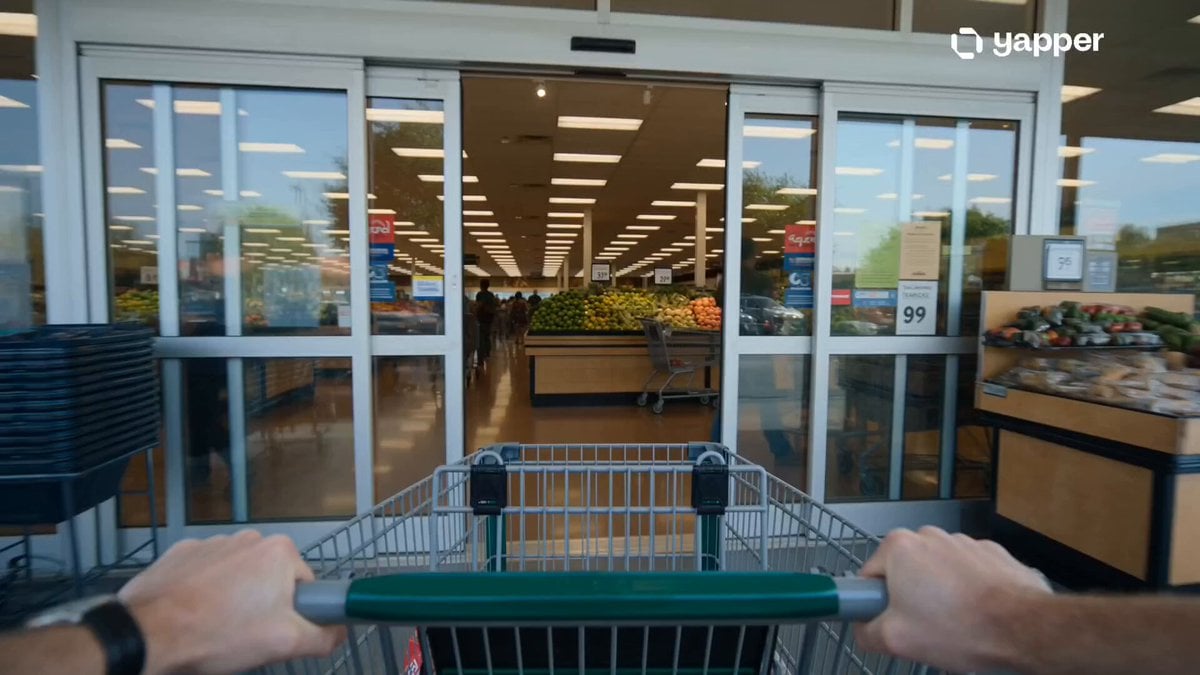
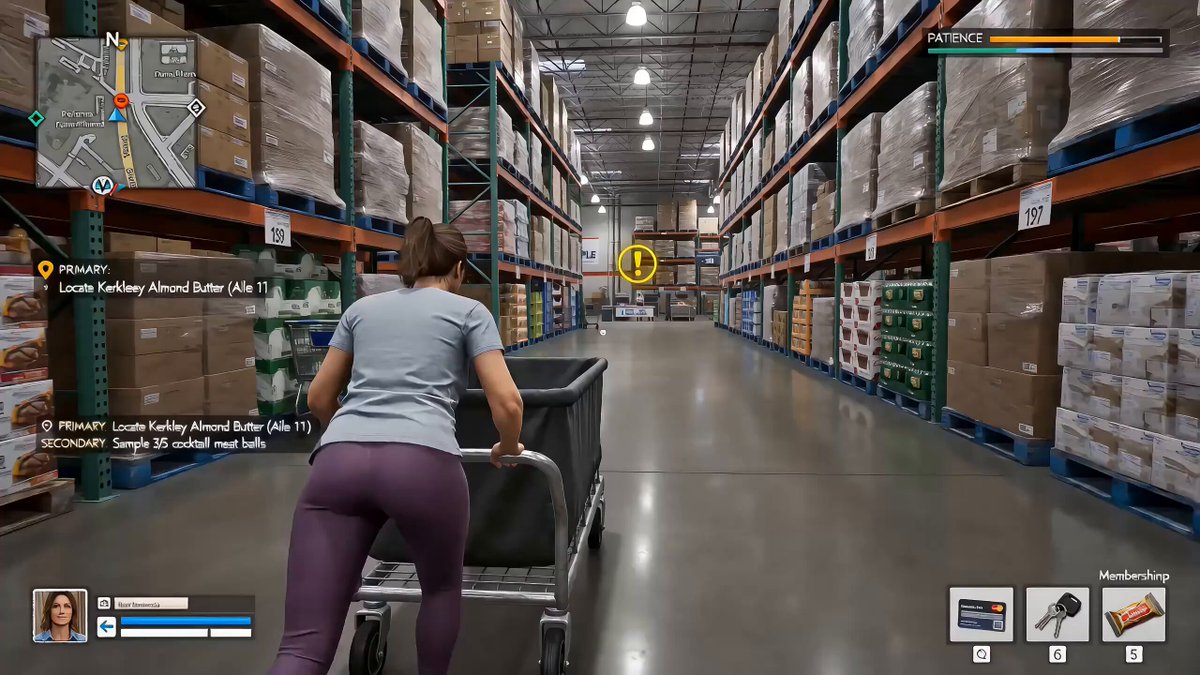
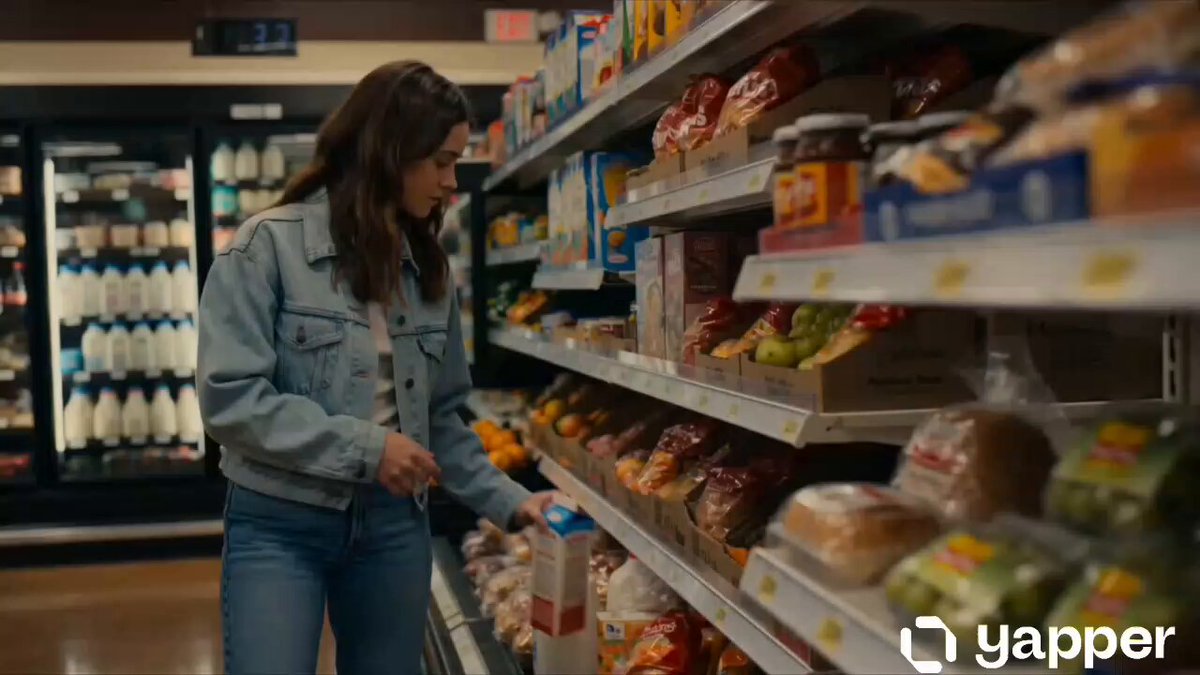
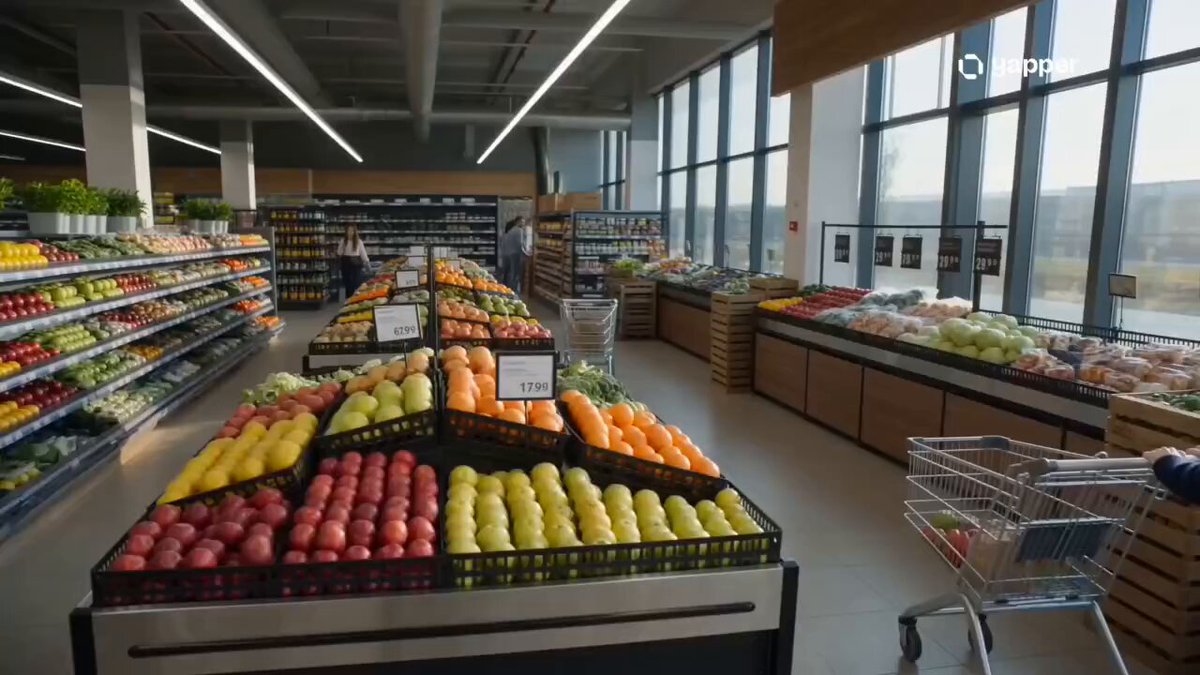
"The car Image1 with the character Image2 inside, parks next to the grocery store, camera still. [cut] Image2 The character gets out of the car and walks into the grocery store. [cut] Close up shot of pixel coins floating above the oranges. cut] He grabs an orange - a +10 pops up above his head. [cut] He starts running through the store, putting oranges and tomatoes into a basket. Coins and +points appear with each item. [cut] An old lady NPC rushes toward the tomatoes with a shopping cart. [cut] The player quickly grabs a tomato before she does +50 combo. [cut] A score counter appears above his head. No music. No talking."
"The car Image1 with the character Image2 inside, parks next to the grocery store, camera still. [cut] Image2 The character gets out of the car and walks into the grocery store. [cut] Close up shot of pixel coins floating above the oranges. cut] He grabs an orange - a +10 pops up above his head. [cut] He starts running through the store, putting oranges and tomatoes into a basket. Coins and +points appear with each item. [cut] An old lady NPC rushes toward the tomatoes with a shopping cart. [cut] The player quickly grabs a tomato before she does +50 combo. [cut] A score counter appears above his head. No music. No talking."
Edit the prompt in the box under the preview — the template's model and format are already selected — and press Generate. Your version appears right on this page.
Yes. You can change the subject, setting, lighting, mood, format, and available model controls before creating your video.
Opening and editing this template is free. Generating uses credits, shown on the Generate button when you are signed in.
Start with Seedance 2.0, which is the model associated with this template. You can compare another compatible model for a different finish.
Follow a topic to a crawlable collection of related PicX Studio templates.