
Anime Dissolve and Re-formation Sequence
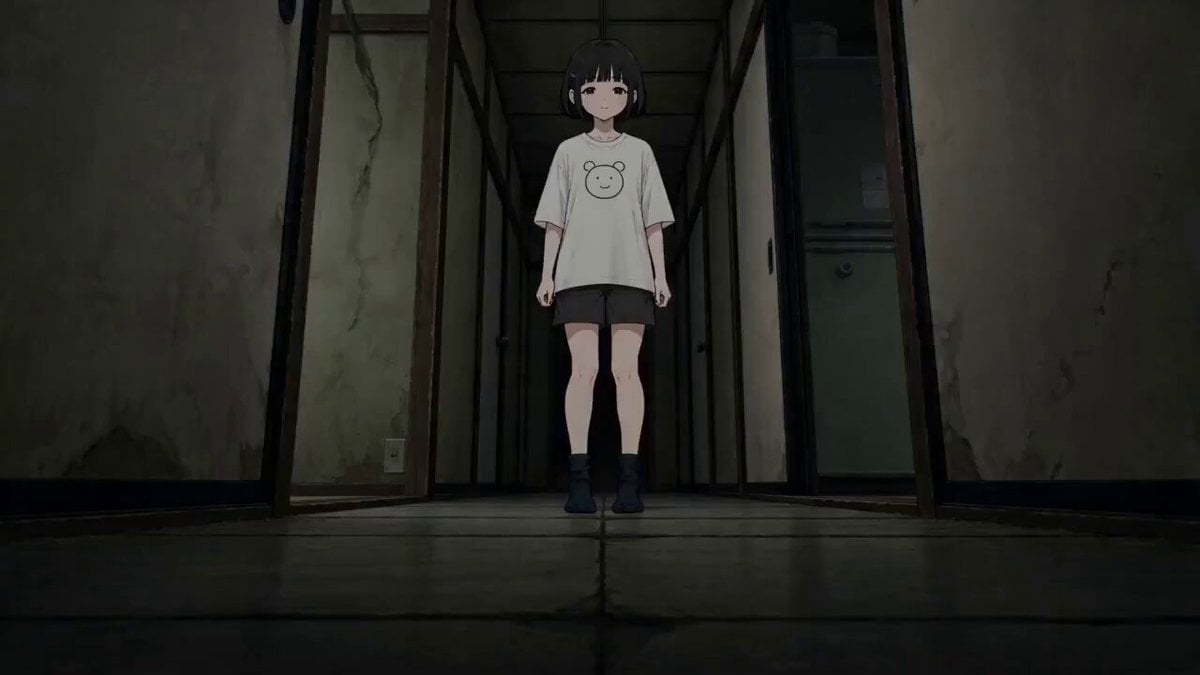
A complex multi-shot prompt for a high-budget 2D anime sequence where a character dissolves into threads to travel through an environment and re-form behind a target.
- Prompt included
- Model and format preset
- Free template
The prompt behind this video
Copy the exact prompt behind Anime Dissolve and Re-formation Sequence, or open it in the studio and make it yours.
[主役キャラ] = 黒髪の女の子 [相手/対象] = 白い猫 [舞台] = 古い家 [異常ギミック] = 白い糸 【動画スタイル】 15秒。日本のフルカラーアニメ。予算5億円規模の高密度2Dアニメーション。高速カット、床すれすれの低角度、マクロ接写、急速な横移動、最後だけ固定中景。字幕なし、透かしなし、BGMなし。音は床を擦る微細な音、息、短い環境音。 【映像構成】 [主役キャラ]は走らない。[異常ギミック]へ一度ほどけ、[舞台]の壁や床を伝って移動し、[相手/対象]の行き先に先回りして再形成される。 【Shot 1:ほどけ始め】 [舞台]の奥で[主役キャラ]が静止している。足先だけが[異常ギミック]に変わり、床へ流れ始める。 【Shot 2:接写】 [異常ギミック]が床の傷、タイルの目地、雨粒、畳の隙間を伝って進む。マクロレンズの接写。 【Shot 3:相手の逃走】 [相手/対象]が画面手前へ逃げる。カメラは横移動で並走し、背景の隅に[異常ギミック]が追ってくる。 【Shot 4:壁面移動】 [異常ギミック]が壁へ上がり、蛍光灯や窓枠を回り込む。重力を無視する動きで見せる。 【Shot 5:分裂】 [異常ギミック]が複数の細い流れへ分かれ、[相手/対象]の進路を先にふさぐ。俯瞰ショットでルートが見える。 【Shot 6:再形成】 [相手/対象]が立ち止まる直前、背後の暗がりで[異常ギミック]が集まり、[主役キャラ]の輪郭を作る。 【Shot 7:完成】 [主役キャラ]が完全に元の姿へ戻る。髪や服だけが少し遅れて形を取り戻す。カメラはゆっくり押し込む。 【Shot 8:一言】 [主役キャラ]が[相手/対象]のすぐ後ろで、落ち着いた声で「先に来てた」と言う。最後のフレームは[相手/対象]の反応を見せずに終わる。
How to use Anime Dissolve and Re-formation Sequence in 3 steps
- 1
Open
The prompt is already in the box next to the preview, with the template's model and format selected.
- 2…a portrait of your subject in softgolden-hour light, 85mm…
Personalize
Edit the subject and creative details for your destination.
- 3Generate
Generate
Press Generate — your video is created in PicX Studio, so you can compare it with the original and refine one variable at a time.
More like this
Templates with the same subject, style or setup. Open one to see its prompt.
Mecha Transformation vs Kaiju — 4-Scene Epic
Cinematic Beast Transformation Sequence

MiniMax H3 Character Introduction

Japanese Pure Love Short Film
Magical Transformation Sequence

Studio Ghibli Dumpling Kitchen Cooking Scene
Cyberpunk Exosuit Transformation Sequence
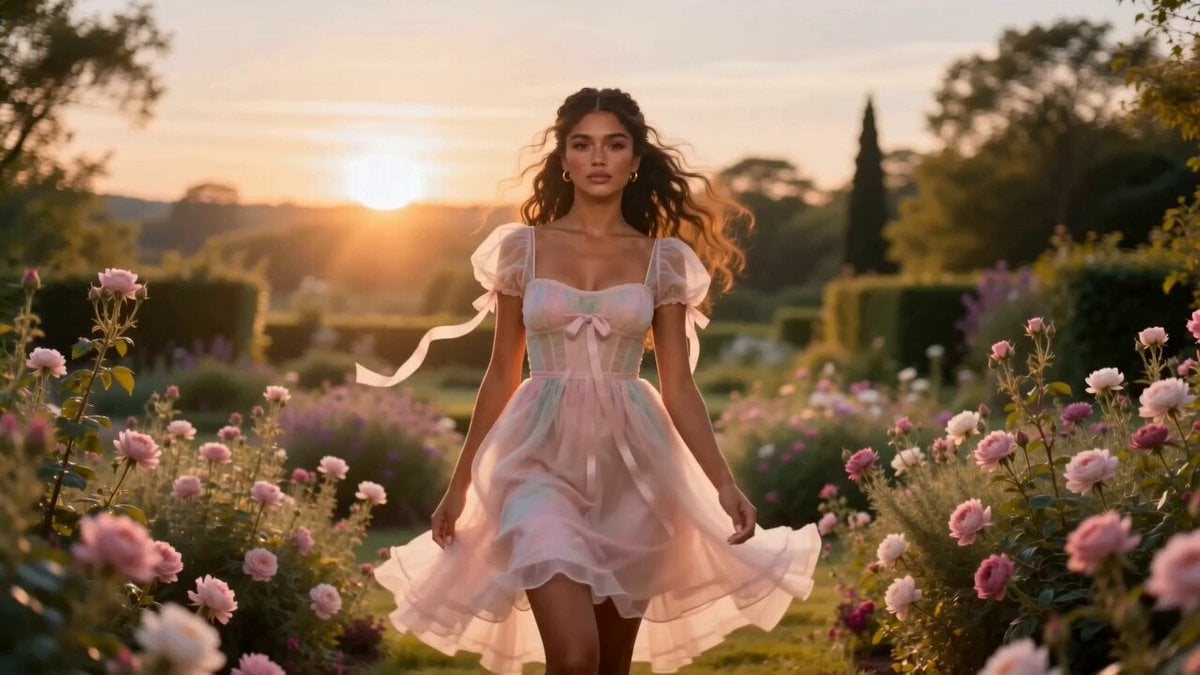
Fashion Aesthetic Transformation Sequence
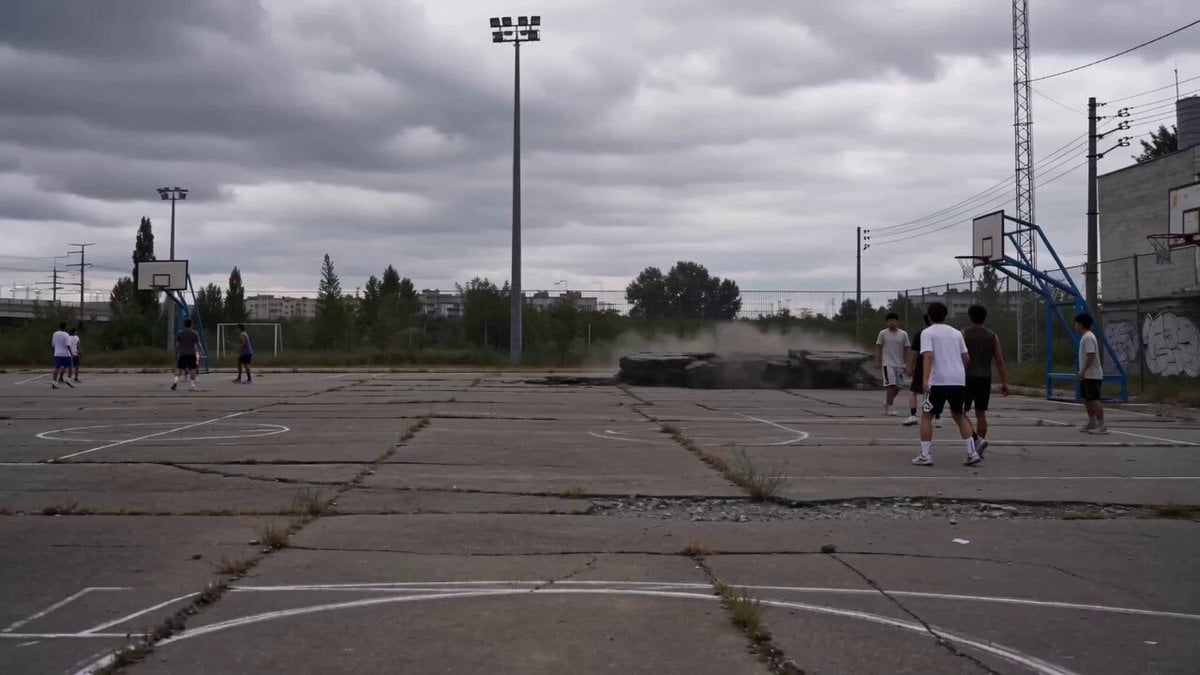
Toku-Style Sci-Fi Action Transformation Sequence
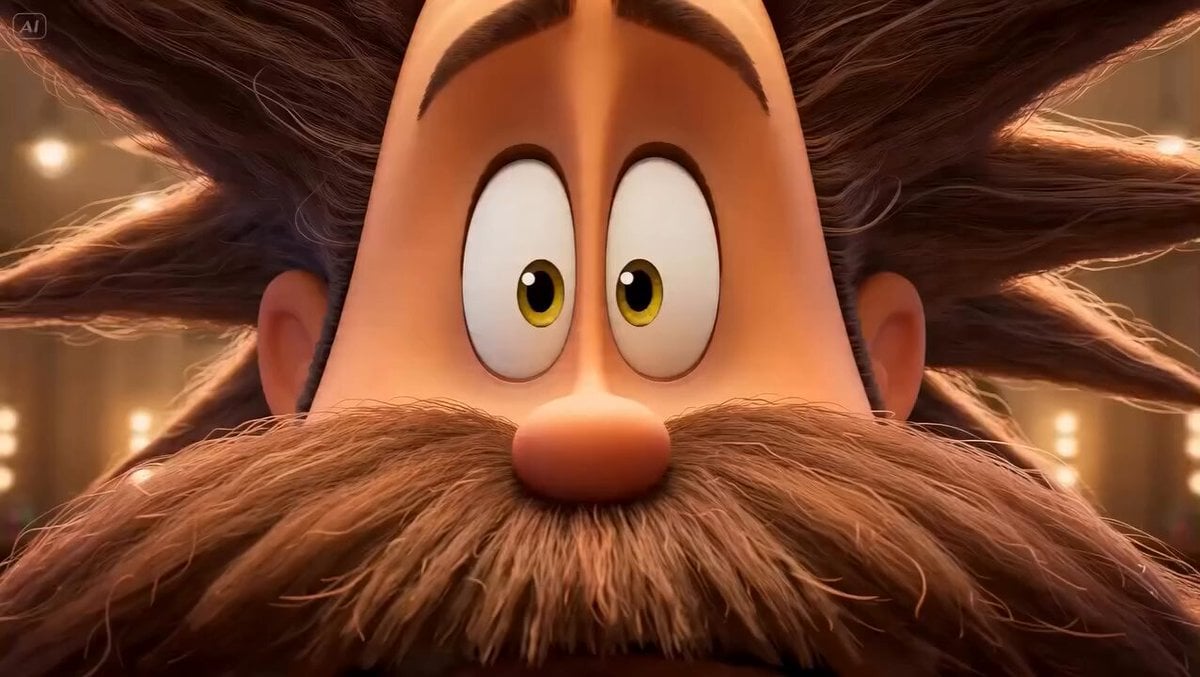
Stylized 3D Barbershop Transformation Sequence
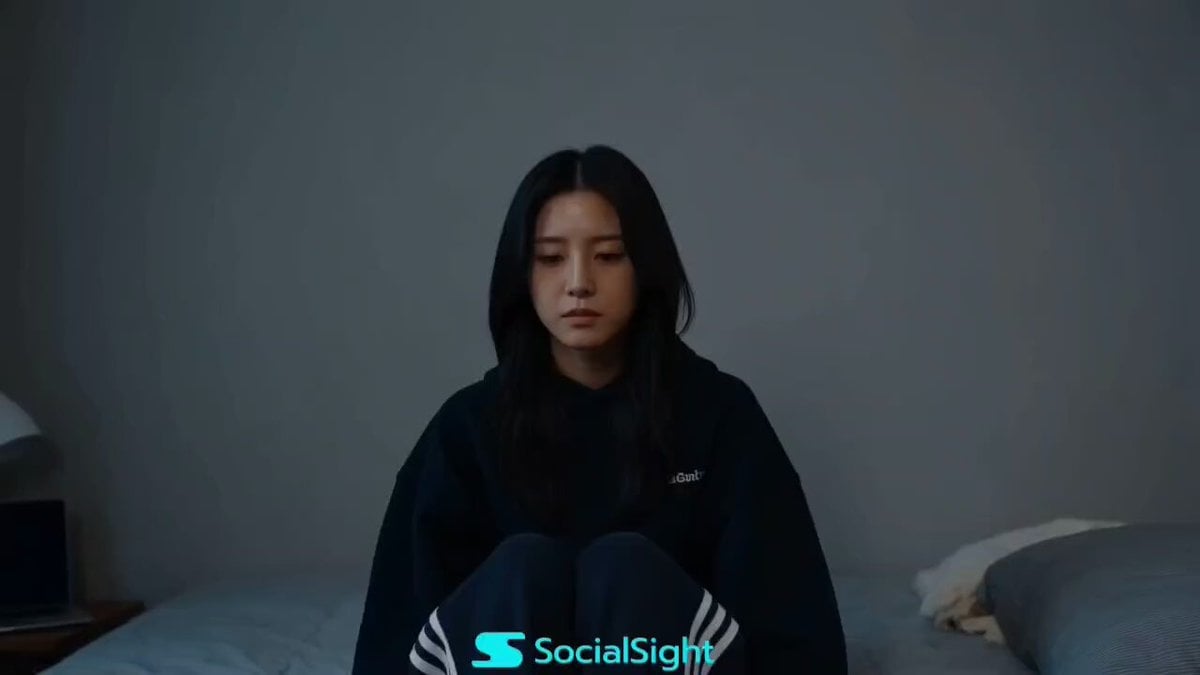
Beat-Driven Fashion Transformation Sequence
Post-Apocalyptic Mecha Awakening Transformation
Make it yours
Anime Dissolve and Re-formation Sequence works as-is. These are the safest ways to change it without losing the look.
Change one field
Copy a single group, rewrite it, and generate again so you can see what that field is doing.
Keep the frame, change the subject
Hold the composition and light of Anime Dissolve and Re-formation Sequence, then swap wardrobe, props or the person for a new take.
| If the result… | Why | Fix |
|---|---|---|
| The result drifts from the preview | Too many fields changed at once. | Reuse Anime Dissolve and Re-formation Sequence as-is first, then change one group — subject, light, or setting. |
| The model over-stylizes the scene | The prose prompt leaves finish and camera underspecified. | Add one camera or lighting sentence and stay on Seedance 2.0. |
More Seedance 2.0 templates
Other prompts made for Seedance 2.0.

Comical Martial Arts Punch Scene

Wuxia Protection and Trust Script

Vintage Korean Arcade MiniDV Vlog

Mercedes 190 SL Luxury Ad

Rainy Night Supernatural Reverse Comedy Video Script

Amazon Civilization Discovery

Futuristic South Asian City Transformation

Cozy Luxury Cafe Commercial

Cyber Ronin Nanotech Transformation Video

Desert Courier and Sandstorm Leviathan Chase
More video prompts
Fresh picks from across the catalog.
Professional TikTok Video Director Instruction
Urban Documentary Subway Commute
Giant cartoon girl vlog at an amusement park
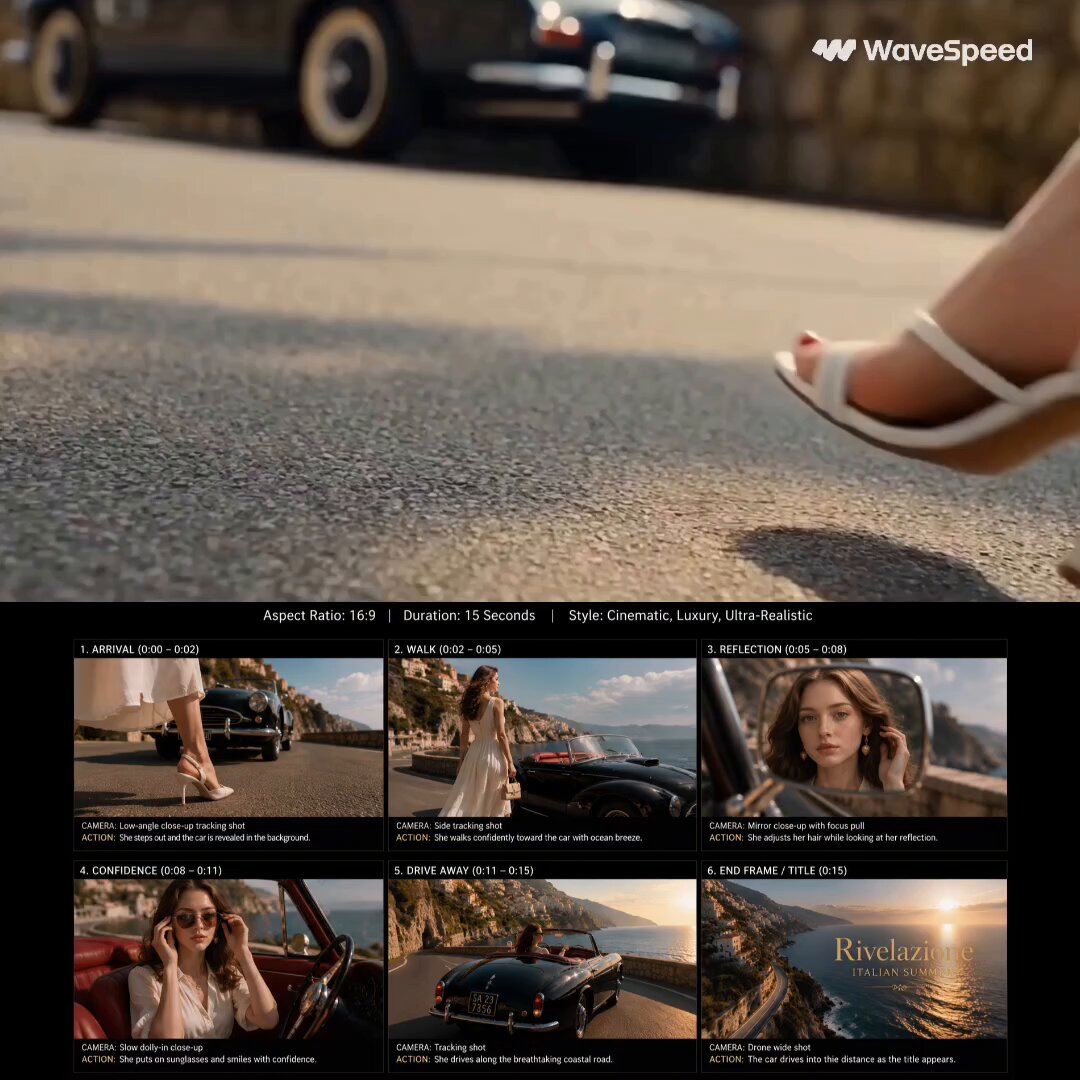
Luxury Fashion Coastal Drive Storyboard

Creative Studio Fantasy Transition
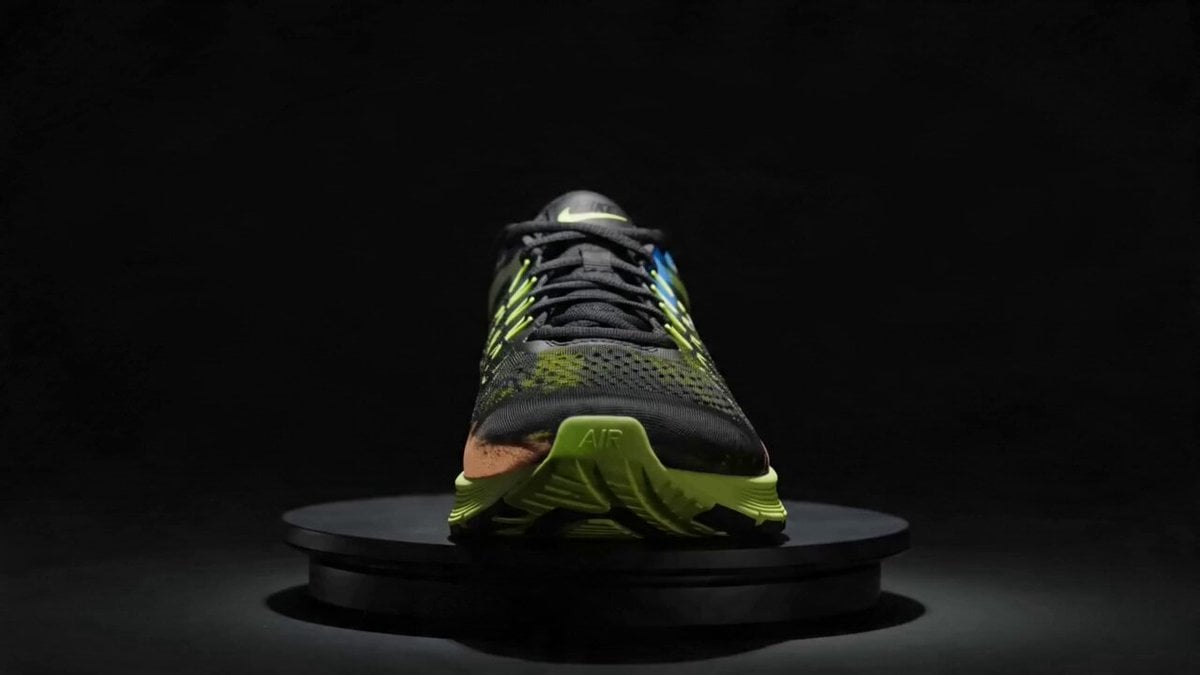
Rotating Sneaker Ad Sequence
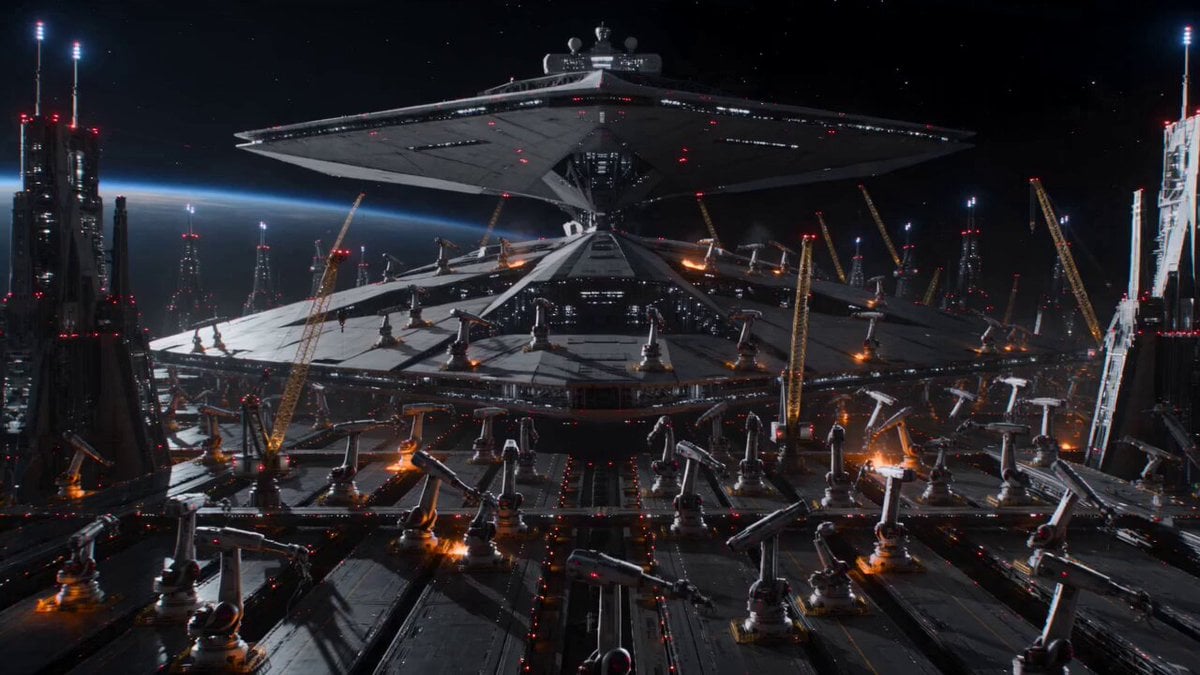
Cinematic Star Cruiser Orbital Shipyard
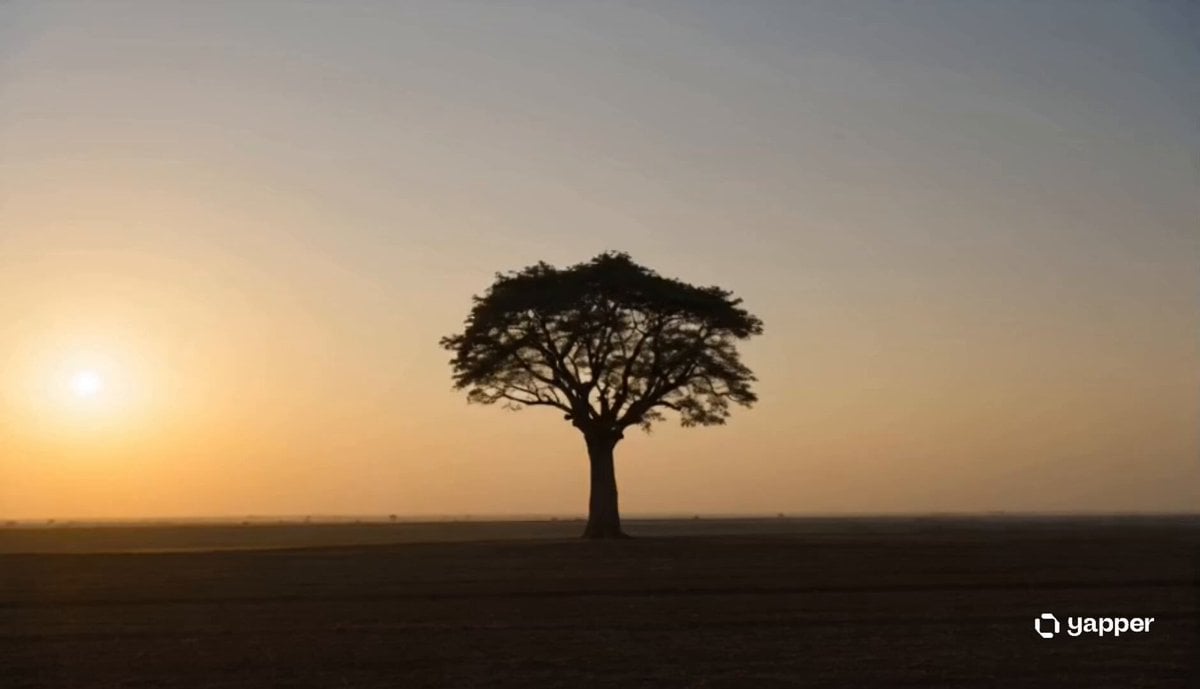
Ancient Tree Narrative Sequence
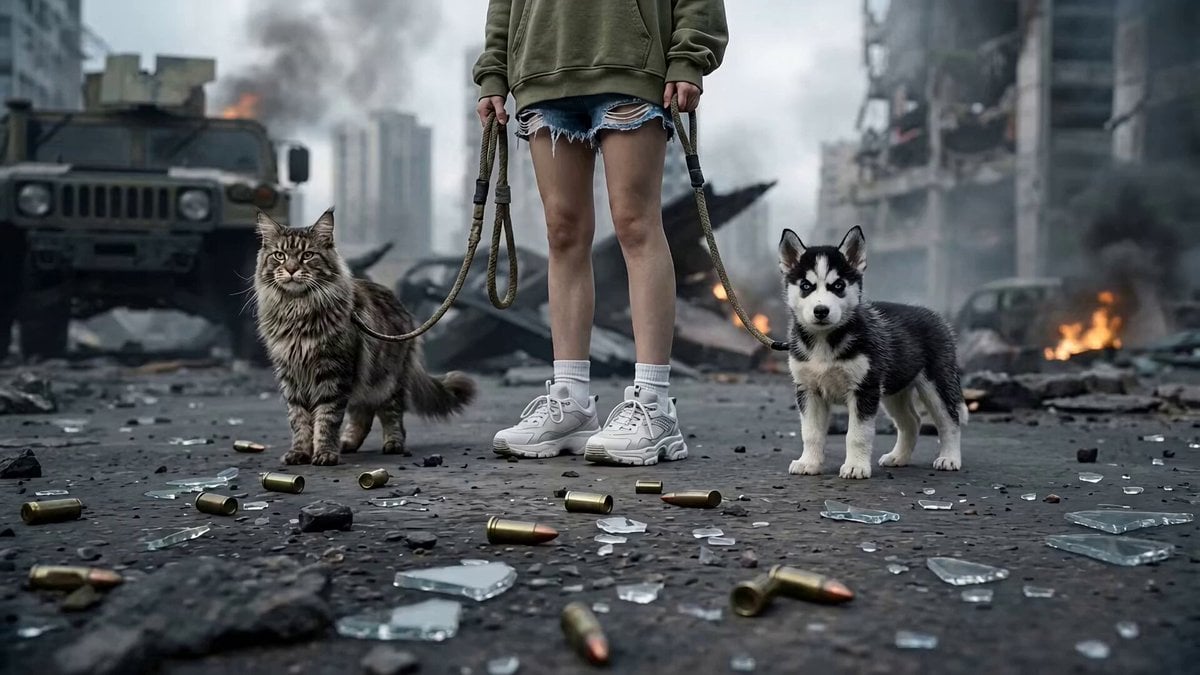
Post-Apocalyptic Cybernetic Transformation
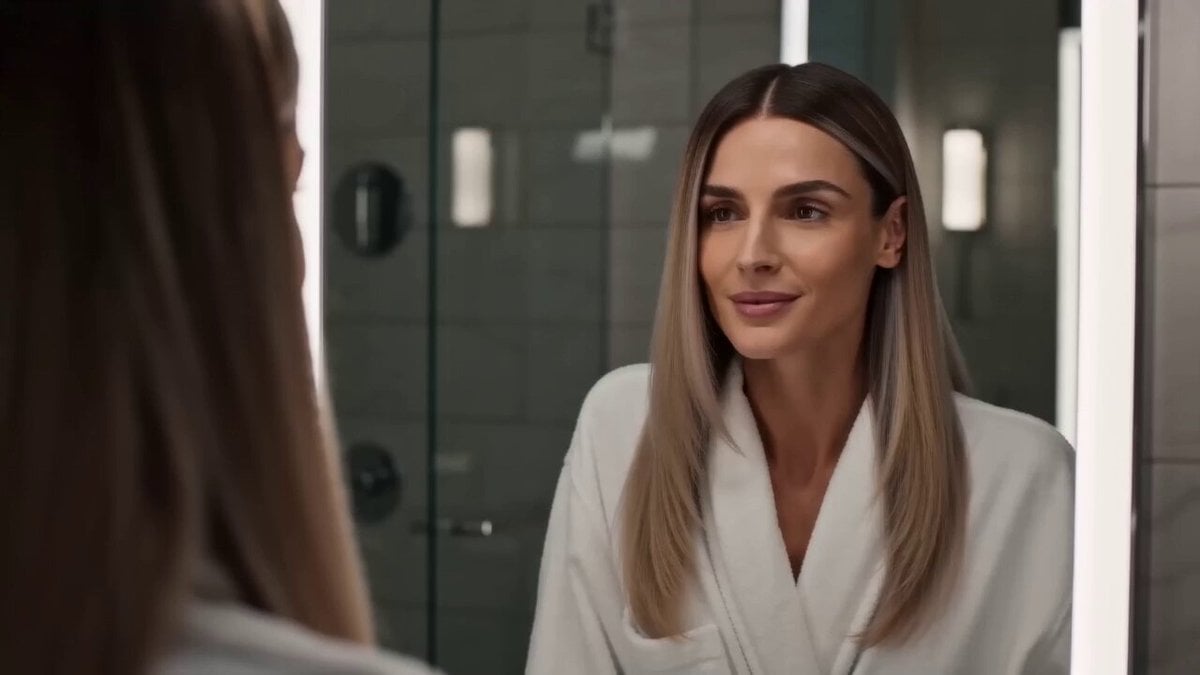
Premium Hair Color Beauty Commercial
Browse template categories
Anime Dissolve and Re-formation Sequence questions
How do I use the Anime Dissolve and Re-formation Sequence template?
Add your photo if the template asks for one, edit the prompt if you like — the template's model and format are already selected — and press Generate. Your version opens in PicX Studio.
Can I customize the Anime Dissolve and Re-formation Sequence template?
Yes. You can change the subject, setting, lighting, mood, format, and available model controls before creating your video.
Is the Anime Dissolve and Re-formation Sequence template free?
Opening and editing this template is free. Generating uses credits, shown on the Generate button when you are signed in.
Which AI model should I use?
Start with Seedance 2.0, which is the model associated with this template. You can compare another compatible model for a different finish.
Looking for something else? Browse all templates.

Your photo, any look
Thousands of ready templates for every top image and video model, from one credit balance.