
Professional TikTok Video Director Instruction
A comprehensive instructional prompt that directs Seedance 2.0 to act as a professional TikTok video director, managing character consistency, cinematography, and natural dialogue for social media content.
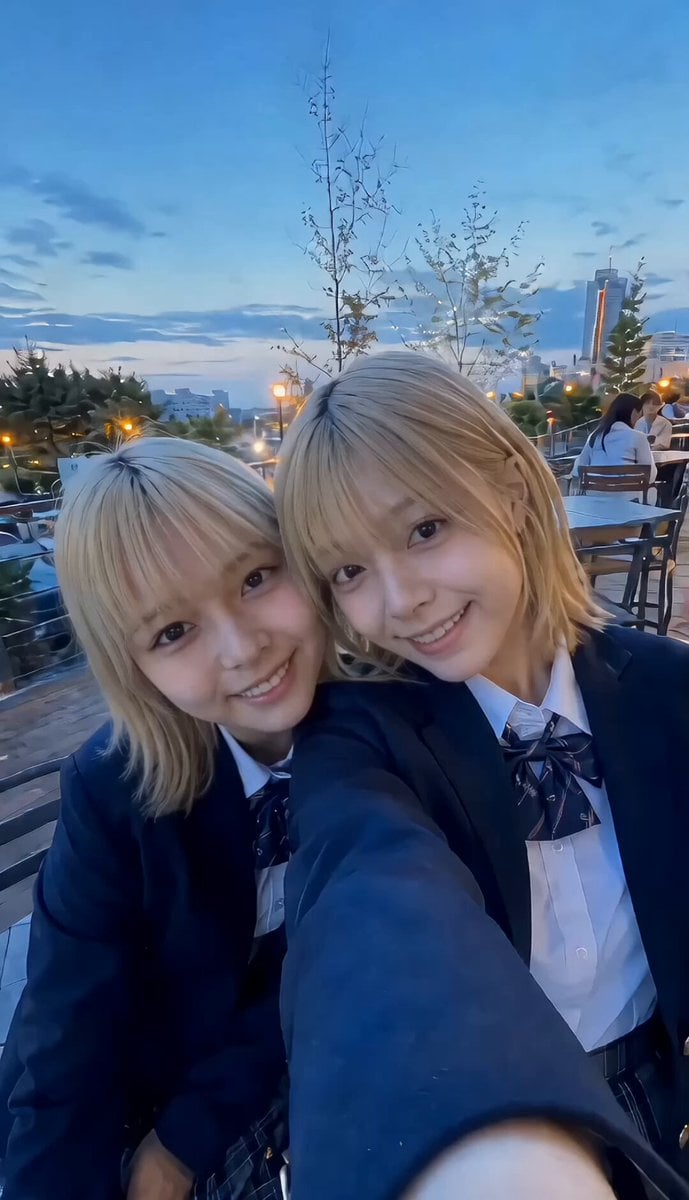
- Prompt included
- Model and format preset
- Free template
The prompt behind this video
Copy the exact prompt behind Professional TikTok Video Director Instruction, or open it in the studio and make it yours.
あなたはTikTokショート動画専門のプロの動画ディレクターです。 @image_1 の2人を主役として、以下の条件だけを与えるので、カット割り・構図・カメラワーク・光・セリフ・環境音のすべてをあなたの判断で設計し、そのまま1本の動画として生成してください。 内容: 放課後、学生2人がカフェテラスで自撮りを楽しんでいる カット数: X 配信先: TikTok 条件: 顔、髪色、髪型、制服、時間帯の光は全カットで同一に保つ 冒頭2秒でスクロールを止めるフックのある絵から始める 中盤に一度、期待を裏切る転換を入れる 最後は感情が着地する絵で終える 1カット内で複雑すぎるアクションやキャラの入れ替わりは起こさない セリフは日本語、短く自然に、1カットにつき1文以内 CGっぽい肌、過度な美化、彩度の上げすぎは避け、スマホで撮った自然な質感を保つ BGM:無し 環境音とセリフ:あり
How to use Professional TikTok Video Director Instruction in 3 steps
- 1
Open
The prompt is already in the box next to the preview, with the template's model and format selected.
- 2…a portrait of your subject in softgolden-hour light, 85mm…
Personalize
Edit the subject and creative details for your destination.
- 3Generate
Generate
Press Generate — your video is created in PicX Studio, so you can compare it with the original and refine one variable at a time.
More like this
Templates with the same subject, style or setup. Open one to see its prompt.

Romantic Comedy Tiktok Style Video
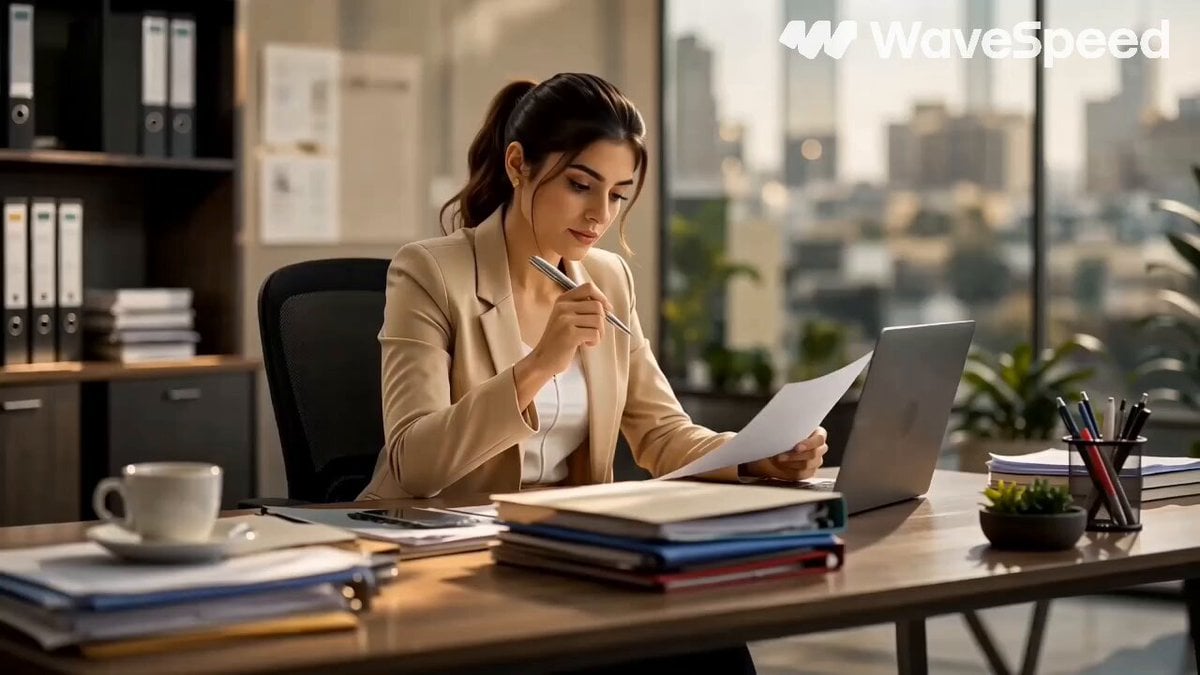
Professional Office Morning Routine
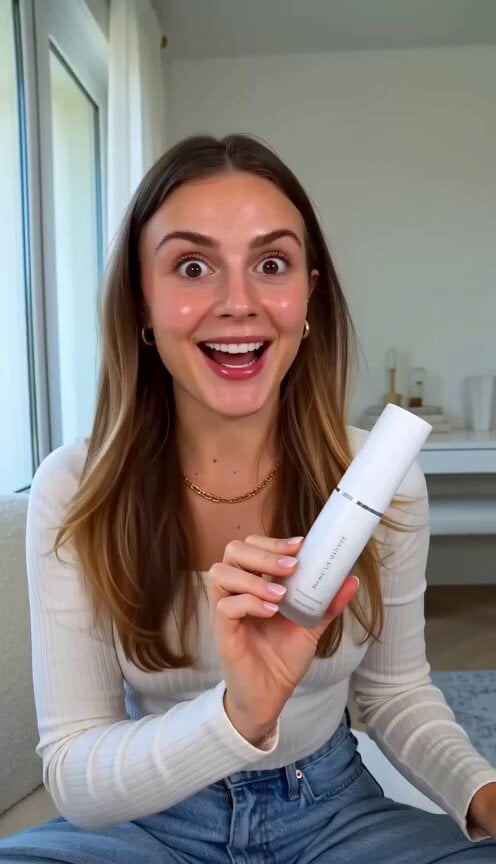
Tiktok Influencer Product Ad
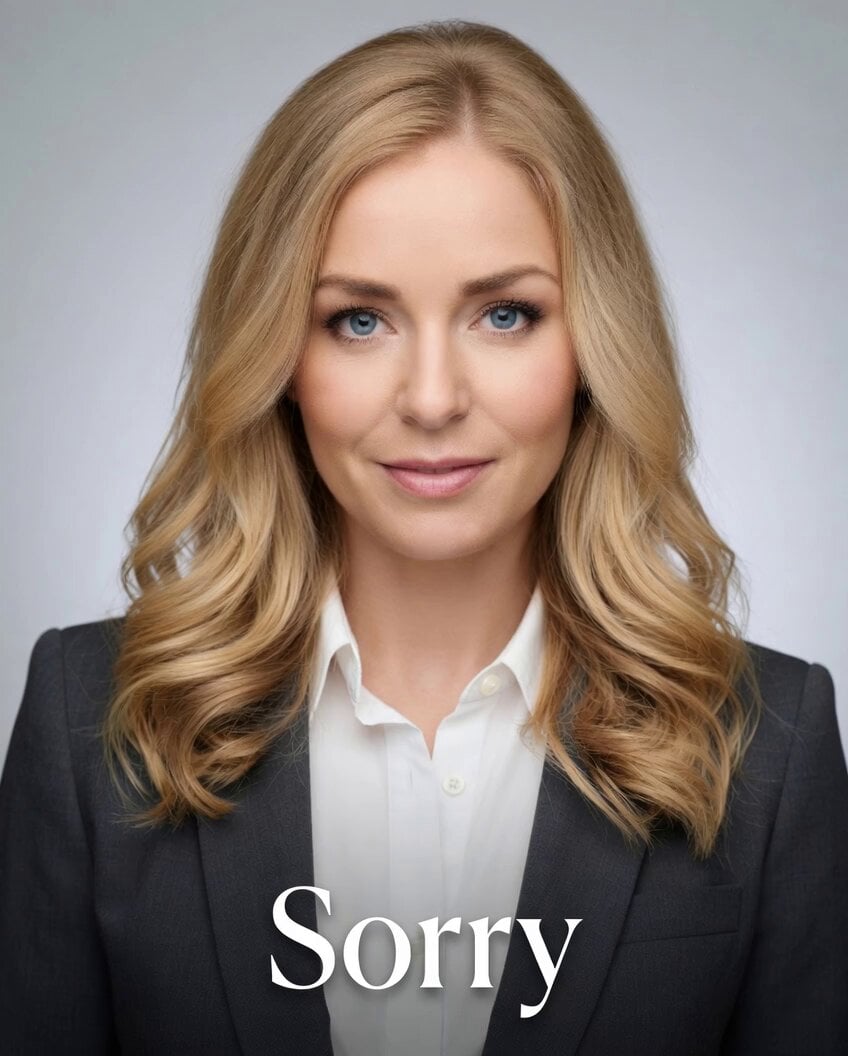
Professional Text Overlay Edit
Professional Designer Suit Business Meeting
Anime Style TikTok Dance

The Flash Director's Prompt
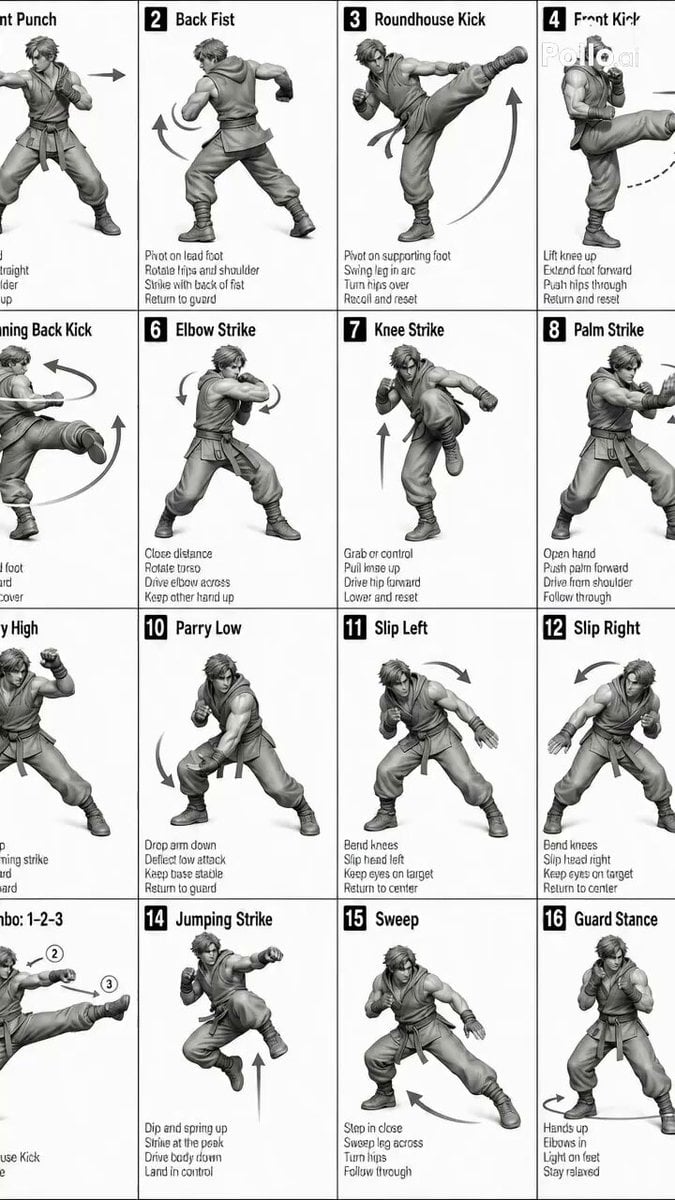
Sequence and Movement Instruction for Martial Arts Video
Professional Fitness Aesthetic Montage
Professional Woman Success Workspace Scene
Cyberpunk Ninja TikTok Action
TikTok Style Beauty Product Ad
Make it yours
Professional TikTok Video Director Instruction works as-is. These are the safest ways to change it without losing the look.
Change one field
Copy a single group, rewrite it, and generate again so you can see what that field is doing.
Keep the frame, change the subject
Hold the composition and light of Professional TikTok Video Director Instruction, then swap wardrobe, props or the person for a new take.
| If the result… | Why | Fix |
|---|---|---|
| The result drifts from the preview | Too many fields changed at once. | Reuse Professional TikTok Video Director Instruction as-is first, then change one group — subject, light, or setting. |
| The model over-stylizes the scene | The prose prompt leaves finish and camera underspecified. | Add one camera or lighting sentence and stay on Seedance 2.0. |
More Seedance 2.0 templates
Other prompts made for Seedance 2.0.

Comical Martial Arts Punch Scene

Maglev Train Action Sequence

Martial Arts Fight Sequence

Wuxia Protection and Trust Script

Vintage Korean Arcade MiniDV Vlog

Mercedes 190 SL Luxury Ad

Rainy Night Supernatural Reverse Comedy Video Script

Amazon Civilization Discovery

Futuristic South Asian City Transformation

Cozy Luxury Cafe Commercial
More video prompts
Fresh picks from across the catalog.
Peking Opera Heritage Short Film
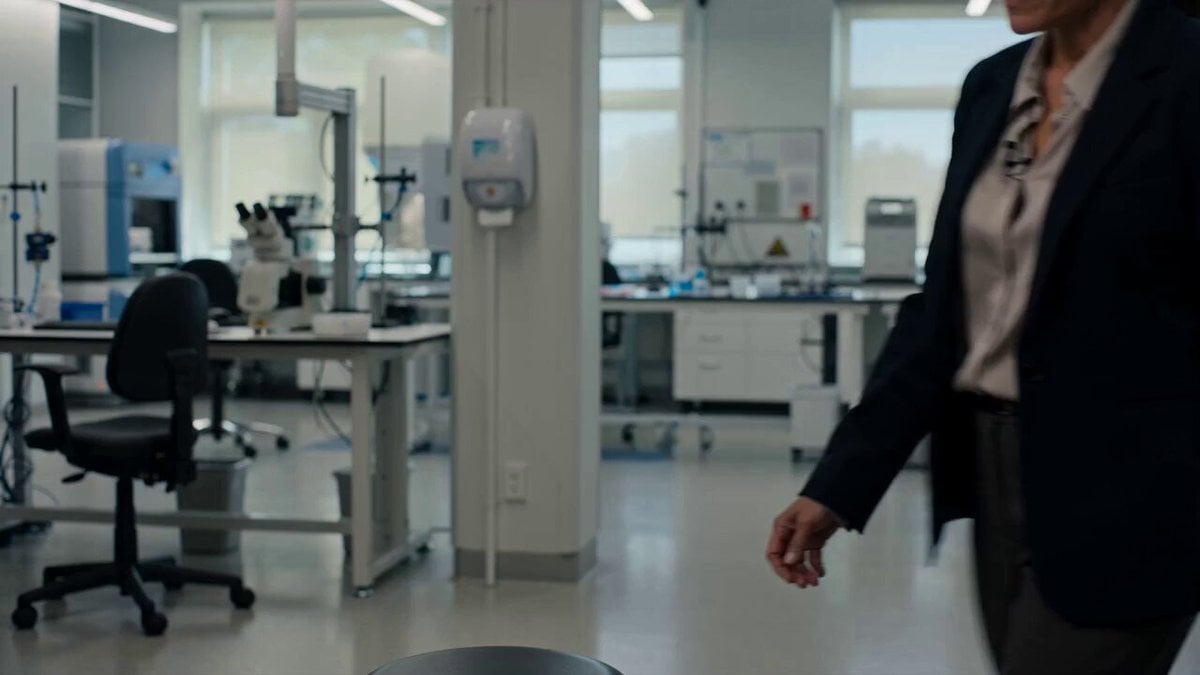
Scientific Documentary Research Interview
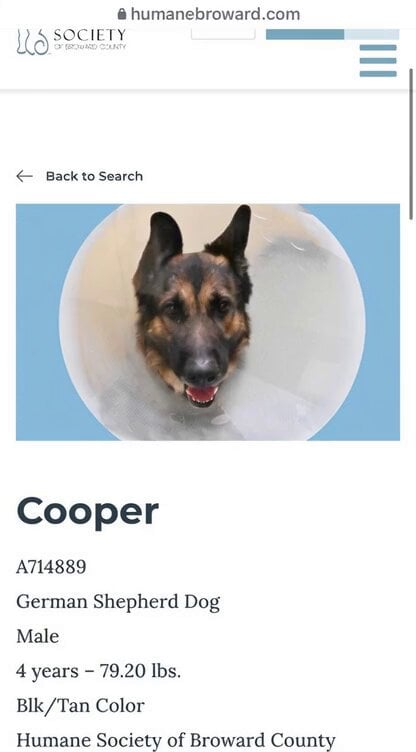
Animate shelter dog photo into adoption advertisement
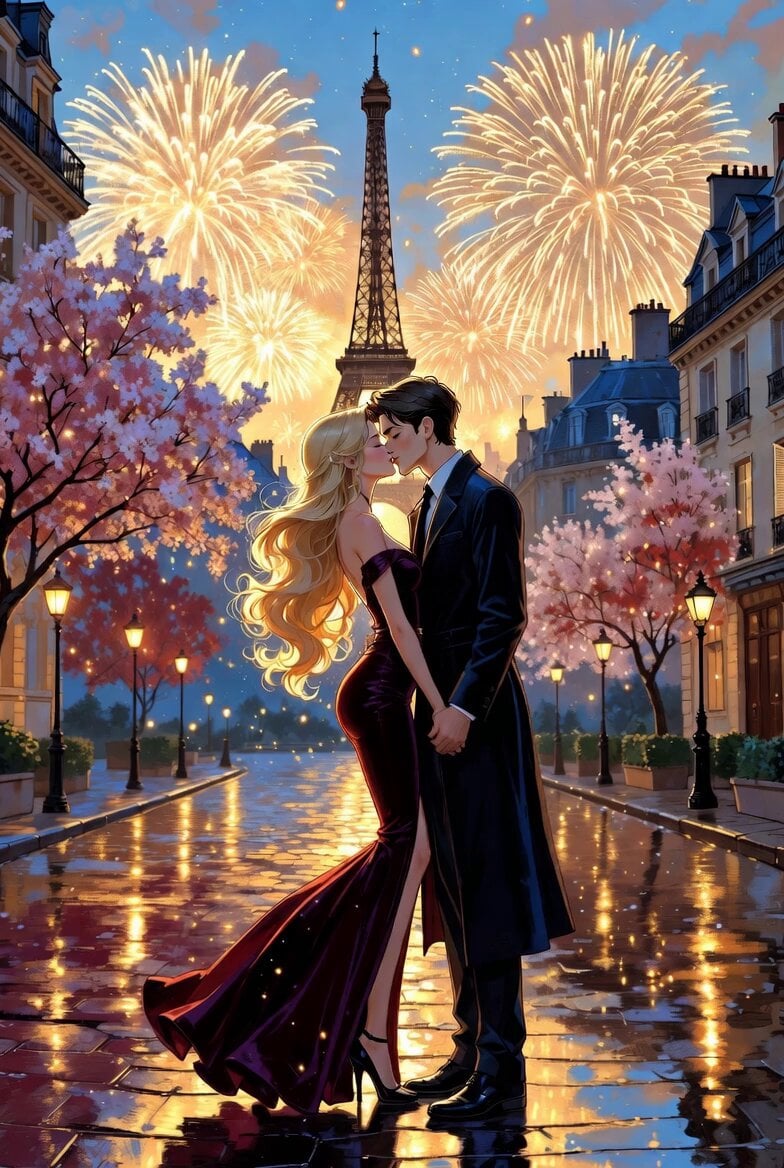
Poetic Love in the Rain
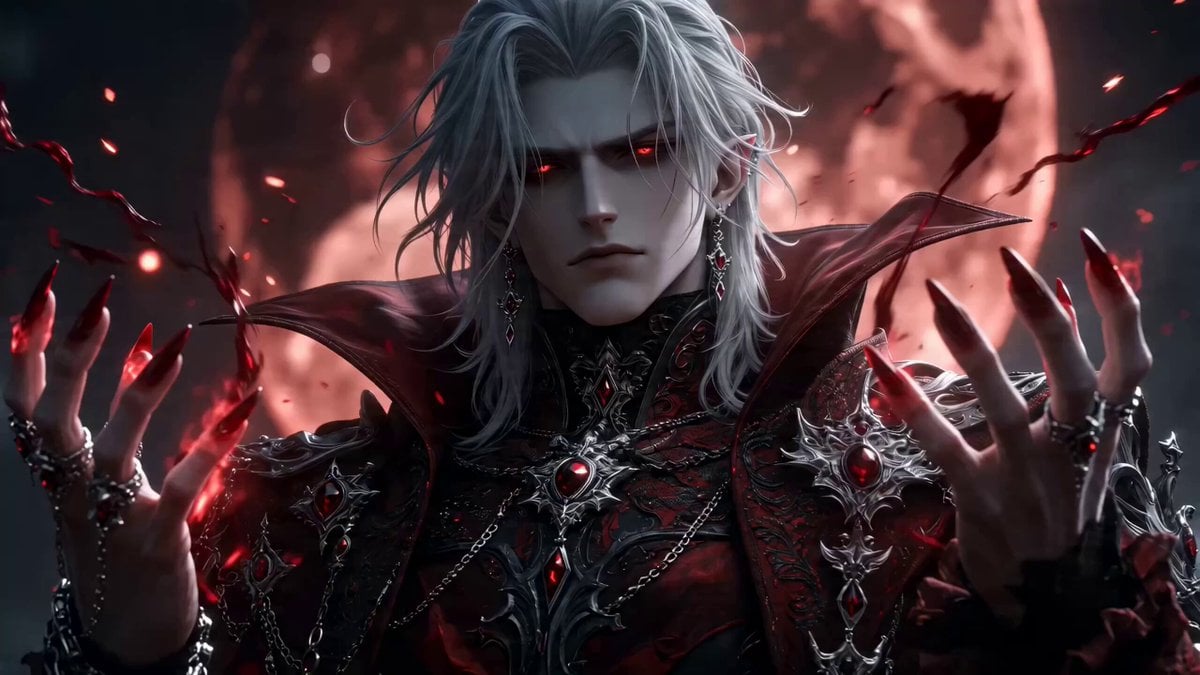
Gothic Vampire Lord Video Prompt
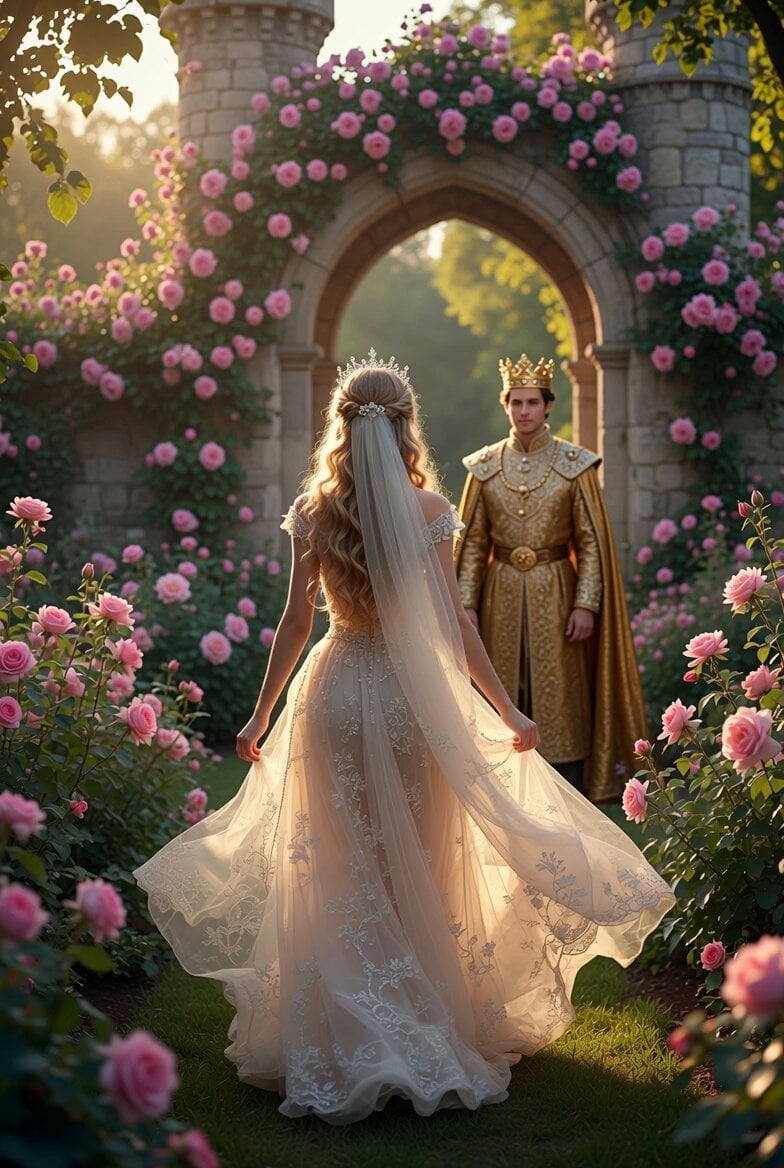
Princess Walking Rose Path Video
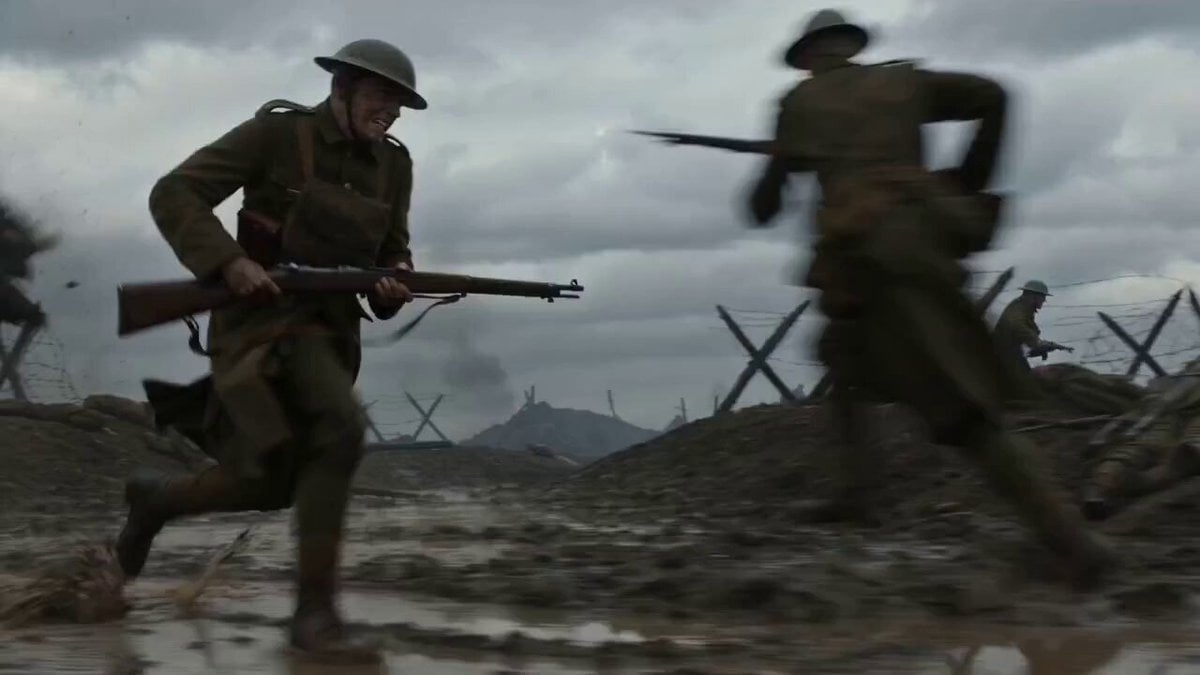
WWI Continuous Tracking Shot Prompt
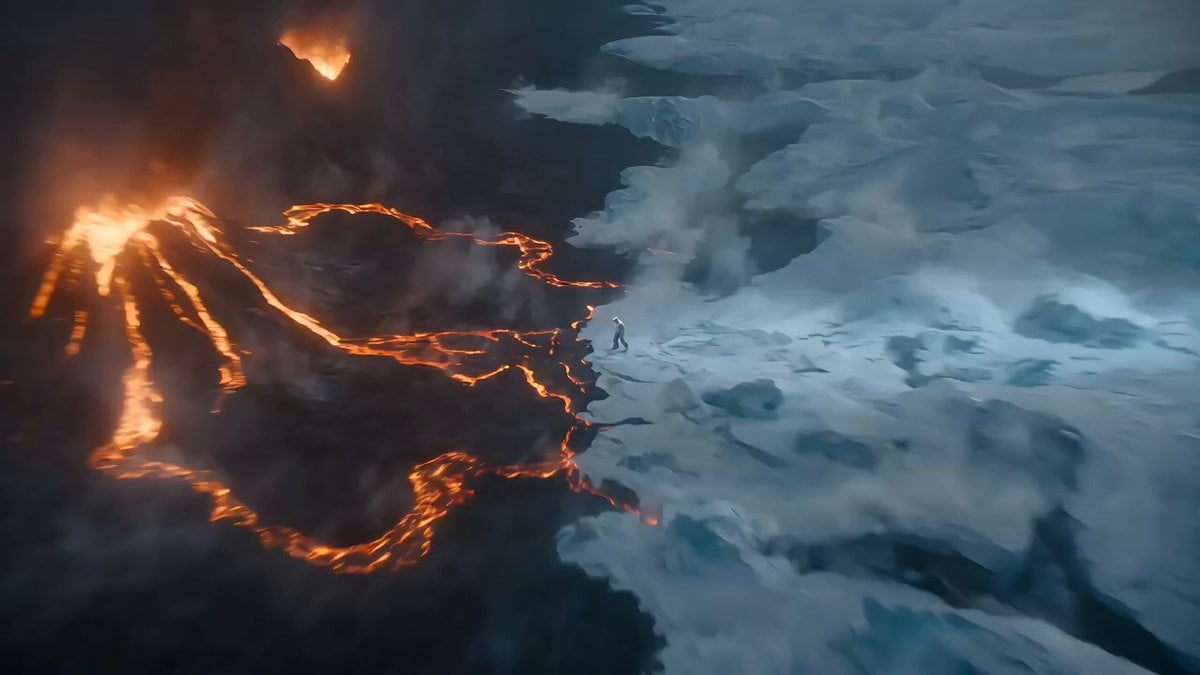
Epic Ice and Fire Disaster Action Prompt
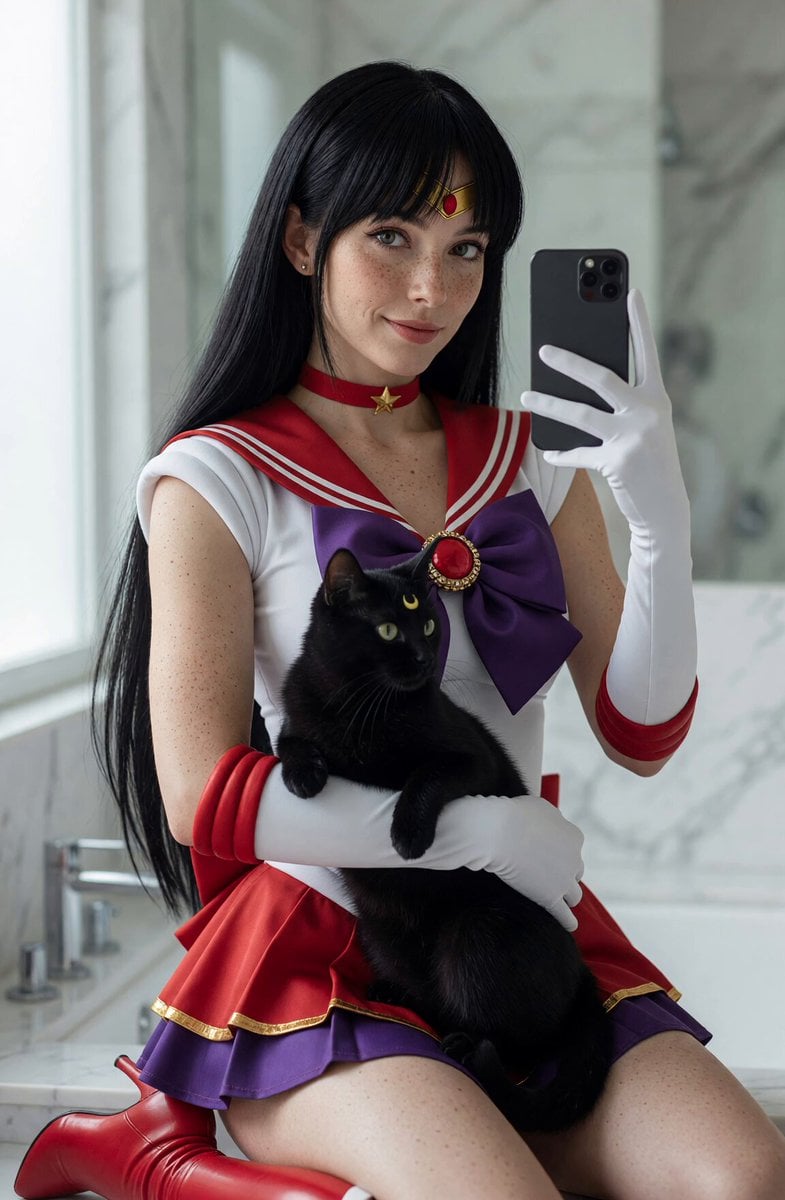
Sailor Mars Realistic Mirror Selfie
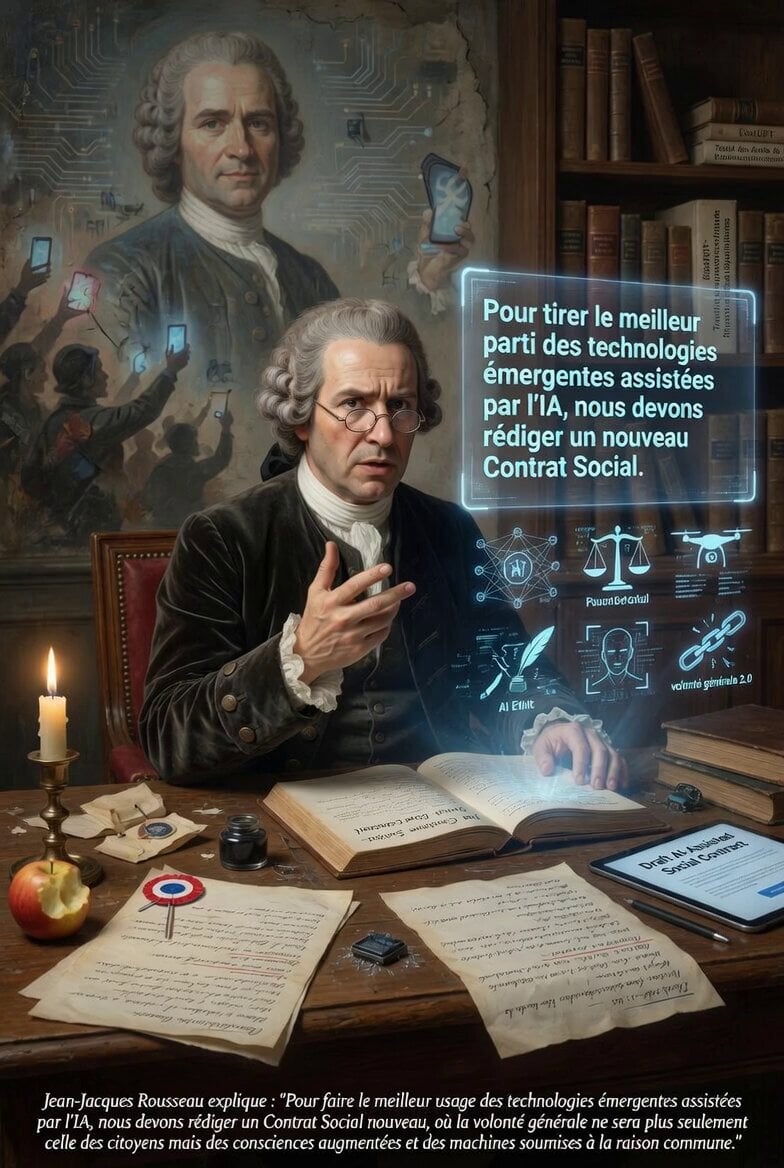
Jean-Jacques Rousseau AI Philosophy
Browse template categories
Professional TikTok Video Director Instruction questions
How do I use the Professional TikTok Video Director Instruction template?
Add your photo if the template asks for one, edit the prompt if you like — the template's model and format are already selected — and press Generate. Your version opens in PicX Studio.
Can I customize the Professional TikTok Video Director Instruction template?
Yes. You can change the subject, setting, lighting, mood, format, and available model controls before creating your video.
Is the Professional TikTok Video Director Instruction template free?
Opening and editing this template is free. Generating uses credits, shown on the Generate button when you are signed in.
Which AI model should I use?
Start with Seedance 2.0, which is the model associated with this template. You can compare another compatible model for a different finish.
Looking for something else? Browse all templates.

Your photo, any look
Thousands of ready templates for every top image and video model, from one credit balance.