How do I use the WWI Continuous Tracking Shot Prompt template?
Edit the prompt in the box under the preview — the template's model and format are already selected — and press Generate. Your version appears right on this page.
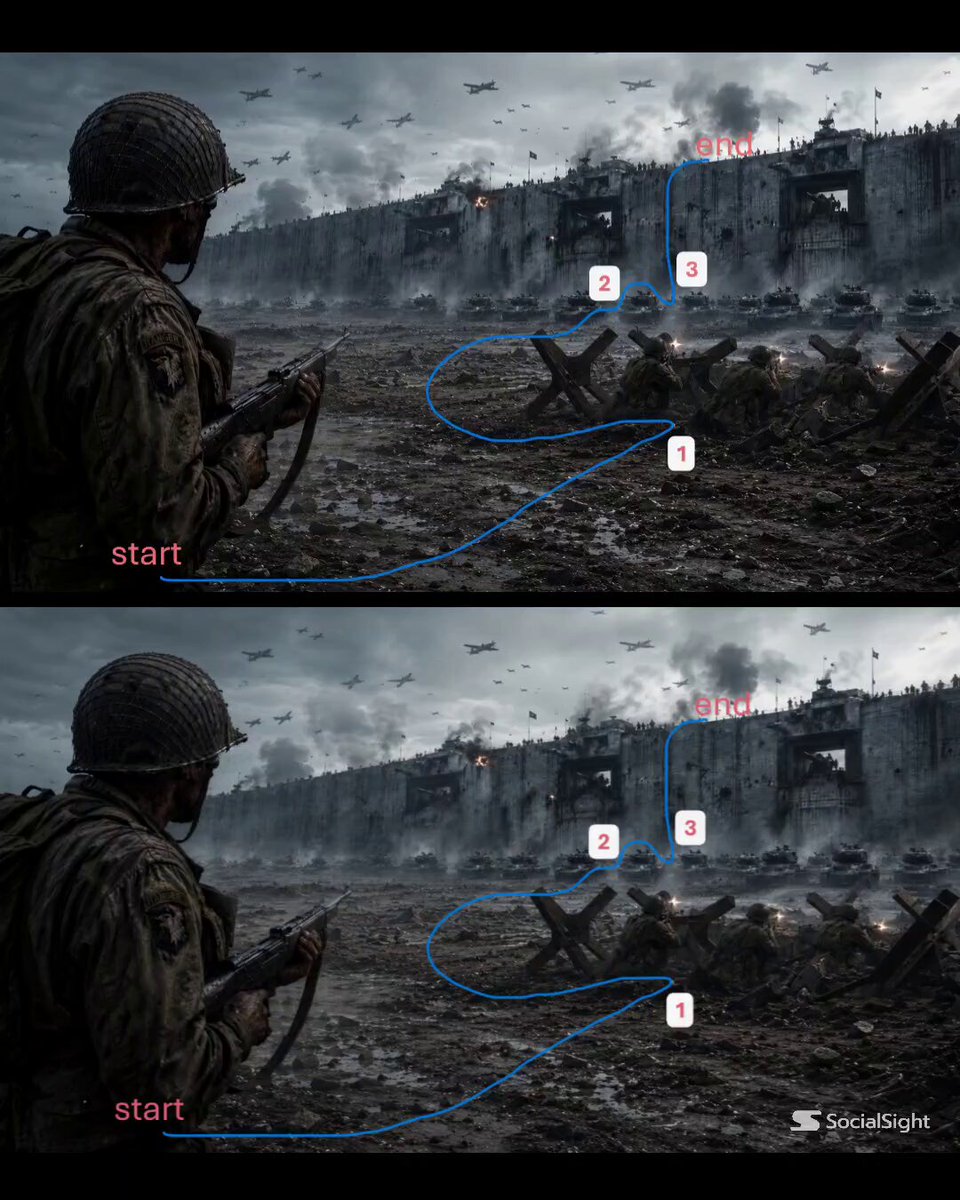
A detailed cinematic prompt for Seedance 2.0 focusing on a single, continuous, side-parallel tracking shot of a WWI soldier sprinting across a chaotic battlefield during an assault, specifying camera technique, setting…
WWI soldier sprinting across an open battlefield during a massive assault, muddy cratered ground, barbed wire, artillery explosions tearing through the field, dozens of soldiers charging across the landscape, chaos and debris everywhere, the soldier running straight through the battlefield while others fall or collide around him, massive explosions erupting nearby - SIDE PARALLEL TRACKING with the camera running alongside him as he pushes forward through the assault - CONTINUOUS TRACKING SHOT - SINGLE TAKE CINEMATIC FORMAT: 15s / 105 BPM / ONE CONTINUOUS SHOT / NO CUTS / EXPLOSION LIGHT FLASHES.
WWI soldier sprinting across an open battlefield during a massive assault, muddy cratered ground, barbed wire, artillery explosions tearing through the field, dozens of soldiers charging across the landscape, chaos and debris everywhere, the soldier running straight through the battlefield while others fall or collide around him, massive explosions erupting nearby - SIDE PARALLEL TRACKING with the camera running alongside him as he pushes forward through the assault - CONTINUOUS TRACKING SHOT - SINGLE TAKE CINEMATIC FORMAT: 15s / 105 BPM / ONE CONTINUOUS SHOT / NO CUTS / EXPLOSION LIGHT FLASHES.
Edit the prompt in the box under the preview — the template's model and format are already selected — and press Generate. Your version appears right on this page.
Yes. You can change the subject, setting, lighting, mood, format, and available model controls before creating your video.
Opening and editing this template is free. Generating uses credits, shown on the Generate button when you are signed in.
Start with Seedance 2.0, which is the model associated with this template. You can compare another compatible model for a different finish.
Follow a topic to a crawlable collection of related PicX Studio templates.