How do I use the WWII Battlefield Cinematic Tracking Shot template?
Edit the prompt in the box under the preview — the template's model and format are already selected — and press Generate. Your version appears right on this page.
A high-intensity Seedance 2.0 prompt for a 15-second continuous tracking shot of a soldier charging through a WWII battlefield.
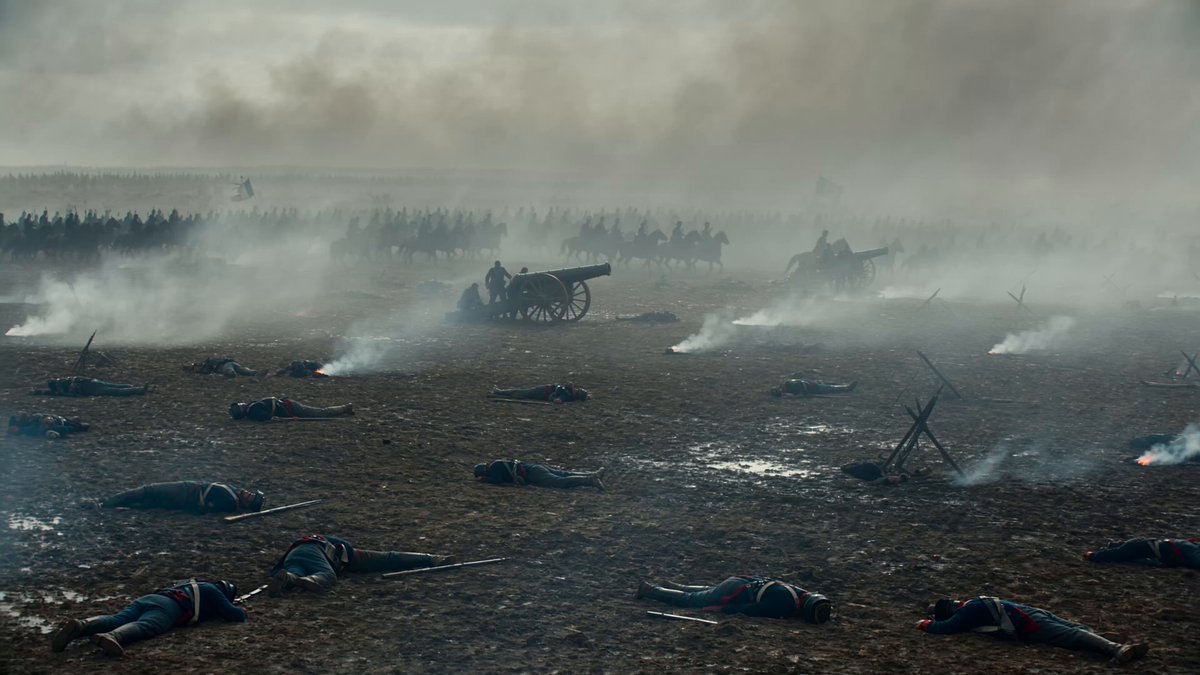
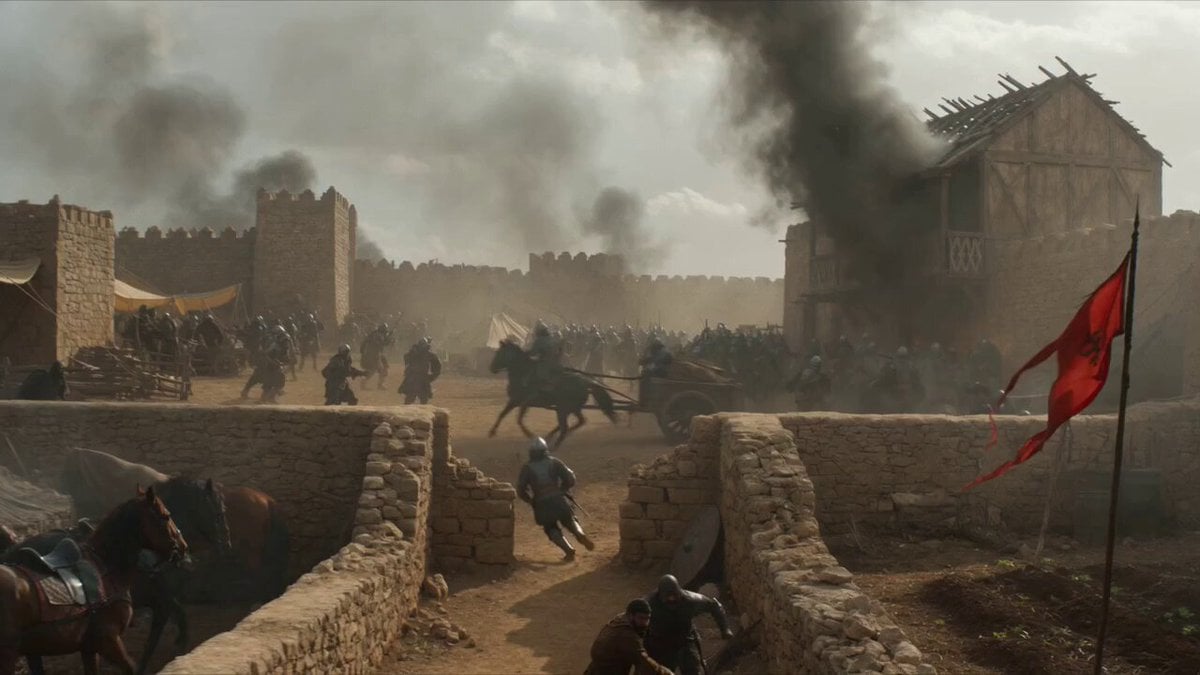
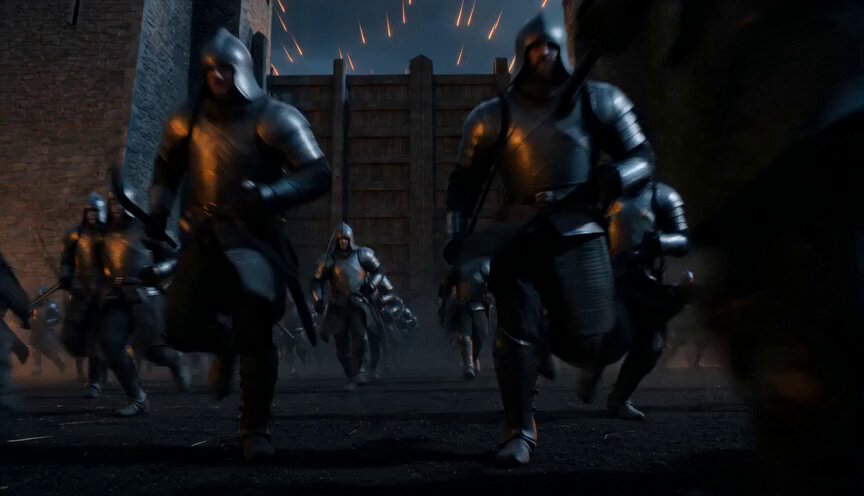
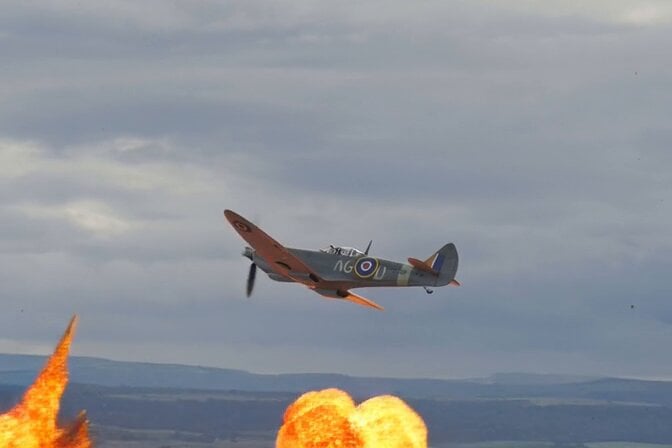
Ultra-realistic cinematic WWII battlefield, single continuous tracking shot, 15 seconds, no cuts. Use the attached first frame as strict visual reference for environment, lighting, atmosphere, and composition. Remove all guide overlays: no blue route line, no numbers, no start/end text, no markers. Camera begins handheld behind a soldier's shoulder as he charges through muddy trenches in driving rain. Smoke, debris, and bullet impacts throw mud into the air. He weaves past destroyed equipment and dives behind Czech hedgehog barricades alongside allied soldiers. Camera rotates around him briefly — revealing the full battlefield scale: WWII fighter planes crossing storm clouds, smoke columns, tanks advancing, thousands of soldiers pushing toward a massive concrete fortress wall. Camera returns behind him as he moves forward. He sprints toward the armored line. Tanks roll past on both sides, cannons firing with huge muzzle flashes and shockwaves. Enemy fire from the wall sends sparks and concrete fragments flying. He jumps onto a moving tank, runs across its muddy hull, ducks under fire, leaps off toward the fortress base. Camera follows dynamically with low-angle running shots, controlled explosion shake, cinematic motion blur. At the wall base, camera tilts upward showing the fortress height. He fires a grappling hook, climbs the wall — boots scraping concrete, dust falling from bullet impacts, sparks around him. As he reaches the top, camera rises over his shoulder revealing a massive hidden military complex beyond: endless rows of tanks, armored vehicles, supply trucks, bunkers, searchlights, fires, smoke columns stretching to the horizon. Final frame pulls to a wide aerial shot showing the true scale of war. Cold gray-blue color grading, volumetric smoke, wet mud, rain, practical explosions, film-grain texture. No modern weapons, no fantasy elements, no text overlays, no cartoon style.
Ultra-realistic cinematic WWII battlefield, single continuous tracking shot, 15 seconds, no cuts. Use the attached first frame as strict visual reference for environment, lighting, atmosphere, and composition. Remove all guide overlays: no blue route line, no numbers, no start/end text, no markers. Camera begins handheld behind a soldier's shoulder as he charges through muddy trenches in driving rain. Smoke, debris, and bullet impacts throw mud into the air. He weaves past destroyed equipment and dives behind Czech hedgehog barricades alongside allied soldiers. Camera rotates around him briefly — revealing the full battlefield scale: WWII fighter planes crossing storm clouds, smoke columns, tanks advancing, thousands of soldiers pushing toward a massive concrete fortress wall. Camera returns behind him as he moves forward. He sprints toward the armored line. Tanks roll past on both sides, cannons firing with huge muzzle flashes and shockwaves. Enemy fire from the wall sends sparks and concrete fragments flying. He jumps onto a moving tank, runs across its muddy hull, ducks under fire, leaps off toward the fortress base. Camera follows dynamically with low-angle running shots, controlled explosion shake, cinematic motion blur. At the wall base, camera tilts upward showing the fortress height. He fires a grappling hook, climbs the wall — boots scraping concrete, dust falling from bullet impacts, sparks around him. As he reaches the top, camera rises over his shoulder revealing a massive hidden military complex beyond: endless rows of tanks, armored vehicles, supply trucks, bunkers, searchlights, fires, smoke columns stretching to the horizon. Final frame pulls to a wide aerial shot showing the true scale of war. Cold gray-blue color grading, volumetric smoke, wet mud, rain, practical explosions, film-grain texture. No modern weapons, no fantasy elements, no text overlays, no cartoon style.
Edit the prompt in the box under the preview — the template's model and format are already selected — and press Generate. Your version appears right on this page.
Yes. You can change the subject, setting, lighting, mood, format, and available model controls before creating your video.
Opening and editing this template is free. Generating uses credits, shown on the Generate button when you are signed in.
Start with Seedance 2.0, which is the model associated with this template. You can compare another compatible model for a different finish.
Follow a topic to a crawlable collection of related PicX Studio templates.