How do I use the Live-Action Scenery Switching Prompt template?
Edit the prompt in the box under the preview — the template's model and format are already selected — and press Generate. Your version appears right on this page.
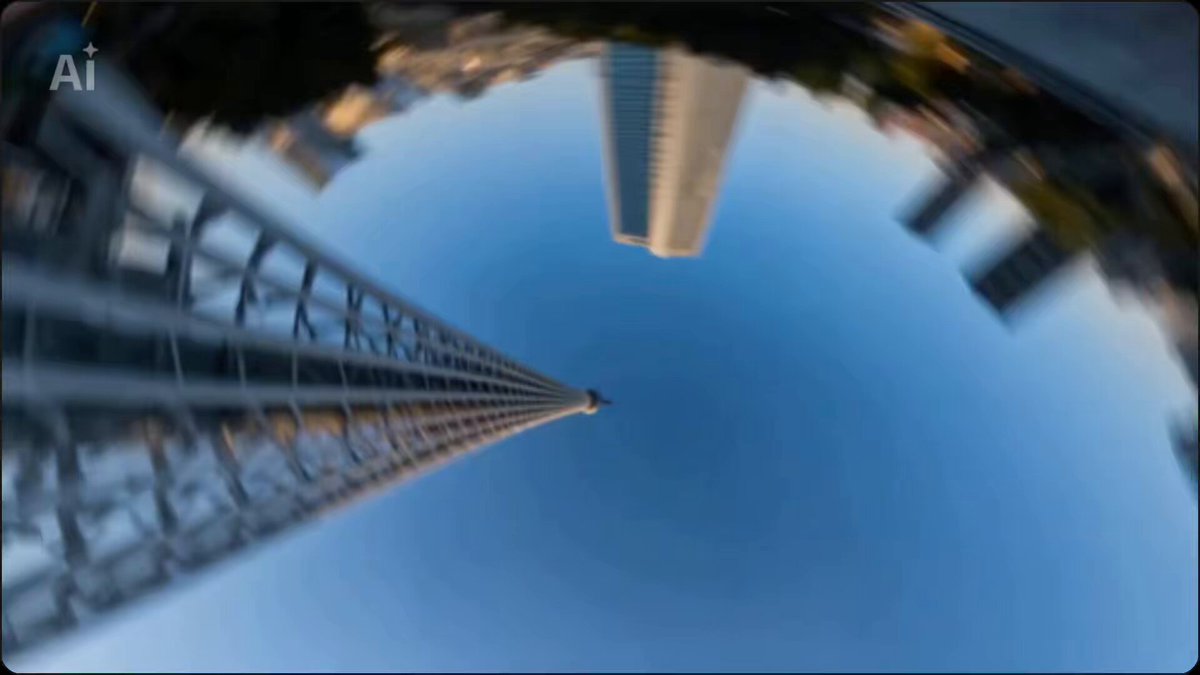
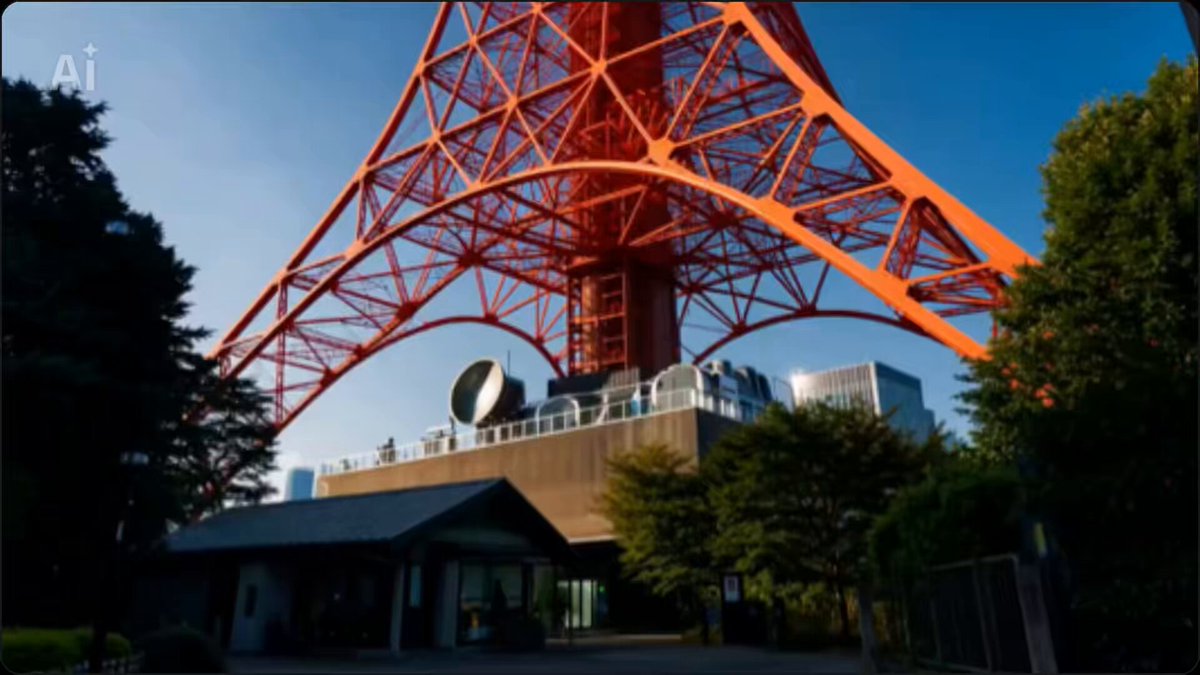
A prompt for an ultra-high-speed metric montage that switches between live-action scenery every 0.1 seconds, with the location specified in the sequence.
全体構成: - 以下のシーケンスに従い0.1秒単位で実写風景を切り替える超高速メトリック・モンタージュ。 - 各カットは静止画ではなく全て動画で、カメラワークをつけること。 - シーケンス: - 0.0s: 東京タワー - 0.1s: 渋谷スクランブル交差点 - 0.2s: 浅草寺 - 0.3s: 皇居 - 0.4s: 歌舞伎座 - 0.5s: 東京ドーム - 0.6s: 上野動物園 - 0.7s: 六本木ヒルズ - 0.8s: 東京駅 - 0.9s: 秋葉原 - 1.0s: 築地市場 - 1.1s: 靖国神社 - 1.2s: 新宿御苑 - 1.3s: 浜離宮恩賜庭園 - 1.4s: 迎賓館赤坂離宮 - 1.5s: 国会議事堂 - 1.6s: 東京国立博物館 - 1.7s: 国立科学博物館 - 1.8s: 東京都庁舎 - 1.9s: 自由の女神像(お台場) - 2.0s: 富士山 - 2.1s: 札幌時計台 - 2.2s: 函館山 - 2.3s: 仙台城跡 - 2.4s: 松島 - 2.5s: 日光東照宮 - 2.6s: 兼六園 - 2.7s: 永平寺 - 2.8s: 善光寺 - 2.9s: 富士急ハイランド - 3.0s: 熱海温泉 - 3.1s: 伊勢神宮 - 3.2s: 東大寺 - 3.3s: 姫路城 - 3.4s: 厳島神社 - 3.5s: 広島平和記念公園 - 3.6s: 道後温泉 - 3.7s: 太宰府天満宮 - 3.8s: 熊本城 - 3.9s: 桜島 - 4.0s: 首里城 - 4.1s: ニューヨーク タイムズスクエア - 4.2s: ニューヨーク 自由の女神 - 4.3s: ニューヨーク セントラルパーク - 4.4s: ロンドン ビッグベン - 4.5s: ロンドン ロンドン塔 - 4.6s: ロンドン バッキンガム宮殿 - 4.7s: パリ エッフェル塔 - 4.8s: パリ ルーヴル美術館 - 4.9s: パリ 凱旋門 - 5.0s: ローマ コロッセオ - 5.1s: ローマ トレビの泉 - 5.2s: ローマ バチカン市国 - 5.3s: 北京 万里の長城 - 5.4s: 北京 紫禁城 - 5.5s: 北京 天安門広場 - 5.6s: シドニー オペラハウス - 5.7s: シドニー ハーバーブリッジ - 5.8s: シドニー ボンダイビーチ - 5.9s: リオデジャネイロ キリスト像 - 6.0s: リオデジャネイロ コパカバーナビーチ - 6.1s: リオデジャネイロ シュガーローフ山 - 6.2s: カイロ ギザのピラミッド - 6.3s: カイロ スフィンクス - 6.4s: カイロ エジプト考古学博物館 - 6.5s: イスタンブール アヤソフィア - 6.6s: イスタンブール ブルーモスク - 6.7s: イスタンブール トプカプ宮殿 - 6.8s: モスクワ 赤の広場 - 6.9s: モスクワ 聖ワシリイ大聖堂 - 7.0s: モスクワ クレムリン - 7.1s: ベルリン ブランデンブルク門 - 7.2s: ベルリン ベルリンの壁 - 7.3s: ベルリン ライヒスターク - 7.4s: アムステルダム ゴッホ美術館 - 7.5s: アムステルダム アムステルダム国立美術館 - 7.6s: アムステルダム アンネ・フランクの家 - 7.7s: バンコク ワット・アルン - 7.8s: バンコク ワット・ポー - 7.9s: バンコク 王宮 - 8.0s: ソウル 景福宮 - 8.1s: ソウル Nソウルタワー - 8.2s: ソウル 明洞 - 8.3s: 台北 台北101 - 8.4s: 台北 故宮博物院 - 8.5s: 台北 龍山寺 - 8.6s: ドバイ ブルジュ・ハリファ - 8.7s: ドバイ ブルジュ・アル・アラブ - 8.8s: ドバイ ドバイ・モール - 8.9s: シンガポール マリーナベイ・サンズ - 9.0s: シンガポール マーライオン公園 - 9.1s: シンガポール ガーデンズ・バイ・ザ・ベイ - 9.2s: 香港 ビクトリア・ピーク - 9.3s: 香港 香港ディズニーランド - 9.4s: 香港 尖沙咀 - 9.5s: ラスベガス ベラージオの噴水 - 9.6s: ラスベガス ストラトスフィア・タワー - 9.7s: ラスベガス グランドキャニオン - 9.8s: ロサンゼルス ハリウッド・サイン - 9.9s: ロサンゼルス グリフィス天文台 - 10.0s: ロサンゼルス サンタモニカ
全体構成: - 以下のシーケンスに従い0.1秒単位で実写風景を切り替える超高速メトリック・モンタージュ。 - 各カットは静止画ではなく全て動画で、カメラワークをつけること。 - シーケンス: - 0.0s: 東京タワー - 0.1s: 渋谷スクランブル交差点 - 0.2s: 浅草寺 - 0.3s: 皇居 - 0.4s: 歌舞伎座 - 0.5s: 東京ドーム - 0.6s: 上野動物園 - 0.7s: 六本木ヒルズ - 0.8s: 東京駅 - 0.9s: 秋葉原 - 1.0s: 築地市場 - 1.1s: 靖国神社 - 1.2s: 新宿御苑 - 1.3s: 浜離宮恩賜庭園 - 1.4s: 迎賓館赤坂離宮 - 1.5s: 国会議事堂 - 1.6s: 東京国立博物館 - 1.7s: 国立科学博物館 - 1.8s: 東京都庁舎 - 1.9s: 自由の女神像(お台場) - 2.0s: 富士山 - 2.1s: 札幌時計台 - 2.2s: 函館山 - 2.3s: 仙台城跡 - 2.4s: 松島 - 2.5s: 日光東照宮 - 2.6s: 兼六園 - 2.7s: 永平寺 - 2.8s: 善光寺 - 2.9s: 富士急ハイランド - 3.0s: 熱海温泉 - 3.1s: 伊勢神宮 - 3.2s: 東大寺 - 3.3s: 姫路城 - 3.4s: 厳島神社 - 3.5s: 広島平和記念公園 - 3.6s: 道後温泉 - 3.7s: 太宰府天満宮 - 3.8s: 熊本城 - 3.9s: 桜島 - 4.0s: 首里城 - 4.1s: ニューヨーク タイムズスクエア - 4.2s: ニューヨーク 自由の女神 - 4.3s: ニューヨーク セントラルパーク - 4.4s: ロンドン ビッグベン - 4.5s: ロンドン ロンドン塔 - 4.6s: ロンドン バッキンガム宮殿 - 4.7s: パリ エッフェル塔 - 4.8s: パリ ルーヴル美術館 - 4.9s: パリ 凱旋門 - 5.0s: ローマ コロッセオ - 5.1s: ローマ トレビの泉 - 5.2s: ローマ バチカン市国 - 5.3s: 北京 万里の長城 - 5.4s: 北京 紫禁城 - 5.5s: 北京 天安門広場 - 5.6s: シドニー オペラハウス - 5.7s: シドニー ハーバーブリッジ - 5.8s: シドニー ボンダイビーチ - 5.9s: リオデジャネイロ キリスト像 - 6.0s: リオデジャネイロ コパカバーナビーチ - 6.1s: リオデジャネイロ シュガーローフ山 - 6.2s: カイロ ギザのピラミッド - 6.3s: カイロ スフィンクス - 6.4s: カイロ エジプト考古学博物館 - 6.5s: イスタンブール アヤソフィア - 6.6s: イスタンブール ブルーモスク - 6.7s: イスタンブール トプカプ宮殿 - 6.8s: モスクワ 赤の広場 - 6.9s: モスクワ 聖ワシリイ大聖堂 - 7.0s: モスクワ クレムリン - 7.1s: ベルリン ブランデンブルク門 - 7.2s: ベルリン ベルリンの壁 - 7.3s: ベルリン ライヒスターク - 7.4s: アムステルダム ゴッホ美術館 - 7.5s: アムステルダム アムステルダム国立美術館 - 7.6s: アムステルダム アンネ・フランクの家 - 7.7s: バンコク ワット・アルン - 7.8s: バンコク ワット・ポー - 7.9s: バンコク 王宮 - 8.0s: ソウル 景福宮 - 8.1s: ソウル Nソウルタワー - 8.2s: ソウル 明洞 - 8.3s: 台北 台北101 - 8.4s: 台北 故宮博物院 - 8.5s: 台北 龍山寺 - 8.6s: ドバイ ブルジュ・ハリファ - 8.7s: ドバイ ブルジュ・アル・アラブ - 8.8s: ドバイ ドバイ・モール - 8.9s: シンガポール マリーナベイ・サンズ - 9.0s: シンガポール マーライオン公園 - 9.1s: シンガポール ガーデンズ・バイ・ザ・ベイ - 9.2s: 香港 ビクトリア・ピーク - 9.3s: 香港 香港ディズニーランド - 9.4s: 香港 尖沙咀 - 9.5s: ラスベガス ベラージオの噴水 - 9.6s: ラスベガス ストラトスフィア・タワー - 9.7s: ラスベガス グランドキャニオン - 9.8s: ロサンゼルス ハリウッド・サイン - 9.9s: ロサンゼルス グリフィス天文台 - 10.0s: ロサンゼルス サンタモニカ
Edit the prompt in the box under the preview — the template's model and format are already selected — and press Generate. Your version appears right on this page.
Yes. You can change the subject, setting, lighting, mood, format, and available model controls before creating your video.
Opening and editing this template is free. Generating uses credits, shown on the Generate button when you are signed in.
Start with Seedance 2.0, which is the model associated with this template. You can compare another compatible model for a different finish.
Follow a topic to a crawlable collection of related PicX Studio templates.