How do I use the Live-Action Scenery Switching Prompt (Randomized) template?
Edit the prompt in the box under the preview — the template's model and format are already selected — and press Generate. Your version appears right on this page.
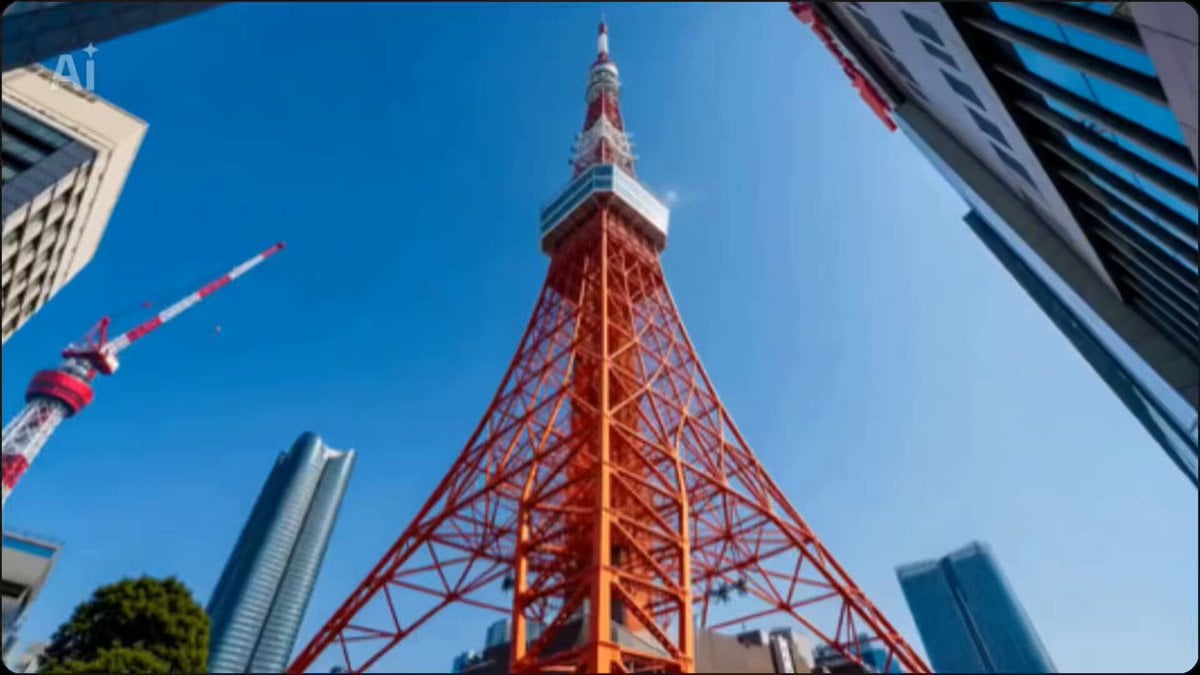
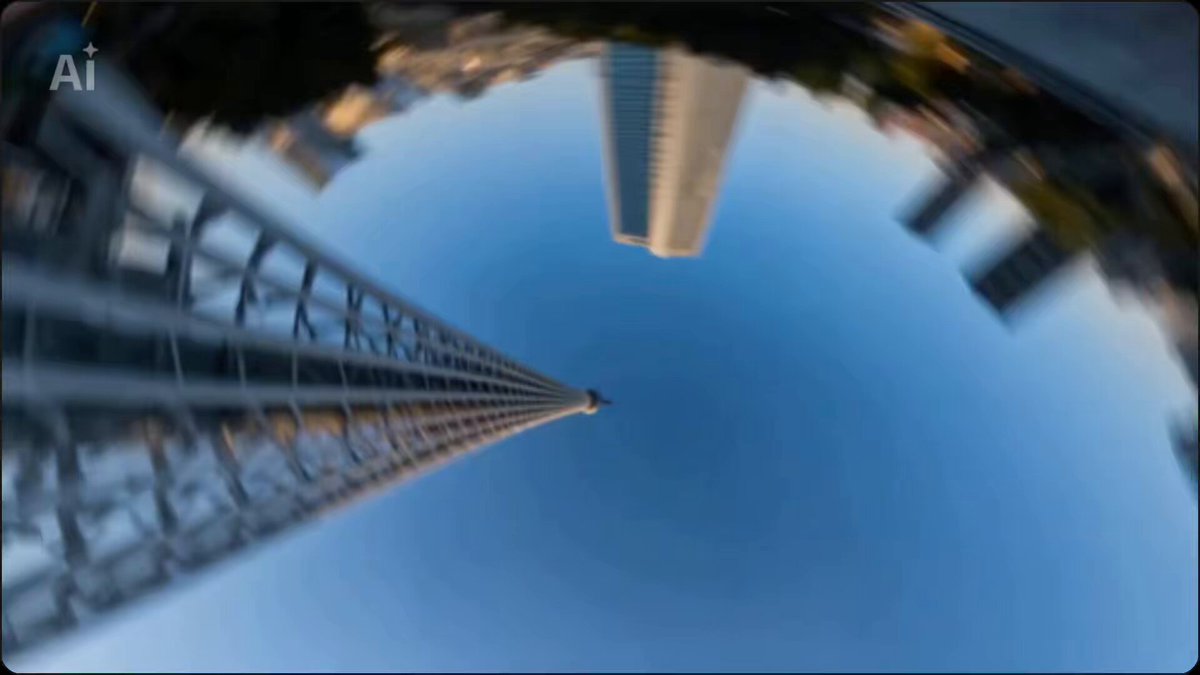
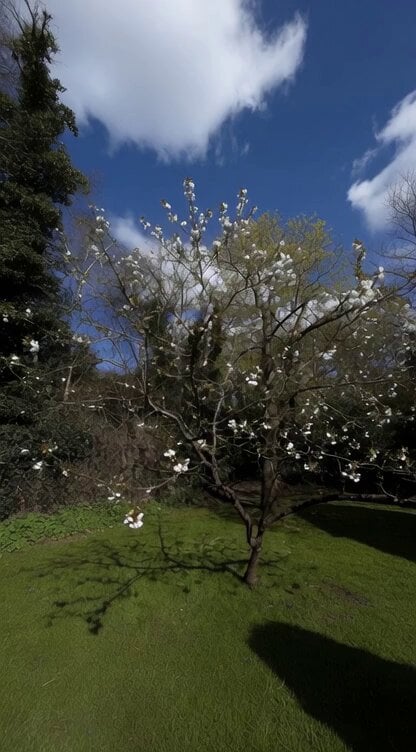
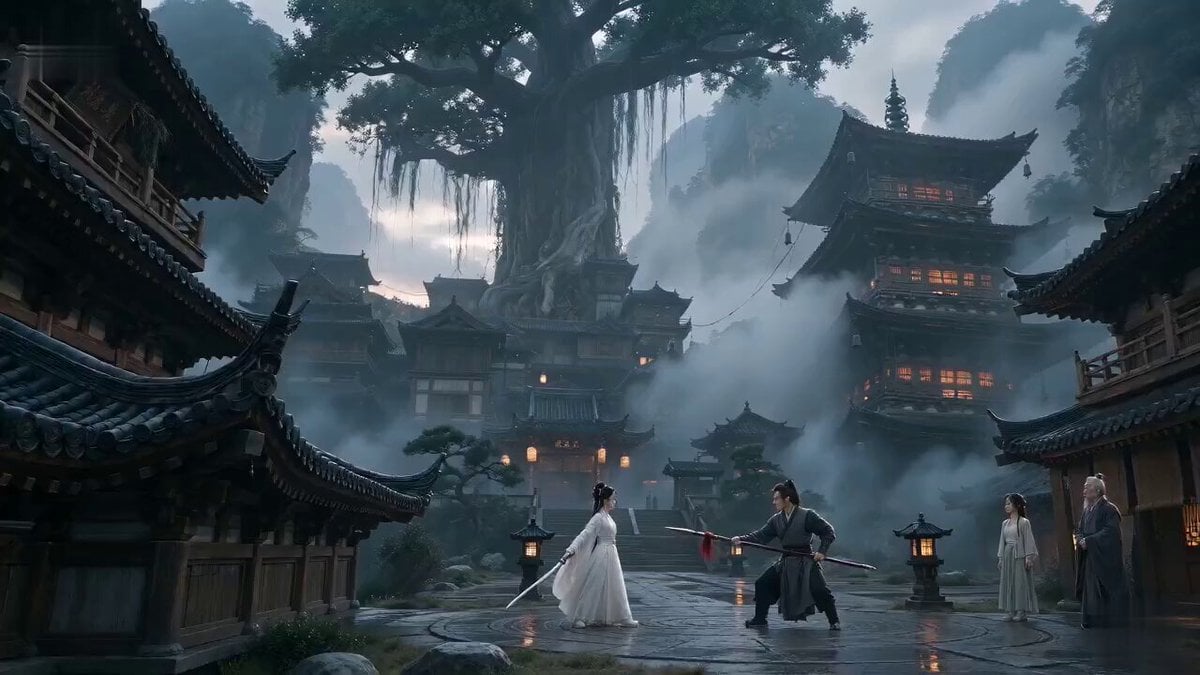
A prompt for an ultra-high-speed metric montage that switches between live-action scenery of world tourist attractions and heritage sites every 0.1 seconds.
0.1秒単位で世界各地の観光名所や世界遺産などの実写風景を切り替える超高速メトリック・モンタージュ。 最初は東京タワー、最後はスカイツリーで、中間はランダムでおまかせ。
0.1秒単位で世界各地の観光名所や世界遺産などの実写風景を切り替える超高速メトリック・モンタージュ。 最初は東京タワー、最後はスカイツリーで、中間はランダムでおまかせ。
Edit the prompt in the box under the preview — the template's model and format are already selected — and press Generate. Your version appears right on this page.
Yes. You can change the subject, setting, lighting, mood, format, and available model controls before creating your video.
Opening and editing this template is free. Generating uses credits, shown on the Generate button when you are signed in.
Start with Seedance 2.0, which is the model associated with this template. You can compare another compatible model for a different finish.
Follow a topic to a crawlable collection of related PicX Studio templates.