How do I use the Universal Templates 2 & 3: Landscape and Image-to-Video template?
Edit the prompt in the box under the preview — the template's model and format are already selected — and press Generate. Your version appears right on this page.
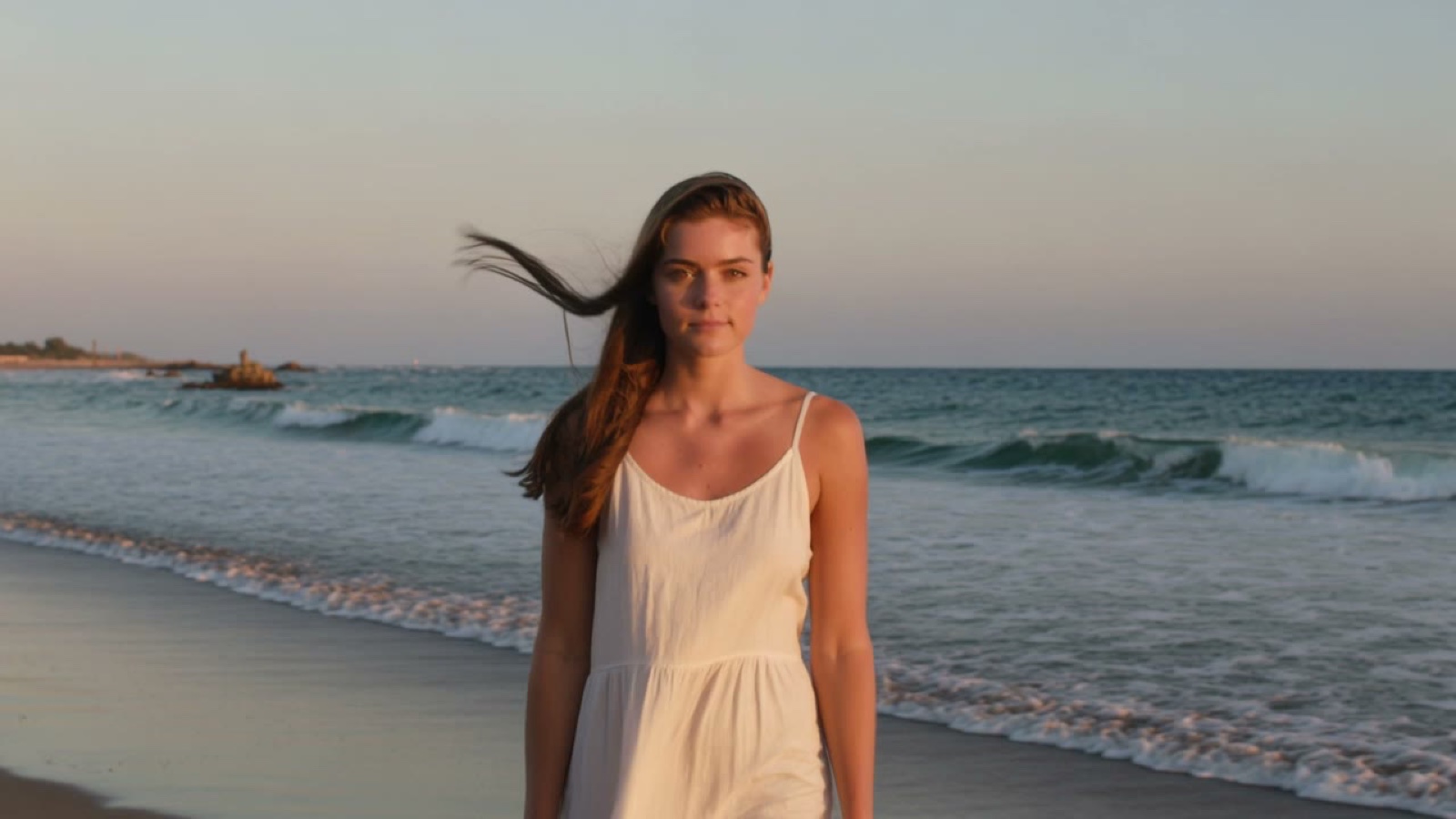
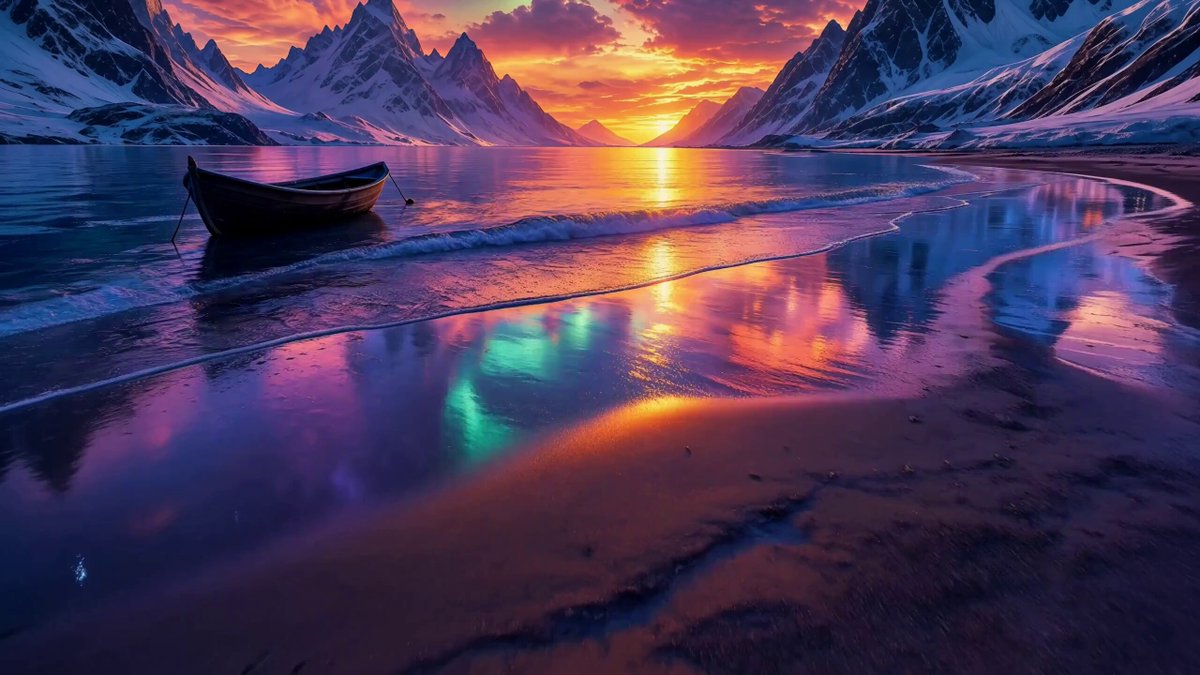
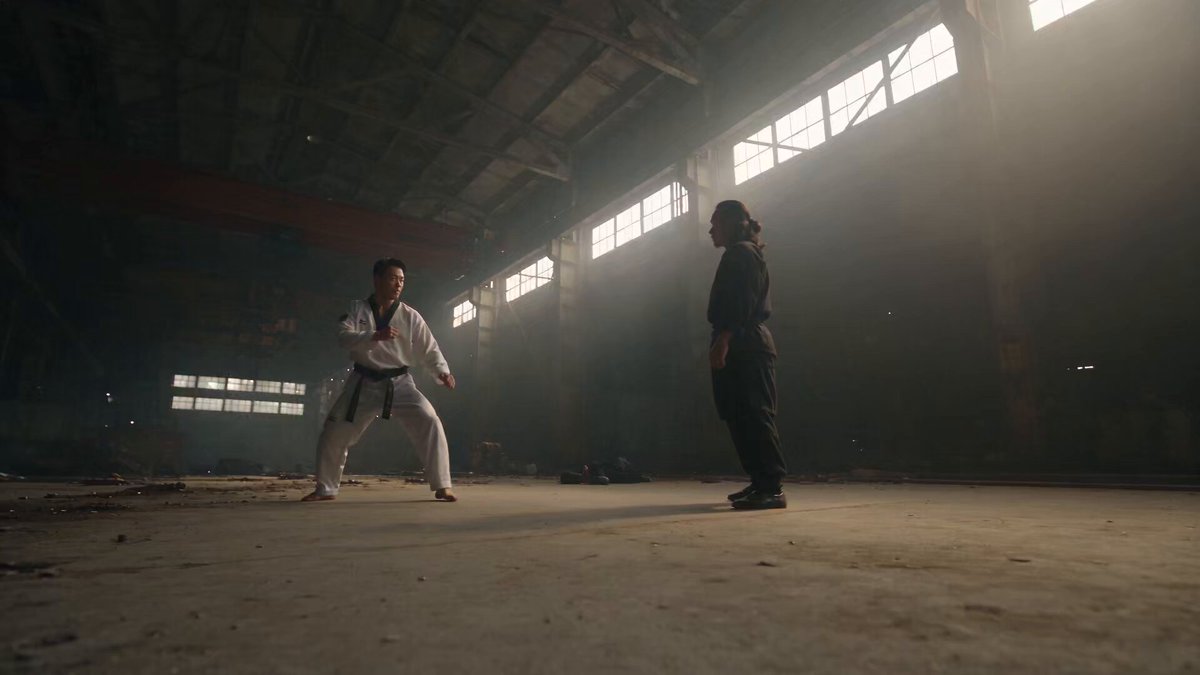
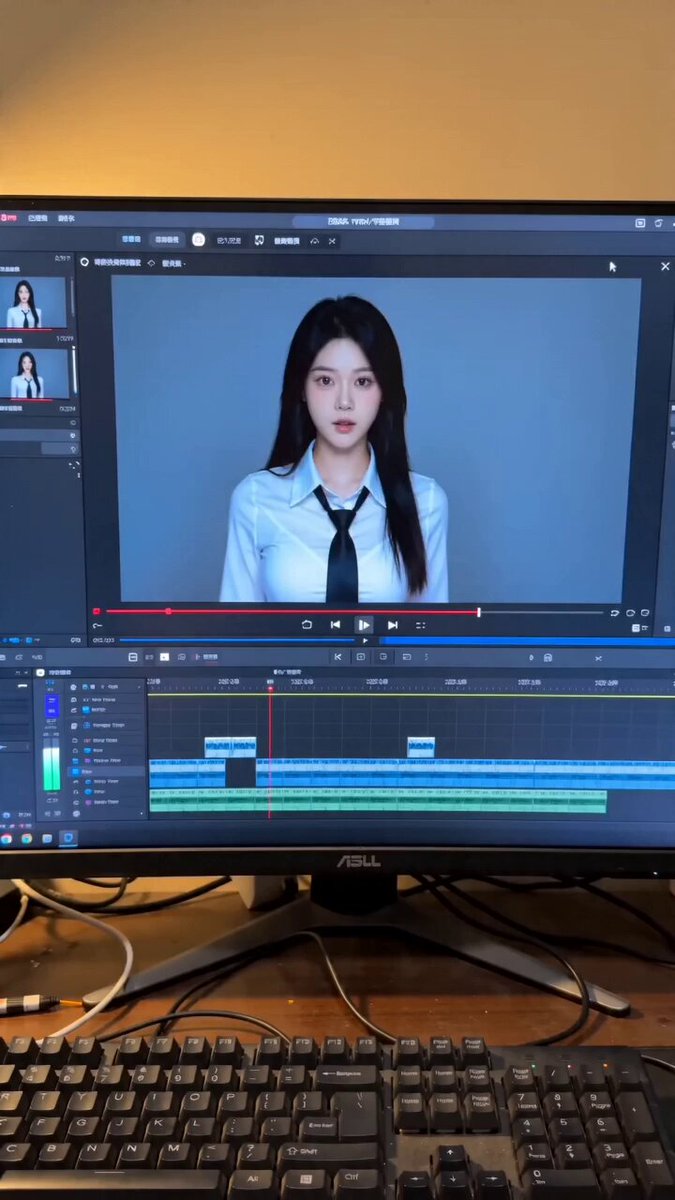
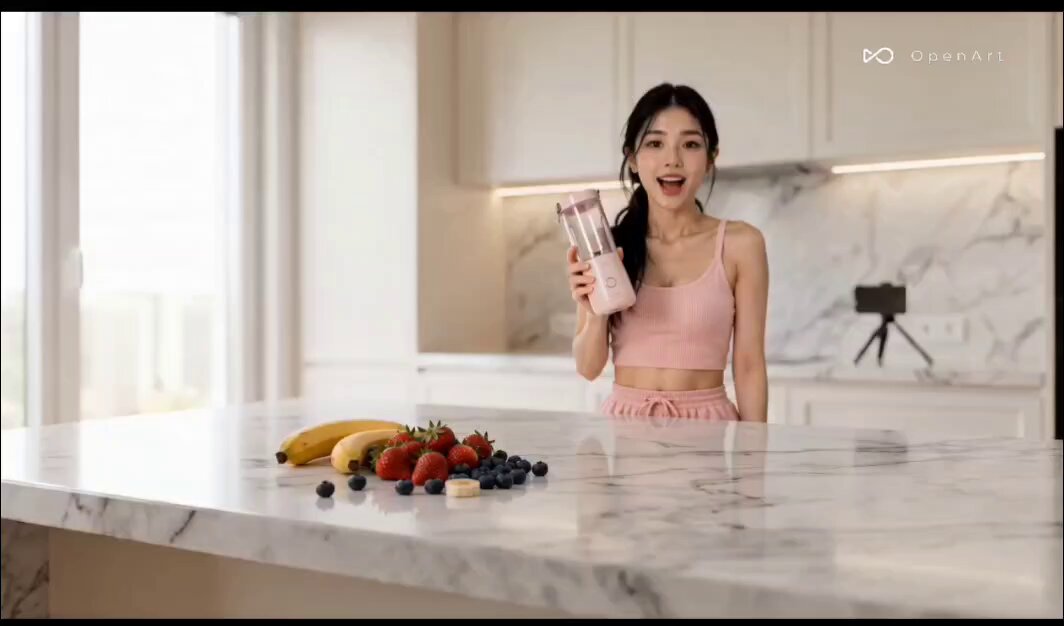
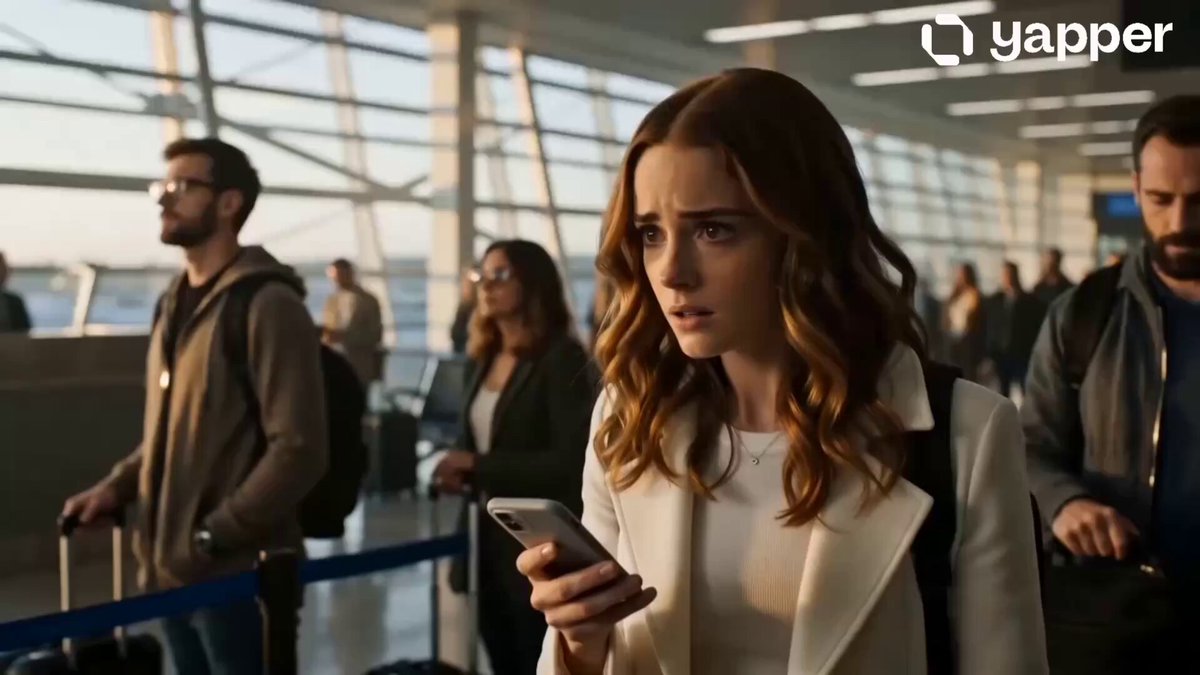
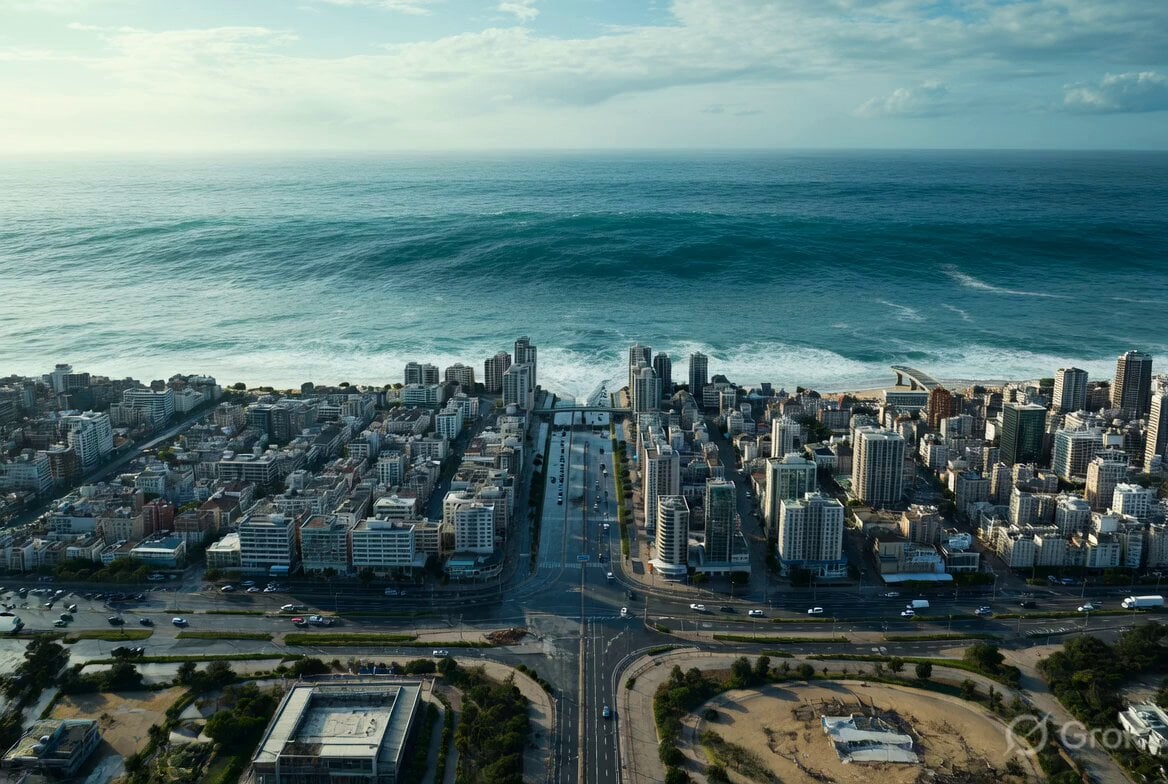
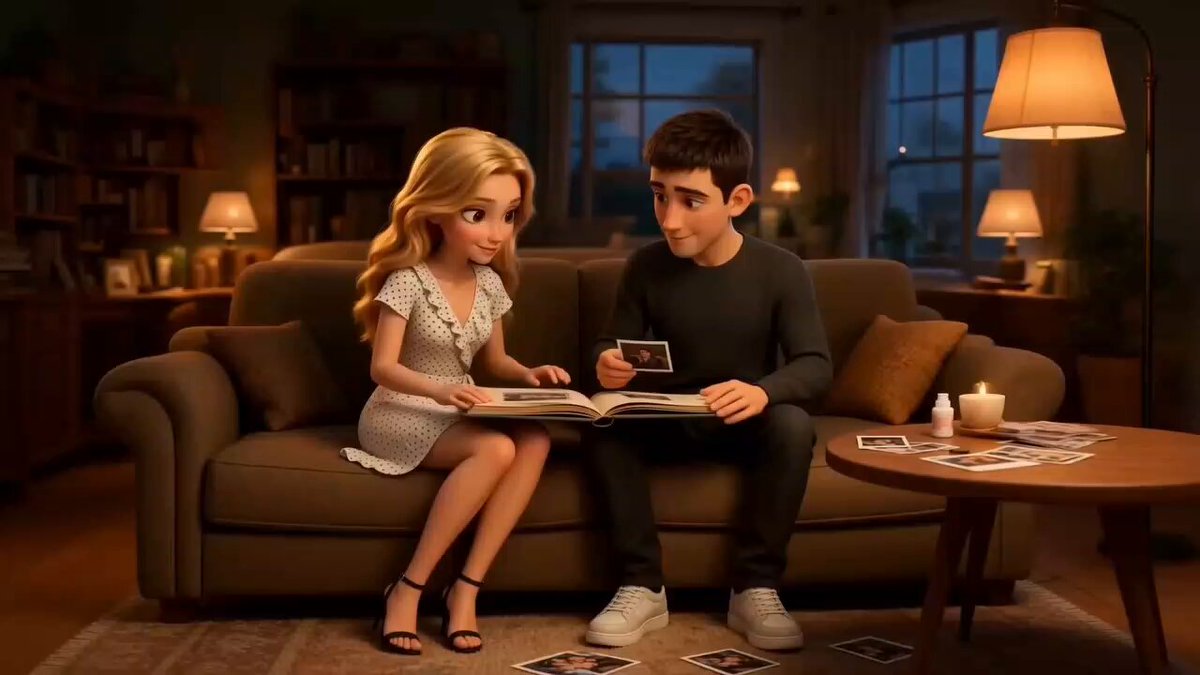
Two ready-to-use templates: one for generating an atmospheric landscape video (sunset by the sea) and another for image-to-video generation, emphasizing character consistency and smooth movement based on a reference…

Sunset by the sea, waves gently lapping the beach, the camera slowly panning sideways, warm orange tones, healing and fresh, silky-smooth footage, 4K ultra-HD, no flicker, no ghosting. 📁 Template 3 · Image-to-Video (Fixed First Frame) Based on the reference image, keep the person's appearance and clothing consistent; movements are slowly raising a hand and turning, natural and fluid, not stiff or distorted, stable camera movement, high-definition detail, cinematic texture.
Sunset by the sea, waves gently lapping the beach, the camera slowly panning sideways, warm orange tones, healing and fresh, silky-smooth footage, 4K ultra-HD, no flicker, no ghosting. 📁 Template 3 · Image-to-Video (Fixed First Frame) Based on the reference image, keep the person's appearance and clothing consistent; movements are slowly raising a hand and turning, natural and fluid, not stiff or distorted, stable camera movement, high-definition detail, cinematic texture.
Edit the prompt in the box under the preview — the template's model and format are already selected — and press Generate. Your version appears right on this page.
Yes. You can change the subject, setting, lighting, mood, format, and available model controls before creating your video.
Opening and editing this template is free. Generating uses credits, shown on the Generate button when you are signed in.
Start with Seedance 2.0, which is the model associated with this template. You can compare another compatible model for a different finish.
Follow a topic to a crawlable collection of related PicX Studio templates.