
Cinematic Meteorite Fall Video Prompt for Seedance 2.0
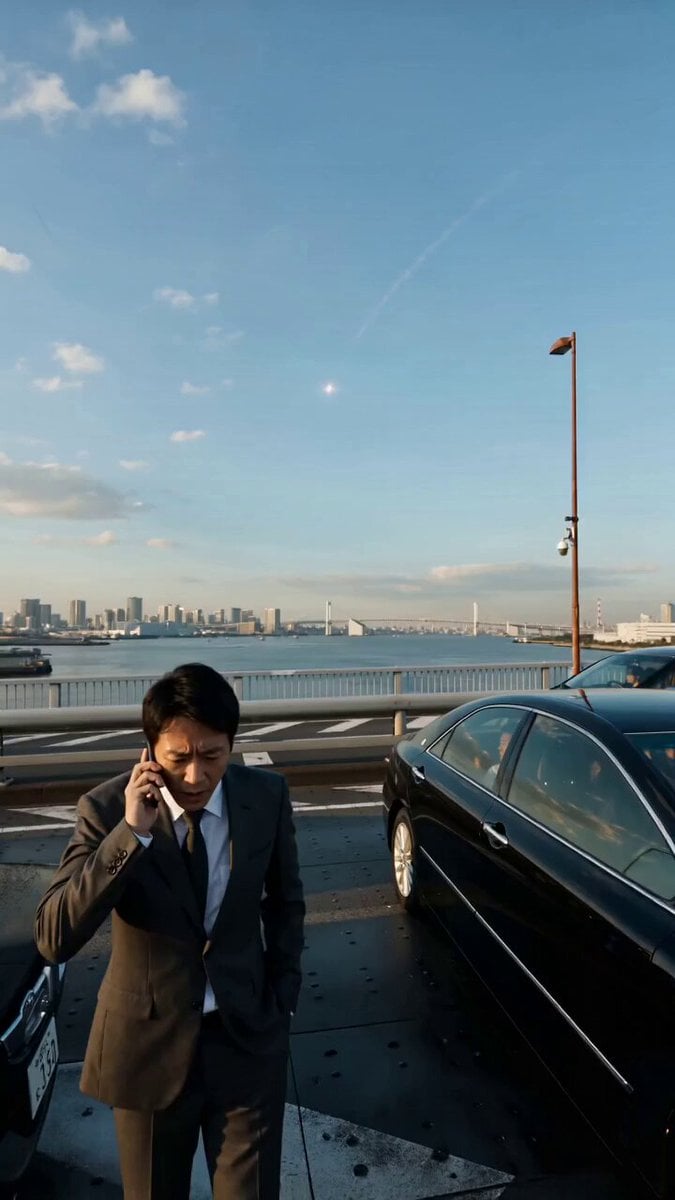
A detailed, single-shot, handheld cinematic prompt for Seedance 2.0, describing a scene in Tokyo where a man is on the phone when a meteorite falls into Tokyo Bay, followed by a massive shockwave that destroys the city.
- Prompt included
- Model and format preset
- Premium template
The prompt behind this video
Copy the exact prompt behind Cinematic Meteorite Fall Video Prompt for Seedance 2.0, or open it in the studio and make it yours.
陨石坠落 · 一镜到底,手持手机拍摄镜头 超写实 · 15秒 · 完整描述 东京彩虹大桥,下午三点,轻度堵车。 镜头跟随一名30岁左右、深灰西装、白衬衫、略显憔悴的日本男性,他站在自己车旁边打电话谈生意,另一只手插在裤兜里。桥上没有异常,风正常地吹,远处东京湾的海面平静反光。 电话还没挂,天空突然出现一颗小陨石,三秒内坠落在东京湾方向的水里。男子没有立刻反应,继续说着电话,只是眼神不自觉飘向那个方向。 两秒后,一声沉闷的低频震动从脚底传来,不是很响,但桥面的钢板在轻微颤抖。旁边车里的人摇下车窗探头张望。男子停止说话,手机还贴着耳朵,眼睛看向东京湾。 海面升起一团低矮的白色水雾,范围很大,像是什么东西在水下爆炸。没有火,没有蘑菇云,掀起巨浪。随后天空出现更多的陨石坠落。 五秒后巨大的冲击波将城市毁灭。画面定格。渐黑。
How to use Cinematic Meteorite Fall Video Prompt for Seedance 2.0 in 3 steps
- 1
Open
The prompt is already in the box next to the preview, with the template's model and format selected.
- 2…a portrait of your subject in softgolden-hour light, 85mm…
Personalize
Edit the subject and creative details for your destination.
- 3Generate
Generate
Press Generate — your video is created in PicX Studio, so you can compare it with the original and refine one variable at a time.
More like this
Templates with the same subject, style or setup. Open one to see its prompt.

Wholesome Puppy and Kitten Story - Seedance 2.5

Mysterious Home Exploration Vlog - Seedance 2.5

Dark Tokusatsu Transformation - Seedance 2.5

Cinematic Xinjiang Drone Landscapes - Seedance 2.5

Late Night Kitchen Phone Recording - Seedance 2.5

3D Animated Cat and Old Man - Seedance

Realistic City Street Story Cinematic Video - Seedance

Seedance 2.0 First Test — Dynamic Motion Showcase

Dragon Rider Cinematic Flight — Seedance 2.5

Sneaker Product Commercial
Cinematic Short Film Scene 2

Cinematic Short Film Scene
Make it yours
Cinematic Meteorite Fall Video Prompt for Seedance 2.0 works as-is. These are the safest ways to change it without losing the look.
Change one field
Copy a single group, rewrite it, and generate again so you can see what that field is doing.
Keep the frame, change the subject
Hold the composition and light of Cinematic Meteorite Fall Video Prompt for Seedance 2.0, then swap wardrobe, props or the person for a new take.
| If the result… | Why | Fix |
|---|---|---|
| The result drifts from the preview | Too many fields changed at once. | Reuse Cinematic Meteorite Fall Video Prompt for Seedance 2.0 as-is first, then change one group — subject, light, or setting. |
| The model over-stylizes the scene | The prose prompt leaves finish and camera underspecified. | Add one camera or lighting sentence and stay on Seedance 2.0. |
More Seedance 2.0 templates
Other prompts made for Seedance 2.0.

Comical Martial Arts Punch Scene

Maglev Train Action Sequence

Martial Arts Fight Sequence

Wuxia Protection and Trust Script

Vintage Korean Arcade MiniDV Vlog

Mercedes 190 SL Luxury Ad

Rainy Night Supernatural Reverse Comedy Video Script

Amazon Civilization Discovery

Futuristic South Asian City Transformation

Cozy Luxury Cafe Commercial
More video prompts
Fresh picks from across the catalog.
Midnight Bakery Showdown Animation
Winter Shaman Combat Sequence

Second Continuous War Realism Video Prompt

Heartwarming Kitchen Baking Scene
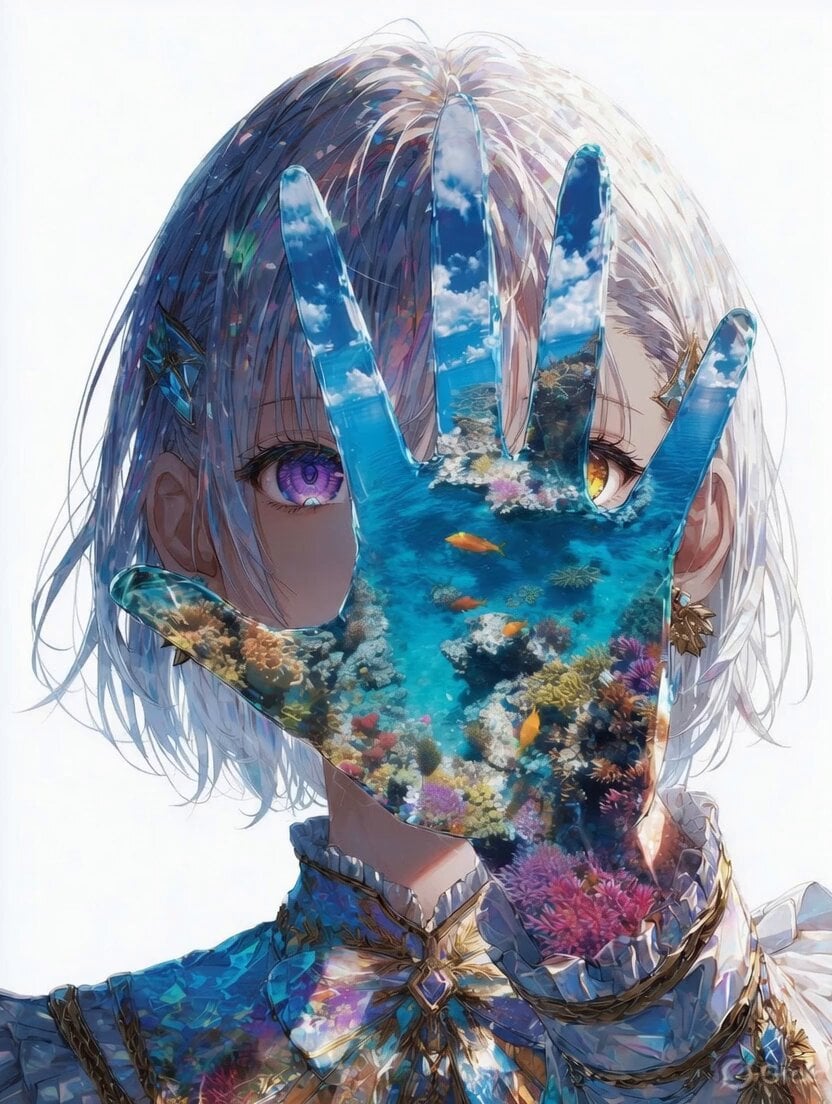
Mystical Underwater Sea Goddess
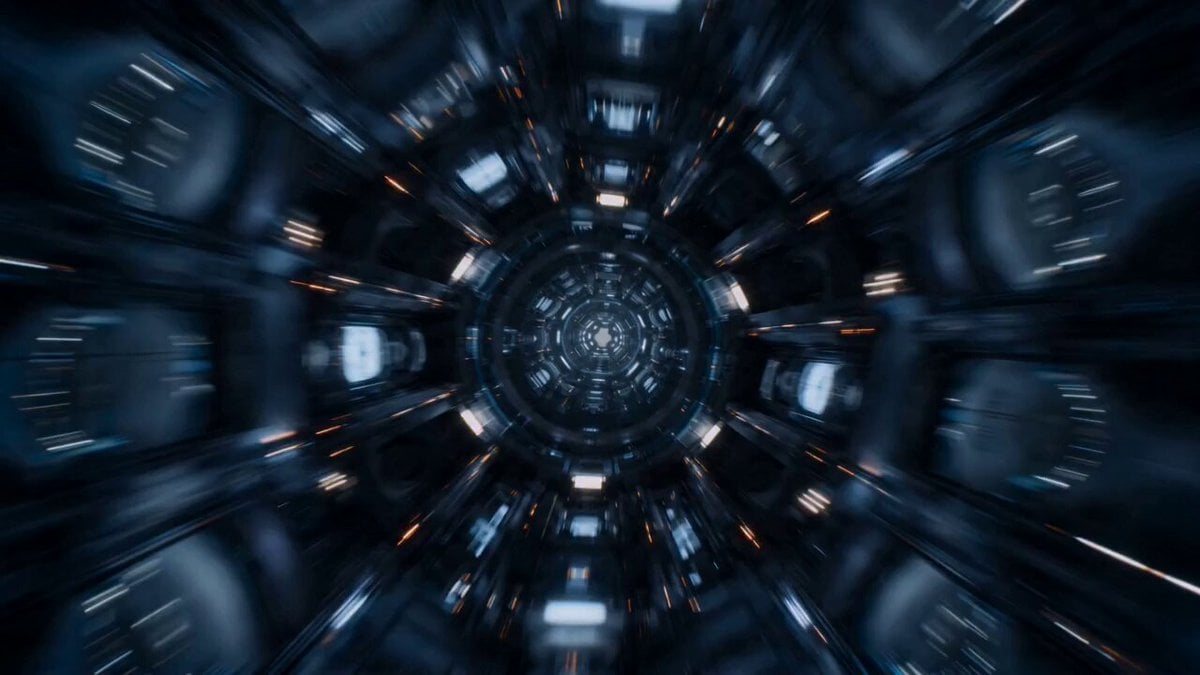
Multiverse Manufacturing Machine Cinematic Video

Video prompt for joyful and natural movement of clouds and sunlight around a cross
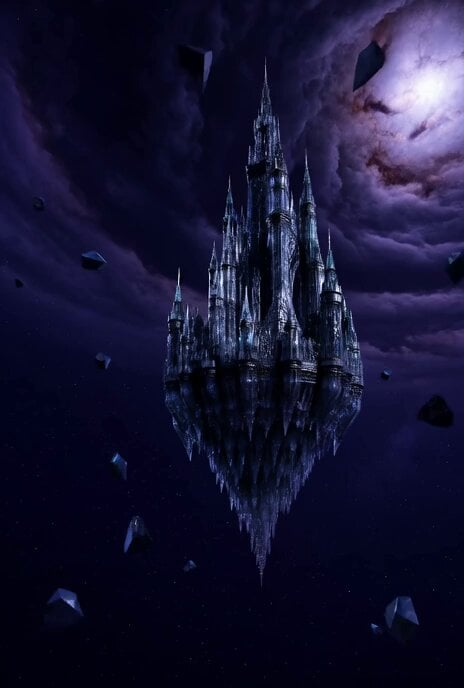
Floating Glass Castle in Cosmic Storm
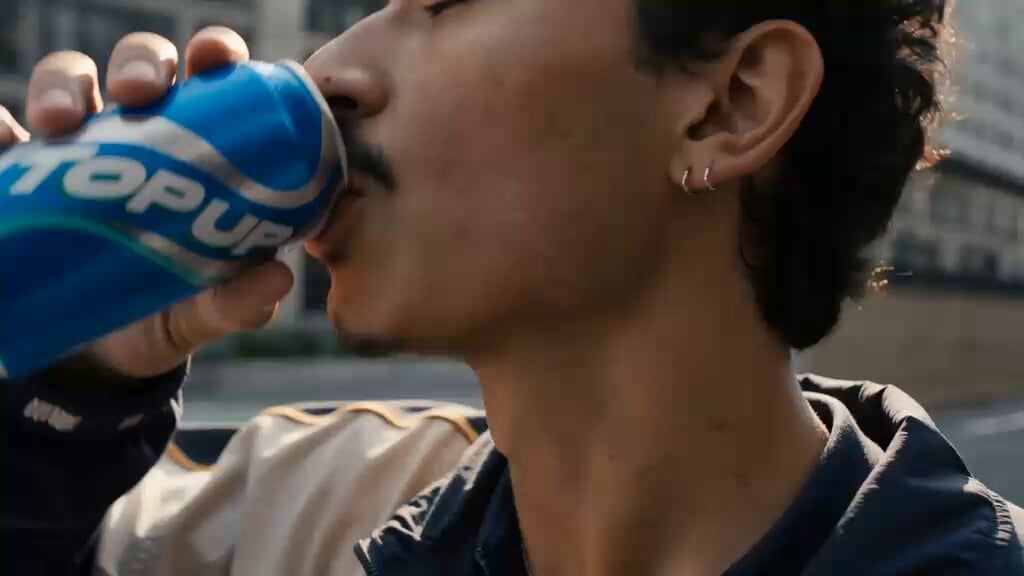
Cinematic Cyberpunk Armor Transformation
Tiger Zoo Selfie Vlog
Browse template categories
Cinematic Meteorite Fall Video Prompt for Seedance 2.0 questions
How do I use the Cinematic Meteorite Fall Video Prompt for Seedance 2.0 template?
Add your photo if the template asks for one, edit the prompt if you like — the template's model and format are already selected — and press Generate. Your version opens in PicX Studio.
Can I customize the Cinematic Meteorite Fall Video Prompt for Seedance 2.0 template?
Yes. You can change the subject, setting, lighting, mood, format, and available model controls before creating your video.
Is the Cinematic Meteorite Fall Video Prompt for Seedance 2.0 template free?
Opening and editing this template is free. Generating uses credits, shown on the Generate button when you are signed in.
Which AI model should I use?
Start with Seedance 2.0, which is the model associated with this template. You can compare another compatible model for a different finish.
Looking for something else? Browse all templates.

Your photo, any look
Thousands of ready templates for every top image and video model, from one credit balance.